Software per BPMN
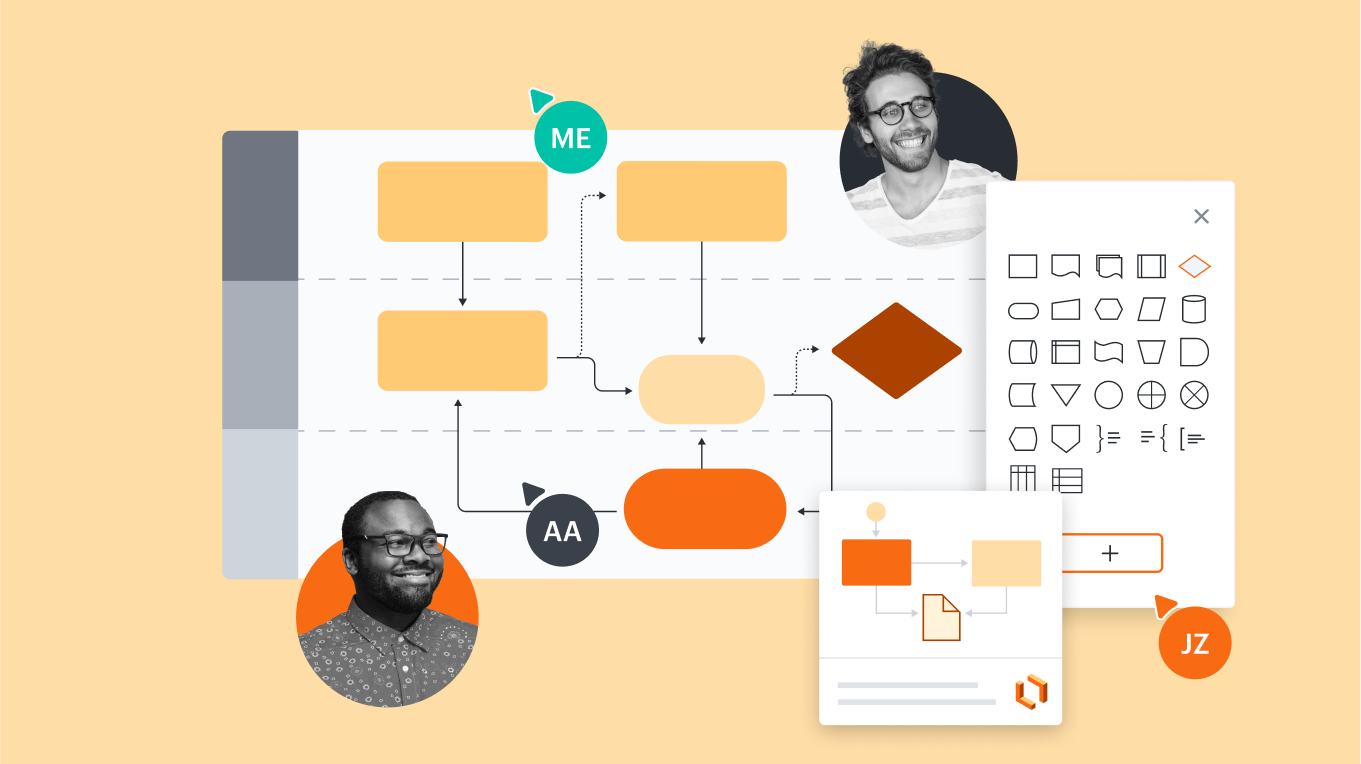
Tutto ciò che ti serve per creare un diagramma BPMN


Registrandoti, accetti i nostri Termini di servizio e confermi di aver letto e compreso la nostra Informativa sulla privacy.


Scopri perché i team scelgono Lucidchart
Diagrammi e collaborazione avanzati
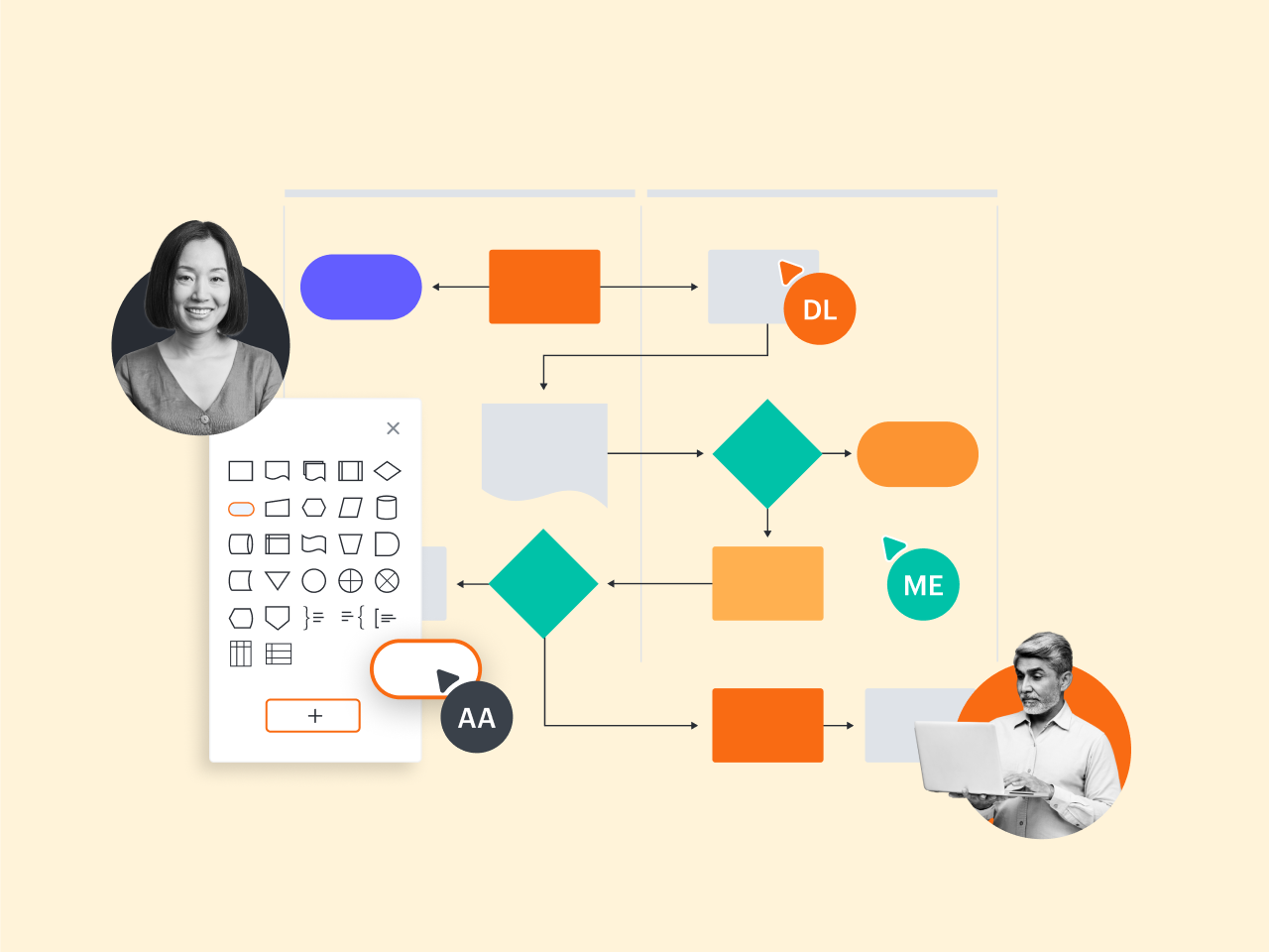
Funzioni per chiarezza e allineamento
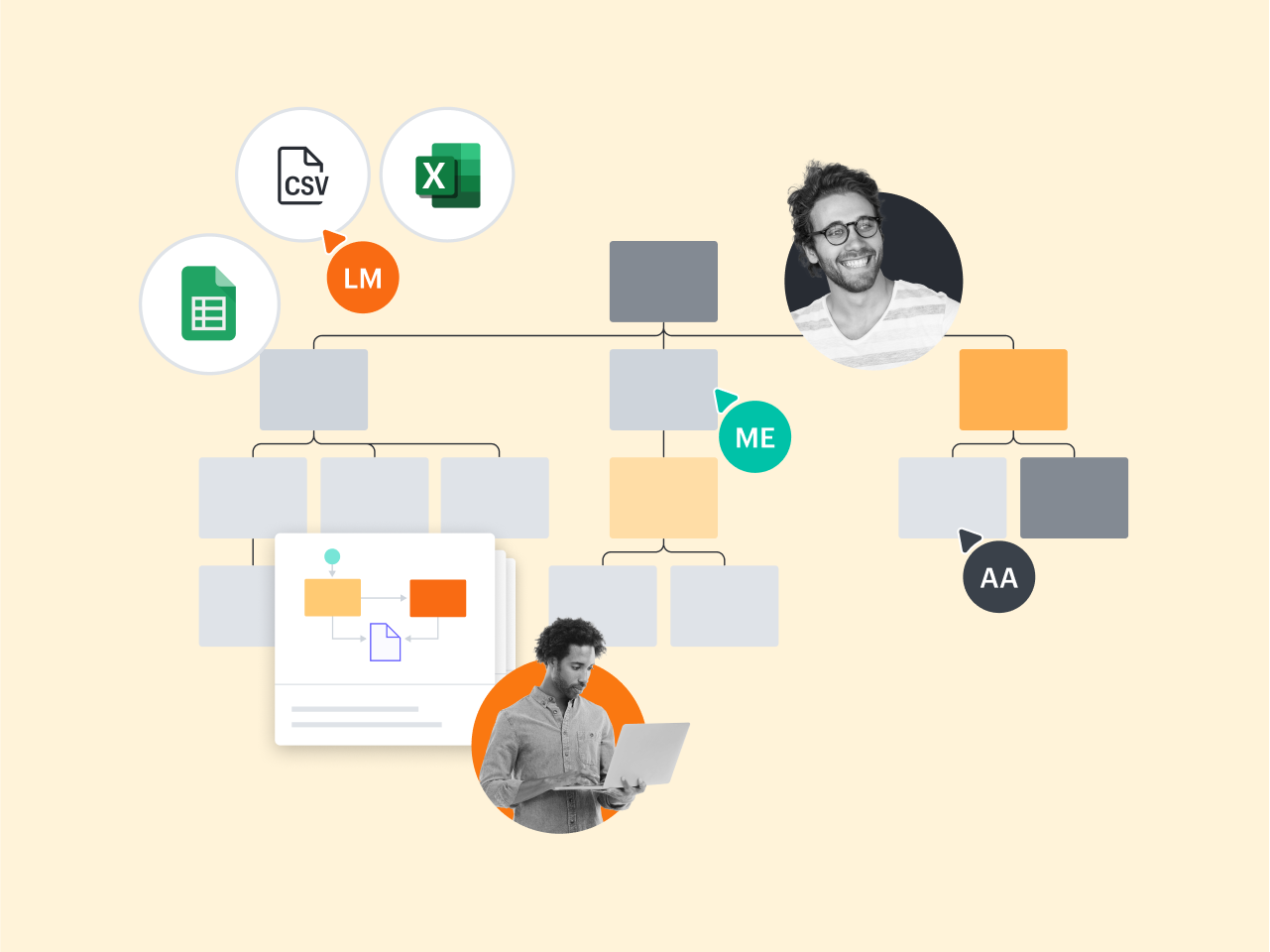
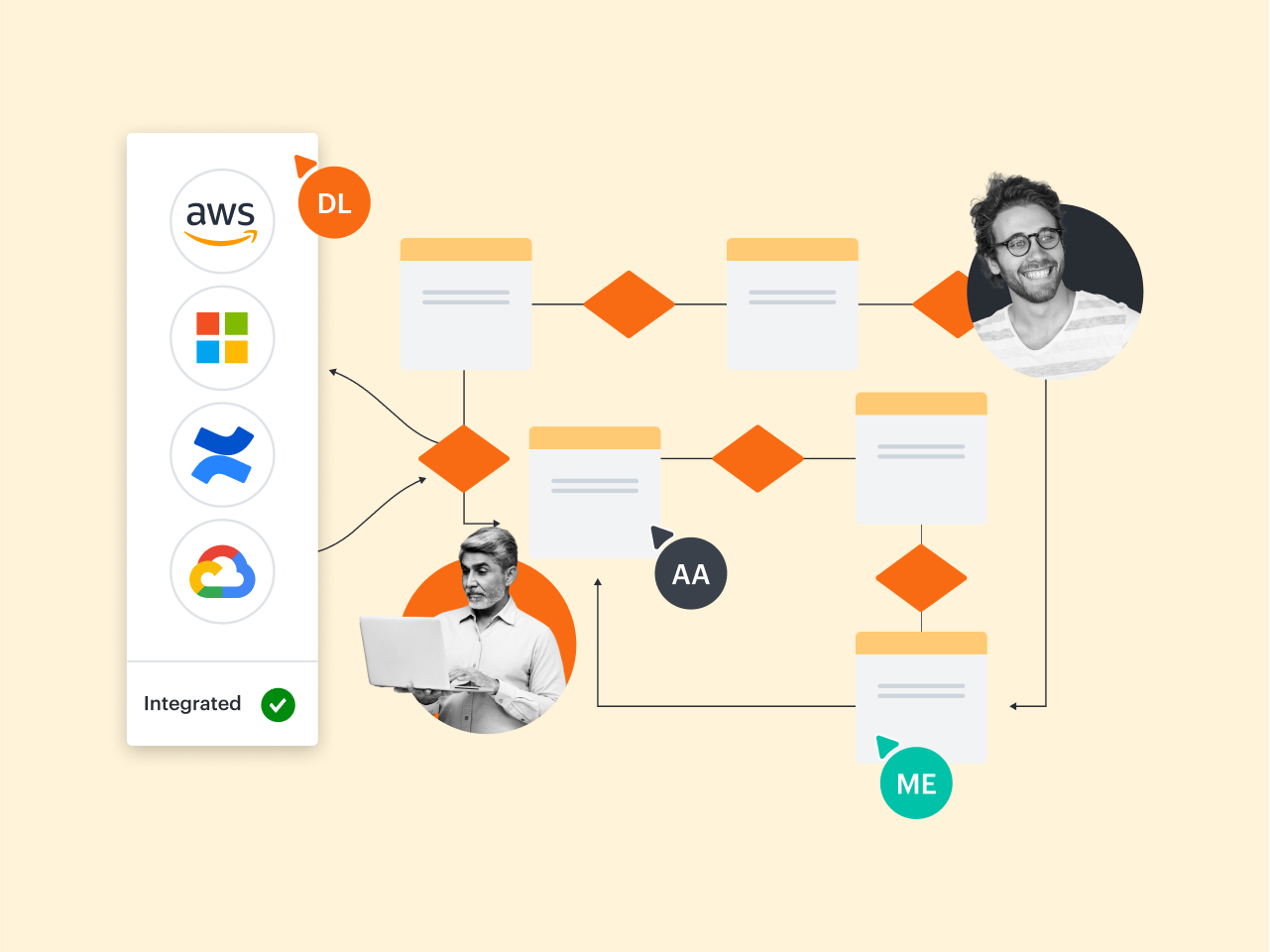
Un'esperienza più connessa
Esegui l'upgrade e accedi a modelli premium come questi
Scopri come Lucidchart migliora il tuo modo di lavorare
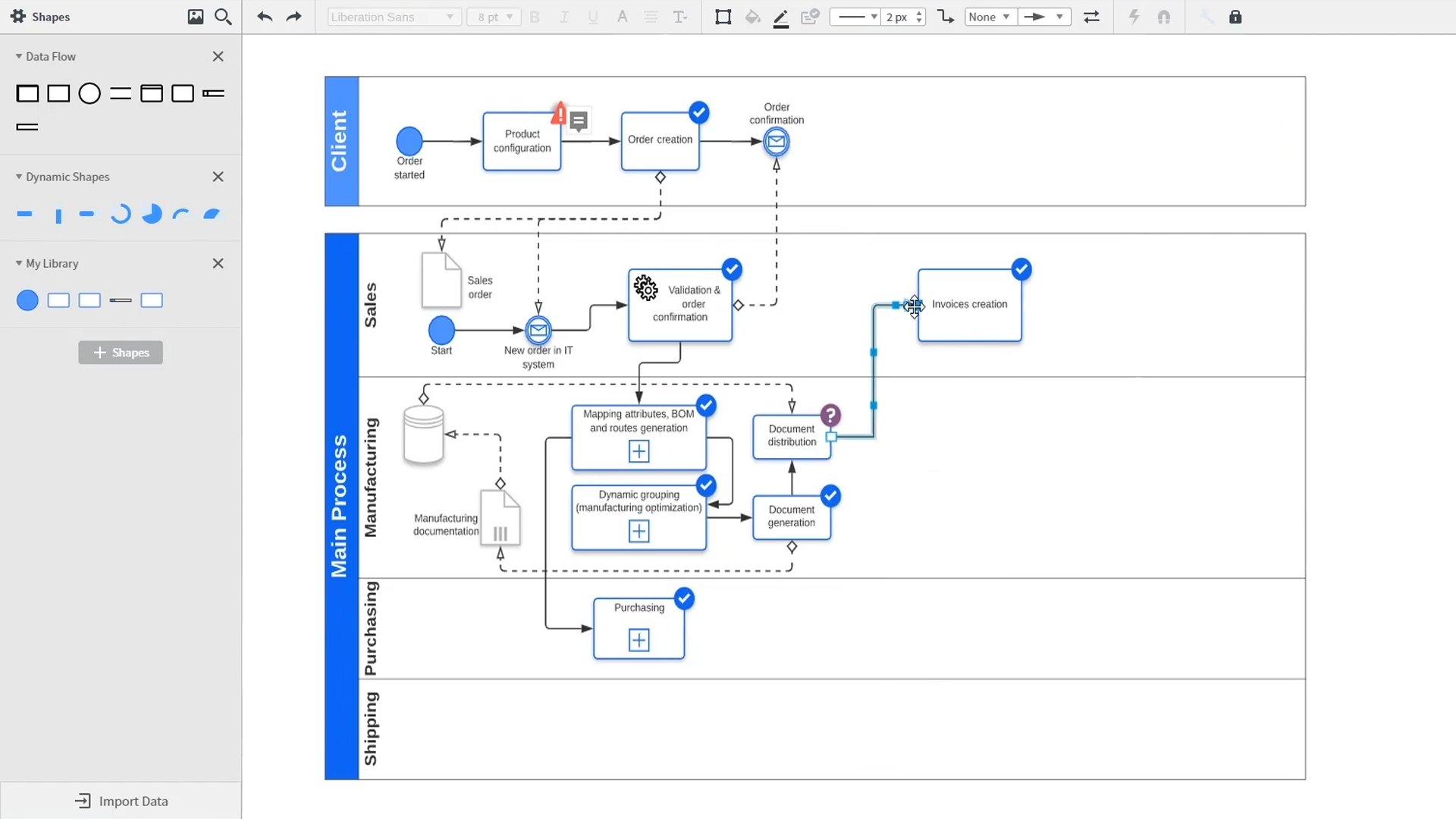
Un'introduzione ai diagrammi intelligenti di Lucidchart che dimostra funzionalità chiave come modelli, forme, integrazioni, formattazione condizionale e commenti. Robyn, un'utente Lucidchart, aggiunge forme al suo diagramma e utilizza connettori per delineare i suoi processi. Quindi apre la libreria di modelli incorporata per cercare modelli che le daranno un vantaggio nella fase iniziale del suo lavoro. Dai diagrammi di rete alle mappe dei processi, dagli organigrammi alle mappe mentali, la libreria di modelli Lucidchart le offre diverse opzioni con cui lavorare e che può inserire nella sua area di disegno. Samalia, un'altra utente, accede alla libreria di forme ed esamina un ampio elenco di opzioni che include forme per planimetrie, diagrammi UML, relazioni tra entità e altro ancora. Seleziona la libreria di forme di diagramma UML e aggiunge al suo documento alcune swimlane che evidenziano i vari responsabili per ogni parte del processo d'ordine che sta delineando. Lucidchart si integra con molte delle applicazioni che utilizzi nel tuo lavoro quotidiano, tra cui Salesforce, Microsoft Office 365, Jira, Confluence, AWS, Azure, Google Cloud e Google Workplace. Con quasi 100 integrazioni disponibili, la suite Lucid è pensata per funzionare ovunque tu sia. Collegare le integrazioni è facile nel Lucid Marketplace. Il video torna su Robyn, che condivide il suo documento con un collega di nome Bill. Utilizzano la funzione di commento integrata per rivedere l'istanza che creata e passare dallo stato attuale a quello futuro del flusso di lavoro per chiarire le modifiche da apportare. Sam, Bill, Robyn e Samalia aggiungono quindi più forme e connettori ai loro diagrammi UML e mappe mentali per completare la costruzione dell'architettura futura e rimanere allineati sui passaggi successivi. Il video chiude con un invito a provare Lucidchart gratuitamente facendo clic sul pulsante "Provalo ora" all'interno della pagina.