Software para organigramas
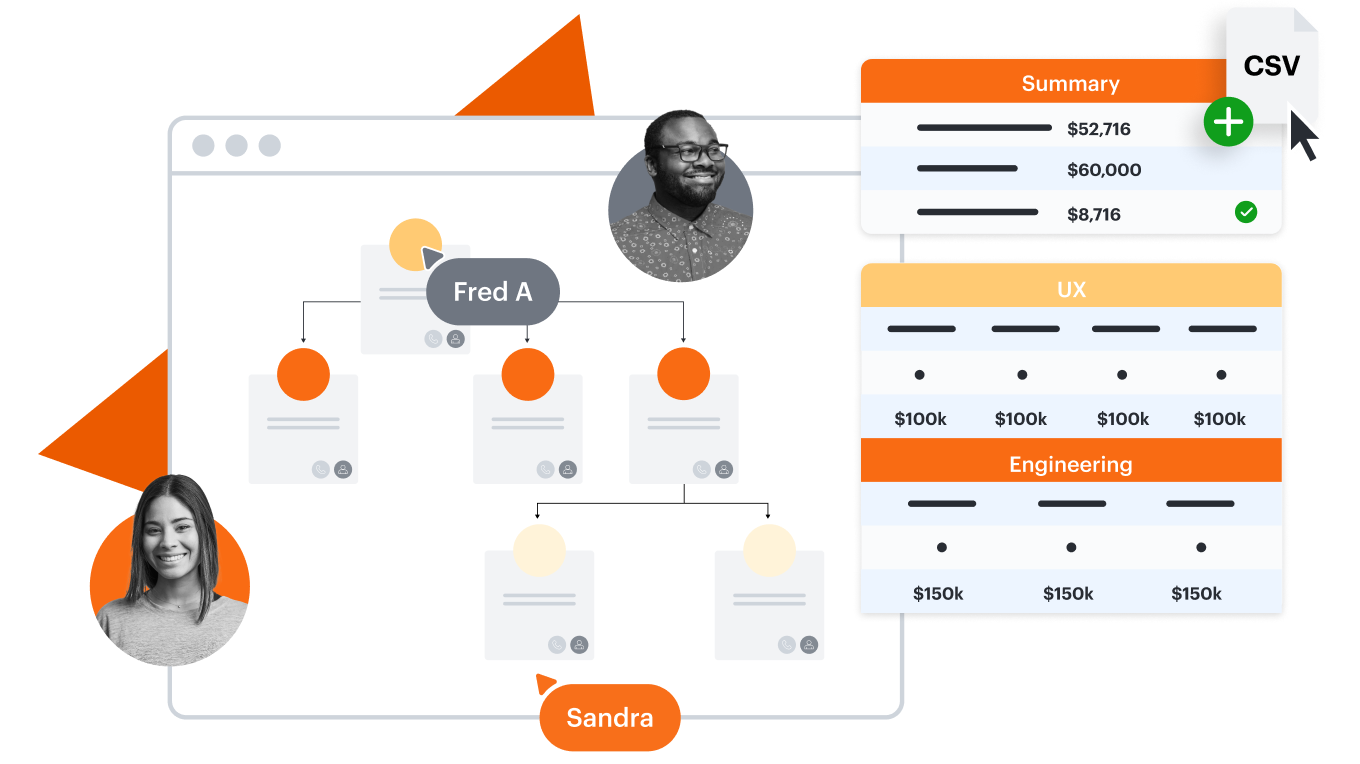
Todo lo que necesitas para crear un organigrama


Al registrarte, aceptas nuestros Términos de servicio y confirmas que has leído y entendido nuestra Política de privacidad.


Descubre por qué los equipos eligen Lucidchart
Colaboración visual para todos
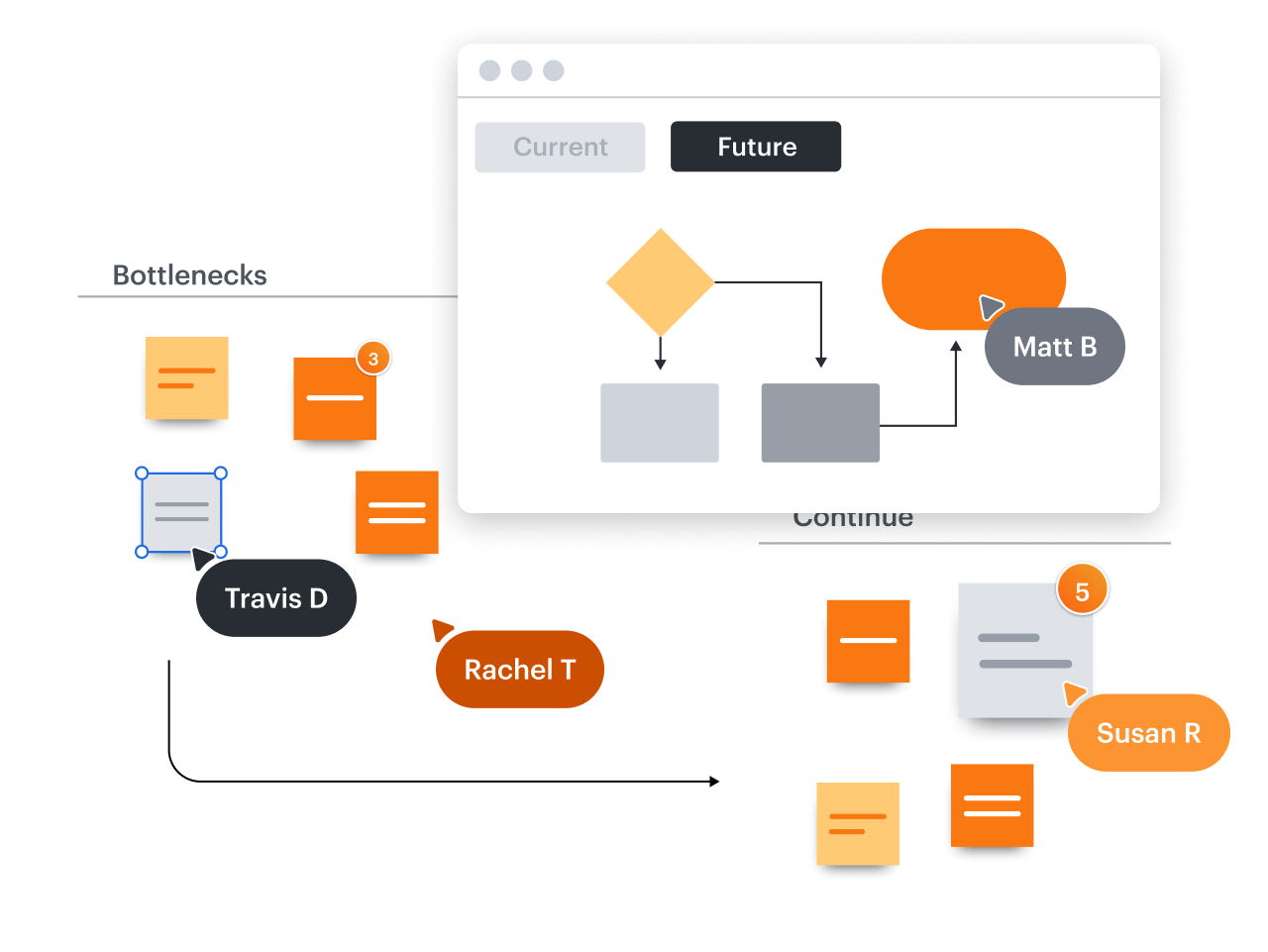
Claridad y alineación organizacional
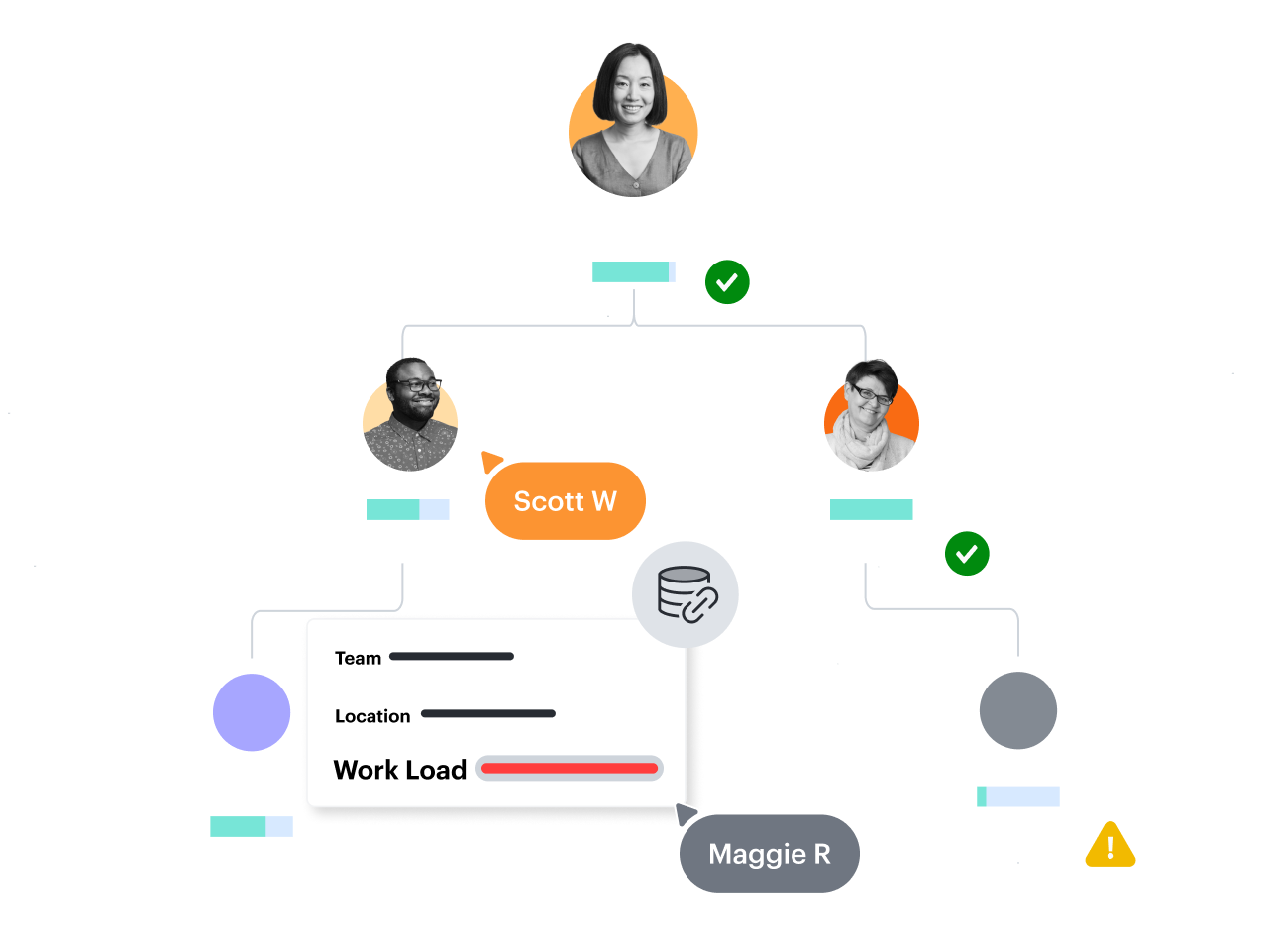
Tecnología que funciona mejor en equipo
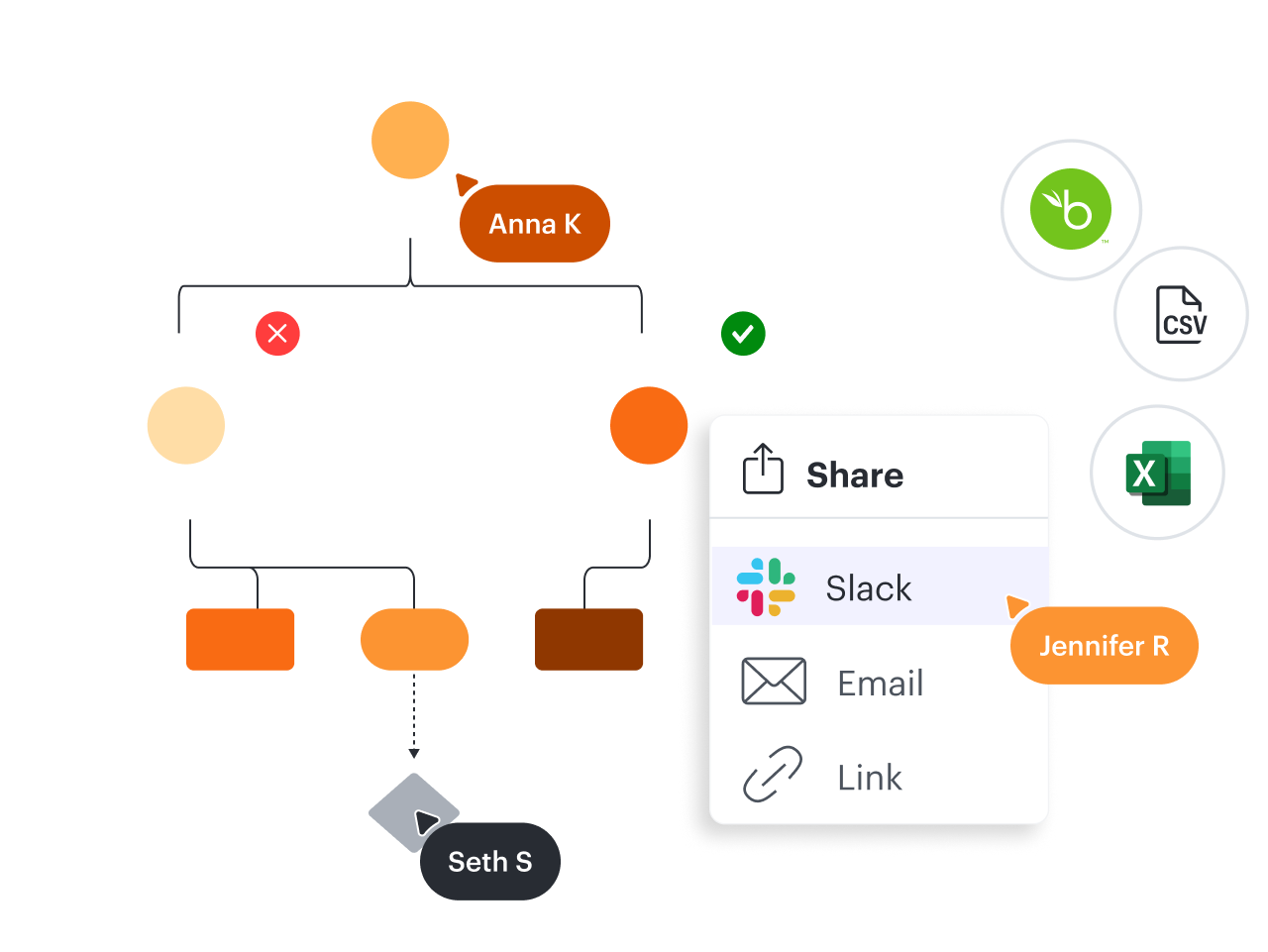
Sube de nivel y accede a plantillas prémium como estas
Ve cómo Lucidchart mejora la manera en la que trabajas
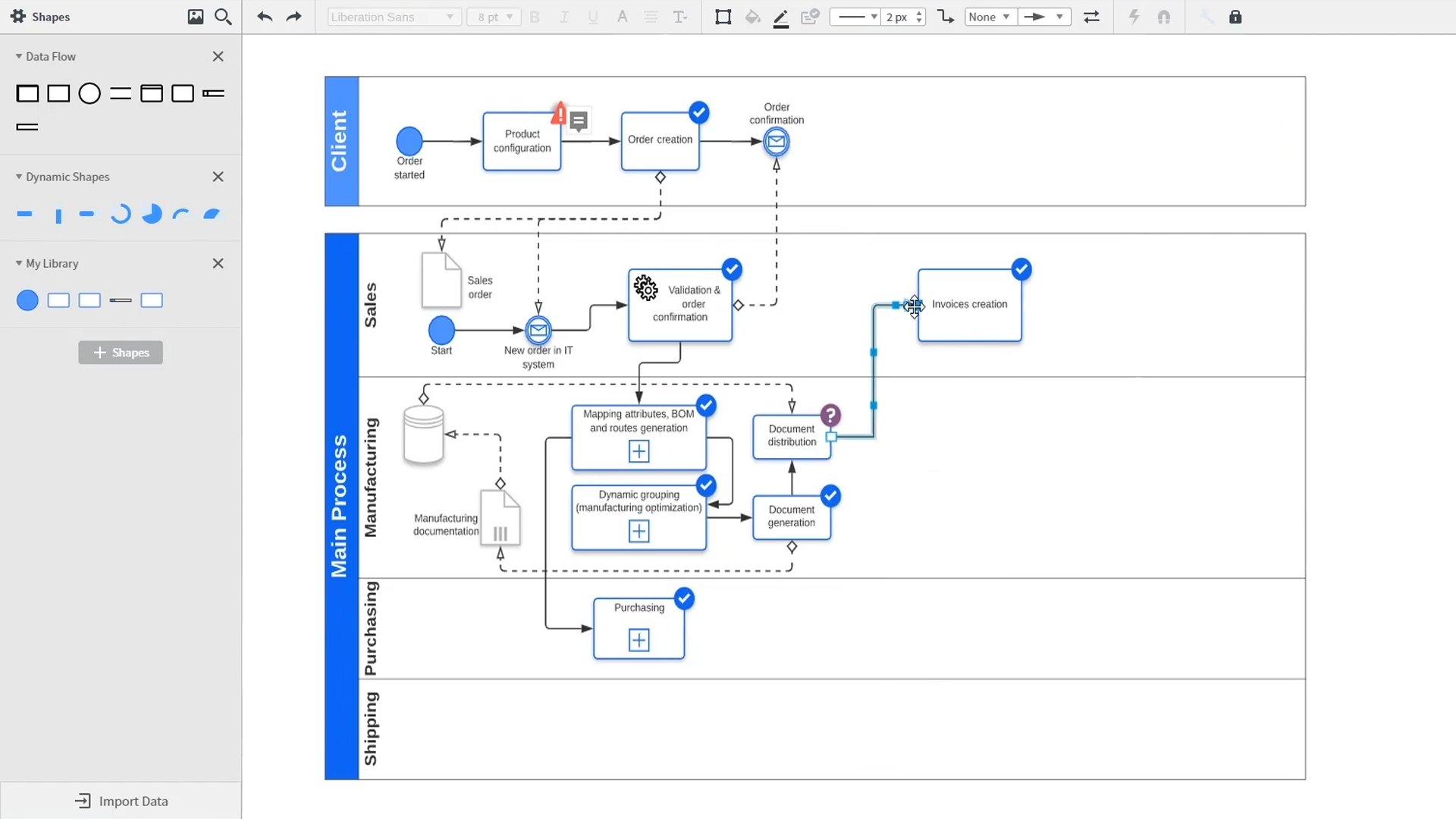
Una introducción a la diagramación inteligente en Lucidchart que muestra funciones clave como plantillas, figuras, integraciones, formato condicional y comentarios. Robyn, una usuaria de Lucidchart, agrega figuras a su diagrama y utiliza conectores para delinear sus procesos. Luego, abre la biblioteca de plantillas incrustadas para buscar plantillas que le den una ventaja en su trabajo. La biblioteca de plantillas Lucidchart le ofrece muchas opciones para trabajar e insertar en su lienzo, desde diagramas de red hasta mapas de procesos, organigramas y mapas mentales. Samalia, una segunda usuaria, entra en la biblioteca de figuras y busca en una extensa lista de opciones que incluye figuras para planos de planta, diagramas UML, diagramas de entidad-relación y más. Selecciona la biblioteca de figuras de diagramas UML y añade a su documento carriles que destacan las distintas partes responsables de cada parte del proceso de pedido que está esbozando. Lucidchart se integra con muchas de las aplicaciones que usas en tu trabajo diario, como Salesforce, Microsoft Office 365, Jira, Confluence, AWS, Azure, Google Cloud y Google Workplace. Con cerca de 100 integraciones disponibles, la Lucid Suite está diseñada para trabajar donde tú lo haces. Conectar integraciones es fácil en Lucid Marketplace. El video vuelve a Robyn, quien comparte su documento con un compañero de trabajo llamado Bill. Ambos utilizan la función de comentarios incorporada para revisar la instancia que ella ha creado y alternar entre los esquemas de estado actual y futuro de su flujo de trabajo para aportar claridad a los cambios que van a realizar. Sam, Bill, Robyn y Samalia luego agregan más figuras y conectores a sus diagramas UML y mapas mentales para terminar de crear la arquitectura del estado futuro y mantenerse alineados con sus próximos pasos. El video termina con una invitación para probar Lucidchart de forma gratuita haciendo clic en el botón “Pruébalo ahora” en la página.