Lucid vs. Miro

Compare the Lucid Visual Collaboration Suite and Miro. See why Lucid's highly connected solution is the market leader in visual collaboration.

  • Atlassian logo
  • General Electric logo
  • Delta Air Lines logo

Connected apps for brainstorming and building

Lucid empowers teams to collaborate visually at every stage of work with applications for virtual whiteboarding and intelligent diagramming. In contrast, Miro lacks technical depth, trades power for ease, and only offers a single solution for all users.

Greater admin control

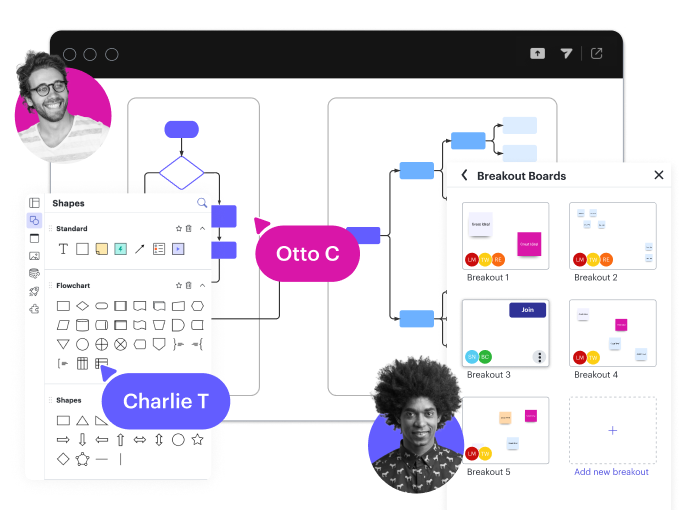
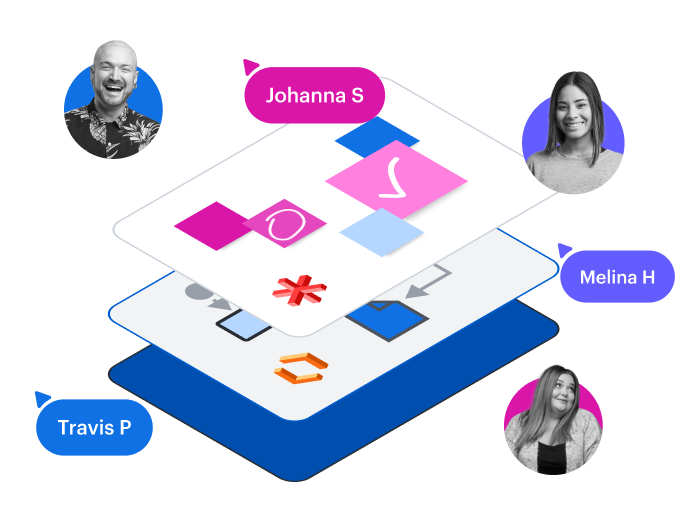
Lucid enables account administrators to customize sharing settings, including how documents are stored and accessed. Miro doesn’t—it lacks folder hierarchies and organization-wide controls for features like shape libraries. Lucid also provides more sophisticated user-level functionality, such as diagram layers to organize content and Breakout Boards for small group work.
Learn more

Complete visual collaboration

The most significant difference between Lucid and Miro is that Lucid enables whiteboarding and diagramming on a shared, universal canvas. That makes it the only solution that supports end-to-end visual collaboration. Diagramming is only possible in Miro with embedded versions of open source tools that add static, uneditable images of diagrams to the Miro canvas.
Read more

Tech stack consolidation

Because Lucid helps teams see and build the future across their entire workflow, it allows organizations to standardize collaboration with one powerful platform—instead of maintaining multiple point solutions. Miro is just that: a single tool for whiteboarding. Consolidating collaboration with Lucid enables organizations to increase productivity and save budget.
See the benefits

Flexible sharing and guest collaboration

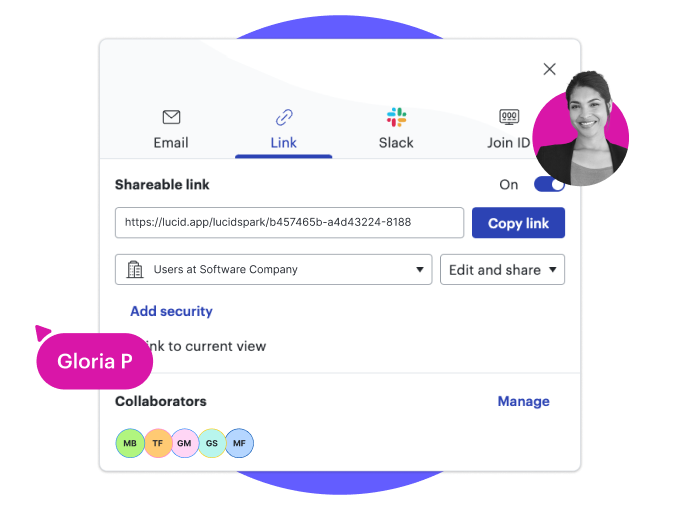
Lucid makes it easy to securely share whiteboards and diagrams via email, shareable links, and Join ID, plus optional passcodes and expiration on links. The Guest Collaborators feature also makes it possible to invite external collaborators who don’t have a Lucid account. Unlike Miro, Lucid doesn’t require guests to be assigned a license by default.
Learn more

Intelligent data and automation capabilities

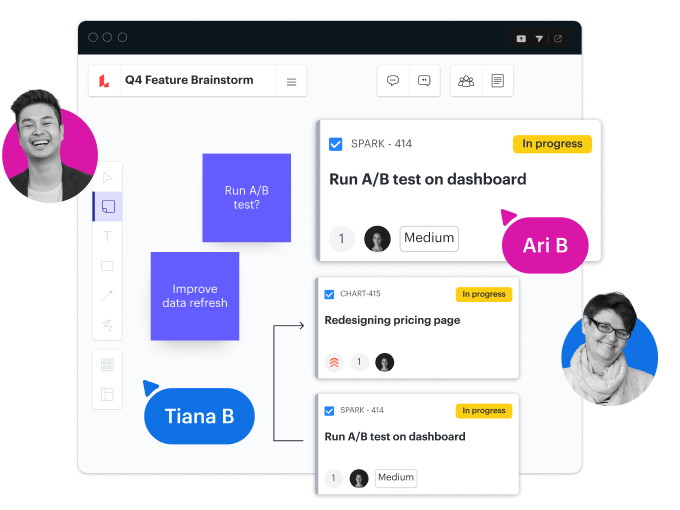
As the most intelligent visual collaboration platform, Lucid provides powerful features that Miro lacks, including data linking, conditional formatting, Dynamic Tables, and more. These capabilities allow users to easily leverage data to create complex visualizations. Additionally, Lucid enables a true bidirectional sync for Jira and Azure DevOps.
Learn more
「見込み客に話をする際、それぞれのユースケースに Okta Identity Cloud がどう役立つかを示す図を使うと、電話で内容を細かく説明するのに比べ、内容をよく理解してもらえることに気が付きました。言葉で説明しようとすると、無味乾燥で冗長になりがちだからだと思います。」

Dan Marma — システムエンジニア at Okta

ウェブベースで共同編集が可能なため、学生が図のバージョン管理やチームへの配布といった雑事に費やす時間が大幅に削減されました。これまではバージョン違いの図に関する問題の報告が定期的にありましたが、そうした時間のムダが皆無になりました。

Steven Broad — 数学・コンピュータサイエンス担当助教授 at Saint Mary’s College

文書を自在に操作できるので、必要なだけの詳細を盛り込み、システムの複雑化に合わせて図を拡張できる点が気に入っています。

Jose Lustre — プリンシパルストラテジー・オペレーションコンサルタント at TrustRadius

More resources to help you compare Lucid vs. Miro

The hidden costs of Miro blog post

Learn why Lucid is a more cost-effective solution.

How Lucid helps teams build article

See how Lucid enables action—not just ideation.

Visual collaboration platform buyer’s guide

Evaluate key capabilities for business success.

Collaborate visually across your entire workflow

Contact sales