While Miro may be well known when it comes to AI-powered canvases, teams’ needs have evolved beyond simple brainstorming. To move from scrappy ideation sessions to structured projects with clear goals, you need a robust workspace that prioritizes clarity and alignment.
This article provides an overview of some of the most effective alternatives to Miro and why they might be better suited to help distributed teams bridge the gap between uncovering ideas and delivering results.
Alternatives to Miro
Mural
Lucidspark
Whimsical
FigJam
Boardmix
Stormboard
Confluence whiteboards
ClickUp
What is Miro?
Miro is an AI-powered workspace designed for team collaboration. With a digital canvas, the platform allows hybrid and remote teams to engage in free-form ideation, collect feedback, and manage complex workflows in real time. Miro helps teams intuitively uncover their best ideas.
What makes for a good Miro alternative
Choosing an alternative to Miro isn't just about finding another infinite canvas; it’s about identifying where your current process feels friction. When we evaluated the market, we sought tools that not only offered digital whiteboarding but also enhanced team collaboration.
We prioritized three core pillars during our search:
Alignment: Can the tool quickly organize a chaotic brainstorm into a structured plan?
Ease of entry: Is the barrier to entry low enough that a guest or a cross-functional partner can jump in and contribute within seconds?
Enterprise offering: Does it offer the security and administrative controls required by large-scale organizations without sacrificing speed?
While every team has different needs, the best Miro alternatives typically share a few characteristics:
Free plans: An entry point that allows you to test the waters with meaningful, editable projects before committing to a paid license
Template libraries: Pre-built frameworks for everything from retrospectives to user journey mapping, so you never have to start from a blank canvas
Facilitation tools: Features to keep meetings focused and productive
Key takeaways
| Best for | Feature highlight | Pricing |
Mural | Creative teams | Facilitation Superpowers (summon participants, voting, private mode) | Free, paid (Team+, Business, Enterprise) |
Lucidspark | Cross-functional collaboration | Visual Activities, breakout boards, Facilitator Tools and Controls | Free, paid (Individual, Team, Enterprise) |
Whimsical | Product managers and engineers | Diagram-as-code options | Free, paid (Pro, Business, Enterprise) |
FigJam | Figma users and design teams | Native Figma integration and interactive widgets | Figma add-on |
Boardmix | AI-first teams | Efficient AI tools | Free, paid (Starter, Business, Enterprise) |
Stormboard | Executive teams | Instant reporting to Word, Excel, and PowerPoint | Free, paid (Business, Enterprise) |
Confluence whiteboards | Development teams using Confluence | Built-in Jira integrations, Smart Links | Included with Confluence |
ClickUp | Project managers | ClickUp Whiteboards (easily convert sticky notes into tasks) | Free, paid (Unlimited, Business, Enterprise) |
Miro alternatives
Mural
Best for creative teams
Capterra rating: 4.5/5
Pricing: Free for the first three murals. Paid individual and enterprise plans available.
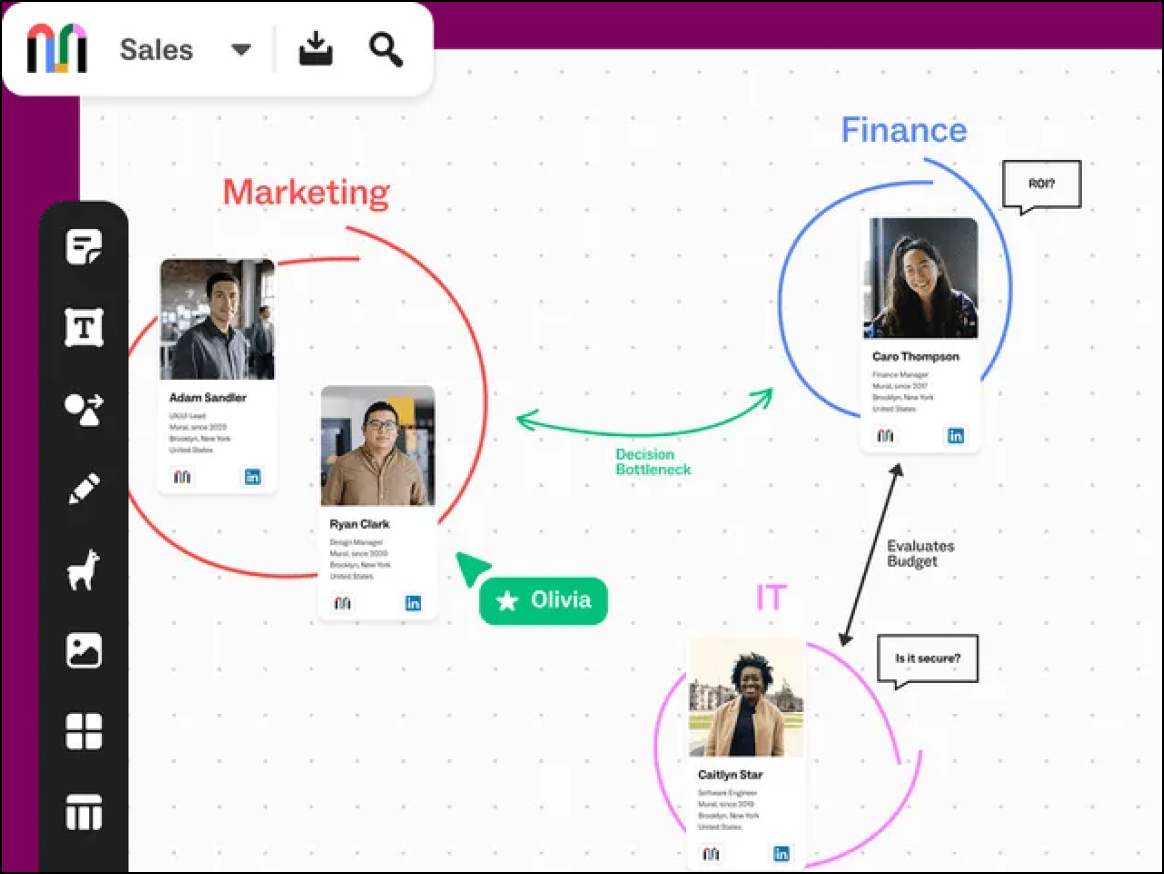
Mural is an intuitive digital whiteboard solution that helps remote teams innovate. Built specifically for facilitators who need to guide large groups, Mural excels in workshops where controlling the participants' view and attention is critical to success.
Notable features include:
- Customizable templates to create tailored visuals
- Private mode to hide sticky notes while participants are typing
- Facilitation Superpowers to make meetings more interactive (including a timer, laser pointer, the ability to summon participants, and more)
Notable integrations include Microsoft Teams, Slack, Lumen5, Jira, and GitHub.
Pros: Mural is equipped with robust meeting controls with strong security features for enterprise accounts.
Cons: Users have noted a steep learning curve with limited technical diagramming capabilities.
Lucidspark
Best for cross-functional collaboration
Capterra rating: 4.7/5
Pricing: Free for up to three editable boards. Paid individual and enterprise plans available.
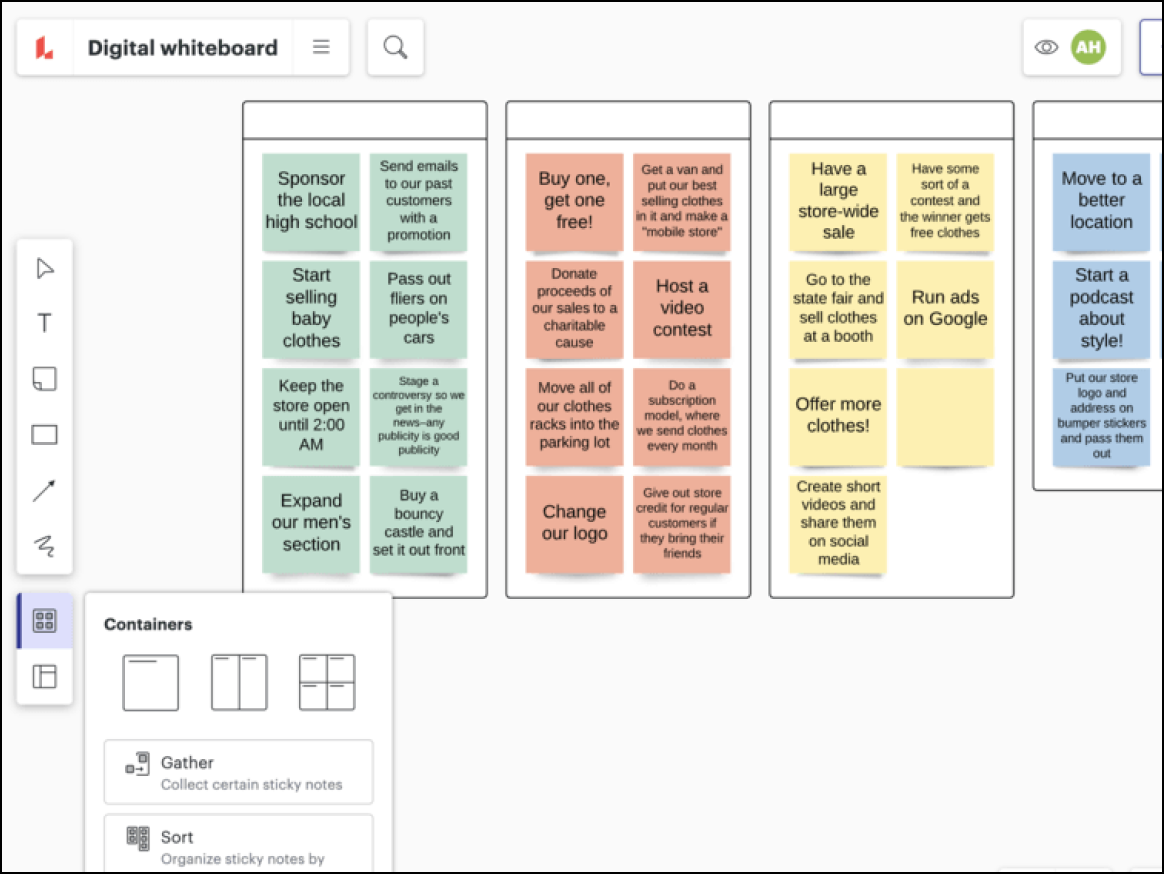
Lucidspark is a virtual whiteboard built for teams. Part of the Lucid Visual Collaboration Suite, Lucidspark provides a powerful, intuitive canvas where teams can facilitate working sessions, align on strategy, and seamlessly transition their work into actionable plans.
Notable features include:
- Breakout boards for dividing larger groups into smaller teams
- Facilitator Tools and Controls, such as a timer, voting, and private mode, to help users lead meetings
- Visual Activities to turn qualitative feedback into actionable insights
- Universal canvas to switch seamlessly between Lucidspark and Lucidchart (Lucid’s intelligent diagramming application)
- Hundreds of customizable templates for every use case
Notable integrations include Jira, airfocus, Zoom, and Slack.
Pros: Lucidspark provides a shared canvas for teams to collaborate while giving leaders the tools to move work forward.
Cons: Advanced options may be intimidating for some users.
Whimsical
Best for engineering and product management teams
Capterra rating: 4.7/5
Pricing: Free for up to three editable boards. Paid individual and enterprise plans available.
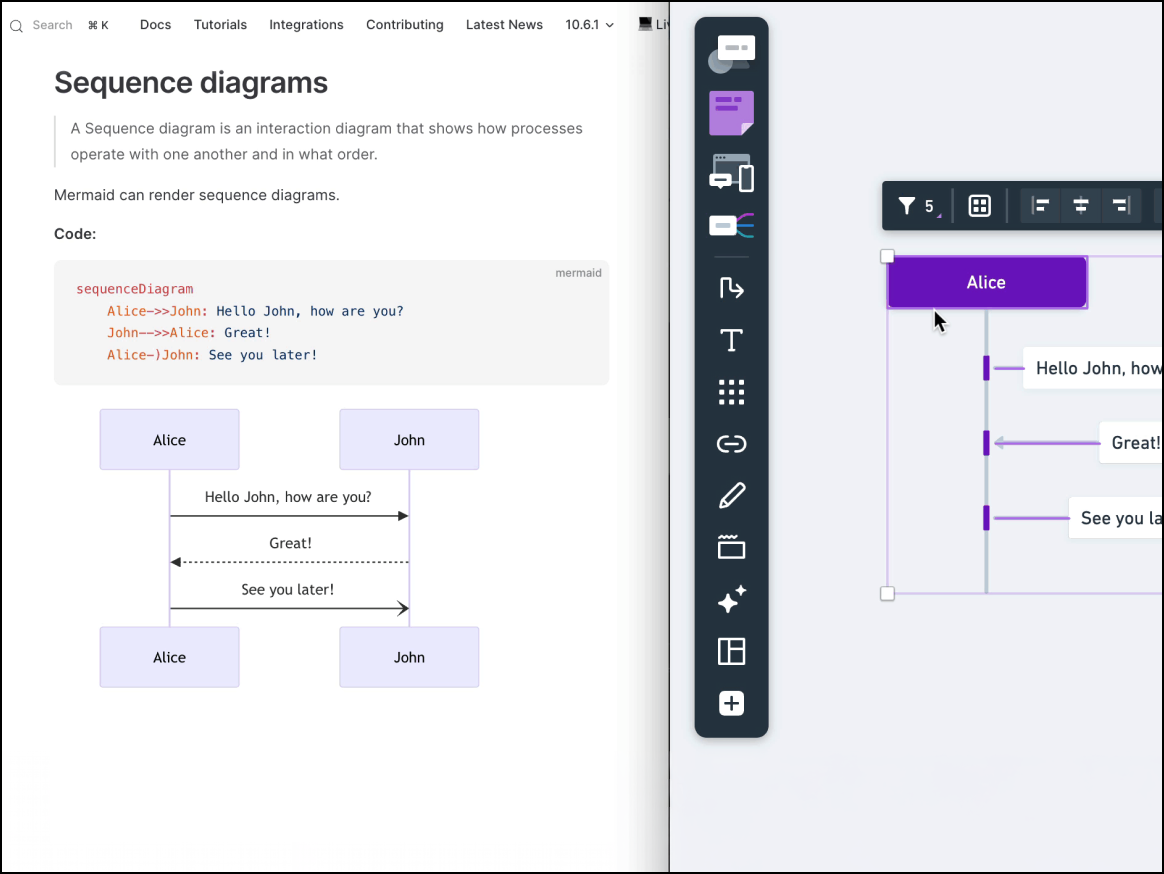
Whimsical is a virtual whiteboard for thinking, diagramming, and planning. It is a popular tool among engineers and product managers who prioritize speed and structure over flair. Whimsical helps teams create flowcharts and wireframes without spending time on fine-tuning.
Notable features include:
- An integrated view for mind maps, wireframes, documents, and flowcharts
- A clean and clear format
- Minimal setup that makes it easy to get started
Notable integrations include GitHub, Notion, Slack, and Figma.
Pros: The low barrier to entry makes it easy for users to quickly create polished visuals.
Cons: Limited creative freedom restricts customization. Whimsical also has fewer integrations than other comparable whiteboard applications.
FigJam
Best for creative teams and designers who already use Figma
Capterra rating: 4.8/5
Pricing: Free plan with up to three active files. Paid plans available with extended capabilities.
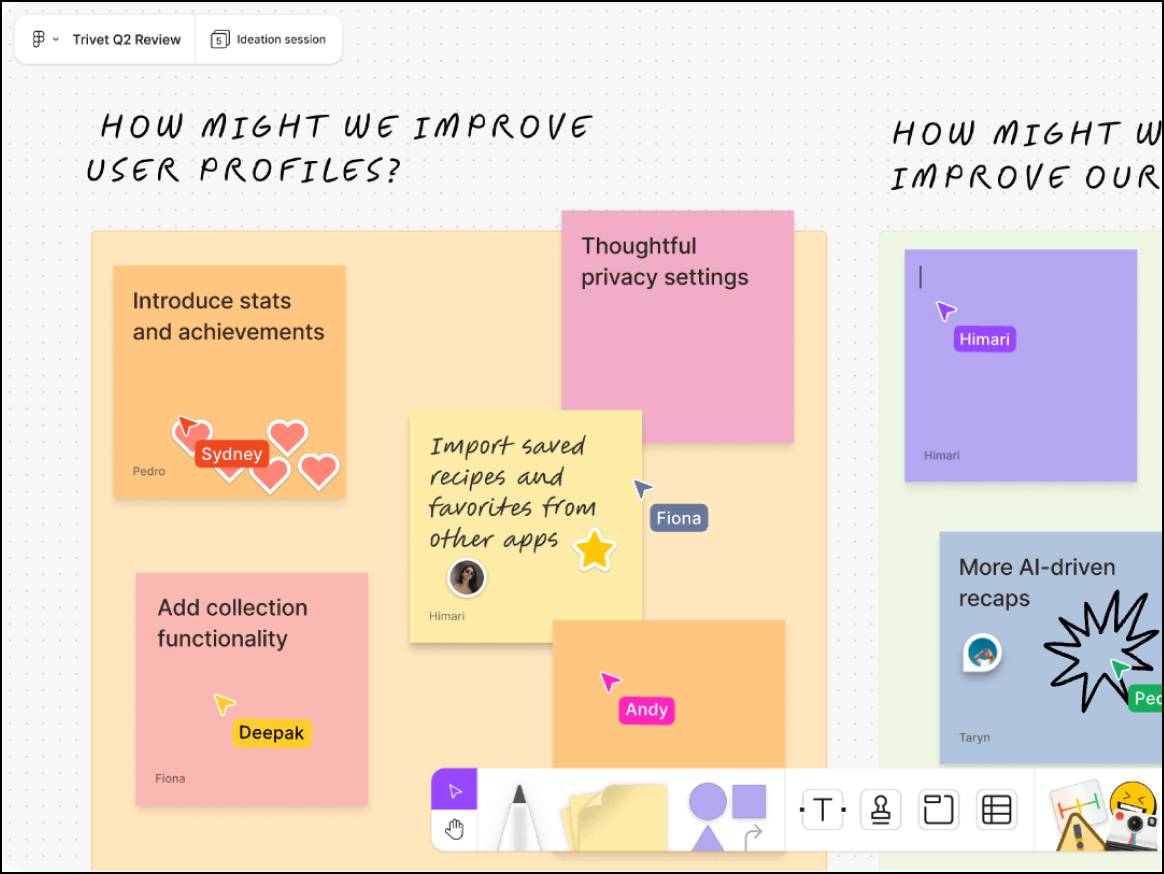
FigJam is the online whiteboard tool, developed by Figma, that transforms high-level brainstorming into high-fidelity mockups. It’s known for its creative, playful interface that helps energize remote and hybrid work.
Notable features include:
- Interactive reactions for real-time engagement
- Built-in audio chat (so there’s no need for a separate call)
- Widget support to incorporate polls or dice for icebreaker activities
Notable integrations include Figma, Asana, Liner, Jira, and Slack.
Pros: With seamless integration with Figma, FigJam offers a fun interface that’s perfect for designers.
Cons: FigJam has limited capabilities compared to other digital whiteboards.
Stormboard
Best for executive teams
Capterra rating: 4.5/5
Pricing: Free for up to five editable boards. Business and enterprise plans available.
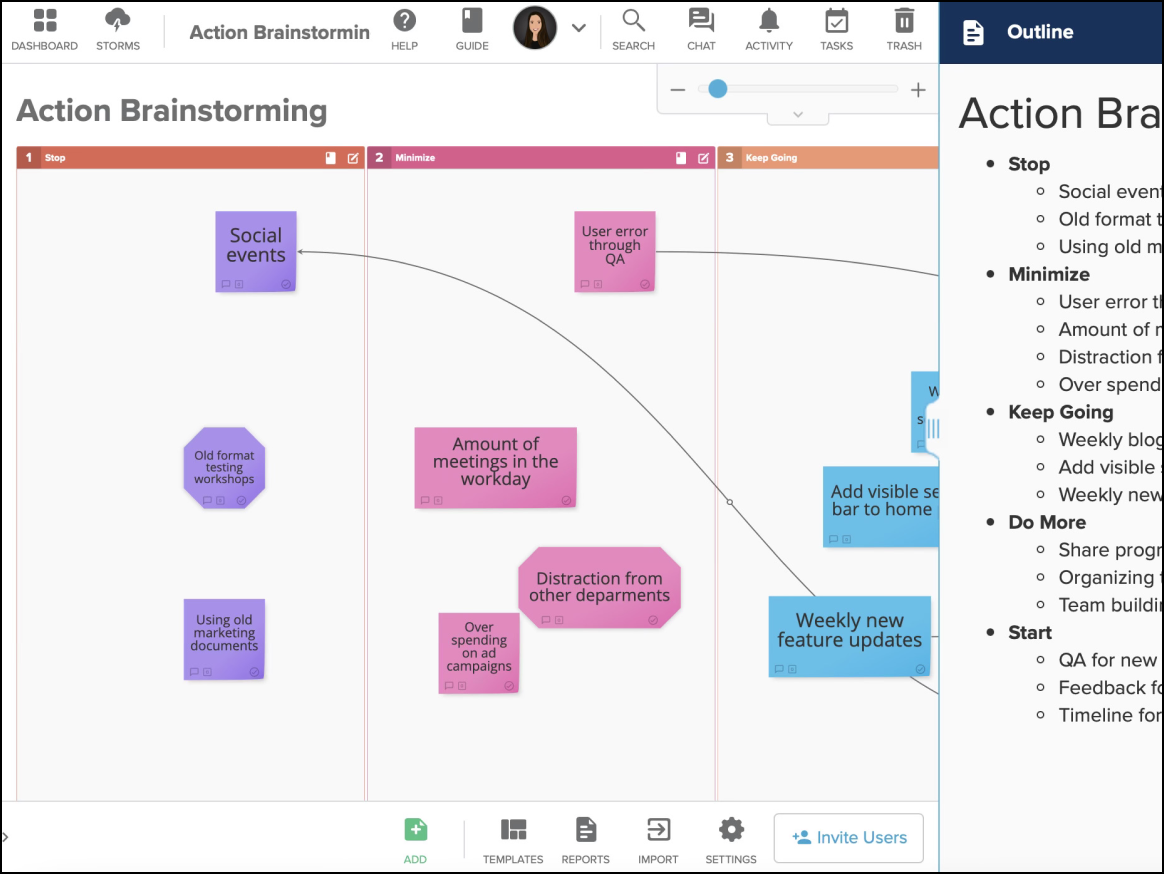
Stormboard is the whiteboard that helps teams focus on getting work done. Popular among enterprise-level project managers and consultants, Stormboard helps turn brainstorms into stakeholder-ready reports.
Notable features include:
- The ability to export brainstorming sessions into structured reports
- Strong security features
- Advanced grouping features to identify trends in data sets
Notable integrations include Microsoft Office 365, Google Drive, Slack, and Jira.
Pros: The structured, data-centric interface makes it a popular choice for executives.
Cons: Stormboard’s outdated interface offers limited creative freedom.
Boardmix
Best for AI-first teams
Capterra rating: 4.2/5
Pricing: Free for up to three editable boards. Tiered plans available.
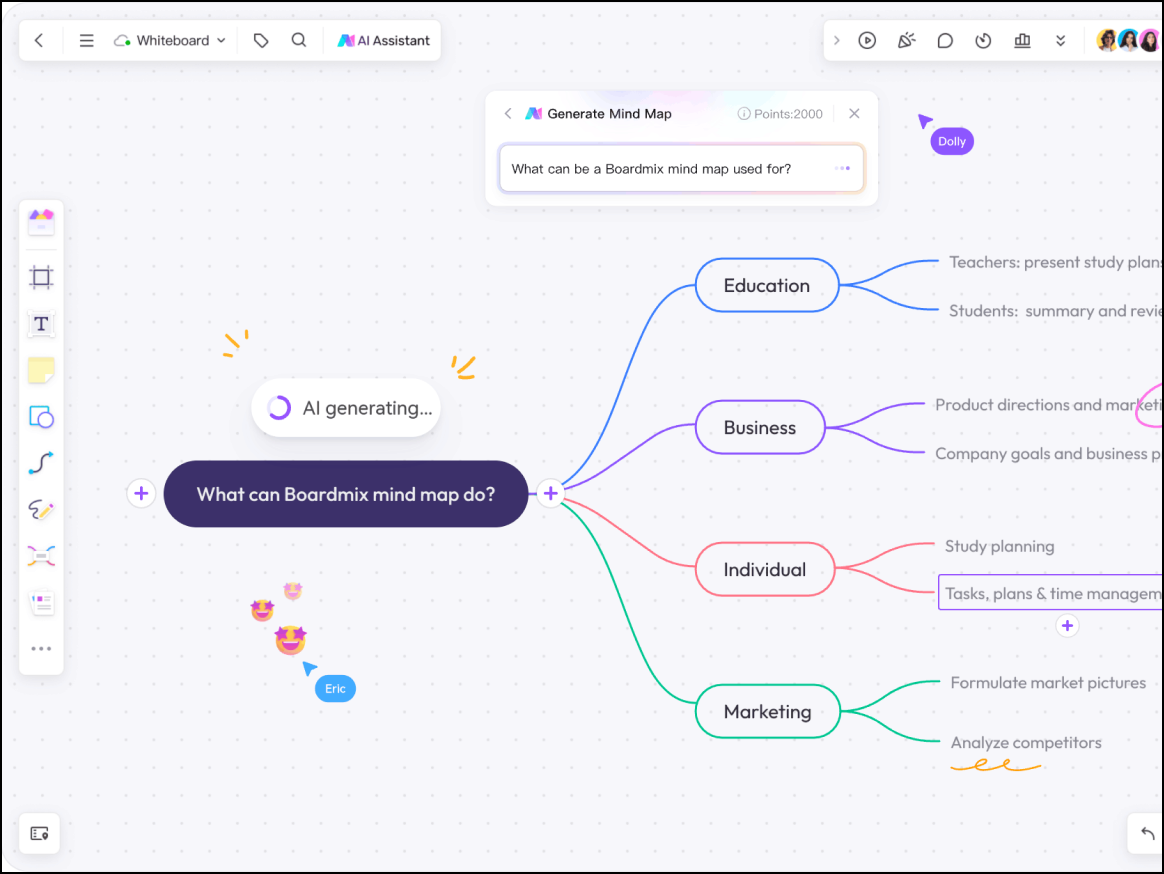
Boardmix is an AI-powered collaborative whiteboard built for power users who prioritize efficiency. Rather than spending valuable time manually drawing, Boardmix lets you generate mind maps, flowcharts, and images via prompts.
Notable features include:
- AI tools to streamline innovation
- Competitive pricing
- Use of prompts for diagramming rather than manual drawing
Notable integrations include Zoom, Microsoft Teams, and Webex.
Pros: With a sleek design and modern user interface, Boardmix provides innovative AI tools for efficient diagramming.
Cons: Boardmix offers minimal integrations, and a smaller user base can be a drawback for some teams.
Confluence whiteboards
Best for development teams using Confluence
Capterra rating: 4.5/5 (for Confluence)
Pricing: Included with Confluence
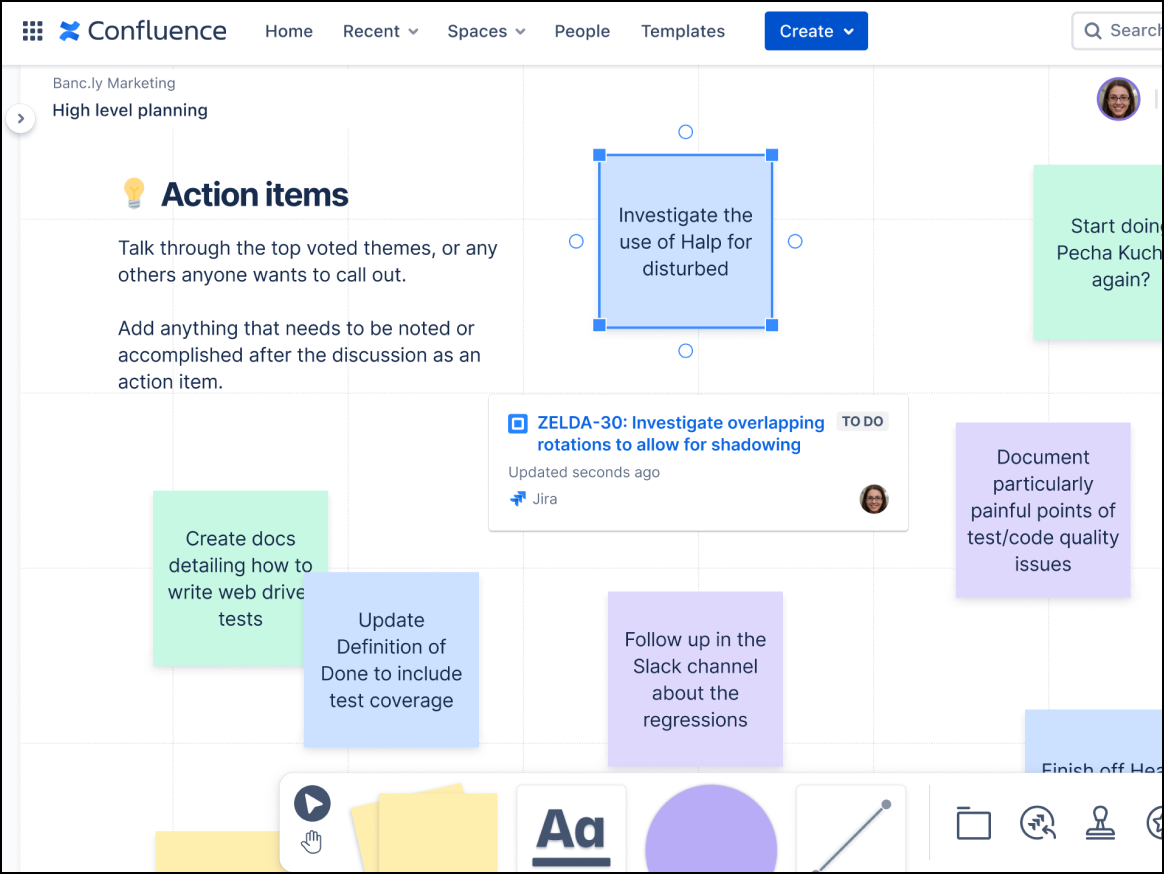
Confluence whiteboards unify visual brainstorming with professional documentation. Developers can turn messy ideation sessions into tracked Jira issues without leaving their documentation.
Notable features include the ability to:
- Convert URLs into interactive cards with Smart Links.
- Perform bulk Jira actions with Smart Sections.
- Map dependencies between Jira issues.
Confluence whiteboards integrate with the Atlassian ecosystem, including Jira and Trello.
Pros: Free with a Confluence account, Confluence whiteboards offer a seamless experience for those already using Atlassian products.
Cons: Without a Confluence account, features are limited.
ClickUp
Best for project managers
Capterra rating: 4.6/5
Pricing: Free to enterprise options available
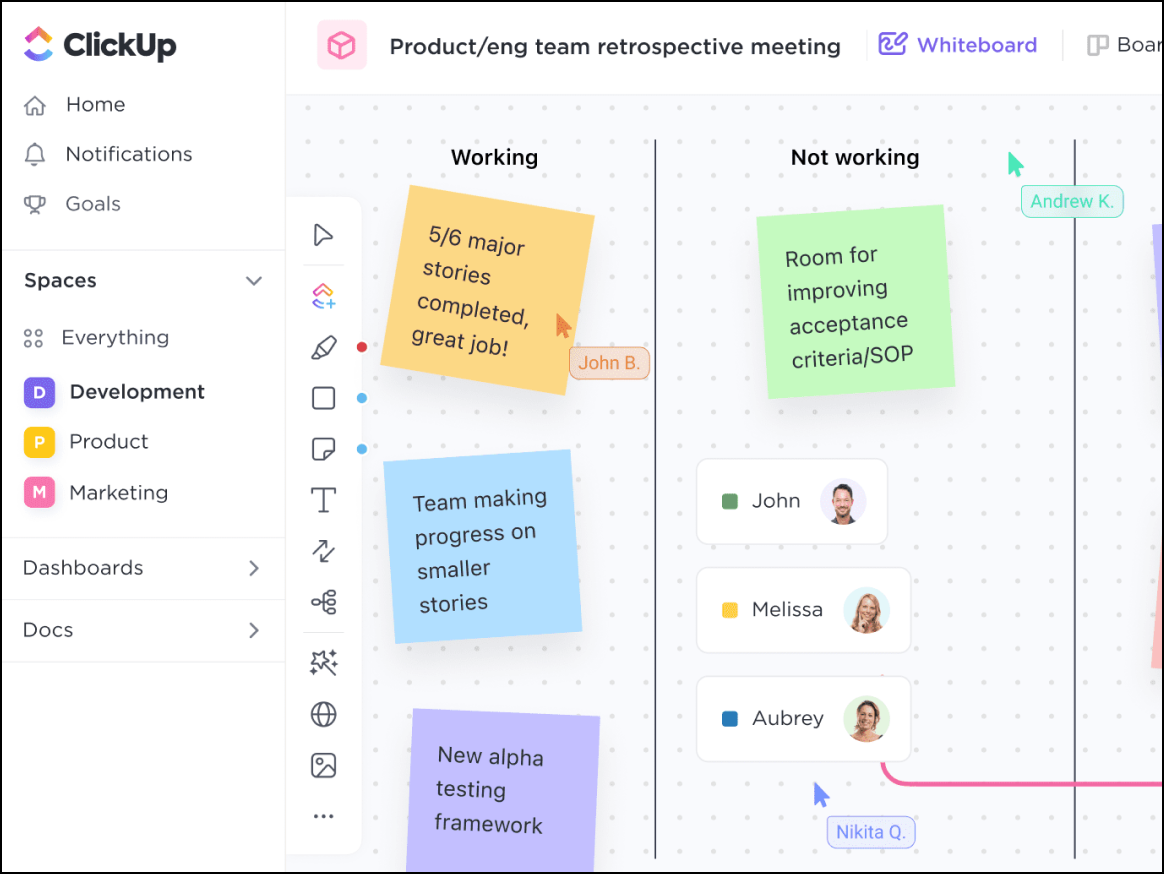
ClickUp Whiteboards, part of ClickUp, bridge the gap between brainstorming and execution. Teams can quickly convert whiteboard items into tasks, making it ideal for project management.
Notable features include the ability to:
- Seamlessly convert objects into tasks.
- Set automated workflow triggers for efficiency.
- Share Whiteboards, export them to PDFs, or embed them within ClickUp.
Notable integrations include Google Drive and Slack.
Pros: Because ClickUp Whiteboards are included natively with a ClickUp account, there is no need for an extra tool. Users can enjoy the other functionalities of ClickUp, making it a cost-effective, all-in-one platform.
Cons: The whiteboard has limited drawing tools and a cluttered interface.
Find your Miro alternative
There are many collaborative tools that can effectively replace—and even exceed—Miro’s capabilities. Evaluate your organization’s needs, and use the information above to determine the right Miro alternative.
If you’re interested in Lucidspark as a substitute for Miro, sign up for a free account, and test out its dynamic capabilities for yourself.

Everything you need to whiteboard online
Get the ultimate online whiteboard for teams. Brainstorm, plan projects, and collaborate virtually on Lucidspark’s infinite canvas.
Sign up free