Bring the power of Lucid to your AI tools
Use the Lucid MCP server to connect AI tools such as Claude and ChatGPT directly to your Lucid workspace. Locate documents, generate new diagrams, provide deeper context for your LLM, and more.
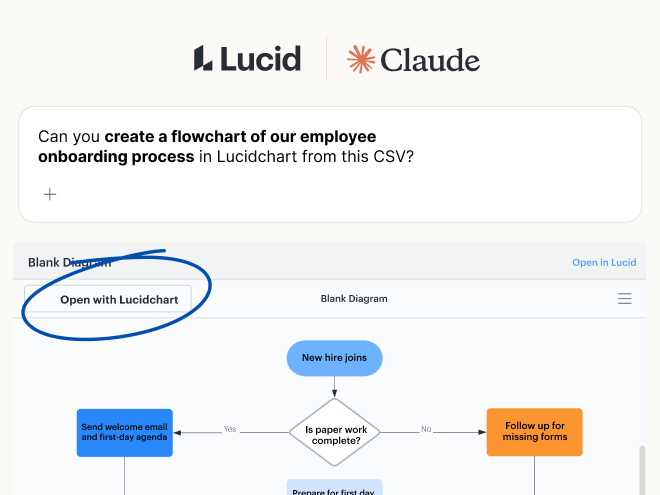
Get connected
The Lucid MCP server is compatible with any MCP client—and it’s available to all accounts with the exception of FedRAMP. If you’re on a Lucid Team or Enterprise account, your Lucid admin must first enable MCP access.

Claude

Claude Code

ChatGPT or Codex

GitHub or VS Code Copilot

Cursor

Slackbot


Other MCP clients
Simplify workflows with the Lucid MCP server
Use Lucid diagrams and boards as context
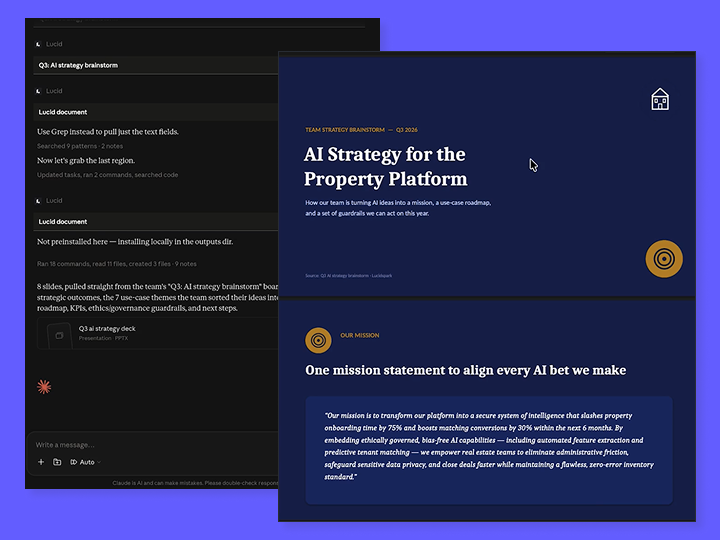
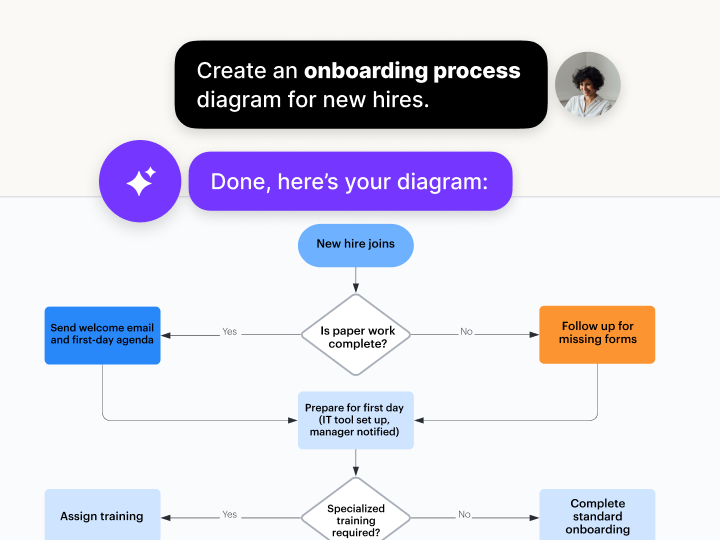
Move from text prompts to polished diagrams in seconds
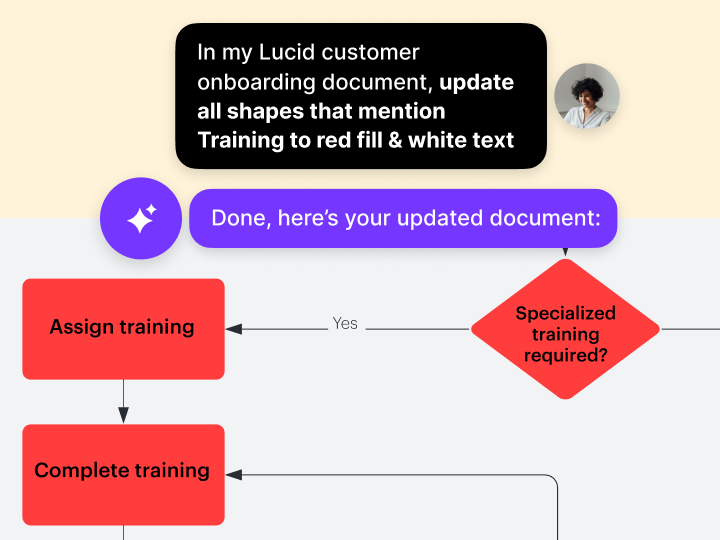
Maintain living documentation
Align teams across workflows
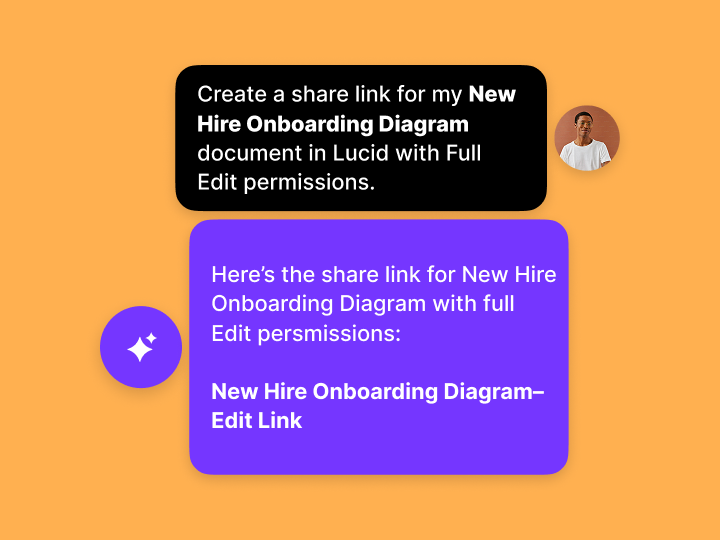
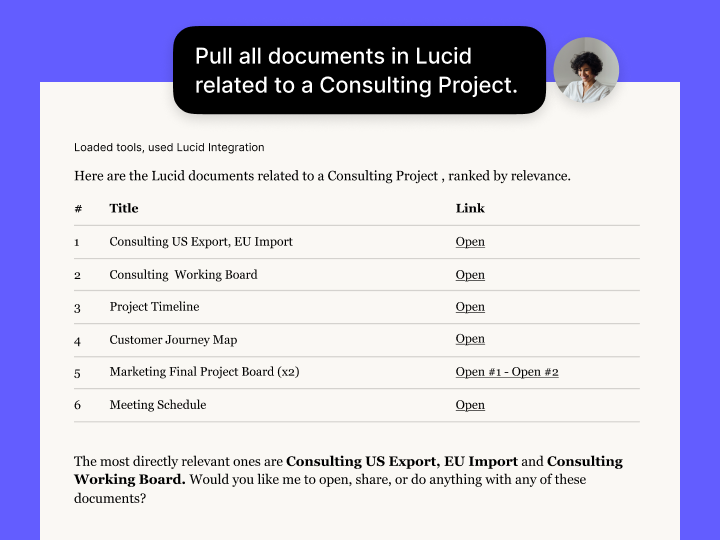
Search at the speed of AI
Additional resources

Blog posts
Get insights on how the Lucid MCP server integrates and streamlines workflows

Lucid MCP: Quick start guide
Learn how the Lucid MCP works, connect to your platform of choice, and try out some hands-on workflows.

Lucid Community
Find questions, conversations, and articles on topics related to intelligent diagramming and more.

Webinars
Watch on-demand webinars and register for upcoming events to level up your diagramming skills.