AI Org Chart Generator

Clearly visualize your teams with our AI organizational chart. Button Text: Generate an AI org chart

Sign up free

See what’s possible with our AI org chart generator

Leverage Lucid AI to create professional org charts that boost clarity and alignment across the organization.

AI org chart
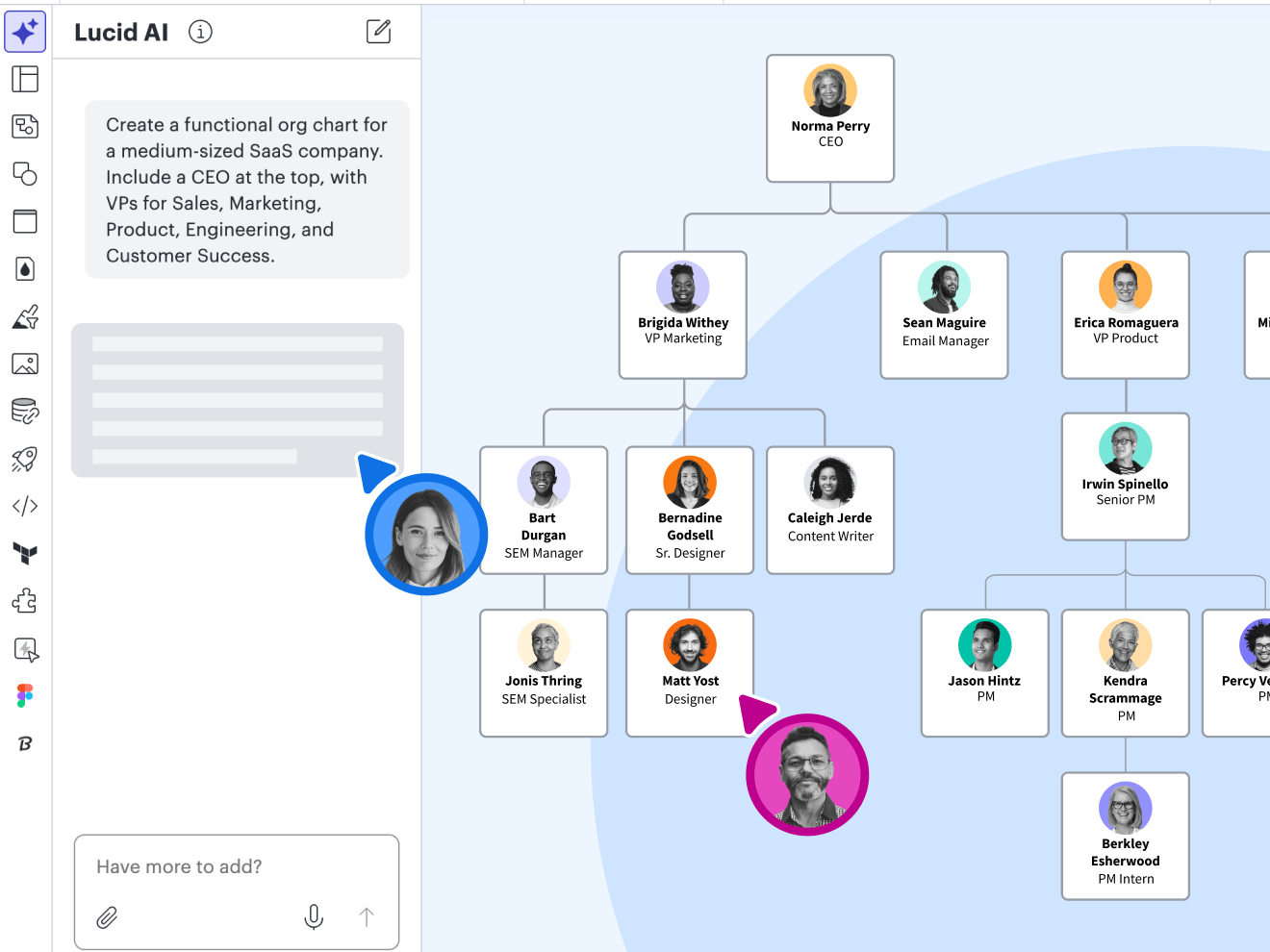
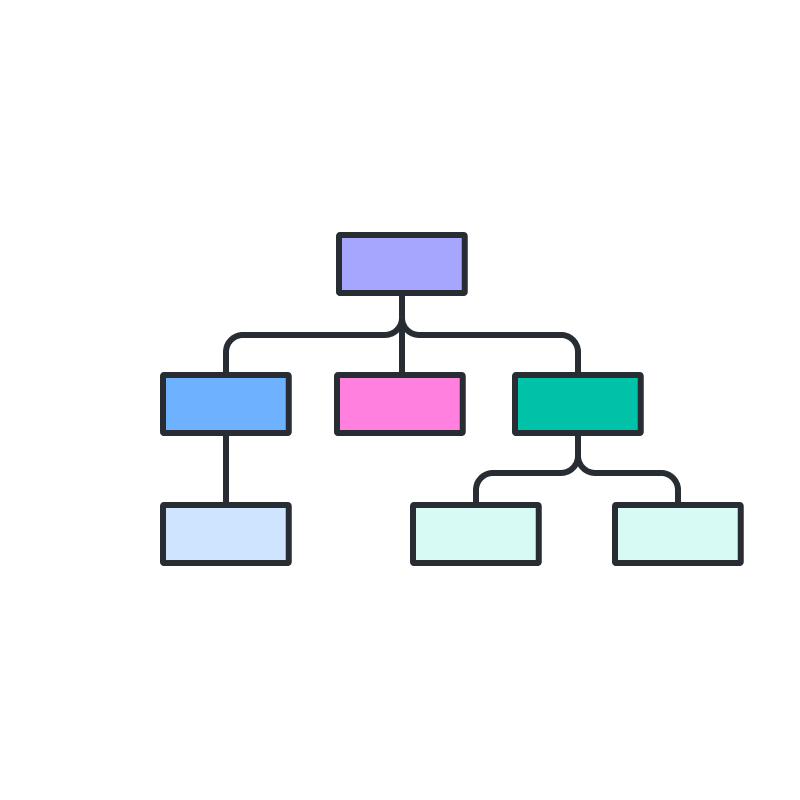
AI organizational chart generator lets you instantly create org charts with simple text prompts. Once you’ve created an AI org chart, you can edit, collaborate, and share it with others.

Customizable templates

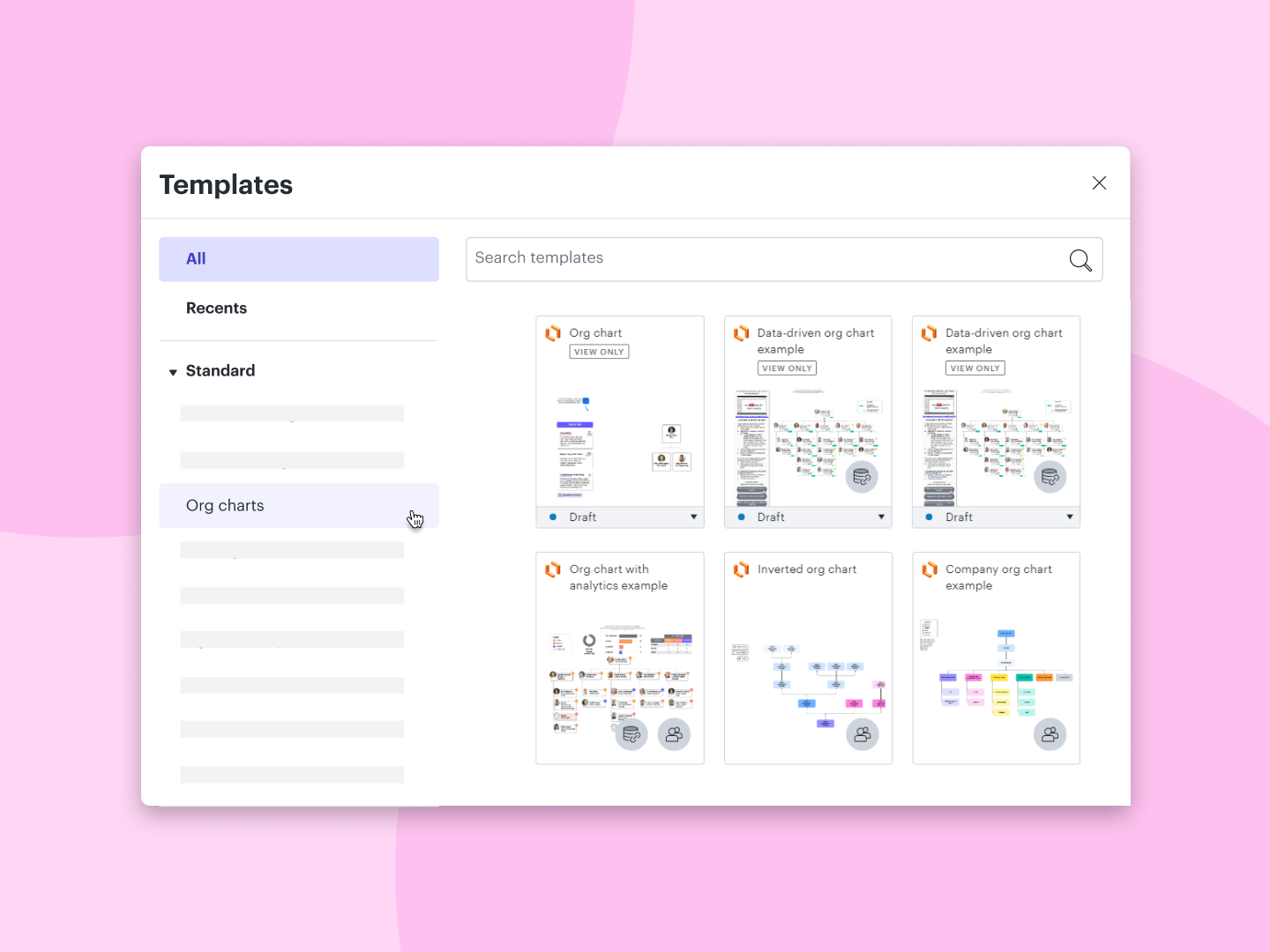
Combine our AI org chart builder with a professionally designed template to map your organization in seconds. Skip the manual formatting and focus on your team’s structure.

Quick-start options

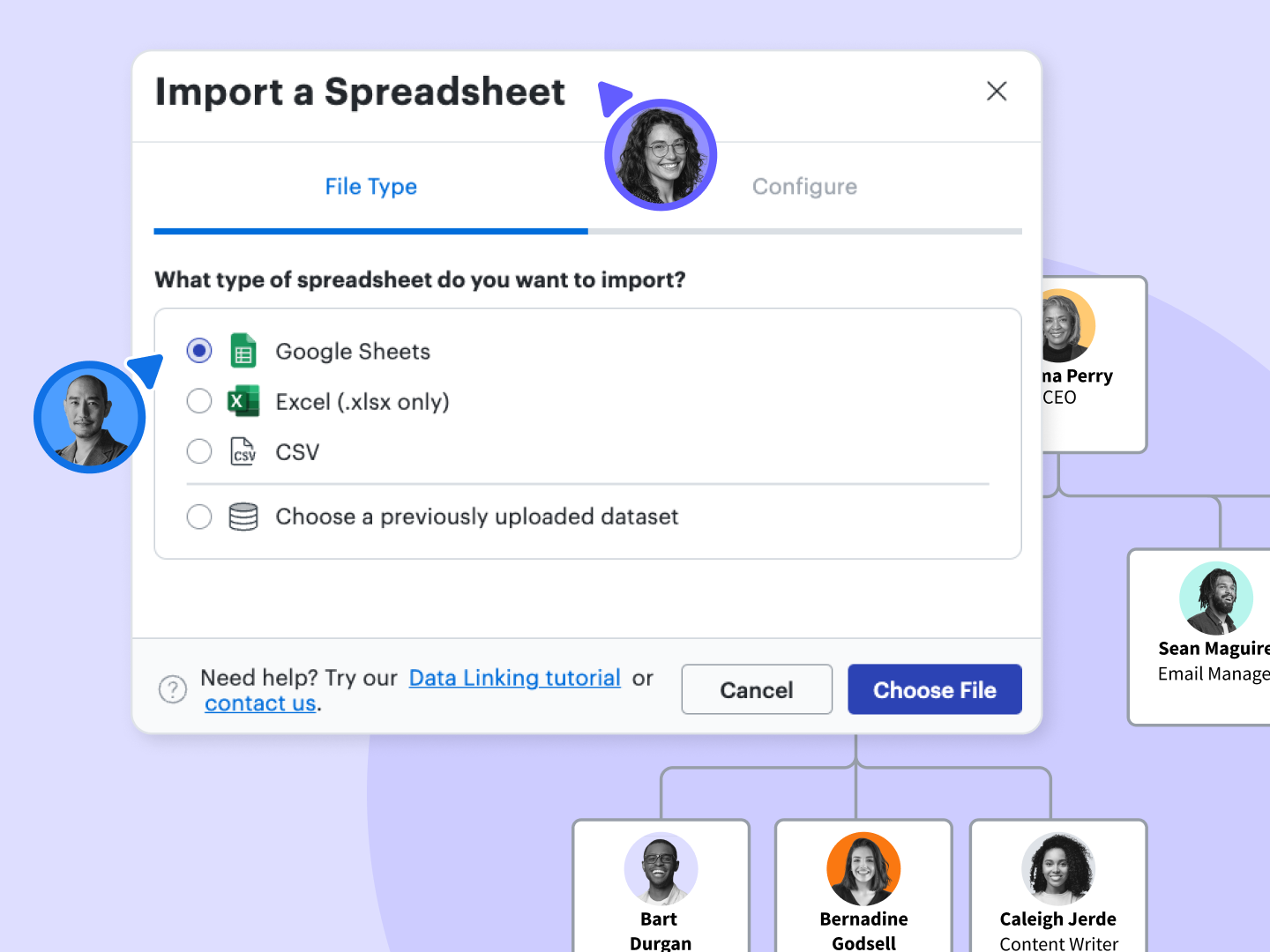
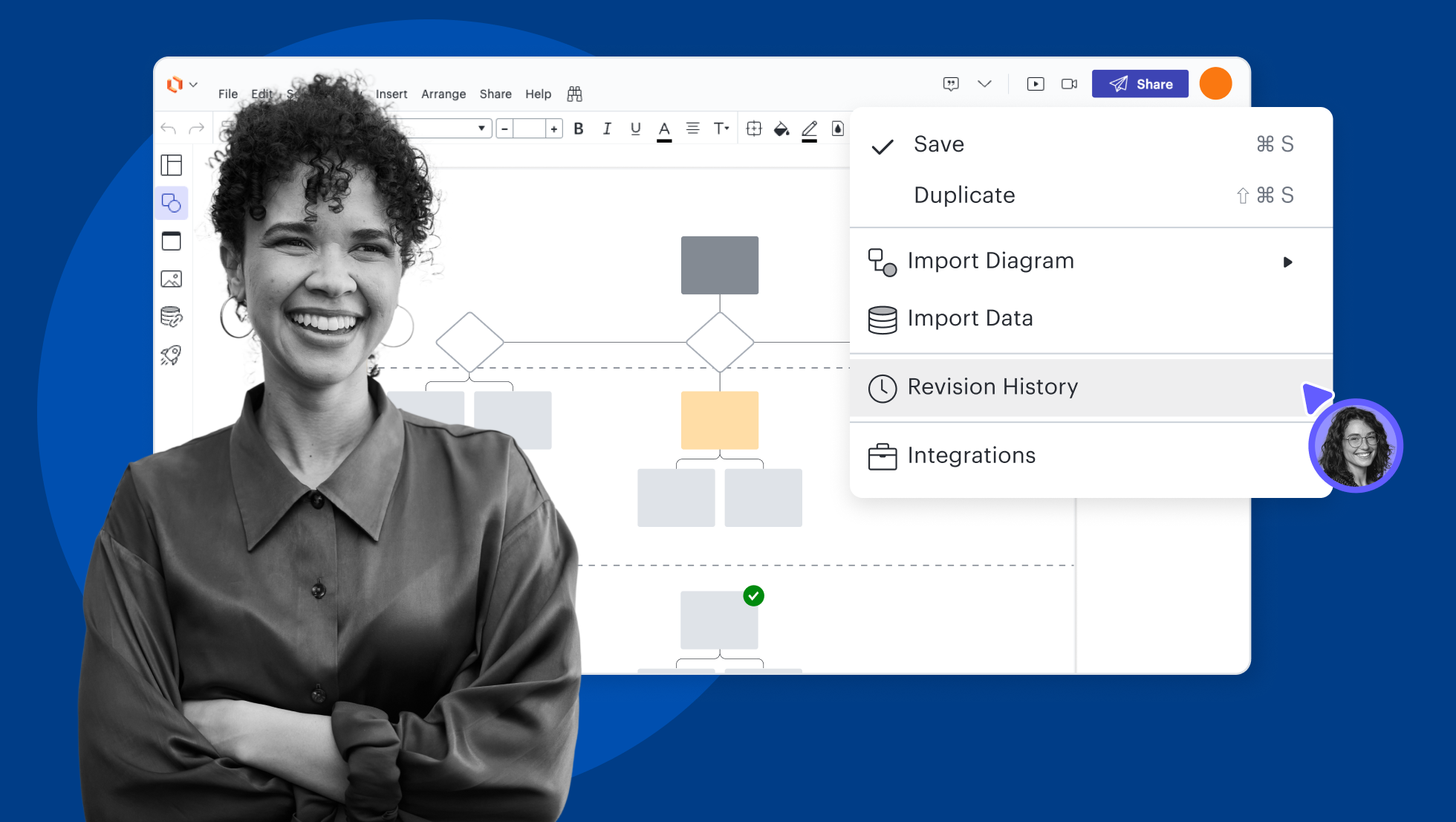
Easily upload employee information using the data import feature to auto-generate a diagram.

Data linking

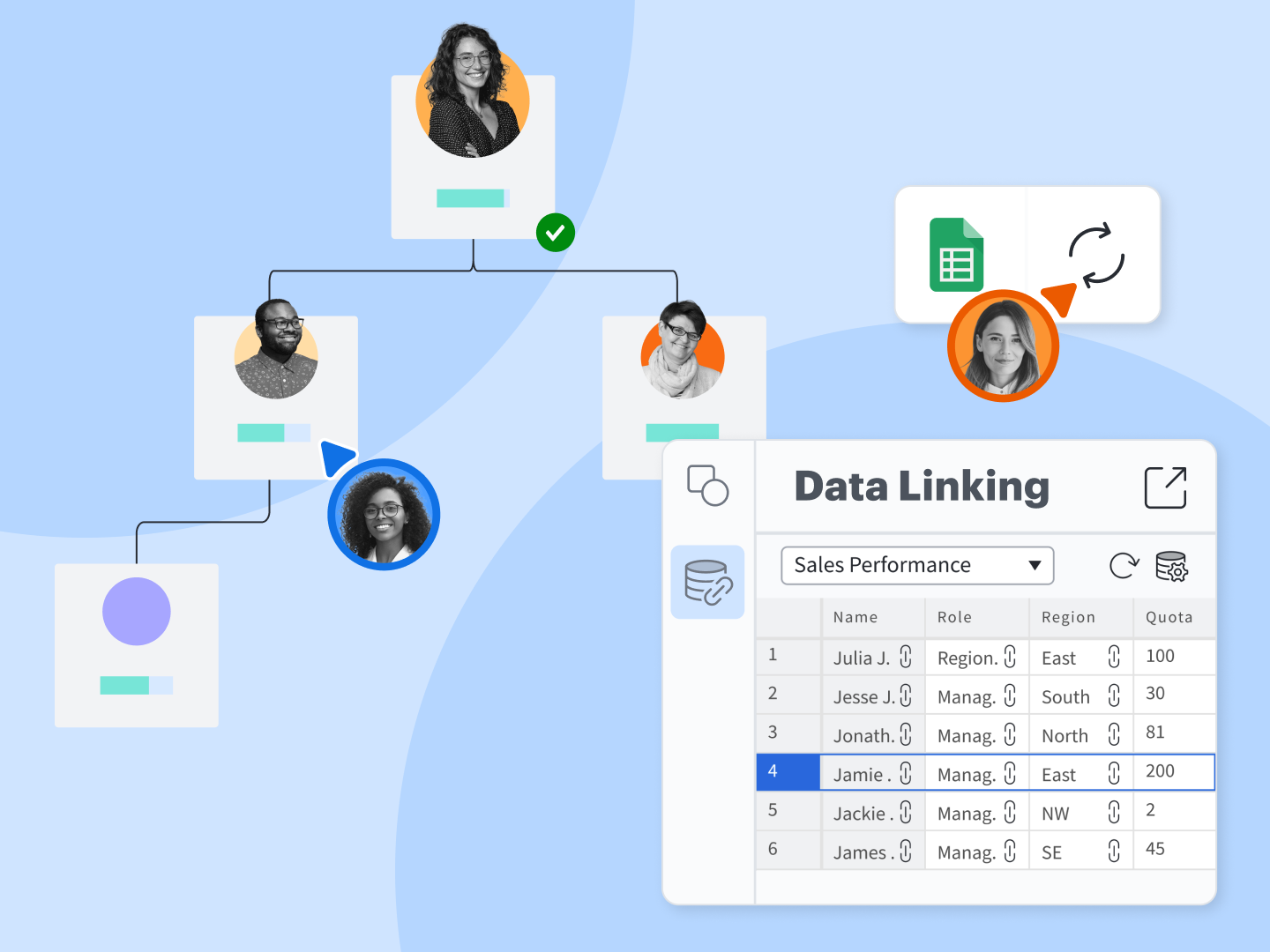
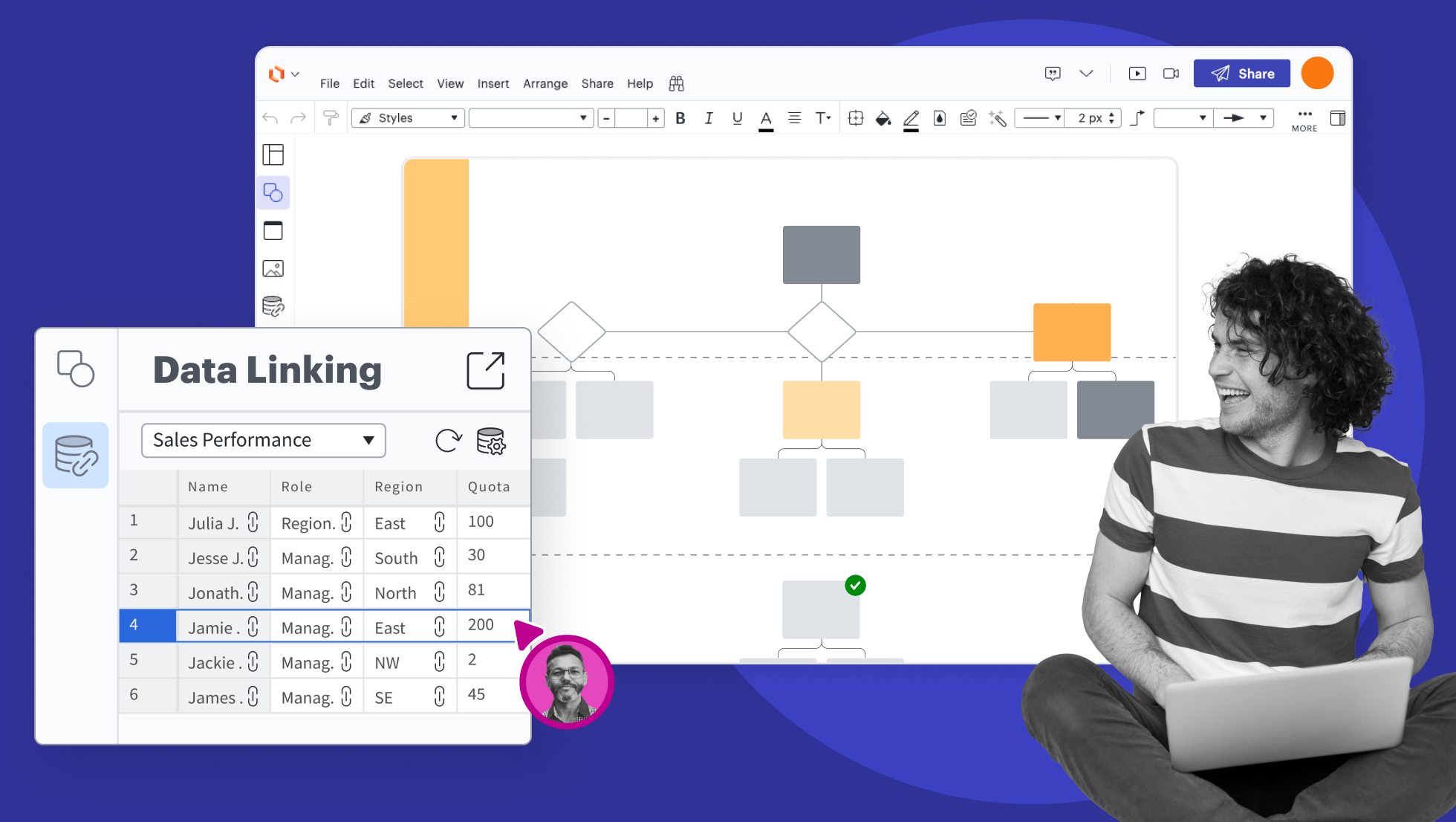
Our AI org chart software lets you link directly to Google Sheets to reflect structural changes instantly. Hit refresh, and your chart updates to match your data source—no manual reformatting required.

Boost productivity with 100+ integrations

Connect Lucidspark to apps from leading providers like Google, Microsoft, Slack, and Zoom. Explore the Lucid integrations marketplace for apps to streamline communication, strategic planning, task management, and more.

AI org chart software feature highlights
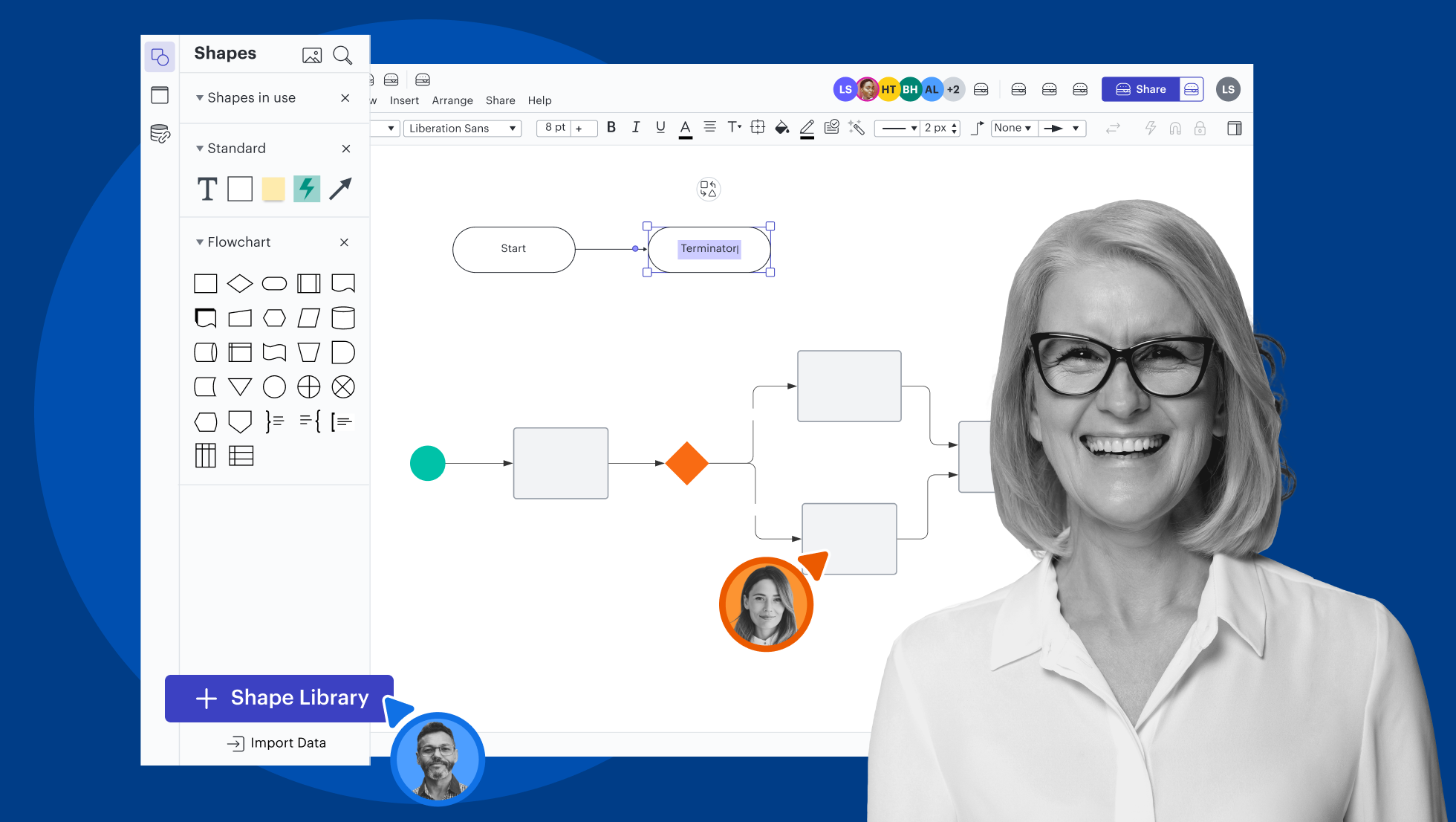
Generate an Org Chart using text AI prompts. Type a detailed description of the diagram you want to create, or attach a file to give Lucid AI more context.

AI org chart templates

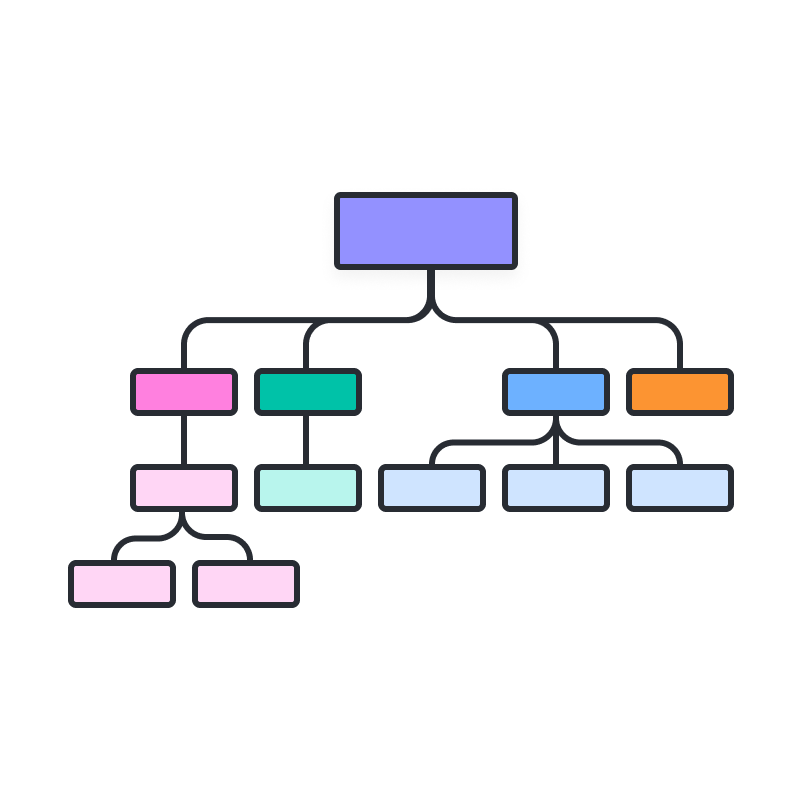
Create org charts with Lucid’s customizable templates.
Generate a diagram using AI

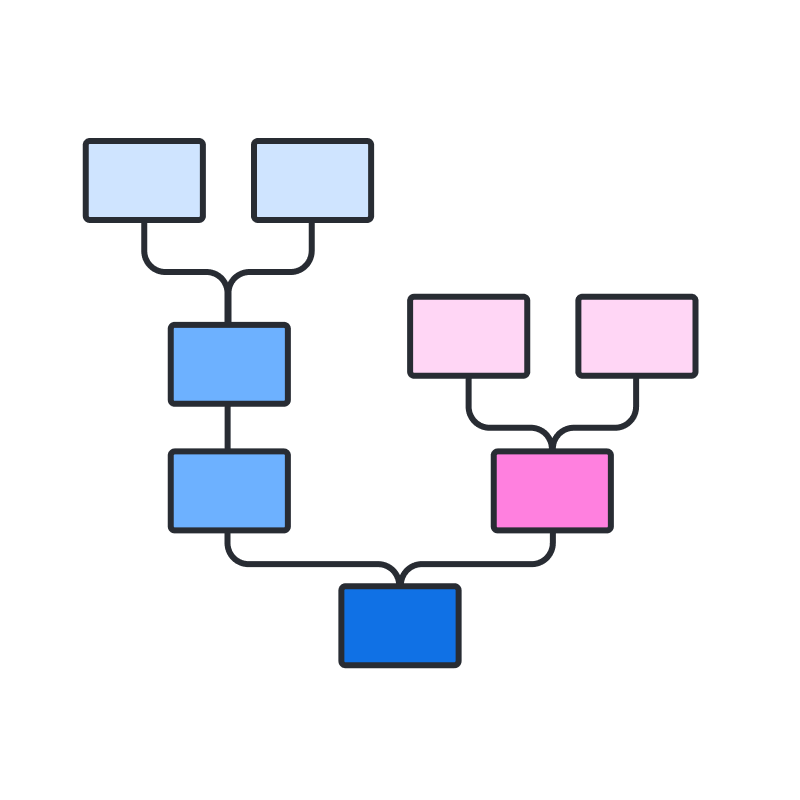
Learn how to generate a diagram in Lucidchart using AI.

Why teams choose Lucidchart

As an intelligent diagramming application, Lucidchart provides simple yet powerful capabilities for visualizing information.

Collaboration. Bring teams together side by side on a shared canvas from anywhere in the world.

Alignment. Build transparency and shared understanding of how a team or company works.

Large-scale change. Increase visibility, standardization, and knowledge sharing across your entire org.

End-to-end workflows. Upgrade to the Lucid Suite for a complete, connected visual collaboration solution.

What is an AI org chart generator?

Transform employee data into dynamic visual hierarchies instantly with an AI org chart generator. Import a CSV or use simple prompts, and our AI org chart builder will handle the logic and reporting lines. Whether you use our AI org chart creator free or at scale, Lucid keeps your diagrams aligned without manual formatting.

How to make an org chart using Lucid AI

Access Lucid AI

To access Lucid AI, open a document and select the Lucid AI icon from the primary toolbar on the left-hand side of the page. From there, simply type a request into the text entry box or use the microphone icon for voice-to-text.


Generate a diagram

In the text-entry box, type a detailed description of the type of AI org chart you want to create. You can attach one or more images, PDFs, or .txt files using the paperclip icon in the bottom right-hand corner of the text box. Press enter on the keyboard or click the arrow to submit your prompt. 


Edit your AI org chart

You can edit your AI organizational chart either manually or by requesting changes in the text-entry box. To continue iterating on your org chart, even after you’ve started a new chat, select the diagram and enter a prompt into the Lucid AI panel.

Adjust the layout

Use assisted layout in your AI org charts to effortlessly organize content into swimlanes, Containers, and Frames with a single click. This feature automatically aligns objects for a clean, structured workspace by snapping items into a grid pattern and adjusting container size as you add or remove content.

Ask Lucid AI for help

In the text box, type a question about your document or how to use Lucid. Lucid AI will provide answers, ask clarifying questions, or share step-by-step guides with links to the help center. 


Additional Lucidchart resources

Lucid Training Labs

Learn visual collaboration skills in free, self-serve courses and live training workshops.

Explore courses

Lucid Community

Connect with other users to share tips and insights. Provide feedback to Lucid’s product team.
Join now

Help center

Find detailed articles with step-by-step instructions for using specific Lucid features.
Search resources

Lucidchart tutorials

Go to the Lucidchart tutorials playlist on YouTube for video training on various topics.
Explore playlist

Collaborate with AI

Get an overview of Lucid’s AI functionality and find additional resources.
See what’s possible

Lucid blog

Explore tips for optimizing collaboration, aligning teams, and driving initiatives in Lucidspark.
Read now

Lucidchart pricing

Create a free account and compare options for paid Individual, Team, or Enterprise plans.

Compare plans

Frequently asked questions about Lucid’s AI diagram generator

Can AI generate an organizational chart automatically?

Yes, our AI org chart tool will generate organizational charts automatically by analyzing your prompt or by importing data from sources like Google Sheets, Excel, CSV files, or HR apps such as BambooHR, creating a structured hierarchy instantly.

Can my AI org chart update automatically when data changes?

Yes, if your data is linked to Google Sheets or Excel, you can refresh the org chart to sync automatically. Lucidchart's manage data feature offers refresh, replace, and overlay options to keep your chart up to date.

What customization options are available for AI-generated org charts?

You can apply conditional formatting to highlight teams, use shape libraries for different roles, add preset or custom fields, and incorporate AI-generated images to enhance your org chart's visual appeal.

Can multiple people collaborate on an AI org chart in real time?

Yes, Lucid supports real-time collaboration, allowing team members to work simultaneously on AI org charts from any location, browser, device, or operating system, with built-in commenting and sharing features.

What other diagram types can Lucid AI generate?

With Lucid AI, you can generate flowcharts, sequence diagrams, class diagrams, and other diagram types in addition to org charts.

Is Lucidchart's AI org chart tool easy to use?

Lucid offers an intuitive drag-and-drop interface with an extensive template library and AI capabilities designed to make org chart creation accessible.

Everything you need to create an AI org chart

Beyond our AI org chart tools, Lucid offers support and training resources to help you accelerate the way you work.

Get support

whiteboard online with Lucidspark