While Creately, opens in a new tab remains a staple for collaborative work, its complexity can get in the way of productivity. Teams often struggle with a cluttered workspace and a steeper learning curve than expected. In this guide, we’ll explore the top Creately alternatives that resolve these friction points and can evolve more effectively alongside your team’s workflow.
Alternatives to Creately summary
- SmartDraw
- Lucidchart
- Visio
- draw.io
- Edraw (EdrawMax)
- Gliffy
What is Creately?
Creately is a visual workspace that bridges diagramming with data, allowing teams to attach notes, tasks, and metadata directly to their canvases. It is popular among operations and HR teams for building dynamic org charts and process flows. Its feature set is built for speed, but users find the interface is cluttered as projects scale. Additionally, its limited mobile functionality can be a hindrance for hybrid teams.
What makes for a good Creately alternative?
The best Creately alternatives should easily transition from messy ideation to structured documentation without the steep learning curve. The ideal platform should match Creately’s versatility but offer a more streamlined experience. Look for software that feels fluid enough for ideation but robust enough to handle complex technical diagrams and enterprise-grade data integrations.
Key takeaways
| Best for | Feature highlight | Pricing | |
| SmartDraw | Legal and healthcare professionals | Intelligent formatting, Visio import, data visualizers | Paid (Individual, Team, Enterprise) |
| Lucidchart | Enterprise teams | Lucid AI, universal canvas, data linking | Free, paid (Individual, Team, Enterprise) |
| Visio | Microsoft-centric organizations | Data linking, industry stencils, AutoCAD support | Paid |
| Draw.io | Users on a budget | Offline mode, embed mode, vast shape library | Free, paid |
| Edraw | Technical illustrators | AI assistant, large template gallery, 280+ diagram types | Free, paid |
| Gliffy | Atlassian users | Interactive layers, code-to-diagram, simultaneous editing | Paid (add-on) |
Creately alternatives
SmartDraw
Best for legal and healthcare professionals
Capterra rating: 4/5, opens in a new tab
Pricing: Only available with a paid subscription
Heavily used in environments where automated formatting is preferred over manual adjustments, SmartDraw, opens in a new tab is designed for business professionals who need to create “audit-ready” diagrams quickly without being design experts.
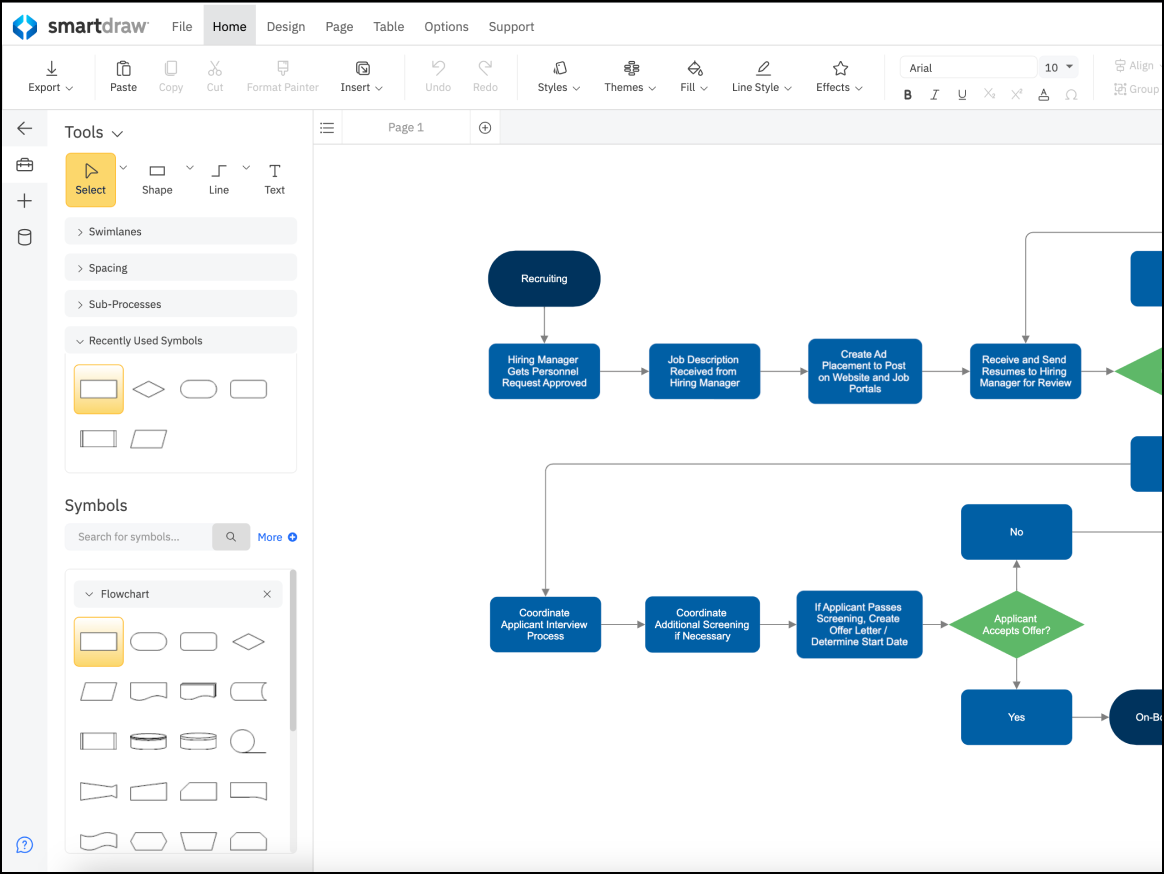
Key features include:
- Intelligent formatting: Automatically corrects, aligns, and spaces shapes as you add them
- Data visualizers: Generates charts automatically from Excel data
- CAD-like features: Creates floor plans and landscape designs
Key integrations include Microsoft Office, Google Workspace, and Atlassian
Pros: SmartDraw is fairly easy to use with powerful automation capabilities and a wide breadth of diagram types.
Cons: SmartDraw’s web interface can be slower than desktop apps. It is also priced higher for individuals.
Lucidchart
Best for enterprise teams
Capterra rating: 4.5/5, opens in a new tab
Pricing: Free for up to three editable boards. Paid subscriptions available
Lucidchart, opens in a new tab combines intuitive design with a professional-grade toolkit. As part of the Lucid Visual Collaboration Suite, it offers teams an infinite canvas to bridge the gap between raw ideation and structured, data-driven diagramming.
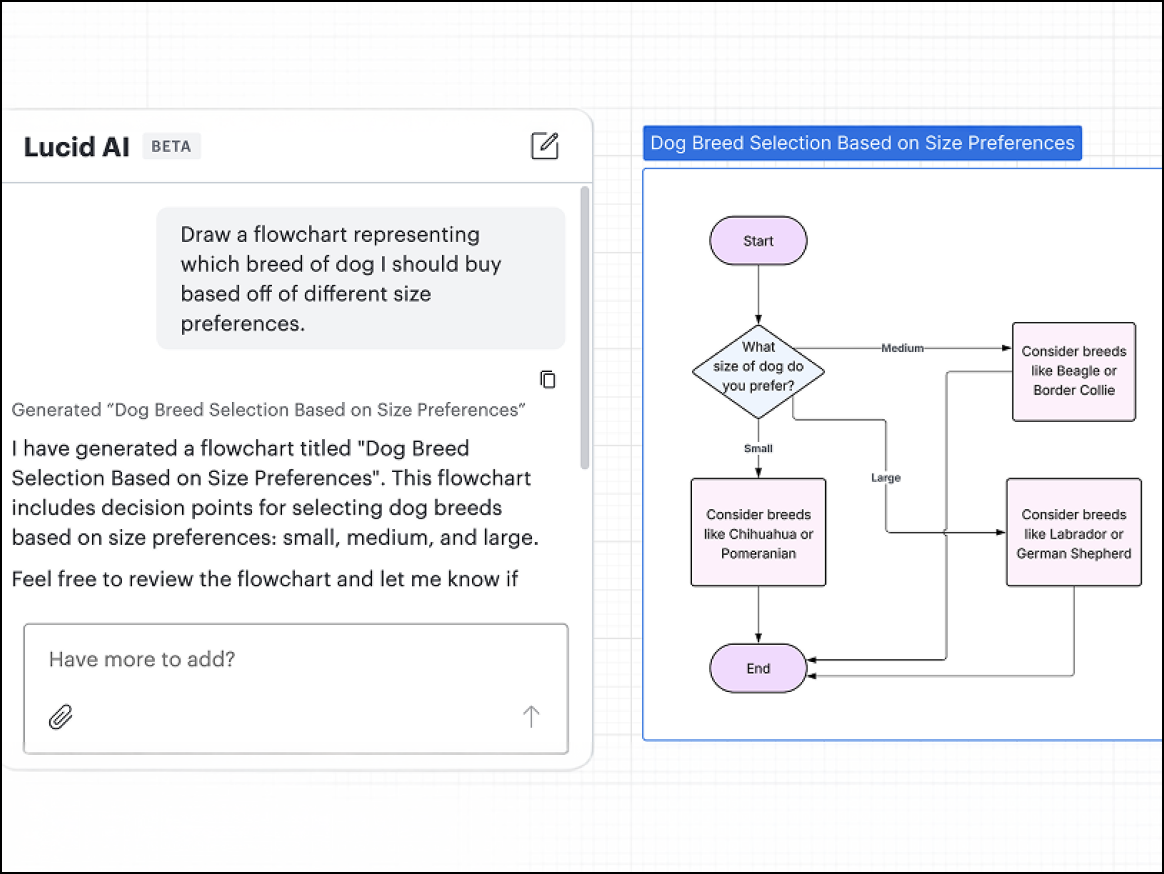
Key features include:
- AI diagramming: Generates diagrams based on text prompts
- Data linking: Connects shapes to live data from Excel, Google Sheets, or Salesforce to automatically update diagrams
- Universal canvas: Allows users to seamlessly switch between whiteboarding and diagramming without losing context
- Conditional Formatting: Enables rules that change the color or icon of shapes based on underlying data
Featured integrations include Google Workspace, Jira, SharePoint, and Confluence
Pros: Lucidchart offers powerful data features, and its universal canvas makes it seamless to go from ideation to diagramming.
Cons: This software’s advanced data features require an Enterprise plan.
Visio
Best for Microsoft-centric organizations
Capterra rating: 4.5/5, opens in a new tab
Pricing: Free for commercial Microsoft 365 users. Paid subscriptions available
Microsoft Visio, opens in a new tab is widely used by large organizations that require formal, industry-standard documentation. It’s best suited for users who need deep detail, precise formatting, and strict adherence to modeling standards like BPMN or IEEE.
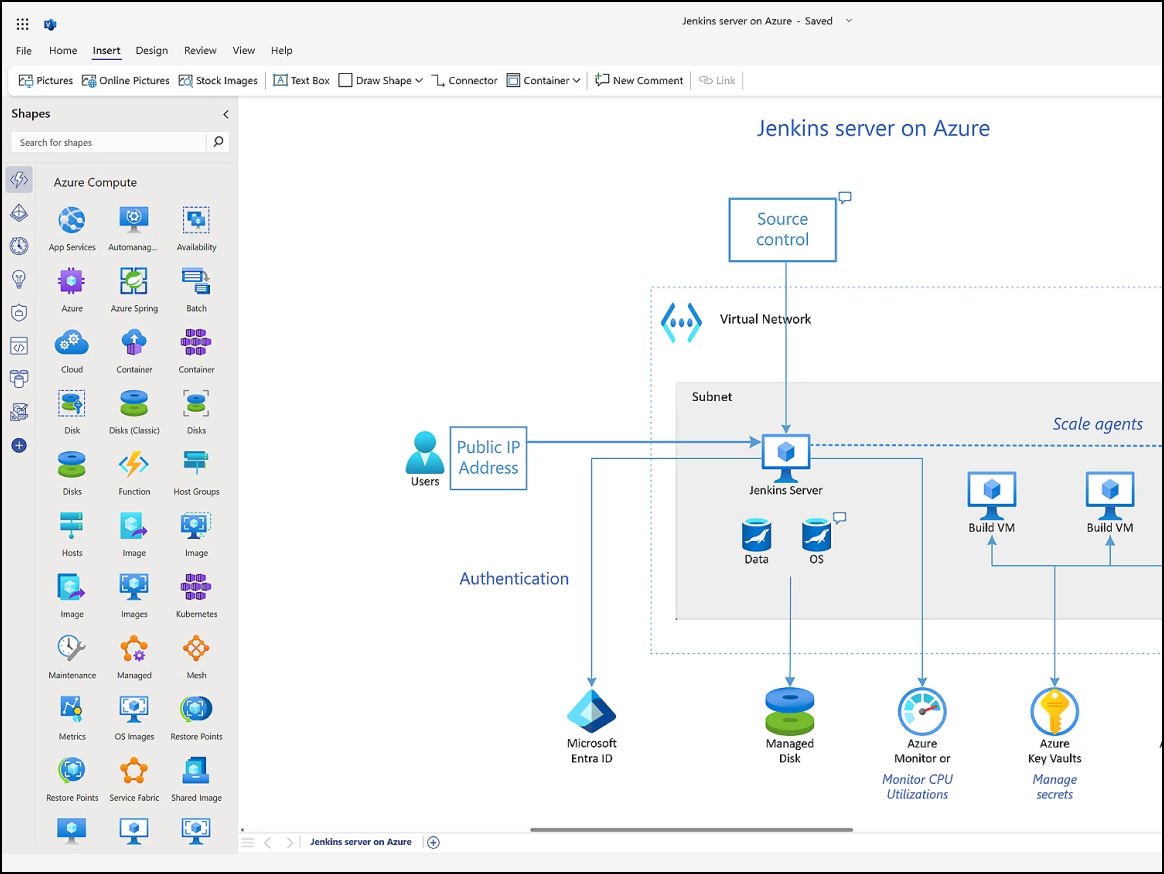
Key features include:
- Data linking: Connect shapes to live data sources to visualize real-time changes.
- Industry stencils: Utilize extensive libraries for electrical, piping, and network engineering.
- Power Automate: Turn Visio process maps into functional workflows.
Key integrations include Microsoft 365, AutoCAD, and Power BI.
Pros: Visio has powerful capabilities for technical diagrams.
Cons: Visio is expensive, with a steep learning curve, and offers poor real-time collaboration. Additionally, it’s PC-centric, and Mac support is very limited.
draw.io
Best for users on a budget
Capterra rating: 4.6/5, opens in a new tab
Pricing: Free for up to ten users. Paid subscription available
Widely used for creating technical documentation and architecture diagrams that live directly alongside code in repositories, draw.io, opens in a new tab is a solution for users who need a free, open-source tool that doesn’t require creating an account.
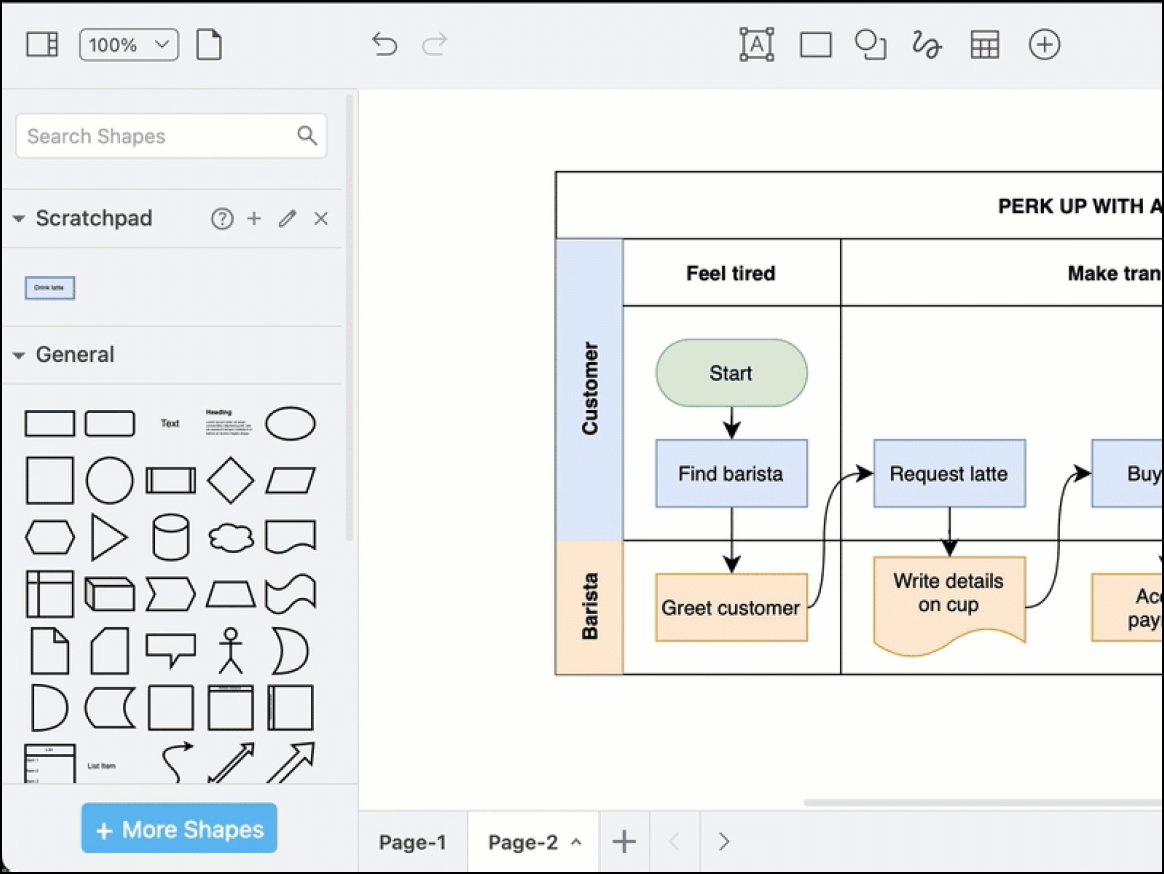
Key features include:
- Offline mode: Work fully without an internet connection through the desktop app.
- Embed mode: Easily embed HTML in blogs and wikis.
- Bring-your-own storage: Save diagrams directly to Google Drive, GitHub, OneDrive, or another local device.
Key integrations include Google Workspace, GitHub, GitLab, Confluence, and Jira.
Pros: draw.io is completely free and offers high privacy and security. Plus, it doesn’t require an account.
Cons: This application’s UI is functional but not ideal, and its collaboration features are less robust than competitors.
Edraw (EdrawMax)
Best for technical illustrators
Capterra rating: 4.5/5, opens in a new tab
Pricing: Free and paid subscriptions available
Featuring a modern, colorful interface with a massive library of resources, Edraw appeals to diverse roles, from fashion designers to electrical engineers, due to its specialized templates.
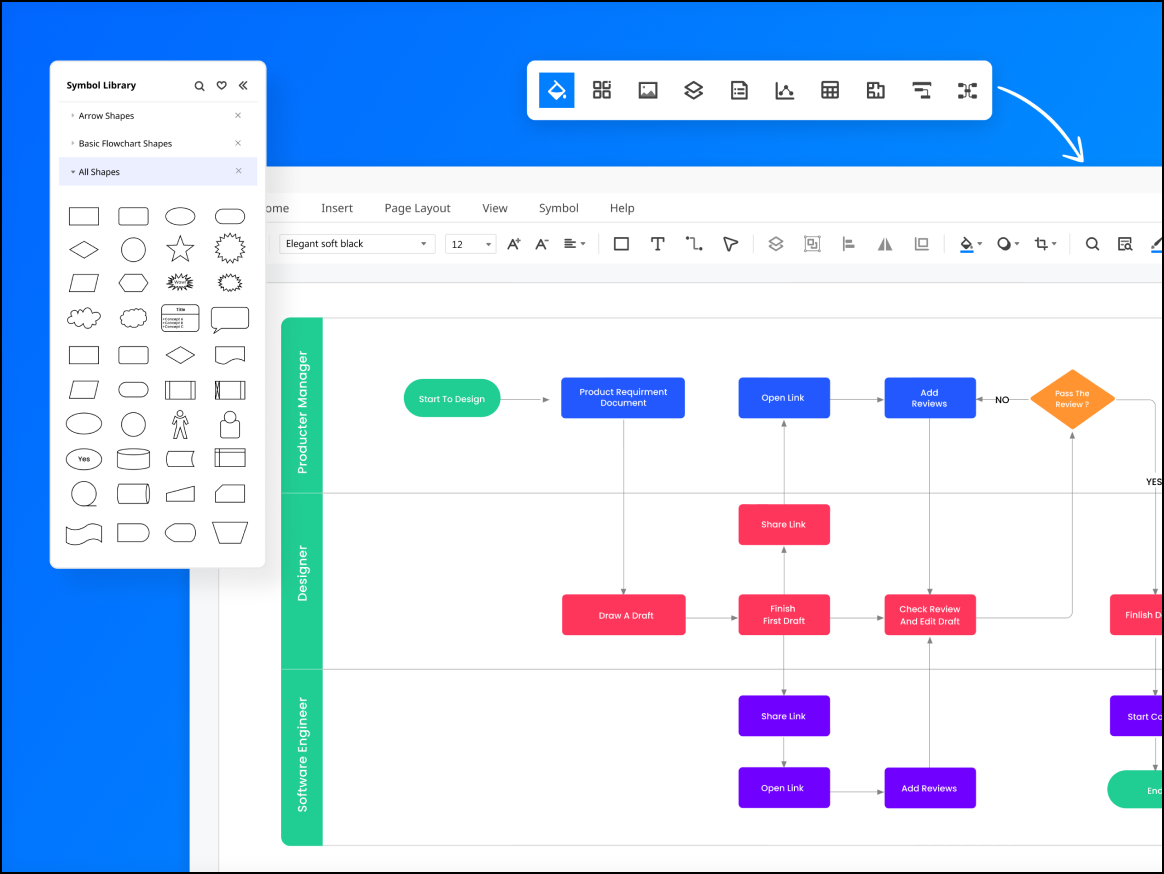
Key features include:
- Diverse diagram types: Explore 280+ diagrams covering niche areas, such as science illustration, fashion design, and floor plans.
- AI assistant: Generate diagrams and mind maps from text prompts
- Cross-platform functionality: Expect consistent performance on Windows, macOS, Linux, and Web.
Key integrations include Microsoft Office, Google Drive, and Dropbox.
Pros: Edraw is easy to use, features a massive asset library, and offers a one-time purchase option.
Cons: This application has a busier interface than competitors, and its cloud collaboration capabilities aren’t robust.
Gliffy
Best for Atlassian users
Capterra rating: 4.3/5, opens in a new tab
Pricing: Available as a paid add-on
Almost exclusively used by teams heavily embedded in the Atlassian ecosystem, Gliffy, opens in a new tab is the default choice for users who want to create technical diagrams and documentation without ever leaving their wiki pages.
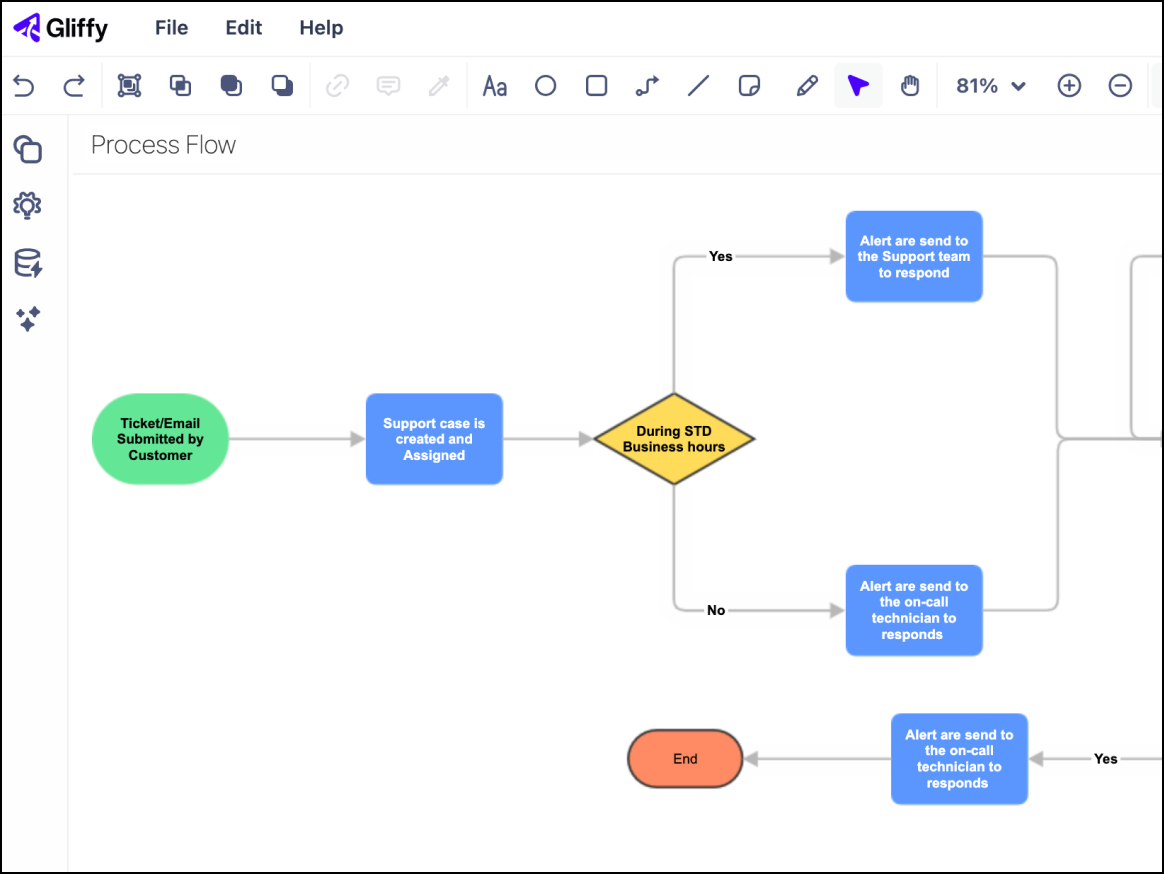
Key features include:
- Code-to-diagram: Automatically visualize Mermaid.js code blocks
- Interactive layers: Toggle layers on and off directly in the Confluence page.
- Real-time collaboration: Edit simultaneously in newer versions of the application.
Key integrations include Jira, Confluence, and Trello.
Pros: Gliffy offers a seamless Atlassian experience with robust security features.
Cons: This software offers limited functionality outside of Atlassian and fewer templates than competitors.
Finding the best Creately alternative
Ultimately, the “right” alternative to Creately comes down to your team’s specific needs. Whether you’re looking for the powerhouse features of Lucidchart or the budget-friendly approach of draw.io, moving from Creately is an opportunity to refine your workflow. It’s more than just swapping tools—it’s about clearing the path so your team can focus on their best work without the interface getting in the way.
