draw.io is a widely used diagramming tool due to its accessibility and ease of use. Available for free, users don’t even need an account to pull up draw.io and start diagramming—but draw.io does come with some limitations, especially in terms of intelligent capabilities and depth of diagram types.
If you’ve been using draw.io and are looking for an alternative, you have plenty of options. We’ve spared you all of the research and have reviewed the most popular diagramming tools on the market that are comparable to draw.io. The best draw.io alternatives offer smart features, like data linking and automated formatting, or come with a large template library to make it easy to find exactly what you need for a variety of use cases.
Check out our picks for the top alternatives to draw.io and discover your next go-to diagramming platform.
Alternatives to draw.io
The following are our recommendations for the top alternatives to draw.io:
SmartDraw
Lucidchart
Visio
Creately
Edraw
Gliffy
Visual Paradigm
What is draw.io?
draw.io, opens in a new tab is a tool that aims to provide high-quality, free diagramming software to anyone and everyone who needs to create diagrams. draw.io has rebranded as diagrams.net and is well known for its privacy features while offering a free-source option for diagramming.
Users don’t even need to create an account in order to use draw.io, which makes it a popular option for students and others who need to create and share diagrams for one-off cases. The platform takes a no-nonsense approach, and users appreciate how quick and easy it is to use.
What makes for a good draw.io alternative?
draw.io is a great option for people who need simple diagramming capabilities. However, people with more complex use cases or who are trying to collaborate on diagrams with large teams can quickly feel limited. While draw.io is often a good choice for getting started with diagramming, eventually, users need a more advanced platform that supports professional needs, such as visualizing complex systems.
If you need more than a simple diagram, there are other software products on the market that are better options. Here are some of the features that we looked for as we were evaluating the best alternatives to draw.io:
Advanced or intelligent features: Visualizing technical processes or systems requires capabilities such as automation and data linking, allowing users to update their diagrams in real time and create flows efficiently.
Collaboration capabilities: draw.io does offer basic collaboration features, but large or distributed teams need an option that offers both synchronous and asynchronous collaboration tools.
Specialized templates or diagram types: Many people need specialized templates that help them get started with creating advanced network diagrams, ERD diagrams, enterprise architecture, or other complex systems. A great diagramming solution will support a variety of needs, no matter how technical.
Scalability: draw.io offers basic scalability features, which can limit users who need advanced administrative controls or are sharing diagrams among large teams.
Key takeaways
| Best for | Feature highlight | Pricing |
SmartDraw | Automated formatting | Intelligent formatting automatically aligns and connects shapes | Paid (Individual, Team, Enterprise) |
Lucidchart | Intelligent features | Universal canvas to easily switch between diagramming and whiteboarding | Free, paid (Individual, Team, Enterprise) |
Visio | Strict or formal documentation | Precise formatting and adherence to modeling standards | Paid |
Creately | HR and operations teams | Shape data to define custom data and fields | Free, paid (Personal, Team, Business, Enterprise) |
Edraw (EdrawMax) | Extensive template library | 280+ types of diagrams | Free, paid |
Gliffy | Confluence and Jira users | Native Confluence integration | Paid add-on |
Visual Paradigm | DevOps or Agile processes | Wizards for processes and project management | Paid |
draw.io alternatives list
draw.io is widely used since it’s free and easily accessible, but for people looking for more robust options that come with advanced features and capabilities, here’s our roundup of the top alternatives for diagramming software.
SmartDraw
Best for automated formatting
Capterra rating: 4.5/5, opens in a new tab
Pricing: Only available with a paid subscription
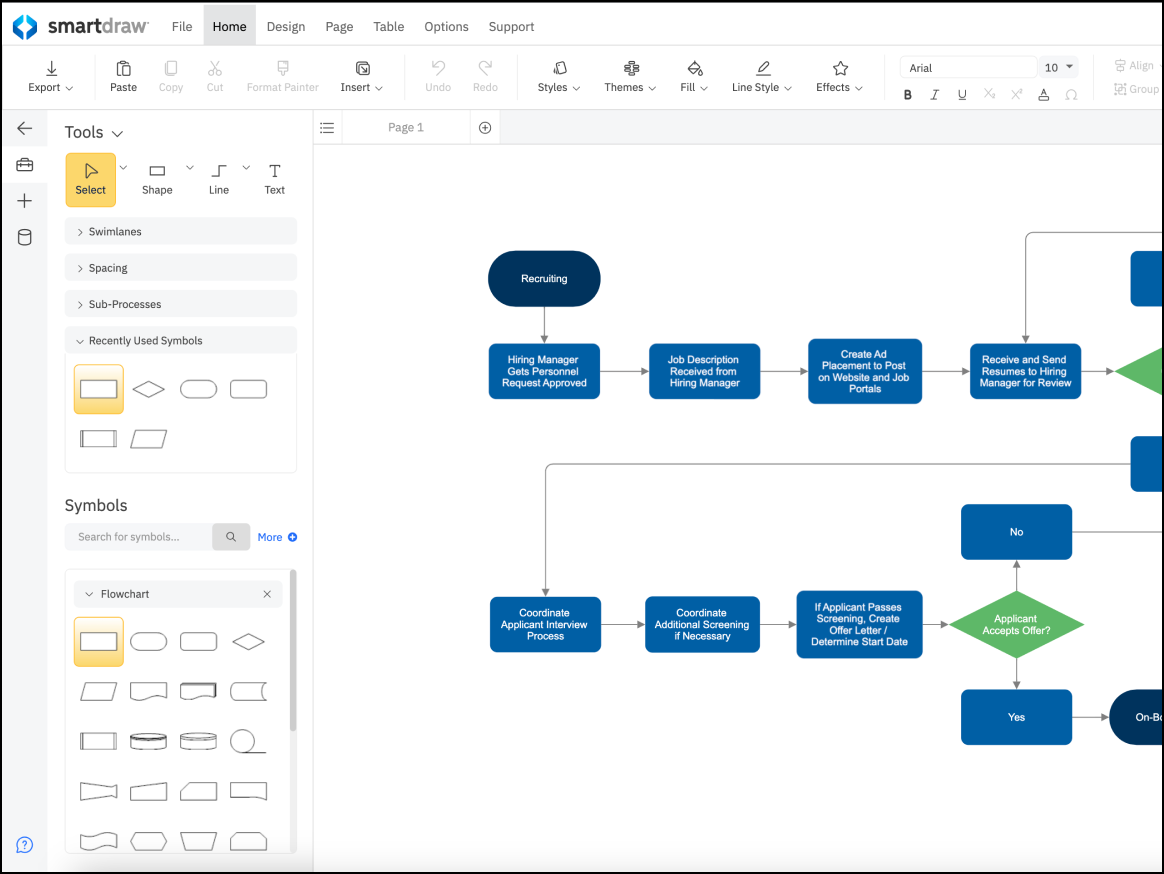
SmartDraw, opens in a new tab is widely used by business professionals who aren’t design experts but need to create diagrams quickly that are immediately accessible to stakeholders. This software is people’s top choice when they prefer automated formatting over manual drag-and-drop diagramming. SmartDraw is heavily used in healthcare, legal, and corporate settings.
Notable features include:
- Intelligent formatting: Automatically connects and aligns shapes
- Landscape design and floor plans: Includes template options not offered by most other draw.io alternatives
- Data visualization: Generates charts from Excel data, AWS, and more
Notable integrations include Google Workspace, Atlassian stack, and Microsoft Office.
Pros: SmartDraw offers a wide variety of diagram types, so there’s something for everyone, and users appreciate its powerful automation capabilities.
Cons: The software can be more expensive than other draw.io alternatives, especially for users on the individual plan. Users have also complained that SmartDraw’s web interface runs more slowly than most desktop applications.
Lucidchart
Best for intelligent features
Capterra rating: 4.5/5, opens in a new tab
Pricing: Free for three editable documents. Paid individual, team, and enterprise plans available.
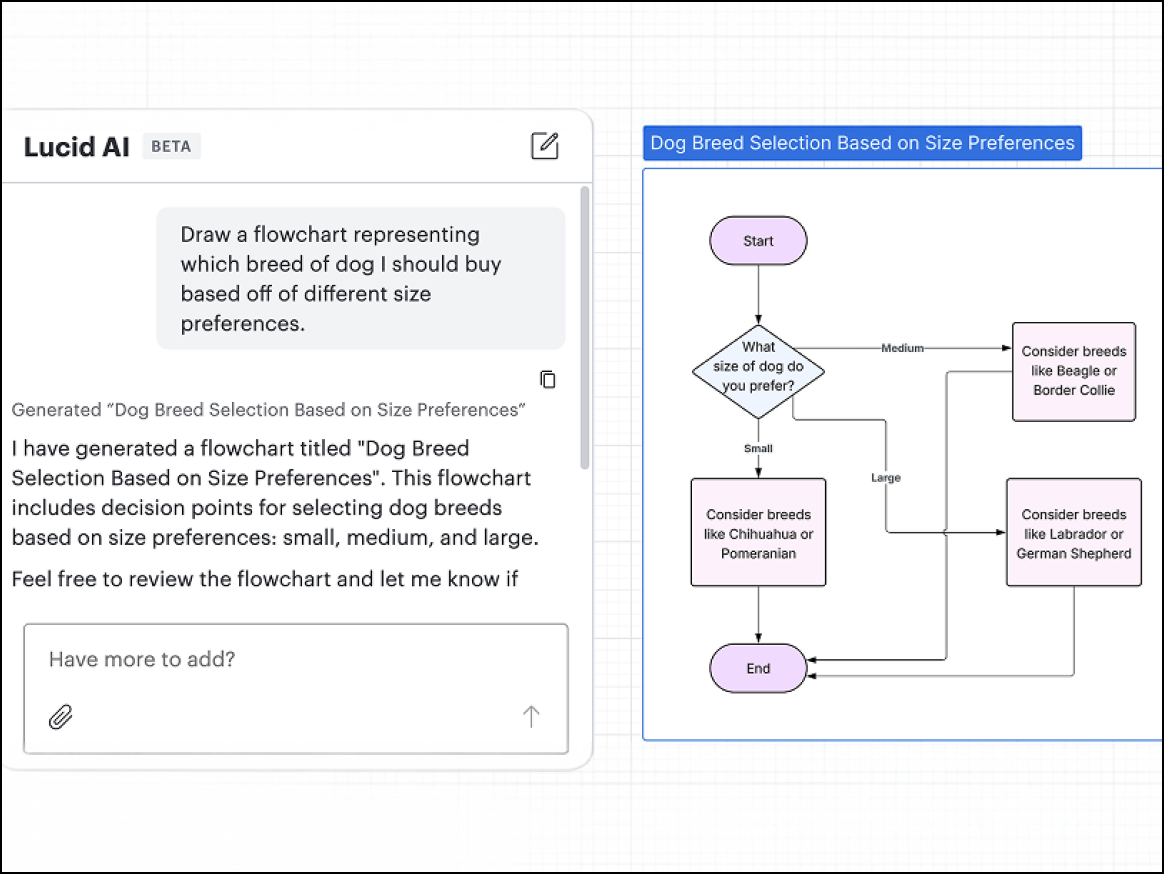
Lucidchart, opens in a new tab is the core intelligent diagramming application in the Lucid Suite and is best suited for organizations that need to create living documentation where diagrams are not just static images but are linked to live data sources. Lucidchart is widely used by business operations, IT, and engineering teams.
Notable features include:
- Layers and hotspots: Create interactive diagrams and hide or show layers of detail with just one click of a button.
- Data linking: Connect shapes to live data from Salesforce, Excel, or Google Sheets, so diagrams update automatically.
- Conditional formatting: Determine rules that change the icon or color of shapes based on underlying data (e.g., a server turns red if utilization is less than 80%).
- Universal canvas: Seamlessly switch between Lucidchart for diagramming purposes and Lucidspark for whiteboarding without losing context.
Notable integrations include Atlassian (Jira/Confluence), Slack, Salesforce, Google Workspace, and Microsoft 365.
Pros: Lucidchart boasts an industry-standard interface and powerful data features. With excellent cross-platform performance, the platform is consistently ranked as a market leader for its ease of use, “smart” features such as data linking, and a professional feature set.
Cons: Lucidchart offers advanced data and automation features, but those are locked behind the higher pricing tiers.
Visio
Best for strict or formal documentation
Capterra rating: 4.5/5, opens in a new tab
Pricing: Paid subscription (Plan 1 or Plan 2) or one-time purchase
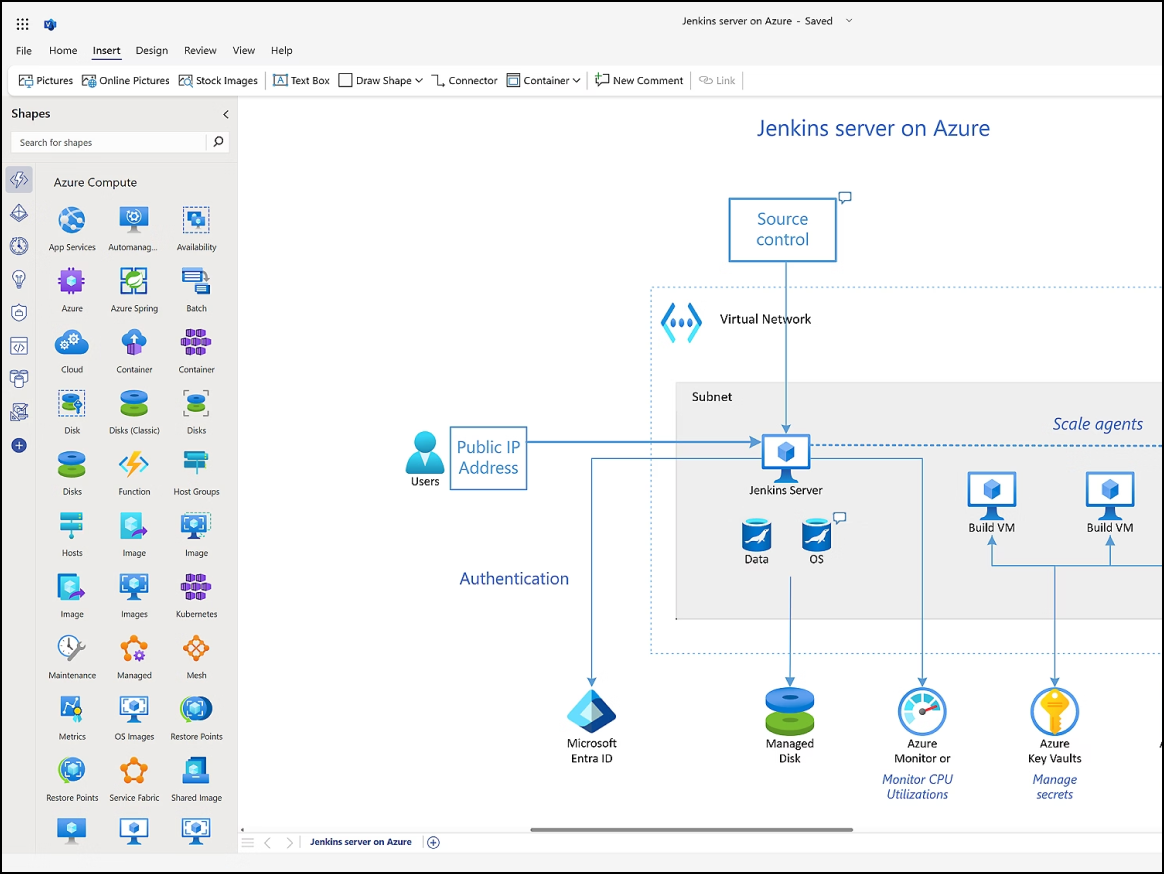
Visio, opens in a new tab is diagramming software included in the Microsoft 365 suite. Visio is commonly used among construction, engineering, and IT teams since it’s best suited for use cases that require formal, industry-standard documentation and strict adherence to modeling standards such as IEEE or BPMN.
Notable features include:
- Industry stencils: Access extensive libraries for piping, electrical, and network engineering.
- Power Automate: Turn process maps in Visio into functional workflows.
- AutoCAD support: Import and mark up AutoCAD designs.
Notable integrations include Microsoft 365, Power BI, and AutoCAD.
Pros: Visio is praised for its offline capabilities and stability, and is well known for its large library of technical diagrams.
Cons: Visio is frequently criticized for being outdated, difficult to use, and expensive compared to other draw.io alternatives. The platform also has a steep learning curve, and Mac support is very limited.
Creately
Best for HR and operations teams
Capterra rating: 4.4/5, opens in a new tab
Pricing: Free and paid subscriptions available
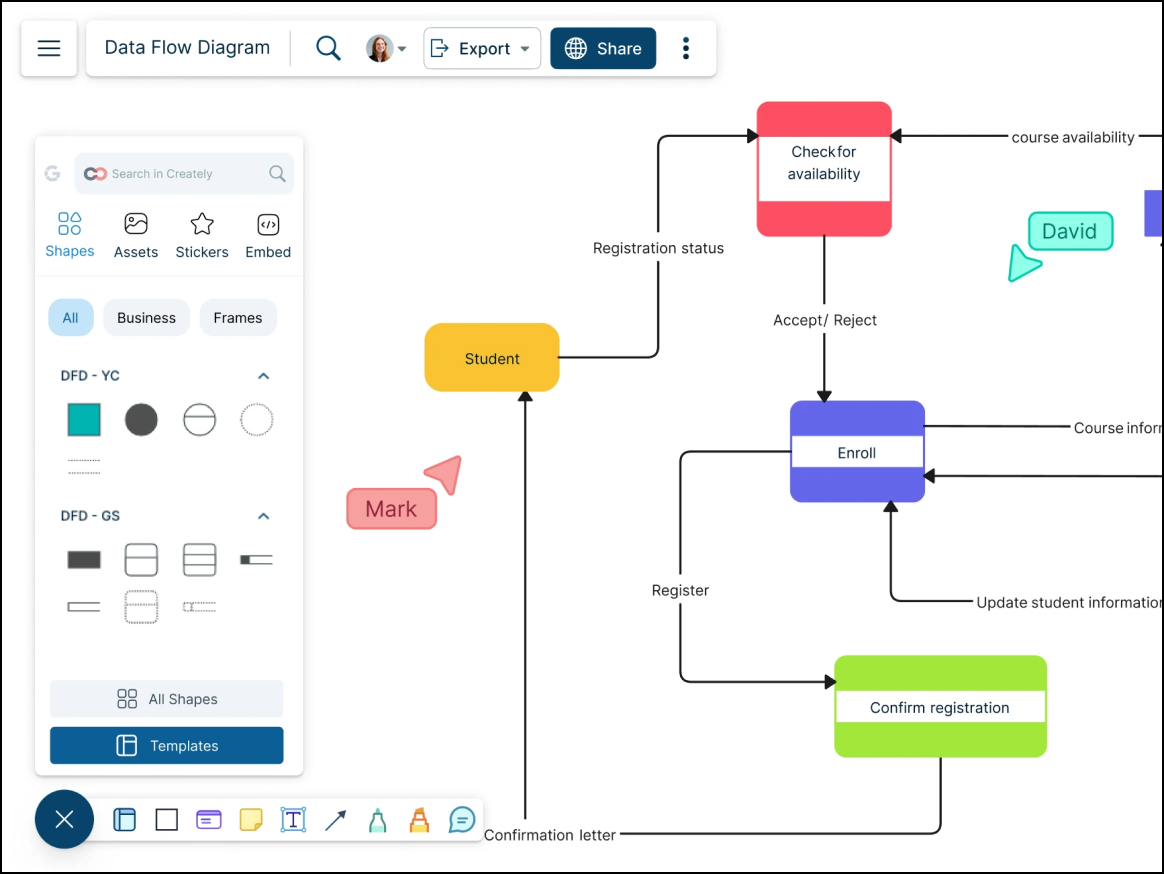
Creately, opens in a new tab is a visual workspace that’s popular among HR and operations teams that need to attach data to their visuals. Many of these teams use Creately to generate process flows and org charts that require metadata, notes, or tasks.
Notable features include:
- Shape data: Users can define custom fields and data for any shape on the canvas.
- Efficient folder management: The platform’s organizational hierarchy is easy to follow.
- One-click create: A contextual toolbar allows users to quickly draw the next shape in the flow.
- Universal search: Users are able to search across all shape text and diagrams.
Notable integrations include Confluence, Google Drive, and Slack.
Pros: Users like that Creately is available at an affordable price and appreciate the platform’s data linking capabilities. The smart drawing features also make diagram creation more efficient.
Cons: The mobile experience of Creately tends to be limited. Some users have reported minor bugs with connector lines, and other users have noted that the interface becomes cluttered when using particularly complex diagrams.
Edraw (EdrawMax)
Best for an extensive template library
Capterra rating: 4.5/5, opens in a new tab
Pricing: Free and paid subscriptions available
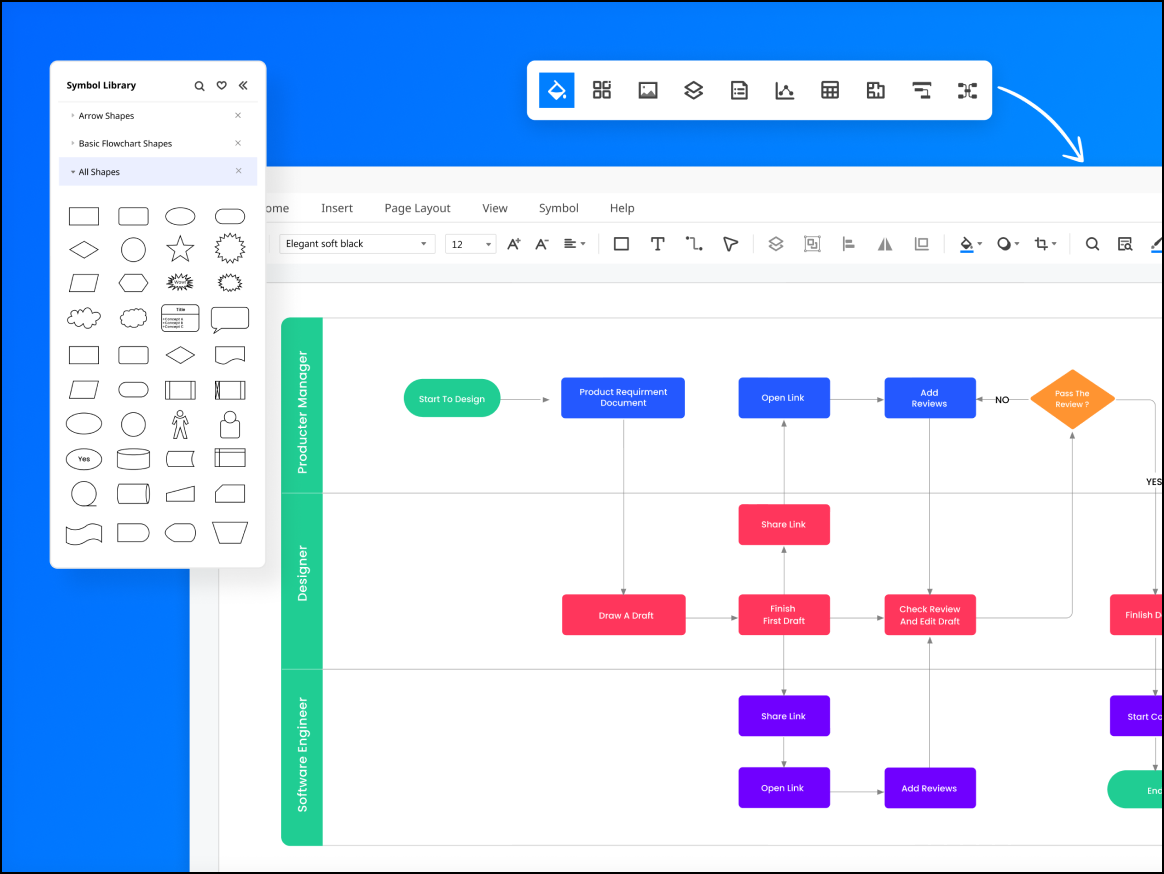
Edraw, opens in a new tab is a diagramming tool that’s known for its massive library of templates and resources. The platform has a colorful, modern interface and appeals to a wide variety of users, from fashion designers to electrical engineers, due to its range of specialized templates.
Notable features include:
- 280+ diagram types: Access a community-driven library of templates that covers niche areas such as fashion design, science illustration, and floor plans
- AI Assistant: Generate diagrams from text prompts using AI.
- Cross-platform: Use on Windows, Web, Linux, and macOS.
Notable integrations include Google Drive, Microsoft Office, and Dropbox.
Pros: Edraw is known for its sheer volume of templates and its ease of use. Users also enjoy the option of a lifetime license, which is rare for many software products.
Cons: Users have reported slow customer support response times, and the platform’s cloud collaboration capabilities are not as robust as some other draw.io alternatives.
Gliffy
Best for Confluence and Jira users
Capterra rating: 4.3/5, opens in a new tab
Pricing: Available as a paid add-on
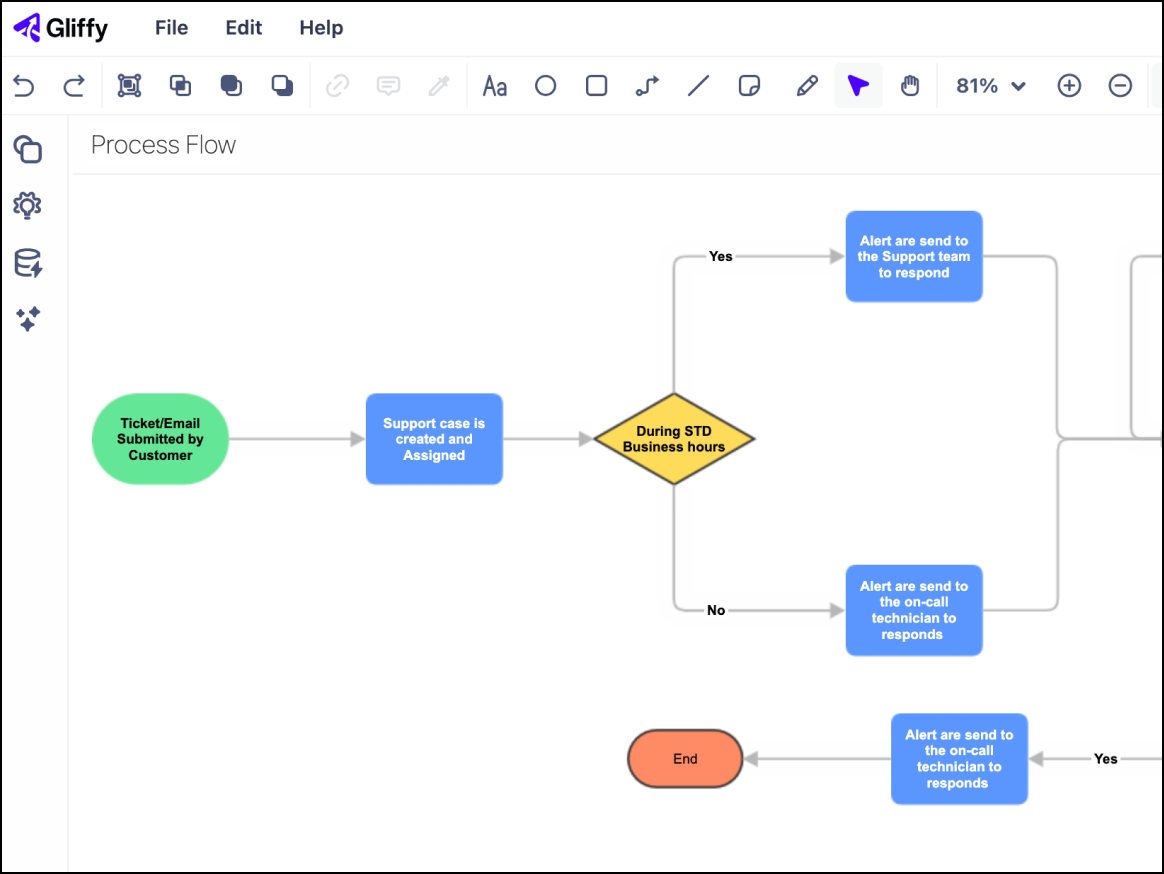
Gliffy, opens in a new tab is the default diagramming tool for teams that are heavily embedded in the Atlassian ecosystem (using Confluence and Jira). The platform allows users to create technical documentation and diagrams without ever having to leave their Confluence wiki pages.
Notable features include:
- Native Confluence integration: Diagrams are indexed and searchable within users’ Confluence wiki.
- Real-time collaboration: Newer versions support simultaneous editing of diagrams.
- Code-to-diagram: Users can automatically visualize Mermaid.js code blocks.
- Interactive layers: Layers can be toggled on or off directly in the Confluence page.
Notable integrations include Confluence, Jira, and Trello.
Pros: Users highly value Gliffy’s seamless integration with Atlassian and its convenience. Security also resides within existing instances.
Cons: A primary complaint about the platform is that it lacks the advanced interface and features of most other diagramming tools. It also has limited functionality outside of the Atlassian ecosystem and offers fewer templates than other draw.io alternatives.
Visual Paradigm
Best for DevOps or Agile processes
Capterra rating: 4.3/5, opens in a new tab
Pricing: Only available with a subscription or perpetual license
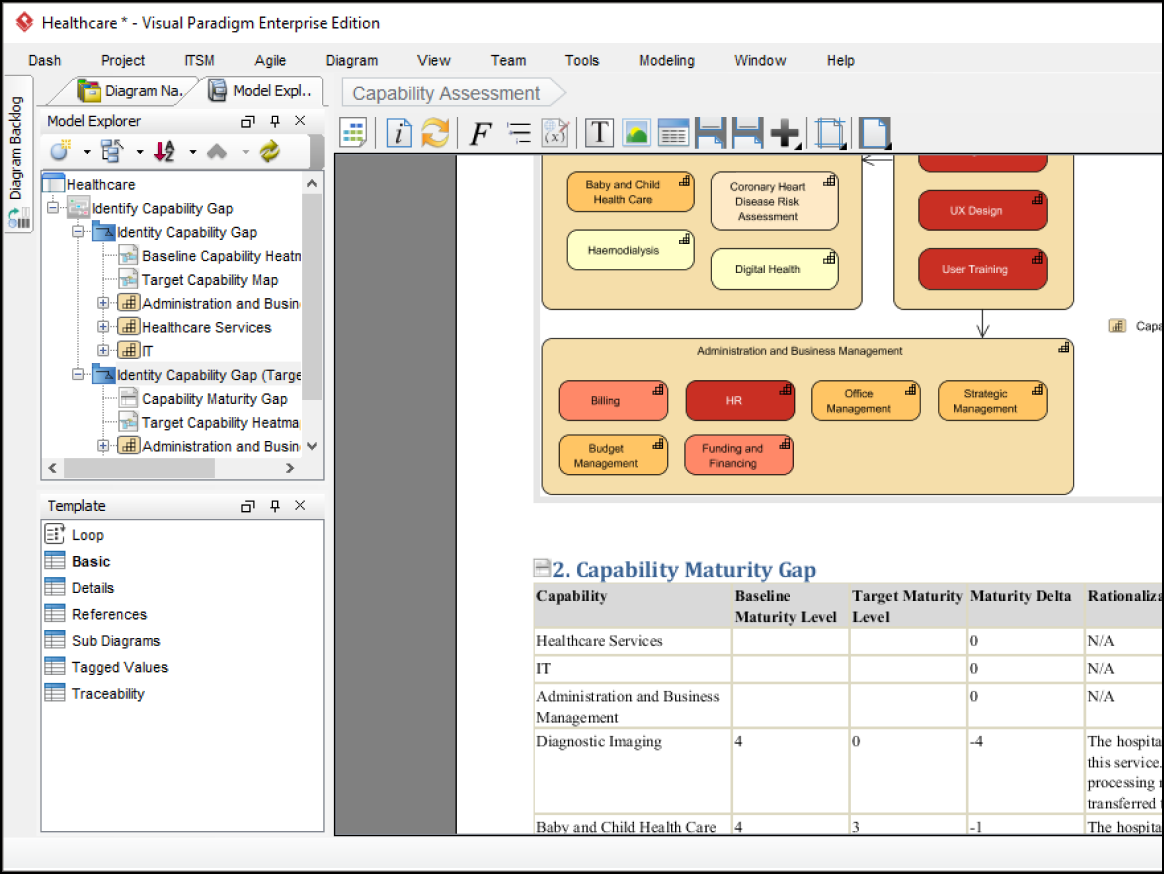
Visual Paradigm, opens in a new tab is a diagramming tool popular among project managers, enterprise architects, and software engineers who are deeply invested in Agile and UML/SysML modeling. Many users rely on Visual Paradigm as a heavy-duty modeling environment for visualizing software lifecycles and complex systems.
Notable features include:
- Code generation: Turns UML class diagrams into CCode or Java, and vice versa
- PMBOK templates: Includes tools that specifically support project management compliance
- Guide-through process: Includes step-by-step wizards for common Agile processes such as Scrum
- Customer journey mapping: Integrates CX tools alongside technical diagrams
Notable integrations include NetBeans, IntelliJ, Visual Studio, and Eclipse
Pros: Visual Paradigm is highly respected in the technical community for its comprehensive feature set. The platform is also very popular among software architects, as it supports rigorous architectural standards.
Cons: Casual users can find Visual Paradigm overwhelming to navigate and use. There tends to be a steep learning curve even for technical users, and some people have reported that the UI feels outdated.
Choose your draw.io alternative today
Diagramming software is indispensable for many people in their day-to-day work, regardless of their role or company. While draw.io is a functional tool for people who need a quick, free diagramming option, the platform’s capabilities and collaboration features are limited.
Alternatives such as Edraw and Lucidchart offer extensive template libraries and intelligent features that make it easier for draw.io users to expand on their diagramming possibilities and collaborate with their teams. Check out some of the draw.io alternatives we’ve listed and see how much further you can take your diagramming.
Visualize people, processes, and systems with Lucid
Lucidchart’s advanced diagramming features help you communicate complex ideas, enhance collaboration, and boost innovation.
Check it out