SmartDraw is known for its floor plans and other diagramming capabilities, but teams need a tool that moves beyond creating basic visuals. They need a workspace that combines collaboration, intuitive diagramming, and connected workflows.
This article explores the most effective SmartDraw competitors, comparing pricing, features, and integration power to help you better visualize your people and workflows.
SmartDraw alternatives summary
- draw.io
- Lucidchart
- Creately
- Visio
- Visual Paradigm
- Edraw (EdrawMax)
- Gliffy
What is SmartDraw?
SmartDraw is an enterprise-grade visual diagramming platform that helps professionals create floor plans, flowcharts, org charts, and more. Teams can generate complex visuals from external data sources. SmartDraw helps people visualize their spaces, processes, and plans across multiple industries.
What makes for a good SmartDraw alternative?
When researching the best diagramming tools on the market, we didn’t just look at features; we sought platforms that provide robust technical capabilities while actively promoting team alignment and clarity. While SmartDraw is helpful for asynchronous technical work, the best SmartDraw alternatives bridge the gap between creating a diagram and taking action.
We prioritized the following categories to help you evaluate which tool fits your workflow best:
- Ease of use: We looked at tools that balance professionalism with an intuitive interface, ensuring team members spend more time on meaningful work than figuring out software.
- Integration: We prioritized apps that integrate seamlessly with your existing tech stack.
- Data automation: We evaluated each tool’s ability to generate diagrams automatically from external data sources like CSVs, SQL, and other systems, to create accurate diagrams without manual data entry.
- Versatility: We sought canvases that address multiple challenges, such as brainstorming, sharing, and alignment.
Every team has unique needs, but the best SmartDraw alternatives share a few characteristics:
- Single source of truth: Embed live data directly into your diagram to keep important information where everyone on your team will see it.
- Competitive pricing: Free and low-cost plans let you test the product’s diagramming capabilities before committing to a paid license.
- Alignment features: Teams can collaborate in real time to edit, comment, share, and create powerful visuals.
Key takeaways
| Best for | Feature highlight | Pricing | |
| draw.io | Developers and students | Offline mode, vast shape library, embed mode | Free, paid apps available for Confluence and Jira |
| Lucidchart | Engineering, IT, and business operations teams | Data linking, conditional formatting, AI diagramming, universal canvas, layers, and hotspots | Free, paid (Individual, Team, Enterprise) |
| Creately | Operations and HR teams | One-click styling, universal search, and folder management | Free, paid (Personal, Team, Business, Enterprise) |
| Visio | Engineering, IT, and construction teams | Data linking, AutoCAD support, Power Automate | Paid |
| Visual Paradigm | Software engineers, and Agile teams | Guide-Through Process, code generation, customer journey mapping | Paid |
| Edraw (EdrawMax) | Technical teams | Hundreds of diagram types, robust template gallery, AI diagram generation | Free, paid |
| Gliffy | Atlassian users | Native Confluence integration, code-to-diagram, interactive layers | Paid (add-on for Confuence and Jira users) |
SmartDraw alternatives
draw.io
Best for students and developers
Capterra rating: 4.6/5, opens in a new tab
Pricing: Free (open source). Paid apps available for Confluence and Jira.
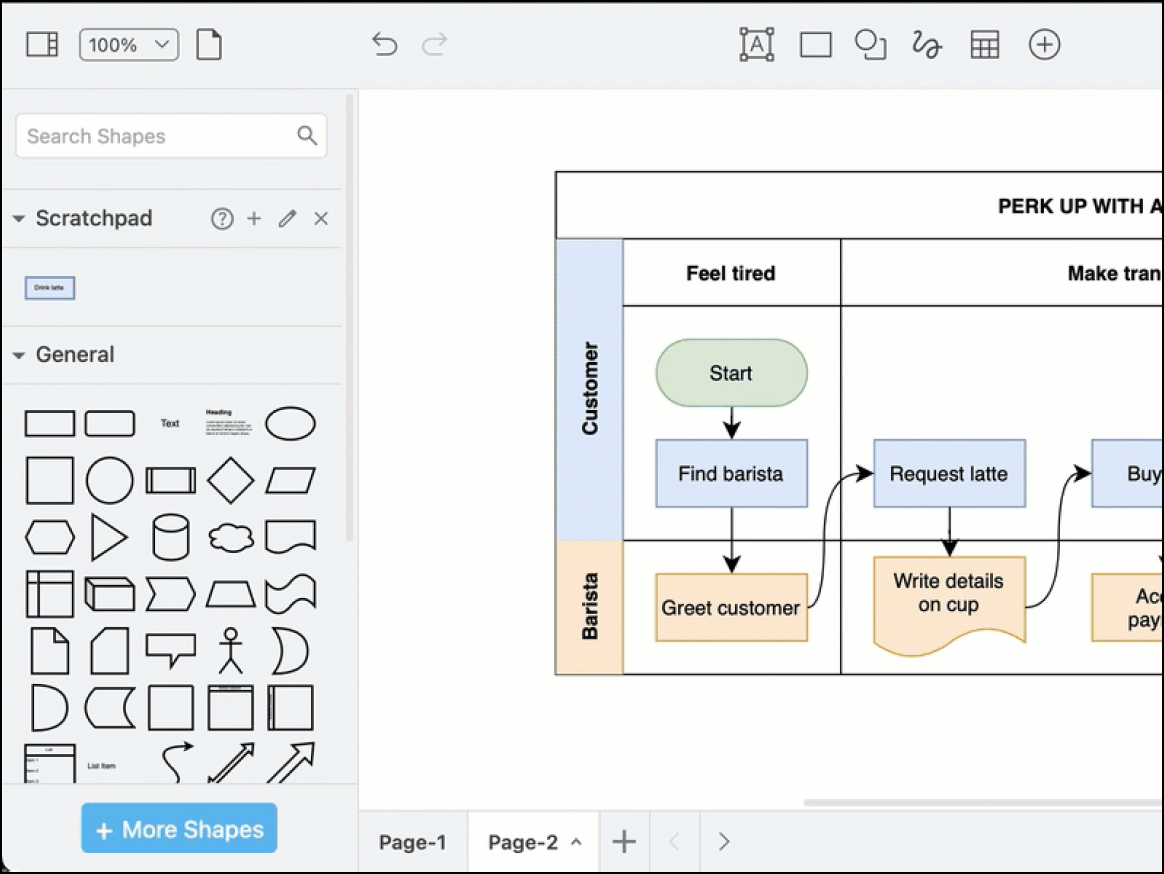
draw.io, opens in a new tab is the no-nonsense solution for developers, students, and privacy-conscious teams. It is valued for its free web and desktop applications and its security-first model.
Notable features include:
- Bring your own storage model: Saves files to your preferred provider or your local machine
- Extensive shape libraries: Provides shapes for UML, ERD, AWS architecture, and network infrastructure
- Embed: Adds diagrams into internal documentation
- Offline desktop app: Lets users diagram without an internet connection
Notable integrations include Google Workspace, GitHub, GitLab, Confluence, and Jira.
Pros: Draw.io has a strong security system, and no account is needed to get started.
Cons: Users have noted that the UI feels less polished than other diagramming apps.
Lucidchart
Best for engineering, IT, and business operations teams
Capterra rating: 4.5/5, opens in a new tab
Pricing: Free for up to three editable boards. Paid subscriptions available
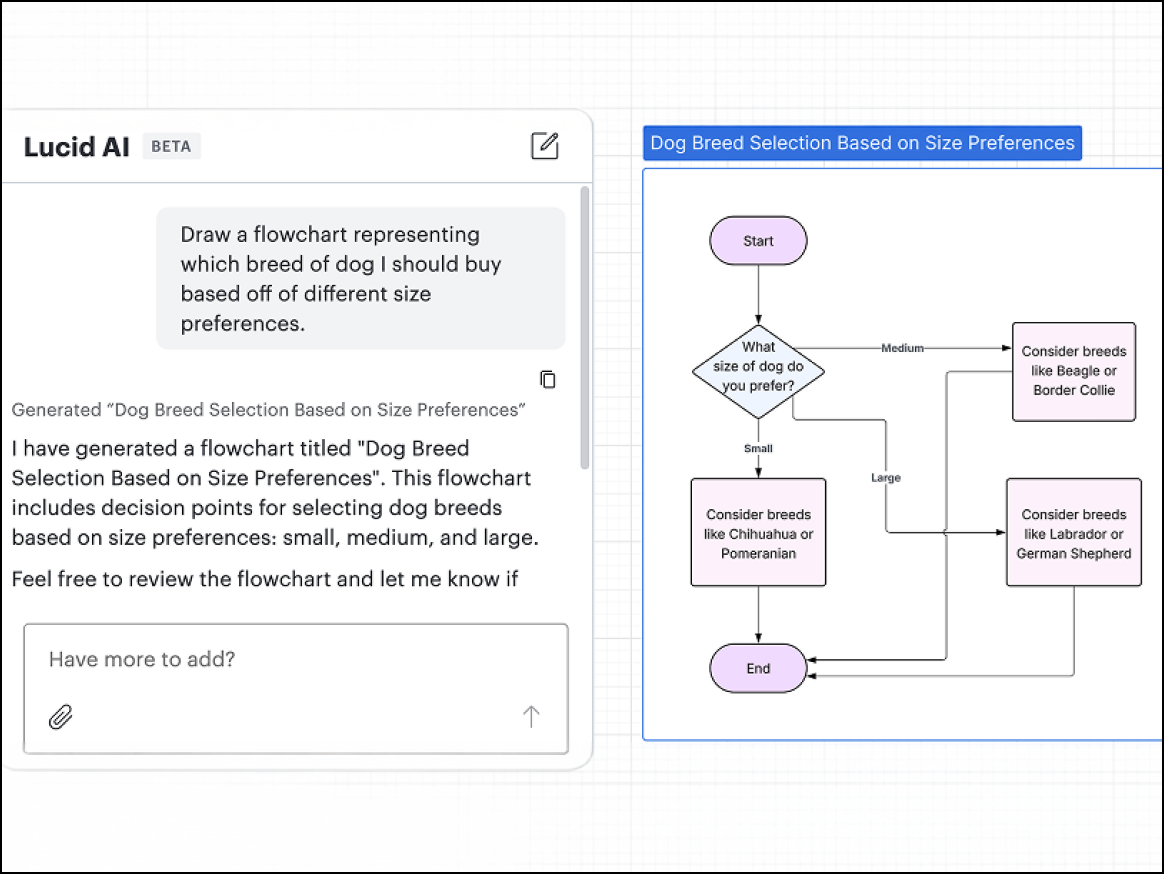
Lucidchart, opens in a new tab is the intelligent diagramming application built for teams. Part of the Lucid Visual Collaboration Suite, opens in a new tab, Lucidchart provides a powerful canvas where teams can diagram their people, processes, and systems in real time.
Notable features include:
- Data linking: Connects shapes to live data from Excel, Google Sheets, or Salesforce to update diagrams automatically
- Conditional formatting: Applies rules to your diagrams that automatically change the color or icon of shapes based on underlying data
- AI diagramming: Uses text prompts to automatically generate diagrams on your canvas.
- Universal canvas: Switches seamlessly between Lucidchart and Lucidspark (Lucid’s virtual whiteboarding application)
- Templates: Provides hundreds of customizable templates for every use case
Notable integrations include Microsoft 365, Atlasian, Salesforce, and Slack.
Pros: Lucidchart has an excellent cross-platform performance with robust data features.
Cons: Advanced data features require an Enterprise plan.
Creately
Best for operations and HR teams
Capterra rating: 4.4/5, opens in a new tab
Pricing: Free and paid subscriptions available
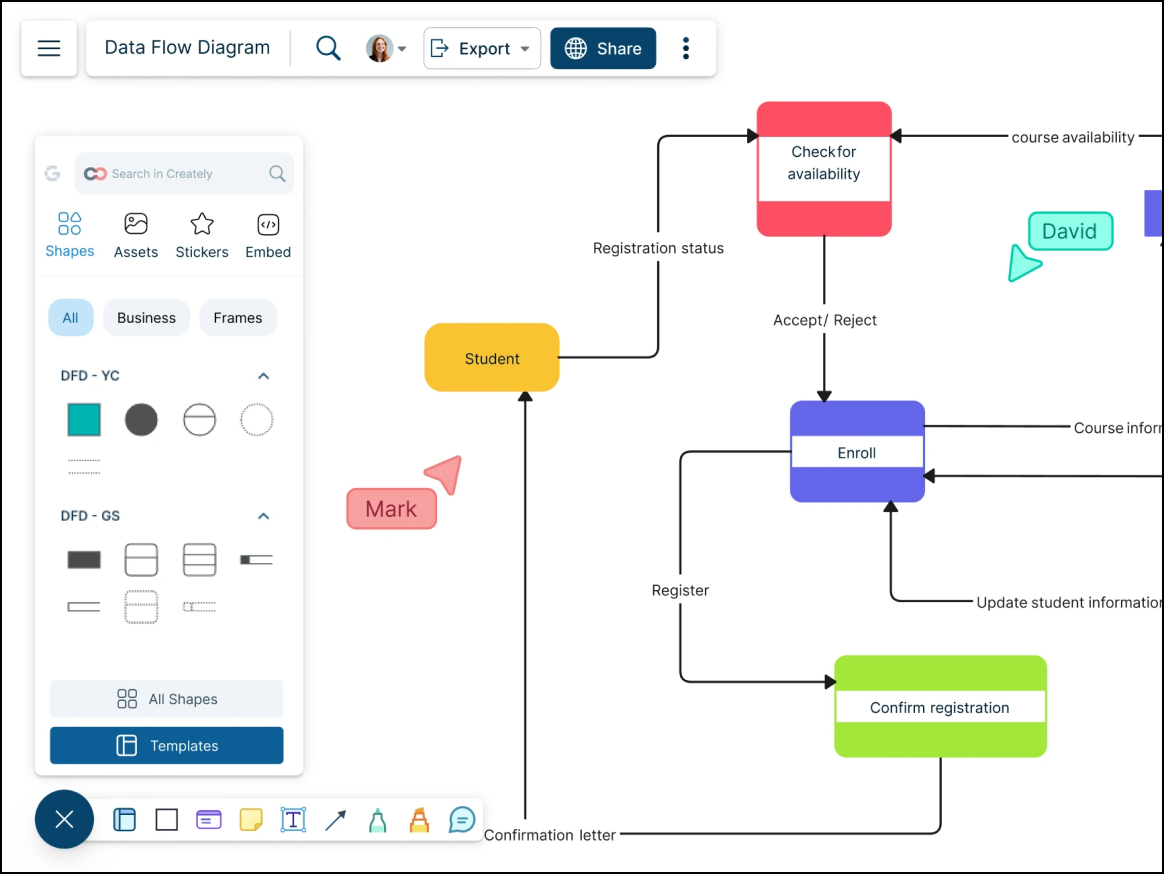
Creately, opens in a new tab is a data-driven visual workspace that goes beyond simple drawing by allowing teams to attach live data, detailed notes, and tasks directly to objects on the canvas. Many operations and HR teams choose Creately to manage complex org charts and process flows that require embedded metadata.
Notable features include:
- Contextual toolbar: Predicts your next move, allowing you to select and snap the next shape into a flow without dragging from a sidebar
- Universal search: Allows users to search across all workspaces, diagrams, and shape text
- Organizational hierarchy: Navigates content using a top-down hierarchy, allowing teams to easily search by region, division, or other custom categories.
Notable integrations include Slack, Google Drive, and Confluence.
Pros: Creately’s smart drawing features help speed up diagramming, and users appreciate the affordability.
Cons: Users have noted that the interface can feel cluttered.
Visio
Best for engineering, IT, and construction teams
Capterra rating: 4.5/5, opens in a new tab
Pricing: Paid subscription or one-time purchase
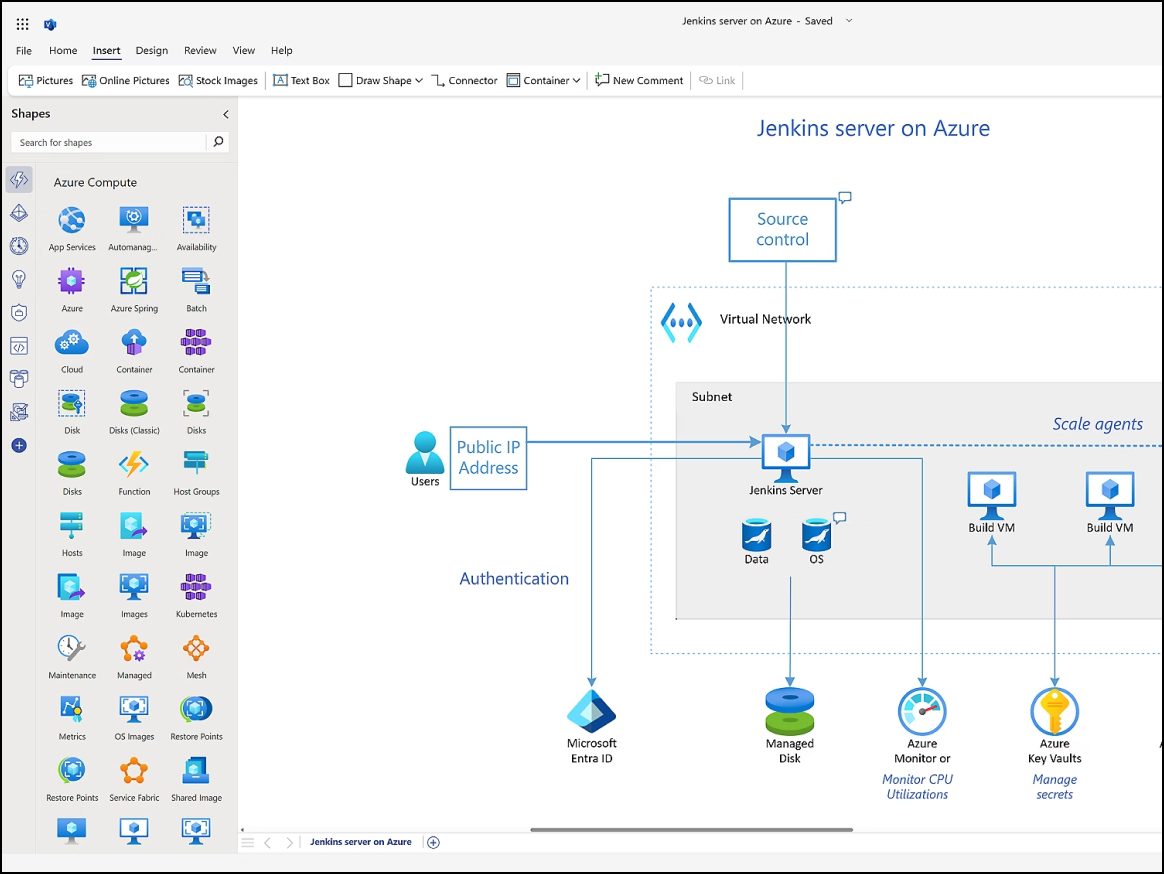
Visio, opens in a new tab has remained a major competitor in the diagramming space for large enterprises, particularly in engineering, IT, and construction, where formal, industry-standard documentation is required. It is best suited for users who need deep detail, precise formatting, and strict adherence to modeling standards.
Notable features include:
- Data linking: Connect shapes to live data sources to visualize real-time changes
- Large library of stencils for electrical, piping, and network engineering.
- AutoCAD import: Import and markup AutoCAD designs.
- Process map export: Design process maps in Visio and export them into functional workflows.
Notable integrations include Microsoft 365, AutoCAD, and Power BI.
Pros: Visio offers online capabilities and has the capacity for in-depth technical diagrams.
Cons: Visio plans can be expensive, with a steep learning curve and poor real-time collaboration.
Visual Paradigm
Best for software engineers and Agile teams
Capterra rating: 4.3/5, opens in a new tab
Pricing: Paid subscription or one-time purchase
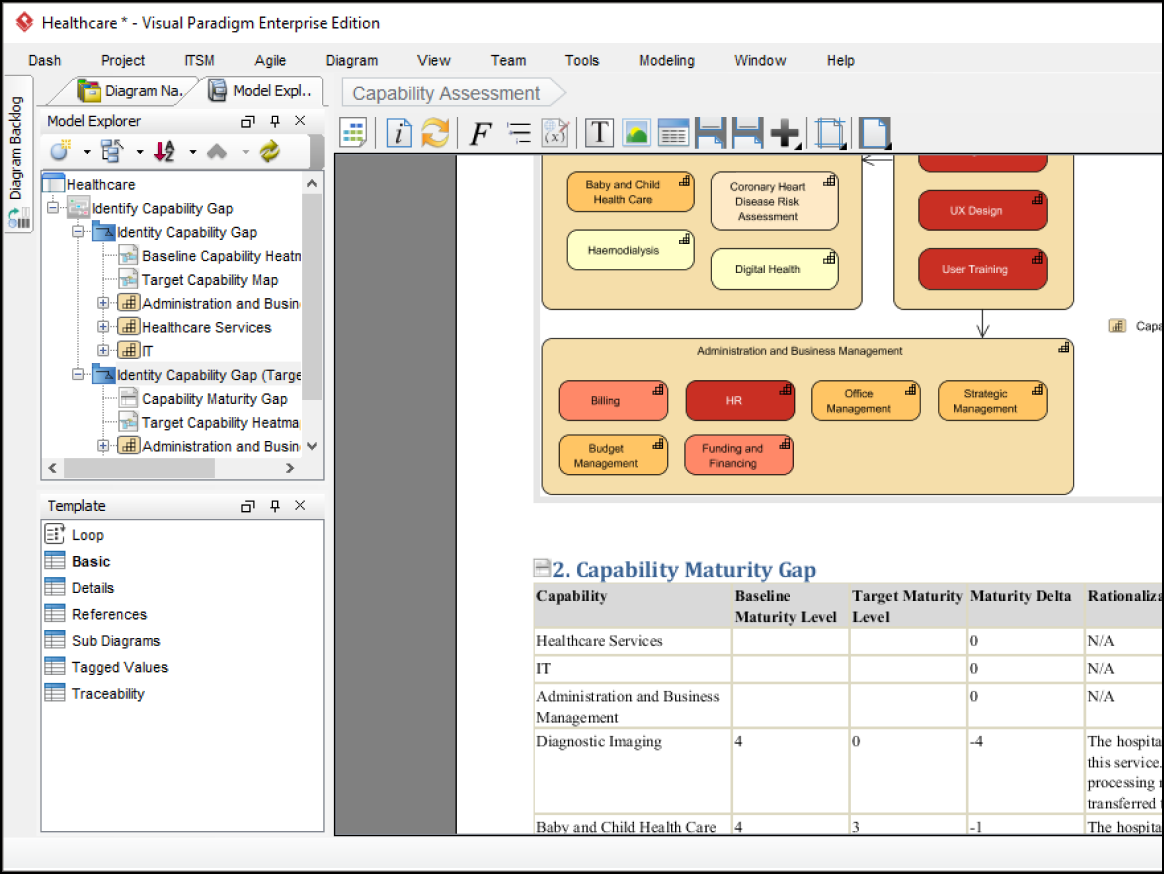
Visual Paradigm, opens in a new tab is a robust tool for enterprise architects, engineers, and Agile project managers. It is a model-driven engine that bridges the gap between high-level strategy and technical execution.
Notable features include:
- Code generation: Turns UML class diagrams into Java and C code
- Integrated CX tools: Help users intuitively create customer journey maps
- Project management: Equips teams with powerful, centralized project management tools that integrate workflows and accelerate cross-functional alignment.
Notable integrations include Eclipse, Visual Studio, IntelliJ, and NetBeans.
Pros: Visual Paradigm is a powerful tool for software architects because it supports rigorous requirements.
Cons: Some users have noted the steep learning curve and outdated interface.
Edraw (EdrawMax)
Best for technical teams
Capterra rating: 4.5/5, opens in a new tab
Pricing: Free and paid subscriptions available
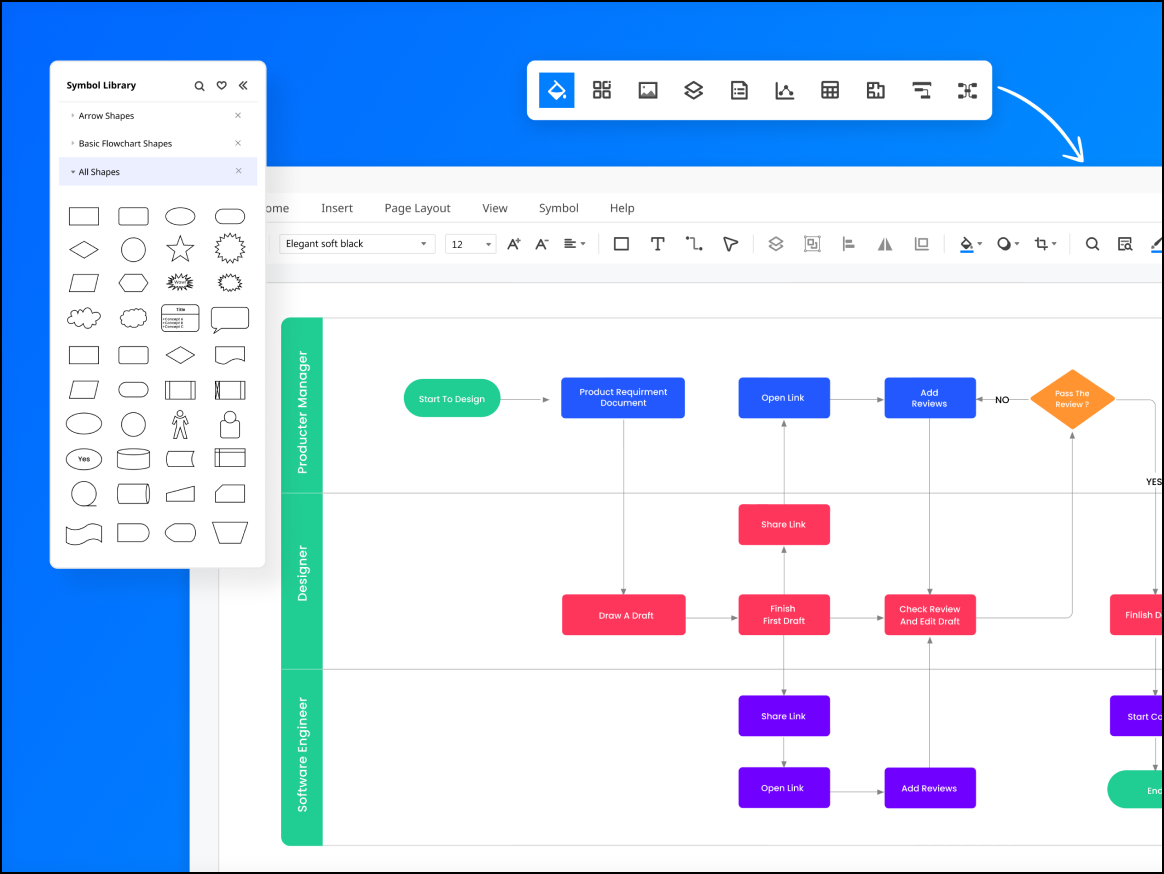
Edraw, opens in a new tab is a versatile diagramming platform known for its colorful, creative approach to visual communication. It is used across industries—from fashion design to engineers and beyond.
Notable features include:
- Templates: Provides thousands of community-driven templates
- Multi-platform: Works well across platforms, including Windows, macOS, and Linux
- Freedom to create: Supports over 280 diagram types
- AI diagramming: Generates diagrams using simple text prompts
Notable integrations include Microsoft 365, Google Drive, and Dropbox.
Pros: Edraw offers a one-time purchase option, is easy to use, and has an extensive asset library.
Cons: Some have noted that Edraw offers limited collaboration and a busy interface.
Gliffy
Best for Atlassian users
Capterra rating: 4.3/5, opens in a new tab
Pricing: Available as a paid add-on
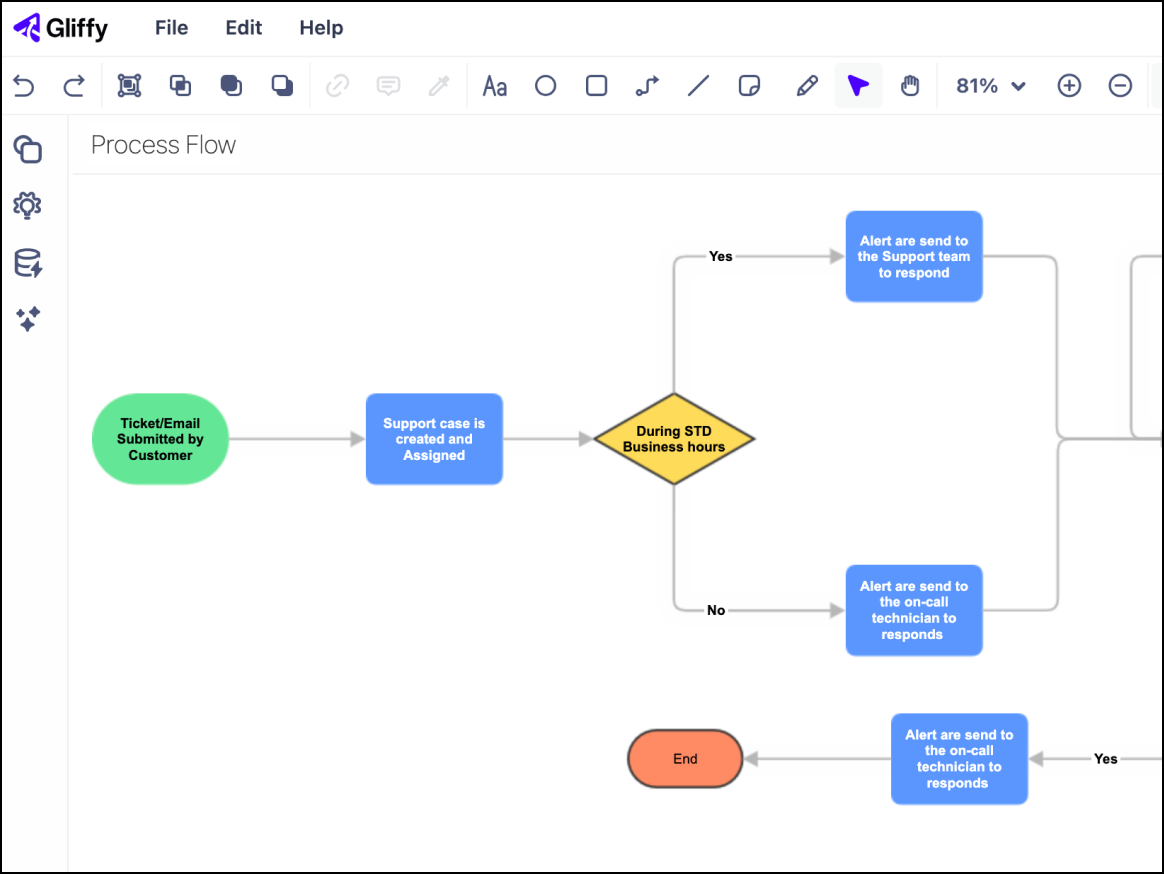
Gliffy, opens in a new tab is a diagramming tool almost exclusively used by teams embedded in the Atlassian ecosystem. It is built for users who need to create technical documentation directly within their wiki pages.
Notable features include:
- Layers: Toggle layers on and off directly in the Confluence page.
- Native Confluence integration: Search diagrams indexed within the wiki.
- Mermaid visualization: Automatically visualize Mermaid.js code blocks.
Notable integrations include Jira, Confluence, and Trello.
Pros: Gliffy offers a seamless experience for Atlassian users with strong security parameters.
Cons: Gliffy has limited functionality outside of Atlassian.
Find your SmartDraw alternative
here are many diagramming apps on the market that can replace SmartDraw, but the right choice depends on your team’s specific needs for collaboration. Use the information above to find a solution that doesn’t just replace SmartDraw, but one that accelerates your workflow.
Interested in Lucidchart?
Sign up for a free account and experience the capabilities for yourself.
Try free