Published date: Feb 13, 2024
Last updated: Oct 23, 2026
Lucidchart vs. SmartDraw
Compare the SmartDraw diagramming tool with Lucidchart, the intelligent diagramming application. See how Lucidchart beats SmartDraw on real-time collaboration and more.


Lucid is the leader in visual collaboration
Lucid saves time and effort with automation
Lucid supports every stage of your workflow



With 70 million users worldwide, Lucid is the most used visual collaboration platform. SmartDraw is less advanced and offers limited collaboration features.
Why teams choose Lucidchart
Collaboration in real time or anytime
Lucidchart boosts collaboration by allowing teams to update and comment on diagrams simultaneously. SmartDraw allows users to work together on diagrams, but it lacks Lucidchart’s advanced collaboration features, such as the ability to see a document’s version history, invite collaborators with a Join ID, and share via Presentation Mode.
Customizable for a broad range of use cases
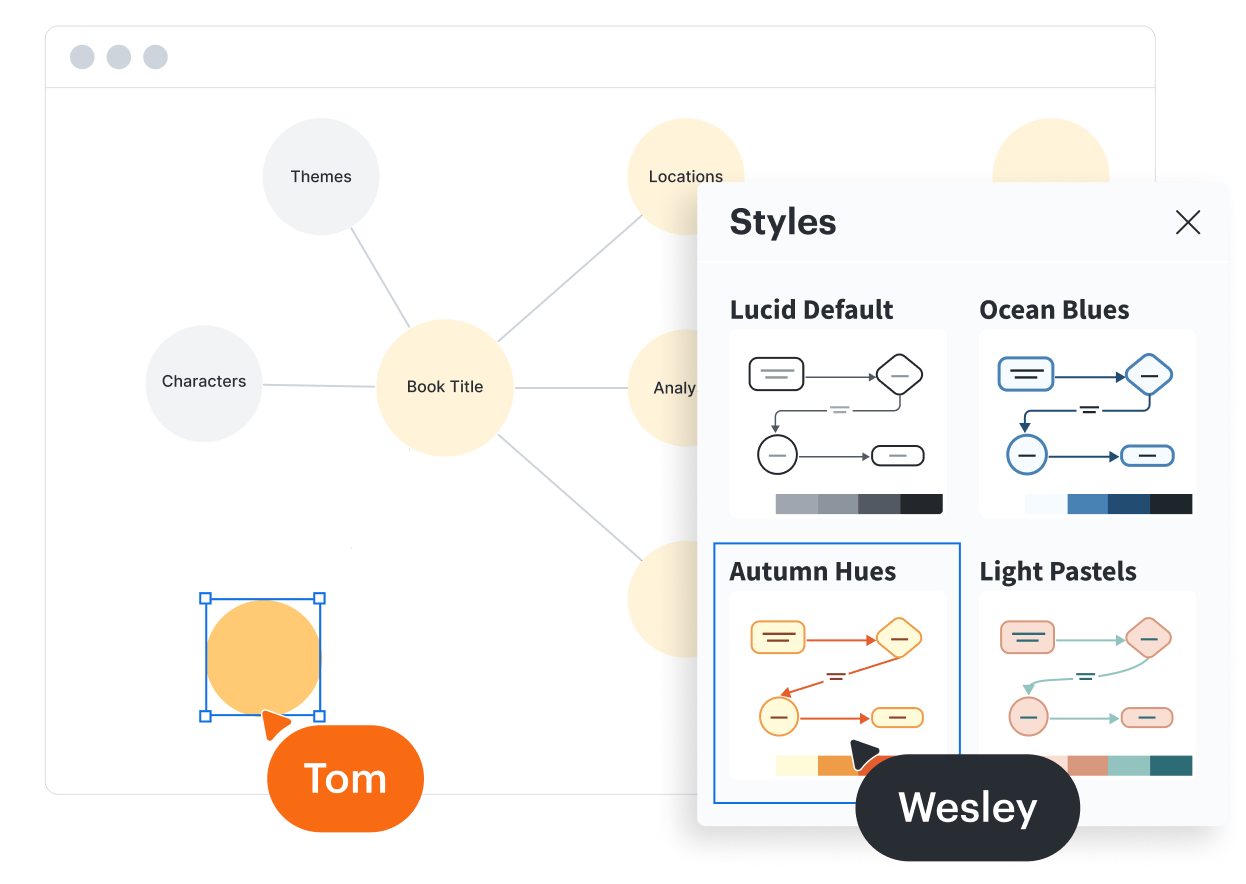
With Lucidchart, you can create custom shape libraries with custom shape data to standardize documentation for your team or organization. You can also choose from more than 1,000 templates to help you visualize anything faster. While SmartDraw offers a range of shapes and templates, the ability to customize these elements is limited.
More integrations to support more use cases
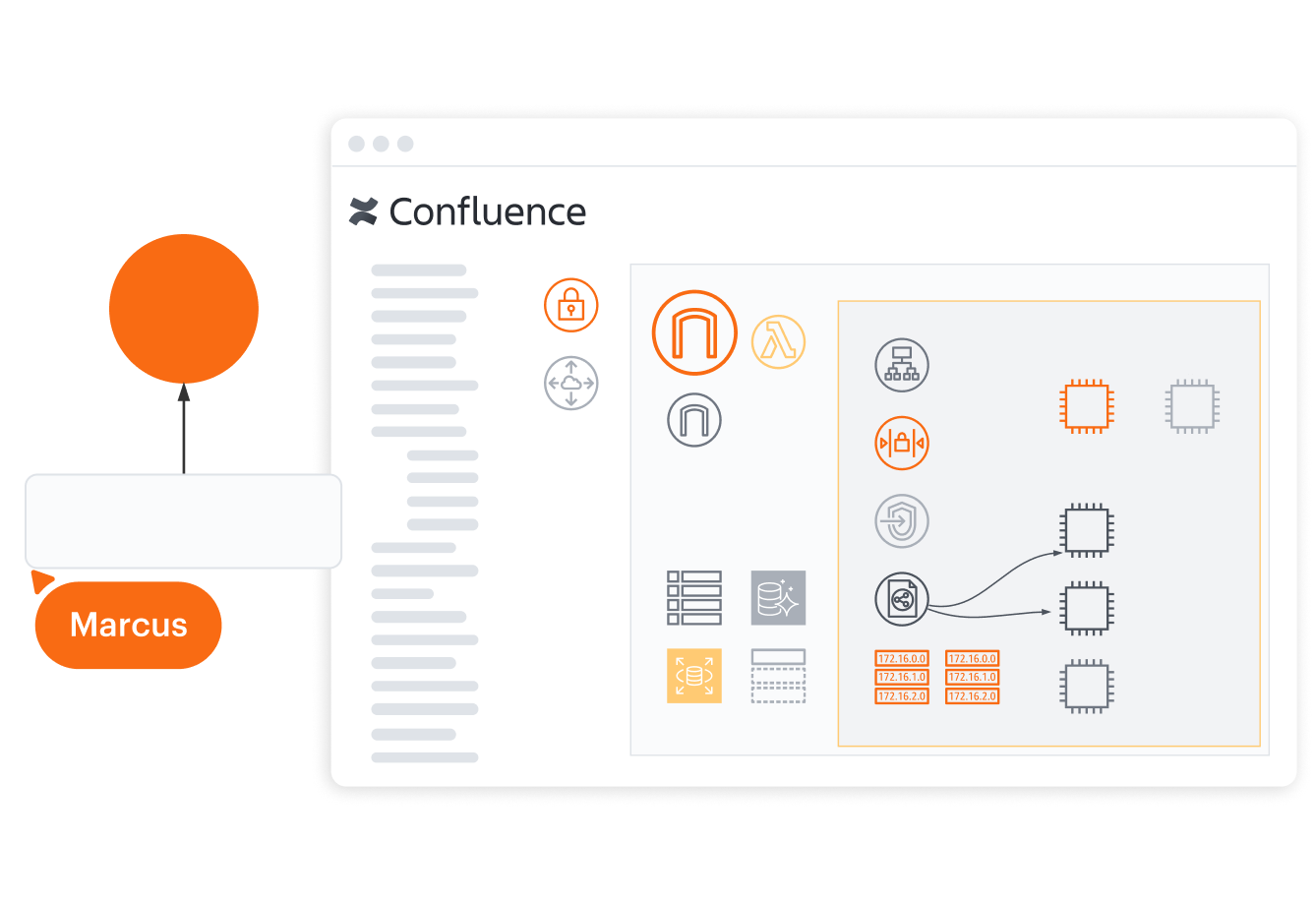
Like SmartDraw, Lucidchart integrates with leading apps, such as AWS, Confluence, Google Workspace, and Microsoft 365. But Lucidchart integrates with nearly five times as many apps as SmartDraw—including BambooHR, Figma, LeanIX, Salesforce, and Slack—to support more use cases throughout your organization.
Data and automation for deeper diagramming
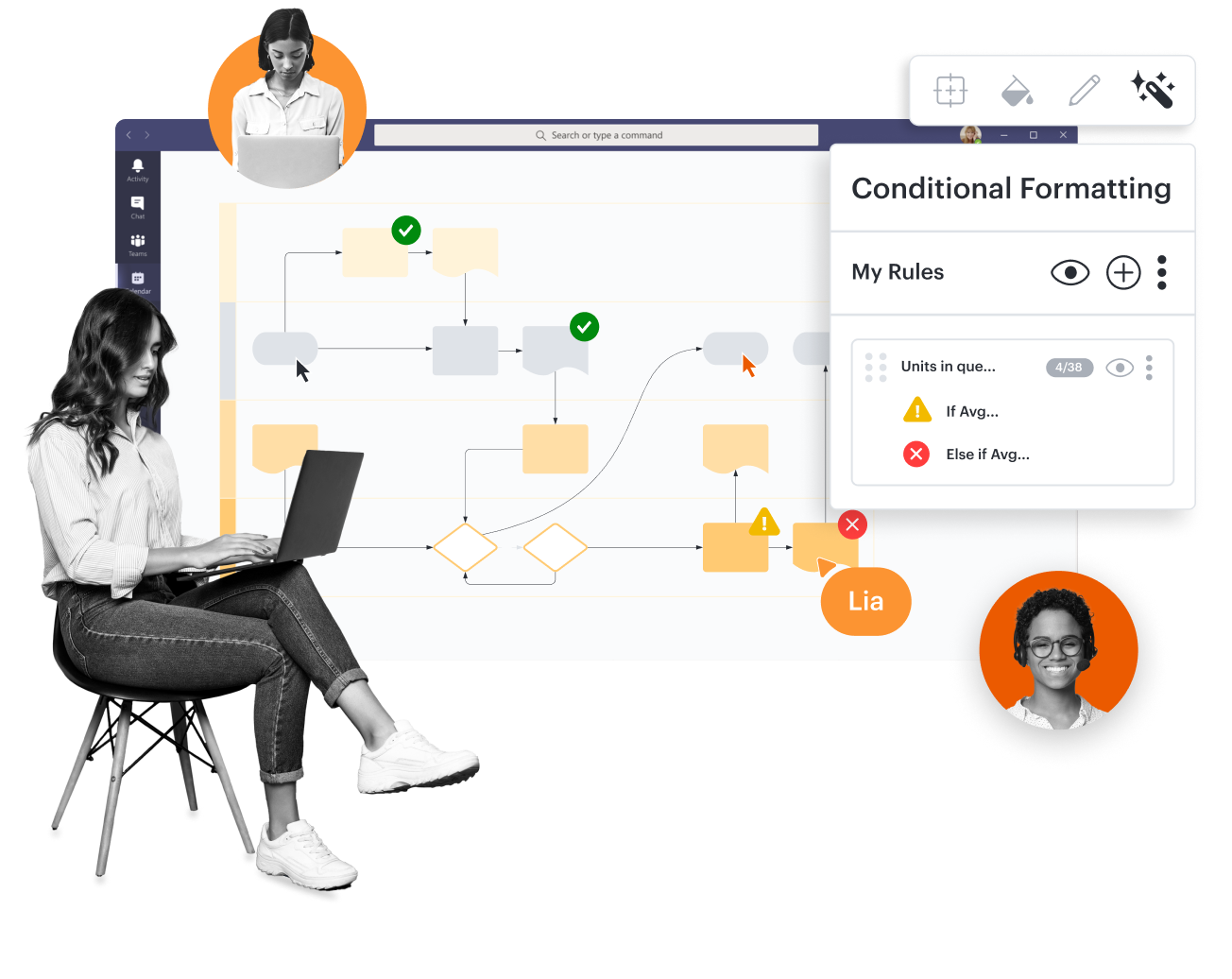
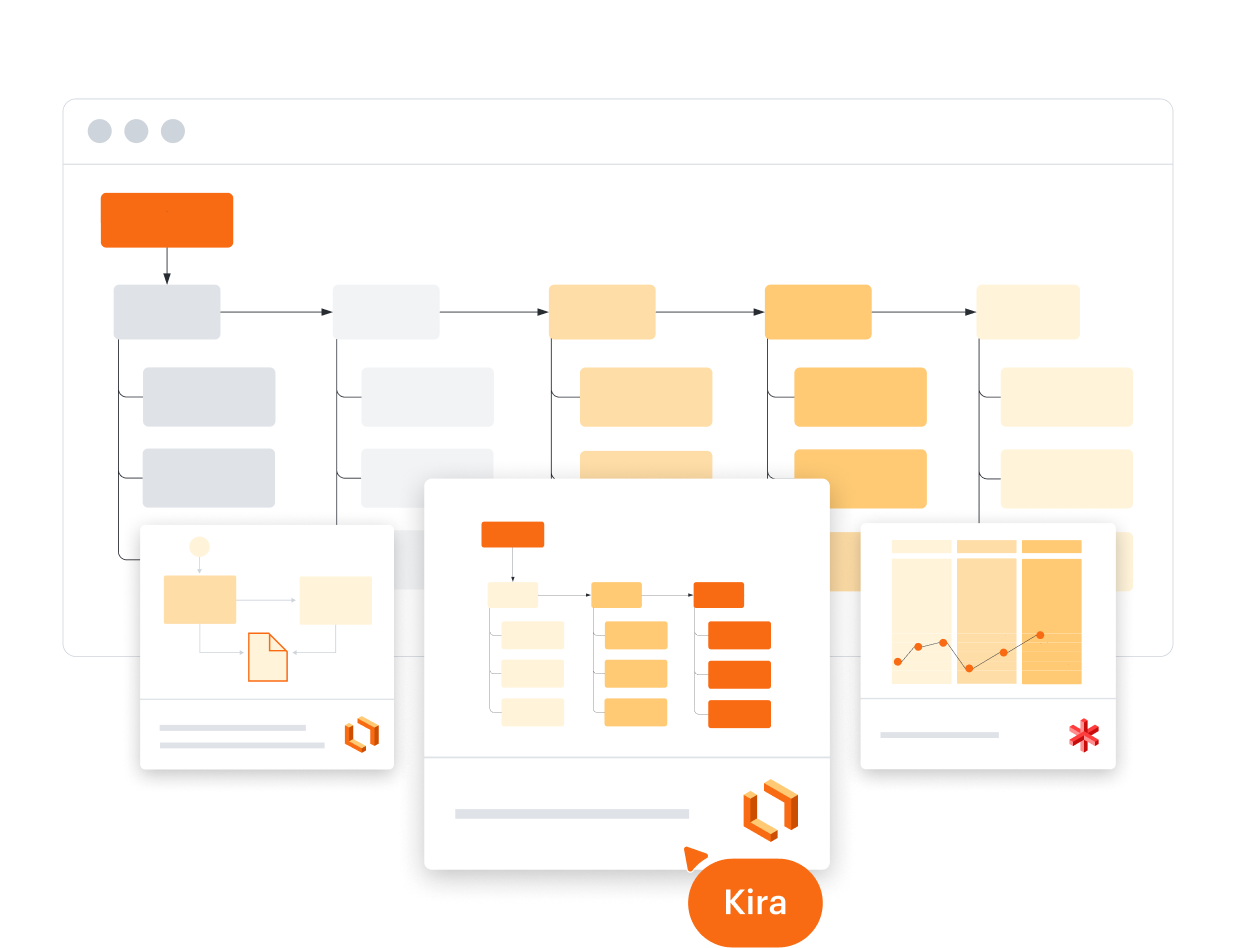
Lucidchart data and automation features give you the power to make data actionable by clarifying complexity. Apply formulas for calculations, or use data linking to generate diagrams automatically. SmartDraw allows you to import data but it lacks powerful Lucidchart features, such as conditional formatting, data-linked dashboards, dynamic shapes, formulas, and more.
More resources to help you compare Lucidchart vs. SmartDraw
Lucidchart checks all the boxes for visualizations that support brainstorming and building.
Buyer’s guide: How to evaluate visual collaboration platforms
Learn how visual collaboration capabilities can help accelerate key initiatives, and get a checklist for choosing the best platform.
What is intelligent diagramming?
See how advanced Lucidchart features such as data linking enable teams to see, align, and take action on their best ideas.
Lucidchart template gallery
Browse or search ready-to-use templates for hundreds of use cases. Visualize, share, and document any idea faster.