Key takeaways
A Mermaid diagram is a visual generated from plain, Markdown-like text using Mermaid, an open-source JavaScript tool released under the MIT license, which renders natively in GitHub, Notion, Obsidian, and more.
Because the diagram is defined as text, you can keep it in version control alongside your code and fight "doc-rot" as systems change.
Mermaid supports flowcharts, sequence diagrams, class diagrams, state diagrams, Gantt charts, and entity-relationship diagrams from simple text definitions.
Paste Mermaid code directly into Lucidchart to instantly produce a diagram for free. Then, teams can iterate and collaborate in real time.
A Mermaid diagram is a visual generated from a text-based, Markdown-like description rather than from manual drawing.
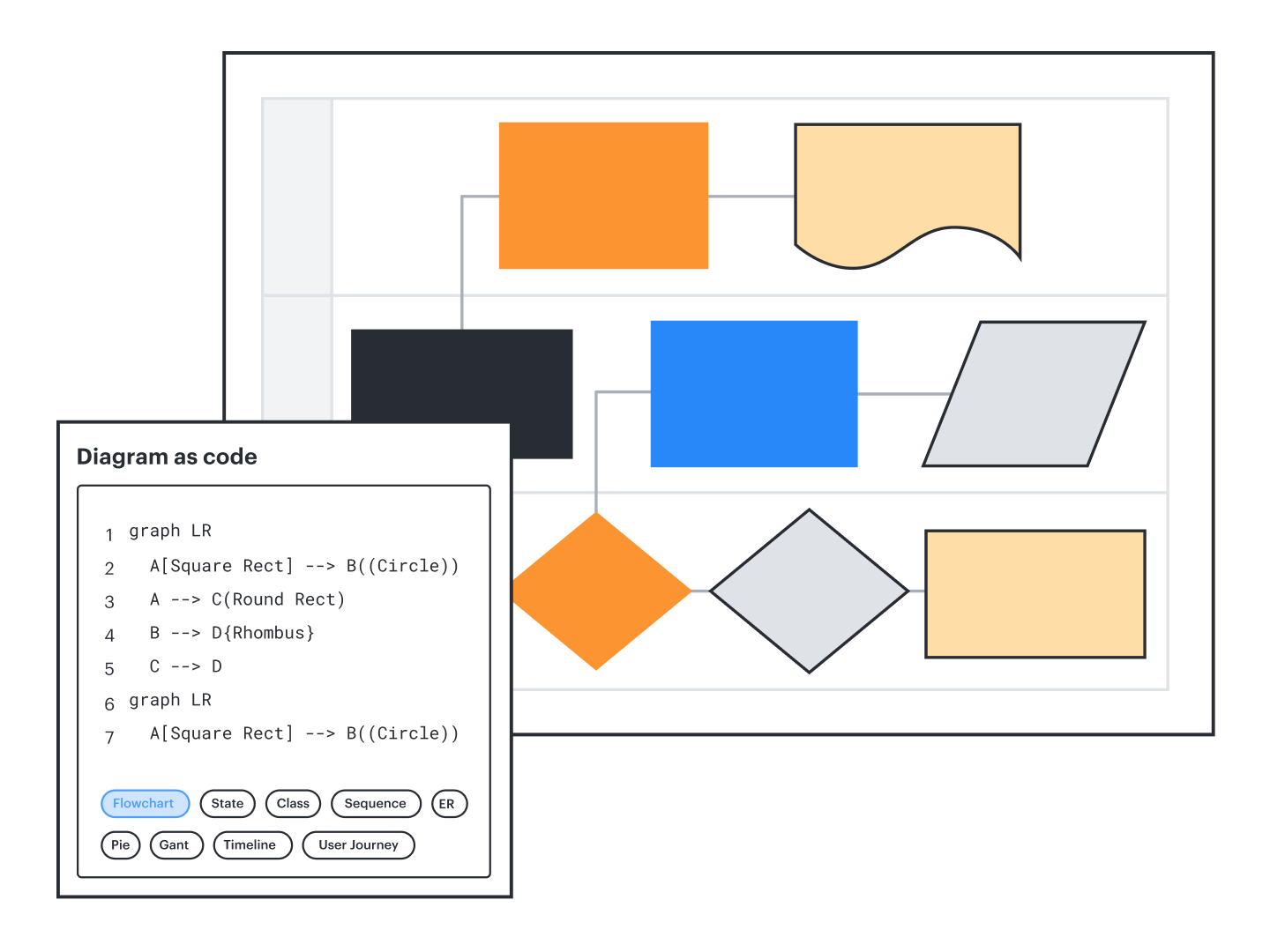
In practical terms, it is diagram as code: You write a short definition, and a JavaScript renderer draws the flowchart, sequence diagram, class diagram, or another type of diagram for you. Mermaid is open-source, created in 2014 by Knut Sveidqvist, and is released under the MIT license. Its goal is to keep diagrams under version control alongside code, so documentation stays current instead of drifting out of date.
You can render Mermaid definitions in many tools, including Lucidchart, which reads Mermaid syntax directly and produces an editable, collaborative diagram.
Why use Mermaid diagrams?
Text-based diagrams update as fast as your codebase, so your visuals stay accurate. Here are some other reasons to consider using Mermaid diagrams:
Version control: Store diagram definitions in Git next to your code, review them in pull requests, and fight "doc-rot" as systems evolve.
Fast creation: Write a Mermaid flowchart or Mermaid chart in a few lines of text instead of dragging shapes across a canvas.
Consistency: Because a renderer draws every diagram, spacing, arrows, and styling stay uniform across a team.
Availability in dev docs: Mermaid renders natively in GitHub, GitLab, Azure DevOps, Notion, and Obsidian, so diagrams live where engineers already work.
Types of Mermaid diagrams
Mermaid supports a broad set of technical and planning diagrams from simple text definitions.
Flowcharts
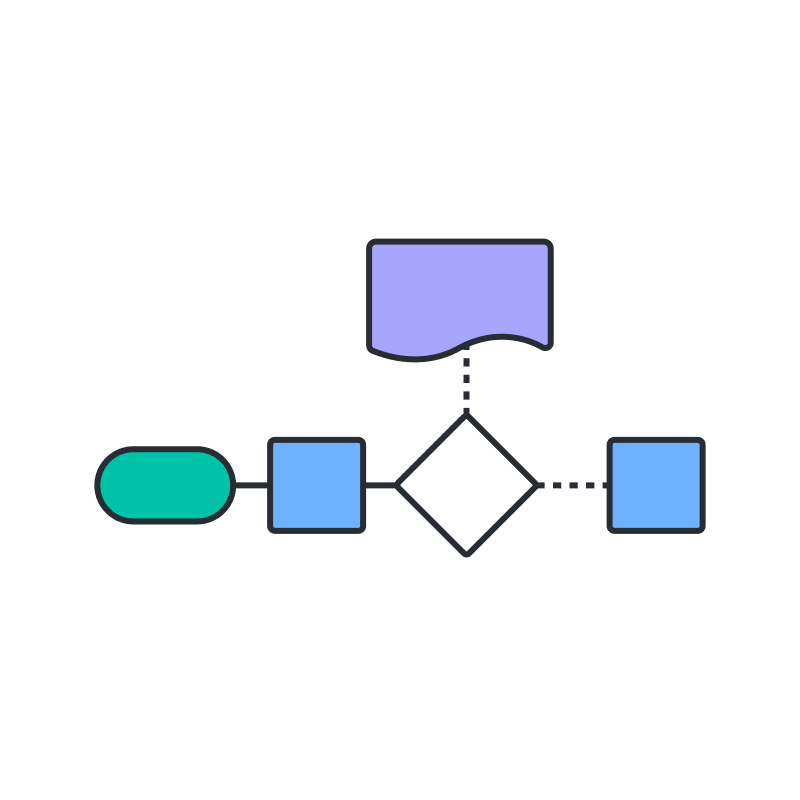
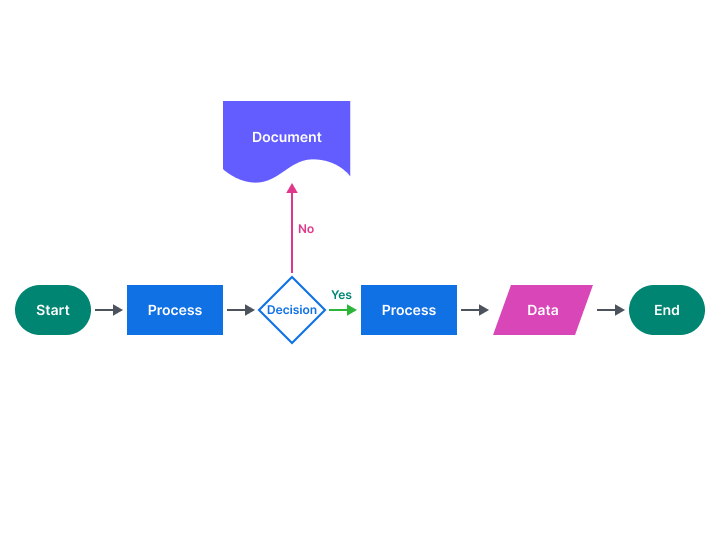
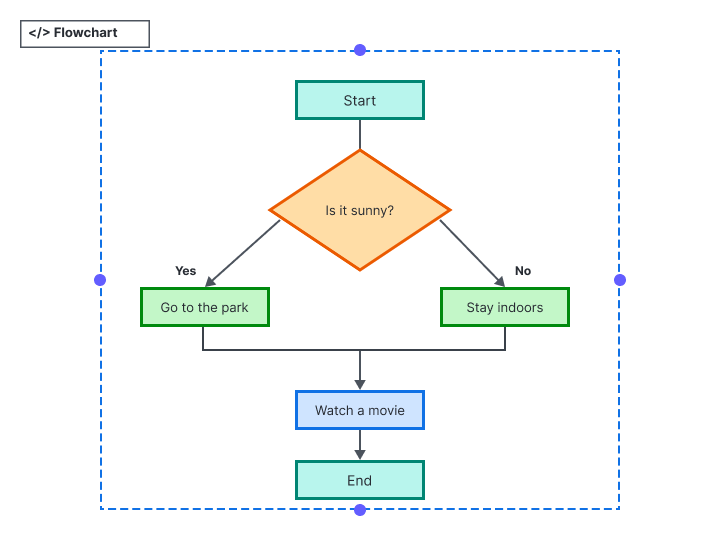
Map a process or decision path. A Mermaid flowchart uses nodes and arrows to show steps, branches, and outcomes.
Sequence diagrams
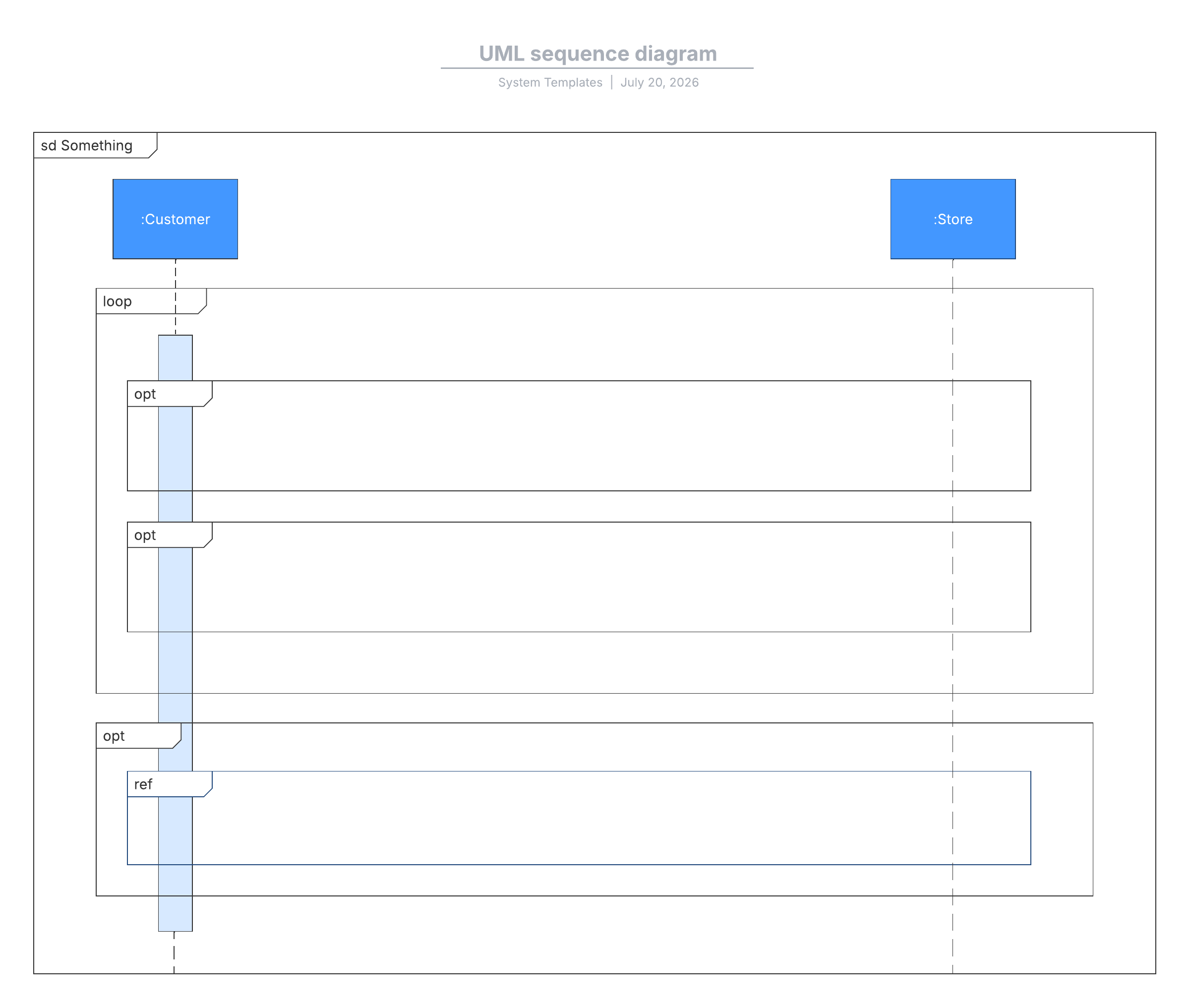
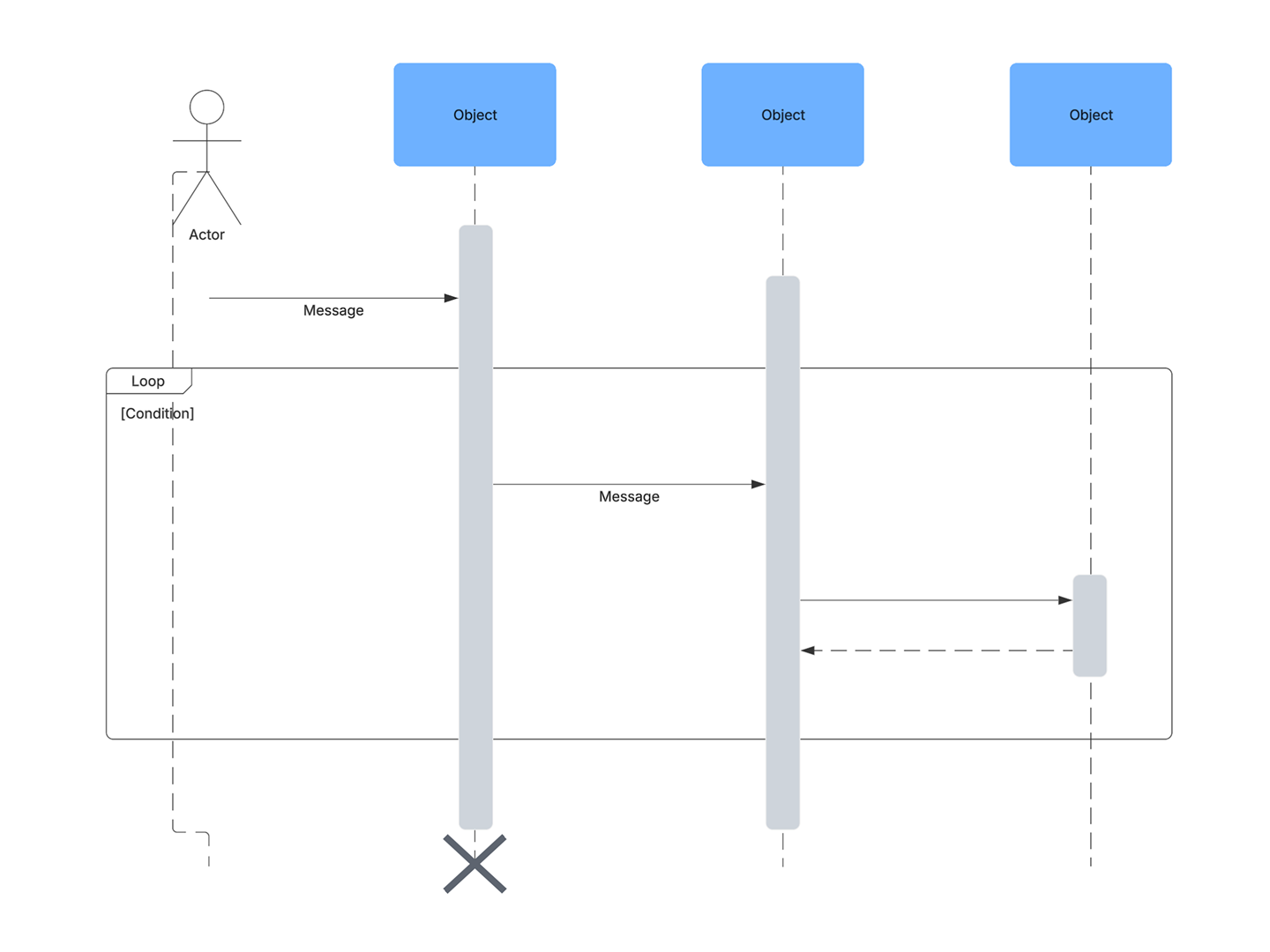
Show how systems and actors exchange messages over time, step by step.
Class diagrams
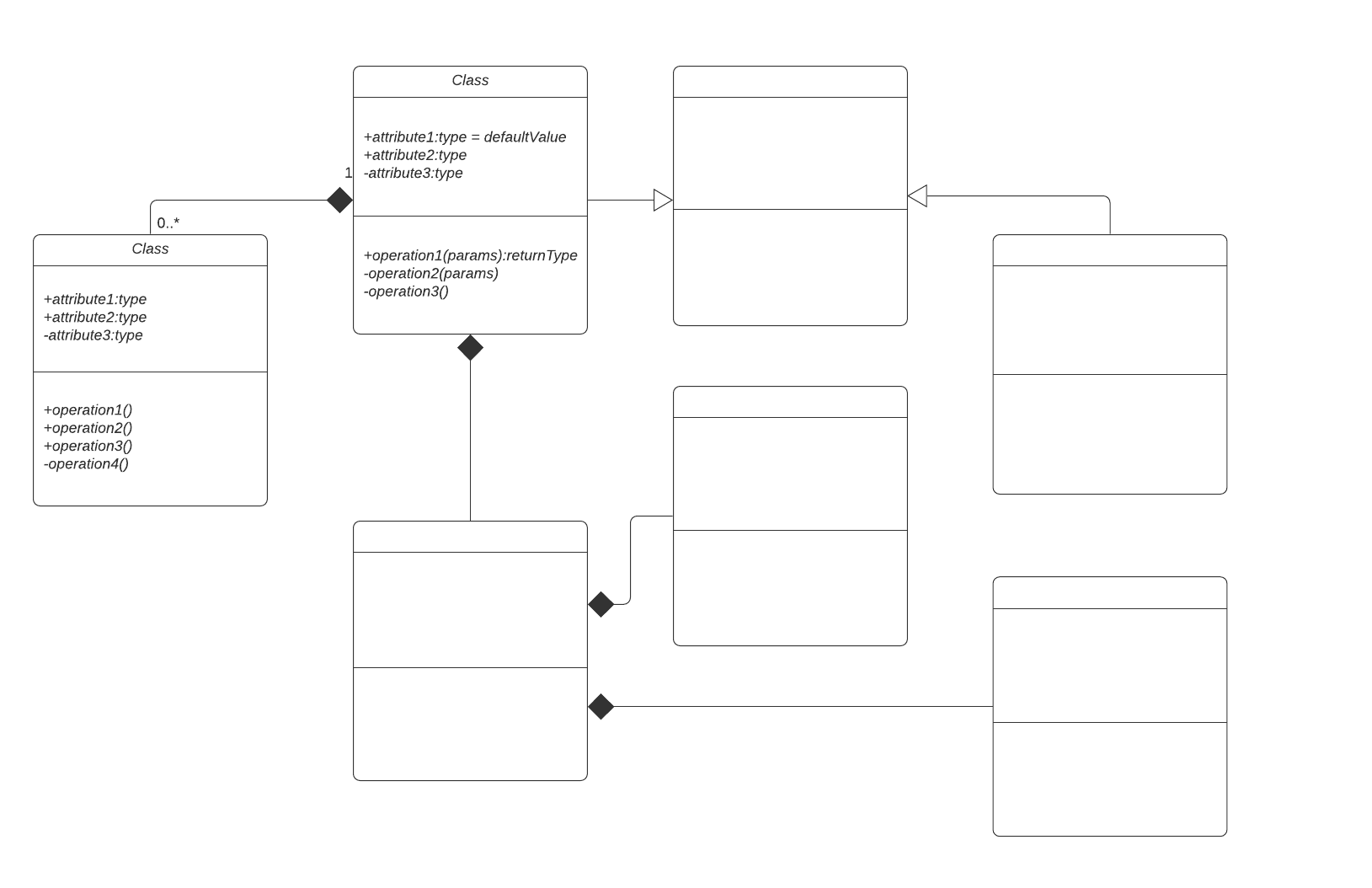
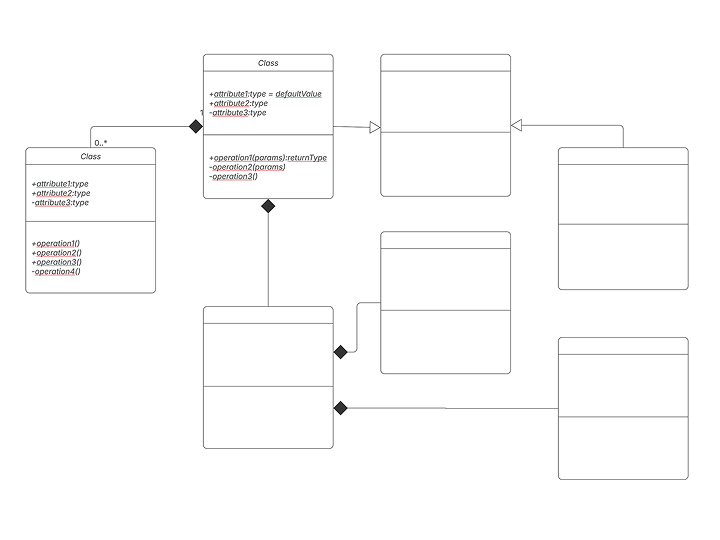
Model object-oriented structure. A Mermaid class diagram captures classes, attributes, methods, and relationships, and pairs well with UML diagrams.
State diagrams
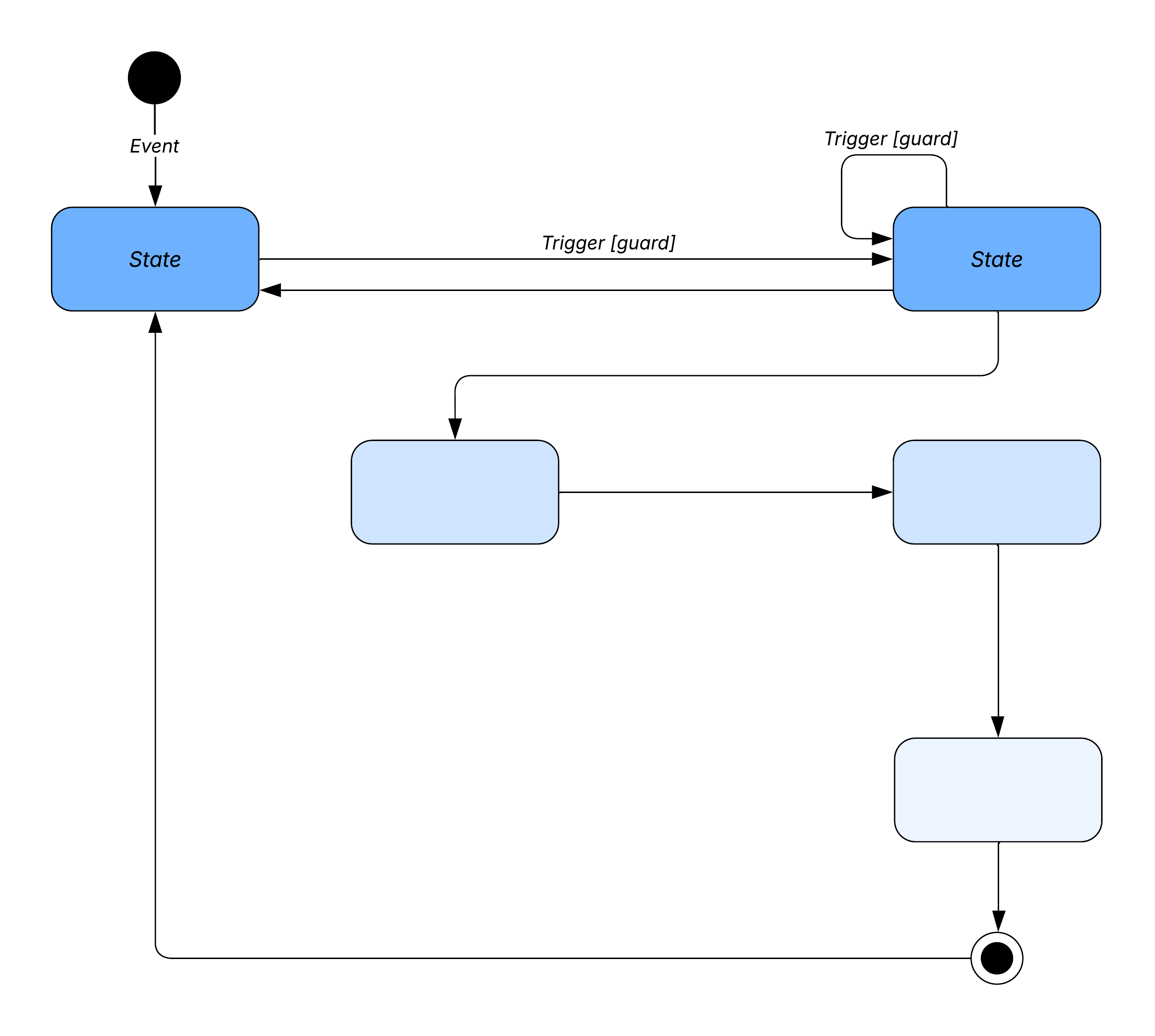
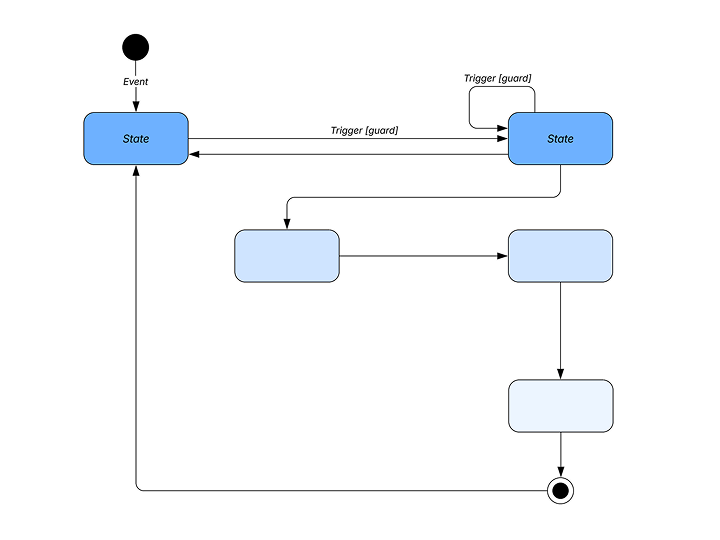
Trace how an object or system moves between states in response to events.
Gantt charts
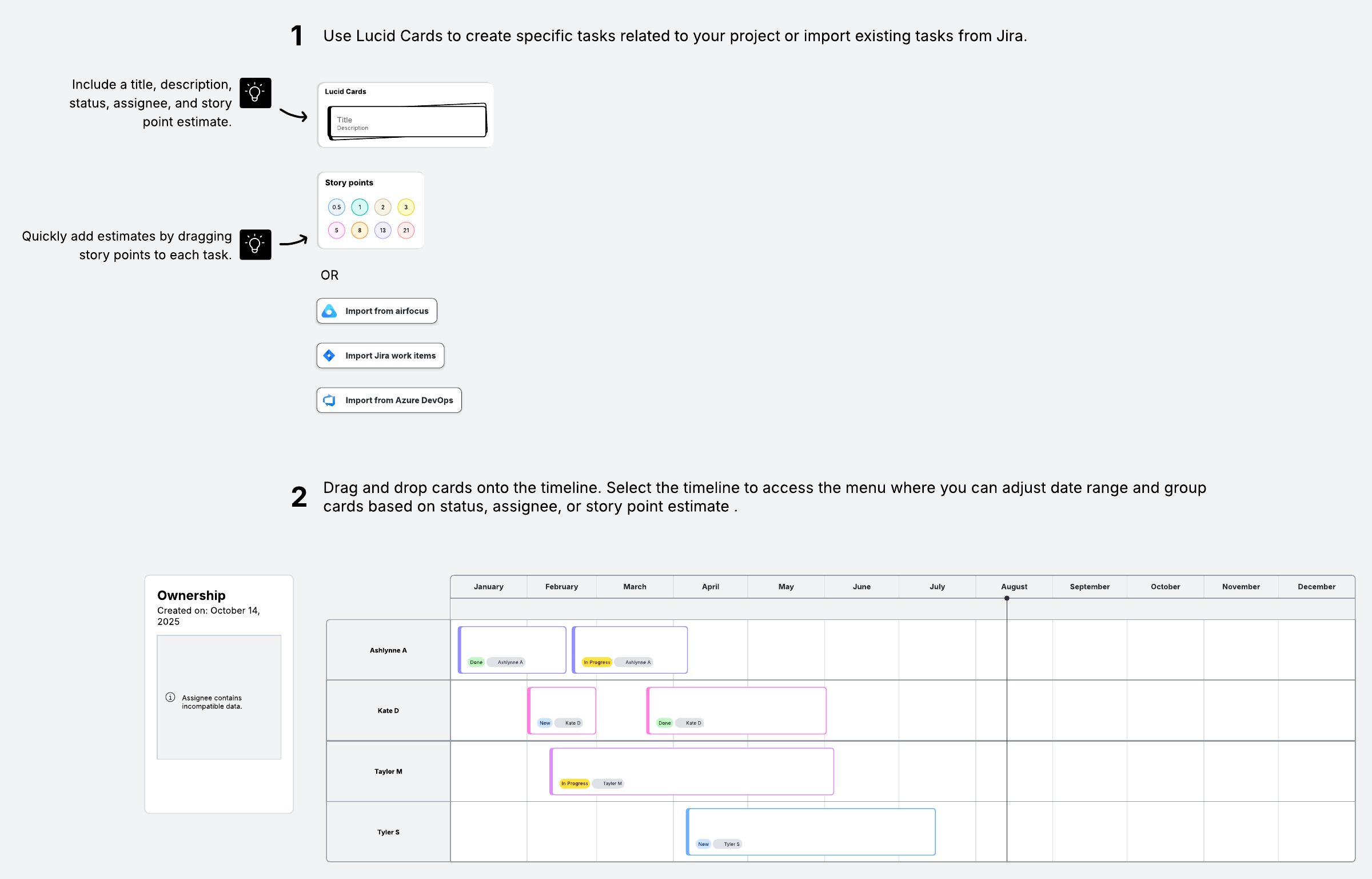
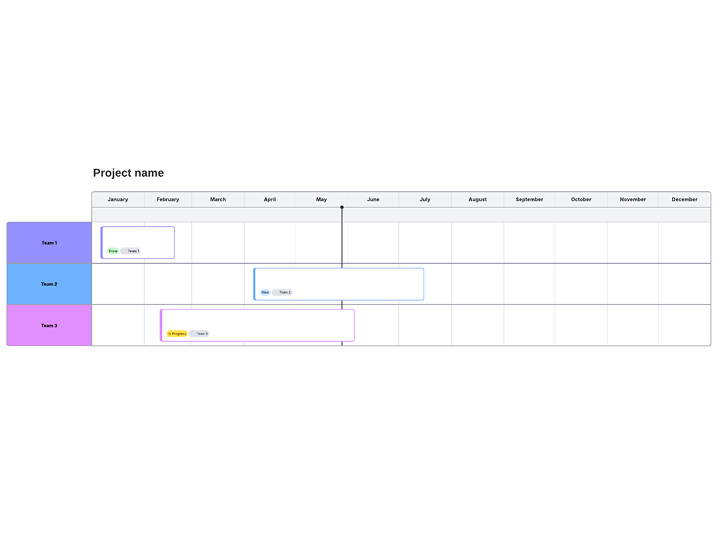
Plan a project timeline with tasks, durations, and dependencies laid out across dates.
Entity-relationship diagrams (ERDs)
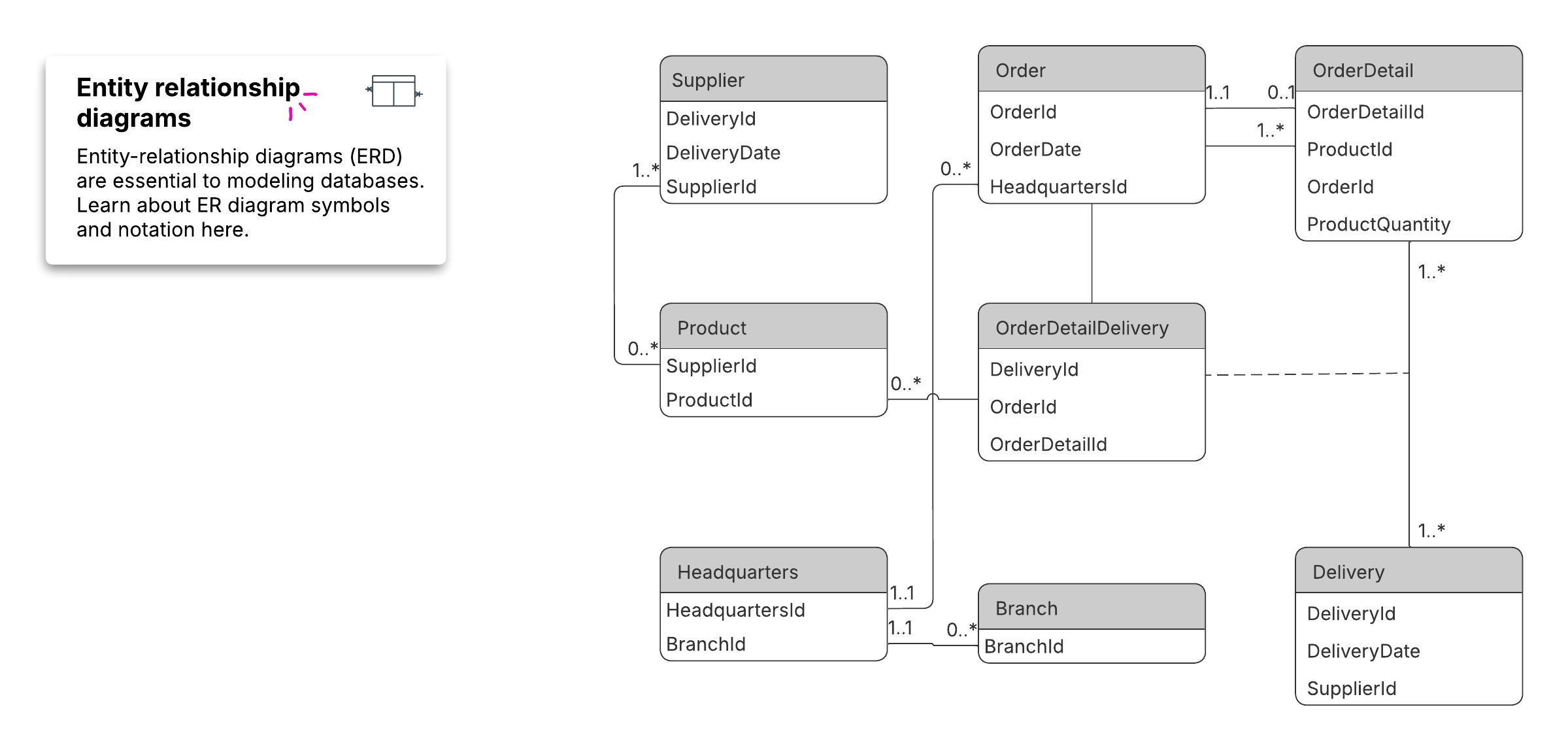
Design database structure by defining entities, attributes, and the relationships between them.
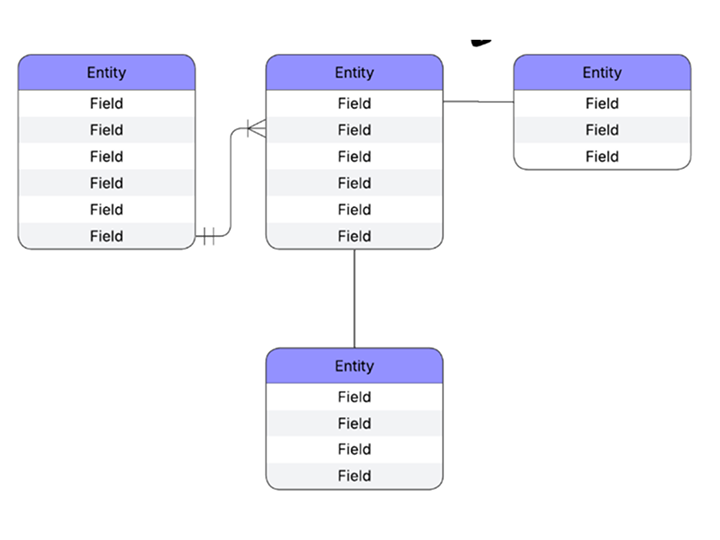
Lucidchart also renders C4 diagrams from Mermaid code, so architecture teams can document systems at multiple levels of detail.
Mermaid syntax basics
Mermaid syntax is text-based and Markdown-inspired, and Mermaid.js renders each definition into a diagram in the browser.
You declare a diagram type on the first line, and then describe nodes and the connections between them. A short flowchart definition looks like this:
flowchart TD
A[Start] --> B{Approved?}
B -->|Yes| C[Ship]
B -->|No| D[Revise]
The renderer reads that text, places each node, and draws the arrows automatically. The same concept extends to sequence, class, and state diagrams: Describe the elements and relationships in text, and the JavaScript engine produces the visual.
How to create a Mermaid diagram in Lucidchart
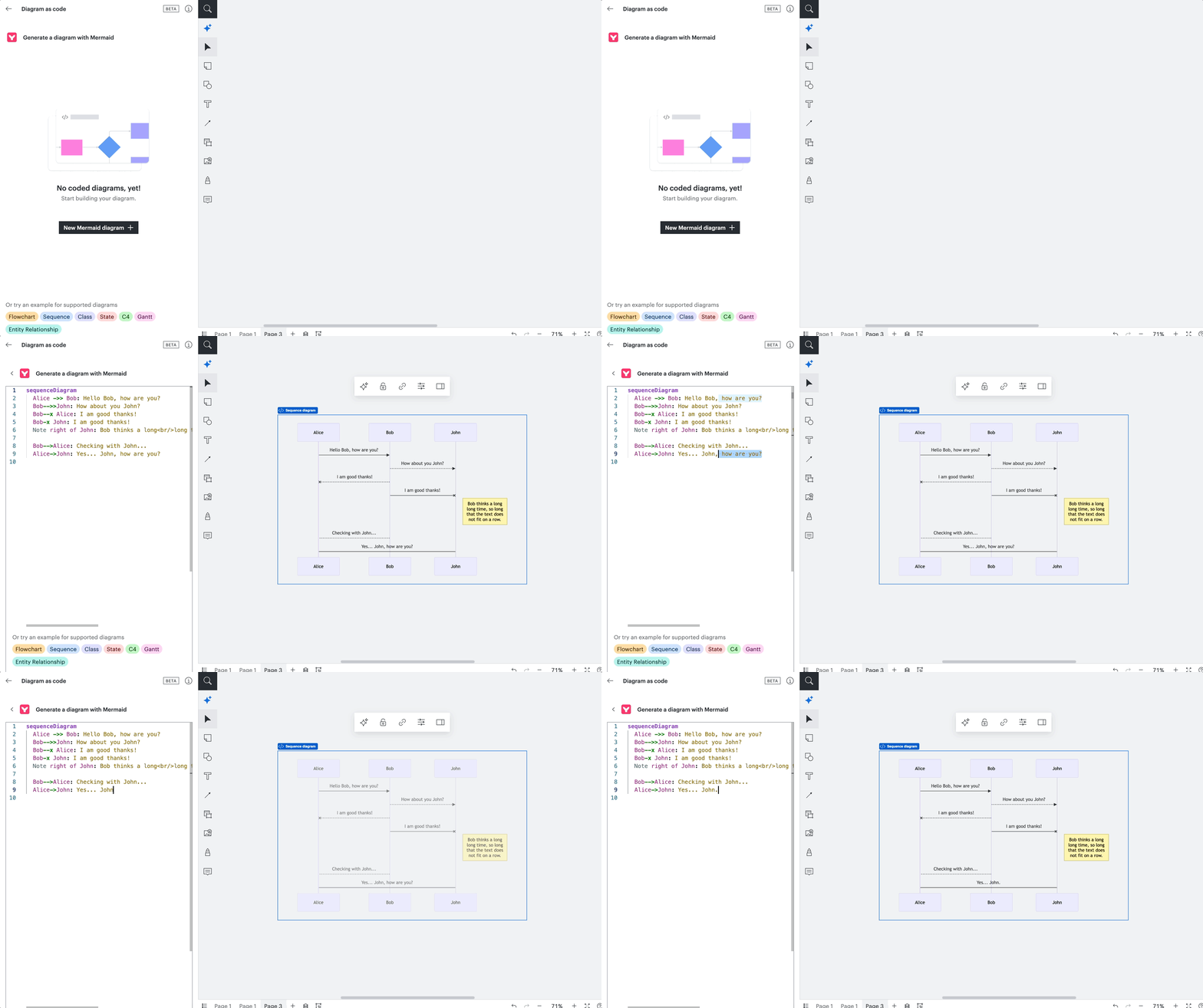
Go from Mermaid code to a diagram without leaving your canvas. Lucidchart reads Mermaid syntax directly, so a Mermaid diagram tutorial here comes down to a few steps:
Open a new document in Lucidchart and locate the diagram as code import option, marked by this symbol: </>.
Write or paste your Mermaid code into the import field to create Mermaid diagrams from scratch.
Let Lucidchart render the text into a flowchart, sequence, class, state, C4, Gantt, or ER diagram.
To generate the code first, use AI Prompt Flow to produce Mermaid code from a prompt. Lucidchart instantly detects and renders it as a diagram automatically.
Share the document and collaborate in real time, with revision history tracking every change.
You can also refine the result on the canvas and connect the finished diagram to Lucid's 100+ integrations, including Google, Microsoft, and Slack.
Mermaid diagram best practices
Here are a few habits to keep your text-based diagrams readable as they grow.
Keep definitions in version control: Commit the diagram text with your code so reviews and history stay in one place.
Name nodes clearly: Use descriptive labels so the definition reads like documentation on its own.
Start simple: Render a basic diagram first, confirm it looks right, then add branches and detail.
Use templates: Start with a proven structure to keep formatting consistent across a team.
Start building more accurate, consistent diagrams in less time with Mermaid code.