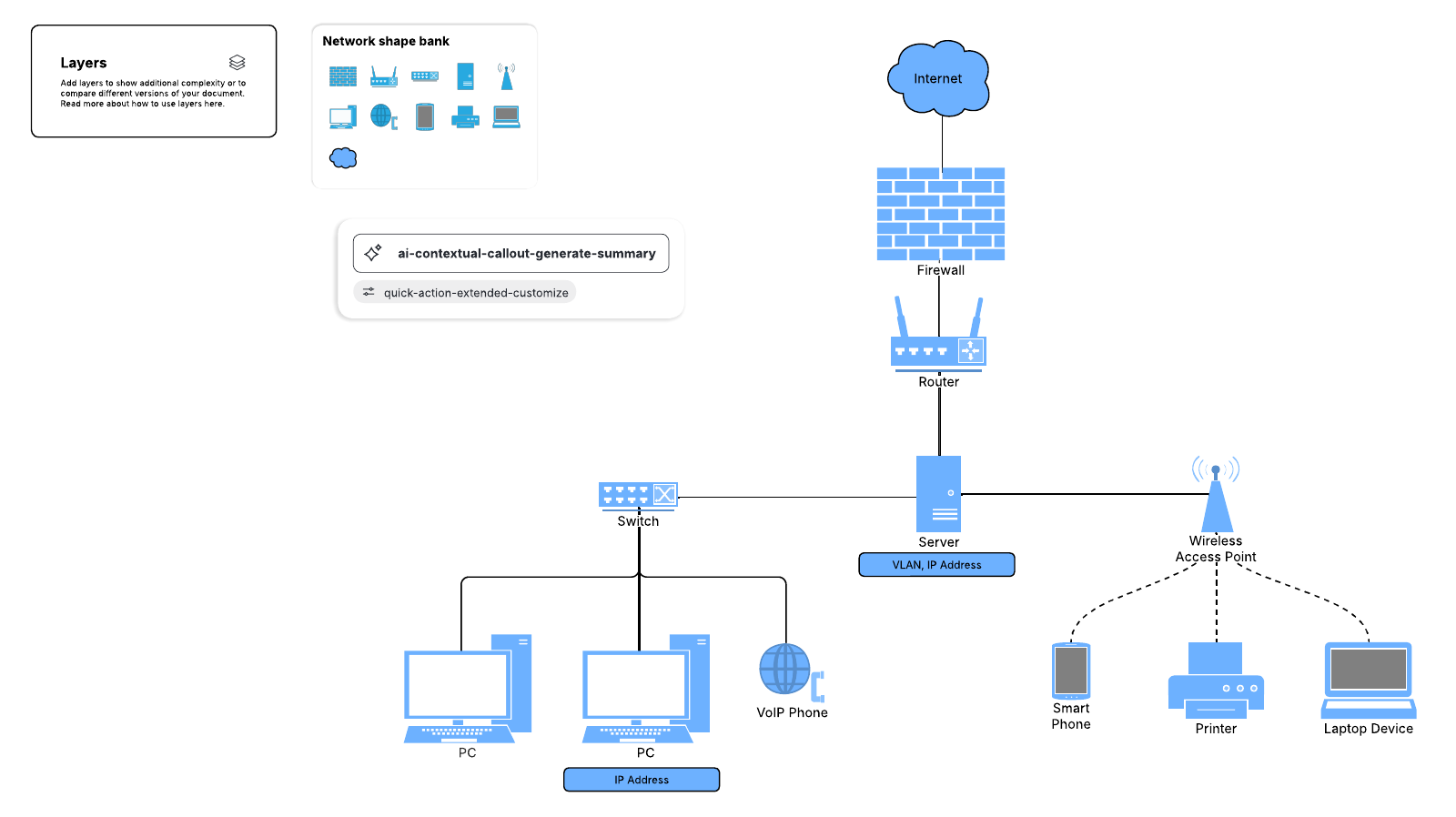
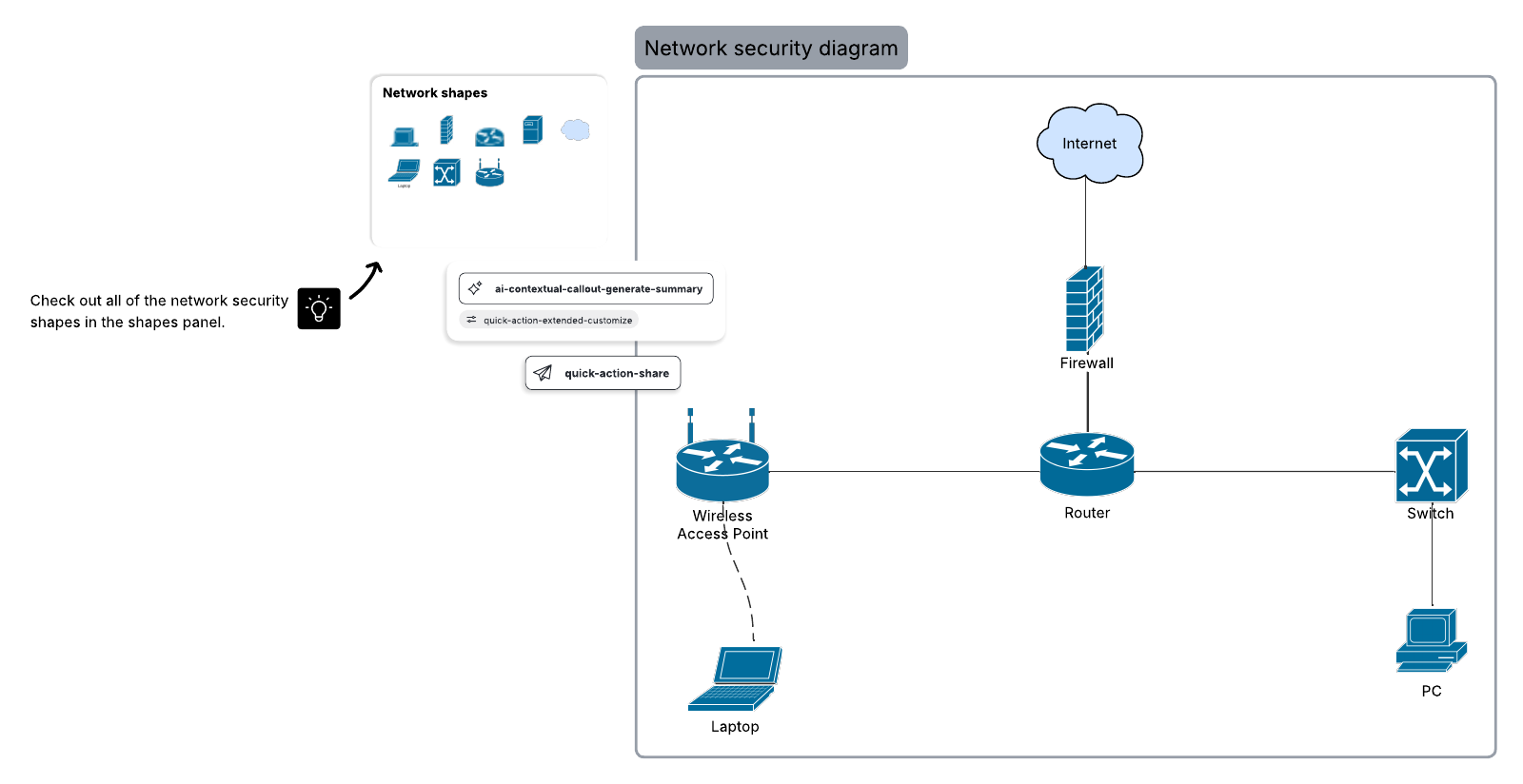
Gaining a basic understanding of network diagram symbols is the first step to building and reading complex network diagrams. This guide will walk you through the most basic network diagram shapes, including those in standard Cisco, Azure, Google Cloud, and AWS network diagrams.
Common network diagram symbols and icons
Network diagrams, opens in a new tab are useful for mapping the connections in a computer or telecommunications network. Network diagrams can show everything from high-level networks, such as connectivity across cities, to more granular networks, such as an office building's network. Since there are hundreds of possible network diagram symbols, this guide will depict only the most common symbols and icons. Try out Lucidchart to see all our network diagram symbols and icons!
Network diagram shapes in Lucidchart
Although there are several ways to build network diagrams, Cisco and Amazon Web Services (AWS) are the most popular. Lucidchart offers extensive shape libraries packed with symbols to model your networks. In addition to AWS, Azure, Google Cloud, and Cisco shapes, Lucidchart provides a shape library for the more generic network diagram symbols and icons.
With Lucidchart, accessing the symbols you see below is incredibly easy — simply open a new Lucidchart document and press the “+ Shapes” button on the left of your screen and enable all the relevant shape libraries. If there are network diagram symbols that you can’t find in Lucidchart, feel free to import SVGs and other image files to create your very own network diagram symbols. Try it out with one of our network diagram templates, opens in a new tab today!
Switches and bridges
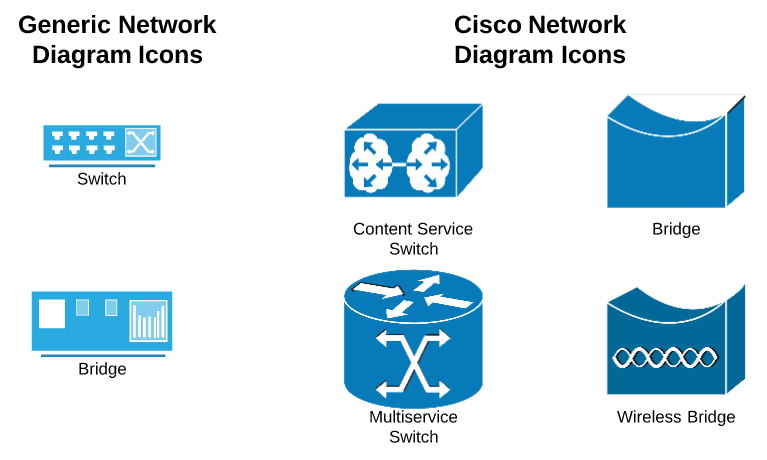
For network diagrams, switch symbols represent multiple Ethernet ports that enable the connection of multiple devices. Switch symbols are also useful for representing the transfer of data over telecommunication networks.
Bridge symbols connect two Ethernet networks into one larger, extended Ethernet network. Bridge symbols are especially important when diagramming networks that are separated by geography. Since bridge shapes predate switch shapes, they are hardly seen unless they refer to wireless bridges.
Routers
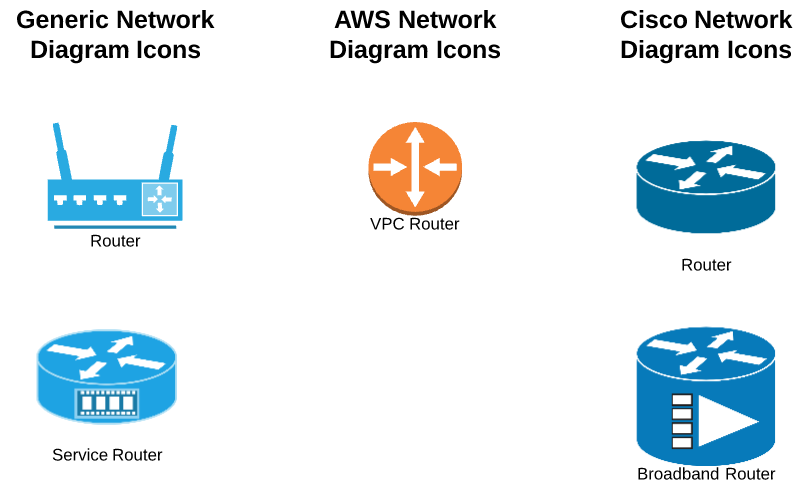
As perhaps the most popular network diagram symbols, router symbols manage traffic between devices or networks. Routers have the added functionality of facilitating a wireless access point or broadband modem, making them more useful than switches in many cases.
Databases
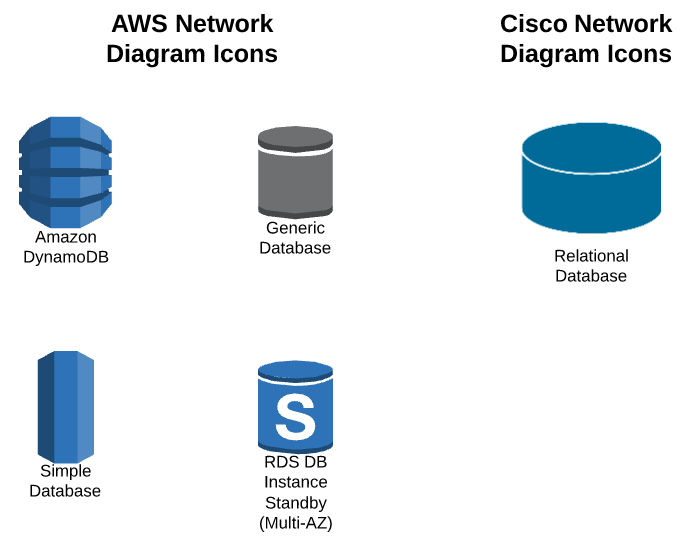
Databases are useful for organizing extensive collections of data, and can be symbolized in AWS and Cisco standard networks with the following shapes. Assess your network and determine which database will be the most useful. Database shapes can be chosen depending on your needs, including operational, specific, external, or hypermedia database shapes. You can also choose your database shape depending on other factors, such as the kind of machine that supports the database (e.g., server cluster) or the query languages used to access it (e.g., SQL).
Connectors and devices
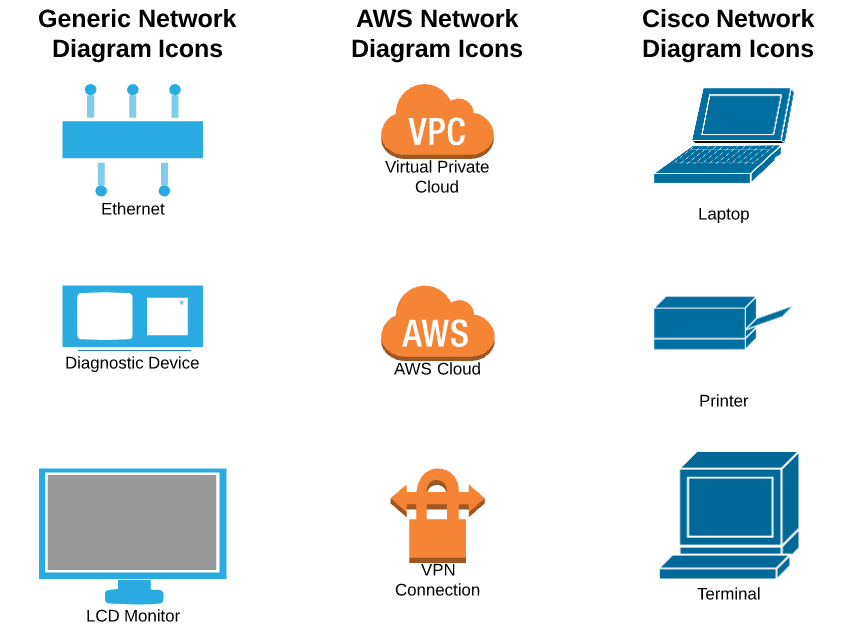
To show the path that data travels within your network diagram, use connector shapes. The connection symbol that you use depends on the type of traffic that is being routed. Feel free to use a variety of devices such as PCs and telephones to model the medium of communication of your network. Many more network diagram shapes can be found in Lucidchart’s network diagram shape libraries.
Everything you need to make a diagram
Make a polished, professional diagram for free with Lucidchart. No matter what you have in mind, we have the tools you need to build it. Make an account and start diagramming today.
Sign up free