How to set up and use the Lucid MCP server
Oct 29, 2026 ・ 11:00 am MDT
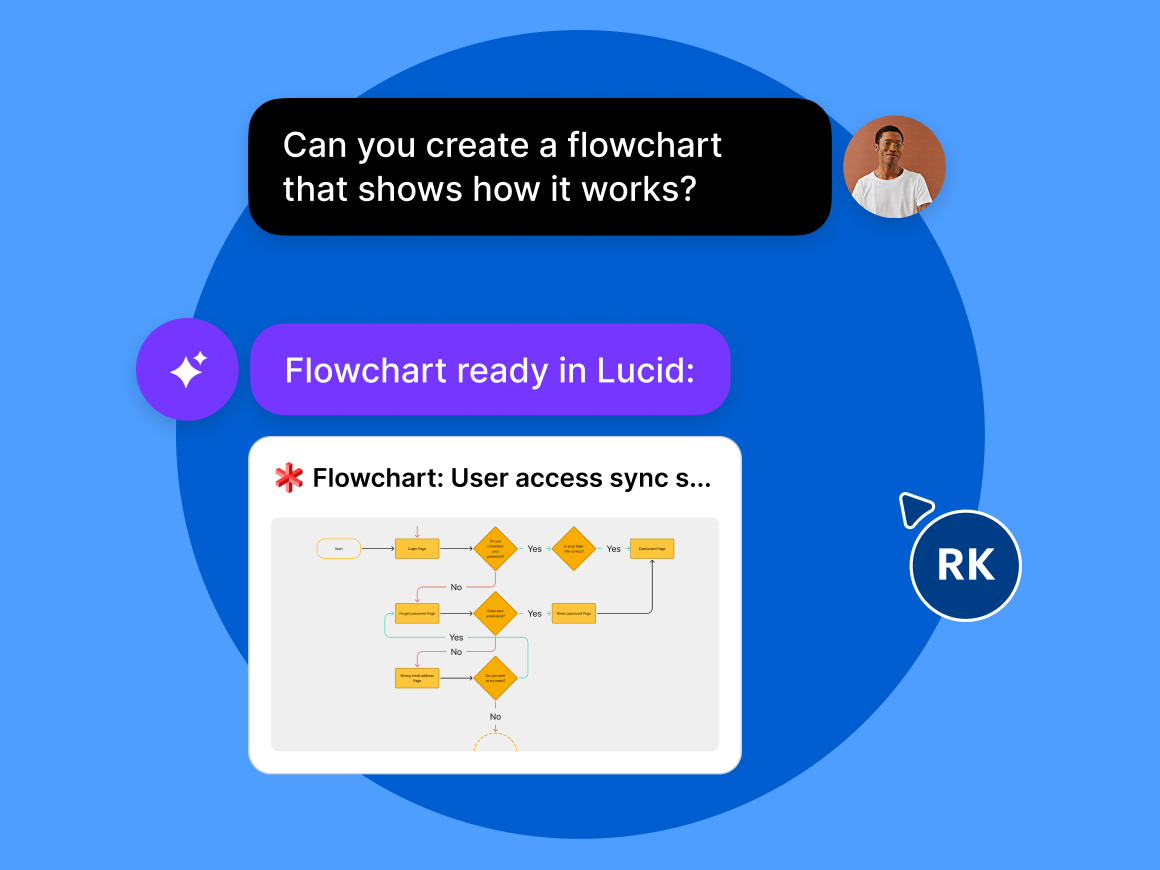
Connect your AI tools to Lucid
Not sure how to get started with the Lucid MCP server? Cal Martin, our customer trainer, will show you how to add Lucid as the visual layer within your LLM.
Follow along as Cal demonstrates the power of Lucid plus AI. See how Lucid allows you to go beyond static outputs by editing, sharing, and collaborating on the AI-generated diagrams you create.
Register now and learn how to:
- Enable MCP access on your Lucid account and connect your AI client to the Lucid MCP server.
- Use Lucid alongside your LLM to create dynamic visuals and collaborate with your team.
- Pull in context from your Lucid documents to automate tasks.
- Generate architecture diagrams in Lucid from your repo and detect any structural drift.
Can't attend live?
When you register, you will automatically be emailed a recording of the webinar to watch on your time and share with your team.
Speakers

Cal Martin
Customer Trainer II, Lucid