Org chart templates
Visualize team structure with a variety of organizational chart templates, such as simple org charts and inverted org charts.
Typing filters results after every character typed

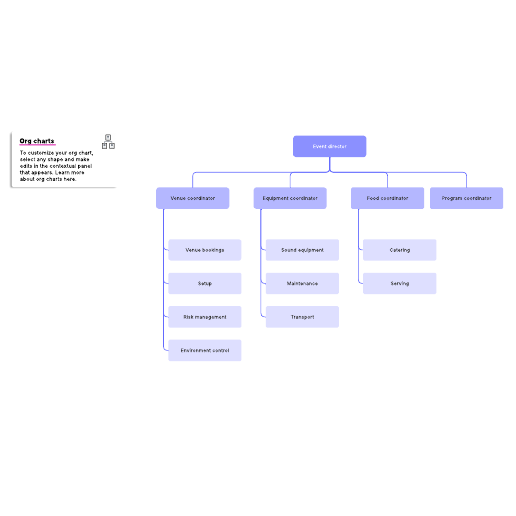
Event org chart example
Pricing:
Paid Account
Go to Event org chart example template, Pricing: Paid Account
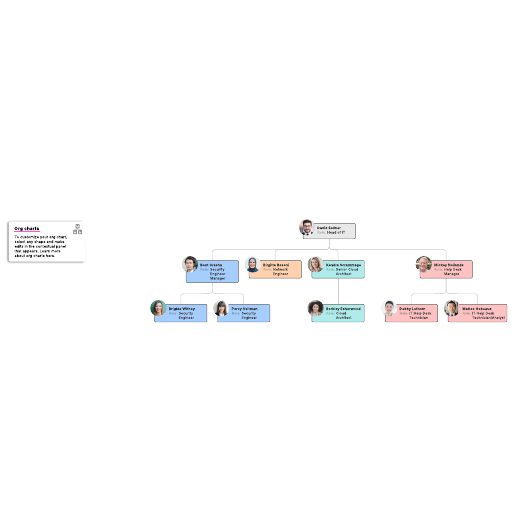
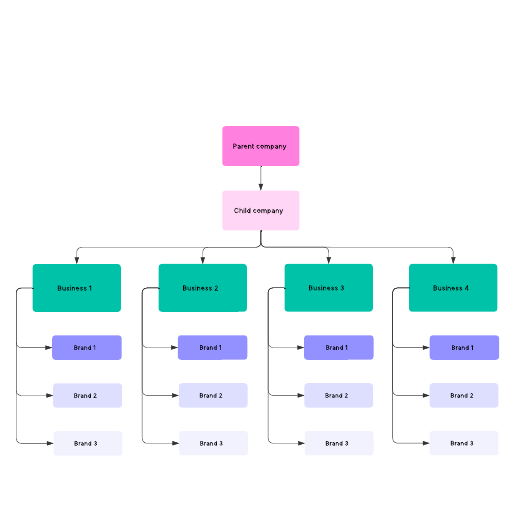
Company structure diagram example
Pricing:
Paid Account
Go to Company structure diagram example template, Pricing: Paid Account
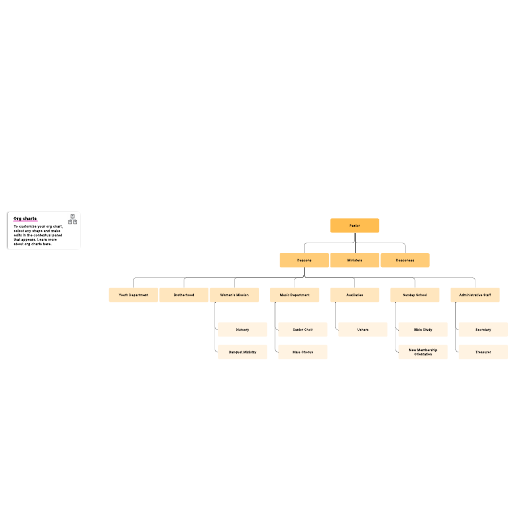
Church org chart example
Pricing:
Paid Account
Go to Church org chart example template, Pricing: Paid Account
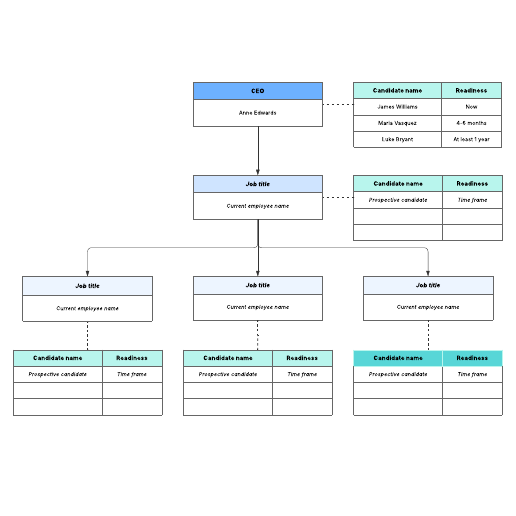
Succession planning org chart
Pricing:
Paid Account
Go to Succession planning org chart template, Pricing: Paid Account
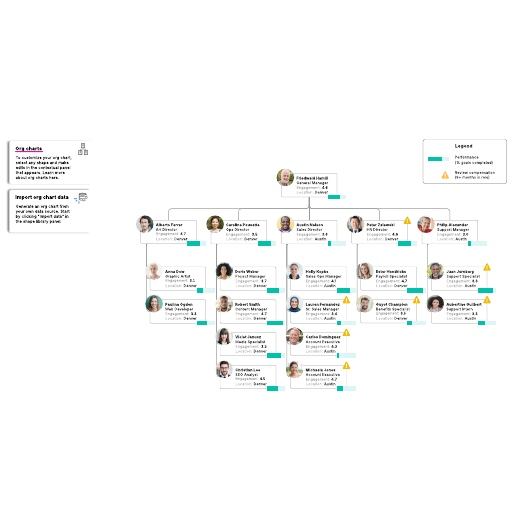
Data-driven org chart example
Pricing:
Paid Account
Go to Data-driven org chart example template, Pricing: Paid Account
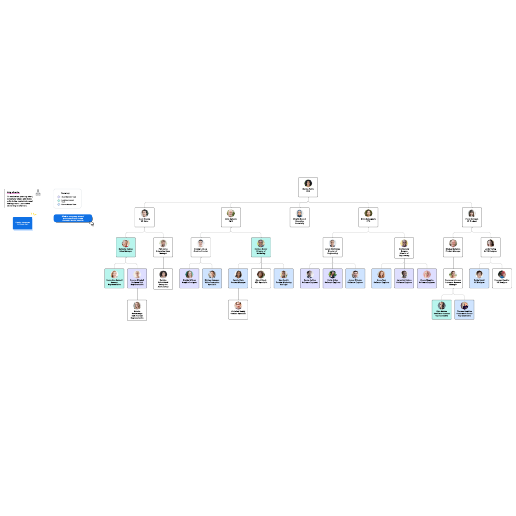
Org chart by cross-functional teams
Pricing:
Paid Account
Go to Org chart by cross-functional teams template, Pricing: Paid Account
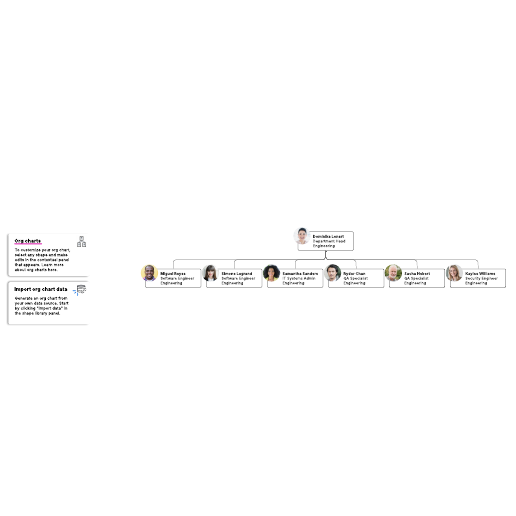
Flat org chart example
Pricing:
Paid Account
Go to Flat org chart example template, Pricing: Paid Account
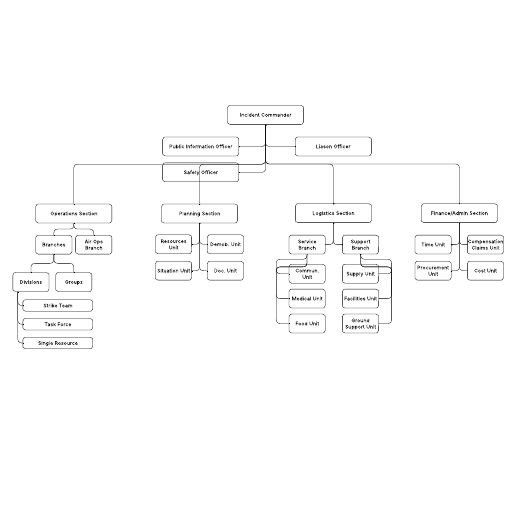
ICS org chart example
Pricing:
Paid Account
Go to ICS org chart example template, Pricing: Paid Account
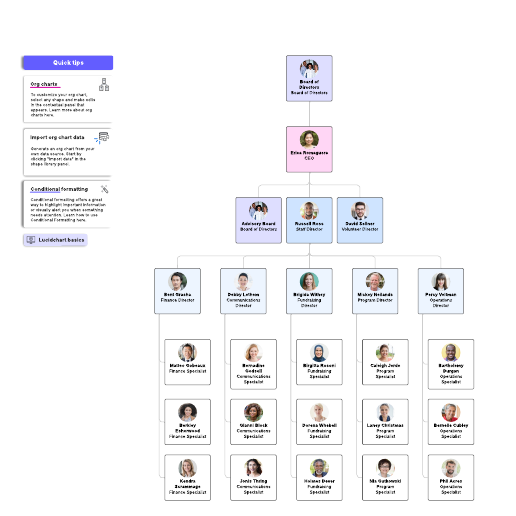
Nonprofit org chart example
Pricing:
Paid Account
Go to Nonprofit org chart example template, Pricing: Paid Account
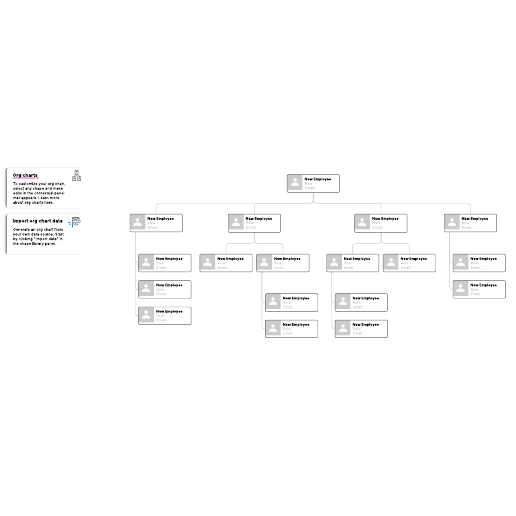
Vertical org chart (name, role, email, photo)
Pricing:
Paid Account
Go to Vertical org chart (name, role, email, photo) template, Pricing: Paid Account
How to use org chart templates in Lucid
Organizational charts (org charts) visually represent the structure of an organization, outlining roles, responsibilities, reporting lines, and relationships between departments. Org charts can be used for workforce planning, resource planning, and organizational restructuring. Lucid offers templates for all types of org charts, including hierarchical org charts, matrix org charts, and flat org charts. Lucid’s org chart shape library includes shapes with profile pictures and fields for names, professional titles, and more.
How to get started:
-
Select a template. Lucid offers templates for both free and paid accounts, which are clearly marked. If you already have a Lucid account, you can simply log in and start editing.
-
Sign up for a Free, Individual, or Team account. If you don’t have a Lucid account, you can quickly sign up with your email address. Verify your email, and you’ll be logged in and ready to use your template.
-
Invite collaborators. Share a link to your document with team members.
-
Print, export, or present your document. In addition to being able to print your Lucid document, you can export it using various file formats. You can also build and export a presentation to Google Slides or Microsoft PowerPoint.
Lucid template features allow you to:
-
Create and edit documents. Drag shapes onto the canvas, resize, and easily connect shapes with lines. Customize colors, line styles, fonts, shapes, and create your own shape libraries.
-
Use advanced features. Link shapes to data from Google Sheets, Excel, or CSV files. Add layers to visualizations for multiple levels within your document. Access the document revision history to see changes over time and revert to a previous version if needed.
-
Collaborate in real time. Invite multiple collaborators to create and edit the same document at once. Give real-time feedback with comments and @mentions. Enable collaborator colors to see who contributed what.