Published date: Feb 13, 2024
Last updated: Oct 22, 2026
Lucidchart vs. ConceptDraw
Compare ConceptDraw business diagramming software with Lucidchart, the intelligent diagramming application. See how Lucidchart beats ConceptDraw on ease of use, data-backed capabilities, and more.


Lucid is the market leader in visual collaboration
Lucid’s data-backed capabilities make diagrams actionable

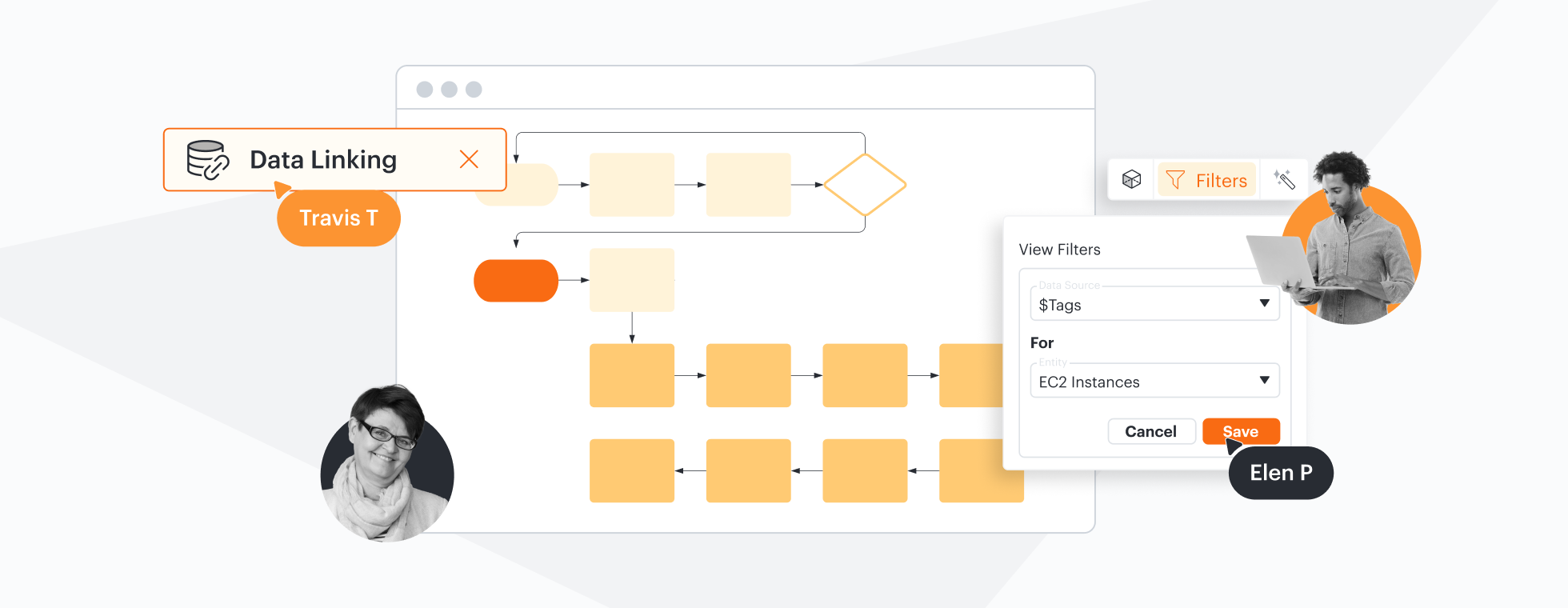
Enabling over 70 million users worldwide to work better together, Lucid is the most-used visual collaboration platform. ConceptDraw lacks deeper collaboration features.
Why teams choose Lucidchart
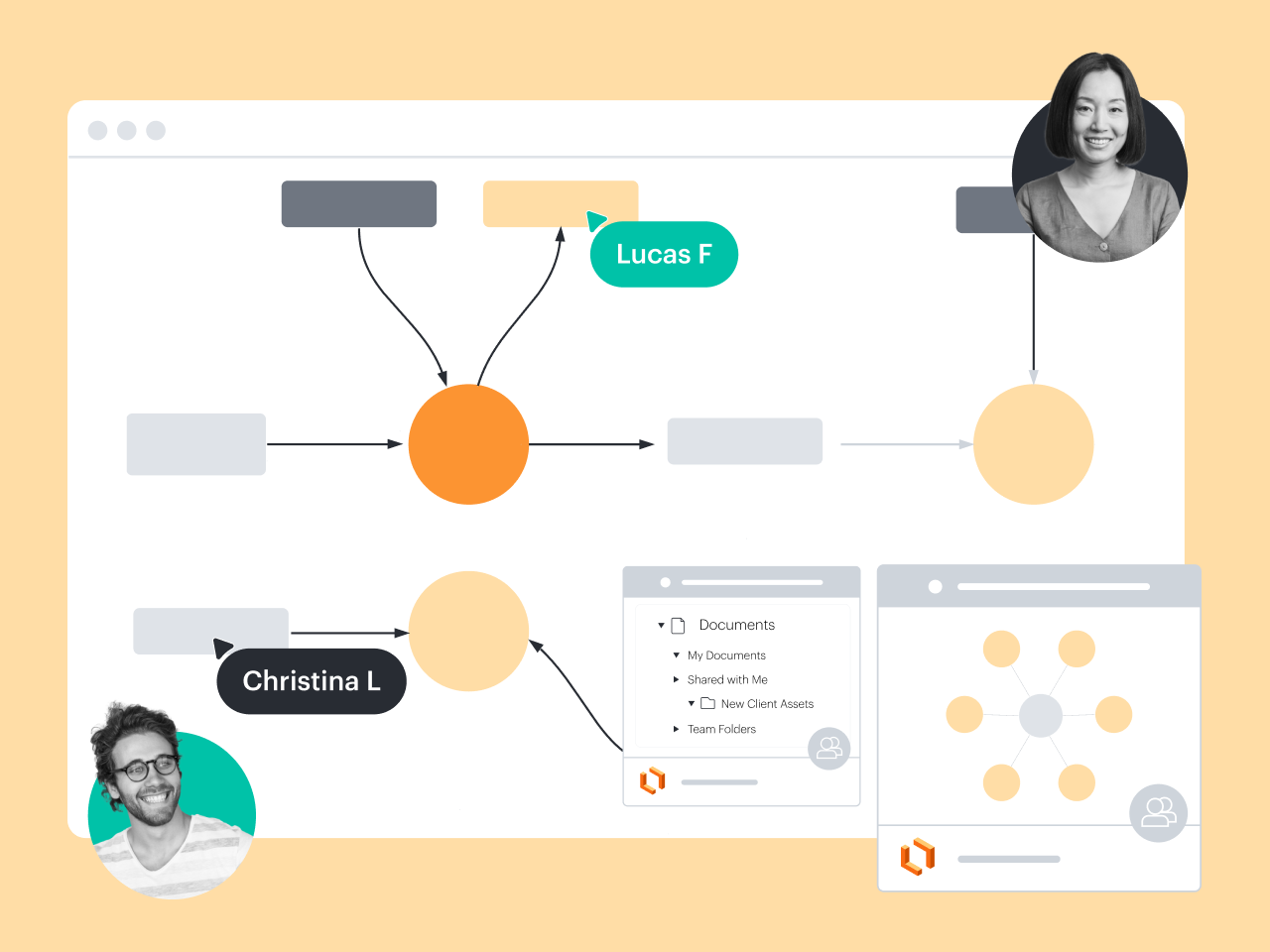
Compatible with any device or operating system
As a web-based application, Lucidchart requires no downloads and is compatible with any operating system. It works on any internet-connected device—desktop, tablet, or mobile—and can be used in offline mode when you don’t have internet access. In contrast, ConceptDraw is only available for desktop. It requires downloading and isn’t compatible with Linux.
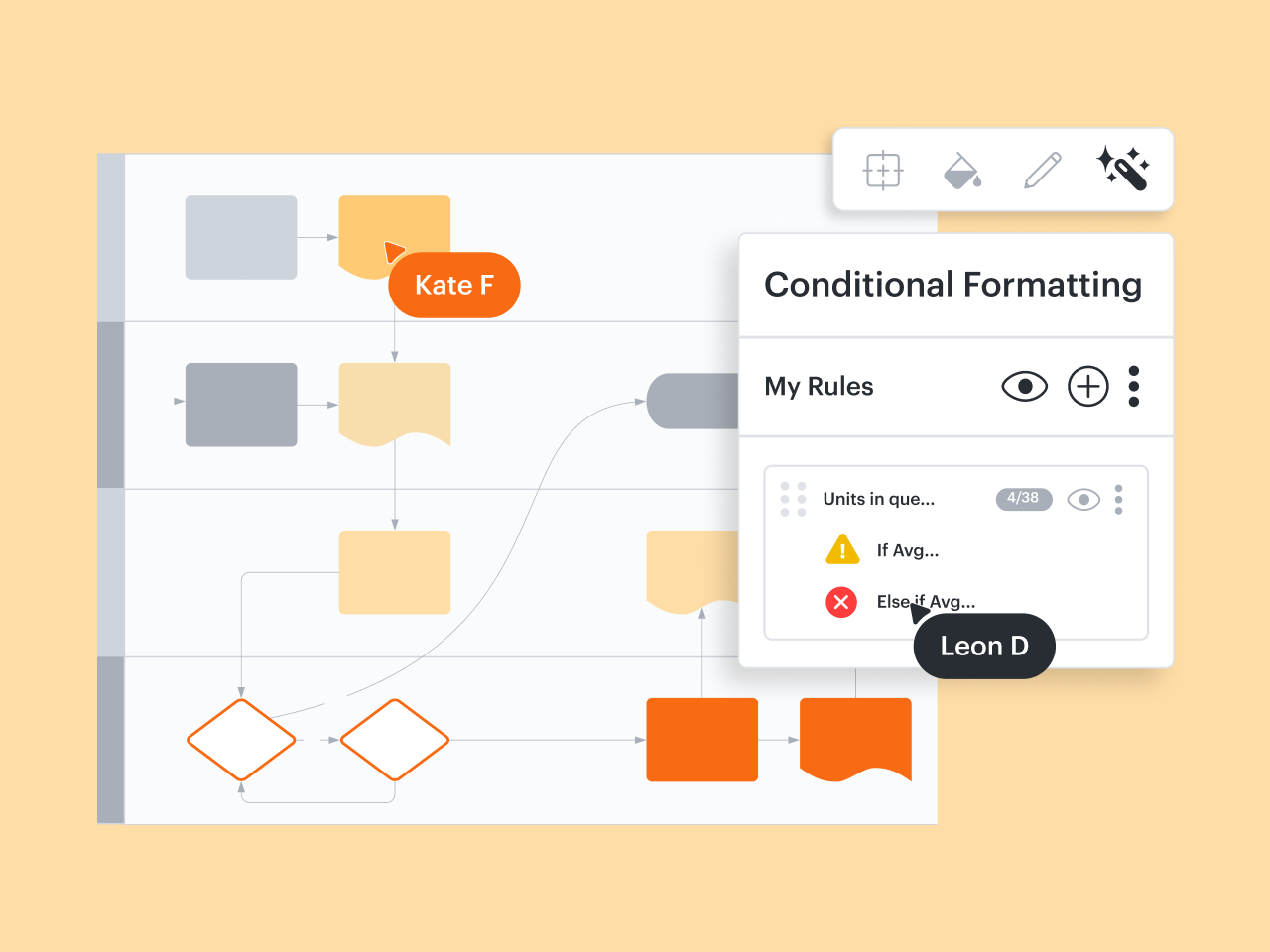
Advanced data and automation capabilities
With features such as formulas, data linking, conditional formatting, dynamic shapes, and ERD import and export from SQL, Lucidchart supports advanced diagramming for a broad range of use cases. Some users report that ConceptDraw is highly complex to navigate and use, plus it’s less suitable for building complex visualizations and making diagrams actionable.
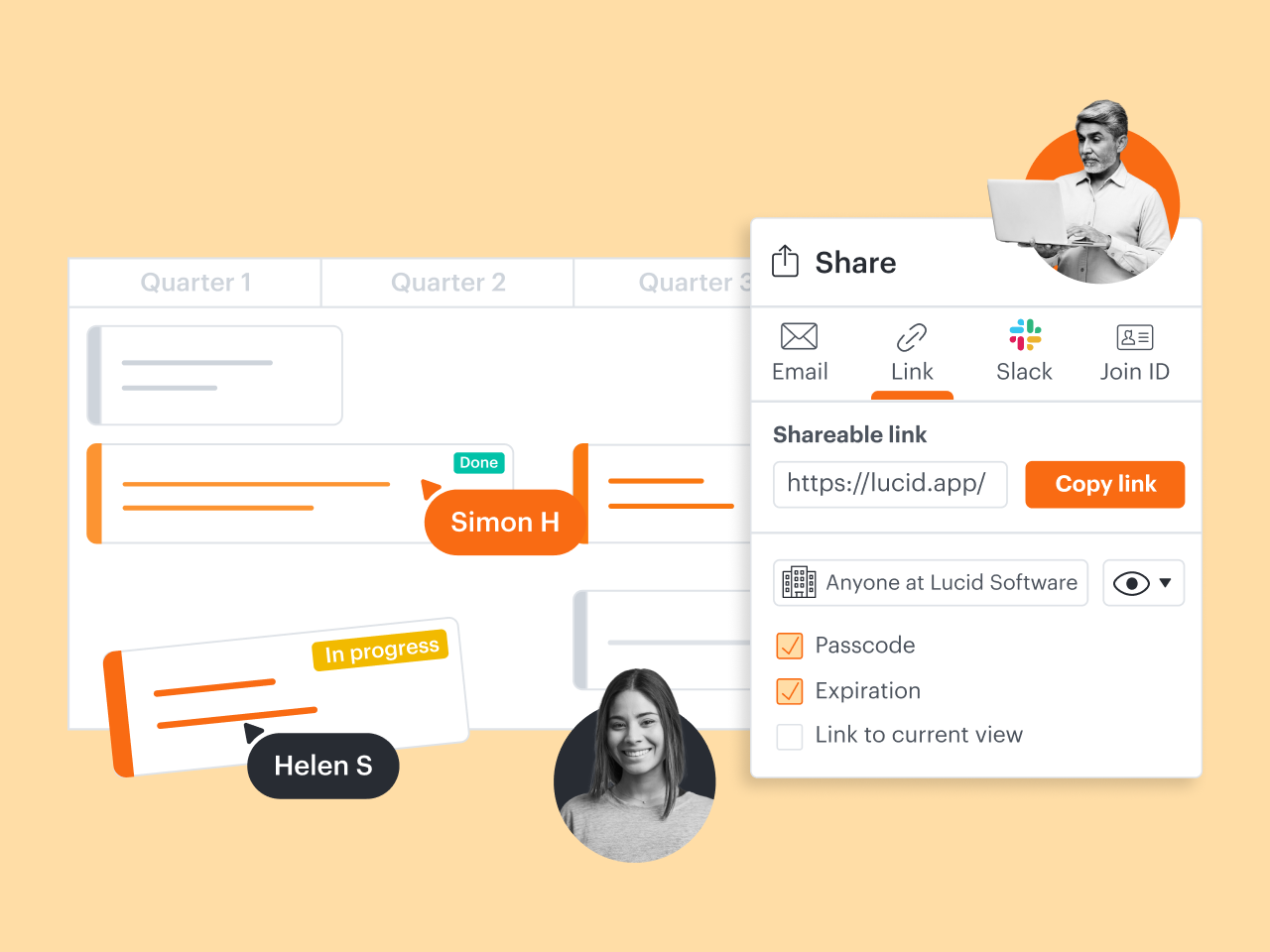
Designed for better collaboration
Lucidchart enables entire teams to create and update diagrams in real time or anytime. With @mention comments, link sharing, and more, it’s easy to keep your team on the same page—even when you’re hybrid or remote. While ConceptDraw offers the ability to collaborate and share diagrams, its real-time collaboration and co-editing features are less robust.
Integrations with more of your favorite apps
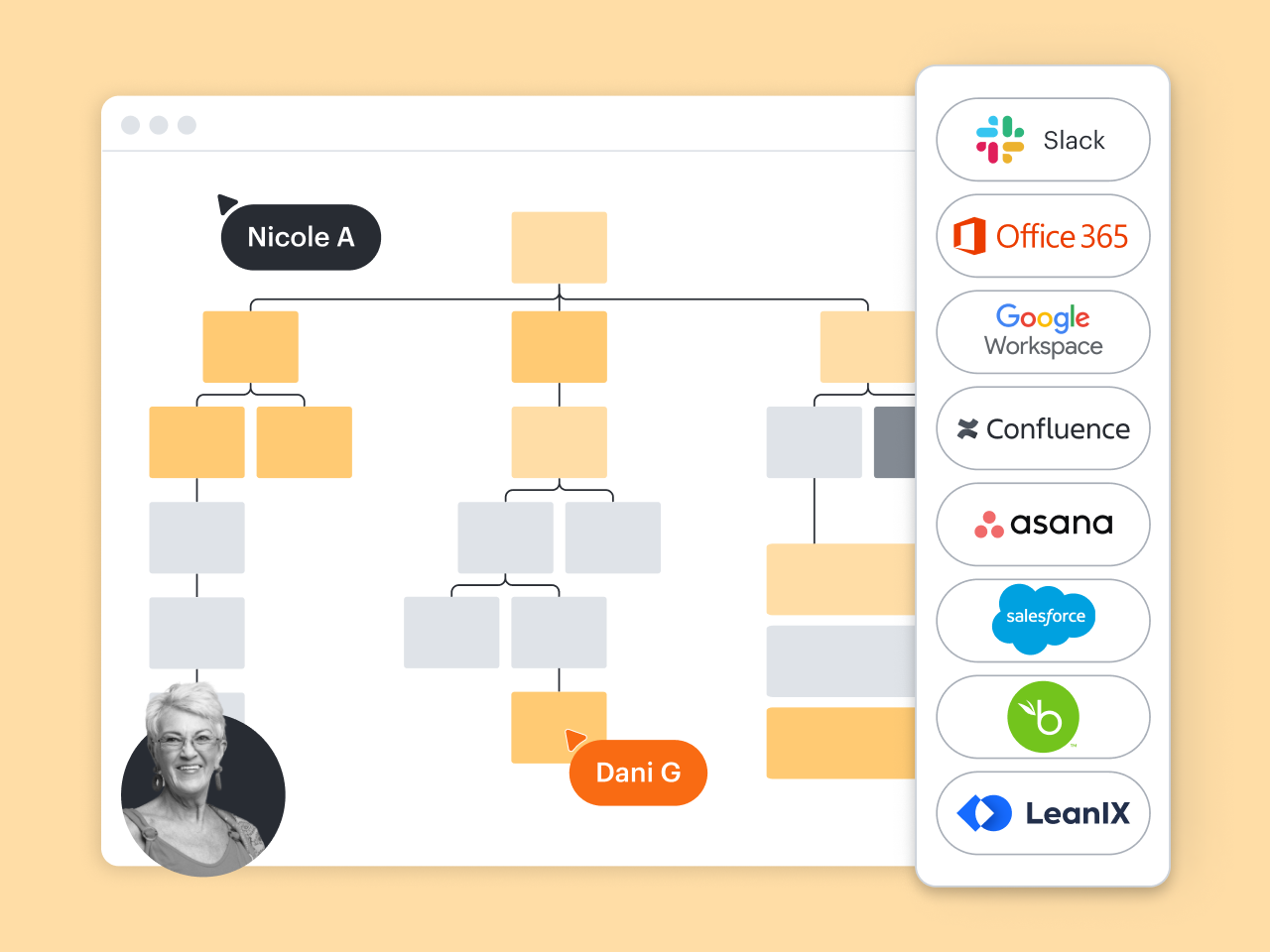
Lucidchart integrates seamlessly with a number of industry-leading apps, such as Asana, Confluence, Google Workspace, Microsoft 365, Slack, and more. But it also offers specialized integrations that ConceptDraw doesn’t. They include BambooHR, LeanIX, Salesforce, and ServiceNow.
More resources to help you compare Lucidchart vs. ConceptDraw
Lucidchart checks all the boxes for visualizations that support brainstorming and building.
What is intelligent diagramming?
See how advanced Lucidchart features, such as data linking, enable teams to see, align, and take action on their best ideas.
Lucidchart template gallery
Browse or search ready-to-use templates for hundreds of use cases. Visualize, share, and document any idea faster.
Buyer’s guide: How to evaluate visual collaboration platforms
Learn how visual collaboration capabilities can help accelerate key initiatives, and get a checklist for choosing the best platform.