Key takeaways
- Organization is key to productivity. Just as with any physical space, maintaining an organized virtual workspace, such as in Lucid, is essential for enhancing focus, memory, and overall productivity.
- Lucid offers several features to help you easily organize your board. From Dynamic Table to Sort and Gather, Lucid enables teams to add structure to ideas, analyze themes, and uncover insights to drive action and next steps.
Study after study proves that organization is important to productivity and information retention. Where a cluttered workspace can negatively impact focus, memory, and creativity, an organized one can enhance focus and improve overall performance.
While we often think of organized workspaces as physical ones, such as a table or desk, virtual workspaces are just as important to keep organized in order to maximize performance and productivity. Luckily, Lucid makes it easy to organize your workspace and make sense of important information.
In this article, we’re diving into the Lucidspark organizer features you should know to maximize the clarity of your board. Each of these can be found by navigating to the Primary Toolbar on the left side of the canvas and clicking on the Organizers icon. Let’s get started!
1. Tables
Stuck making sense of ideas after a productive brainstorming session? Tables are for you.
Tables are ideal for organizing information, much like how you’d capture data on a spreadsheet. Break down numbers, analyze data, and compare information easily to do your best work.
Or, take things to the next level with a Dynamic Table. Dynamic Tables can synthesize shapes, sticky notes, and Lucid Cards—not just written data—in a way that makes the most sense for you and your team. Simply drag the items into the table, add titles to the rows and columns, and start deriving meaning and insights.
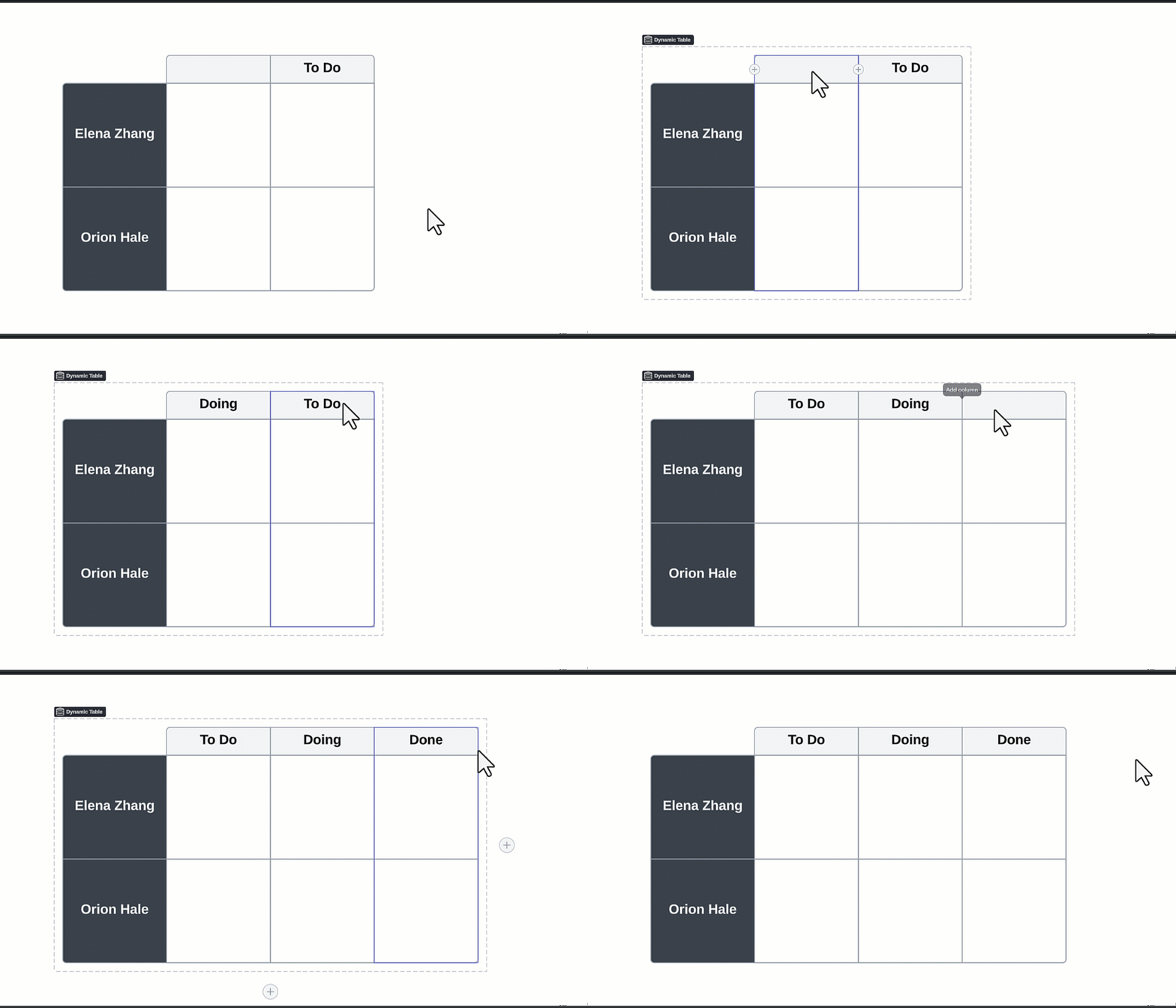
Tip: You can also create a Dynamic Table with only rows or columns if that suits your work better. Simply navigate to the Context Toolbar above the Dynamic Table when you add it to your workspace and select “None” on the category you don’t need.
2. Sort and Gather sticky notes
Picture it: You’ve just had a brainstorming session, and your board has tons of sticky notes on it. What do you do next? Try Lucidspark’s Sort and Gather features.
Sort allows you to easily categorize ideas and common themes between sticky notes. Choose to sort sticky notes by tag added, color of sticky notes, or the number of votes it received, when applicable. Sorting the digital sticky notes allows you to make sense of all the ideas you brainstormed so you can harness the momentum from the session and drive further action.
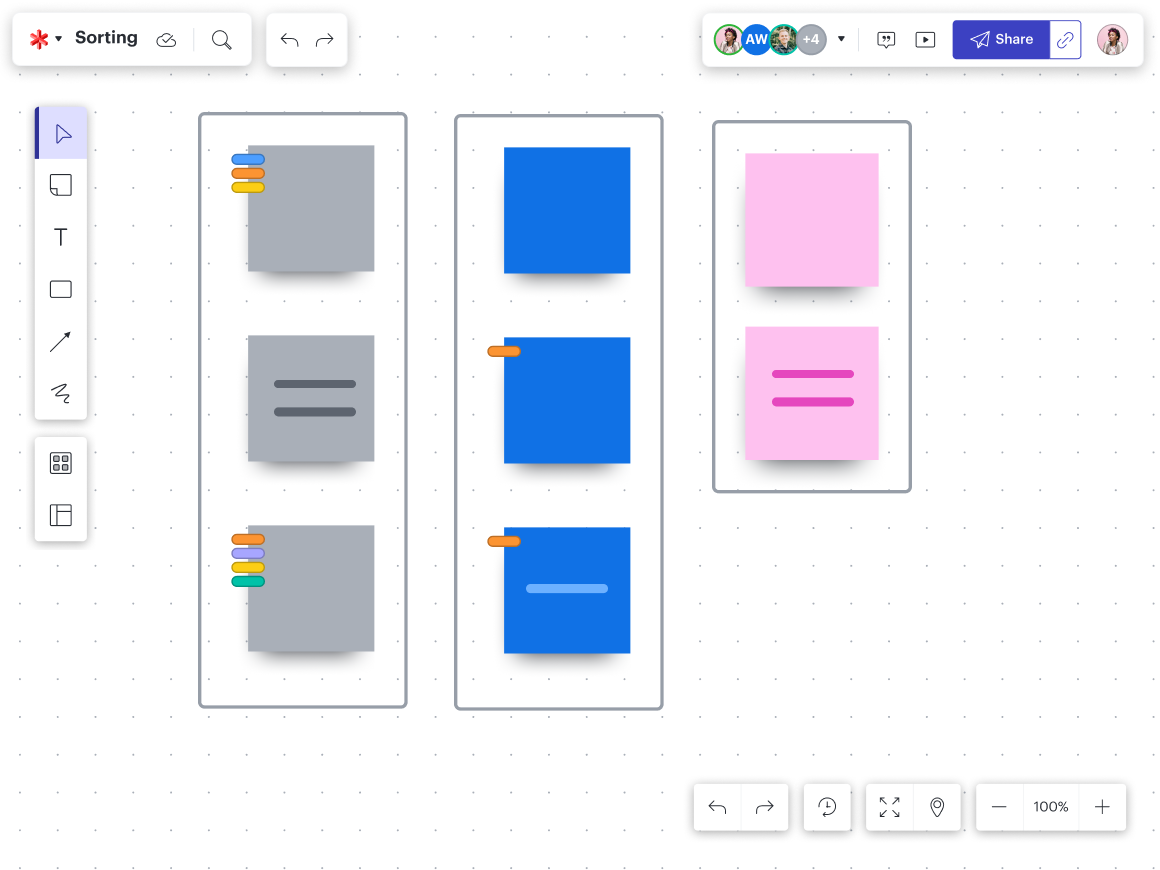
Gather takes this one step further by enabling you to quickly collect sticky notes into a group based on emoji reactions they received, a keyword or phrase on the sticky note, and more. You can also organize sticky notes by multiple categories simultaneously for more in-depth analysis and understanding.
Tip: As an alternative, consider using AI in Lucid , which automatically sorts ideas into containers, uncovering key themes in the process.
3. Frames and Containers
Need to make a presentation? Don’t start from scratch. Instead, formalize the material you already have with Frames. Frames allow you to combine specific pieces of content on your board and lock them together.
If you’re sharing this material asynchronously, don’t forget to add a Path as well, which will guide users through the Frames in the order you’d like. That way, collaborators don’t risk missing any important information.
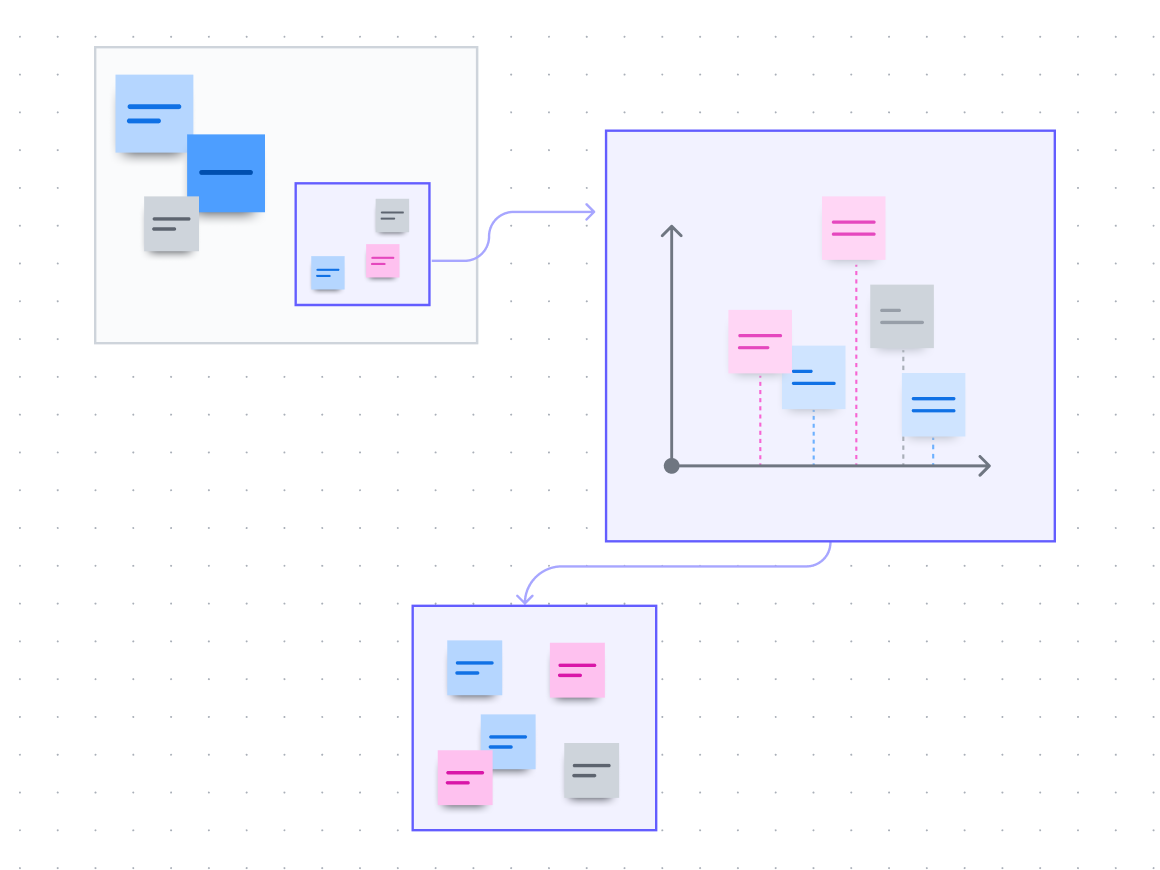
Containers are similar to Frames, but they tend to have a more distinct theme or specific purpose, allowing you to visually organize concepts and ideas into boxes. Consider hiding the content of your Container for a more attention-grabbing reveal or to prevent participants from getting distracted while navigating the board.
Tip: Frames and Containers can be heavily customized. Give them a title, make them all different sizes, add color to the line and fill of the Frame, include a drawing or shape, and more..
4. Timelines
If you need to organize material on your board by date, the Timeline feature has you covered. Whether you want to make sense of past events or plan for the future, timelines can help you break down tasks and deadlines chronologically.
Plus, you can use them in association with Lucid Cards to support more dynamic project management, presentations, roadmaps, and more. Simply drag and drop the card in the Timeline and get visualizing.
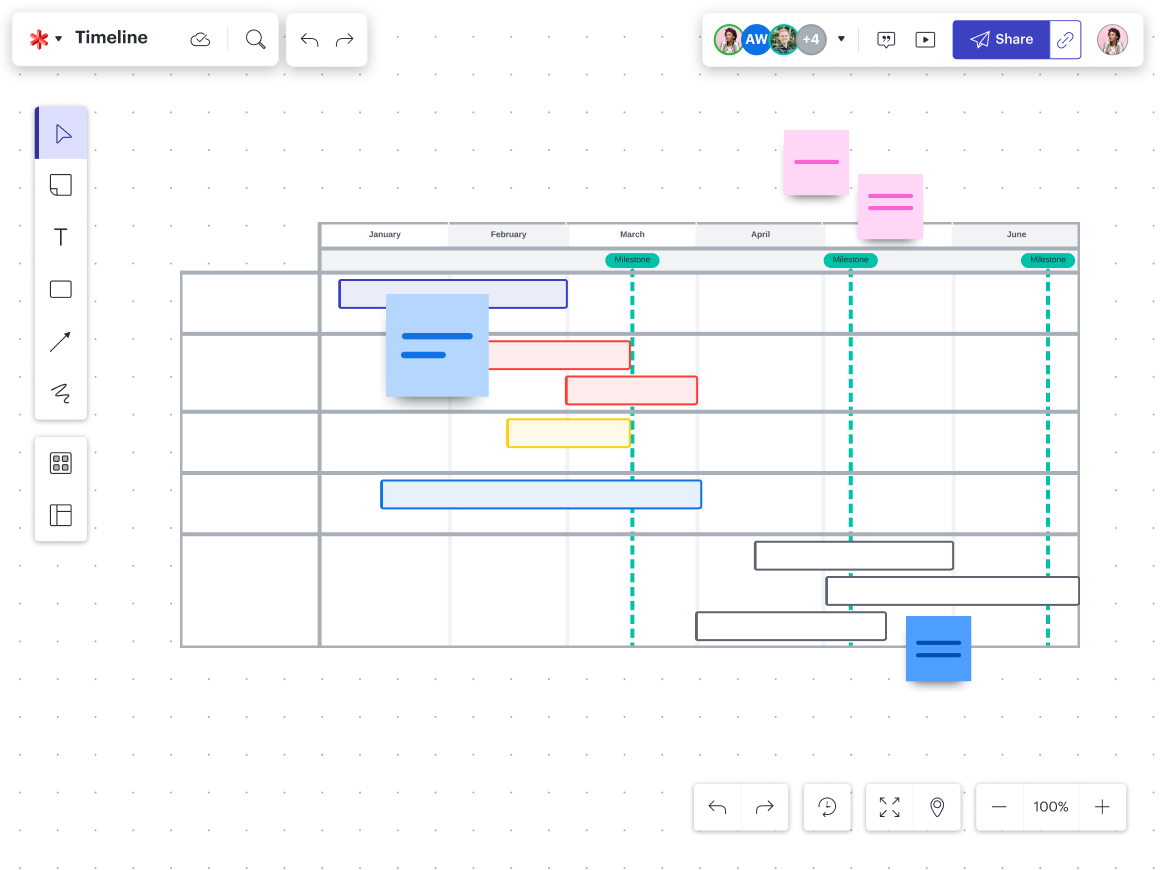
Tip: Add a line indicating today’s date on the Timeline to boost your visualization capabilities. Access this by selecting the Milestone Options icon, which resembles a small flag.
5. Mind maps
Mind maps do more than organize your workspace—they can help you make sense of your thoughts in real time. With a central theme or idea in the middle and lines that branch out to connect back to the main topic, mind maps can easily be built out with Lucid’s intuitive diagramming features.

Tip: Expand your mind and multiply your ideas by creating a mind map with AI in Lucid. AI can assess your existing mind map and automatically generate new branches, making it more comprehensive than it was before.
Boost productivity with Lucidspark organizers
Organization isn’t just for desks—it’s about your virtual workspaces, too. Lucid’s powerful features help you structure ideas, make sense of ideas, and uncover key themes to move faster, collaborate better, and ultimately drive action on your team.

Jump into Lucidspark to try these products for yourself!
Get started