Your work isn’t done after a database is created. You need to have a number of good data management best practices in place in order to keep data quality high and database performance on target.
Setting appropriate business goals for your database and helping your team support the database administrator allows your organization to get the most from your new (or existing) database. Learn how.
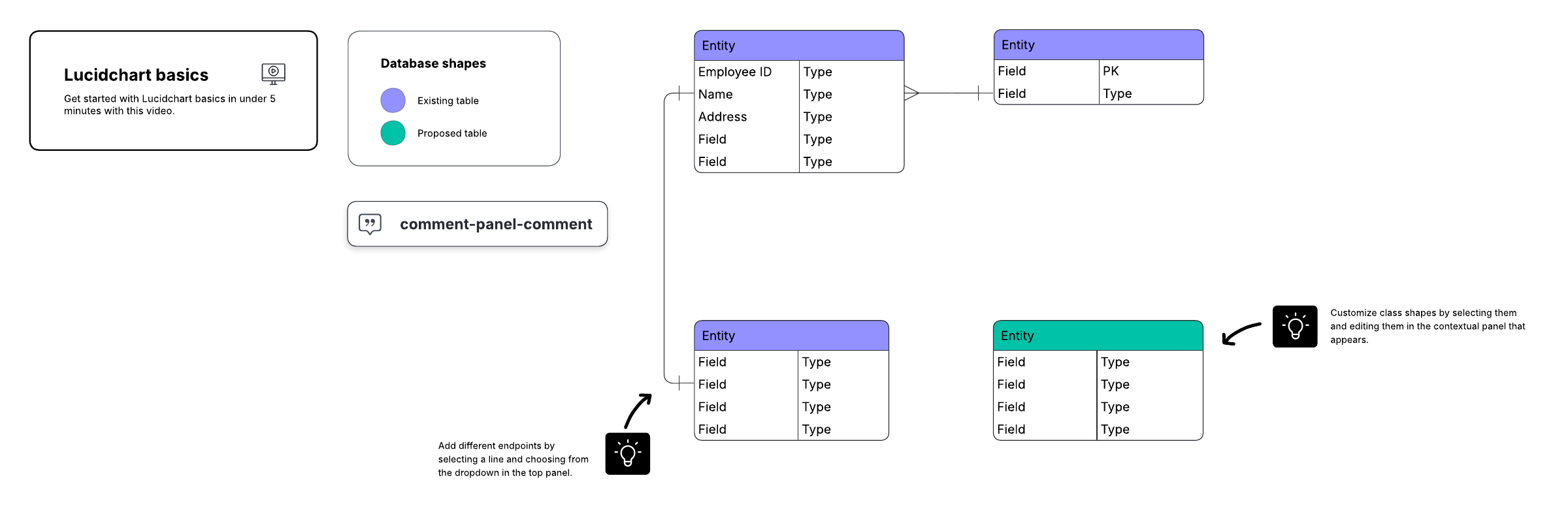
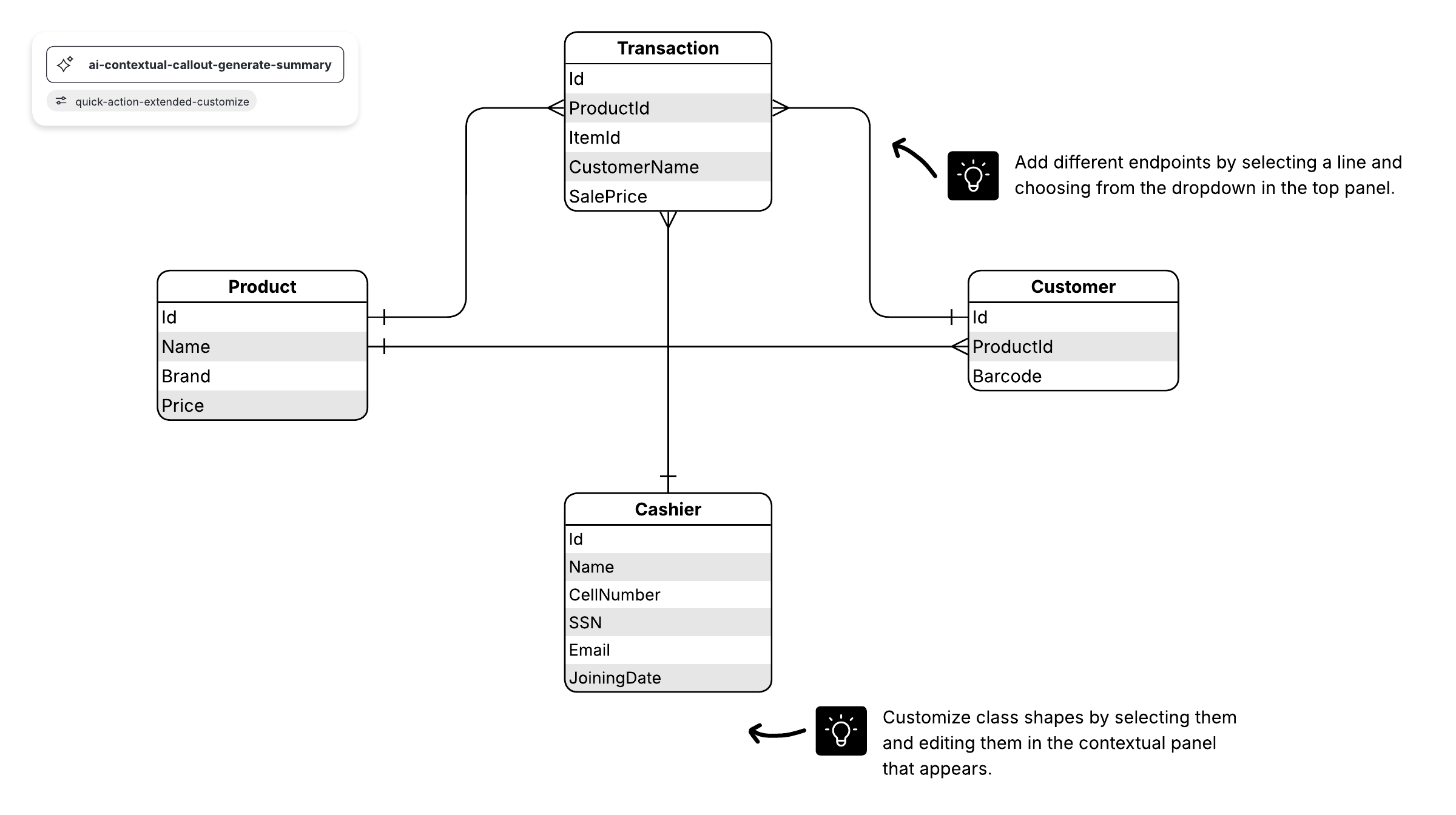
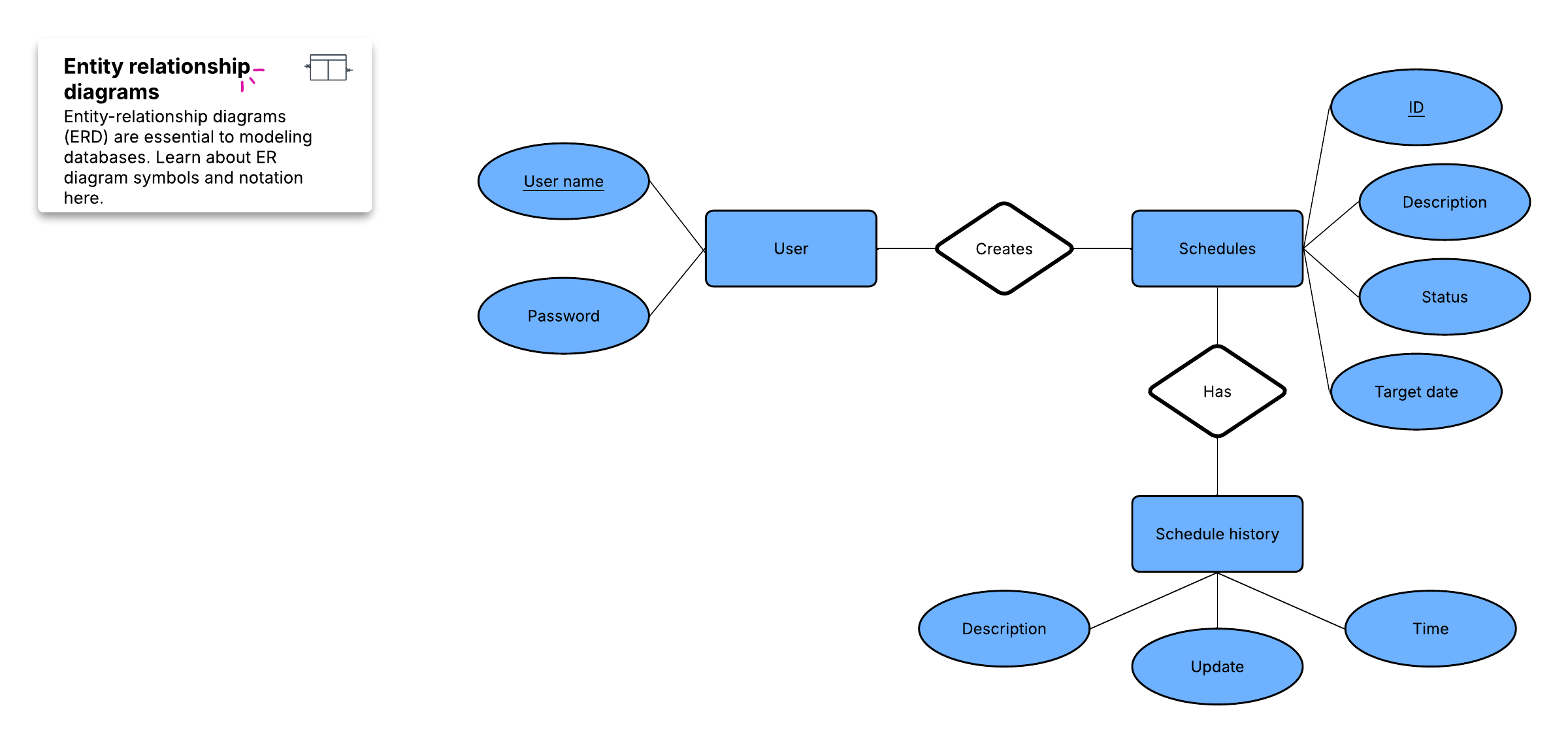
This database tutorial will help beginners understand the basics of database management systems. We use helpful analogies to explain a high-level overview of spreadsheets, tables, and database management systems. The logic and concepts in this tutorial will make it easier to understand the more technical aspects of database architecture and Entity Relationship Diagrams (ERD).
How database management has evolved
Earlier in the history of database management, administrators had a more hands-on role—they didn’t have today’s AI and automated support to rely on. In effect, this reality reduced the amount of data a DBA could manage and made the admin’s job a lot less strategic than it generally is now.
Instead of having to endlessly manage databases and repair errors all day, the modern administrator is really becoming more of an architect—someone who is able to see the database’s opportunities and leverage them for the organization’s benefit.
As you might imagine, this has opened exciting possibilities for data administrators and for the once “lowly” database. For example:
- The role of AI: Automation does more of the heavy lifting now, empowering the database administrator.
- Data at scale: Organizations are doing more with data, seeing the benefits of Big Data for next-generation applications.
- Optimization: By unlocking the potential of databases, you can now optimize your database performance in new ways for speed, resource use, reliability, security, and more.
Tips for modern database management
To help you get the most from your database, follow these database management best practices and data management tips:
1. Set business goals
An actionable, targeted database management strategy should reflect your business needs and outline the metrics you’ll use to track your success. If you don’t spend enough time deciding what data to collect and how you can use this data effectively, you run the risk of wasting internal resources gathering the wrong data, piling up too much data to efficiently use, or missing important data opportunities.
Setting relevant business goals gives you a lodestar to follow so you don’t lose your way. These uses for business data are worthwhile to consider:
-
Creating profiles and targeting: Customer profiles are a common way to use data collection and analysis, but the user, partner, and audience data you are collecting could also be valuable. Forming profiles from accumulated data is a smart way to start making sense of it.
-
Identifying trends and patterns: Customer trends, sales trends, and other patterns provide you with strategic insight into your industry and the purchasing behaviors of those who patronize your products and services. Usage patterns, consumption trends, and other conditions can be tracked, and this information is particularly valuable for SaaS companies and other organizations that could strategically benefit from understanding trends.
-
Automating and improving processes: You can also use data to help you revamp your processes, implement automation, and make adjustments. Looking closely at your data may reveal opportunity areas.
-
Informing business decisions: The next best thing to a fortune-telling crystal ball is the ability to dial in on your past experiences and collected data.
With a close eye on your data, database administrators are in a good position to help with sorting through these data uses and determining which other opportunities exist for your organization.
2. Establish policies and procedures, including backup and recovery procedures
Crafting specific backup and recovery procedures and policies prepares your team to act more effectively if the worst happens. Determine smart actions you can plan in advance—this exercise will keep the team focused and give you a chance to work through your worst-case scenarios.
As you plan your disaster response, you can use flowcharts and process mapping to visualize everything and provide your team with a helpful overview.
-
Collecting and organizing data: Your team should be trained on your procedures and policies for collecting data and adding it to the database. With the role automation now plays in this, make sure everyone is on the same page with how software contributes and what role AI and automation plays.
-
Guard data integrity: Database errors can be devastating, so make a plan for keeping them minimal and allowing your team to find and correct them when they occur.
-
Monitor your data: On a regular basis, check your databases for accuracy and possible data corruption.
-
Set benchmarks: Your DBA should help with establishing alerts to protect the database by bringing up problems when they occur. Your team should know what your organization’s goals are for the database and be prepared to act accordingly if changes happen.
-
Map your processes: Being able to visualize how your database works and see the entire process, from data collection to processing, assists your organization with troubleshooting and planning.
3. Make security your priority
Although not every disaster is entirely predictable or preventable, you can improve your data security and manage the risks associated with worst-case scenarios for your database. Maintenance, backup, and recovery planning are your best bets for protecting what’s important.
DBAs who know industry best practices for database security and are prepared to manage your database security effectively are valuable allies in the fight against data loss, security breaches, and database compromise.
-
Create a comprehensive maintenance plan: Maintain your database regularly. Data security should stay at the forefront and not become an afterthought. You don’t want to be in the position of trying to “catch up” on security after a breach, for instance. Make a plan your team can use as a preventative treatment—it’s easier than a cure.
-
Develop your backup and recovery procedures: Have your backup and recovery plan together and review it to make sure it still fits your security strategy, your team, and your database.
-
Build your team’s security skills: Security issues change along with technology changes, business growth, and database characteristics. Your team should stay up to date with the industry and strive to stay ahead of your database’s needs.
-
Leverage automation to help with security: Automation can support your DBAs, too—for example, you can schedule frequent automated backups.
4. Focus on the quality of the data
Your DBA should work to promote a high standard of data quality, removing data that doesn’t meet the standards and adapting quality standards to fit your changing strategy.
-
Have SMART data quality metrics: Ideally, you would create metrics that meet SMART (specific, measurable, achievable, relevant, and time-bound) standards. SMART helps you make data quality metrics that are usable and truly useful for your organization. At best, metrics that don’t fit SMART criteria represent “nice to have” goals that are subjective. At worst, these metrics leave your team aiming for moving targets.
-
Empower your data steward: As your DBA goes about their job protecting your data quality, make sure they have everything necessary to do their job successfully. Loop them into communications with the rest of your team, allow them to enforce your data quality standards, and make sure organizational resources are available to help them protect your data. The last thing you want is a situation where the data czar doesn’t have management or team support.
5. Reduce duplicate data
Duplicate data reduces your database performance and can hinder your efforts. Often, duplicates also lead to wasted internal resources and doubled effort by your team. If a customer record is duplicated in a CRM, for instance, the service team might literally spend twice as much time fixing the same problem all over again.
-
Share data quality basics throughout the organization: Your entire company should know a few basics about protecting data quality, even if they don’t work directly with the DBA or with the database. Someone who doesn’t know the harm of creating duplicate records can create more work for your team. Teach everyone what good data looks like and how to contribute high-quality data.
-
Eliminate siloed data access and management: When individual departments manage separate areas of a database or manage their own without any outside direction or input within your organization, you risk duplication and errors. In some cases, these silo databases exist without following data quality and duplication standards.
-
Have a plan for duplicate data and test your database: If duplication seems to happen more often to your organization than you want it to, then develop a plan to address the sources of duplication. Test your database regularly to make sure you’re managing the problem effectively with these changes in place.
6. Make the data easily accessible
You need to make sure that your users can benefit from the data. Internal users, end-users, and other stakeholders that access your database should know how to use it and be comfortably able to benefit from it.
-
Design and manage for the user: Think of how your database is used and design it accordingly. Keep in mind that some shortcuts or development and management strategies might work well for your team but be poor choices from a UX/usability or performance perspective.
-
Gather feedback on your database: Your users should be able to provide feedback on how the database is working for them. How you gather this feedback is up to you and depends on the stakeholders you have—choosing a survey, forming a panel or committee meeting, or designating a DBA as a point of contact are potential approaches.
Database management best practices enable DBAs to maintain databases more effectively. With today’s increasingly complex data management and multi-cloud environments, the DBA’s role needs the right resources and support from your team to guard data and keep your database healthy.

Everything you need to make a diagram
Make a polished, professional diagram for free with Lucidchart. No matter what you have in mind, we have the tools you need to build it. Make an account and start diagramming today.
Sign up free