Use this guide to learn everything you need to know about package diagrams, including what benefits they provide, how to properly build them, and more. With our UML diagram tool, you can take advantage of the structure and organization provided by package diagrams to simplify even the most complicated of UML classifiers.
What is a package diagram?
Package diagrams are structural diagrams used to show the organization and arrangement of various model elements in the form of packages. A package is a grouping of related UML elements, such as diagrams, documents, classes, or even other packages. Each element is nested within the package, which is depicted as a file folder within the diagram, then arranged hierarchically within the diagram. Package diagrams are most commonly used to provide a visual organization of the layered architecture within any UML classifier, such as a software system.
Benefits of a package diagram
A well-designed package diagram provides numerous benefits to those looking to create a visualization of their UML system or project.
- They provide a clear view of the hierarchical structure of the various UML elements within a given system.
- These diagrams can simplify complex class diagrams into well-ordered visuals.
- They offer valuable high-level visibility into large-scale projects and systems.
- Package diagrams can be used to visually clarify a wide variety of projects and systems.
- These visuals can be easily updated assystems and projects evolve.
Basic components of a package diagram
The makeup of a package diagram is relatively simple. Each diagram includes only two symbols:
| Symbol | Name | Description |
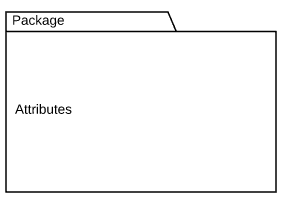 | Package | Groups common elements based on data, behavior, or user interaction |
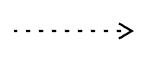 | Dependency | Depicts the relationship between one element (package, named element, etc) and another |
These symbols can be used in a variety of ways to represent different iterations of packages, dependencies, and other elements within a system. Here are the basic components you’ll find within a package diagram:
Package
A namespace used to group together logically related elements within a system. Each element contained within the package should be a packageable element and have a unique name.
Packageable element
A named element, possibly owned directly by a package. These can include events, components, use cases, and packages themselves. Packageable elements can also be rendered as a rectangle within a package, labeled with the appropriate name.
Dependencies
A visual representation of how one element (or set of elements) depends on or influences another. Dependencies are divided into two groups: access and import dependencies. (See next section for more info.)
Element import
A directed relationship between an importing namespace and an imported packageable element. This is used to import select individual elements without resorting to a package import and without making it public within the namespace.
Package import
A directed relationship between and importing namespace and an imported package. This type of directed relationship adds the names of the members of the imported package to its own namespace
Package merge
A directed relationship in which the contents of one package are extended by the contents of another. Essentially, the content of two packages are combined to produce a new package.
Dependency notations in a package diagram
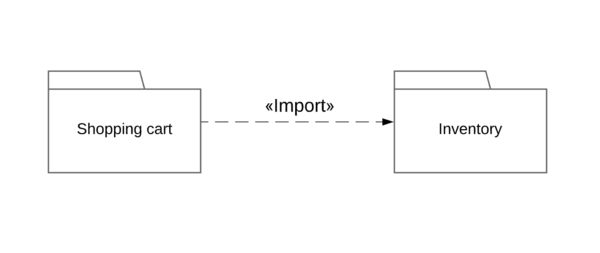
Package diagrams are used, in part, to depict import and access dependencies between packages, classes, components, and other named elements within your system. Each dependency is rendered as a connecting line with an arrow representing the type of relationship between the two or more elements.
There are two main types of dependencies:
Access: Indicates that one package requires assistance from the functions of another package.
Example:
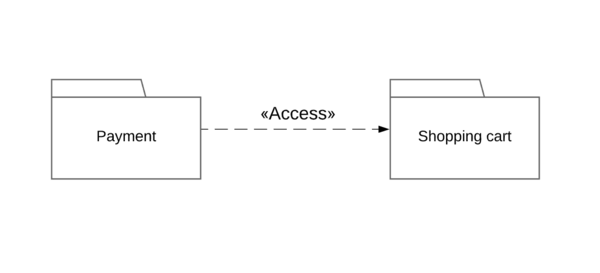
Import: Indicates that functionality has been imported from one package to another.
Example:
Dependencies can also be broken down further into the following categories:
Usage
Occurs when a given named element requires another for its full definition and deployment. Example: client and supplier.
Abstraction
Relates two elements representing the same concept at different levels of abstraction within the system (usually a relationship between client and supplier).
Deployment
Depicts the deployment of an artifact to a deployment target.
Package diagram example
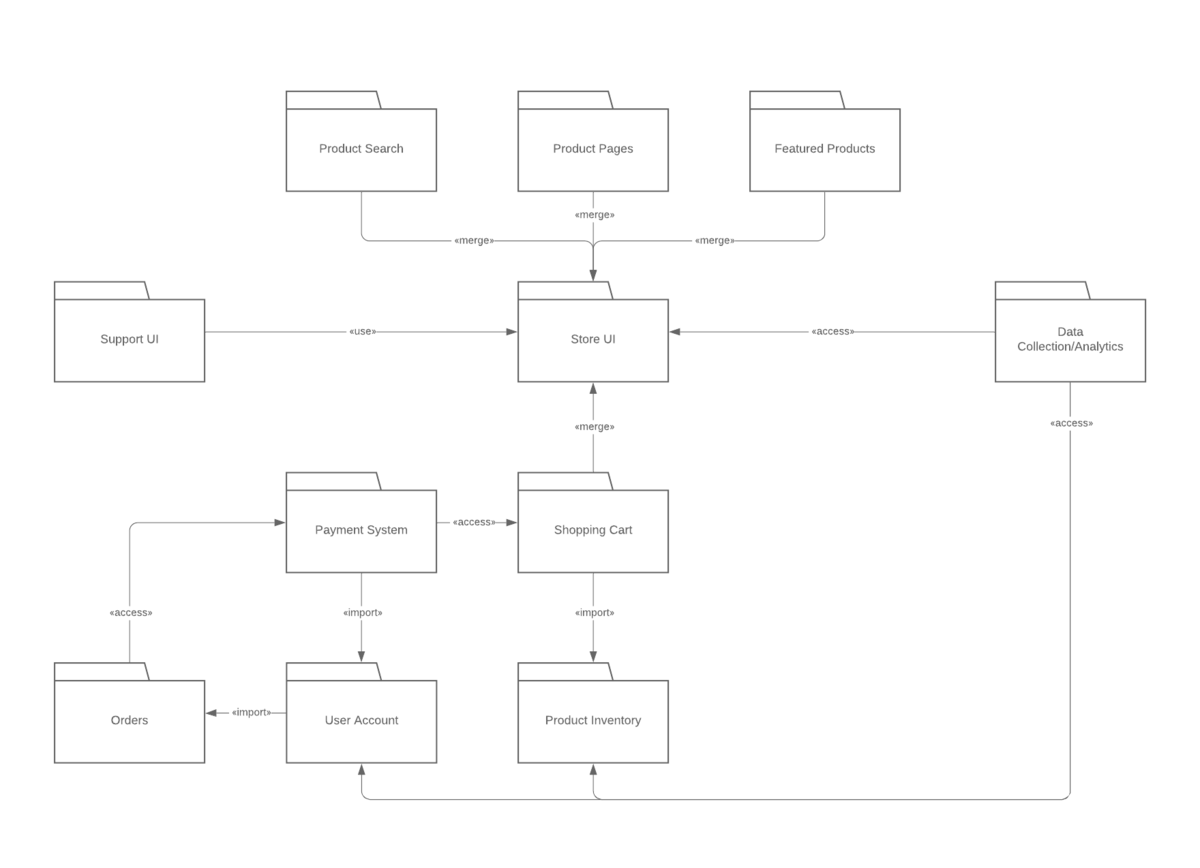
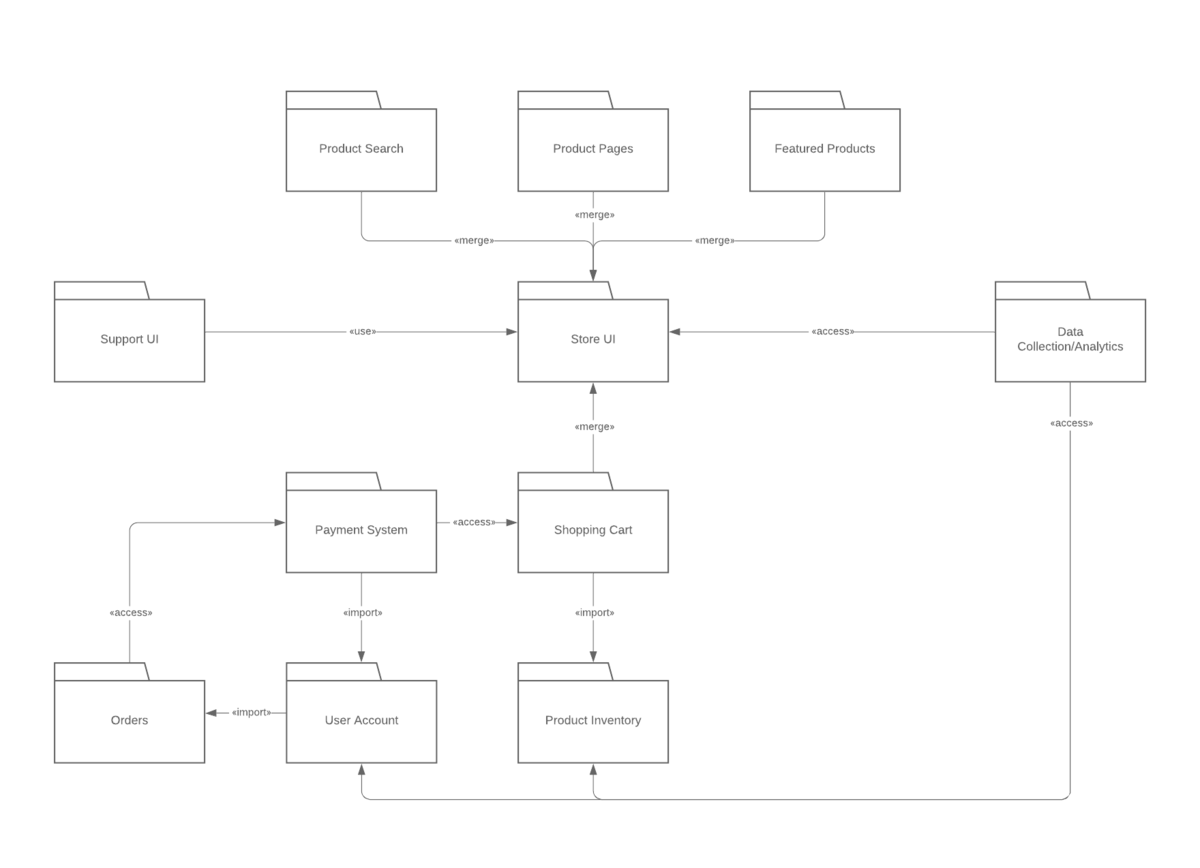
Take a look at the following template to see how a package diagram models the packages within a basic e-commerce web app. Click on the template to modify it and explore how you can show the structure of any designed system at a package level.
Using packages with other UML diagrams
As we’ve shown earlier in this guide, packages are UML constructs that can be used to organize the elements within any UML classifier in a variety of UML diagrams. Package diagrams are most commonly found used in:
- Use-case diagrams: Each use-case is depicted as an individual package
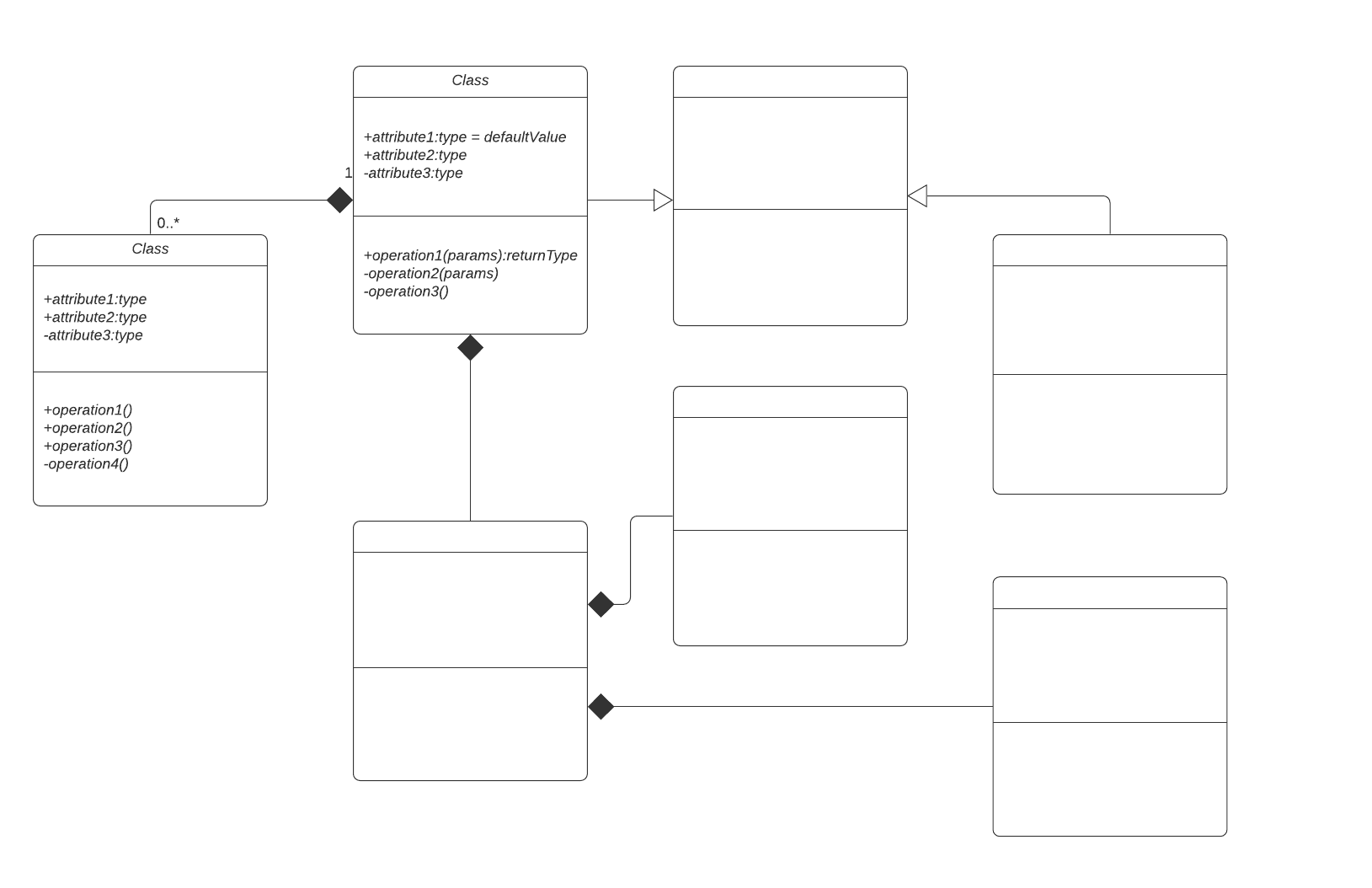
- Class diagrams: Classes are organized into into packages
Packages can also be used within other UML model types to organize and arrange elements such as classes, data entities, and use cases. By fuzing the package diagram structure with other UML diagrams, you can simplify any model type, making it easier to understand.
Model diagrams
Package diagrams can also be used in conjunction with model diagrams—a type of UML auxiliary structure diagram used to depict the logical, behavioral, or structural aspects of a system. Even simple models can be difficult to understand without some type of visual organization. The use of packages can provide users with a high-level view of a model with unambiguous named references for each of the elements it contains. In addition, clearly labeled dependencies can clarify the relationships between each element.
Everything you need to make a diagram
Make a polished, professional diagram for free with Lucidchart. No matter what you have in mind, we have the tools you need to build it. Make an account and start diagramming today.
Sign up free