Lucid AI: Supercharge your workflow
Transform the way you work with Lucid AI. Empower your team to see what’s possible and do more in less time.
How teams use Lucid AI
Engineering teams
Engineering teams
IT teams
IT teams
Product teams
Product teams
Operations teams
Operations teams
Lucid AI capabilities
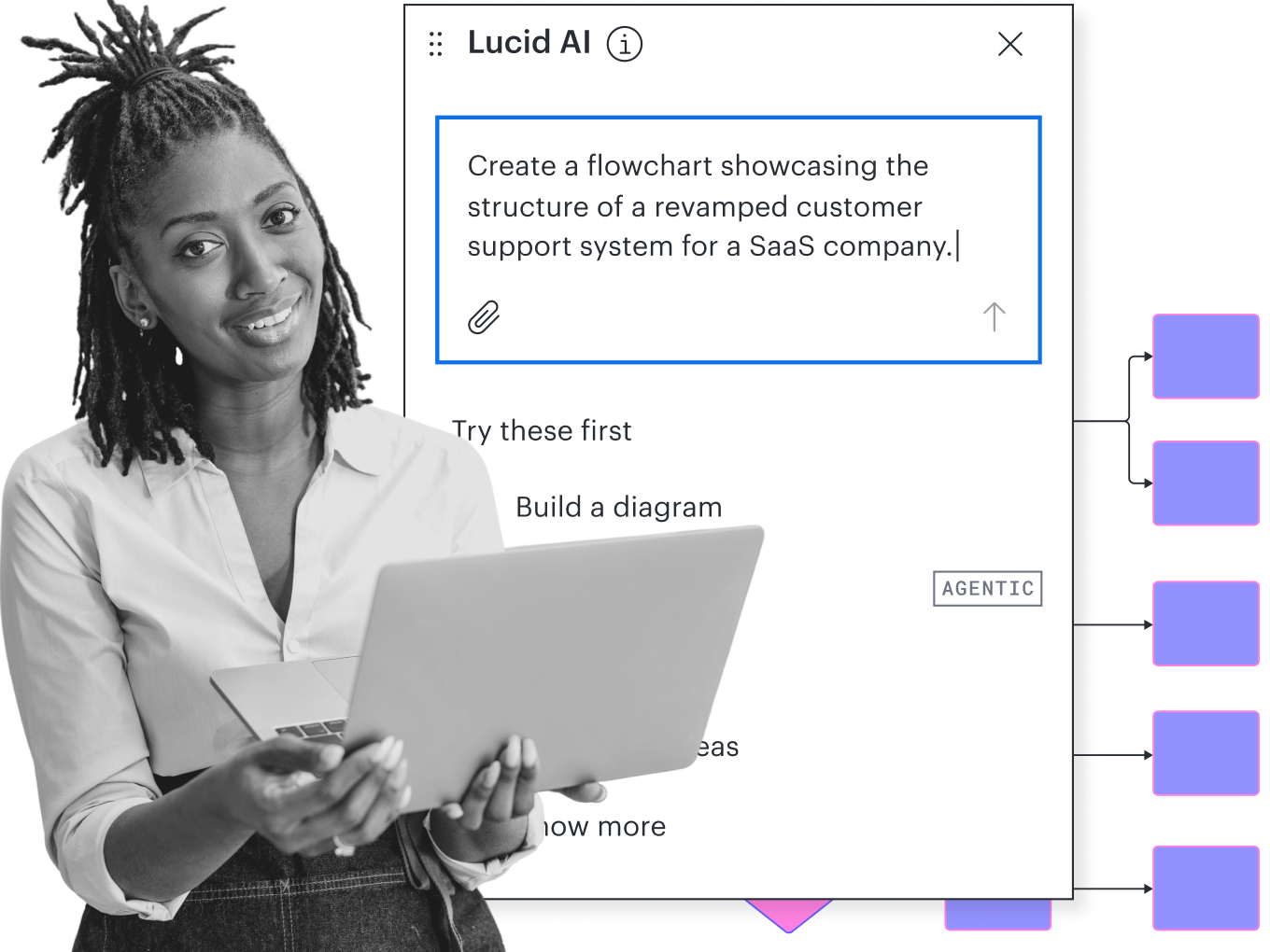
Leverage an AI assistant that can help you accomplish your work in a conversational way.

Generate diagrams
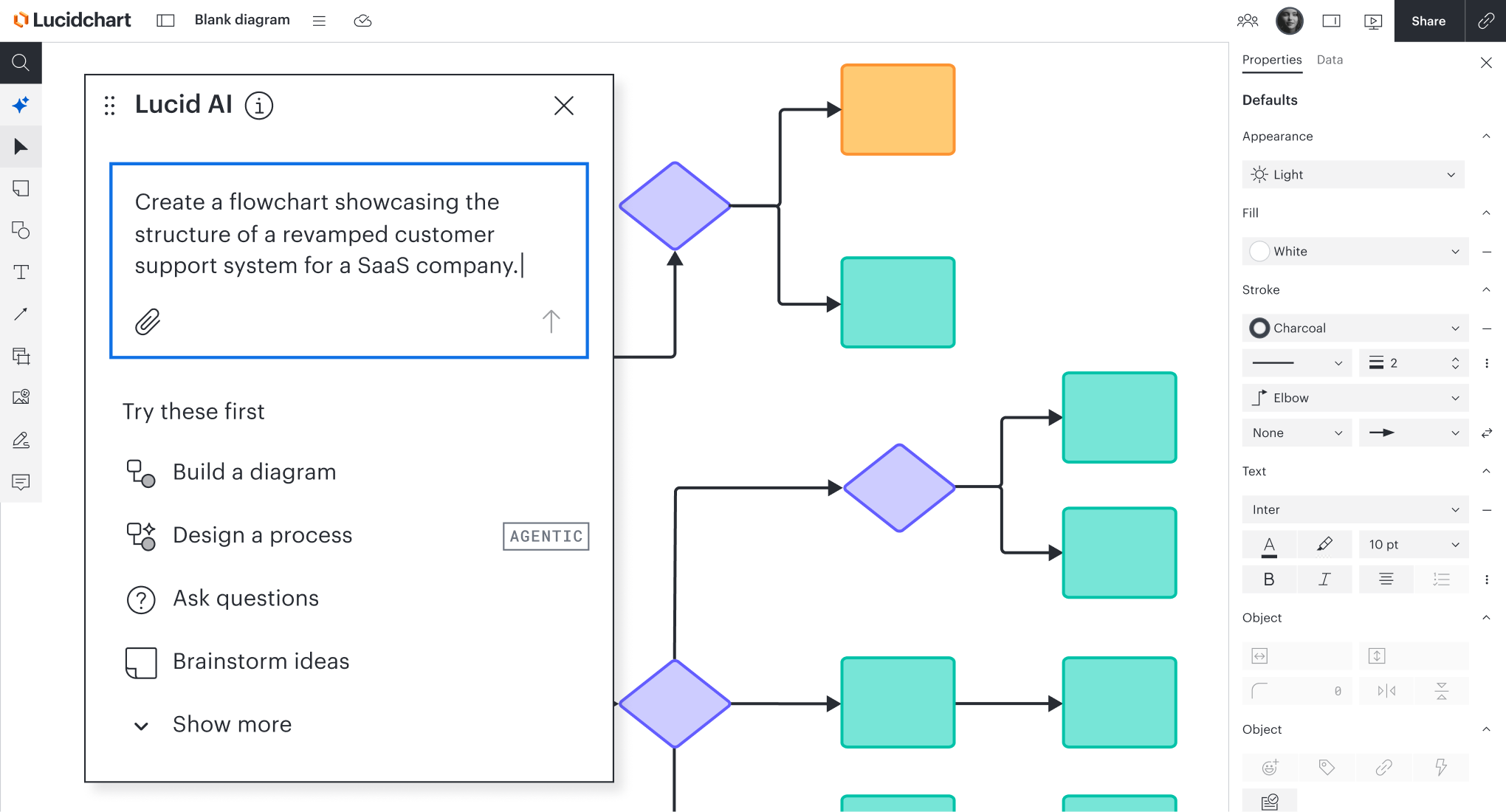
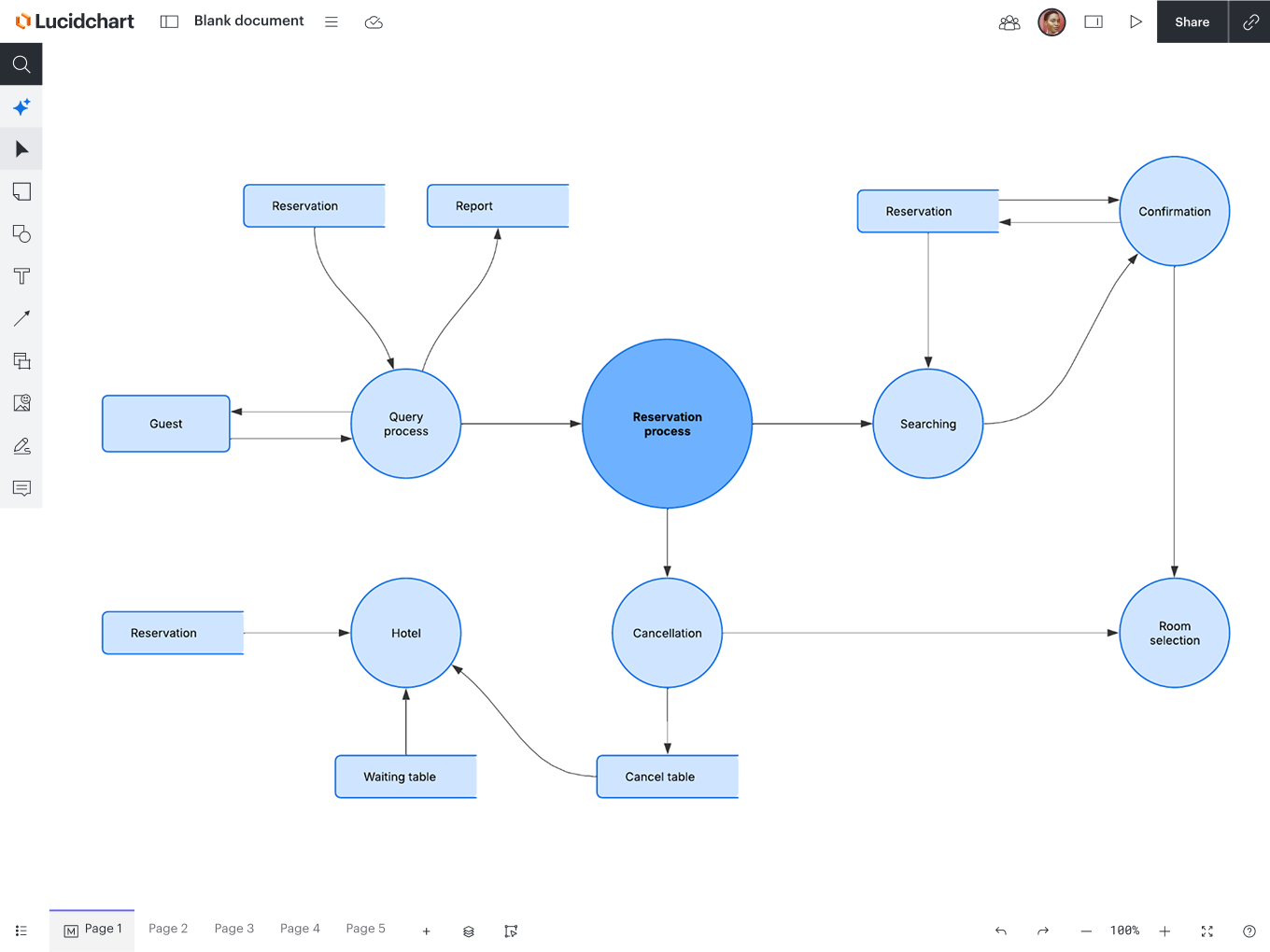
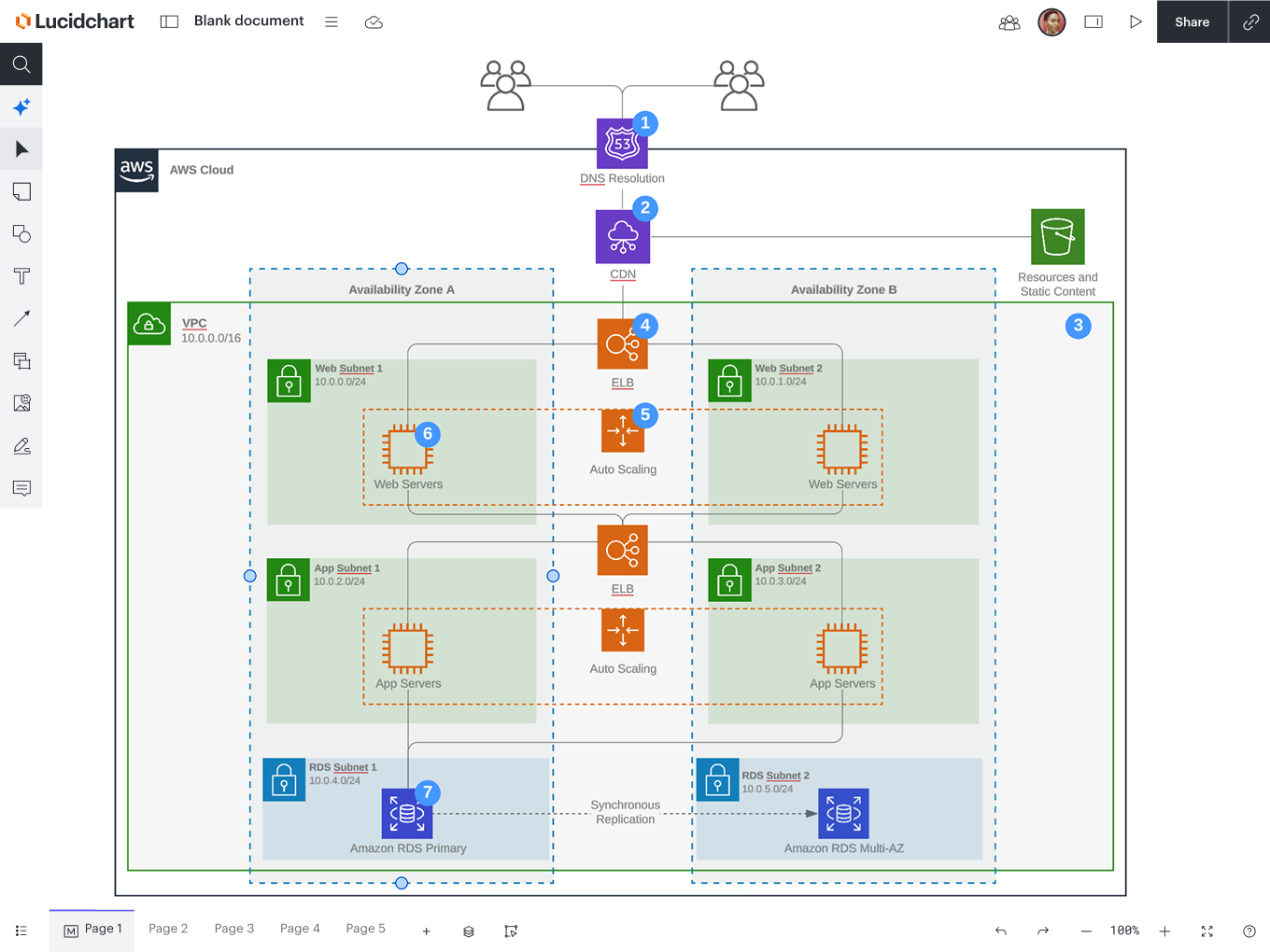
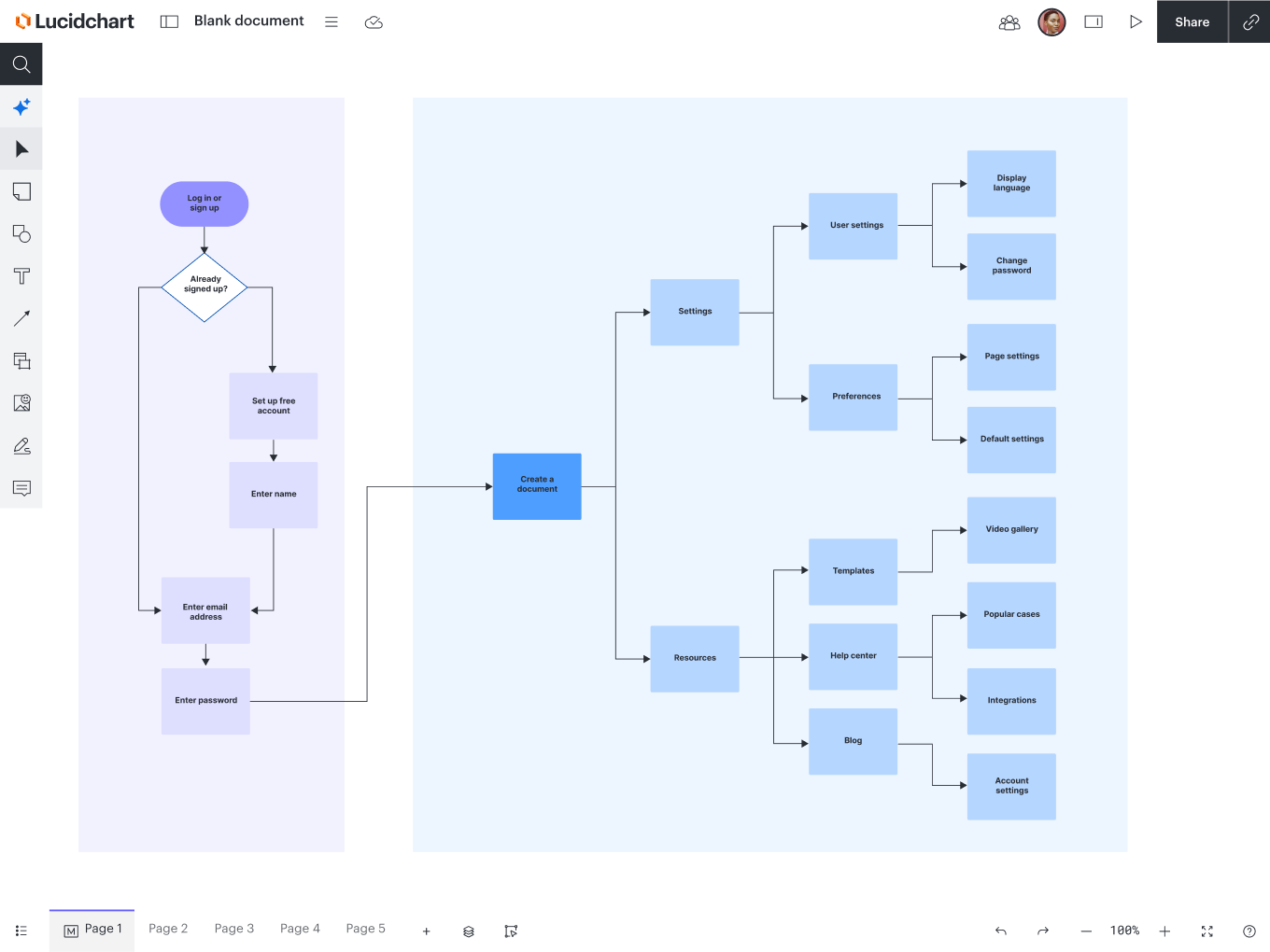
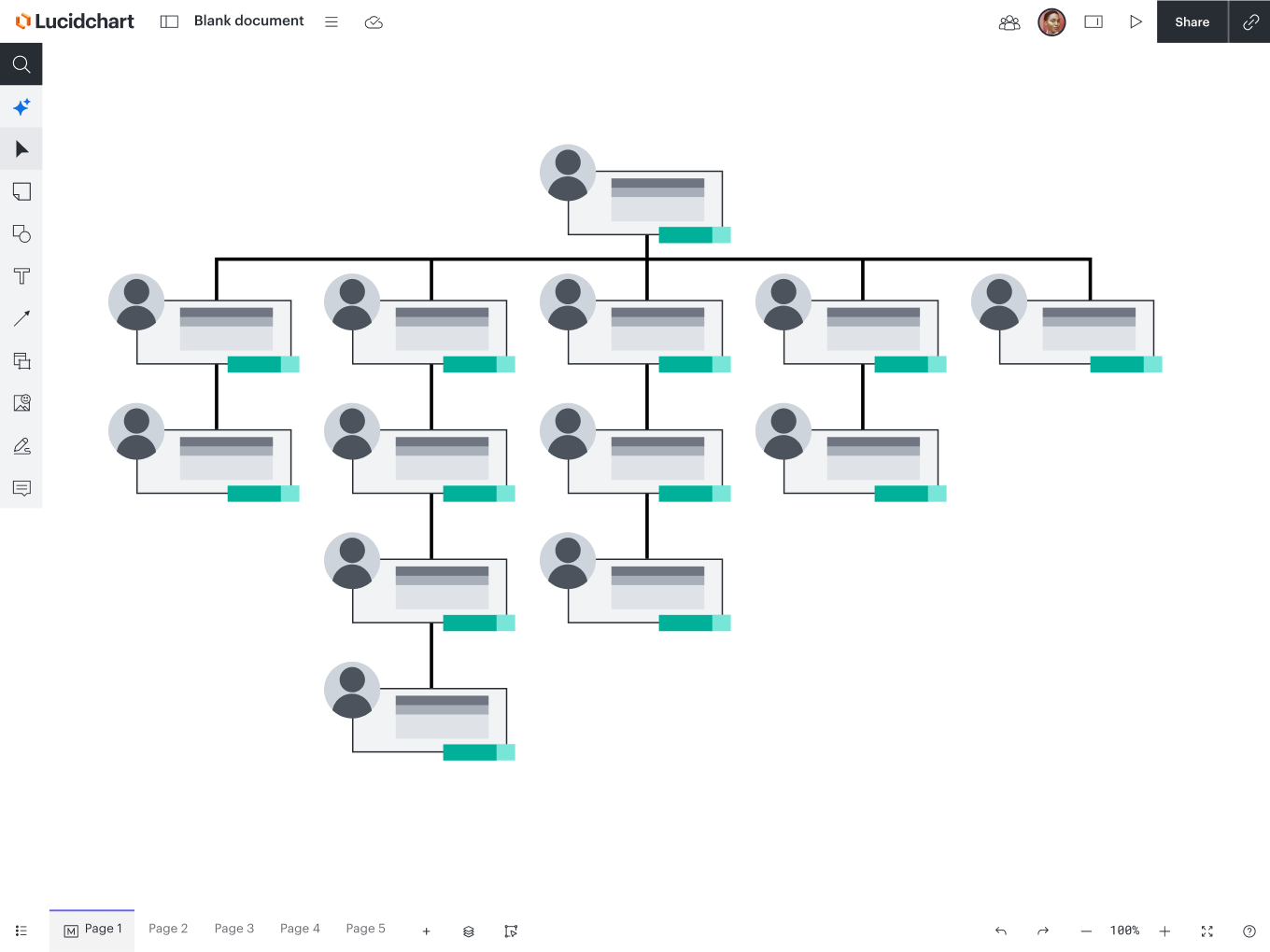
Auto-generate different types of diagrams from text prompts and files. Edit manually or keep iterating with AI.

Create process documentation
Use the Process Agent to build process diagrams faster. Answer clarifying questions to ensure accuracy.

Link data to a document
Generate data-linked shapes from text prompts. Ask Lucid AI to connect selected shapes to a linked data source.

Generate boards
Provide a text description to generate boards for brainstorming, planning, meetings, retrospectives, and more.

Add conditional formatting
Save time by adding conditional formatting rules with Lucid AI. Simply describe the rule you want to create.

Summarize content
Select content within boards and diagrams, and use Lucid AI to generate an instant summary.

Generate and sort ideas
Type in a prompt to auto-generate ideas. Use Lucid AI to sort any content into common themes.

Build mind maps
Generate mind maps from simple prompts. Expand ideas or questions to add new branches.

Get product help
Ask Lucid AI questions about a document or content on the canvas. Get help finding and using Lucid features.
Additional resources

Lucid AI quick guide
Explore AI features available in the Lucid platform, and enhance every step of your workflows.
Go to guide

AI in Lucid overview
Learn about Lucid’s approach to AI, including how we handle privacy, security, and data.
Read more

Lucid MCP server
Understand how the Lucid MCP server allows you to connect Lucid to external AI tools.
Get the details

AI diagramming course
See how you can use Lucid AI to generate, iterate on, and refine different types of diagrams.
Register now

Webinars
Watch on-demand webinars and register for upcoming events to learn more about Lucid AI.
Explore topics
Frequently asked questions
Learn more about Lucid AI.