Log in

Strategic Planning Software

Lucidspark is a virtual whiteboard that helps you and your team collaborate to bring the best ideas to light. Sign up for a free trial today.

Sign up free
Sign in with GoogleGoogleSign in with MicrosoftMicrosoftSign in with SlackSlack
  • Just Eat logo
  • Google logo
  • Google logo
  • Amazon logo

Strategic business planning to reach your goals

Easily prepare, create, and visualize your plan.

Strategic planning
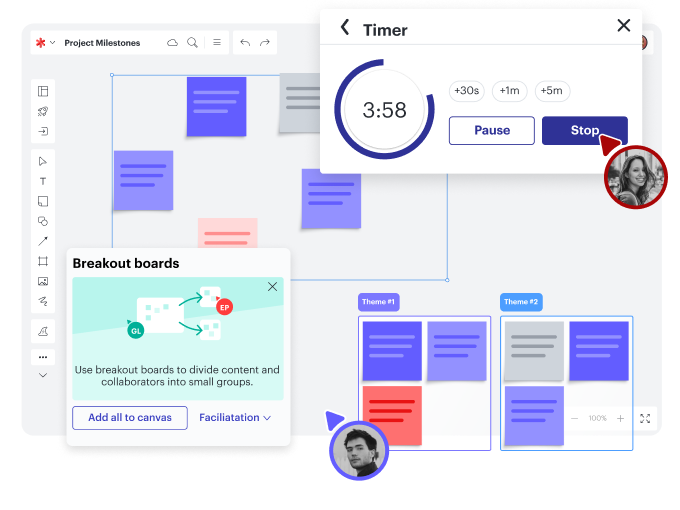
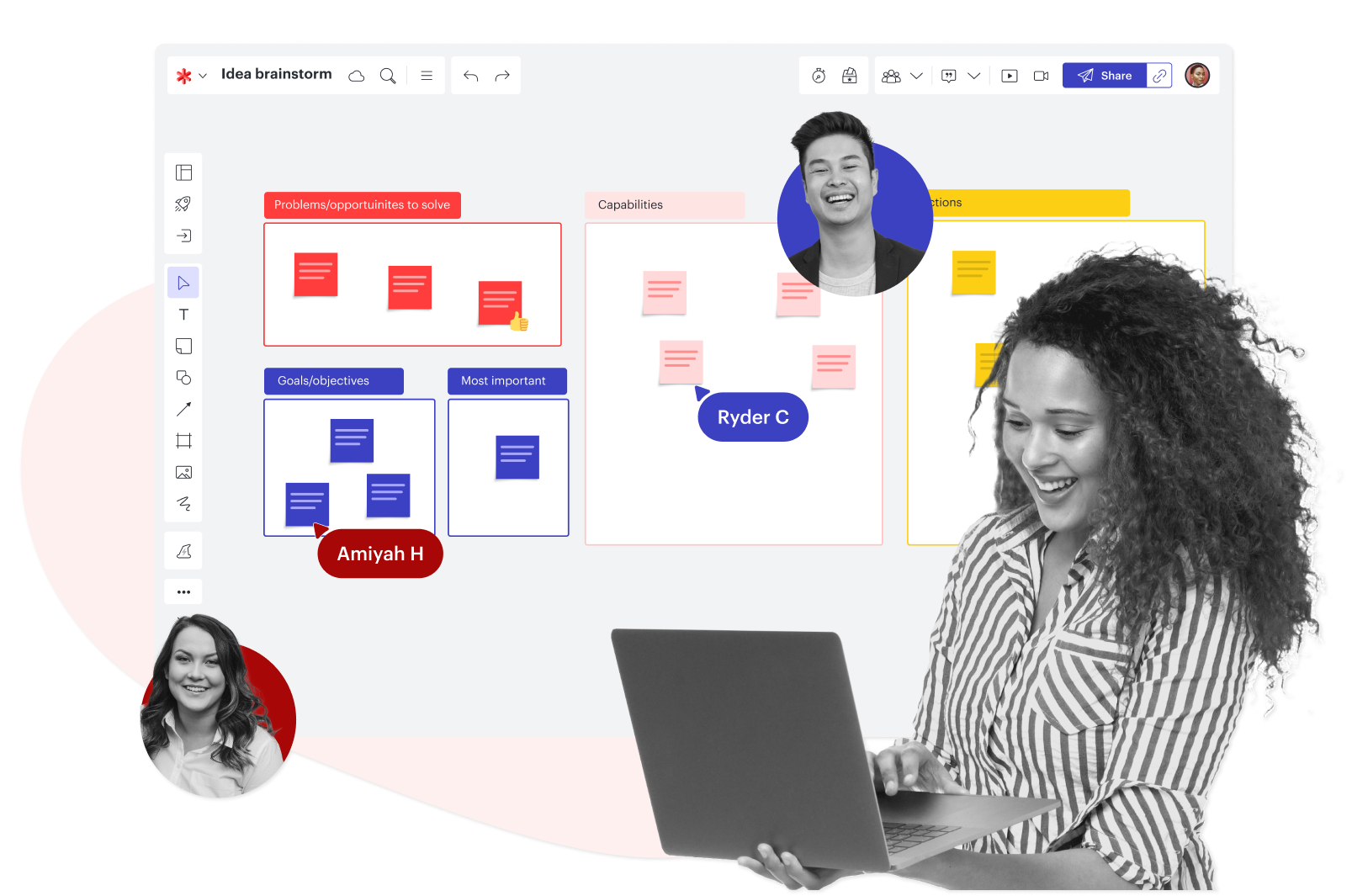
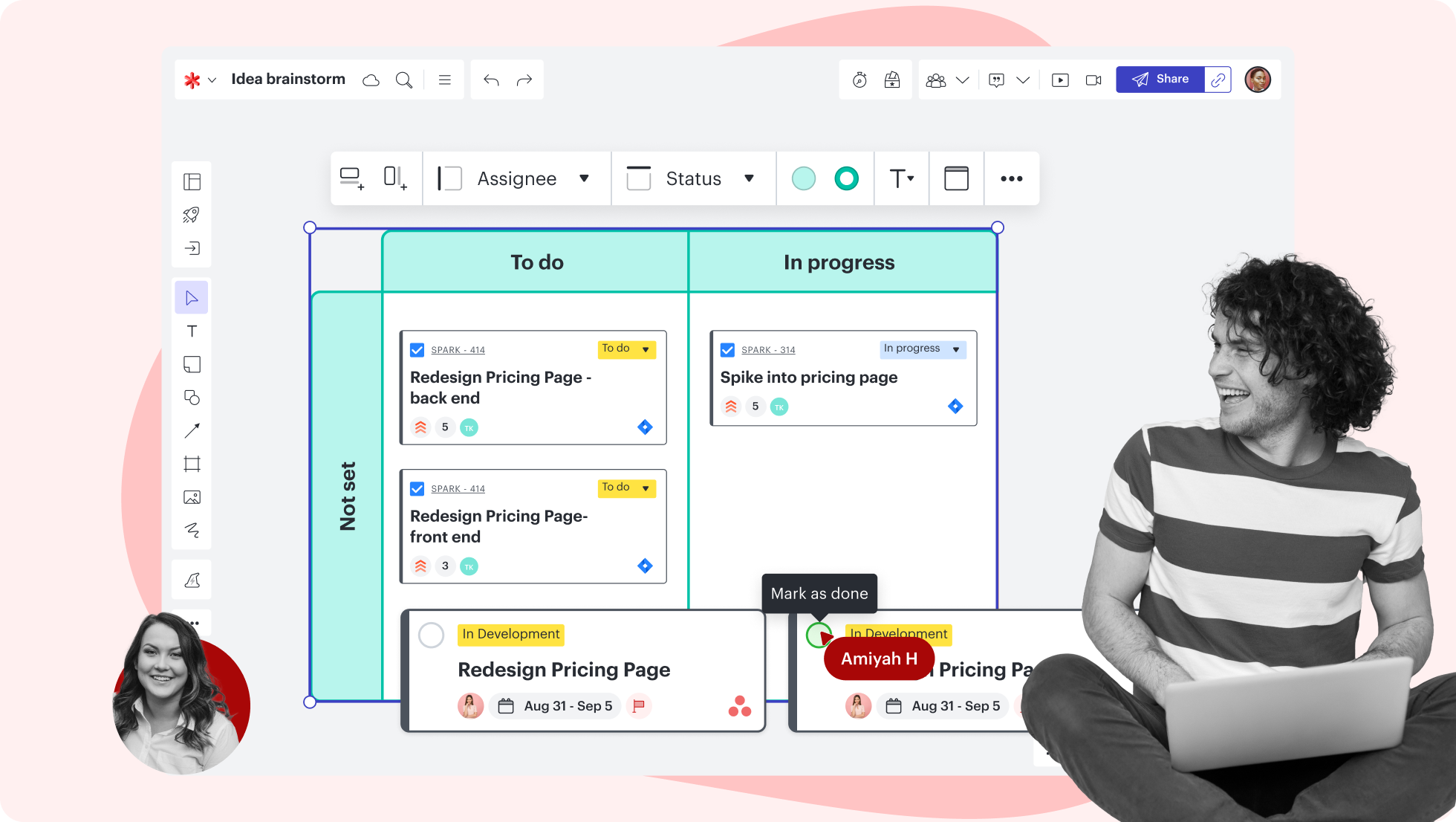
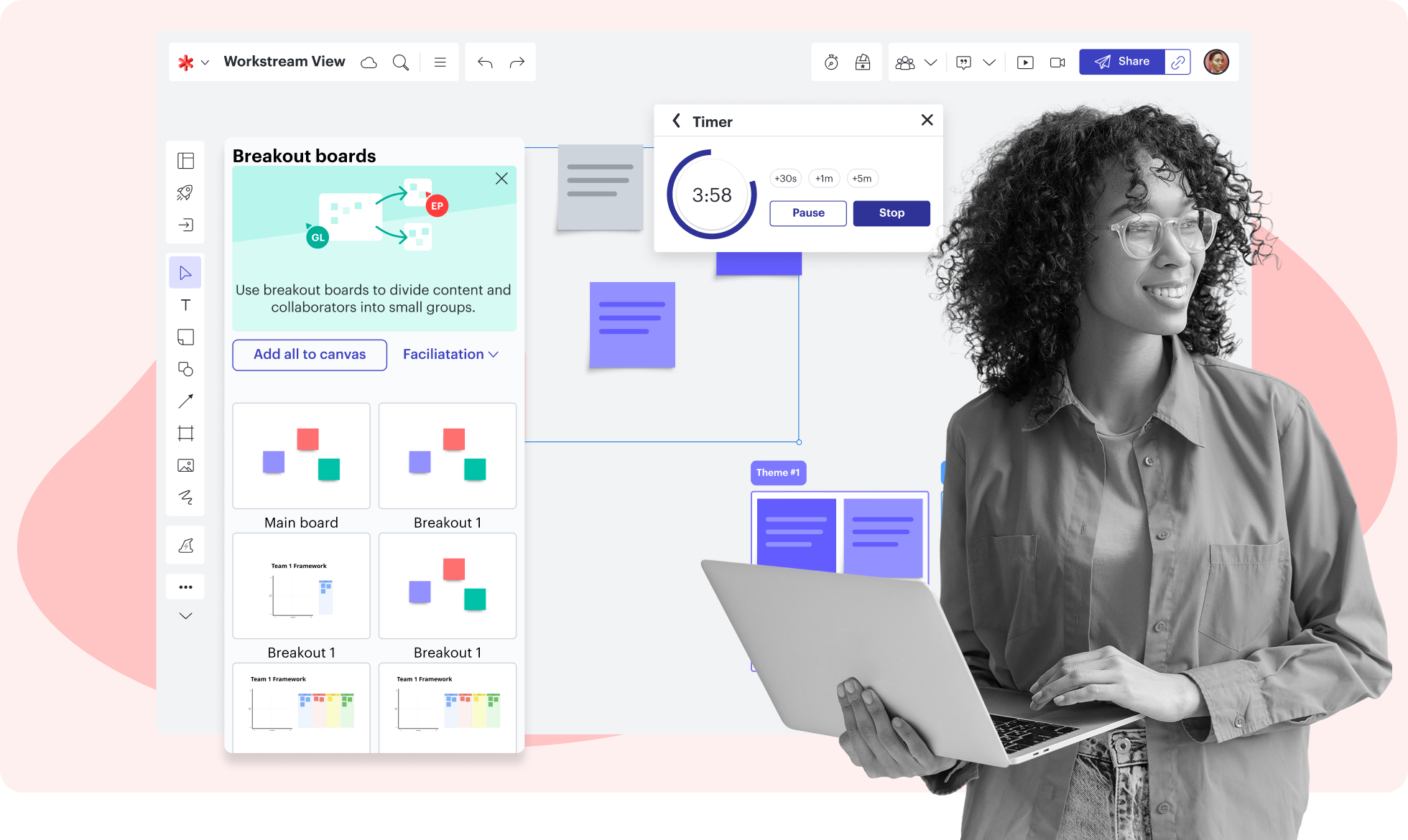
Set your business up for success with our strategic planning software. Use strategic planning tools like breakout boards to divide up larger groups and promote discussions. Organize and prioritize ideas with voting, the timer, and grouping functions. Export your Lucidspark board into a presentation to easily share information with executives.

Learn more

Team spaces

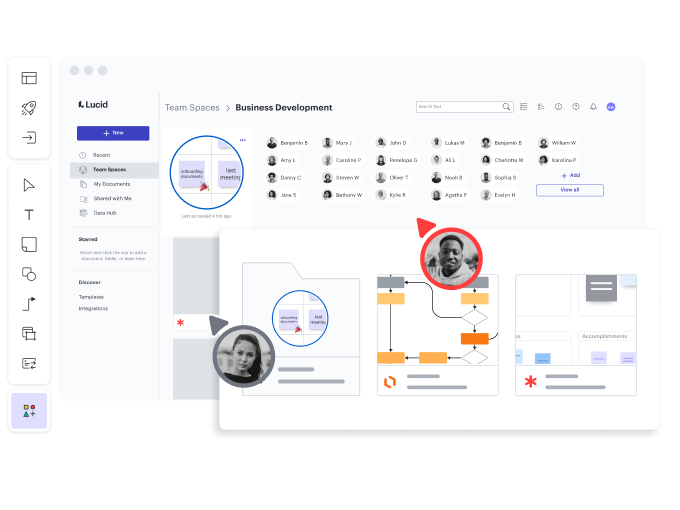
Create a single source of truth by housing all team resources in a team space. Give team members easy access to necessary documentation. Copy links from Google Workspace directly into your Lucidspark board for added context. Achieve greater alignment and collaborate with efficiency.

Learn more

Collaboration

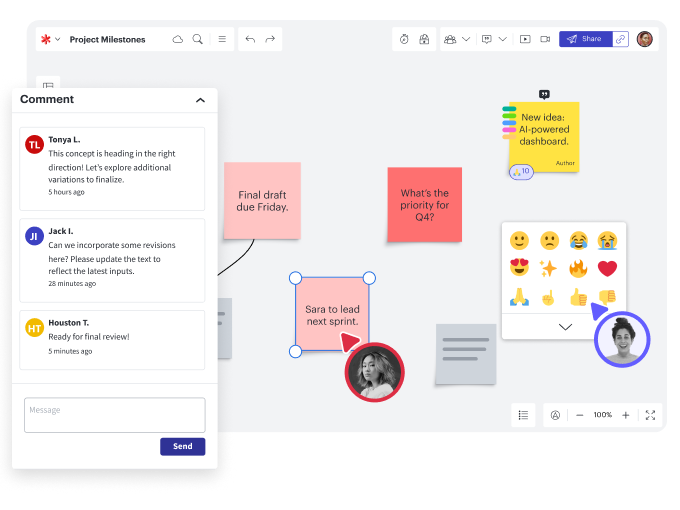
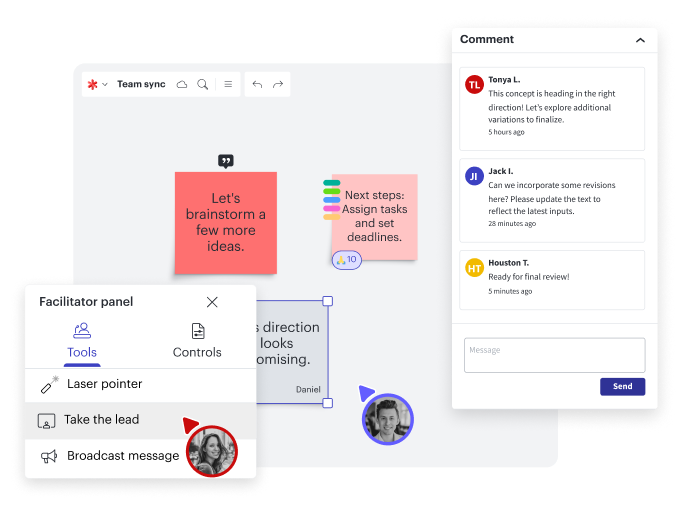
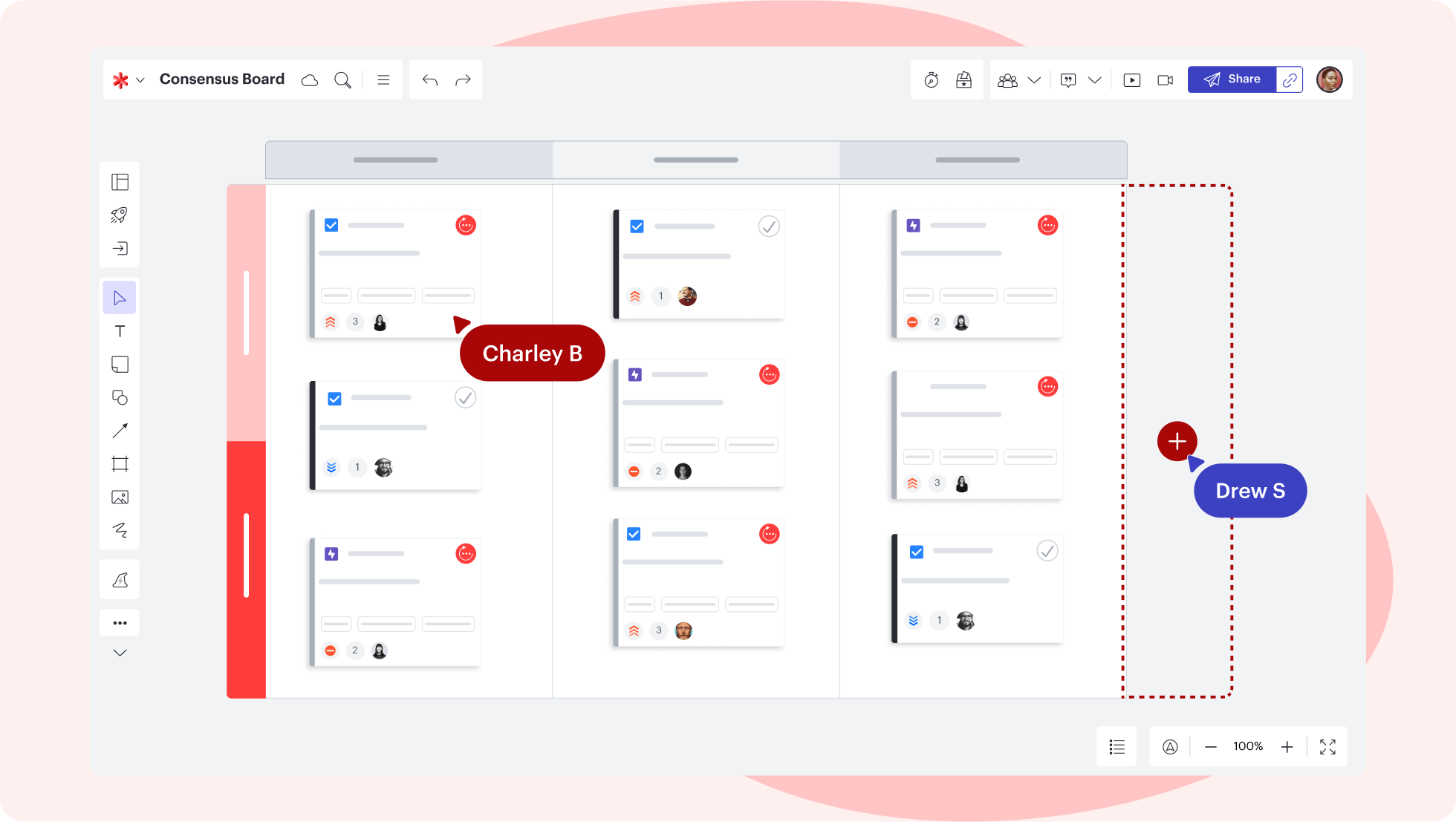
Collaborate in real time with your team from any device. With features like commenting, direct messages, and chat, you’ll stay connected and aligned throughout your strategic planning process no matter where you’re working from. React to ideas with emojis, icons, and GIFs to get buy-in and keep the team engaged.

Infinite canvas

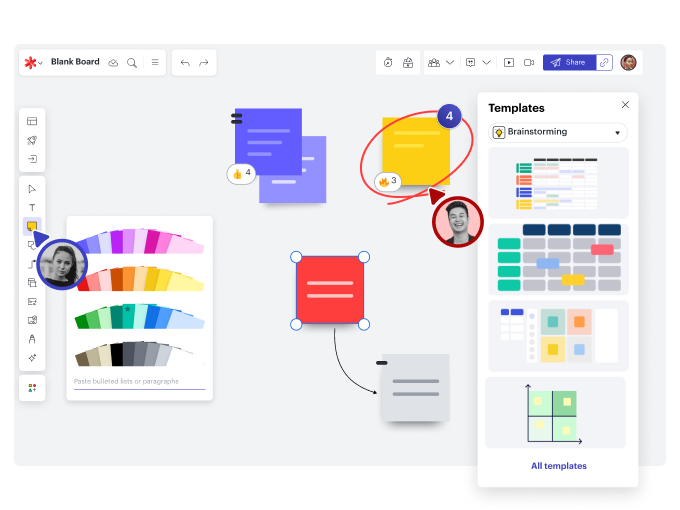
An infinite canvas means infinite possibilities for you and your team. Freehand drawing promotes creativity while templates provide structure. Use sticky notes and sticky note import to interact and engage with team members. Everyone has a space to ideate and contribute during the strategic business planning process.

Facilitator Tools

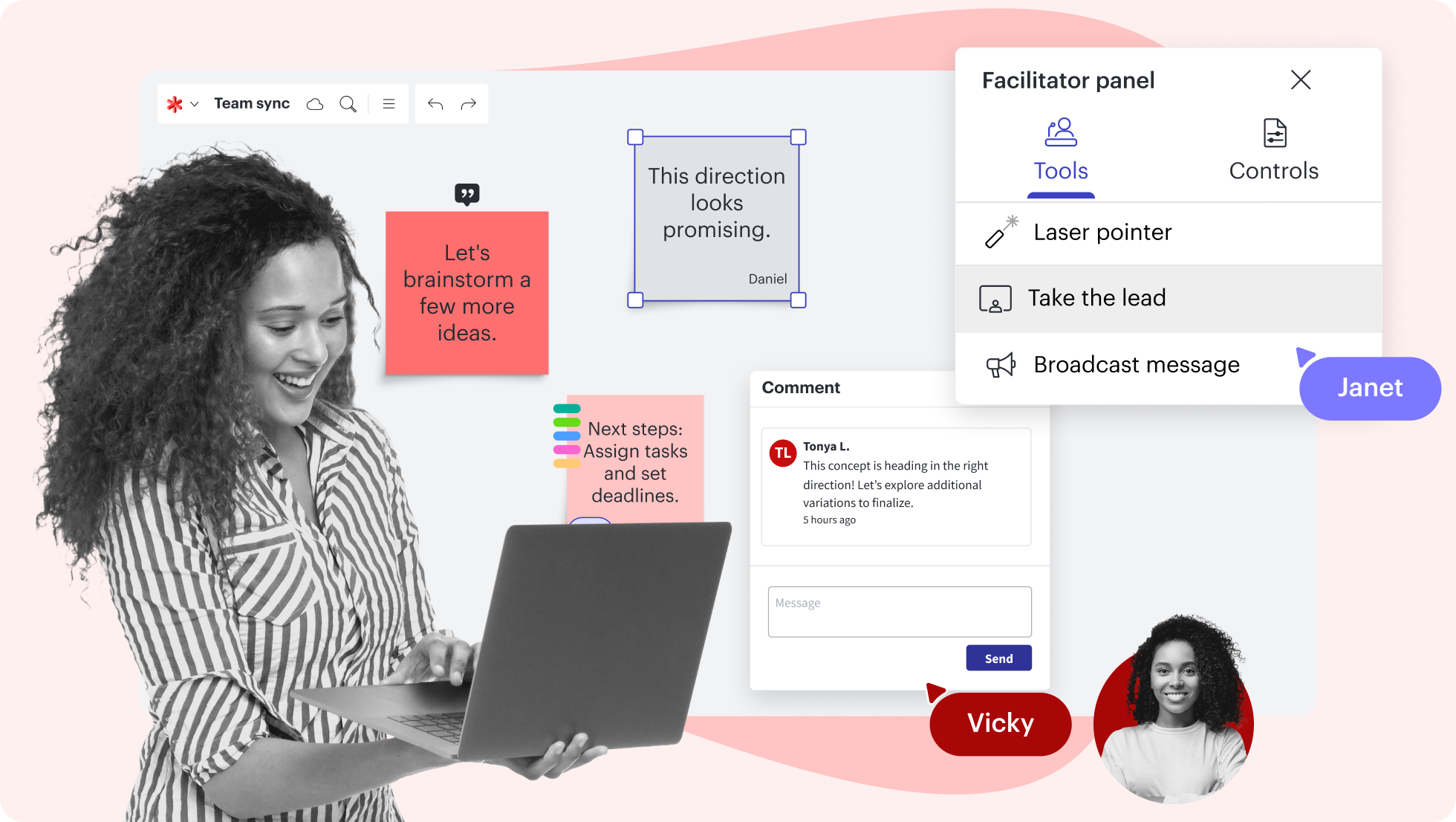
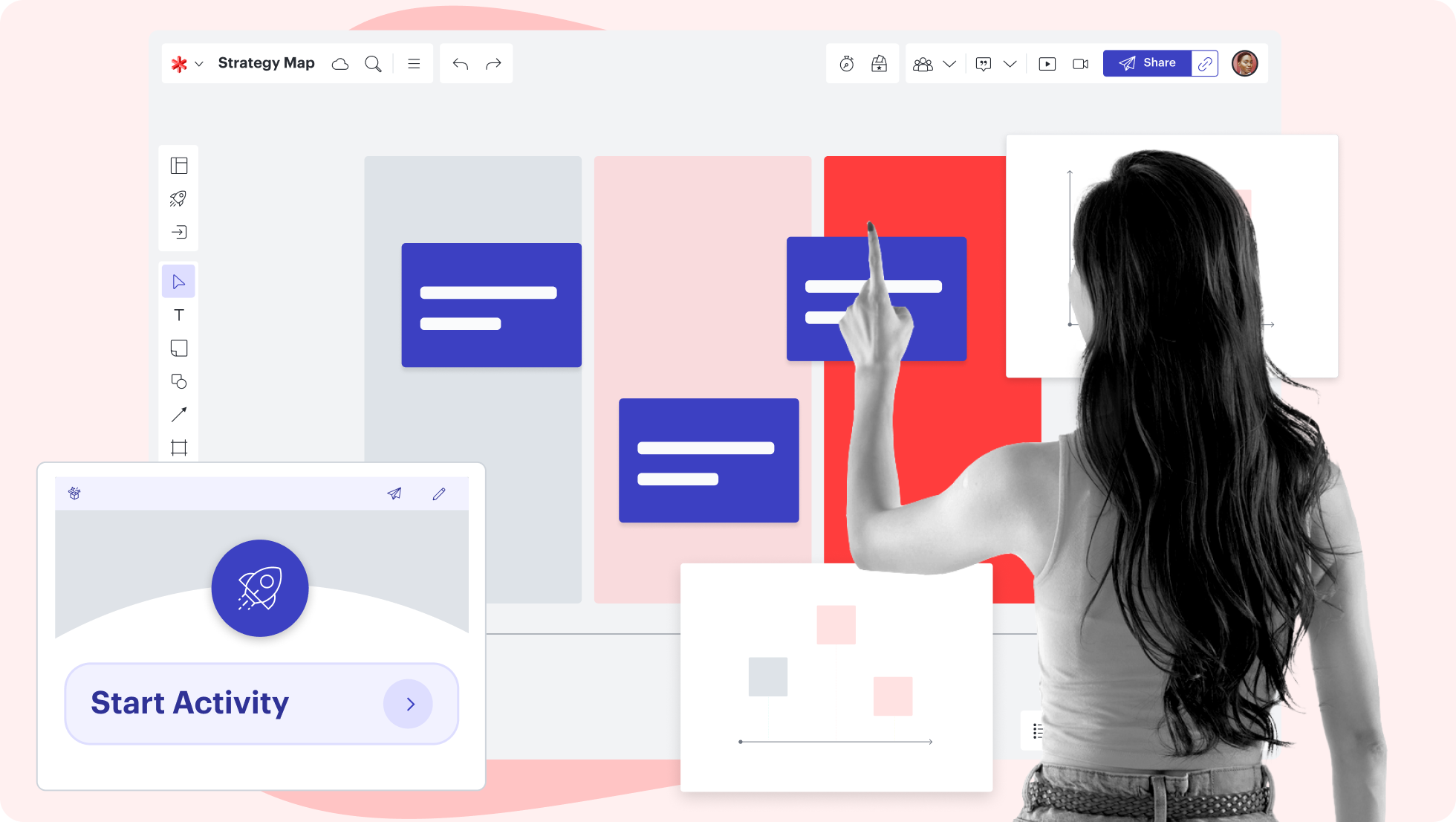
Use our Facilitator Tools to keep everyone focused and engaged throughout your business planning process. Access features like the laser pointer, Take the lead, and Broadcast to draw attention to specific content on your board, share messages with the group, and keep the meeting running smoothly. 

Customizable templates

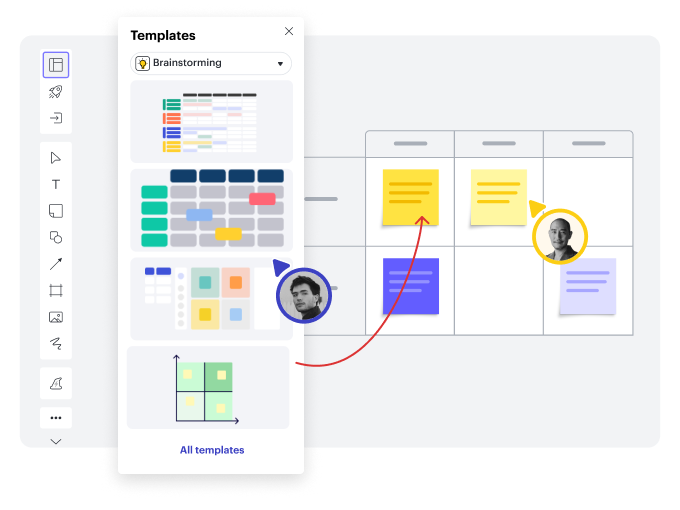
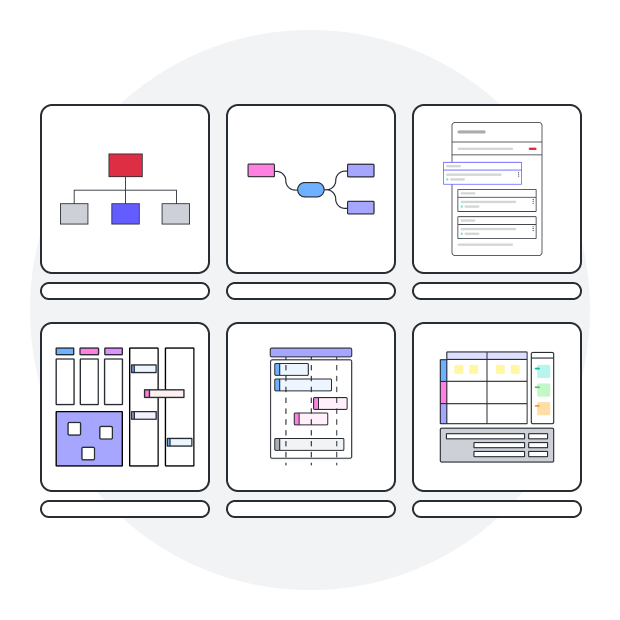
Take the guesswork out of developing your business goals. Start with one of our strategic planning templates. Lucidspark has hundreds of customizable templates to help you and your team work more efficiently.

Other ways to use Lucidspark

Meeting and workshop facilitation

Capture your team’s best ideas with better meeting prep and more engaging experiences.

Integrates with:

Content 3Content 4Content 5
Learn more

Agile development

Get everyone on the same page during standups, sprint planning, and retrospectives.

Integrates with:

ContentContent 141f75830 8a8f 4366 A1c9 35659d84abf7
Learn more

Project planning

Bring cross-functional teams together to make decisions, clarify workflows, and track progress.

Integrates with:

Content 7Content31f2cbca 9c47 498b A733 Aae28f484cad
Learn more

User research

Keep stakeholders aligned as you explore customer needs and map the customer journey.

Integrates with:

31f2cbca 9c47 498b A733 Aae28f484cadE078ccc3 6aa1 42d4 B23b Bec590f5fc4a41f75830 8a8f 4366 A1c9 35659d84abf7
Learn more

Brainstorming

Build connections and spark creativity by ideating with your team in real time or anytime.

Integrates with:

31f2cbca 9c47 498b A733 Aae28f484cadE078ccc3 6aa1 42d4 B23b Bec590f5fc4aContent 2
Learn more

Strategic visioning

Prioritize your business needs, communicate your vision, and get buy-in from stakeholders.

Integrates with:

Content 3Content 5Content 6
Learn more

See how Agile teams brainstorm and collaborate with Lucidspark

Watch our short tutorial and get started in minutes.

See Lucidspark in action
  • Prepare and organize your board for success.
  • Insert templates into your Lucidspark board.
  • Set timers during brainstorming sessions.
  • Use breakout boards to facilitate smaller group work.
  • Utilize intuitive features to sort and gather your team’s ideas.
Try Lucidspark for free

Strategic planning templates

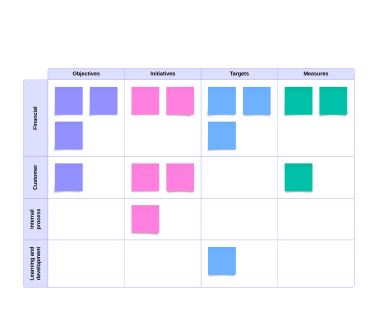
Balanced scorecard template

Go to Balanced scorecard template template

Lucidspark integrations

Connect your most used apps to Lucidspark

4083c6ee D312 40ab B7e5 2fdb2887b942.png
Explore integrations

See why teams choose Lucidspark

Ideate, plan, and take action faster with our infinite canvas.

Collaboration

Facilitate more productive sprint planning sessions. Bring your team together in real time or anytime to share ideas, make decisions, and identify next steps.

Clarity

Increase your team’s shared understanding with Lucidspark’s collaborative whiteboard. Use shapes, freehand drawing tools, and text to communicate your message clearly.

Alignment

Leverage capabilities like Visual Activities, Breakout Boards, and timed voting to gauge opinions and achieve consensus. Get aligned and make informed decisions faster.

Better together

Collaborate at every stage of work with the Lucid Visual Collaboration Suite. Combine Lucidspark for virtual whiteboarding and Lucidchart for intelligent diagramming.

Maximize the value of your strategic planning

Our strategic planning tool helps you map out every step to achieving your business goals. Identify strengths, weaknesses, opportunities, and threats to build a winning strategy that’s tailored to your needs. Lucidspark offers customizable templates to enhance your team’s planning efforts and promote collaboration throughout the process. Our strategic planning tool is designed to grow with your company and is always accessible and updated in real time.
About Lucidspark

Lucidspark is the virtual whiteboard that connects teams so they can bring their best ideas to life. One of three individually powerful, yet highly connected visual collaboration products from Lucid, Lucidspark enables real-time or asynchronous brainstorming, planning, and organization of ideas into actionable next steps.

Frequently asked questions about our strategic planning tool

I work on a PC, but I'm trying to collaborate with someone on a Mac. Will I need to download my board to share it?
No download needed—anyone on a Mac, PC, or Linux can access, edit, and collaborate in Lucidspark in real time.
Can I add a table from Google Sheets or an Excel workbook to my Lucidspark board?

Yes, you can add a table from an external source by selecting and copying the desired cells and pasting them onto your Lucidspark board. After the table is added to the board, you can resize it, add tags, comment on it, lock it, or link to an external website.

  • Learn more
Are there any video capabilities within Lucidspark?

Within Lucidspark, you can record and embed videos using Loom. Simply select the camera icon in the top-right corner of the canvas and click Loom. From there, choose your video recording settings, record your video, and add it to your board to give additional context to your canvas.

Can I share my Lucidspark board with someone outside of my team?

Yes! Lucidspark lets you share with unlimited collaborators, including stakeholders and non-Lucidspark users.

How do I create a table in a Lucidspark board?

Create a table by clicking on the organizers icon from the Primary Toolbar on the left side of the canvas. Once you select a table, use the arrow keys to increase or decrease the number of rows and columns. Click Create table and it will be added to your canvas.

How do I add GIFs, emojis, and icons to the board?

Lucidspark integrates with third-party apps. GIFs are powered by GIPHY, images are from Bing image search, and icons are from Iconfinder. 

How much does Lucidspark cost?

Lucidspark offers a variety of pricing plans to meet individual and team needs. We offer individual free accounts all the way up to enterprise accounts for large organizations.

Get Started

  • Enterprise
  • Contact Sales
  • Pricing
PrivacyLegalCookie privacy choicesCookie policyYour privacy choices iconYour privacy choices

© 2026 Lucid Software Inc.