If you’ve been using Visio and are looking for different diagramming software that’s more robust and modern, the good news is that there are plenty of options out there. The best alternatives to Visio make it easy for you to continue creating diagrams while gaining access to more intelligent features and enhancing collaboration with your team. We’ve reviewed the most popular options and put together a list that makes it easy for you to pick the best Visio alternative for your needs.
Alternatives to Visio
- draw.io
- Gliffy
- Lucidchart
- SmartDraw
- Creately
- Edraw
- Cacoo
What is Visio?
Microsoft Visio, opens in a new tab is diagramming software that is sold as a standalone application or as an addition to Microsoft 365. Visio has been used by professionals in a variety of fields to create floor plans, org charts, flowcharts, process flow diagrams, business process models, 3D maps, and more. The latest version of Visio came out in 2024 and is available in two editions, Standard or Professional.
What makes for a good Visio alternative?
As we did research on the best Visio alternatives, there were certain factors that we looked for. Were there alternatives available at a better price (or even for free)? What about ones that offered more template options or had a more intuitive, user-friendly interface?
These are some of the features that make for a good Visio alternative:
- Free plans so you don’t have to pay in order to create diagrams
- A template library so it’s easy for you to find what you need and quickly get started
- Collaboration capabilities so you can work on diagrams as a team and share with stakeholders
- Intelligent features, such as data linking, so your diagrams reflect the most up-to-date information
Key takeaways
| Best for | Feature highlight | Pricing | |
| draw.io (diagrams.net) | Standalone diagramming | High privacy and security with no vendor lock-in | Free, paid |
| Gliffy | Confluence users | Diagrams that are indexed and searchable within the Confluence wiki | Paid (add-on) |
| Lucidchart | Intelligent diagramming | Text-to-diagram with Lucid AI, conditional formatting, and data linking | Free, paid (Individual, Team, Enterprise) |
| SmartDraw | Automated formatting | Ability to automatically connect and space shapes as you add them | Paid (Individual, Team, Enterprise) |
| Creately | HR and operations teams | Shape data to define custom data and fields | Free, paid (Personal, Team, Business, Enterprise) |
| Edraw (EdrawMax) | Large template library | 280+ types of diagrams | Free, paid |
| Cacoo | Real-time diagramming | In-app chat and video | Free, paid (Pro, Team, Enterprise) |
Visio alternatives list
Check out our summary of the top Visio alternatives on the market, complete with feature comparisons, pros and cons, and ratings for each
draw.io (diagrams.net)
Best for standalone diagramming
Capterra rating: 4.6/5, opens in a new tab
Pricing: Free (open source). Paid apps available.
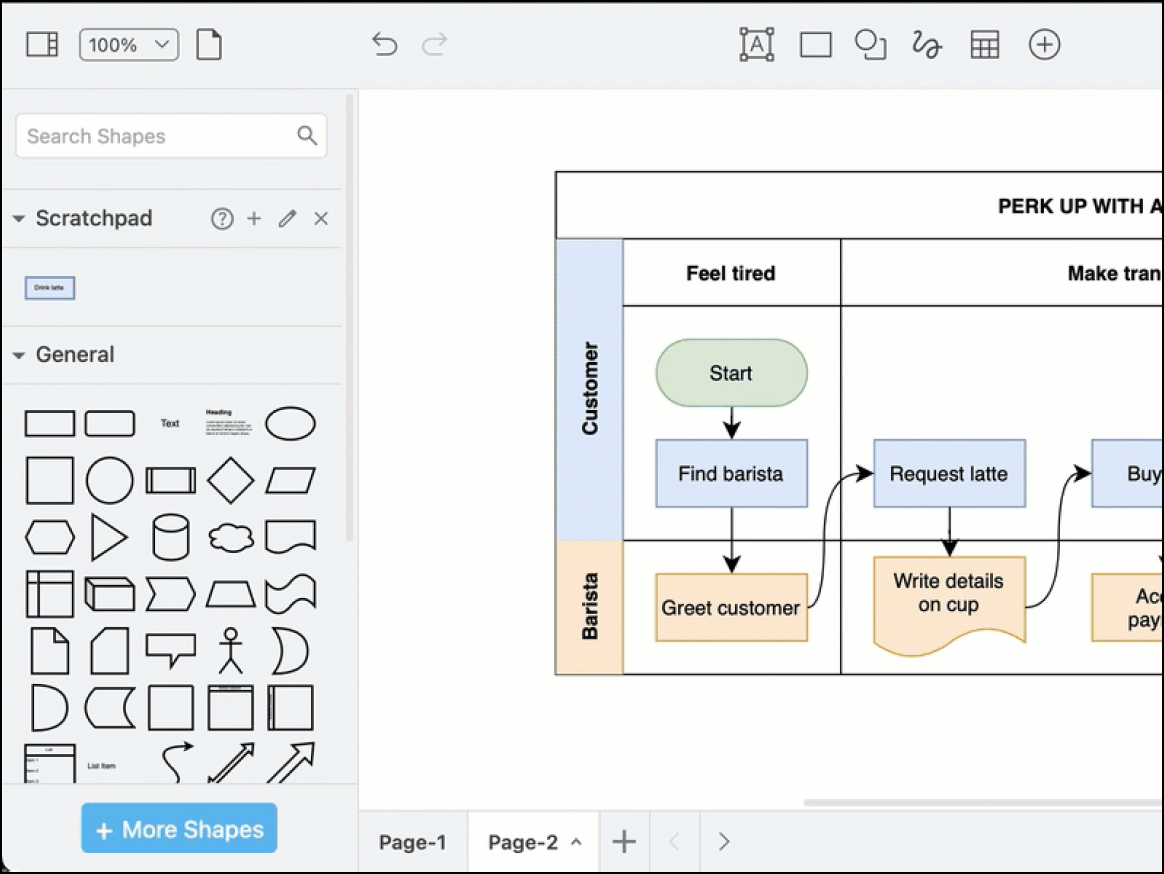
draw.io, opens in a new tab is a free, open-source Visio alternative that’s popular among students and other users who would prefer not to create an account in order to generate diagrams. The platform is also considered a go-to solution for privacy-conscious users and is widely used for architectural diagrams and other technical documentation.
Notable features include:
- Vast shape libraries: Includes icons for AWS, Azure, GCP, Kubernetes, and Cisco networking
- Offline mode: Desktop app fully works without an internet connection
- Bring your own storage: Saves diagrams directly to Google Drive, GitHub, OneDrive, or local device (no vendor cloud lock-in)
- Embed mode: Offers easy HTML embedding for blogs and wikis
Notable integrations include GitHub, GitLab, Confluence, Jira, and Google Workspace.
Pros: Users love draw.io’s privacy and security features and the fact that it’s free to use without having to create an account.
Cons: The collaboration features are lacking compared to other Visio alternatives, and some users feel that the UI is slightly outdated.
Gliffy
Best for Confluence users
Capterra rating: 4.3/5, opens in a new tab
Pricing: Available as a paid add-on
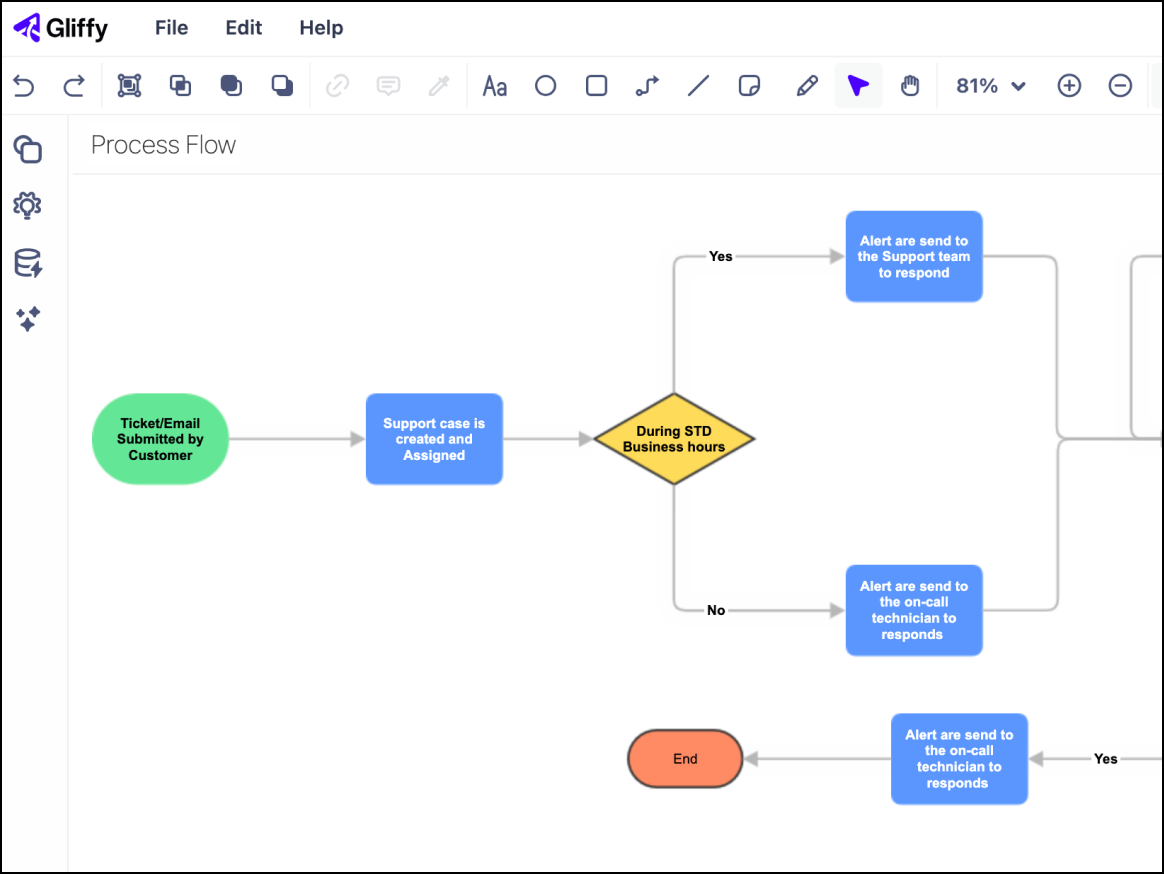
Gliffy, opens in a new tab is a common option for users of the Atlassian ecosystem (Confluence and Jira) and allows people to create technical diagrams without needing to leave their wiki pages.
Notable features include:
- Code-to-diagram: Automatically visualize Mermaid.js code blocks.
- Interactive layers: Viewers can toggle layers off and on.
- Native Confluence integration: Diagrams are indexed and searchable within the Confluence wiki.
- Real-time collaboration: Newer versions support simultaneous editing by multiple users.
Notable integrations include Trello, Jira, and Confluence.
Pros: Security resides within your existing instance, and the Atlassian integration is very seamless and convenient.
Cons: Gliffy lacks the advanced interface and features of other Visio alternatives and has limited functionality outside of the Atlassian ecosystem. It also has a more limited template library.
Lucidchart
Best for intelligent diagramming
Capterra rating: 4.5/5, opens in a new tab
Pricing: Free for three editable documents. Paid individual, team, and enterprise plans available
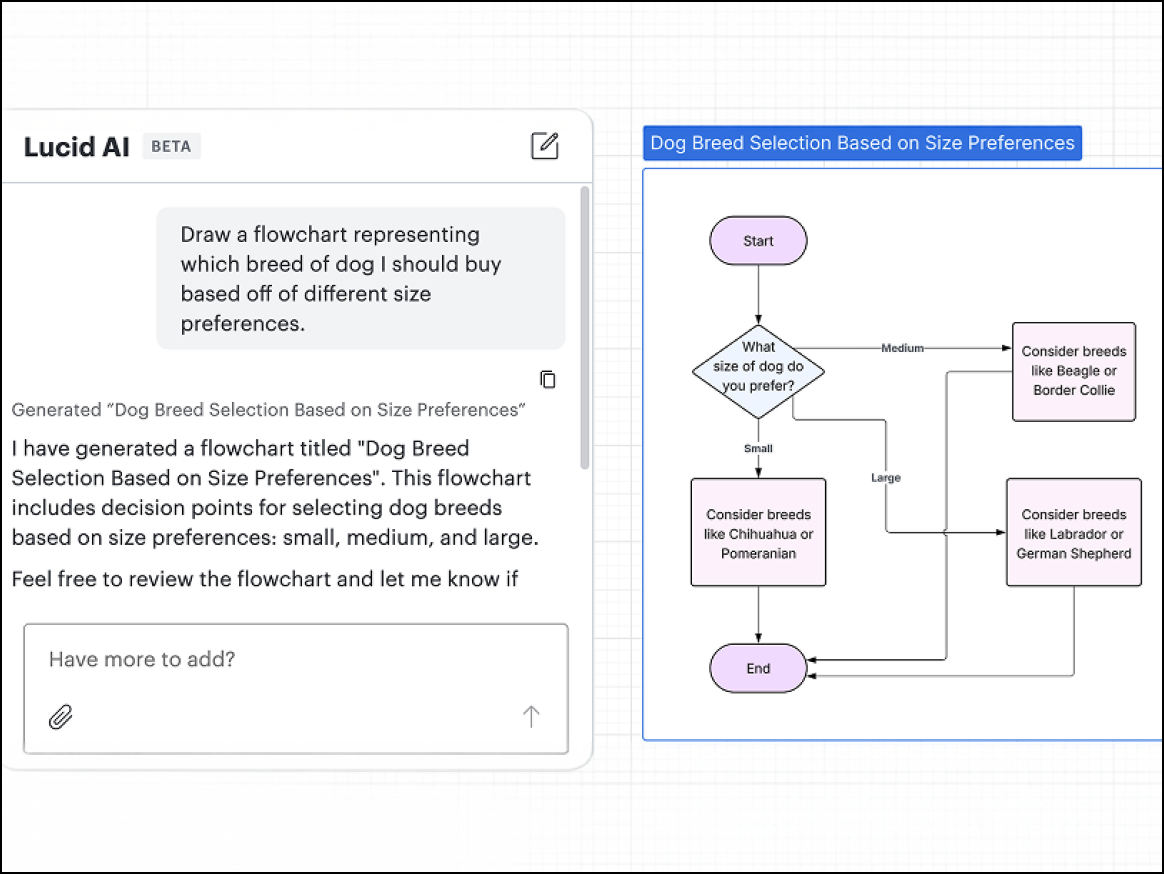
Lucidchart, opens in a new tab is the core intelligent diagramming application in the Lucid Visual Collaboration Suite, opens in a new tab and is widely used by IT, engineering, and business operations teams. When evaluating Lucidchart vs Visio, Lucidchart is best suited for organizations that need to link documentation to live data sources. Lucid offers a solution that aligns teams thanks to built-in collaboration features that accelerate work across the organization.
Notable features include:
- Text-to-diagram: Seamlessly transform text into visuals with AI.
- Lucid AI: Generate and iterate on diagrams, add conditional formatting, and more from a unified, conversational interface.
- Conditional formatting: Implement rules that change the color and icon of shapes based on underlying data (e.g., turn a server red if utilization is less than 80%).
- Universal canvas: Seamlessly switch between Lucidchart for diagramming and Lucidspark for whiteboarding without losing context.
Notable integrations include Google Workspace, Atlassian (Jira/Confluence), Microsoft 365, Slack, and Salesforce.
Pros: Lucidchart has an industry-standard interface, powerful data features, and built-in collaboration features that bring teams together on a shared canvas. Lucidchart is consistently ranked as a market leader for its ease of use and for its “smart” features, such as conditional formatting and data linking.
Cons: No desktop application available.
SmartDraw
Best for automated formatting
Capterra rating: 4/5, opens in a new tab
Pricing: Only available with a paid subscription
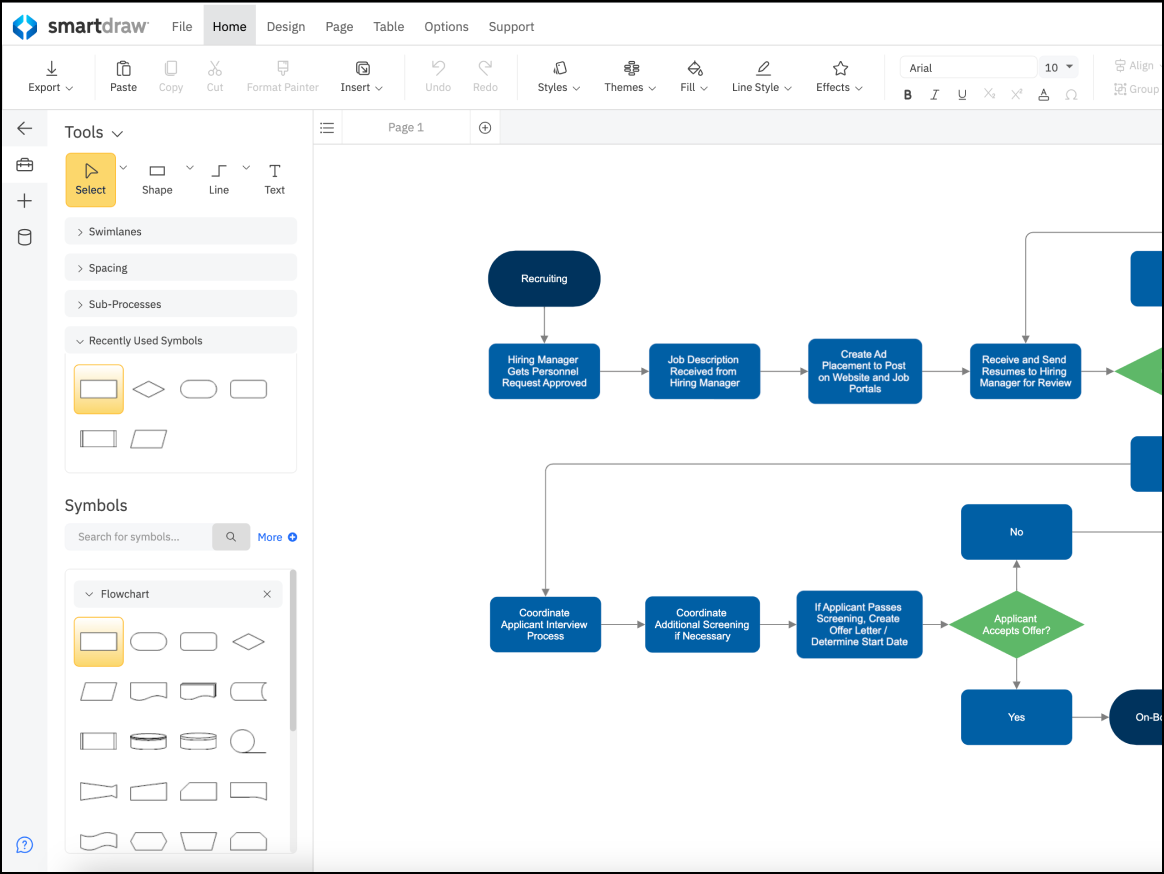
SmartDraw, opens in a new tab is a great Visio alternative for business professionals who aren’t design experts but need to create audit-ready diagrams quickly. Many people in healthcare, legal, and corporate environments use SmartDraw in situations where automated formatting is preferred over having to make manual drag-and-drop adjustments.
Notable features include:
- Intelligent formatting: Automatically aligns, spaces, and connects shapes
- Data visualizers: Generate charts automatically from Excel data
- Visio import: Excellent fidelity when importing legacy Visio files
- CAD-like features: Capable of creating landscape design and floor plans (unlike other Visio alternatives)
Notable integrations include the Atlassian ecosystem, Google Workspace, and Microsoft Office.
Pros: SmartDraw offers a large library of diagram types and has powerful automation capabilities.
Cons: The software comes at a higher price for individuals, and its web interface can run slower than typical desktop applications.
Creately
Best for HR and operations teams
Capterra rating: 4.4/5, opens in a new tab
Pricing: Free and paid subscriptions available
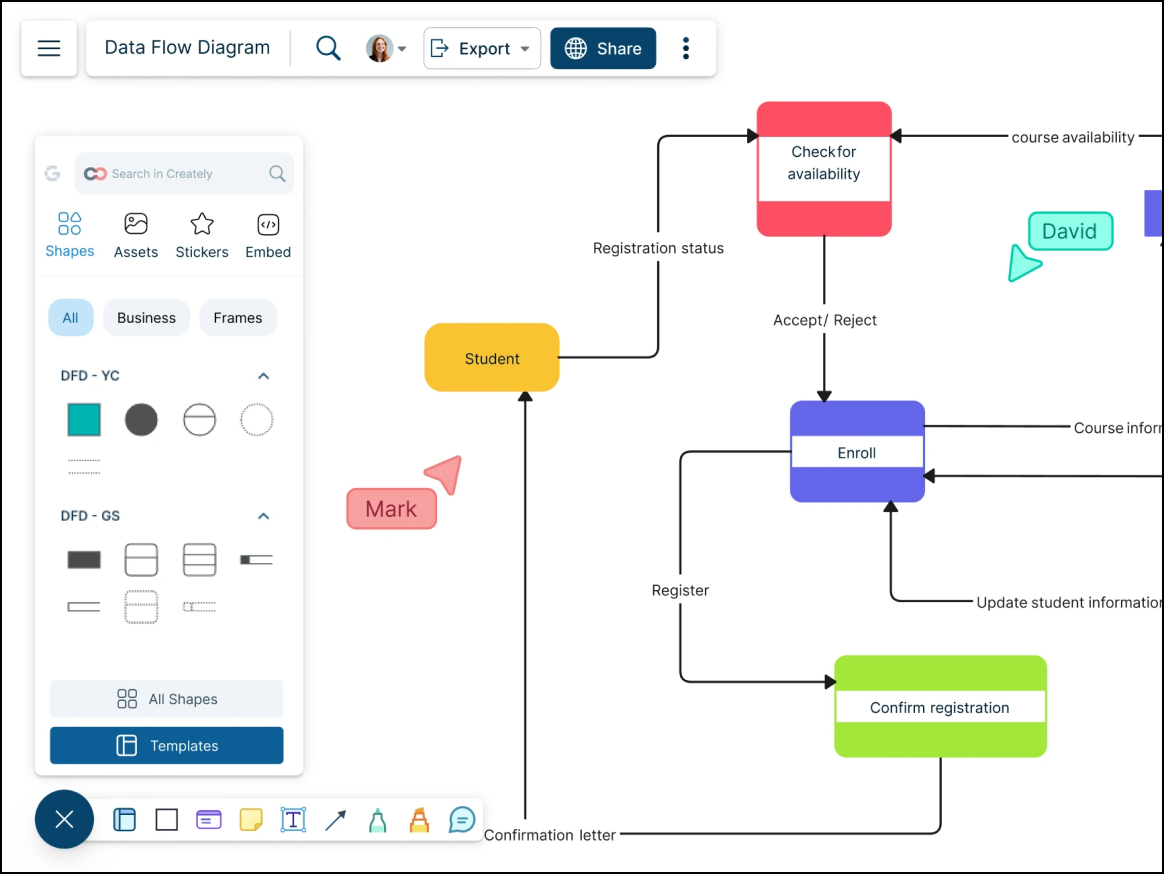
Creately, opens in a new tab is a Visio alternative for teams that need to attach notes, tasks, and other data to their visuals. The platform is popular among HR and operations teams due to its support for process flows and org charts that require metadata.
Notable features include:
- One-click create: A contextual toolbar allows the next shape in the flow to be rapidly drawn.
- Shape data: Users can define custom data and fields for any shape.
- Folder/project management: Creately offers intuitive organizational hierarchy.
- Universal search: Search across all shape text and diagrams.
Notable integrations include Confluence, Slack, and Google Drive.
Pros: Users can quickly create diagrams thanks to Creately’s smart drawing features. The platform also is available at a more affordable price than Visio, and users praise it for its effective data linking capabilities.
Cons: Some users note that Creately’s interface can become cluttered when using particularly complex diagrams. Mobile experience of the platform is limited, and users have reported minor bugs with connector lines.
Edraw (EdrawMax)
Best for large template library
Capterra rating: 4.5/5, opens in a new tab
Pricing: Free and paid subscriptions available
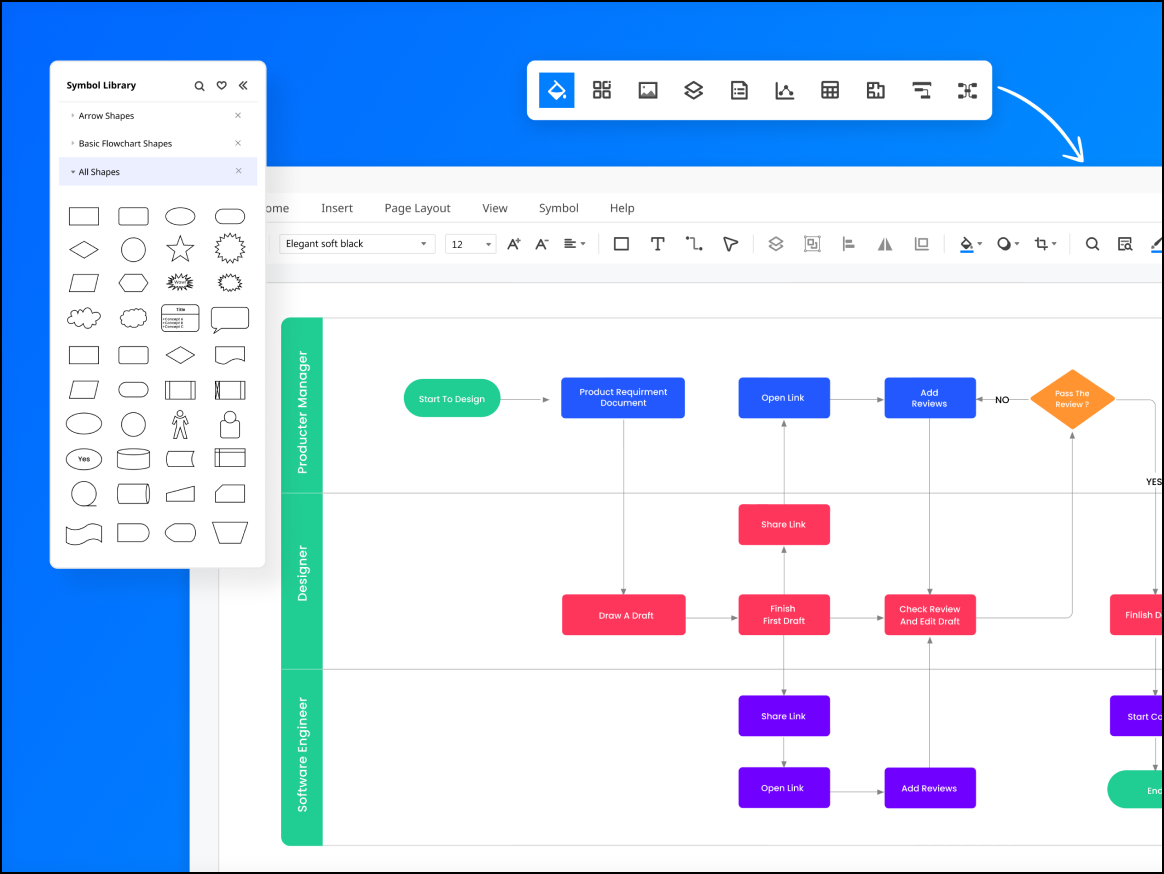
Edraw is a popular Visio alternative with a colorful interface and massive library of templates to choose from. The platform appeals to a wide range of users, including electrical engineers and fashion designers, due to its specialized templates.
Notable features include:
- 280+ types of diagrams: Offers templates for niche areas such as fashion design and science illustration in an expansive community-driven template library
- AI assistant: Generates mind maps and diagrams from text prompts
- Cross-platform: Works well on Web, Windows, Linux, and macOS
Notable integrations include Dropbox, Google Drive, and Microsoft Office.
Pros: Edraw is well-known for its ease of use and the large template library it offers. Users also love the option of a lifetime license.
Cons: Users have reported problems with how long it can take for customer support to respond to requests. The platform’s cloud collaboration capabilities are also not as robust as those of other Visio alternatives.
Cacoo
Best for real-time diagramming
Capterra rating: 4.7/5, opens in a new tab
Pricing: Free for six sheets. Paid options available.
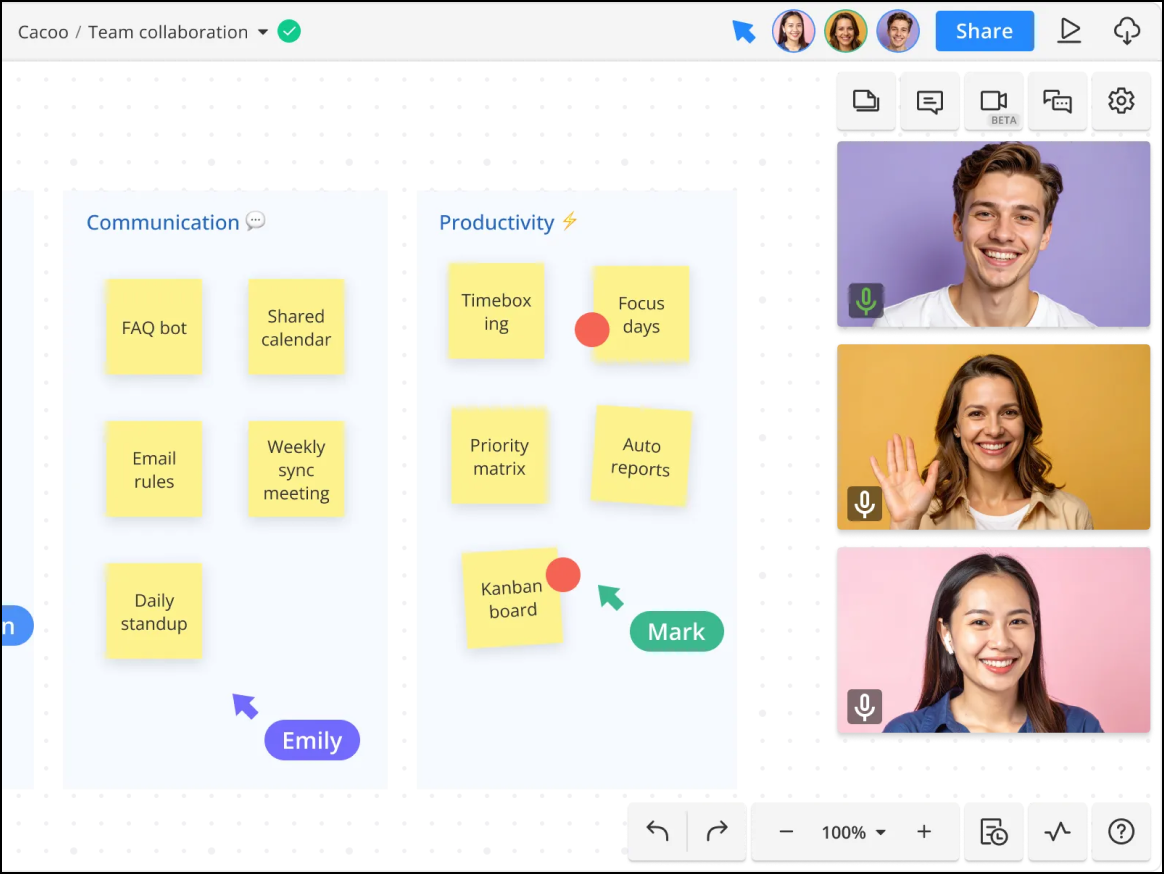
Cacoo, opens in a new tab is especially popular among remote teams who are located in Japan, as well as people who use Nulab’s other cloud-based tools. Cacoo was designed specifically with built-in communication features to support real-time collaboration as teams work on diagrams together.
Notable features include:
- In-app chat and video: Users can collaborate without needing a third-party video app such as Zoom.
- Multi-user editing: See changes in real time and track who’s making which changes with user cursors.
- AWS importer: With an AWS integration, users can generate work diagrams automatically from AWS.
- Dynamic charts: Update charts instantly by editing data.
Notable integrations include AWS, Slack, Google Drive, and Backlog.
Pros: Users like the built-in video chat and the lower price point. For teams that need to conduct remote pair-working, Cacoo is a great option.
Cons: Cacoo offers fewer templates and advanced features than other Visio alternatives, and some users feel that the object manipulation isn’t fluid.
Choose a Visio alternative and continue diagramming
Whether you’re looking for a free diagramming option or a solution that offers more privacy and security features, there are many alternatives to Visio on the market. The best ones allow you to do everything you could do in Visio and more. Alternatives like Creately and Edraw have templates that help you quickly get started, and Lucidchart offers intelligent features that help you see your data in context instantly. Check out the options we’ve put together and choose a Visio alternative today.
Visualize your data and diagram your processes with Lucid
Check out Lucidchart as a Visio alternative and bring your diagrams to life with intelligent features and real-time collaboration.
Go now