There are many mediocre mind mapping apps on the market, but the tools that truly stand out do more than just draw lines; they help teams and individuals visualize their thought processes. The best platforms bridge the gap between abstract brainstorming and action. Mind mapping software should offer a collaborative experience that feels intuitive and efficient.
This article explores the best software for mind mapping, comparing pricing, feature sets, and user ratings to help you find the best app for your workflow.
Best software for mind mapping summary
MindMeister
Lucidspark
GitMind
Xmind
What is mind mapping software?
Mind mapping software is a digital canvas designed for visualizing your thoughts in a natural way. Unlike traditional note-taking, mind mapping software arranges your thoughts as a web so you can see how different ideas are connected. By starting with a central concept and branching outward, users can brainstorm ideas more effectively. Mind maps are used in both professional and educational settings to inspire creativity and foster strategic clarity.
Key takeaways
| Best for | Feature highlights | Pricing |
MindMeister | Students and creative teams | Presentation Mode, task sync, History Mode | Free, paid (Personal, Pro, Business) |
Lucidspark | Cross-functional collaboration | Visual Activities, breakout boards, AI-generated diagrams, templates | Free, paid (Individual, Team, Enterprise) |
GitMind | AI-first product teams | AI diagram generation, OCR, flowchart support | Free, paid (Basic, Pro, Ultra, Business) |
Xmind | Asynchronous collaboration | ZEN mode, Pitch Mode, LaTeX | Free, paid (Pro, Premium) |
Best mind mapping software
MindMeister
Best for students and creative teams
Capterra rating: 4.6/5
Pricing: Free and paid subscriptions available
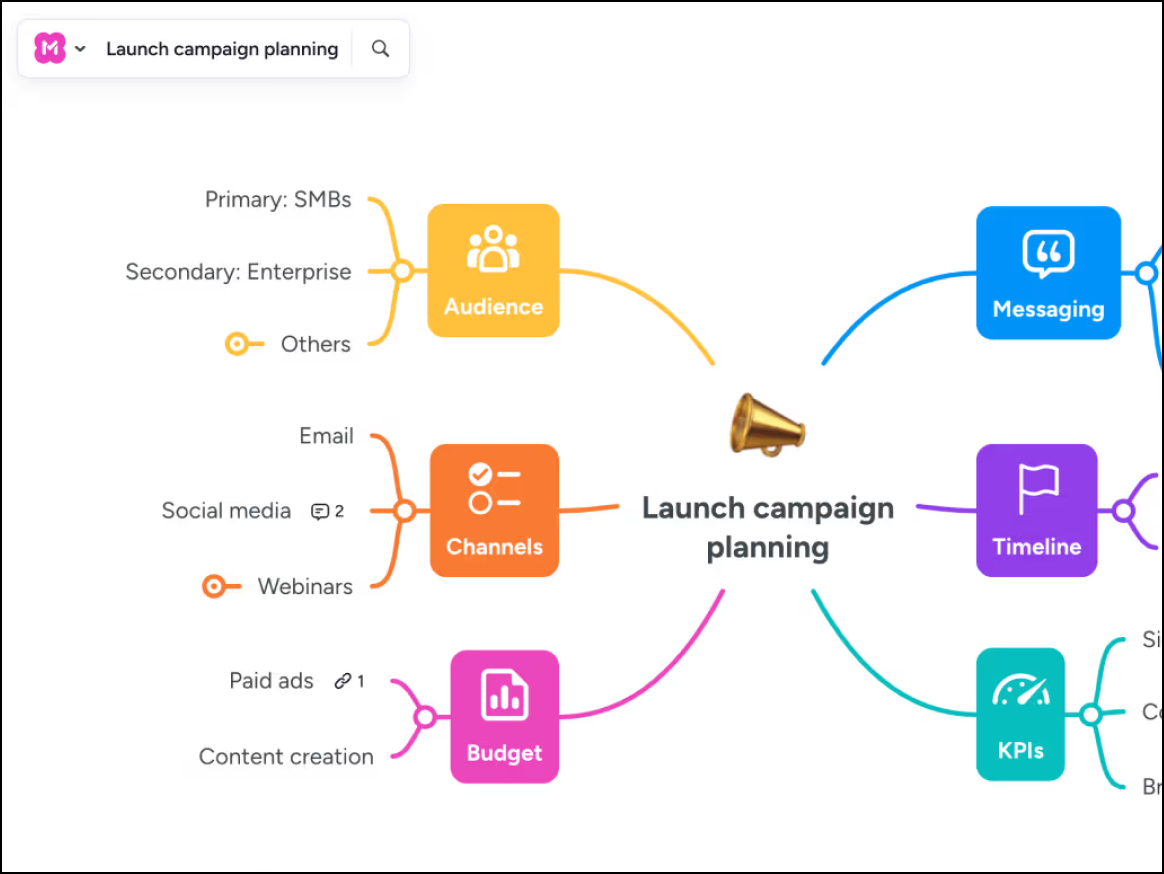
MindMeister is a cloud-based mind mapping software commonly used by students and creative teams. Its collaborative features help with brainstorming ideas, outlining concepts, and working on a single canvas from different locations. While it is great for creating simple visualizations, it is less versatile for other diagrams.
Notable features include:
Presentation Mode: Turn map branches into a slideshow to easily share ideas.
MeisterTask sync: Drag a node to a user to quickly create a task.
History Mode: See how your mind map has evolved over time.
Notable integrations include MeisterTask, Google Drive, and Microsoft Teams
Pros: MindMeister has an attractive UI, is easy to use, and is cloud-based.
Cons: The free plan is extremely limited.
Lucidspark
Best for cross-functional collaboration
Capterra rating: 4.7/5
Pricing: Free and paid subscriptions available
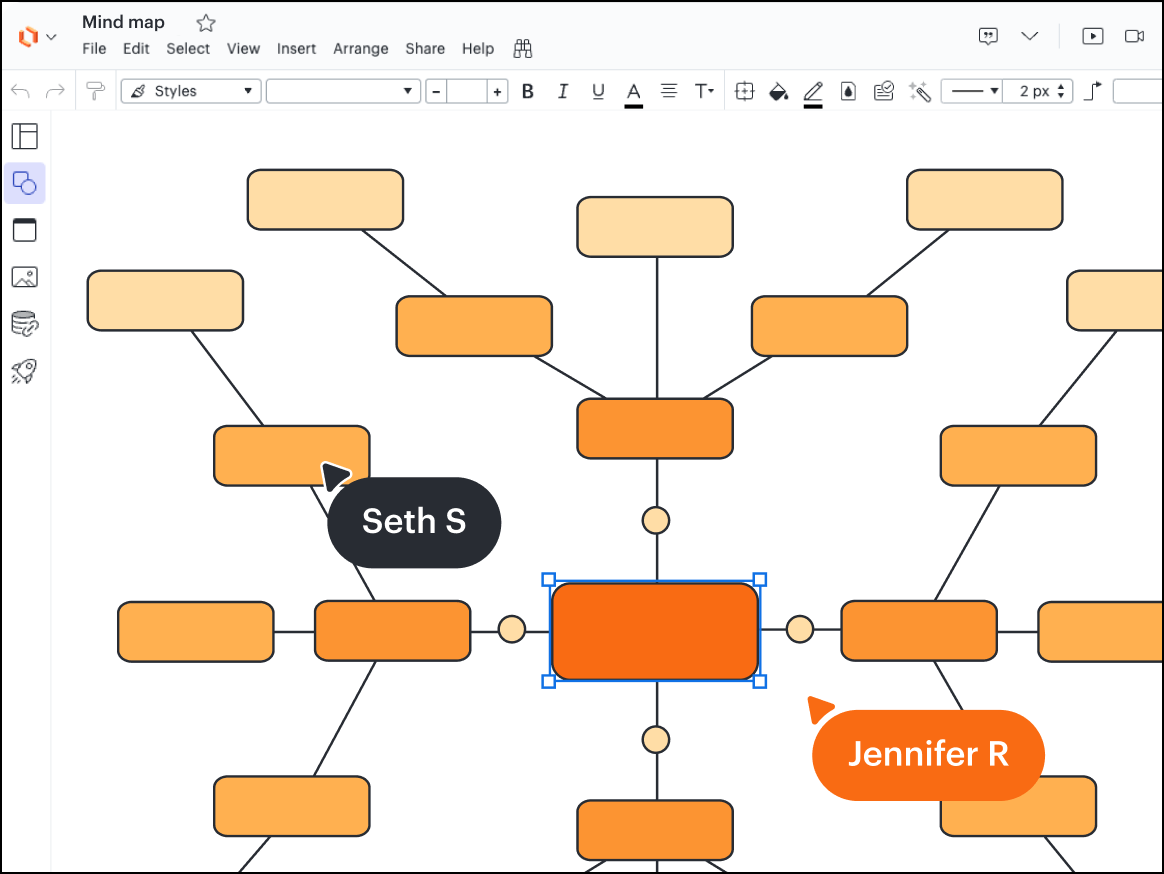
Lucidspark is a dynamic virtual whiteboard built for cross-functional collaboration. As a key component of the Lucid Visual Collaboration Suite, it empowers teams to bring their best ideas to life. With intuitive, AI-powered features, Lucidspark stands as one of the best free mind mapping software on the market.
Notable features include:
AI-generated diagrams: Create and refine mind maps using simple text prompts.
Visual Activities: Turn qualitative feedback into actionable insights.
Breakout boards: Divide large groups into smaller, focused teams.
Customizable templates: Efficiently create mind maps and other diagrams with hundreds of customizable templates for every use case.
Notable integrations include Jira, airfocus, Zoom, and Slack.
Pros: Lucidspark’s dynamic canvas provides a collaborative space for teams to share ideas and get aligned.
Cons: Advanced options may be intimidating for some users.
GitMind
Best for AI-powered teams
Capterra rating: 4.6/5
Pricing: Free and subscription options available
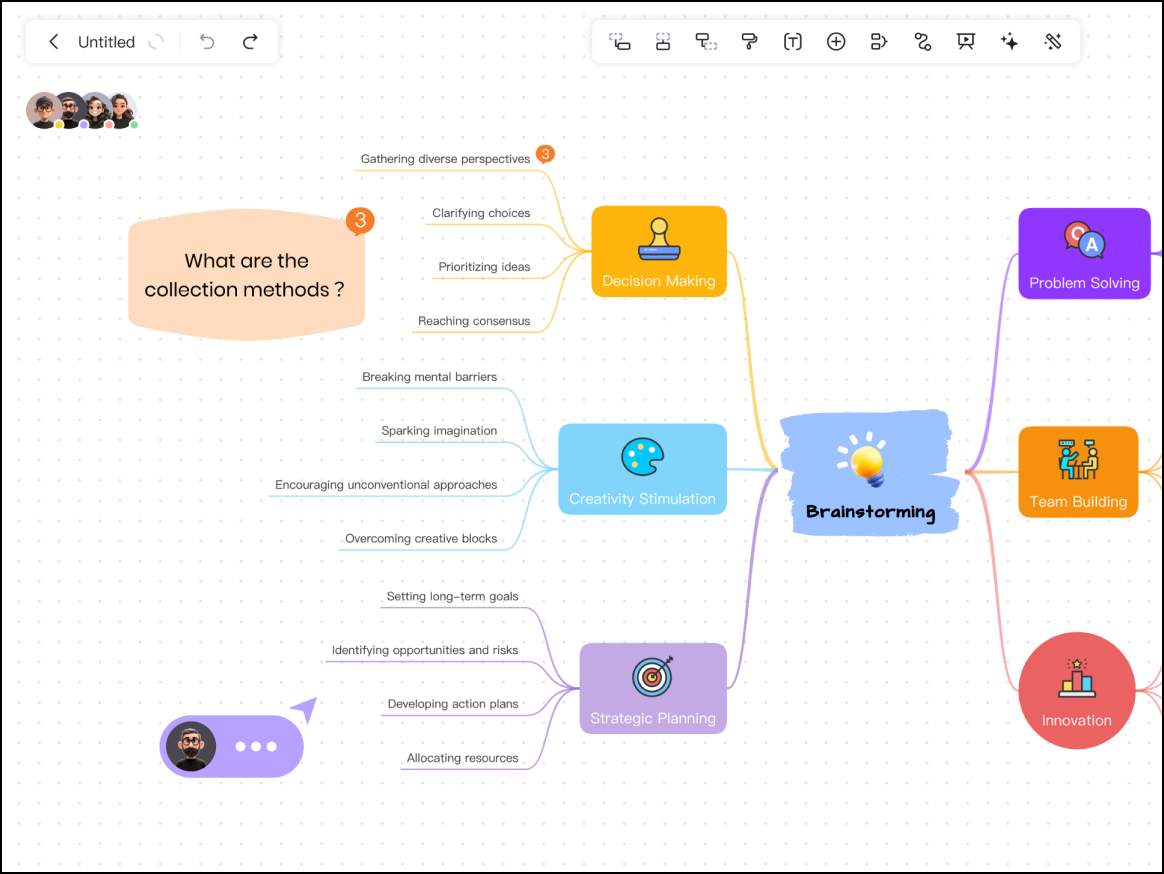
GitMind infuses basic diagramming with AI-powered features to help teams efficiently generate mind maps. Users can create complex mind maps from simple text prompts. GitMind offers a robust template library, making it easy to get started, but because it is a web-based tool, it can lag with large diagrams.
Notable features include:
AI diagram generation: Generate a full mind map from a single keyword or PDF upload.
OCR: Extract text from images to insert into the map.
Flowchart support: Generate other visuals like flowcharts, infographics, and more.
Notable integrations include web, mobile, and desktop offerings.
Pros: Users applaud the generous free tier and strong AI features.
Cons: The GitMind mobile app can be clunky.
Xmind
Best for asynchronous collaboration
Capterra rating: 4.5/5
Pricing: Free and paid plans available
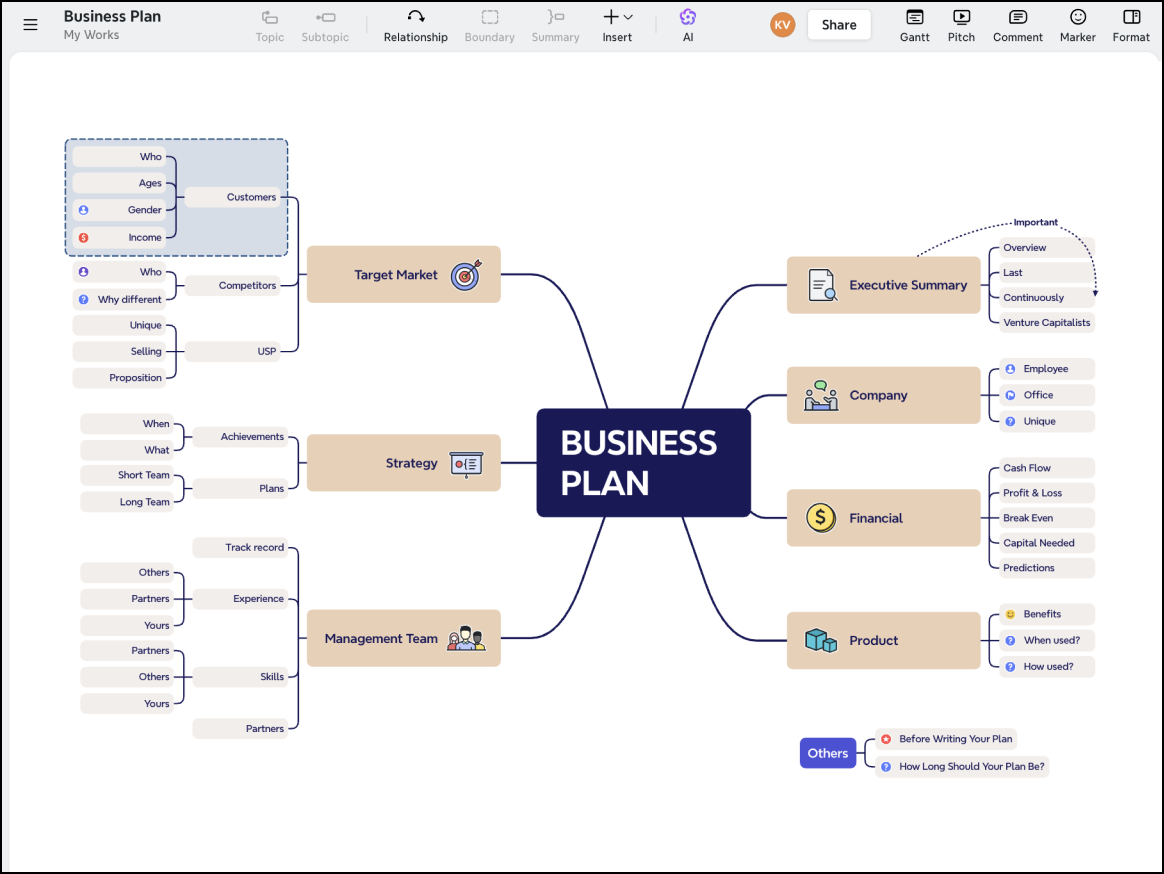
Xmind is a mind mapping and brainstorming software built for users who need high-fidelity diagrams and professional layouts. It prioritizes efficiency and productivity with features designed for focused work. While its strength is individual productivity, its downside is that it lacks real-time collaboration compared to competitors.
Notable features include:
-
ZEN mode: Opt in for a distraction-free writing interface.
-
Pitch Mode: Auto-generate a smooth transition presentation from your map.
-
Math/LaTeX support: Render mathematical equations inside nodes.
Notable integrations include Markdown, Microsoft Word, and OPML.
Pros: Users have noted that the software is polished, focused, and able to handle large mind maps without delay.
Cons: Xmind is not suited for real-time collaboration.
The best mind mapping software depends on your team’s unique needs.
Interested in using Lucidspark? Sign up for a free trial today.
Try free