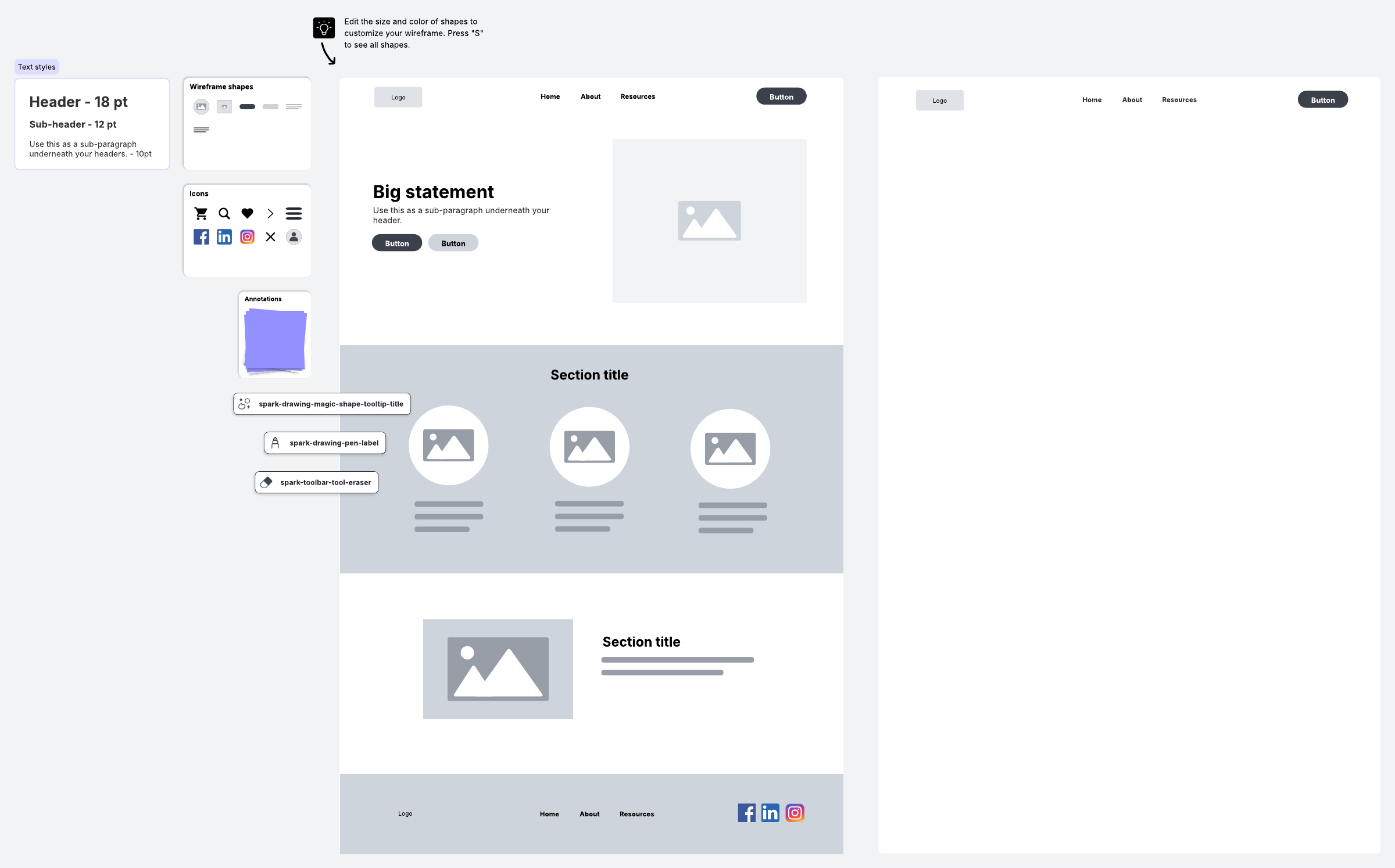
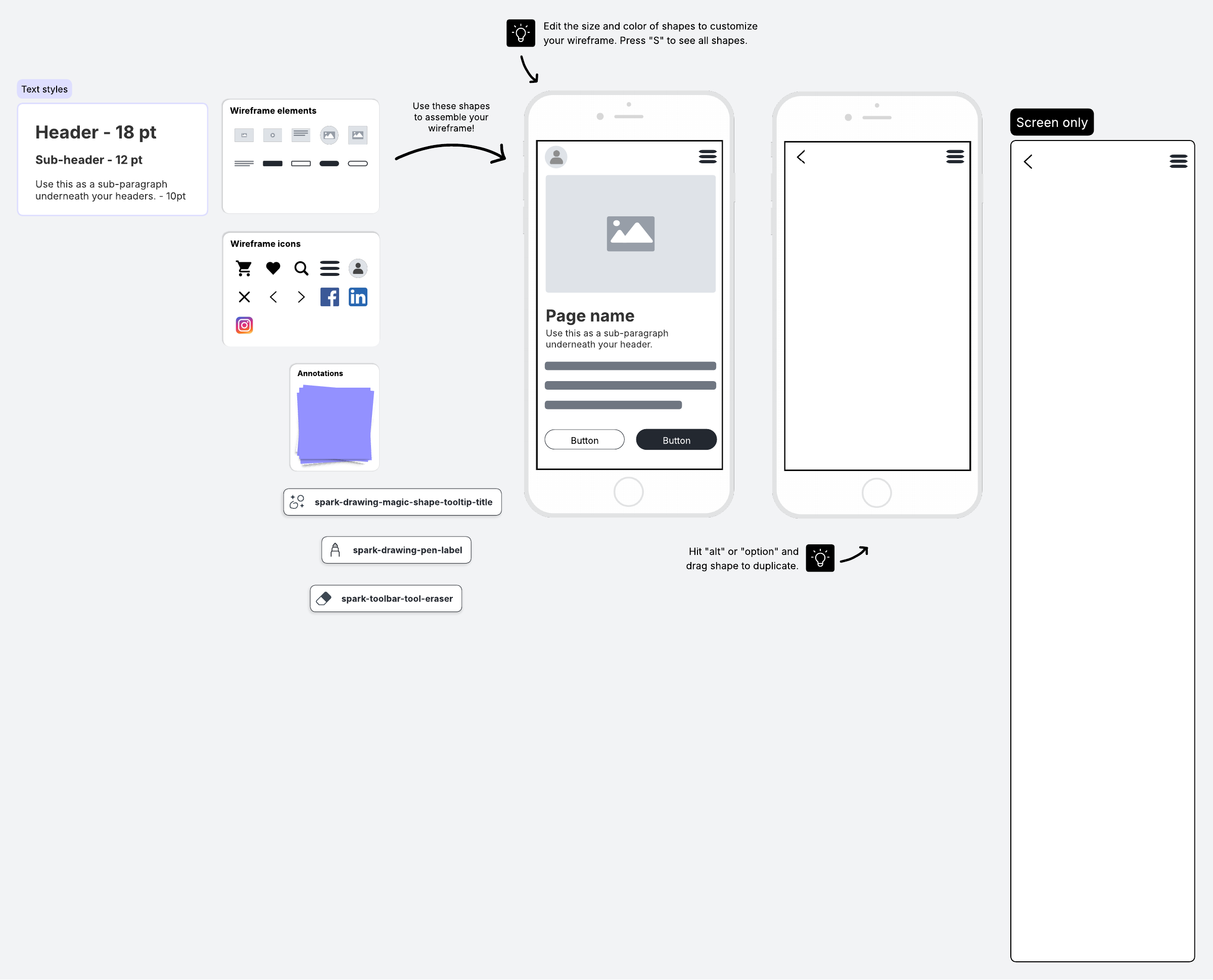
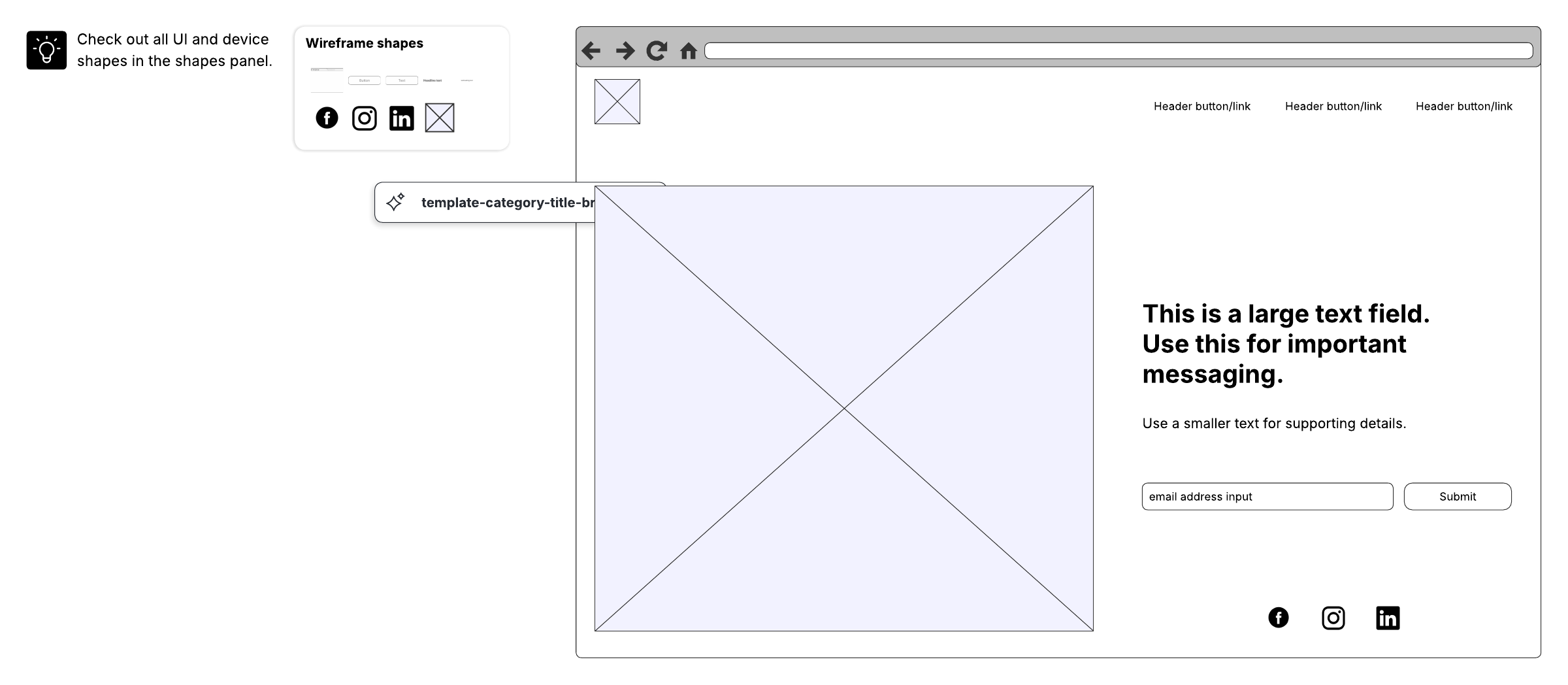
We've all heard the stories of people who have scribbled ideas on napkins that eventually turned into best-selling products, novels, movies, songs, and so on. For example, in 1959, Edward E. Carlson drew a simple sketch on a napkin. That sketch—essentially an oval balancing on a tall rectangle—became a well-known Seattle landmark, the Space Needle.
In this situation, Carlson created a low-fidelity drawing because he wanted to record the idea as soon as it entered his head, before it was gone. However, low-fidelity designs can also be an important tool for product development teams as they align on intended functionality and provide feedback before UX designers and software engineers put a lot of work into the final design.
In today's fast-moving product environment, where teams may be tempted to jump straight from wireframes to prototypes, low-fidelity mockups remain a practical "in-between" step that can reduce rework and keep iteration lightweight.
Learn how low-fidelity mockups can be valuable to your team as you make the journey from concept to final product.
What is a low-fidelity mockup?
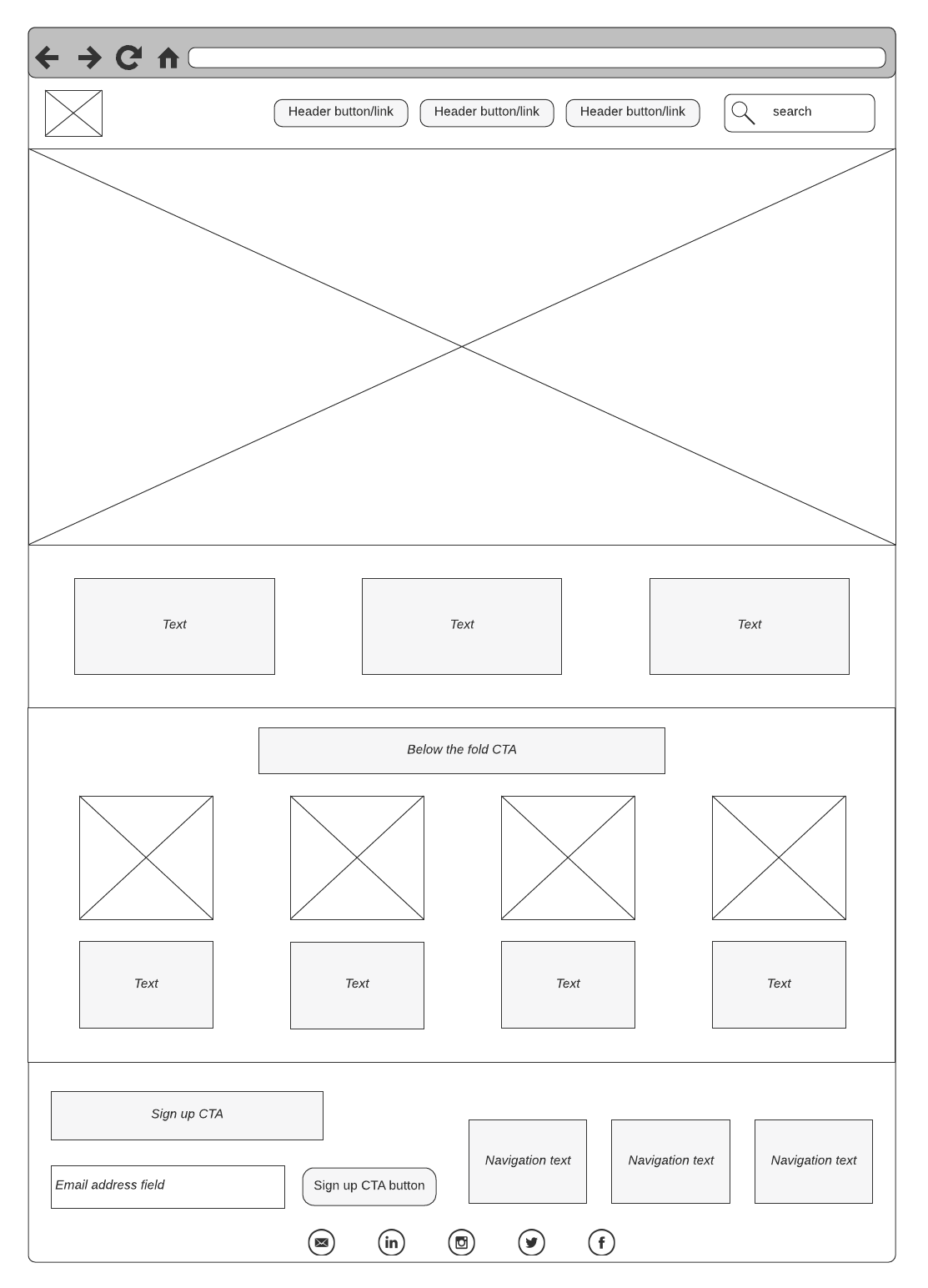
A mockup is a static visual representation of a product's design. Mockups fall between wireframes and prototypes. They may include more detail than wireframes, but they may not be as functional as a functioning prototype.
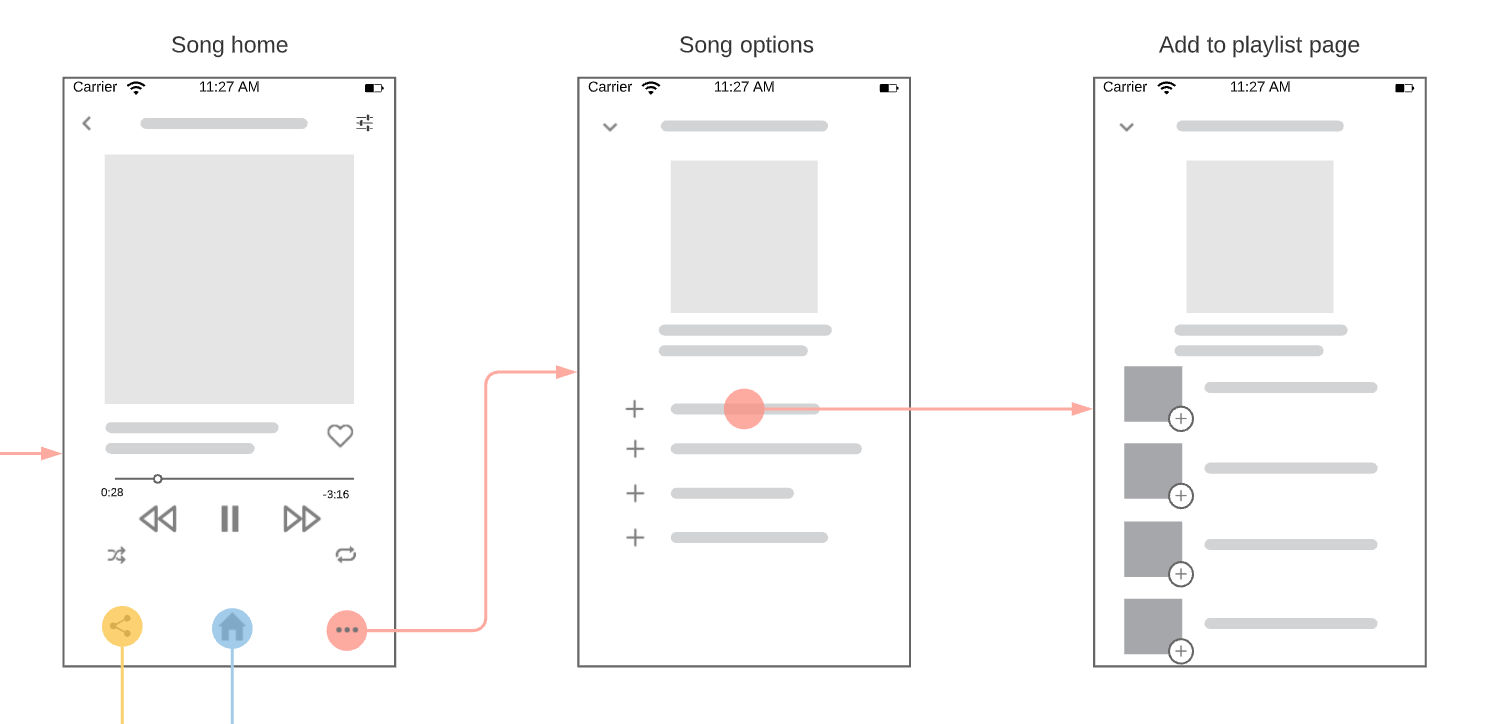
A low-fidelity mockup is intentionally basic so you can focus on design and flow rather than intricate details. These designs can be created on just about anything: a napkin, graph paper, a whiteboard, or a digital workspace.
These visualizations can be low-fidelity (low-fi) or high-fidelity (high-fi). These terms refer to the amount of detail or functionality included in the design outline. Low-fi means less detail and little or no functionality. High-fi means greater detail and functionality (e.g., color, basic copy, font, and even clickable navigation).
To clarify where low-fidelity mockups fit, it helps to distinguish the three common deliverables:
-
Wireframes are typically the first step in the design process. Low-fi wireframes are basic blueprints that outline the general structure, contents, and functions of a page or application. They're often used to quickly explore layout and information hierarchy before anyone worries about visual polish.
-
Mockups are the next step up from wireframing. Where the wireframe is a skeletal outline, a mockup adds visual detail and design. Unlike a prototype, however, a mockup usually doesn't include functionality or interaction. Low-fidelity mockups keep that added detail intentionally minimal—just enough to make the concept easier to evaluate without committing to a fully designed interface.
-
Prototypes are an advanced stage of design iteration. Prototypes are an early model of the product and usually have functionality and interaction to test the design. Because prototypes take more time to build and refine, low-fi mockups can be a useful checkpoint before you invest in interactivity.
When to use low-fidelity mockups
When you want to convey ideas and get feedback quickly, a low-fidelity mockup might be the right choice.
In the early stages of planning, low-fidelity mockups can help you and your team identify potential design and flow problems before you spend too much time creating a prototype of a flawed design. They can also work well at any stage of development when you need to brainstorm ideas or gather input from stakeholders without a design background.
They're especially helpful in Agile environments, where iteration and collaboration are continuous, and teams may feel pressure to move directly into prototyping. However, skipping ahead could leave you and your design team in the lurch if you invest time and effort to design and build a prototype that needs heavy rework. A mockup gives everyone a chance to visualize the options and identify potential issues before investing in a functional model.
Learn the differences between wireframes, mockups, and prototypes to choose the best option for your project.
Advantages of using low-fidelity mockups
As mentioned previously, many people already see the value of using low-fidelity mockups when they need to work fast and when they have an idea that they want to record quickly. But these designs offer many advantages that make them worth incorporating into your product development workflow regularly.
Save time and resources during product development
You don't need a lot of resources to create a low-fidelity mockup. A pencil and paper or a whiteboard will do. By leaving out the details, you can draw faster and show your designs sooner. By visualizing basic details, navigation flow, and proposed functionality before programming a full prototype, developers can evaluate the concept and get feedback from key stakeholders. That way, if there are issues or stakeholders want to make a change, it's easier (and cheaper) to pivot before the ideas are fleshed out in a prototype.
With a solution like Lucidchart, you can easily store your low-fidelity mockups in a centralized location so teams can refer back to the designs and ensure they are building what is expected.
Keep timelines and schedules on track
When all team members understand the goals, deliverables, and their roles within a project, it protects project momentum and keeps the schedule on track because expectations are managed early in the planning stages and "scope creep" is kept at a minimum.
When you include this step in the iterative process, you ensure the project moves forward smoothly. If you were to jump into a hi-fi mockup or prototype too soon, any issues or major shifts in the design requirements (that would have been uncovered in a low-fi mockup) could throw off your project momentum, costing valuable time and causing frustration for your team.
Receive and provide feedback faster
Low-fidelity mockups can get you faster feedback because they are easy to read and can give your team a better understanding of what you want to accomplish with your designs. Because low-fi mockups are quick to produce and easy to compare side by side, they make it simpler to gather input before the team becomes attached to a single direction.
If you want to share your designs faster and with a larger audience at the same time, use Lucid. Because every team member has access to the same file at the same time, you can get nearly instant feedback. People can write comments, make suggestions, and use @mentions to ask questions of other stakeholders who may not currently be in the meeting.
Discover and fix potential issues faster
With fewer details to worry about in a low-fidelity mockup, developers and stakeholders can focus on layout and data flows and find potential problems early. Low-fidelity mockups are also a practical way to pressure-test the experience itself, especially user flows, which are the paths or roadmaps a user takes to complete a task or achieve a goal. Mockups help designers and stakeholders visualize this journey from Point A to Point B, allowing them to spot obstacles with functionality early and reduce questions to create a design that streamlines the experience.
Lucidchart makes it very easy to move shapes around and add new design elements that address potential issues. Because Lucidcharts is accessible to the whole team, it’s easy to address issues proactively, saving time and resources down the road.
Improve cross-functional relationships
When sharing your mockups, co-workers will gain a better understanding of what the design is meant to accomplish and how it aligns with organizational goals. This reduces confusion and encourages better suggestions for improvements to flow and interface design. Because low-fi mockups are approachable, they can also make collaboration more inclusive across roles and levels, including non-technical stakeholders. They don't require advanced design knowledge to meaningfully contribute to the conversation or offer feedback. This makes them an effective tool for bringing your non-design stakeholders on board, getting their input, and ultimately securing buy-in early and often.
Because Lucidchart is cloud-based, you can easily collaborate with every team in real time to make modifications and share ideas, keeping everyone on the same page.
Begin creating your own low-fidelity mockup
With Lucid as your visual workspace, it's very easy to plan and draw simple low-fidelity designs. Choose from hundreds of mockup shapes, including options for iOS and Android, to communicate the right level of detail for your project. In just a few minutes, you can quickly build wireframes to share with teams and any stakeholders who can collaborate and give input.
Even if low-fidelity mockups can feel like an "extra" step, they function as a fast alignment mechanism. They help keep schedules on track and define project scope, helping teams iterate earlier, avoid costly prototype rework, and move forward with clearer buy-in.
Ready to get started in Lucidchart? Sign up for a free account today.
Everything you need to make a diagram
Make a polished, professional diagram for free with Lucidchart. No matter what you have in mind, we have the tools you need to build it. Make an account and start diagramming today.
Sign up free