Composite structure diagram tool
No matter what type of composite structure diagram you need to make, Lucidchart’s composite structure diagram tool can help you quickly get started. Visualize the relationships of any software system with Lucid.


By registering, you agree to our Terms of Service and you acknowledge that you have read and understand our Privacy Policy.

Get started with our AI diagram generator
 , opens in a new tab
Easy, intuitive composite structure diagrams
Create and share a composite structure diagram in minutes with Lucidchart.
Visualize structured classifiers
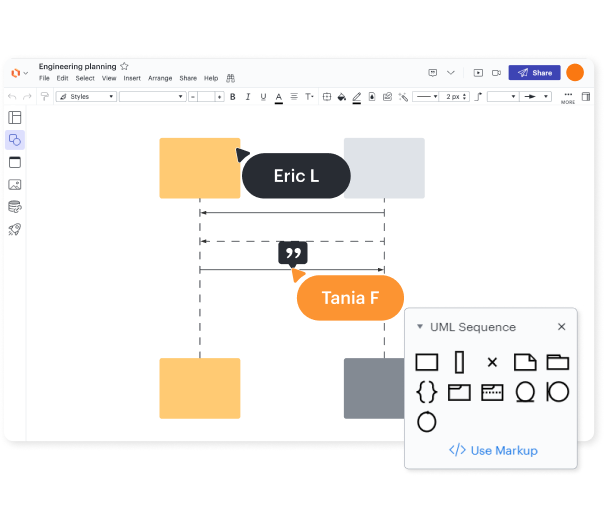
Use a UML shape library
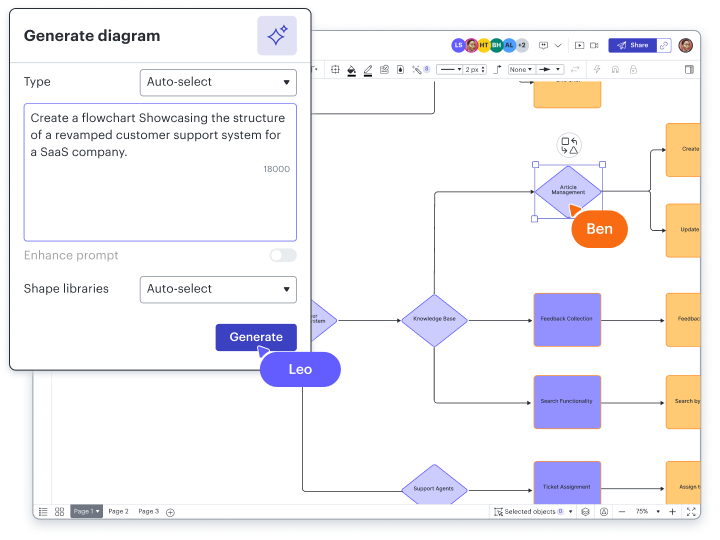
Leverage Lucid AI
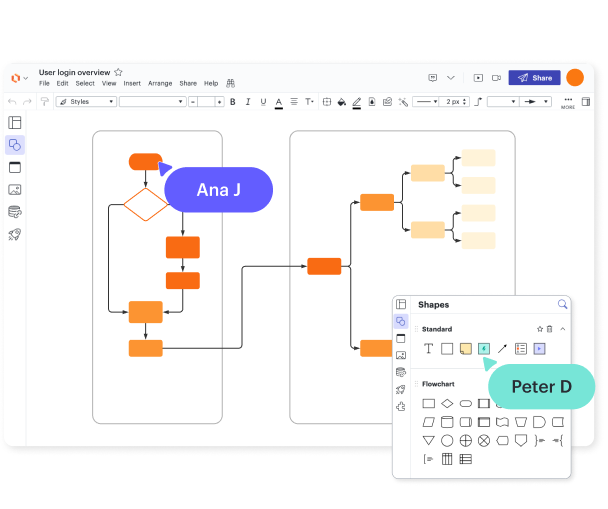
Collaborate in real time

Boost productivity with 100+ integrations

Lucidchart feature highlights
Real-time collaboration
Real-time collaboration
Data linking
Data linking
Conditional formatting
Conditional formatting
Layers
Layers
Revision history
Revision history
Shape libraries
Shape libraries
AI prompt flow
AI prompt flow

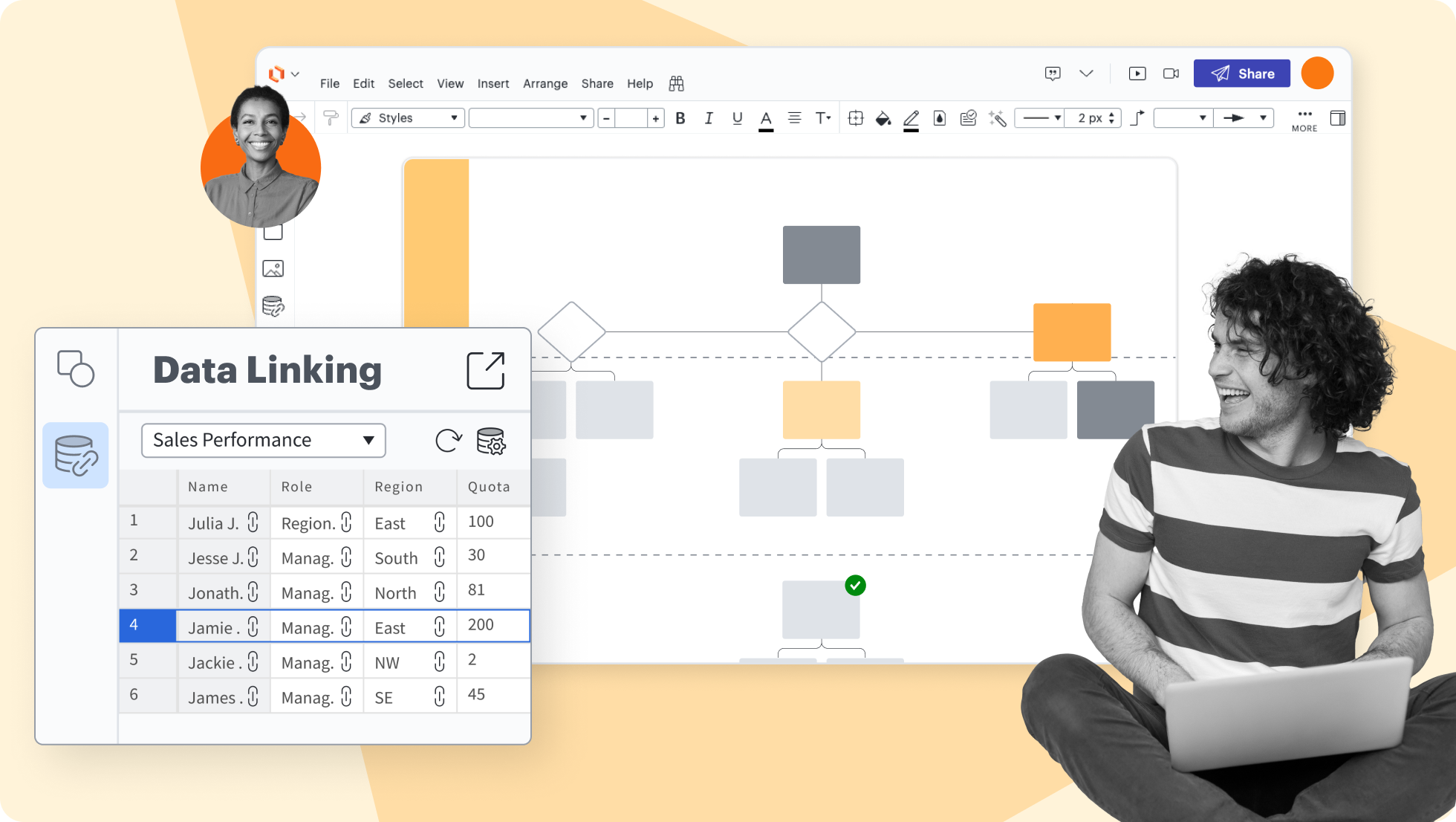





Lucidchart feature highlights
Streamline work by enabling multiple collaborators to create and edit the same diagram at once.
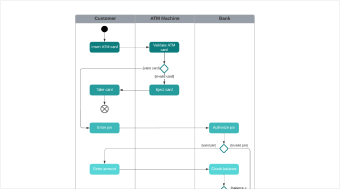
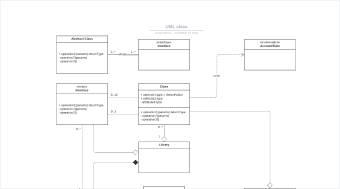
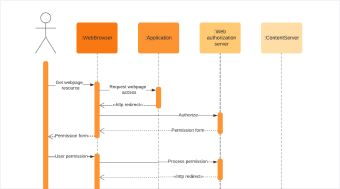
Composite structure diagram templates
Getting started in Lucidchart
Follow along with this video tutorial and learn how to make any type of diagram in Lucidchart.
Why teams choose Lucidchart
As an intelligent diagramming application, Lucidchart provides simple yet powerful capabilities for visualizing information.

Collaboration. Bring teams together side by side on a shared canvas from anywhere in the world.
Alignment. Build transparency and shared understanding of how a team or company works.
Large-scale change. Increase visibility, standardization, and knowledge sharing across your entire org.
End-to-end workflows. Upgrade to the Lucid Suite for a complete, connected visual collaboration solution.


What is a composite structure diagram?
A composite structure diagram is a UML structural diagram that provides an overview of all or part of a software system. This type of diagram acts as a look inside a given structured classifier, defining its configuration classes, interfaces, packages, and the relationships between them at a micro-level.
How to make a composite structure diagram
Identify the parent classifier
Define all the internal parts
Establish the ports
Map out all the connectors
Add required interfaces
Incorporate collaborations
Additional Lucidchart resources

Lucid Training Labs
Learn visual collaboration skills in free, self-serve courses and live training workshops.

Lucid Community
Connect with other users to share tips and insights. Provide feedback to Lucid’s product team.

Help center
Find detailed articles with step-by-step instructions for using specific Lucid features.

Lucidchart tutorials
Go to the Lucidchart tutorials playlist on YouTube for video training on various topics.

Collaborate with AI
Get an overview of Lucid’s AI functionality and find additional resources.

Lucid blog
Explore tips for optimizing collaboration, aligning teams, and driving initiatives in Lucidspark.

Lucidchart pricing
Create a free account and compare options for paid Individual, Team, or Enterprise plans.
Frequently asked questions about UML diagrams
Can I build a UML diagram using markup?
How can I change the formatting of a UML diagram?
Can I show the difference between current and future states within the UML diagram?
What are the options for sharing my UML diagram in Lucidchart?
Everything you need to make a diagram
In addition to our composite structure diagram tool, Lucidchart offers support and training resources to help you branch out to any type of diagram.
Lucid Training