UML diagram software
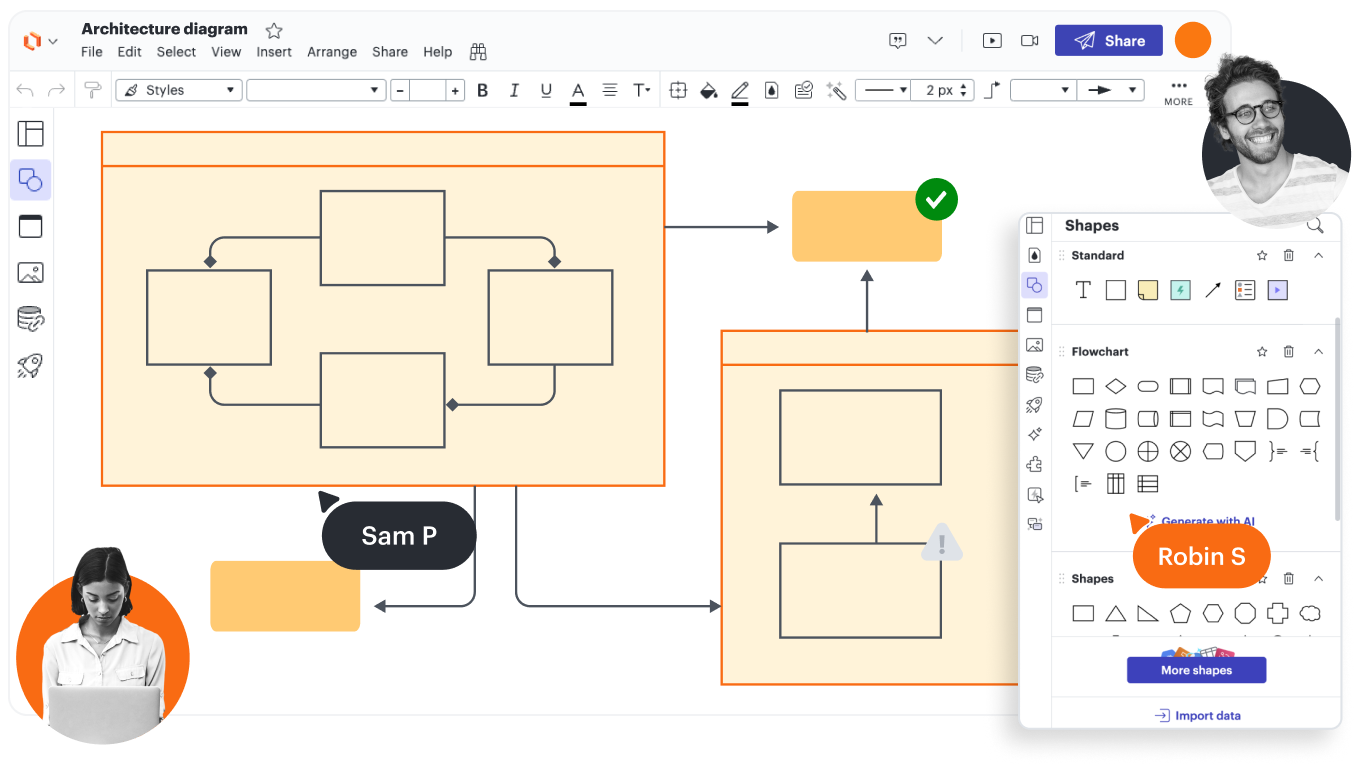
Everything you need to create a UML diagram


By registering, you agree to our Terms of Service and you acknowledge that you have read and understand our Privacy Policy.


Get started with our AI diagram generator
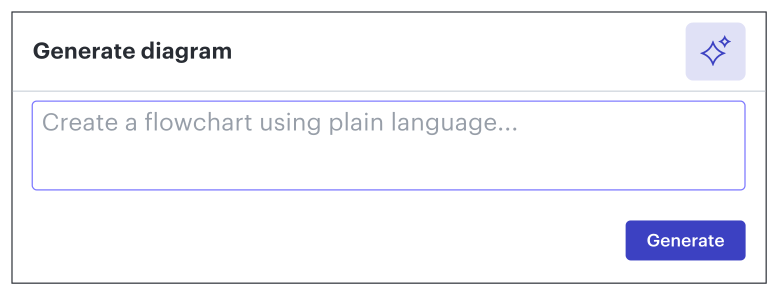 , opens in a new tab
See why teams choose Lucidchart
Cross-team collaboration and alignment
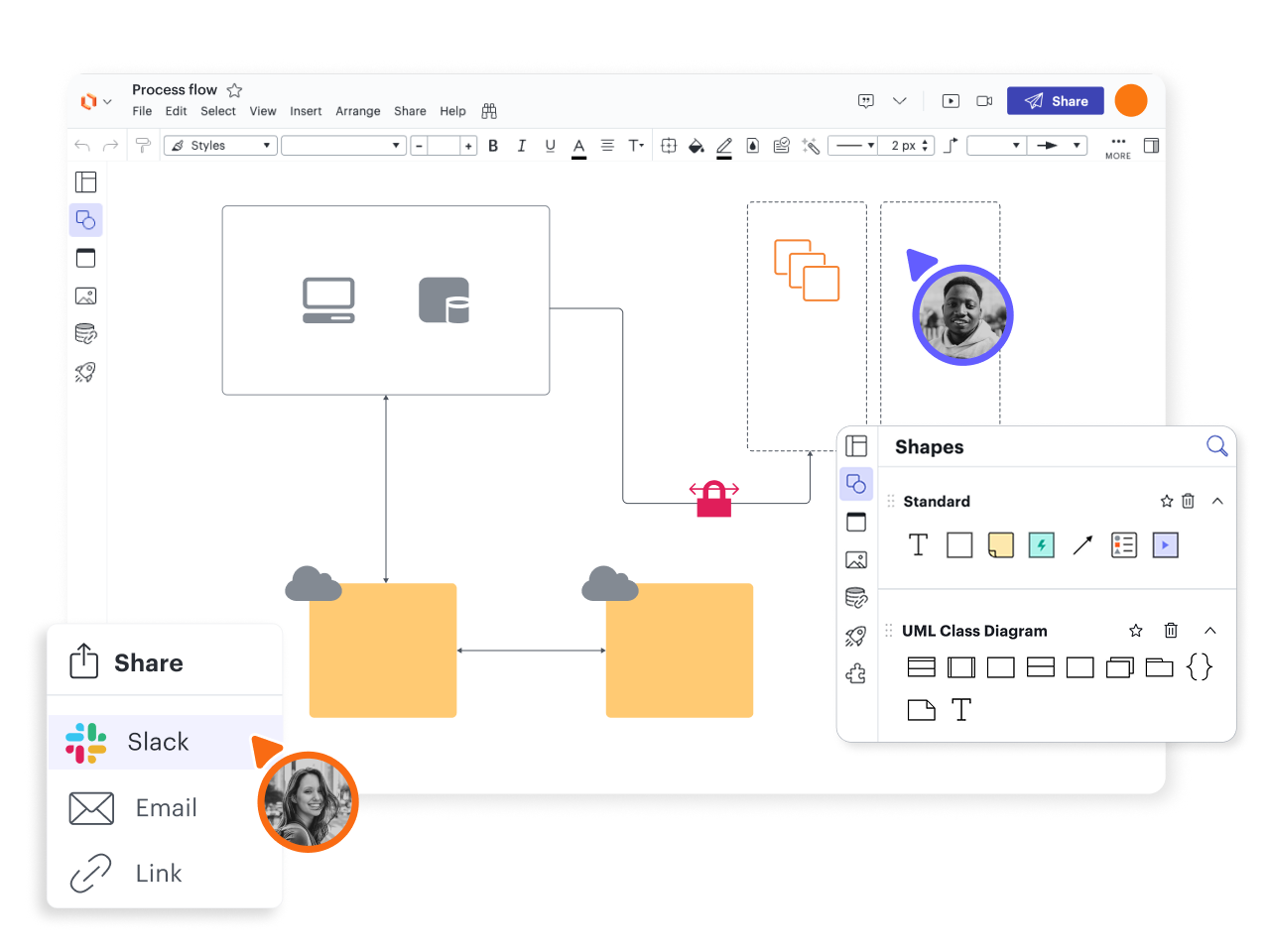
Understand and clarify complexity
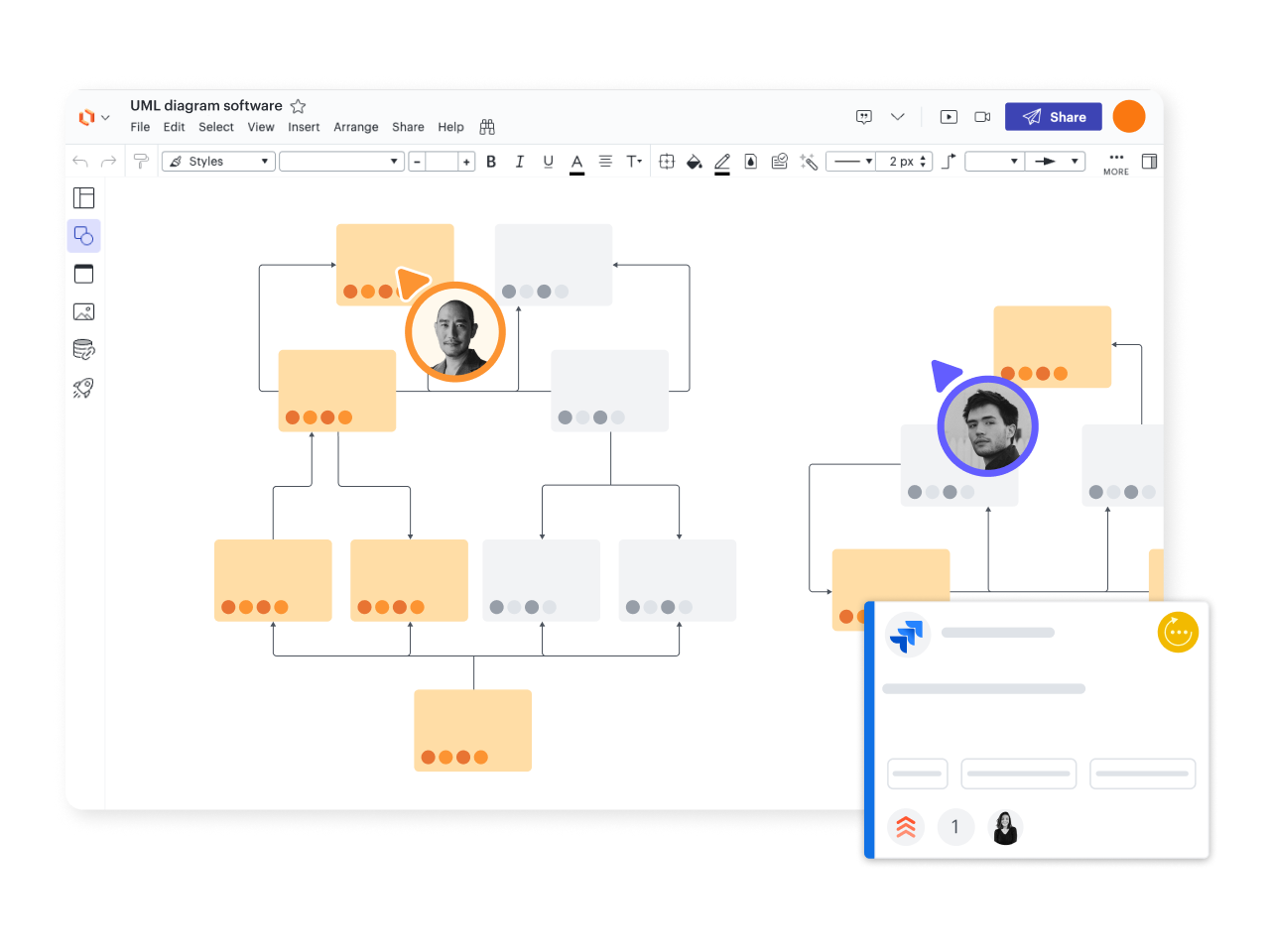
Streamline your tech stack

Powerful AI functionality
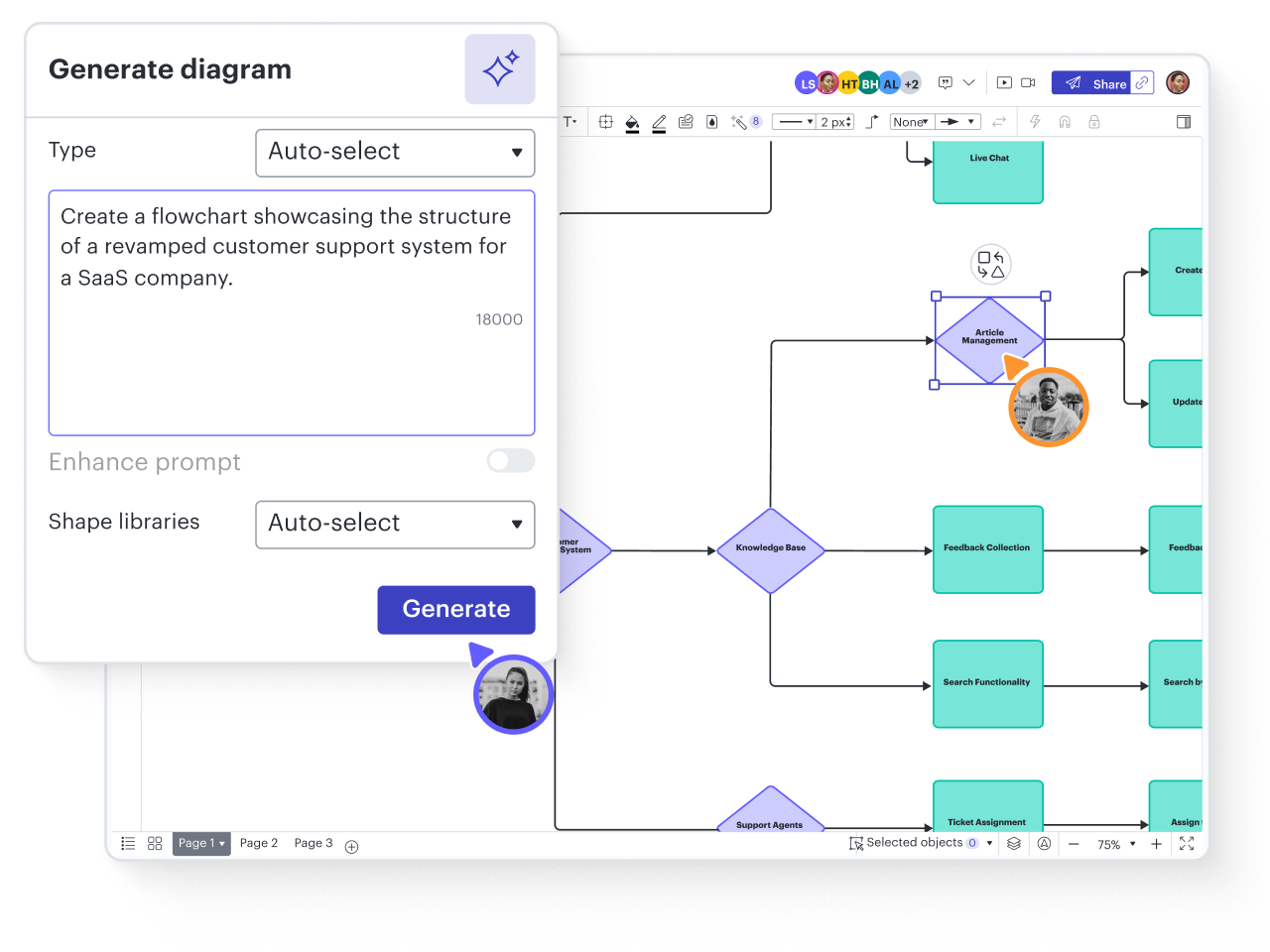
Get started faster with templates
Not sure how to diagram a system, process, or algorithm? Explore hundreds of Lucidchart templates for ideas and frameworks that make it easy to organize information visually.
Explore nowUML class diagram
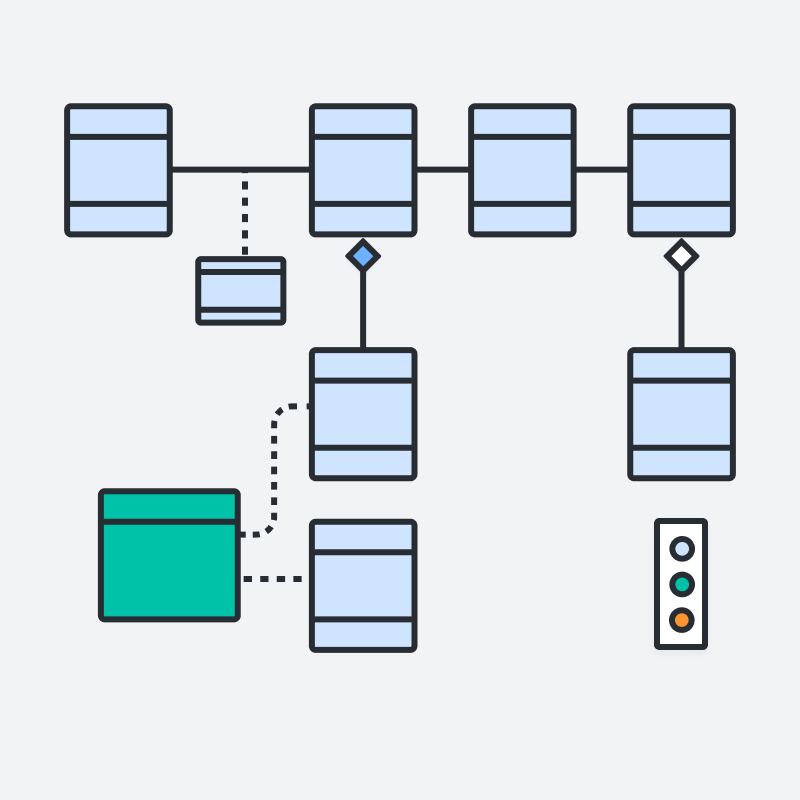
UML class diagram
Activity diagram
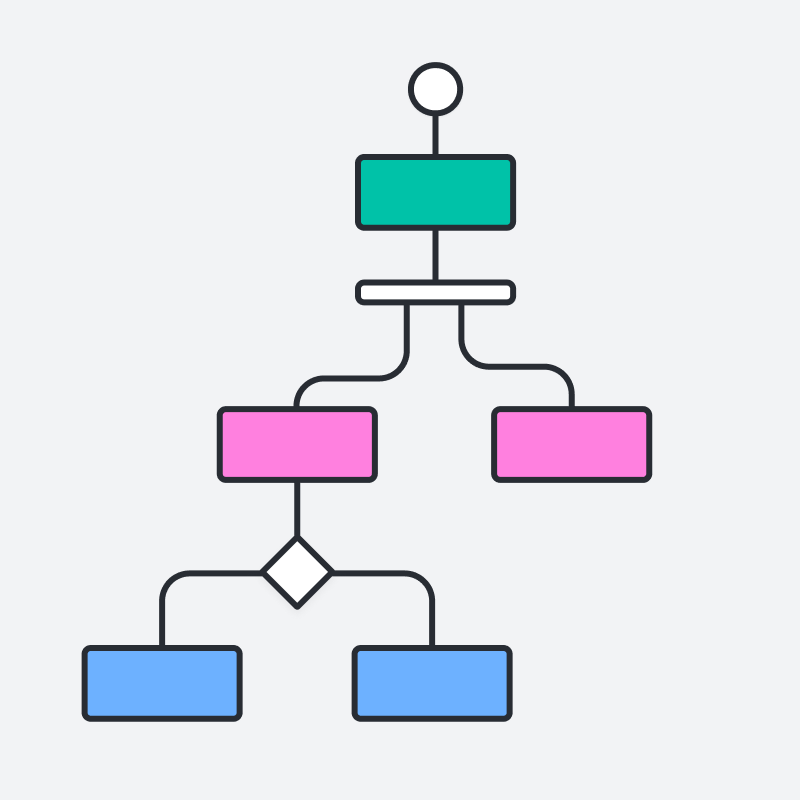
Activity diagram
UML use case diagram

UML use case diagram
DBMS ER diagram (UML notation)
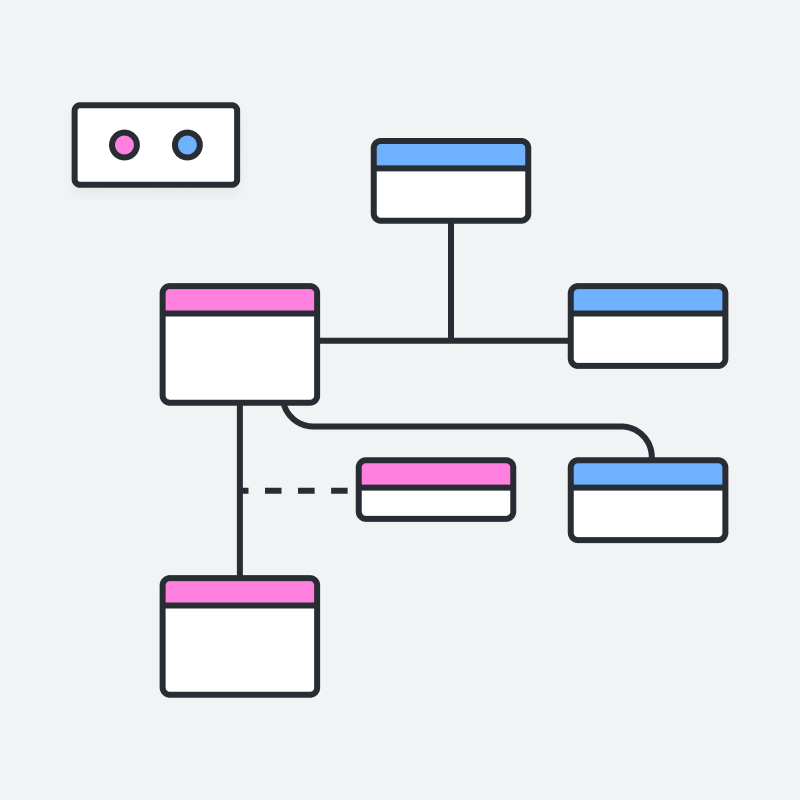
DBMS ER diagram (UML notation)
ERD with colored entities (UML notation)
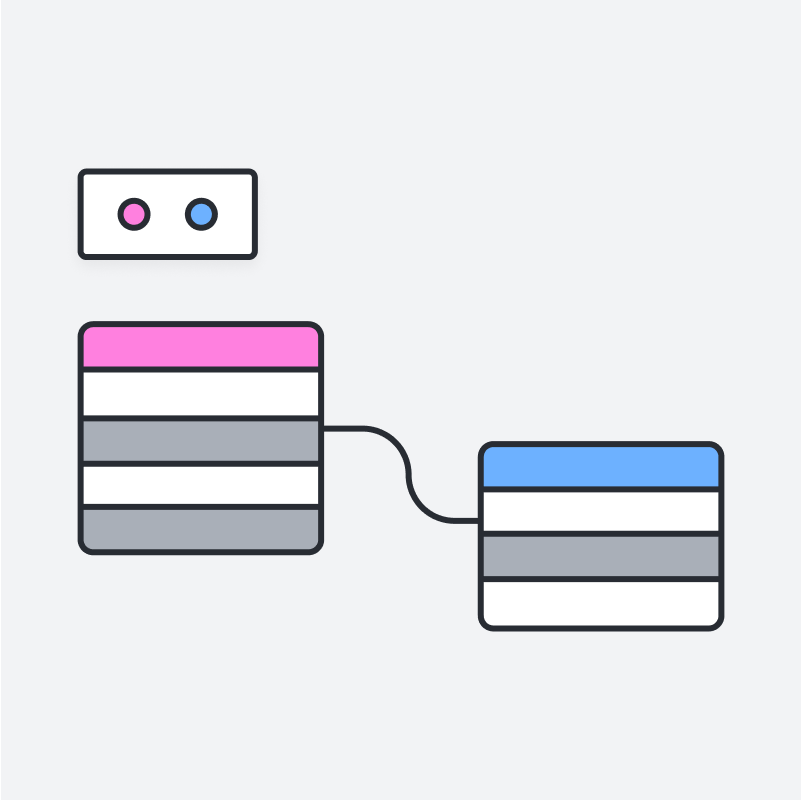
ERD with colored entities (UML notation)
UML sequence: Web application authentication
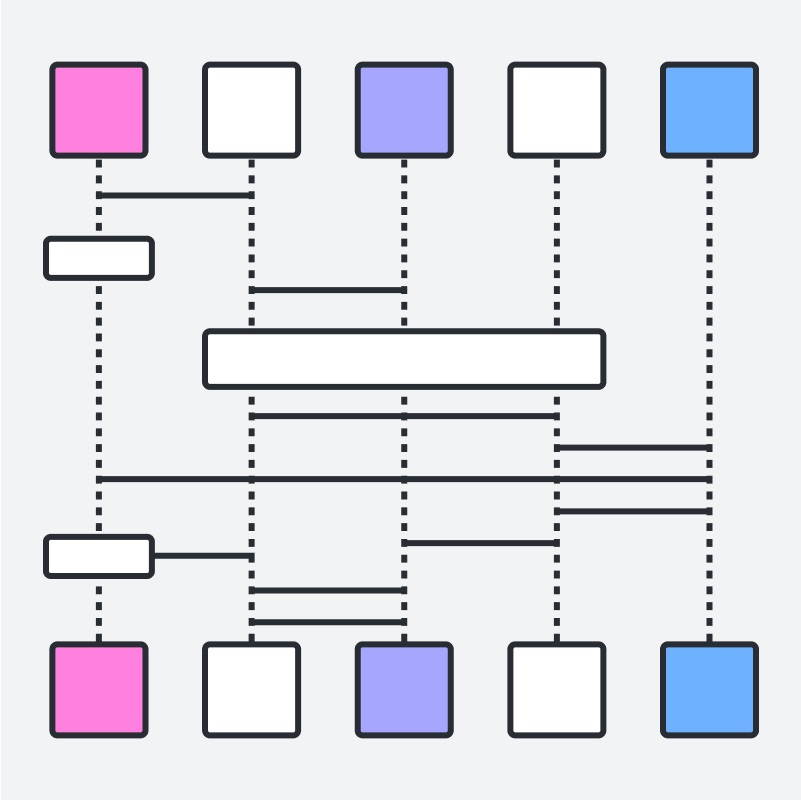
UML sequence: Web application authentication
Logic model
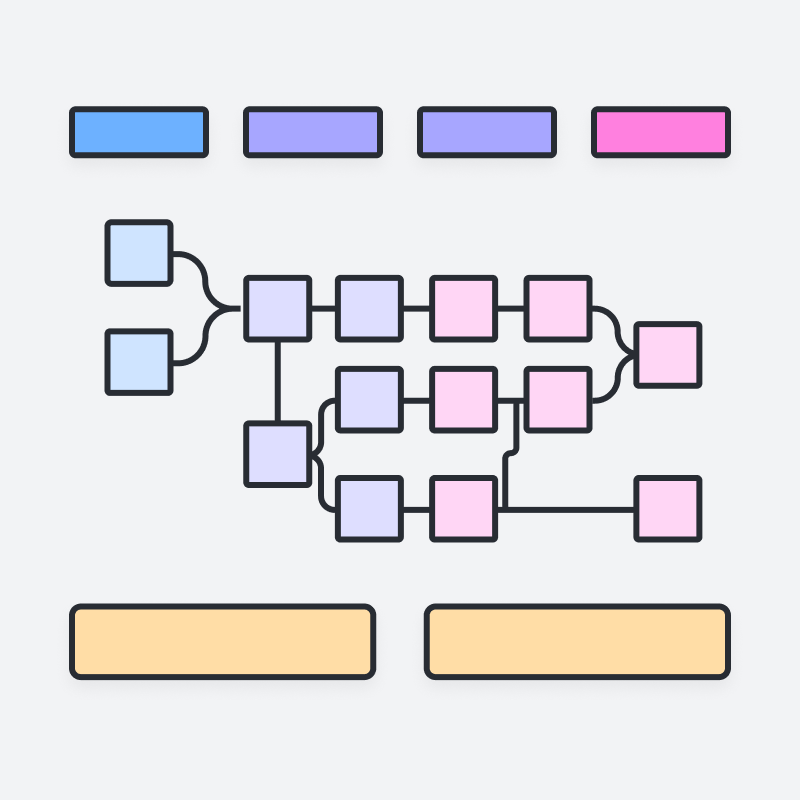
Logic model
Generic Network Diagram Template

Generic Network Diagram Template
Sequence diagram
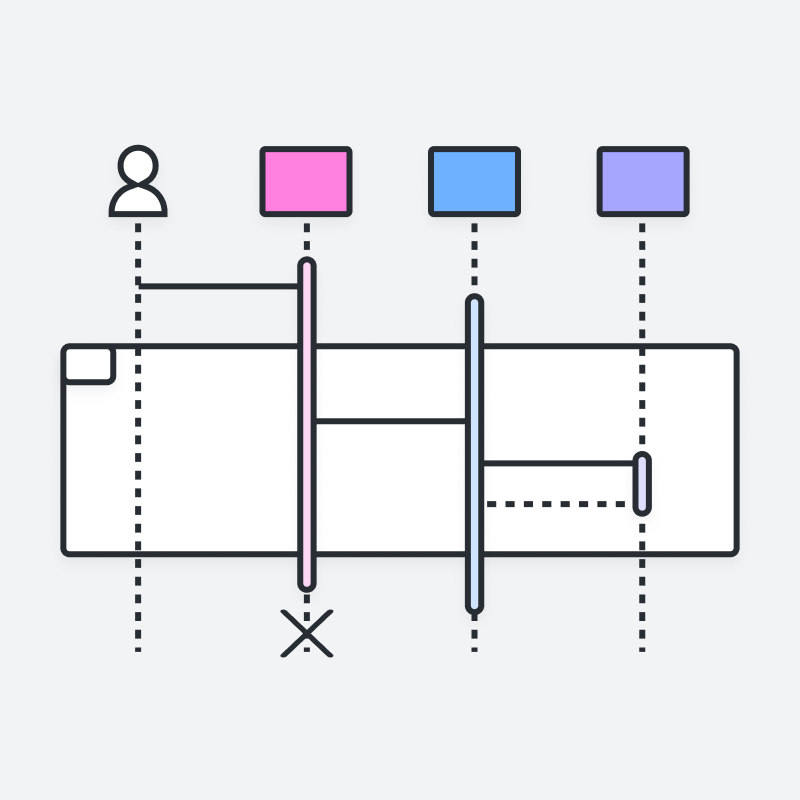
Sequence diagram
Web sequence diagram
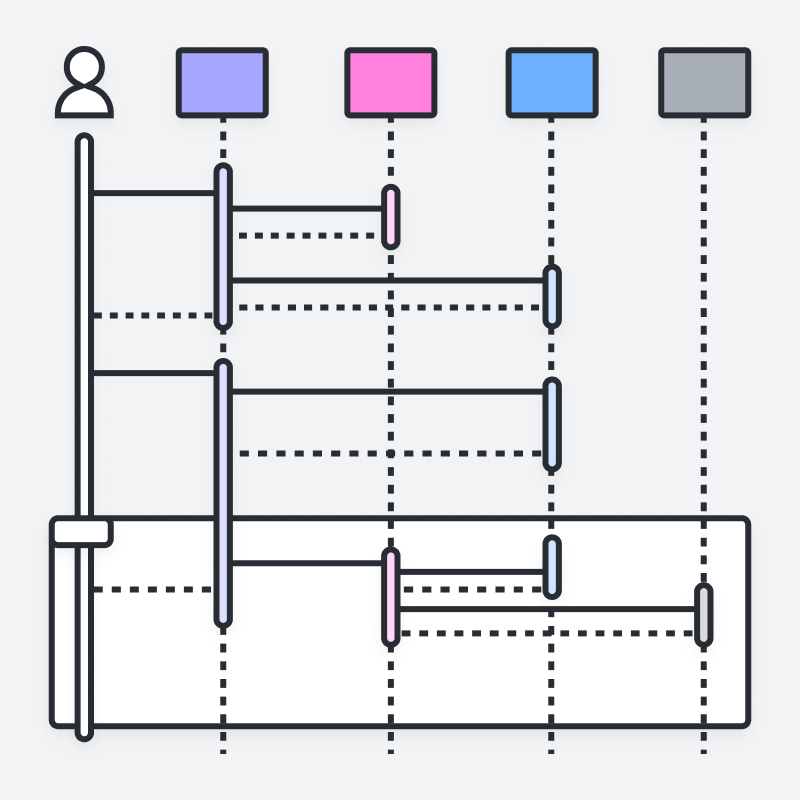
Web sequence diagram
Company high-level systems overview example
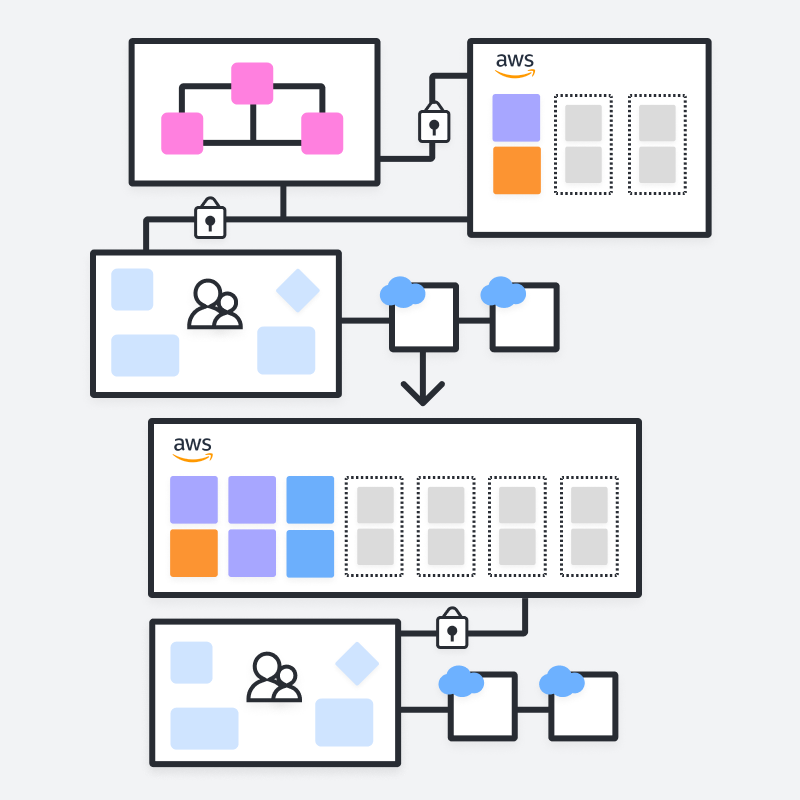
Company high-level systems overview example
Algorithm flowchart example
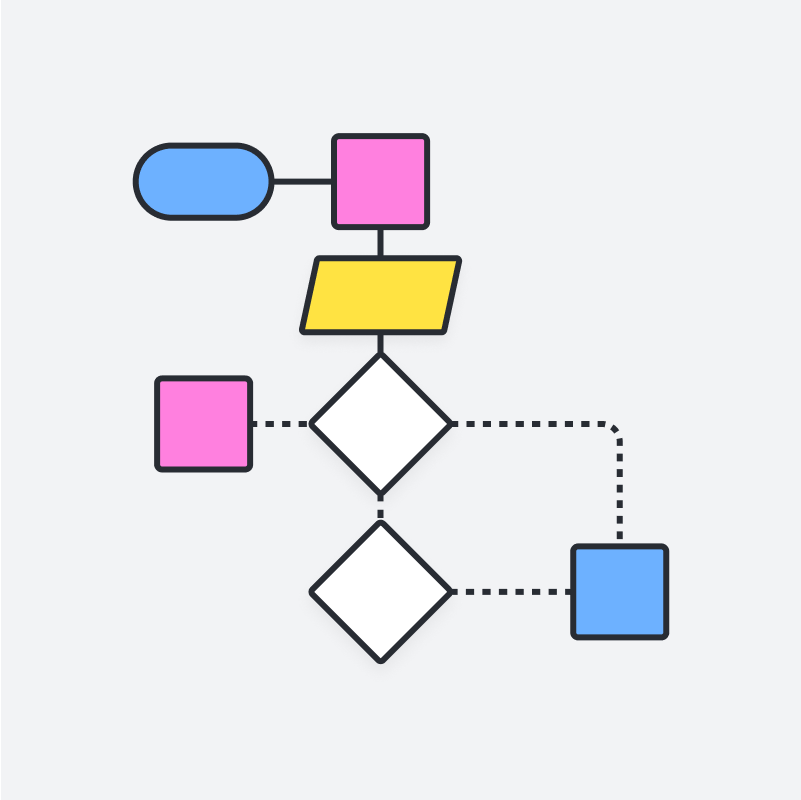
Algorithm flowchart example
See how Lucidchart improves the way you work
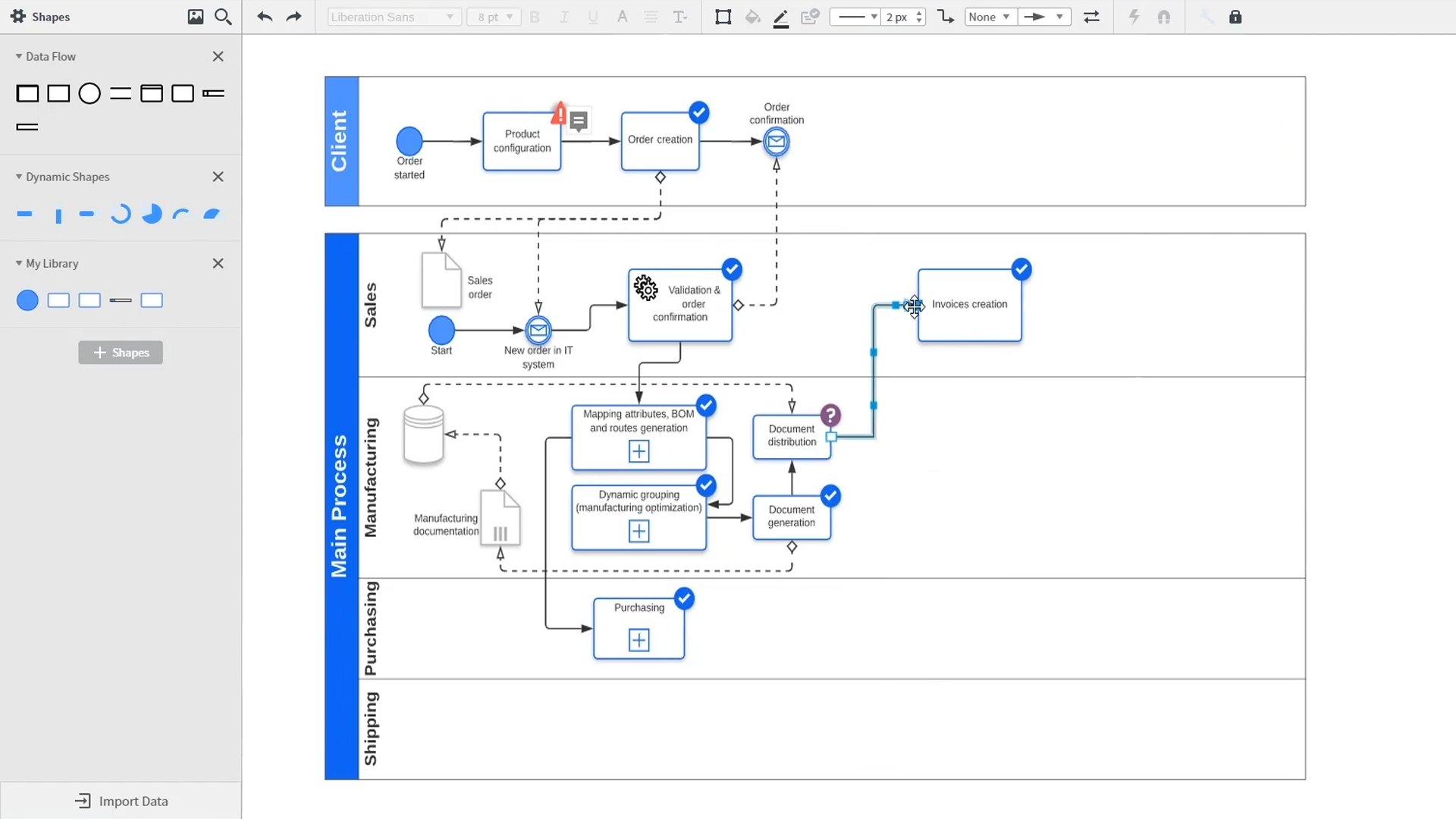
An introduction to intelligent diagramming in Lucidchart that demos key features like templates, shapes, integrations, conditional formatting, and commenting. Robyn, a Lucidchart user, adds shapes to her diagram and uses connectors to outline her processes. She then opens the embedded template library to look for templates that will give her a head start on her work. From network diagrams, to process maps, org charts and mind maps, the Lucidchart template library gives her many options to work with and insert into her canvas. Samalia, a second user, enters the shape library and looks through an extensive options list that includes shapes for floor plans, UML diagrams, entity relationships and more. She selects the UML diagram shape library and adds swimlanes to her document that highlight the various parties responsible for each part of the ordering process she is outlining. Lucidchart integrates with many of the applications you use in your daily work, including Salesforce, Microsoft Office 365, Jira, Confluence, AWS, Azure, Google Cloud, and Google Workplace. With close to 100 integrations available, the Lucid suite is made to work where you do. Connecting integrations is easy in the Lucid marketplace. The video returns to Robyn, who is sharing her document with a co-worker named Bill. They use the built-in commenting feature to review the instance she has created and toggle between the current and future state outlines of their workflow to bring clarity to the changes they will be making. Sam, Bill, Robyn and Samalia then add more shapes and connectors to their UML diagrams and mind maps to finish building out the future state architecture and stay aligned on their next steps. The video closes with an invitation to try Lucidchart for free by clicking the ‘Try it now’ button on the page.