
It feels like a distant memory, but not long ago, teams gathered in offices to work and collaborate in-person. They shared laughs, fridge space, conference rooms, and hellos as they passed in the hallway. Getting a quick answer to a question was as easy as visiting your colleague’s desk, and collaborative teams often tackled big problems and projects together in dedicated team rooms.
Certainly, a lot has changed. Teams are working both remote and in-person, scattered all over the globe. Collaboration and communication now happens virtually via video conferencing, messaging platforms, and project management tools. As hybrid work environments settle in for the long haul, virtual team rooms will continue to replace physical ones—and high-functioning hybrid teams need a flexible, realistic solution that helps them stay that way.
What is a virtual team room?
A virtual team room is simply a virtual space, facilitated by software, that allows teams to work together, hold meetings, and facilitate communication from anywhere. Many cloud-based project management, document storage, and messaging tools offer some type of virtual space, opens in a new tab where teams can collaborate and communicate. Often, these spaces are separate from where the work is actually happening, but still help streamline communication for hybrid teams.
The ideal virtual team room lives right where work happens, so collaboration never gets lost in translation across platforms.
Benefits/use cases of virtual team rooms
Recent Gartner research predicted that 51% of knowledge workers would be working remotely at the end of 2021 and four out of 10 employees might quit if asked to return to an in-person office environment. More Gartner research found 75% of hybrid or remote knowledge workers say that they have increased expectations for flexible working environments.
For organizations doing their best to maintain camaraderie and productivity in a new era of hybrid work, these stats present a compelling case for making collaborative spaces as functional and engaging as possible. And while in-person, face-to-face communication can never be exactly duplicated, there are plenty of benefits to virtual team rooms.
Improves communication
Communication is arguably the most vital part of work. Without virtual collaboration tools, hybrid and remote work environments simply wouldn’t be feasible — or they’d at least be incredibly inefficient. Virtual team rooms replace lengthy emails and disjointed conversations with real-time collaboration.
Boosts engagement and morale
It’s easy for teams to quickly feel disconnected when they’re not face-to-face with their teammates. In addition to essential collaboration and communication needs, virtual team rooms allow you to replicate in-person team building activities like games, icebreakers, coffee breaks, and more to boost engagement and help the team stay connected to each other.
Cuts hard costs
Office space is expensive, full stop. By downgrading or eliminating office space rental costs, organizations can reallocate costs to other important parts of the business including technology investments, hiring, or marketing. Virtual team spaces are also often available in the telecommunication and collaborative tools you’re already using, saving you additional time and cost investments.
Increases flexibility
Work and creativity can’t always be contained to a strict set of hours – and personal lives and commitments often conflict with rigid office schedules. Research shows that employees increasingly value the flexibility remote work offers — and that productivity has actually increased as work has grown more remote and hybrid.
How to set up a virtual team room in Lucidspark
In Lucidspark, a team room functions much like a team room in a physical office. With templates designed to look like conference rooms, Lucidspark makes it easy to replicate a team room that connects your in-office and remote employees and creates the kind of consistency that encourages participation from all team members. The right virtual team room template will depend on your team’s specific needs, but the result is the same: a collaborative, easy-to-customize space that helps everyone stay productive and connected.
Choose a template
Many virtual collaboration tools solve some of the problems faced by hybrid teams. You can replicate face-to-face interaction with virtual conferencing tools like Zoom and Microsoft Teams, Slack can speed up your communication, and project management tools help keep everyone on the same page — but none of these solutions attempt to directly address the irreplaceable collaborative environment of an in-person team room.
Lucidspark has several virtual team room templates designed to do just that. These easily customizable room templates can help all types of teams recreate productive, collaborative team spaces and help keep dispersed teams engaged and working well together. Check out these Lucidspark virtual team room template options:
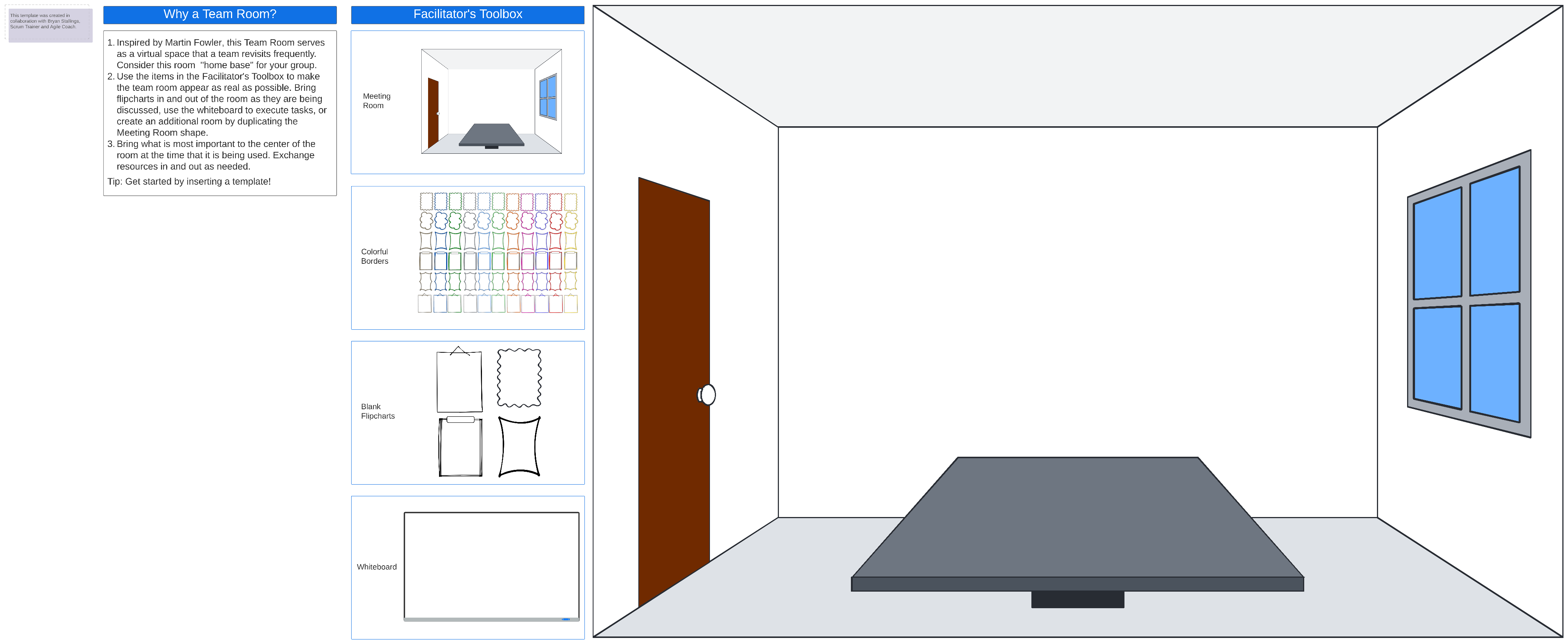
Team room
For basic virtual collaboration needs, the virtual team room template offers the space you need to keep teams connected and conversations flowing. This basic virtual meeting room is designed to look like an in-person office and offers tools like icebreakers, Breakout Boards, and Lucidspark Cards to facilitate conversations with in-person and remote team members.
Sprint planning meeting template and team room
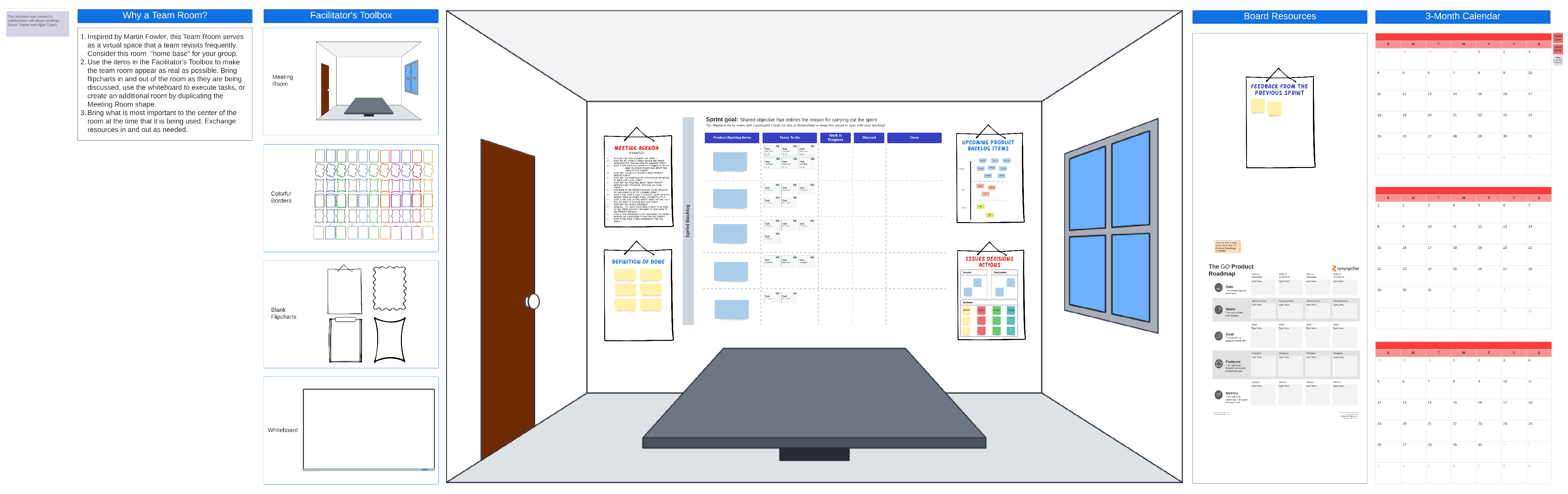
Sprint planning helps teams prioritize work and meet milestones during sprint cycles. Teams can use the sprint planning meeting template to prioritize tasks in the product backlog, assign items to team members, and define clear outcomes.
Much like the team room template, the sprint planning team room template mimics the utility of an in-person sprint planning team room, with easily customizable meeting and whiteboard settings to structure your meeting.
Sprint review team room
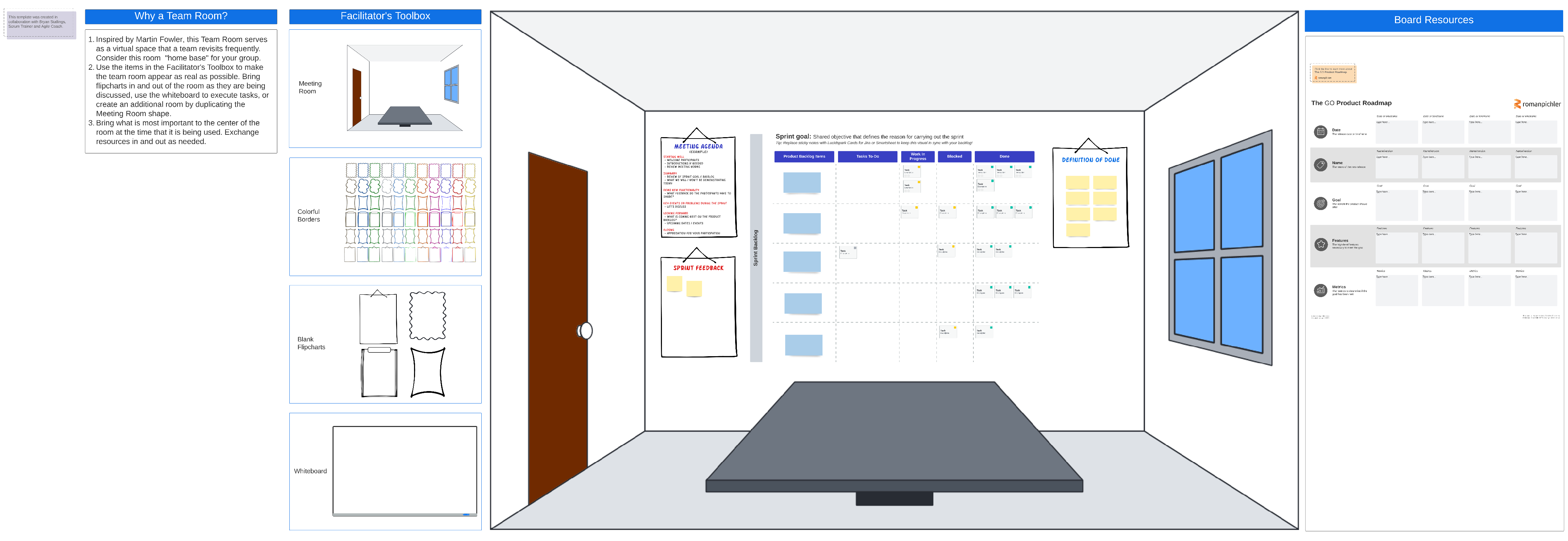
A sprint review looks back at previous sprints to review completed work, discuss progress, and prioritize upcoming sprints — a necessary meeting to manage product updates and backlog, learn from past sprints and maintain momentum.
The sprint review team room template provides a virtual space to do all this and more, providing a space to get feedback from collaborators and stakeholders, review product roadmaps, and ensure accountability across the entire sprint process – no matter where your teams happen to be.
Multi-room scrum team space
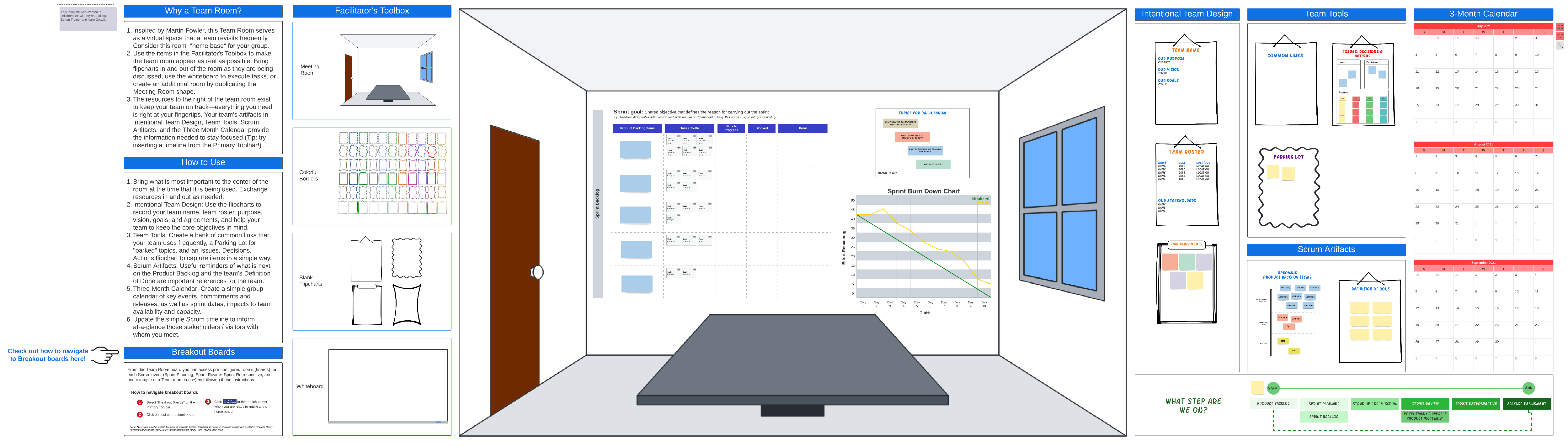
Scrum teams move quickly — and they need a flexible space and close proximity to communicate and collaborate just as quickly. Remote or distributed teams can use the multi-room scrum team space to replicate the collaborative environment of an in-person scrum room, including sprint planning, daily standup meetings, sprint reviews, sprint retrospectives, and product backlog refinement meetings.
Sprint retrospective team room
The sprint retrospective team room utilizes digital versions of collaborative real-world tools that are especially valuable in retrospective meetings, like planning walls, post-its, frames, and visual whiteboards. This virtual team space can function just like an in-person space to help your team analyze sprint goals, mark important discussions using the template’s parking lot, track real-time feedback with emojis, and even convert issues to decisions and actions using Lucidspark Cards for Jira or Smartsheet.
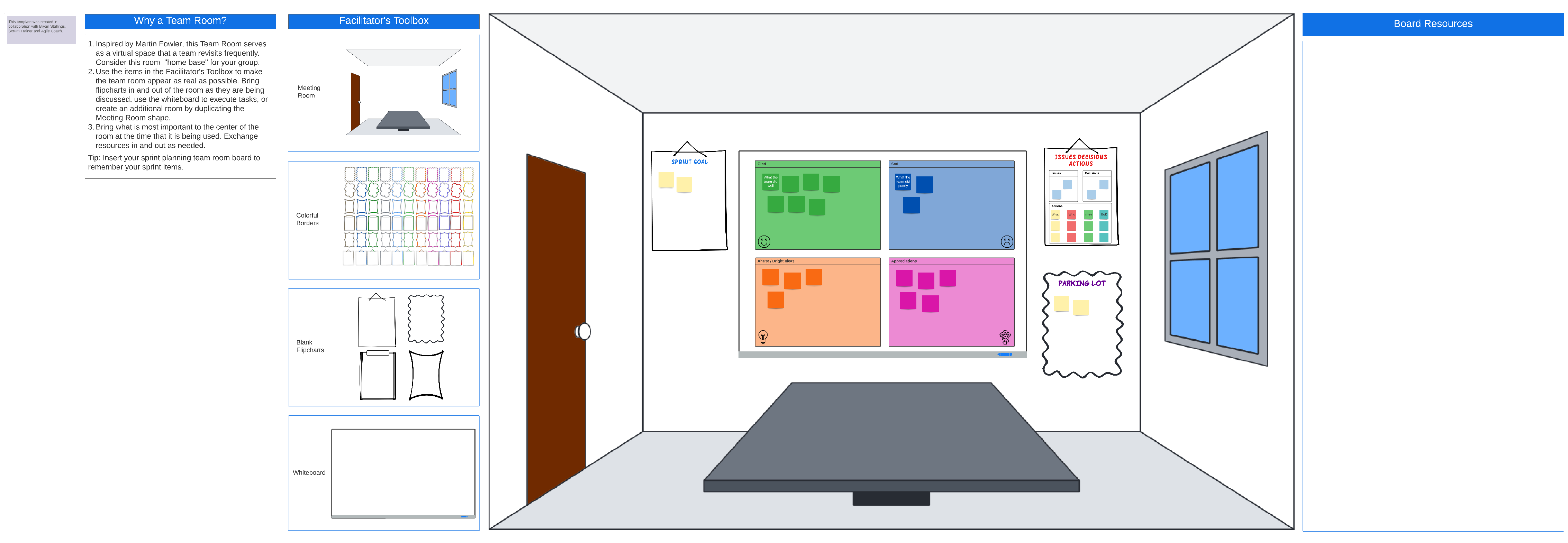
A new era of working requires new solutions to ensure teams stay productive, collaborative, and connected. Lucidspark’s virtual team room solutions are adaptable to just about any type of meeting requirement, perfectly customized to your specific meeting needs. Virtual team rooms can also utilize virtual collaboration tools like visual whiteboards, post-its, and more to create a unique shared space that also acts as a connector and a source of truth for hybrid teams.

Get started with Lucidspark's virtual team room template.
Customize it now