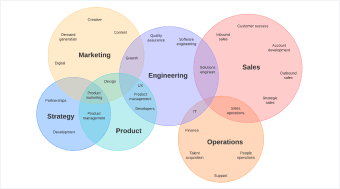
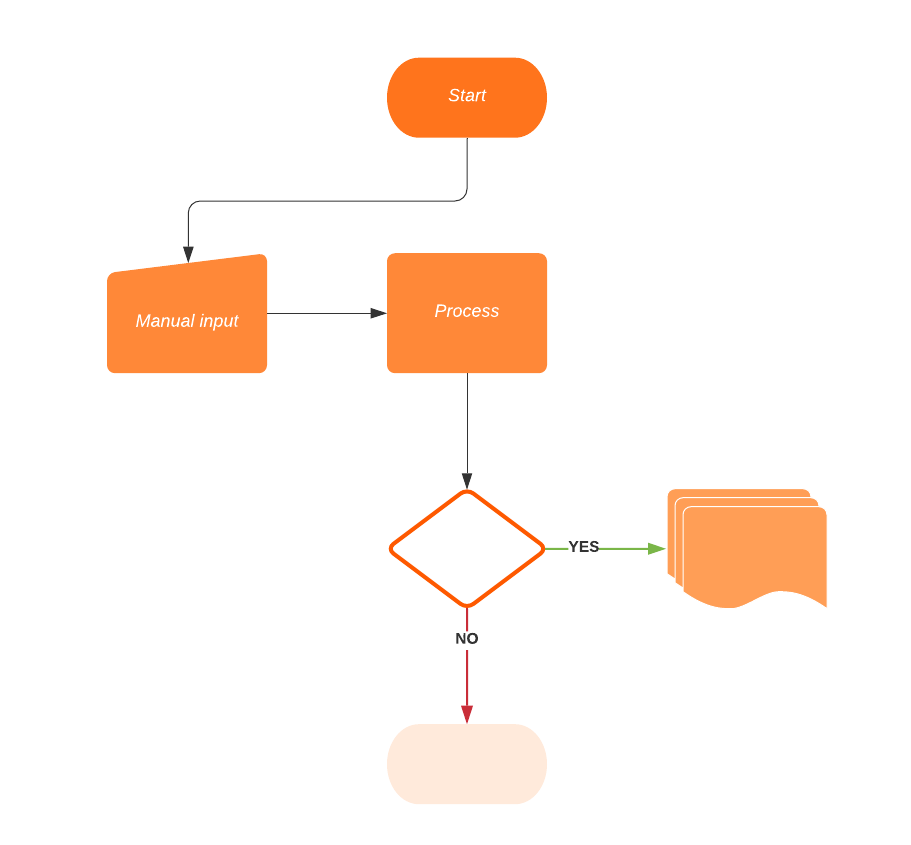
Diagram maker

Make a polished, professional diagram for free with Lucidchart. No matter what you have in mind, we have the tools you need to build it. Make an account and start diagramming today.

Sign up free
diagram software

Diagrams for all

Lucidchart can help you create a diagram for anything you have in mind—no matter the subject or complexity.

Use standard diagram shapes
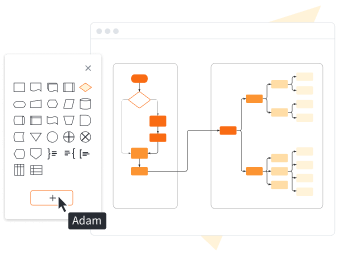
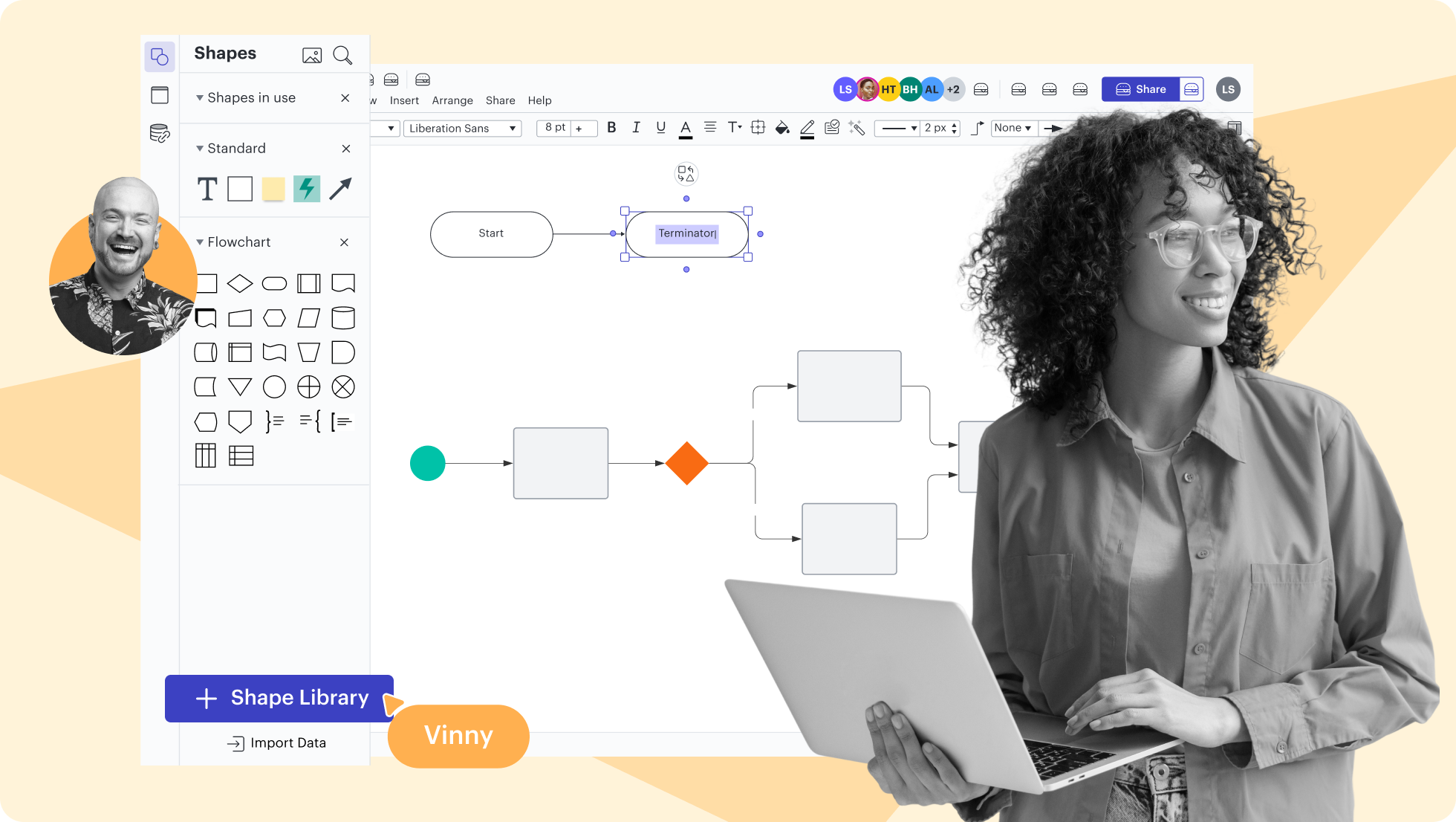
Our shape libraries contain comprehensive collections of industry-standard shapes to make your diagram professional and effective.

Present your diagram

When you’ve finished your work, show others your diagram with Lucidchart’s in-editor presentation mode. You can also export your diagram to Google Slides or Microsoft Powerpoint for easy presentation.

Enjoy advanced diagramming features

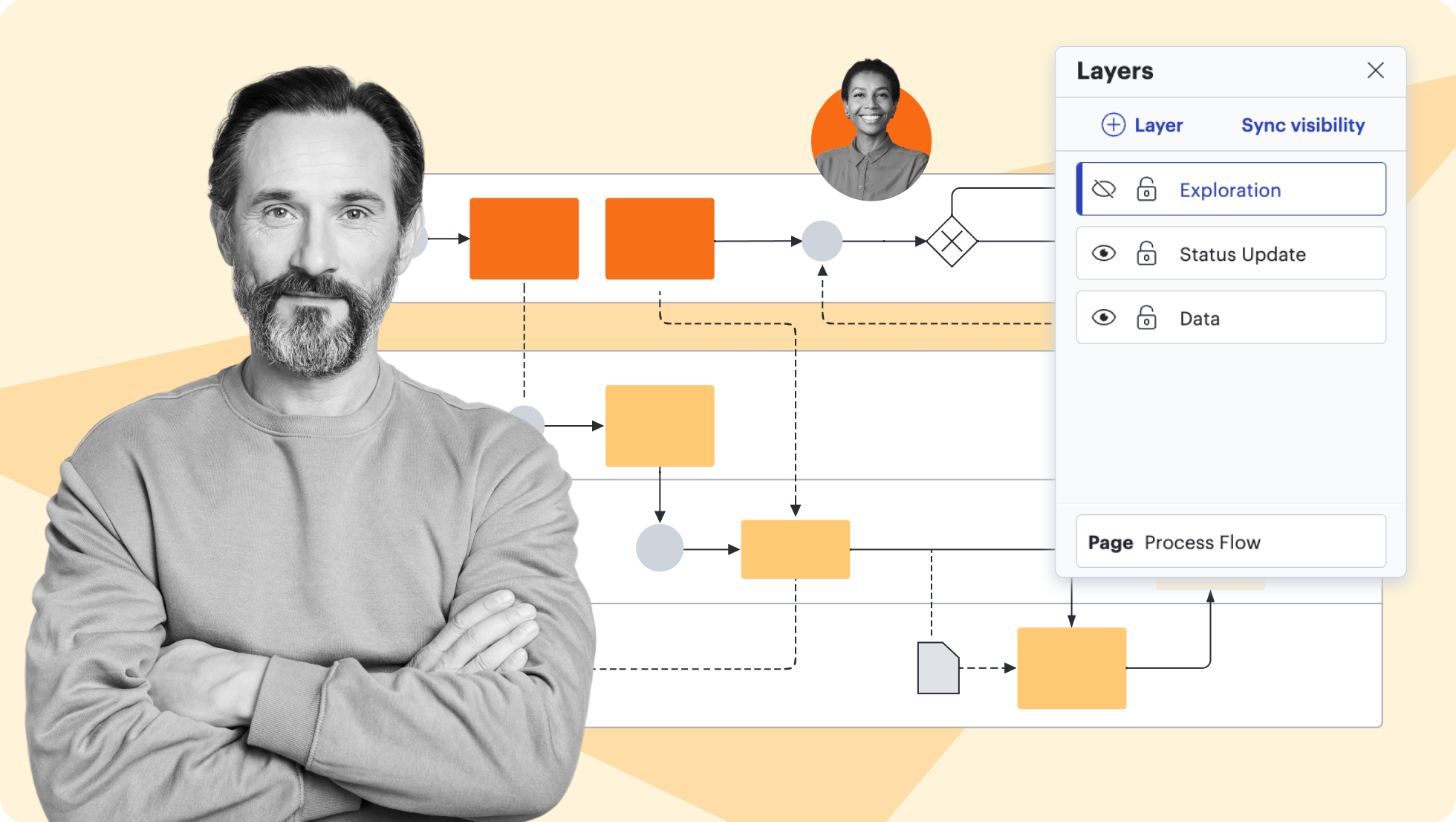
Even if you have something very complex in mind, our diagram creator can help you build it. We offer features like conditional formatting, data linking, layers, action buttons, external links, and more. Use these tools to capture all the information you need in your diagram while keeping it easy to understand.

Collaborate with anyone

Share or collaborate on your diagram with anyone, on any operating system, device, or browser. Our diagram generator is cloud-based, so we won’t hold you back.

Start with a customizable template

We have hundreds of custom-made diagramming templates to choose from! Use what others have created with Lucidchart to find inspiration.

Stay secure with Lucidchart

Our diagramming software is secure and private. We maintain compliance certifications like PCI, Privacy Shield, and SOC II.

Lucidchart feature highlights

Real-time collaboration

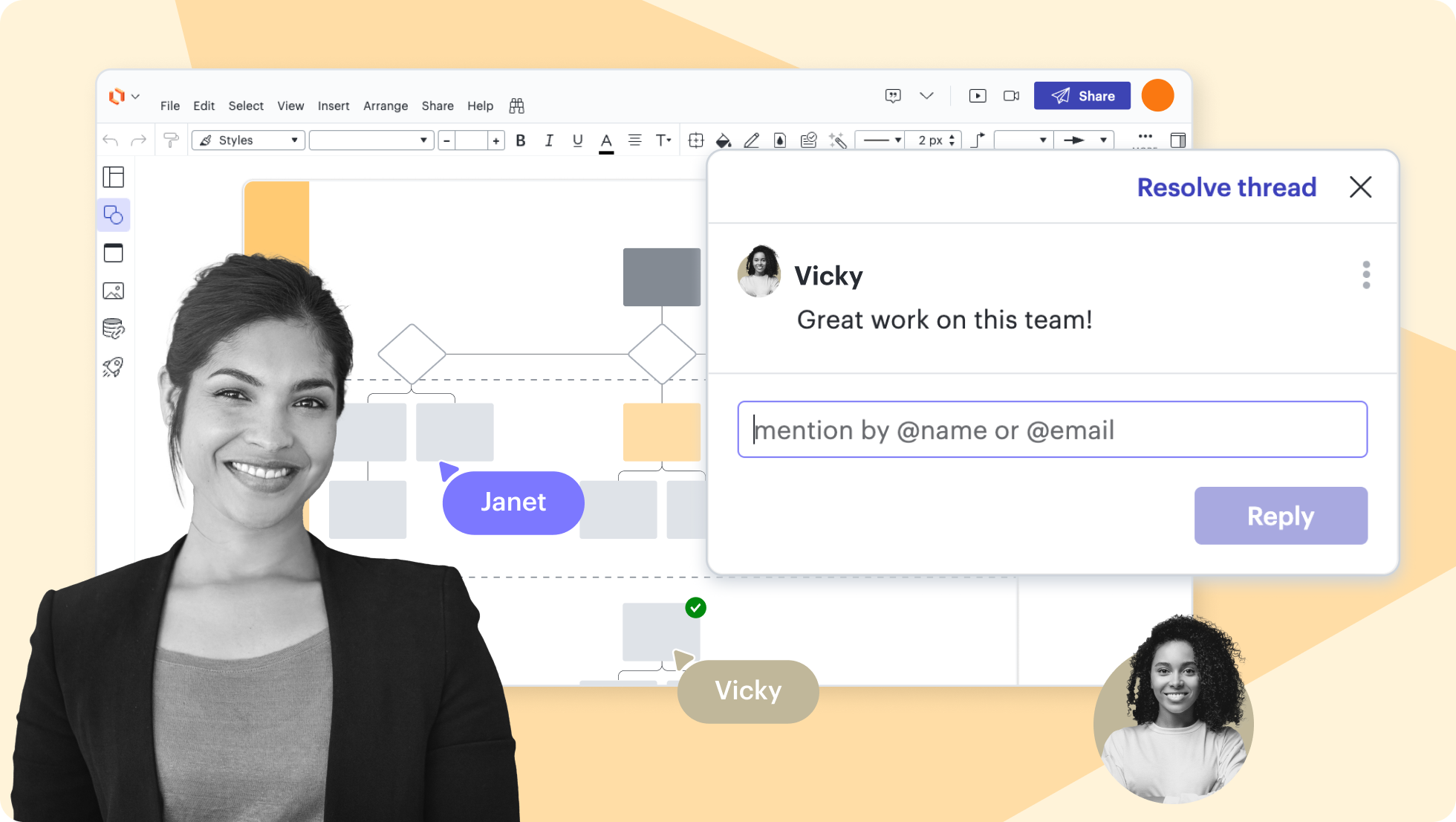
Streamline work by enabling multiple collaborators to create and edit the same diagram at once.

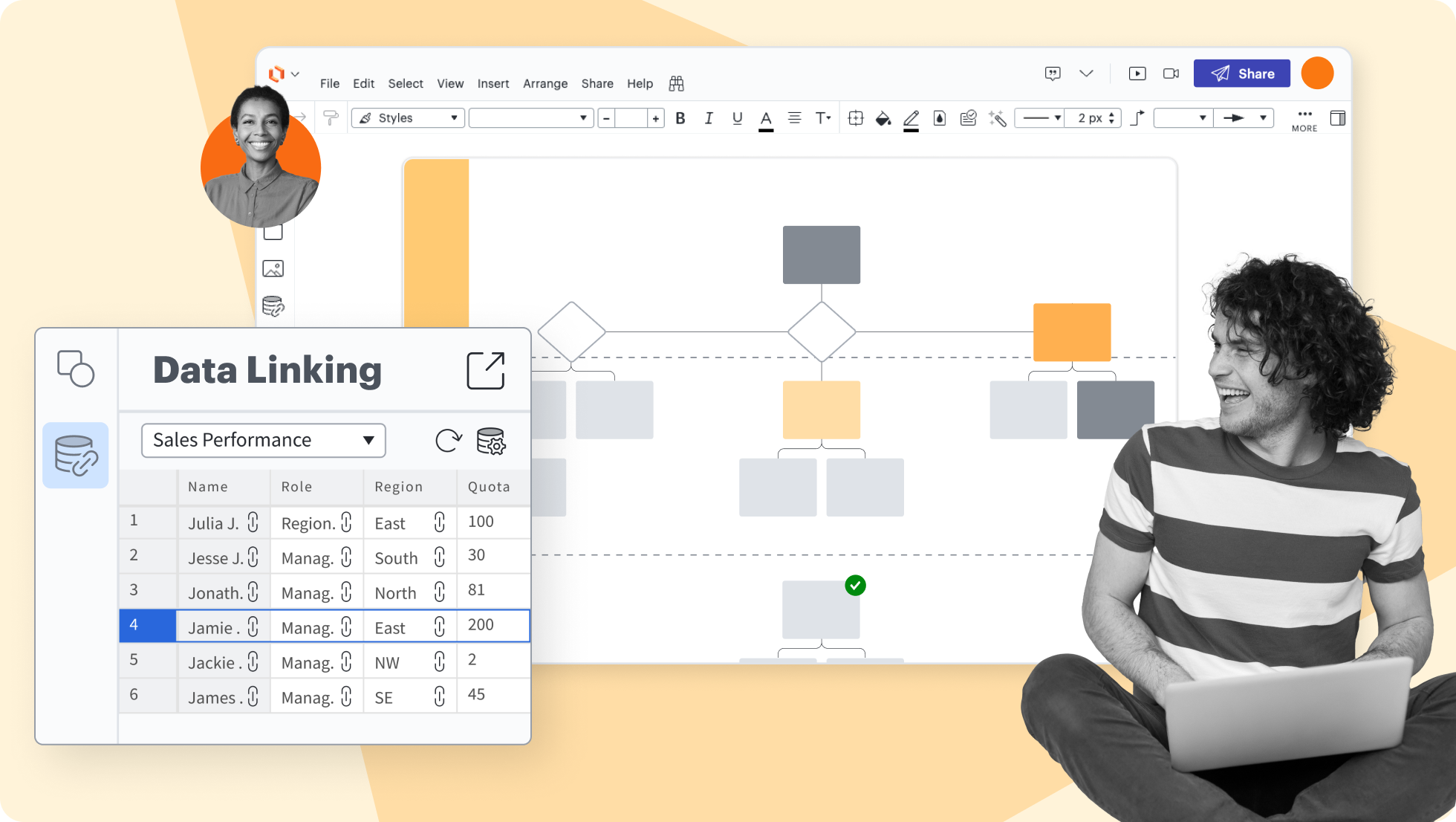
Create accurate diagrams faster by linking shapes to data from Google Sheets, Excel, or CSV files.

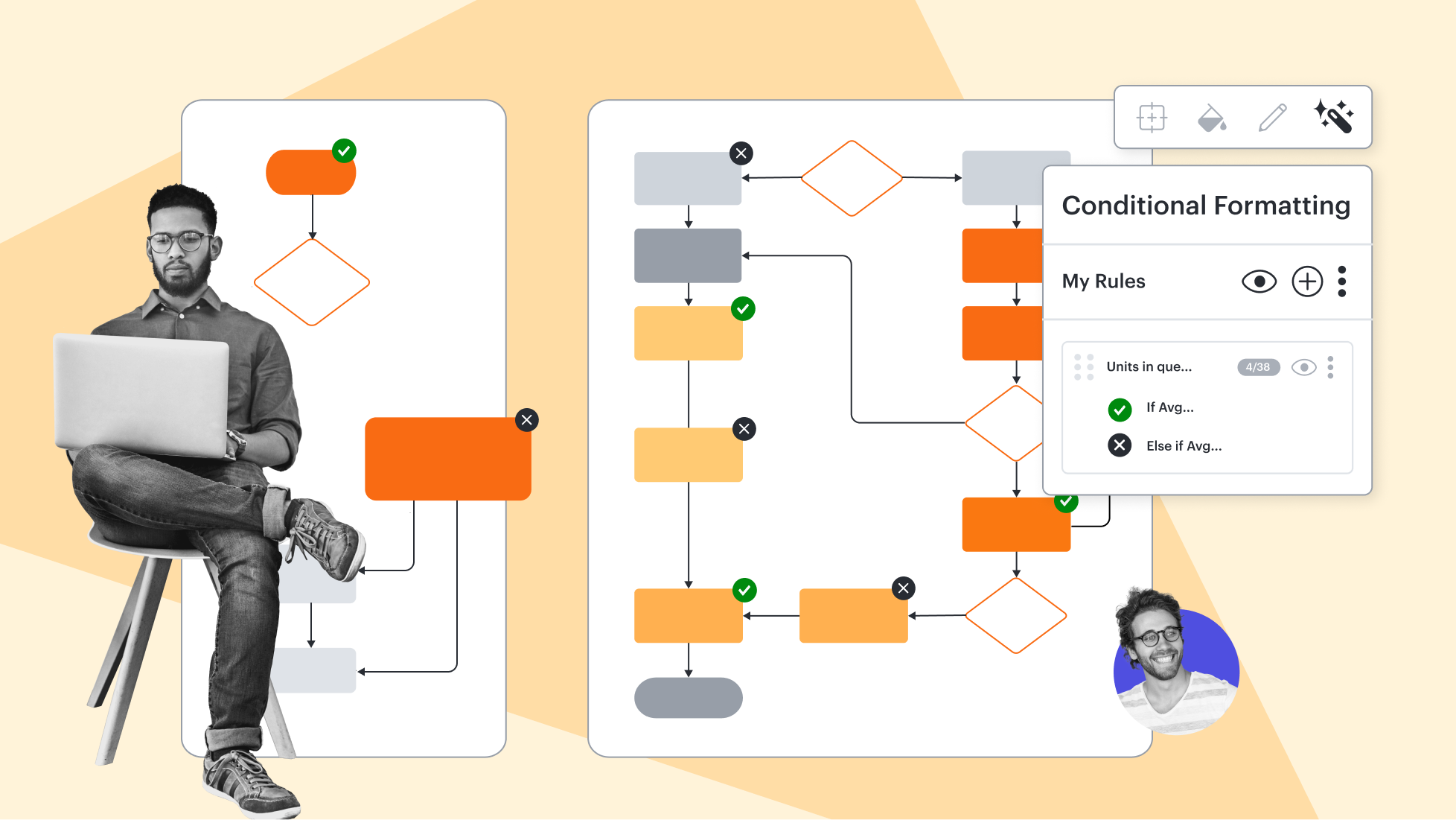
Transform data by visually highlighting patterns and insights for quick comprehension at a glance.

Add layers to visualizations for multiple levels, distinct visibility controls, and streamlined editing.

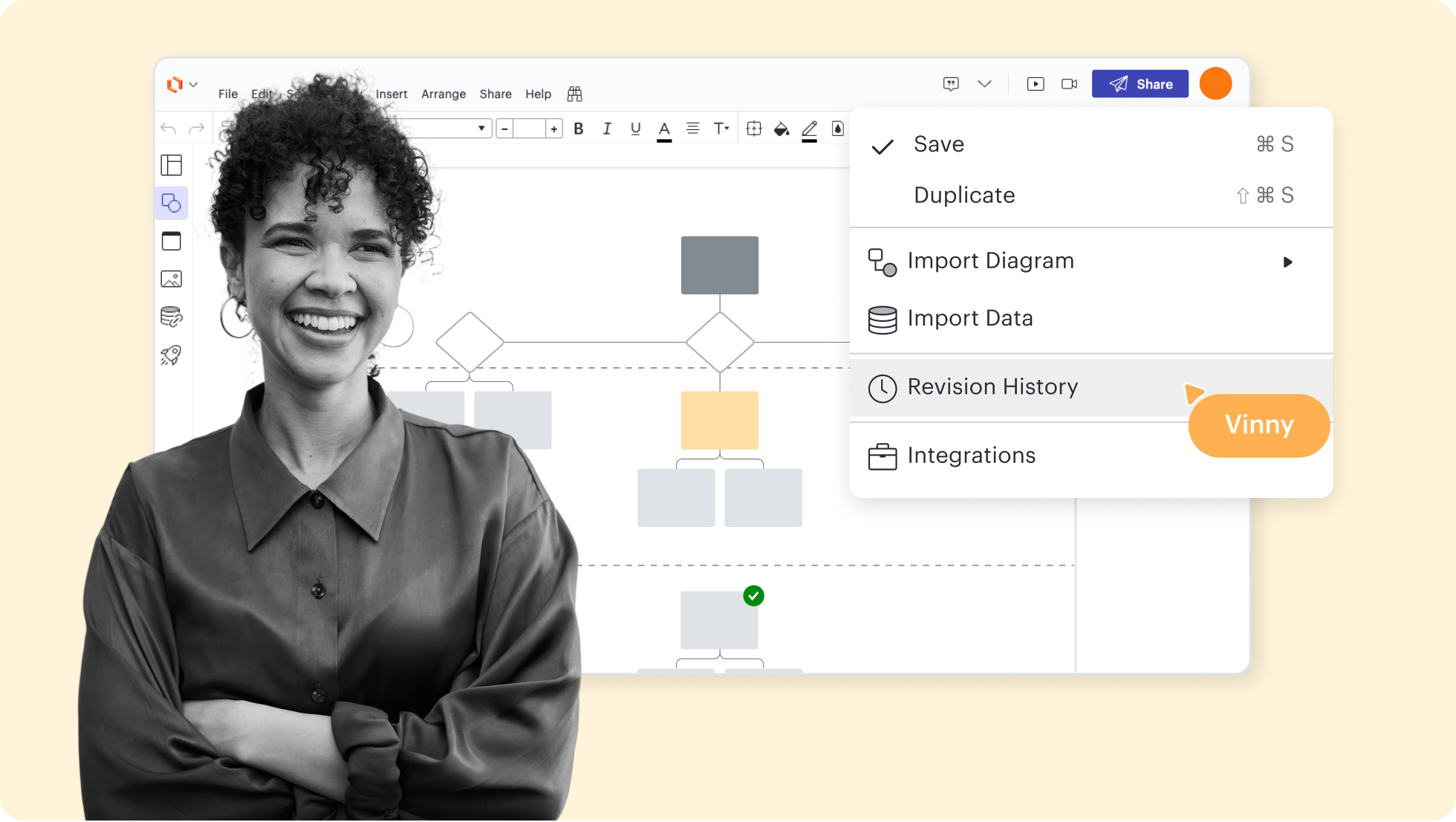
Collaborate confidently—view changes, revert to prior versions, and ensure diagrams are up to date.

Use existing shape libraries for Salesforce, enterprise architecture, and more—or customize your own.

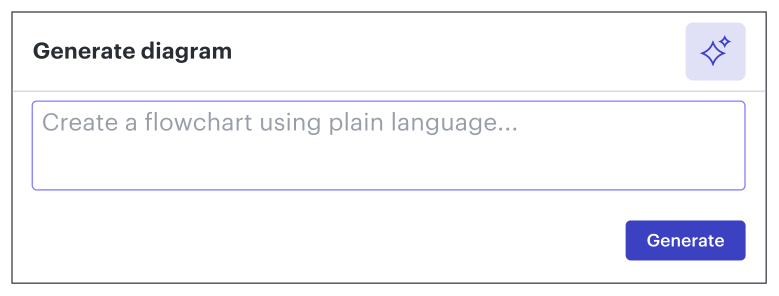
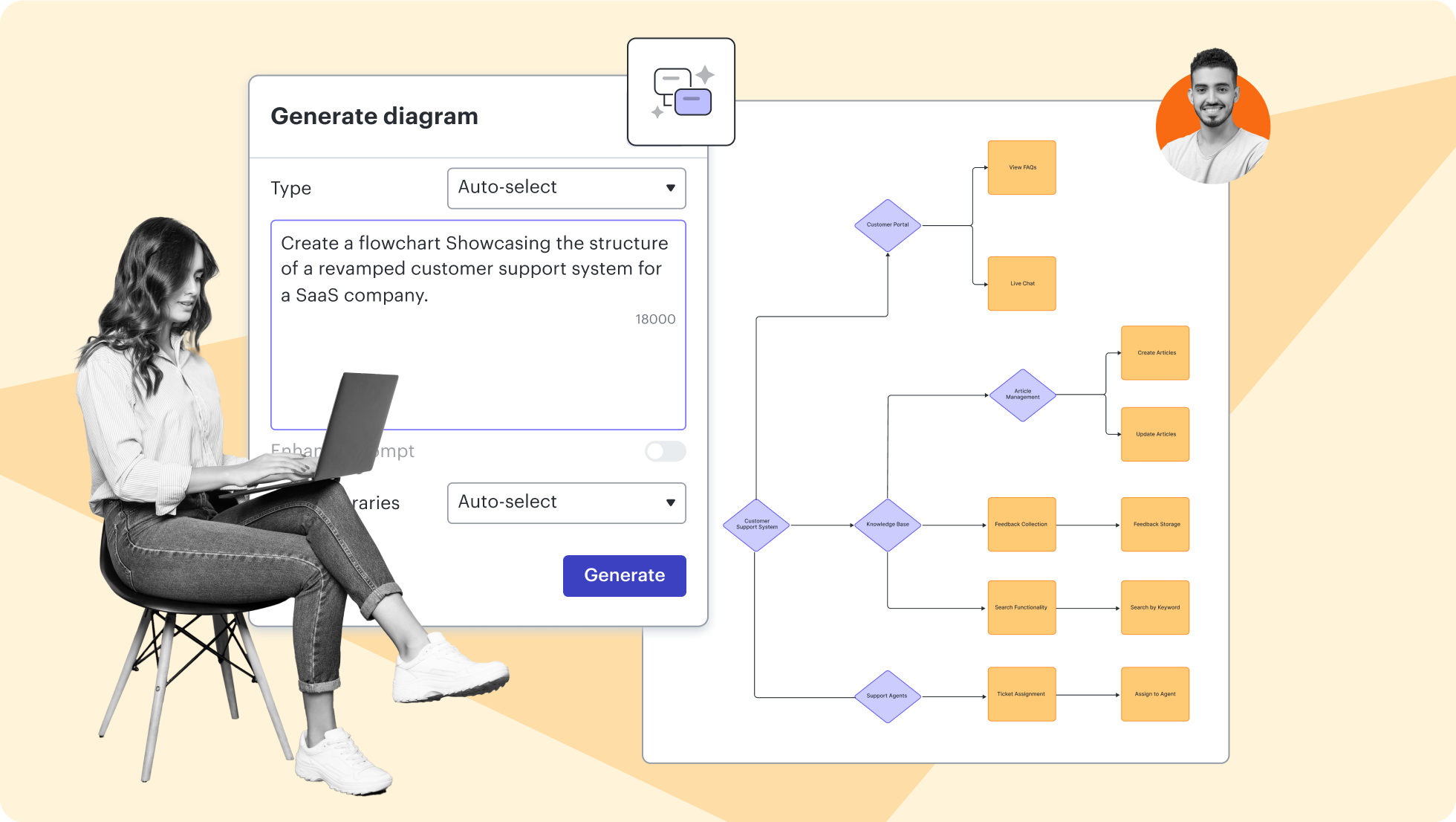
Build and experiment with LLMs on the Lucid canvas. Test prompts and inputs to see what works best.

Lucidchart feature highlights

Streamline work by enabling multiple collaborators to create and edit the same diagram at once.

Diagram templates and examples

Use one of the diagram templates from our gallery to get started.
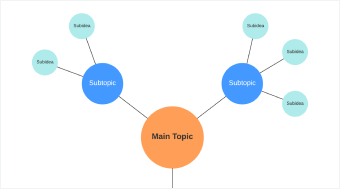
Getting started in Lucidchart
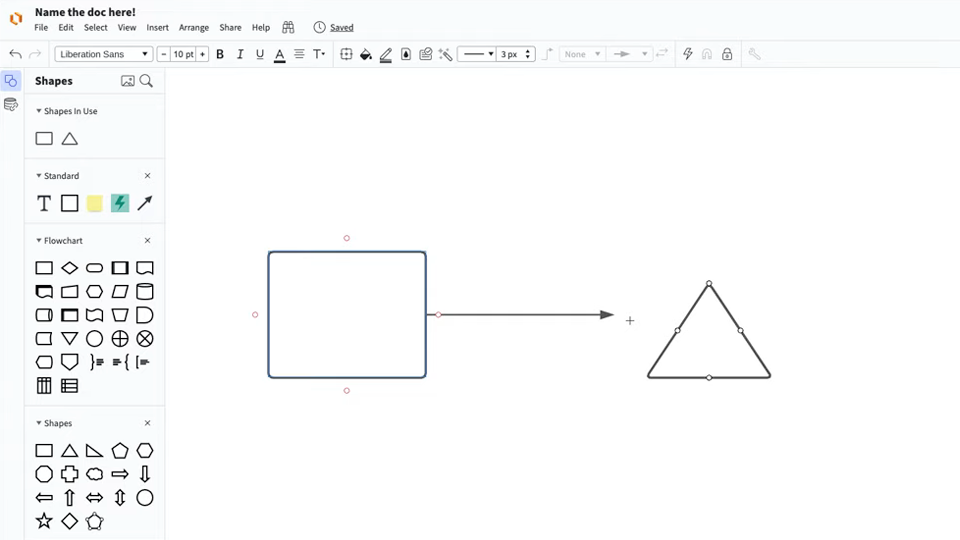
Follow along with this video tutorial and learn how to make any type of diagram in Lucidchart.

Why teams choose Lucidchart

As an intelligent diagramming application, Lucidchart provides simple yet powerful capabilities for visualizing information.

Collaboration. Bring teams together side by side on a shared canvas from anywhere in the world.

Alignment. Build transparency and shared understanding of how a team or company works.

Large-scale change. Increase visibility, standardization, and knowledge sharing across your entire org.

End-to-end workflows. Upgrade to the Lucid Suite for a complete, connected visual collaboration solution.

What is a diagram?

A diagram is a symbolic representation of information that helps you visualize concepts. It shows the arrangement of ideas or elements and how they relate to one another. Today, you’ll find diagrams in numerous fields, including education, writing, engineering, and marketing.

How to create a diagram with Lucidchart

There are a lot of different types of diagrams, so begin by determining which will best help you organize your ideas. Then, open a blank canvas or use a template from our gallery.

Drag and drop objects onto your canvas. Click on individual shapes to move, rotate, and resize them as needed.

Click the red node on any shape and drag a line to connect it to another shape. Double-click lines to add text or use the properties bar to change formatting.

Change the look and feel of your diagram by fine-tuning the layout, updating the fill and border colors of your shapes, and adjusting lines as needed.

Share your diagram with others to brainstorm solutions to problems, create action items, and more.

Frequently asked questions about diagrams

You can use the data import feature to upload your data and auto-generate a diagram. Select your spreadsheet file type and verify the data set to be imported. If your data is linked to Google Sheets, Excel, or CSV, easily refresh and update your diagrams as you make changes to the data or simply upload a new CSV. If you've already created a diagram, you can also import it from Visio®, Gliffy, or OmniGraffle and pick up right where you left off.

Lucidchart allows you to create a wide variety of diagrams, including basic and technically advanced diagrams. This includes flowcharts, network diagrams, Venn diagrams, and lots more.

Yes! Take a look at our template gallery to see examples of different types of diagrams, including communication flowcharts, network diagrams, ER diagrams, and more.

Yes, Lucidchart offers free diagramming accounts. Start creating your first diagram today or edit one of the hundreds of free templates to get started. For more advanced features and premium templates, Lucidchart has Individual plans as low as $7.95 per month and Team plans starting at $9.00 per user per month.

Your diagrams are private in your own account. They will only become public if you publish your documents or share them with other users.

The best way to create a huge master diagram would be to link a few different diagrams together using Hotspots. Hotspots are essentially shapes in Lucidchart that link to other webpages. You could create your larger master diagram, then create Hotspots that link to separate smaller Lucidchart diagrams for marketing or other functions. So, when you follow the flow in the larger diagram and reach the end of one branch, you will reach a Hotspot link that will take you into a separate diagram.

Everything you need to make a diagram

In addition to our online diagram tool, Lucidchart offers support and training resources to help you branch out to any type of diagram.

Lucid Training