AI mind map generator
Efficiently brainstorm and collaborate with Lucid’s AI mind mapping capabilities.


By registering, you agree to our Terms of Service and you acknowledge that you have read and understand our Privacy Policy.
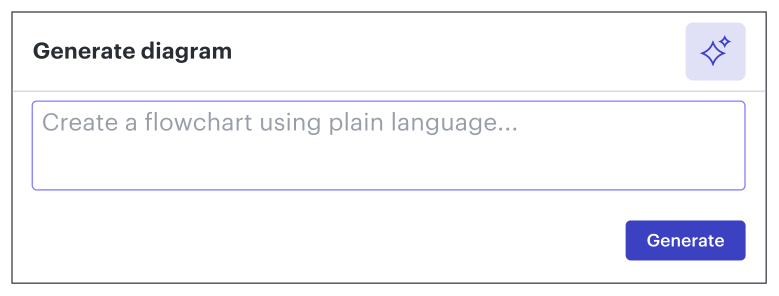
Get started with our AI diagram generator
 , opens in a new tab
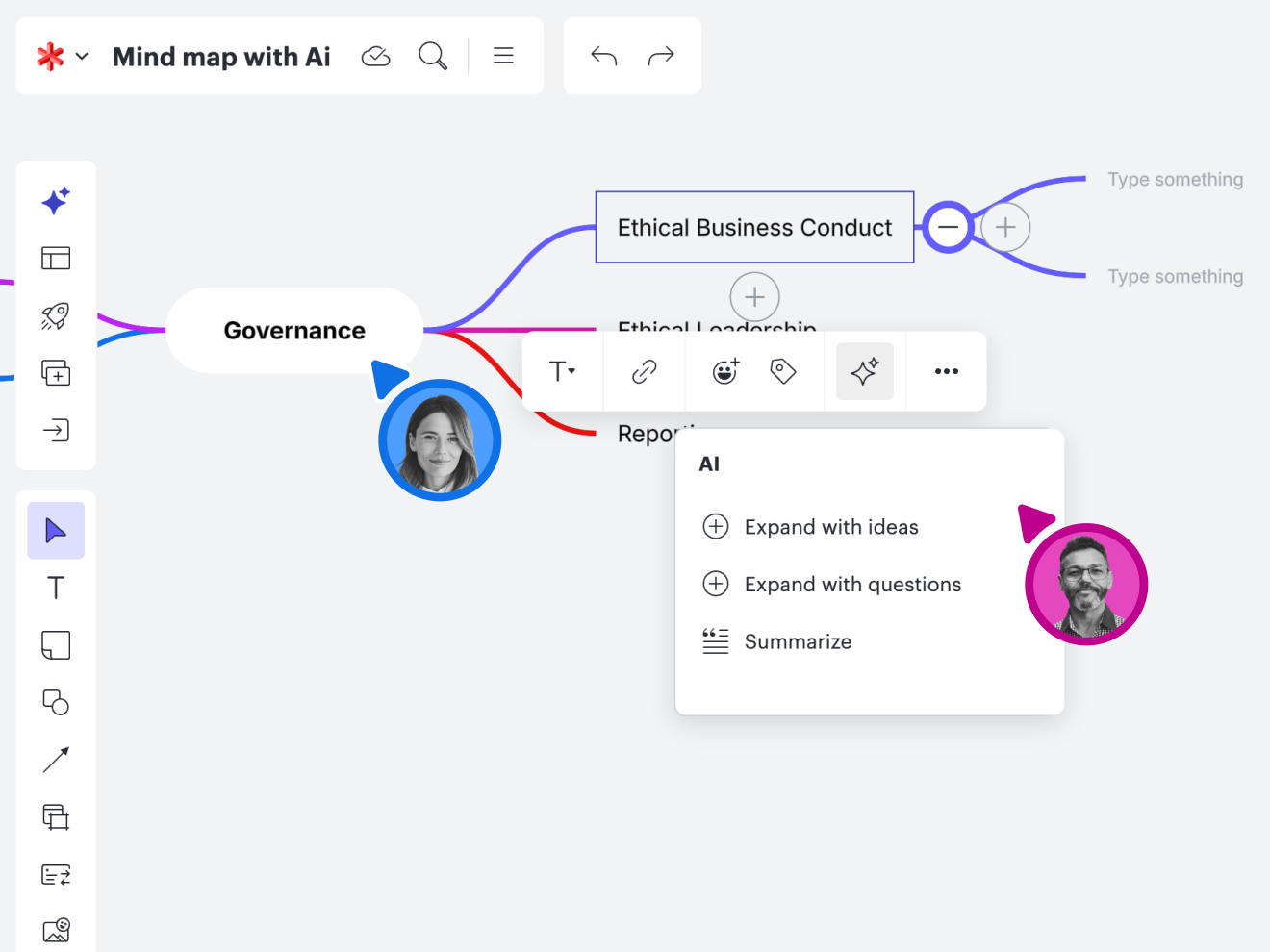
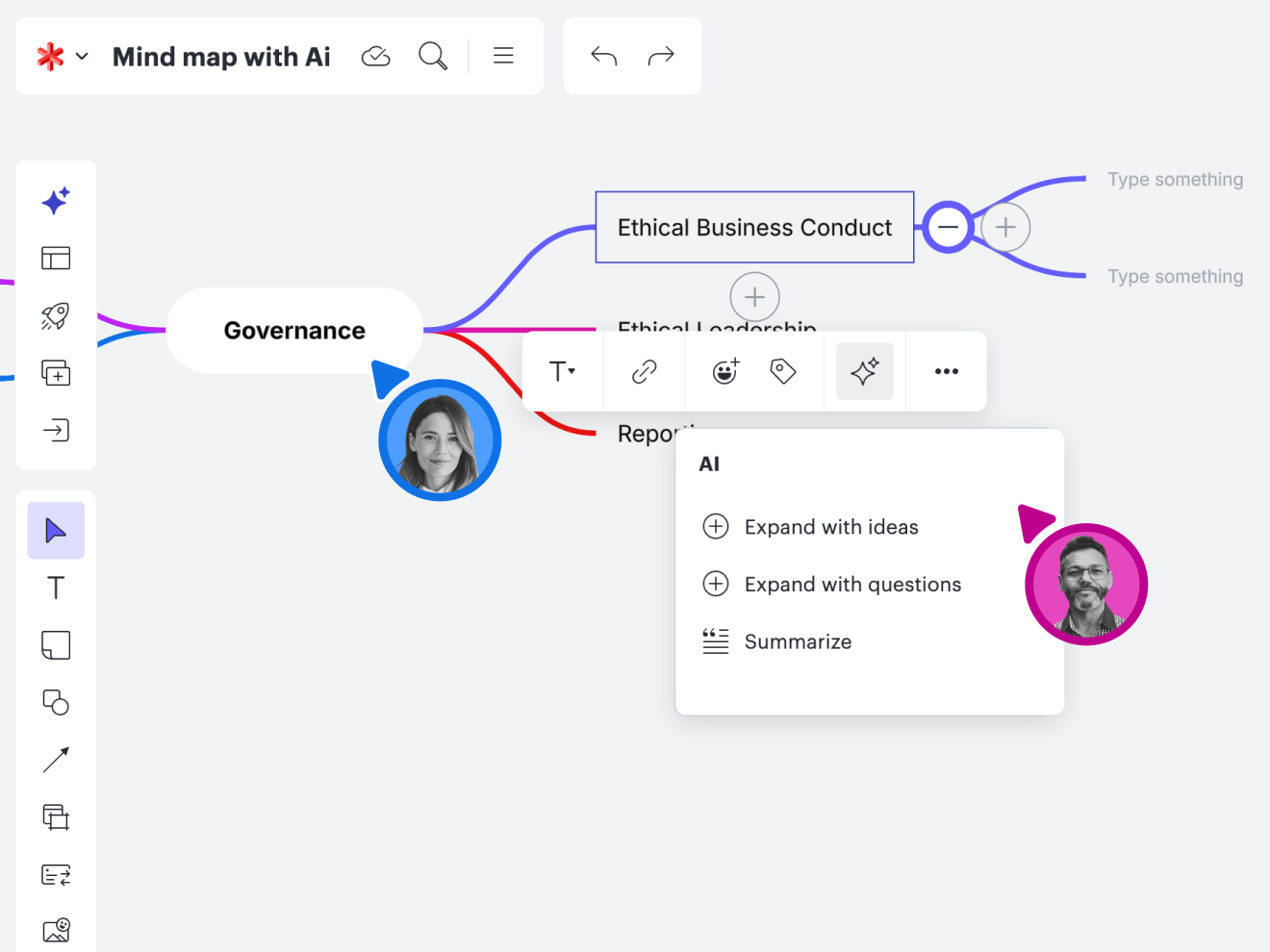
See what’s possible with our AI mind map generator
Connect with your team from anywhere to uncover bright ideas and visualize workflows.
Mind maps with Lucid AI

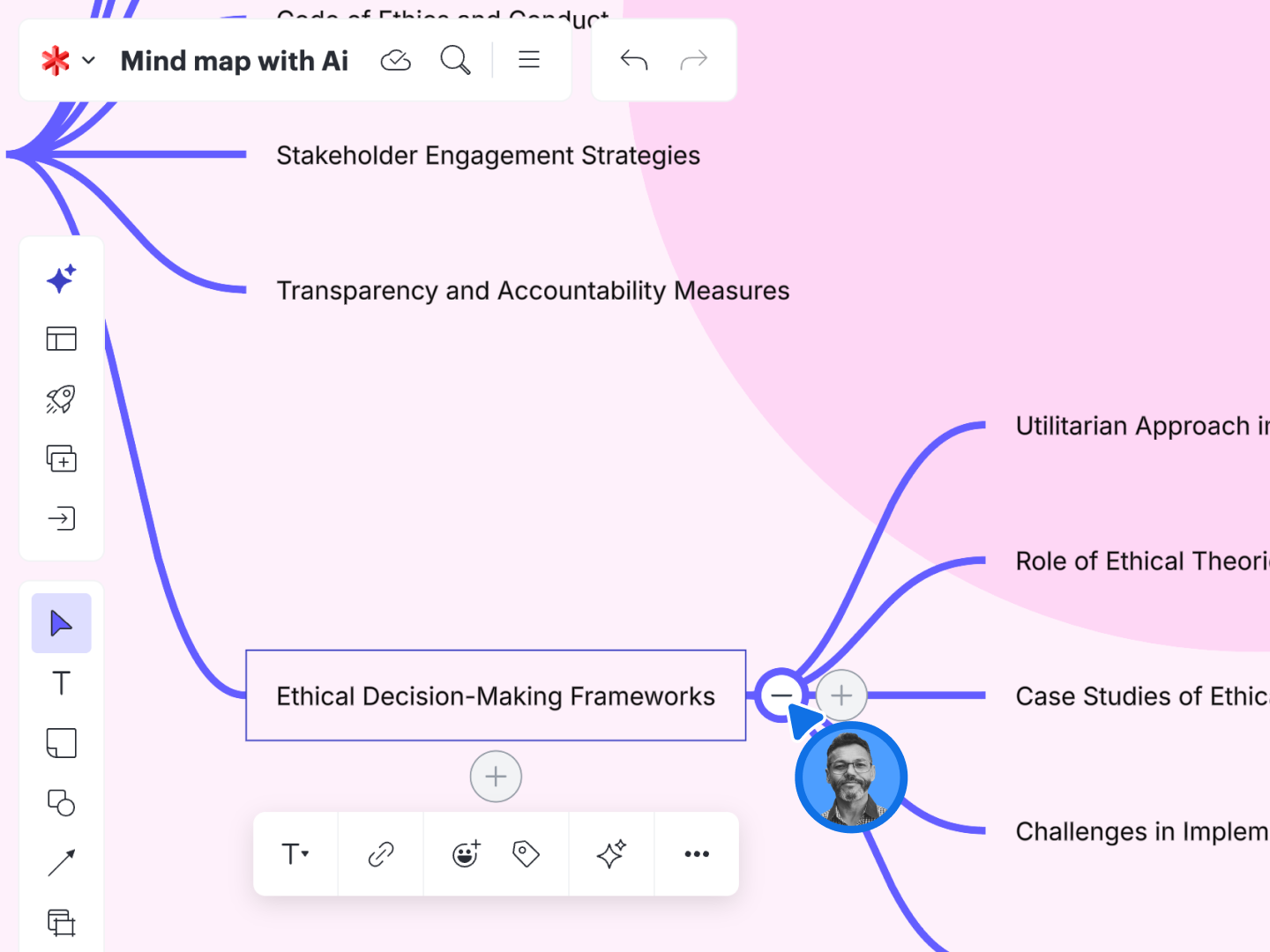
Generate ideas for AI mind maps
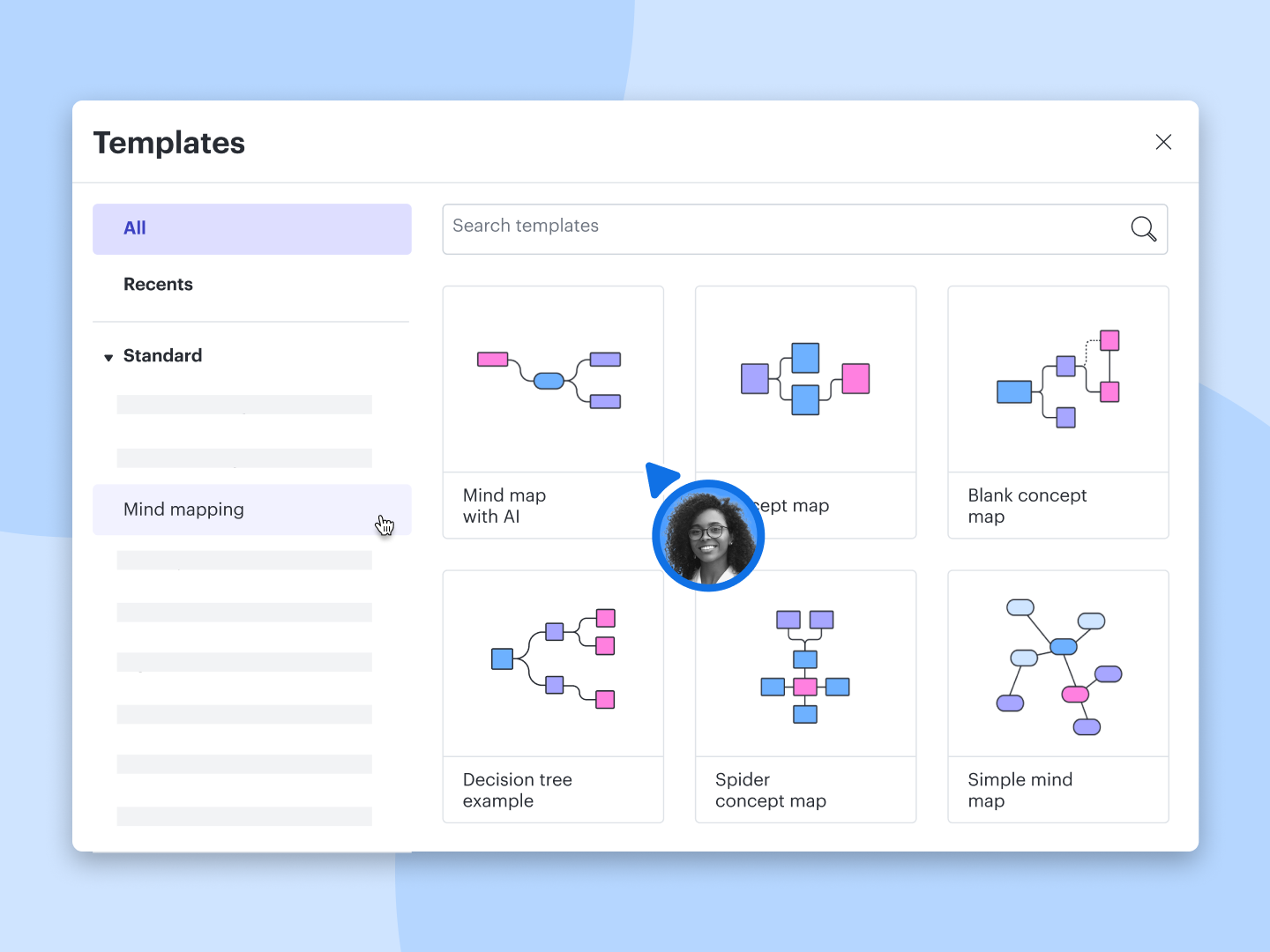
Start with a template
Personalize your view
Integrate your workflow
AI mind map generator feature highlights
Facilitator Tools
Facilitator Tools
Dynamic Tables
Dynamic Tables
Embedded links
Embedded links
Comment, chat, react
Comment, chat, react
Breakout boards
Breakout boards
Visual Activities
Visual Activities
Timelines
Timelines
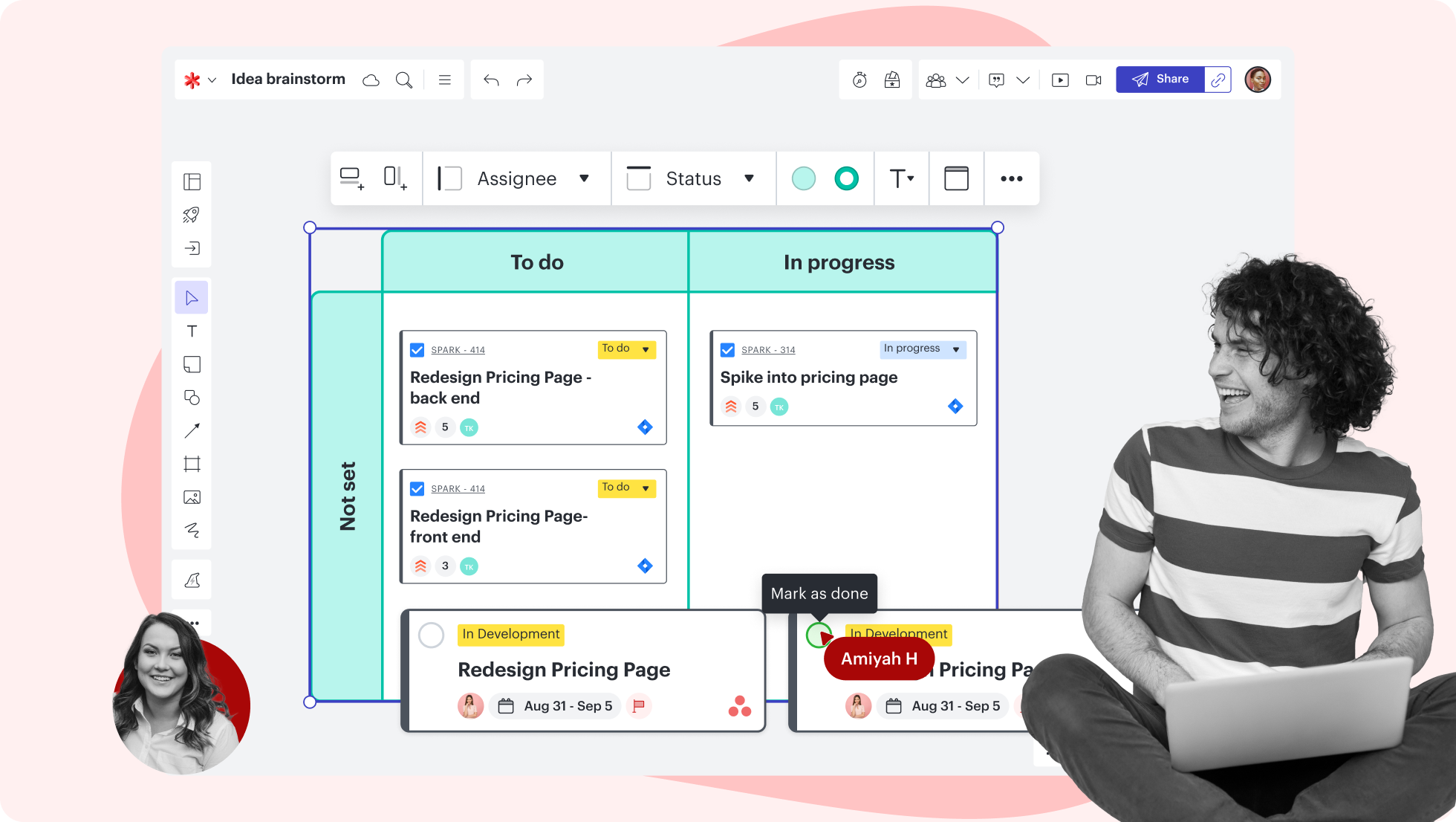


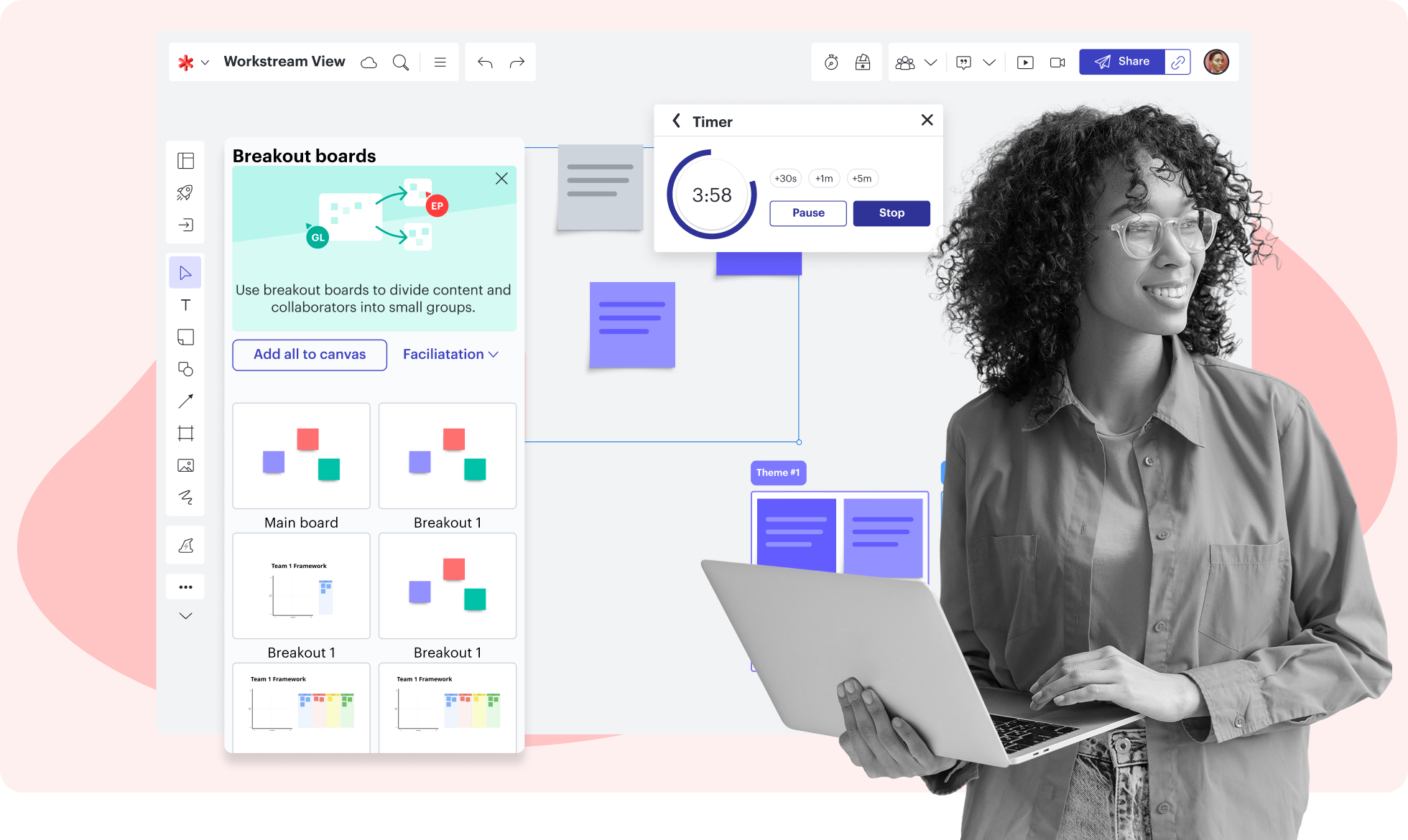

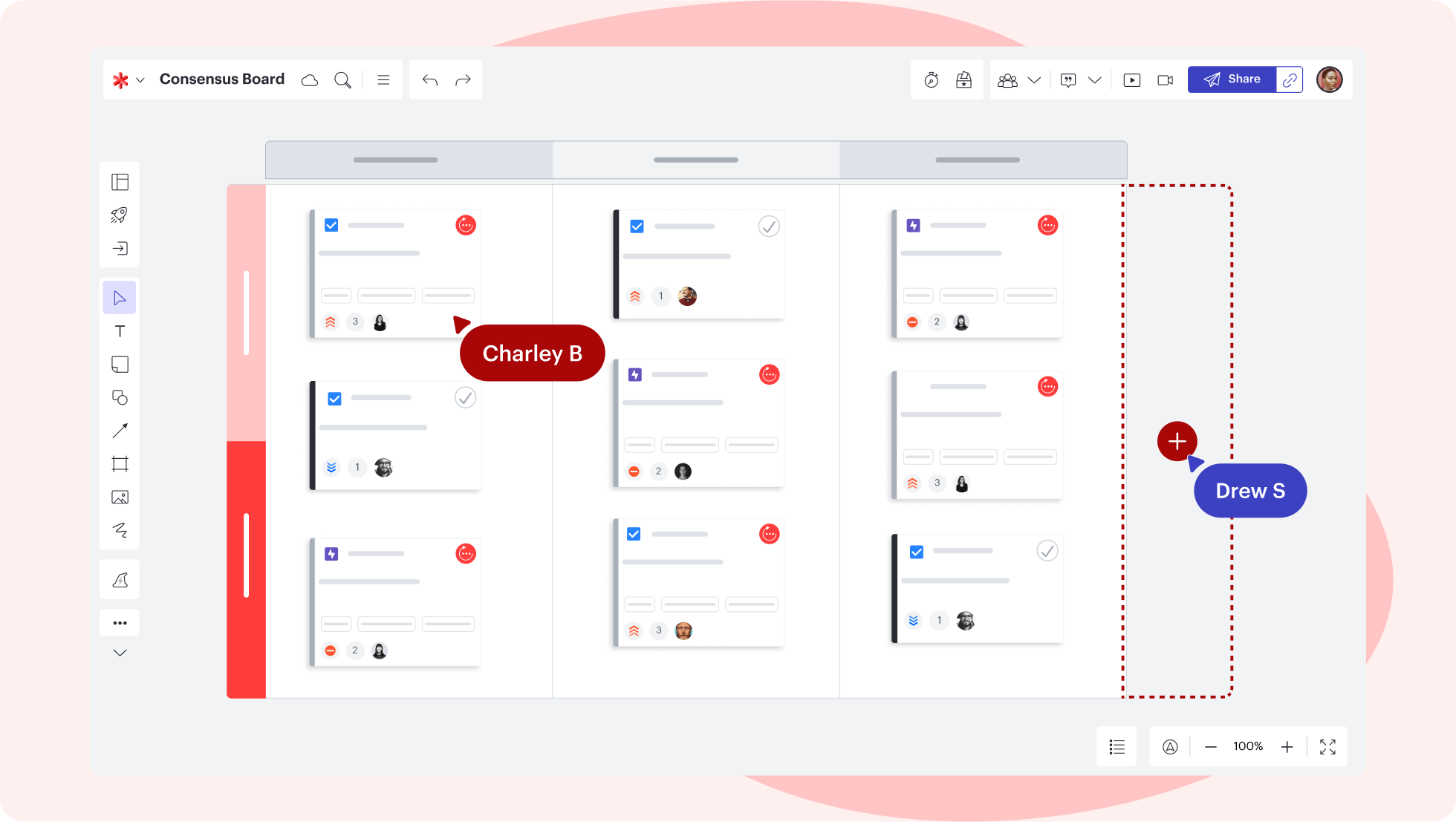
AI mind map generator feature highlights
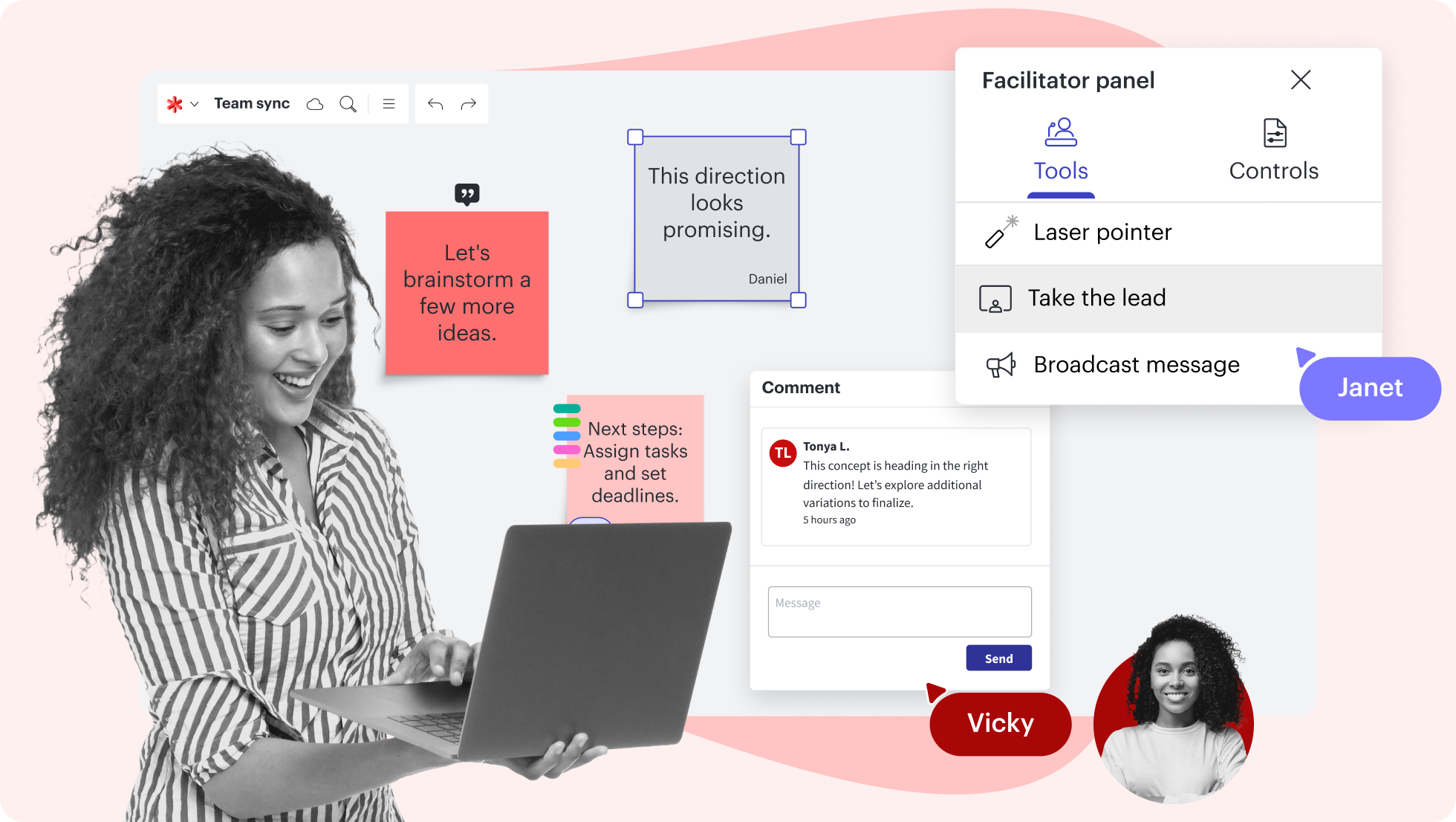
Keep your brainstorming session and your team on track with features like take the lead and timer.
AI mind map templates
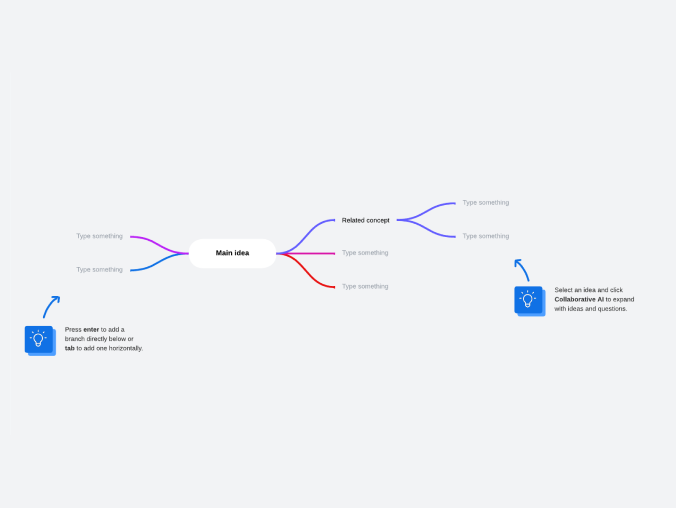


Generate a diagram using AI

Generate a diagram using AI in Lucid
Learn how to generate a diagram in Lucidchart using AI.
Why teams choose Lucid
As an AI mind map generator, Lucidspark’s canvas is the perfect place for teams to move from brainstorming to planning and building with efficiency.

Collaboration. Bring teams together side by side on a shared canvas from anywhere in the world.
Alignment. Build transparency and shared understanding of how a team or company works.
Large-scale change. Increase visibility, standardization, and knowledge sharing across your entire org.
End-to-end workflows. Upgrade to the Lucid Suite for a complete, connected visual collaboration solution.


What is an AI mind map generator?
An AI mind map generator is a tool that automatically creates mind maps from text prompts. Within seconds, it produces a diagram with central ideas and branches that visually organize concepts and relationships, eliminating manual layout work.

How to generate an ai mind map
Open a blank Lucidspark board
Add a mind map
Enter your central topic
Add branches
Lucidspark additional resources

Lucid Training Labs
Learn visual collaboration skills in free, self-serve courses and live training workshops.

Lucid Community
Connect with other users to share tips and insights. Provide feedback to Lucid’s product team.
Help center
Find detailed articles with step-by-step instructions for using specific Lucid features.
Lucidspark tutorials
Go to the Lucidspark tutorials playlist on YouTube for video training on various topics.
Collaborate with AI
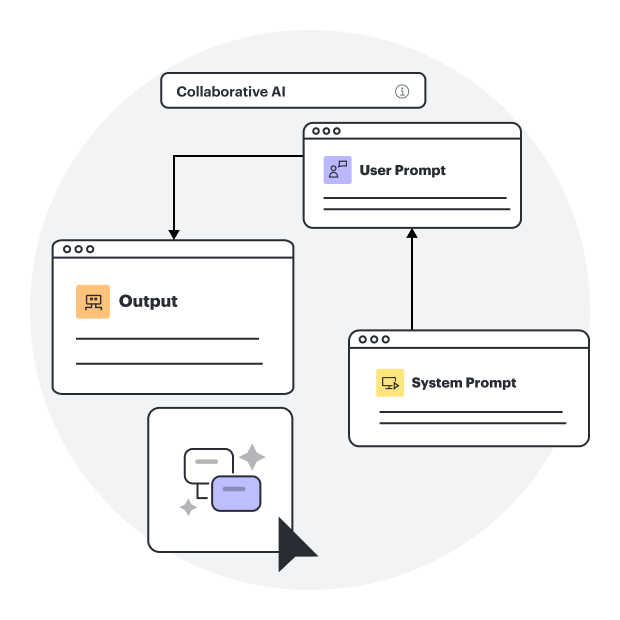
Get an overview of Lucidspark’s AI functionality and find additional resources.
Lucid blog
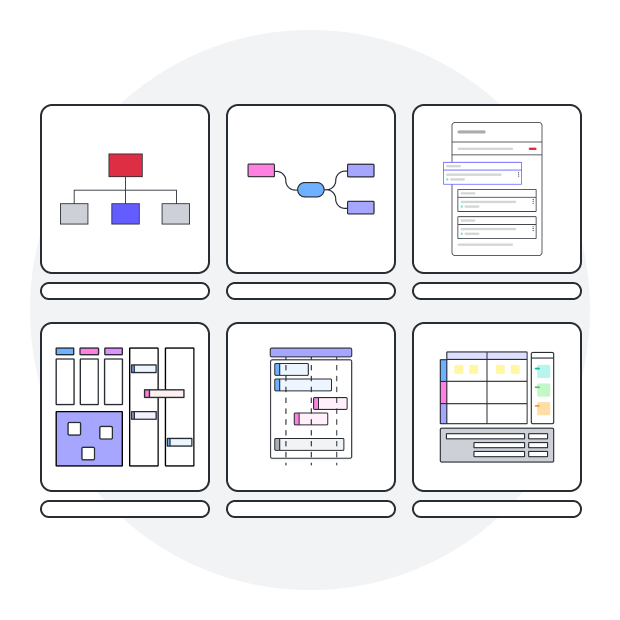
Explore tips for optimizing collaboration, aligning teams, and driving initiatives in Lucidspark.
Lucidspark pricing
Create a free account and compare options for paid Individual, Team, or Enterprise plans.
Frequently asked questions about using Lucid’s AI mind map generator
How does AI help expand mind map branches in Lucidspark?
Can my team collaborate on AI mind maps in Lucidspark?
Can I customize AI-generated mind maps?
What are the benefits of using AI for mind mapping?
AI mind mapping and beyond
In addition to our AI mind map generator, Lucid offers support and training resources to help you ideate, collaborate, and build with your team.
Get support