Scrum Board Online
Lucidspark is an Agile Scrum board that helps you and your team organize sprints, track projects, and build out the best ideas. Sign up for a free trial today.


By registering, you agree to our Terms of Service and you acknowledge that you have read and understand our Privacy Policy.


Virtual Scrum board
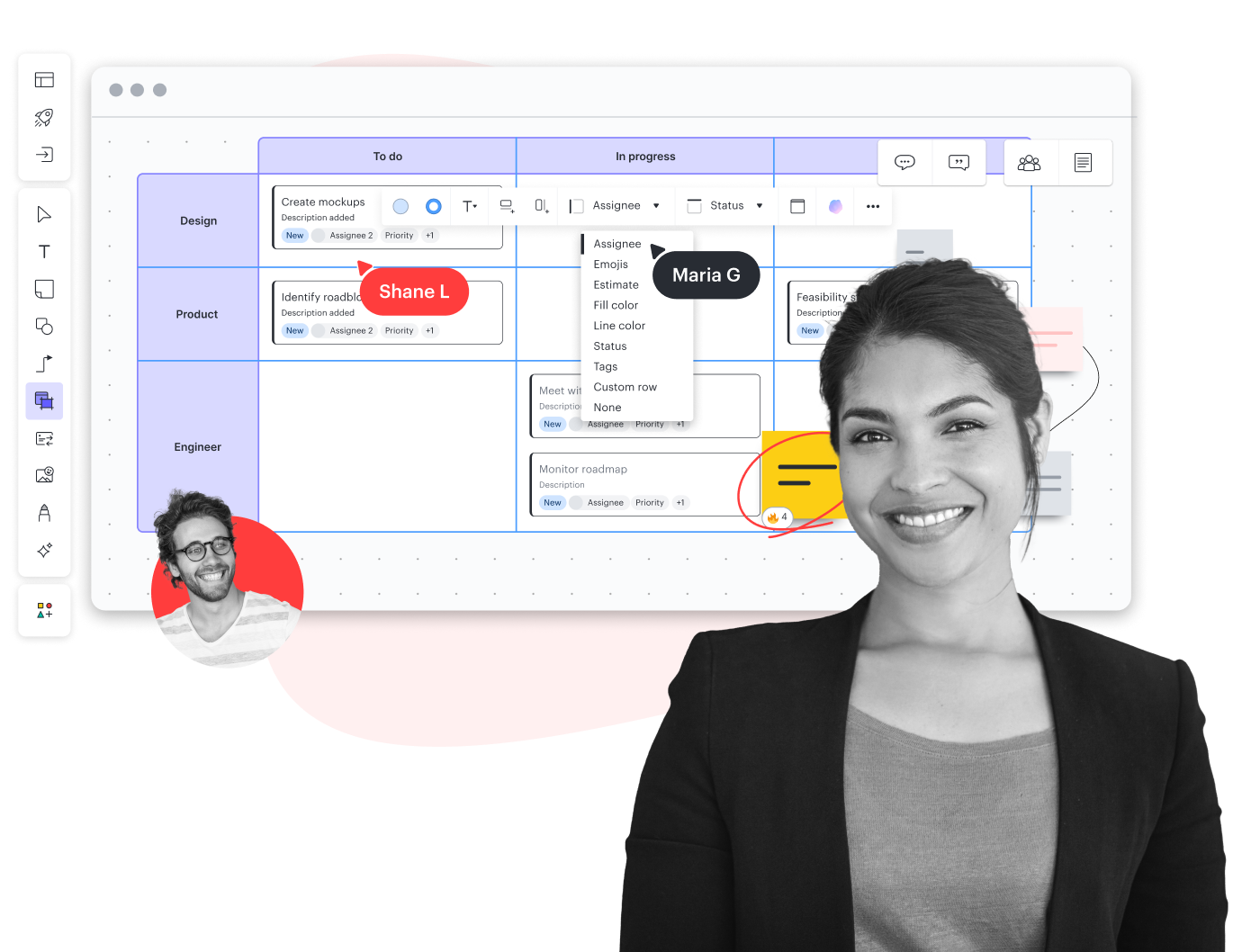
Create a Scrum board online to help organize and plan agile sprints. With the power of real-time collaboration on an infinite canvas, your teams will be able to quickly add, edit, and assign tasks from anywhere in the world.
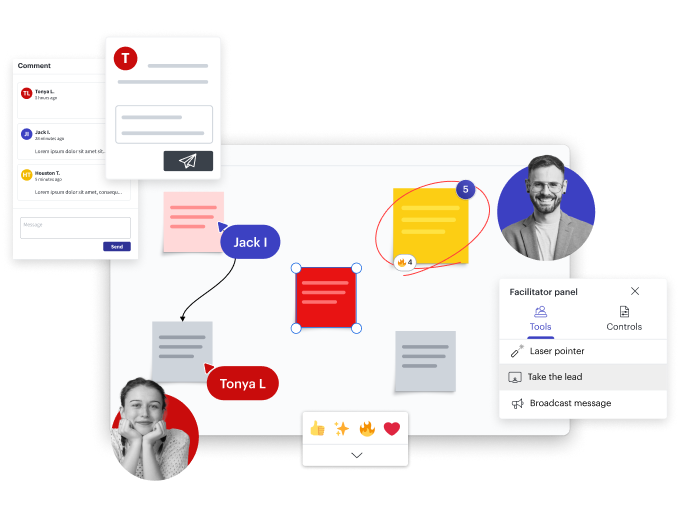
Teamwork and collaboration
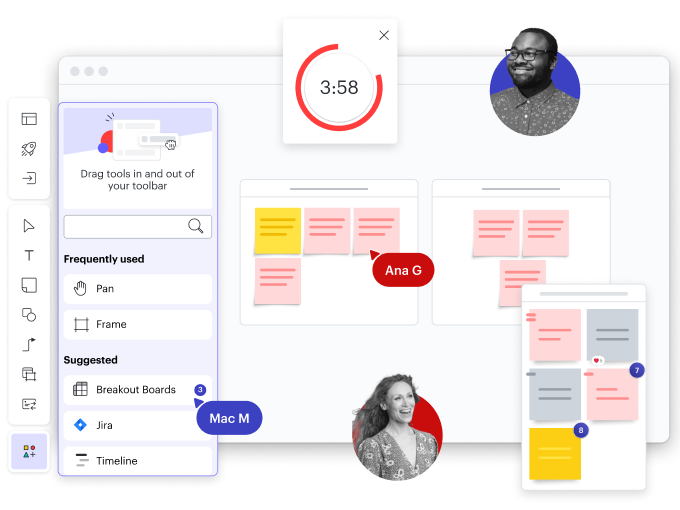
Strategic planning and organization
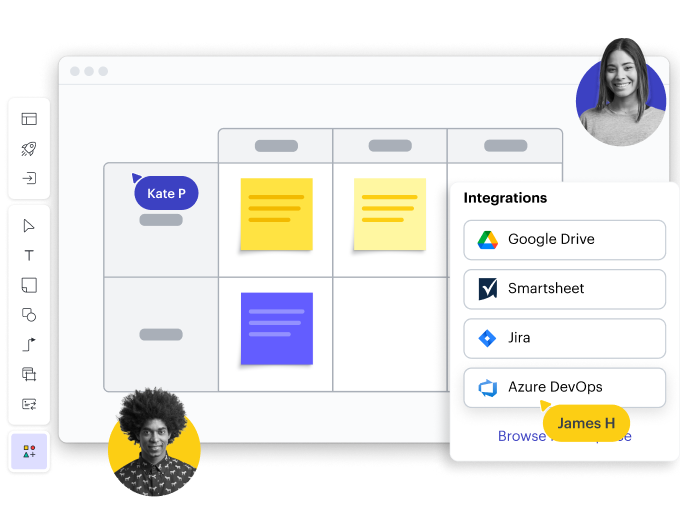
Seamless integrations
Team spaces
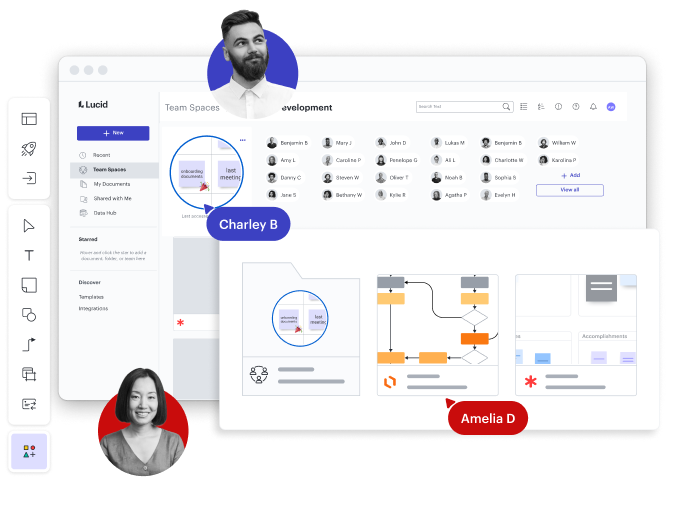
Perfect for Scrum teams
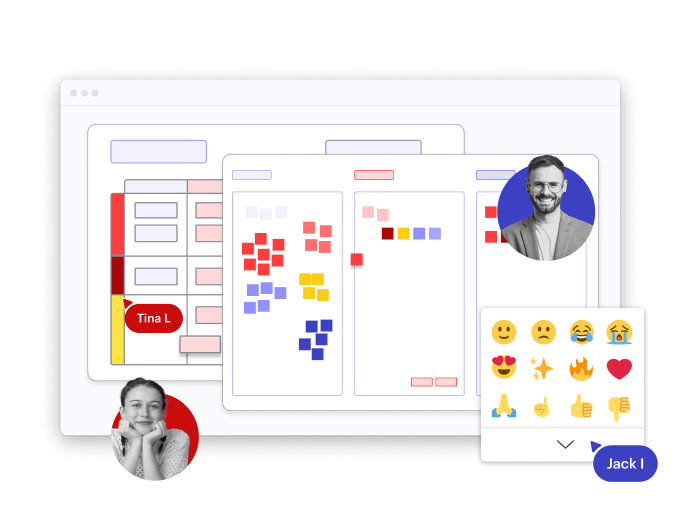
Other ways to use Lucidspark
Meeting facilitation
Capture your team’s best ideas with better meeting prep and more engaging experiences. Use features such as:
- Facilitator controls
- Breakout boards
- Presentation Mode
Integrates with:


Agile development
Get everyone on the same page during standups, sprint planning, and retrospectives. Use features such as:
- Templates
- Timelines
- Lucid Cards
Integrates with:


Project planning
Bring cross-functional teams together to make decisions, clarify work, and track progress. Use features such as:
- Dynamic Table
- Frames and Paths
- Meeting integrations
Integrates with:


User research
Keep stakeholders aligned as you explore customer needs and map the customer journey. Use features such as:
- Guest Collaborators
- Embedded Links
- Universal canvas
Integrates with:


Brainstorming
Build connections and spark creativity by ideating with your team in real time or anytime. Use features such as:
- AI capabilities
- Dynamic mind maps
- Comment, chat, react
Integrates with:



Strategic visioning
Prioritize business needs, communicate your vision, and get stakeholder buy-in. Use features such as:
- Visual Activities
- Laser pointer
- Voting sessions
Integrates with:


See how teams brainstorm and collaborate with Lucidspark
Watch our short tutorial and get started in minutes.
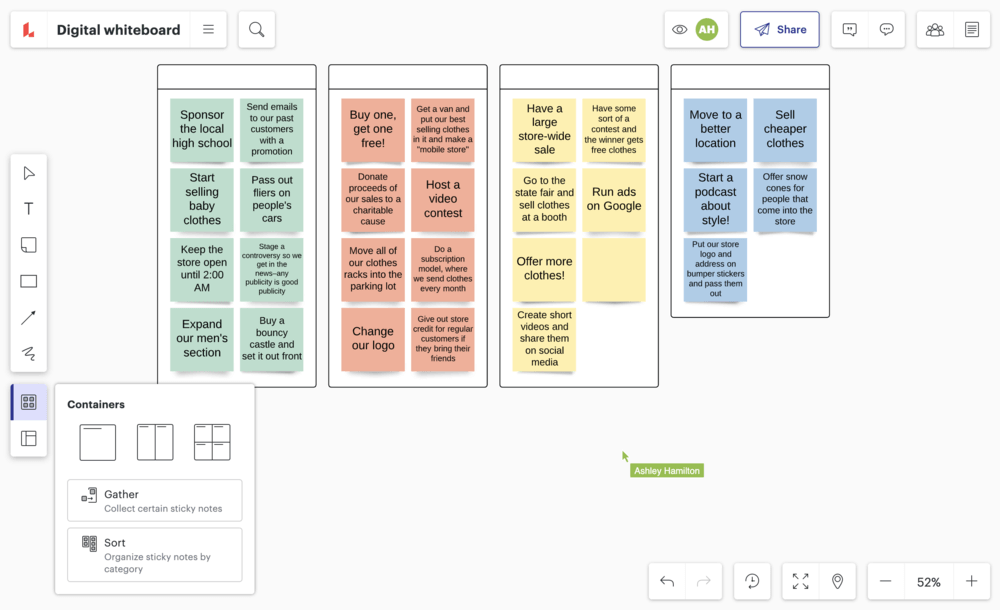
A demo of a sample Lucidspark brainstorming board is shown, with lots of active participation from the four participants across the entire board. Next, a rapid series of close ups demonstrating some Lucidspark features: Writing on a sticky note, drawing a circle around an idea, starting a 30-second timer, crossing an item off an agenda, adding emoji reactions to a sticky note, and sharing a board with collaborators in the share settings. The video then continues to demo features in line with the narrator's audio for the remainder of the video. The video ends with the Lucidspark logo and tagline Where ideas ignite.
- Prepare and organize your board for success.
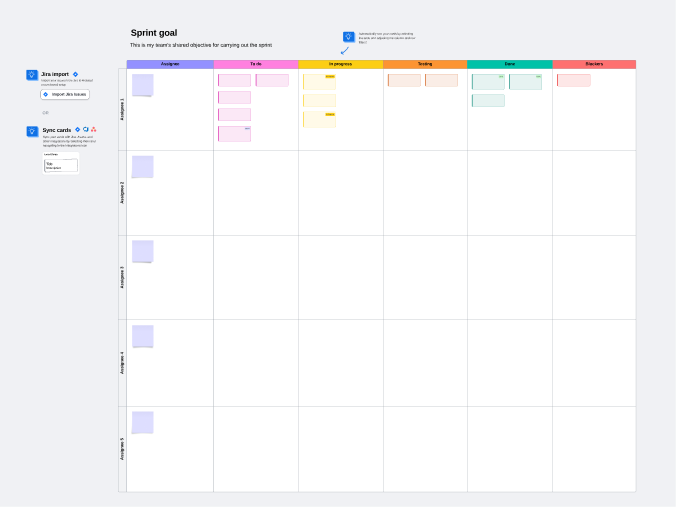
- Insert templates, like the online Scrum board, into your Lucidspark canvas.
- Set timers during brainstorming sessions.
- Use breakout boards to facilitate smaller group work.
- Utilize intuitive features to sort and gather your team’s ideas.
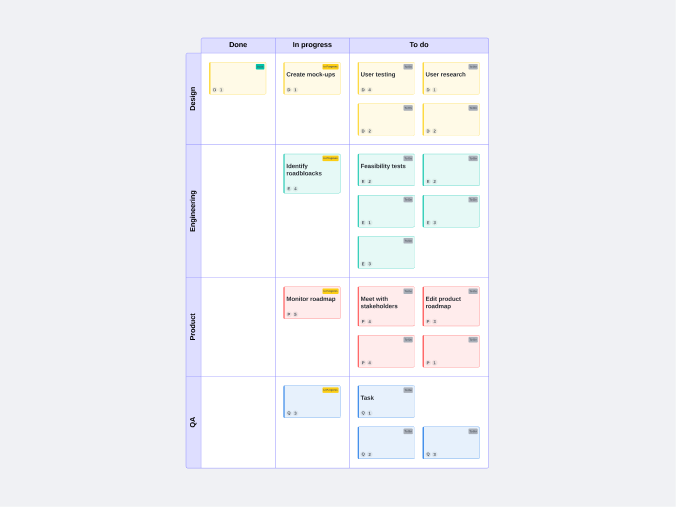
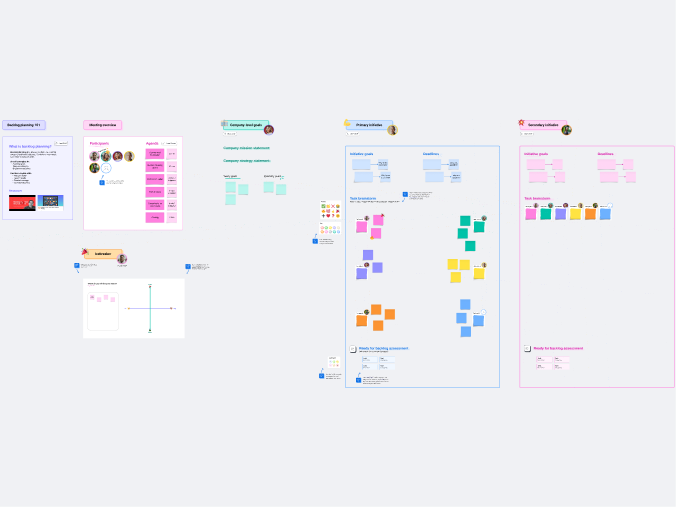
Agile task board templates
See why teams choose Lucidspark
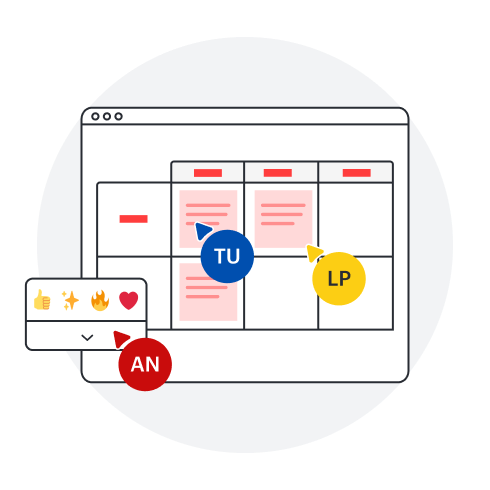
Gather ideas, organize thoughts, and plan projects on an infinite canvas.
Collaboration

Clarity
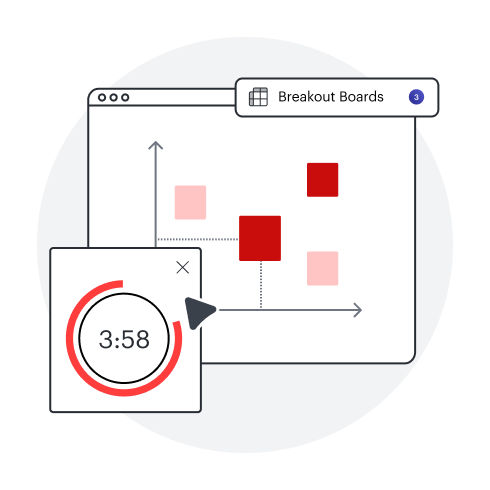
Alignment
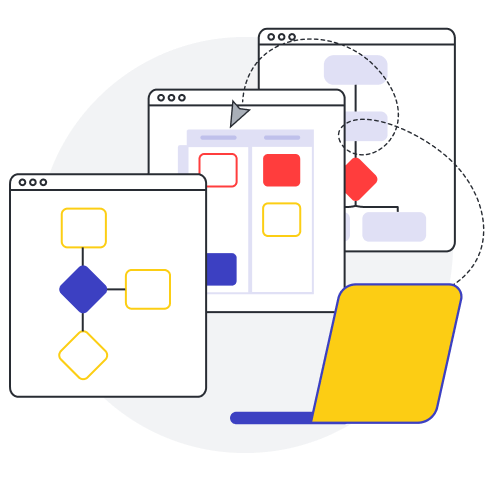
Better together
Online Scrum board for teams
Scrum teams choose Lucidspark to initiate work, coordinate progress, and stay aligned. Bring everyone together and house all important information as a single source of truth. Lucidspark can be customized to fit any Agile framework.
About Lucidspark
Lucidspark is the virtual whiteboard that connects teams so they can bring their best ideas to life. One of three individually powerful, yet highly connected visual collaboration products from Lucid, Lucidspark enables real-time or asynchronous brainstorming, planning, and organization of ideas into actionable next steps.