As a solution for visual collaboration and whiteboarding, FigJam is a top choice for designers who already work in Figma’s interface design tool. Together, FigJam and Figma provide a seamless handoff, allowing designers to copy and paste components and designs between the two tools without losing data or formatting. But—if you’re not a designer, or you don’t use Figma—FigJam may not be the best option for your use case. In this guide, we’ll explore the best FigJam alternatives, including ratings, pricing plans, as well as notable features and integrations.
Alternatives to FigJam
- Whimsical
- Mural
- Lucidspark
- Boardmix
- Stormboard
- Miro
- Confluence whiteboards
What is FigJam?
Part of the Figma ecosystem, FigJam, opens in a new tab is an online collaborative whiteboard that bridges the gap between ideation and design. Rated 4.8/5, opens in a new tab on Capterra, FigJam is known for its playful UI. With features like virtual High-Fives, a Photo Booth for taking selfies, and Washi Tape for taping items together on the board, the tool enables a fun and interactive environment for designers working within Figma.
- Stamps and emotes: Provides instant feedback and reactions for more interactive collaboration in live and asynchronous settings
- Audio conversations: Enables users to record verbal explanations of ideas or to collaborate spontaneously
- Widgets and plugins: Uses custom interactive objects that respond to user interactions or pull data from external sources
In addition to its “fun” features, FigJam offers a library of pre-made templates and generative AI capabilities. Notable integrations include Asana, Figma, Jira, Linear, and Slack.
Users can sign up for a free (Starter) plan or paid plan at the Professional, Organization, or Enterprise level.
What makes for a good FigJam alternative?
Among some competitors, FigJam is considered a “lightweight” tool because it provides less robust support for the creation of complex technical diagrams and data-backed visuals. It also lacks auto-layout capabilities and offers fewer integrations than other platforms. See how FigJam alternatives compare on technical capabilities, templates, notable integrations, and options for free and paid plans.
Key takeaways
| Best for | Feature highlights | Pricing | |
| Whimsical | Product managers | Diagram-as-code options | Free, paid (Pro, Business, Enterprise) |
| Mural | Workshop facilitation and consulting | Facilitation Superpowers™ (summon participants, voting, Private Mode) | Free, paid (Team+, Business, Enterprise) |
| Lucidspark | Cross-functional collaboration | Free-form infinite canvas, Facilitator Tools, AI capabilities | Free, paid (Individual, Team, Enterprise) |
| Boardmix | Content creators | AI generation for diagrams and images | Free, paid (Starter, Business, Enterprise) |
| Stormboard | Structured executives | Substorms and instant reporting | Free, paid (Business, Enterprise) |
| Miro | Brainstorming and group work | Robust templates and community resources | Free, paid (Starter, Business, Enterprise) |
| Confluence whiteboards | Development teams using Confluence | Jira integration and embedded Smart Links | Included with Confluence |
FigJam alternatives list
Whimsical
Best for product managers
Capterra rating: 4.7/5, opens in a new tab
Pricing: Free, paid individual and team, and enterprise plans available
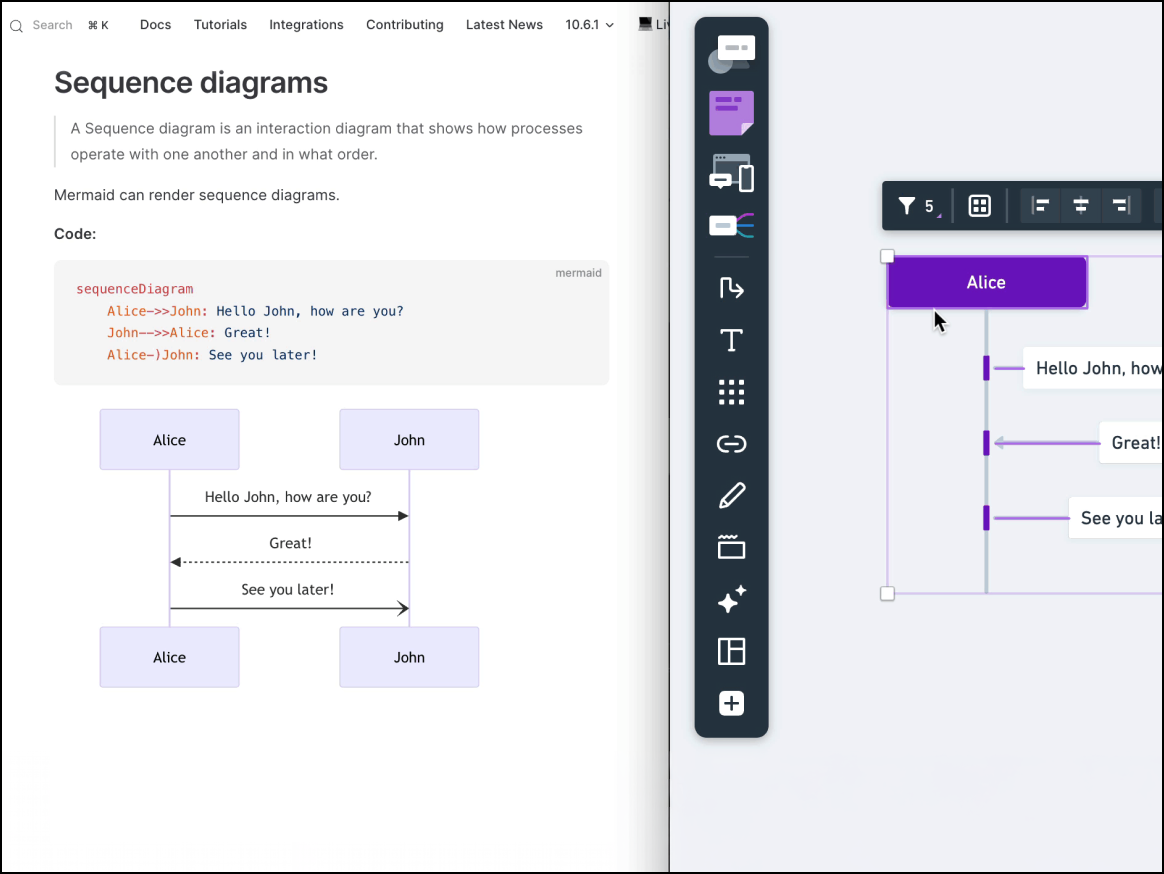
Built to enable the quick creation of visuals, Whimsical, opens in a new tab is used by product managers and engineers who want to create professional-looking flowcharts and wireframes faster than they could with more complex design tools.
Notable features include:
- Drag and drop editor: Allows users to drag and drop images, icons, widgets, or other components
- Integrated content: Combines mind maps, wireframes, and flowcharts into a single, unified product
- Snap-to-grid default: Aligns items automatically to the grid to ensure clean, professional layouts
Notable integrations include Figma, GitHub, Notion, and Slack.
Pros: Capterra reviewers say Whimsical’s drag-and-drop functionality is smooth, making the tool easy to use and simplifying the creation of high-quality presentations. They also cite the product’s visual aesthetic as “beautiful” and “clean.”
Cons: Some users report that boards with a large number of items are slow to load, and styling options such as fonts and colors are too limited for corporate use cases.
Mural
Best for workshop facilitation and consulting
Capterra rating: 4.5/5, opens in a new tab
Pricing: Free for first three murals. Paid team and enterprise plans available.
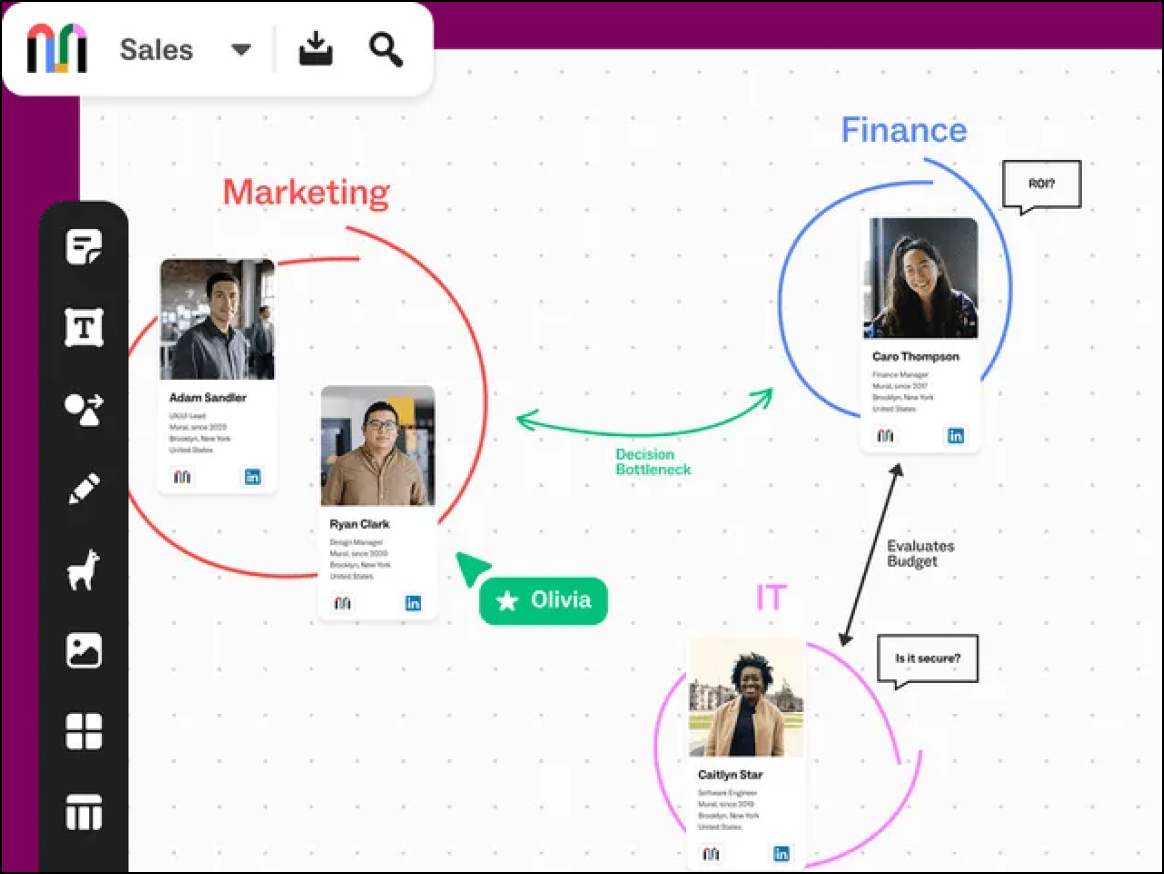
A visual work platform commonly used for brainstorming, design thinking, and workshop facilitation, Mural, opens in a new tab is a top choice among facilitators who need capabilities for controlling participants’ views and attention.
Notable features include:
- Facilitation Superpowers™: Gives session leaders control of a meetings’ flow, so they can guide participants through a session
- Private Mode: Allows participants to see their own sticky notes but not what others are typing
- Voting sessions: Enables anonymous voting on specific objects
Notable integrations include Microsoft Teams, Slack, Lumen5, Jira, and GitHub.
Pros: Mural features best-in-class meeting controls and strong privacy features for enterprise clients.
Cons: While Mural shines in the category of facilitation, it comes with a steep learning curve for new users.
Lucidspark
Best for remote and hybrid teams
Capterra rating: 4.7/5, opens in a new tab
Pricing: Free for up to three editable boards. Paid individual and enterprise plans available.
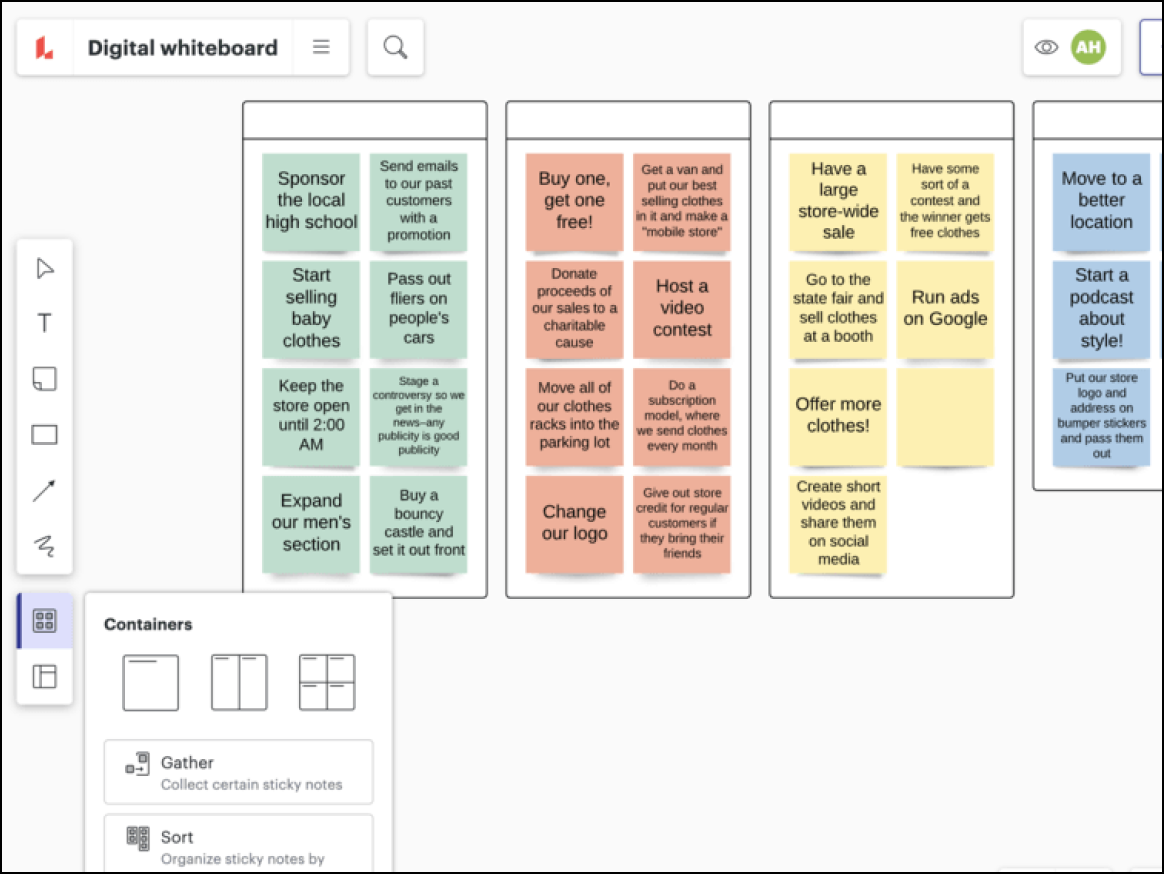
Available as a standalone product or as part of the Lucid Visual Collaboration Suite, which also includes Lucidchart for intelligent diagramming, Lucidspark, opens in a new tab maximizes connection, collaboration, and creativity for teams working from anywhere. It’s commonly used for ideation, planning, meeting facilitation, and more.
Notable features include:
- Facilitator Tools and Controls: Helps keep participants on track and following along with capabilities such as a timer, laser pointer, private mode, the ability to follow collaborators, breakout boards, and more
- AI capabilities: Enables users to generate ideas from prompts, automatically sort ideas to find key themes, and summarize content on boards
- Visual Activities: Allows for the creation of interactive activities to gauge team sentiment, ensure alignment, and make decisions faster
Notable integrations include Atlassian (Confluence and Jira), Figma, Google Workspace, Microsoft 365, and Slack.
Pros: Lucidspark is highly rated for its collaborative features, including the ability for team members to work together on the same board in real time or asynchronously. The platform is easy to use, offers robust integrations, and provides an extensive library of pre-made templates.
Cons: The free version is limited to only three editable boards, which some users find restrictive.
Boardmix
Best for content creators
Capterra rating: 4.2/5, opens in a new tab
Pricing: Free for three editable boards. Paid individual and enterprise plans available.
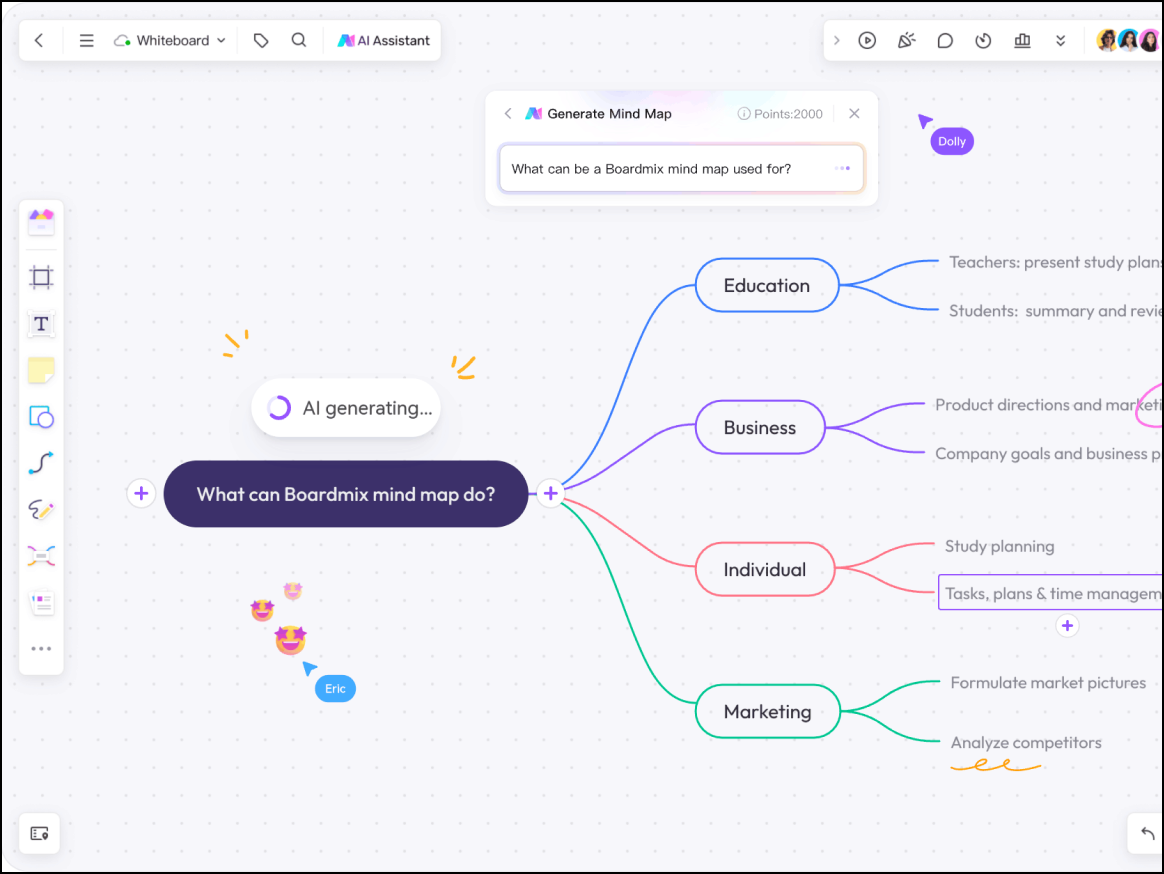
An AI-powered collaborative whiteboard platform, Boardmix, opens in a new tab is built for power users who want to generate complex visuals via prompts rather than manual drawing. It helps streamline digital sketching, product design, and more.
Notable features include:
- AI integrations: Supports the use of AI prompts for brainstorming, image generation, and diagramming
- Infinite canvas: Enables users to keep adding visuals and ideas to their canvas without having to switch tabs
- Detailed template library: Provides a wide selection of templates to help speed up research and brainstorming
Notable integrations include Microsoft Teams, Webex, and Zoom.
Pros: Beyond the platform’s time-saving AI integrations, users value its visual organization features, such as the ability to save elements to a personal resource library and the auto-calculation of distances between objects to keep boards looking polished.
Cons: Boardmix has a smaller support community and offers fewer enterprise integrations than competitors.
Stormboard
Best for structured executives
Capterra rating: 4.5/5, opens in a new tab
Pricing: Free for up to five editable boards. Business and enterprise plans available.
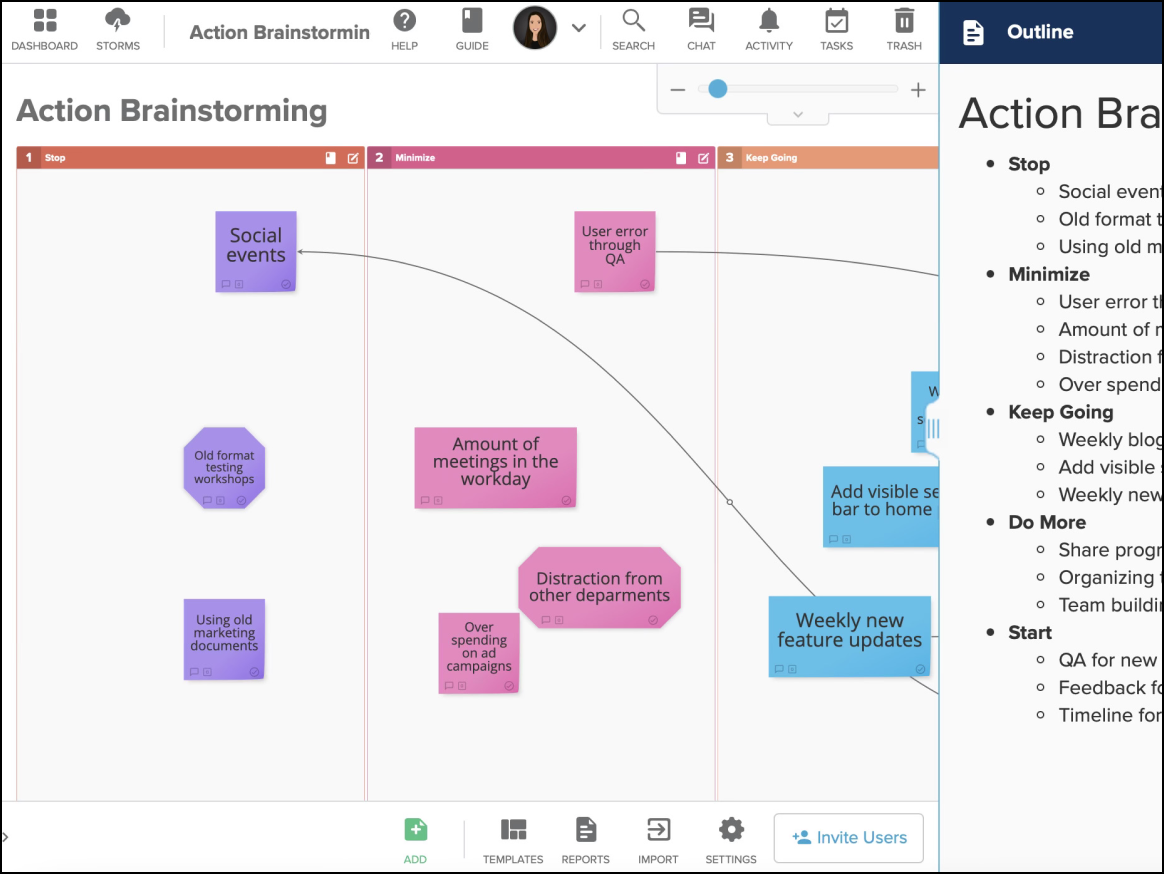
A data-centric tool that prioritizes structure over creativity, Stormboard, opens in a new tab is unique in its ability to export brainstorming sessions into professional, structured reports. It’s designed to be a more serious tool for enterprises.
Notable features include:
- Substorms: Enhances organization by breaking down main boards into smaller subtopic spaces
- Instant reporting: Allows users to export reports directly to Word, Excel, PowerPoint, and Google Workspace
- Voting and prioritization: Gives team members a “budget” of votes on a set of ideas
Notable integrations include Microsoft 365, Google Drive, Slack, and Jira.
Pros: Stormboard guarantees high security and strong capabilities for data reporting and synthesis.
Cons: This solution limits creative freedom and features a dated UI compared to competitors.
Miro
Best for brainstorming and group work
Capterra rating: 4.7/5, opens in a new tab
Pricing: Free for three editable boards. Paid individual to enterprise plans available.
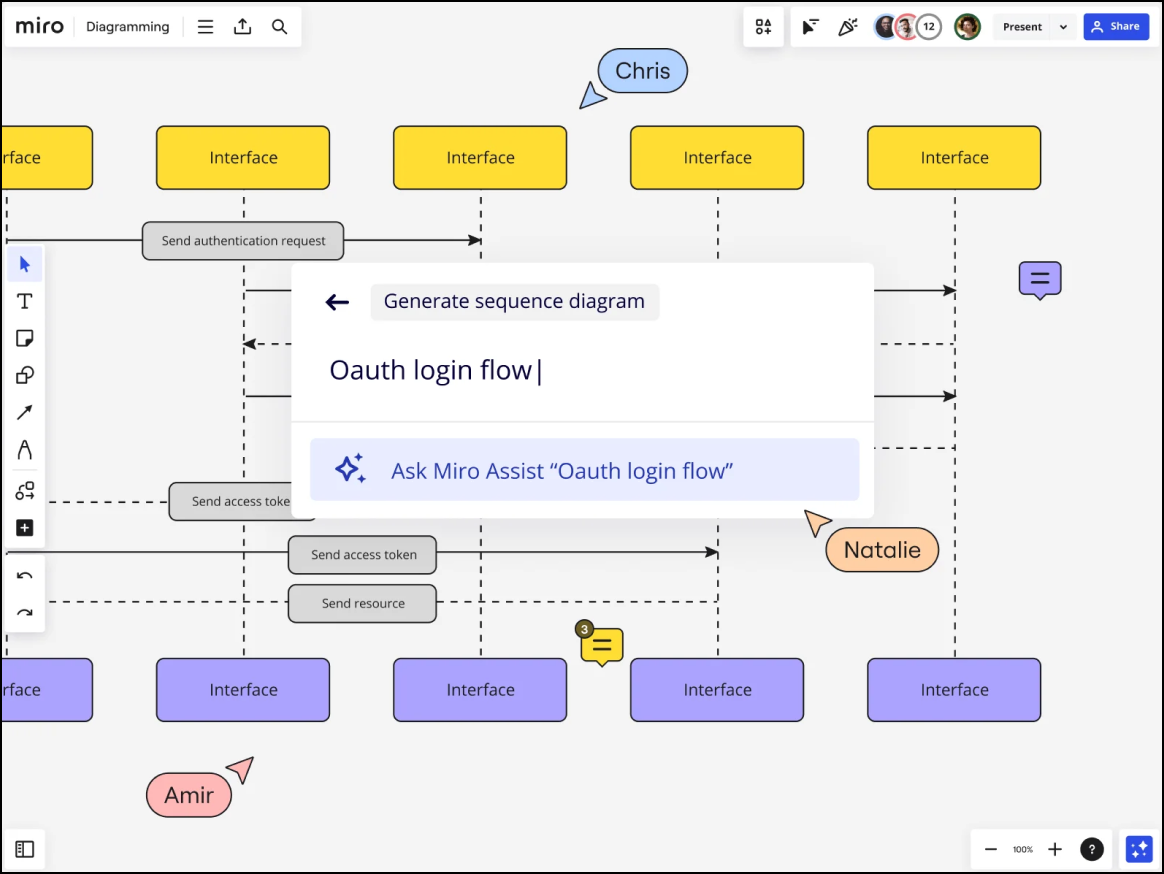
An AI innovation workspace, Miro, opens in a new tab provides a free-form canvas where dispersed teams can brainstorm, plan, and execute projects. It’s commonly used by teams in tech, marketing, and consulting.
Notable features include:
- Interactive Presentation Mode: Delivers high-level engagement and flexibility for presenting boards to teams
- Talktrack: Records interactive video and audio walkthroughs of a Miro board to guide viewers through content asynchronously
- Focus mode: Provides a distraction-free, full-screen view that hides surrounding board elements
Notable integrations include Azure DevOps, Google Workspace, Microsoft Teams, and Zoom.
Pros: Miro is highly regarded for its robust template library, “limitless” workspace, polished UI, and large support community.
Cons: Some new and non-technical users find the interface overwhelming compared to similar competitors. Others report frustration with zoom controls and navigation.
Confluence whiteboards
Best for development teams using Confluence
Capterra rating: 4.5/5, opens in a new tab
Pricing: Included with Confluence. Atlassian offers both free and paid plans for Confluence.
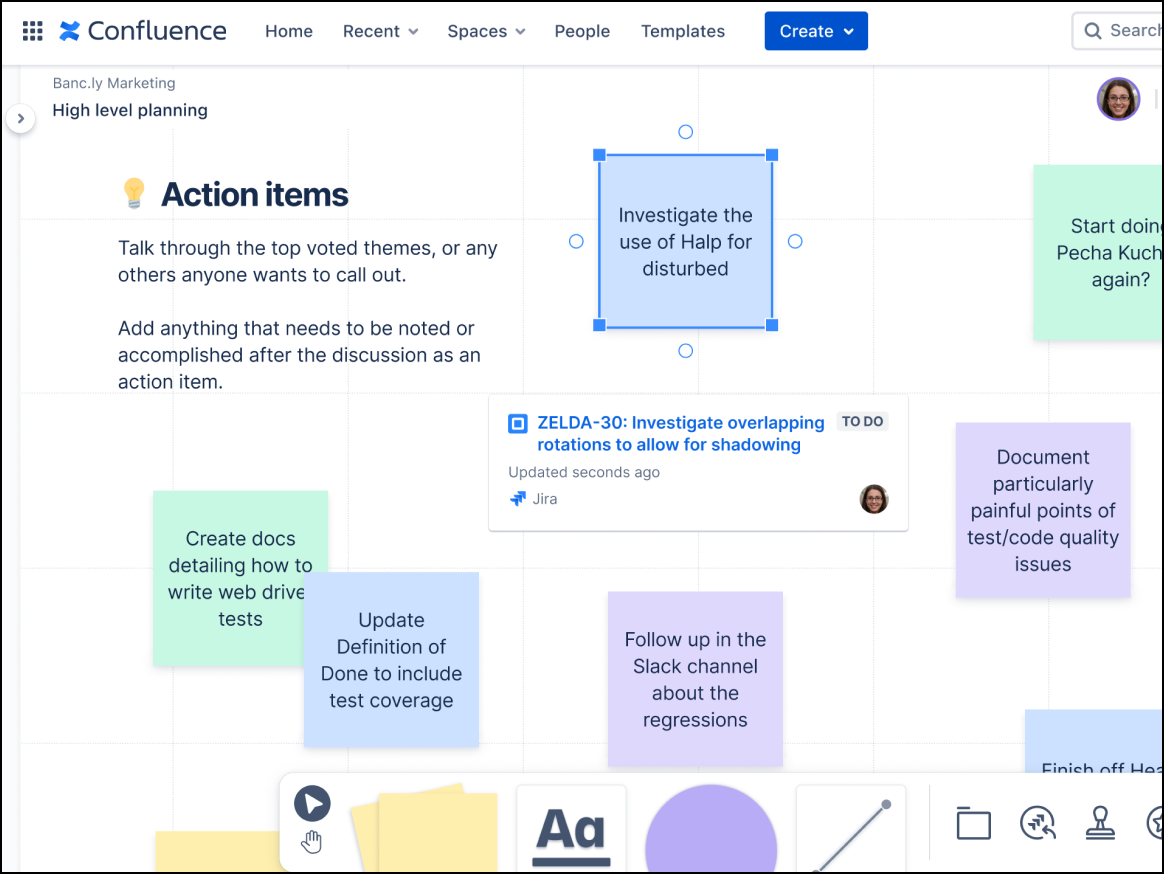
A digital whiteboard built directly into Confluence by Atlassian, Confluence whiteboards, opens in a new tab are designed for structured documentation. It’s the perfect tool for development teams already using Confluence.
Notable features include:
- Native wiki embedding: Integrates external content directly into Confluence pages for easy context
- Smart sections: Empowers users to make collaboration sessions more efficient by performing bulk actions
- Smart links: Transforms basic URLs into interactive elements like cards, embeds, and lists
Notable integrations include Jira, Smart Links, and Trello.
Pros: Confluence whiteboards provide a seamless experience for Atlassian users and are free for existing Confluence customers. The standout feature is the smart Jira integration, which allows users to convert sticky notes to Jira issues.
Cons: Some reviewers report a steep learning curve, saying it requires significant time to understand the navigation and admin permissions.
Finding the best FigJam alternative
If you’re looking for a FigJam alternative that supports both creative and technical teams, Lucidspark is the best overall choice. Like FigJam, Lucidspark provides a mix of fun, interactive features, along with capabilities that enable business teams to plan and take action on projects. And, with a Lucid Enterprise account, teams can use the universal canvas feature to seamlessly switch over to Lucidchart for intelligent diagramming, which includes advanced capabilities for AI, data, and automation.
On the other hand, if you're considering FigJam alternatives on the “lightweight” side—but without the distraction of stickers and stamps—Whimsical is a great choice for quickly visualizing ideas on a structured, “no fuss” canvas.
Learn why Lucidspark is the best overall FigJam alternative for visual collaboration. Go now, opens in a new tab

Everything you need to whiteboard online
Get the ultimate online whiteboard for teams. Brainstorm, plan projects, and collaborate virtually on Lucidspark’s infinite canvas.
Sign up free