Key takeaways
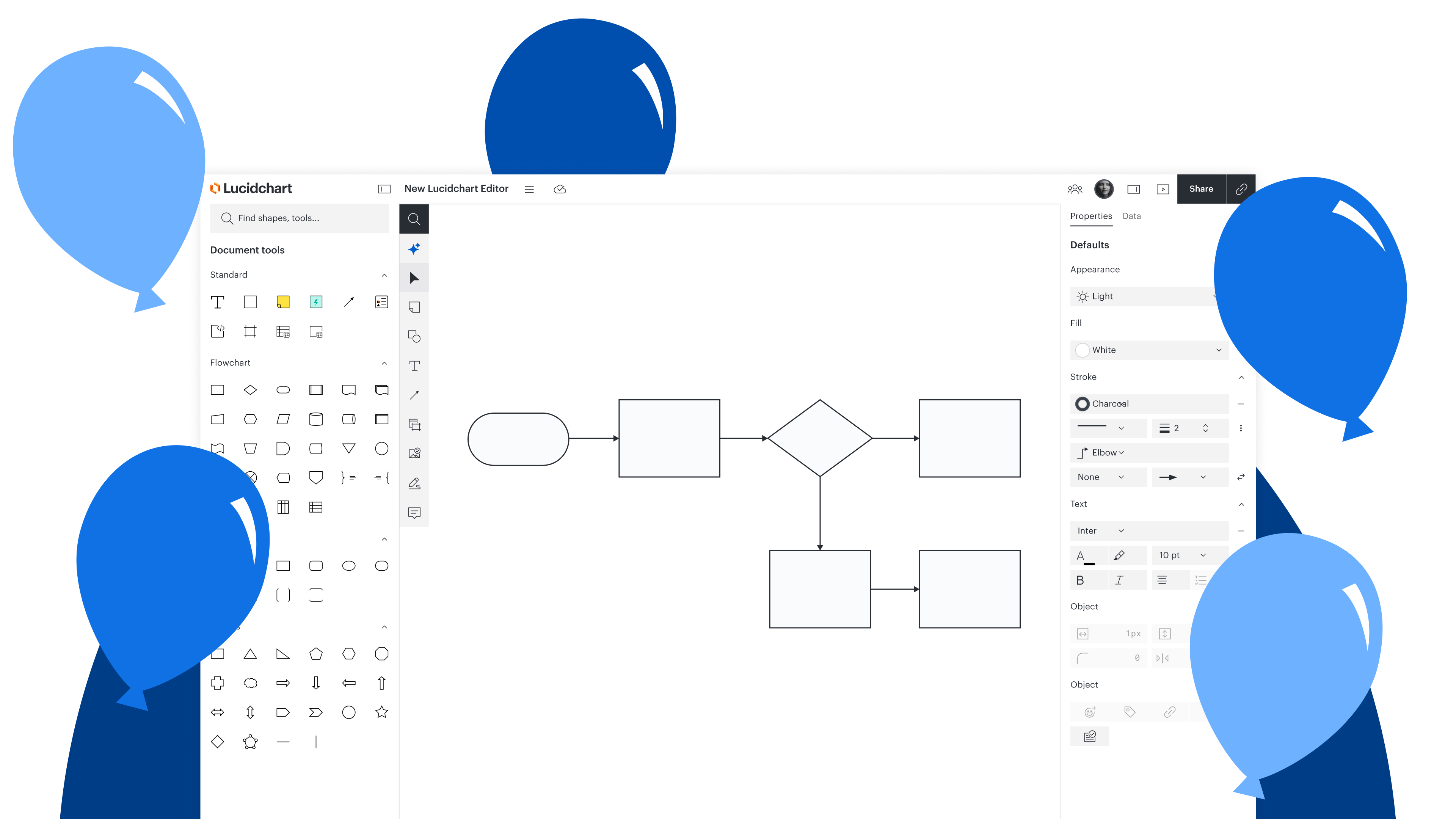
The redesigned Lucidchart editor has been modernized to reframe Lucid’s powerful capabilities into a minimalistic, intuitive environment.
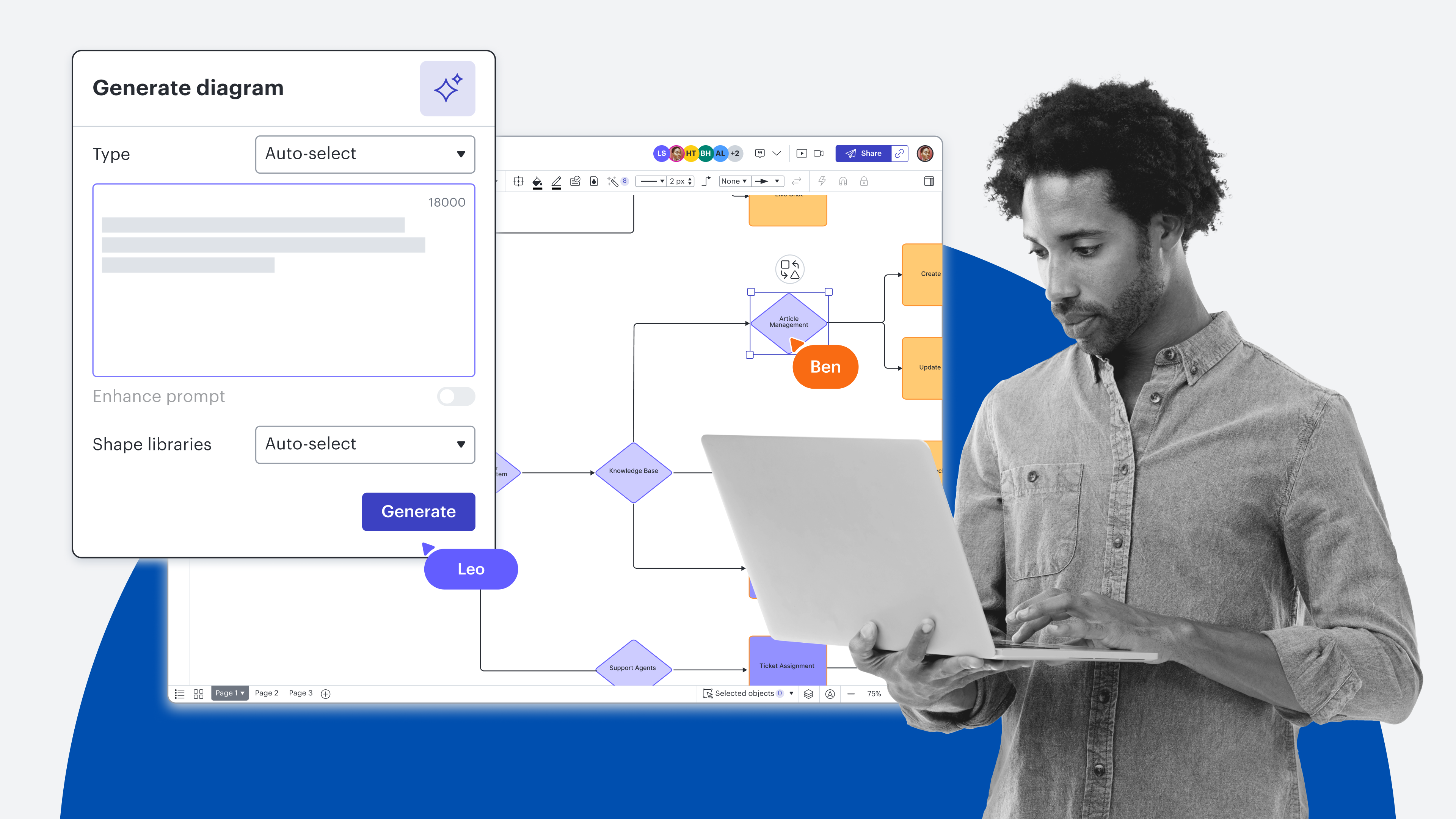
Lucid AI and essential tools are now placed front and center in a unified toolbar, reducing context switching and accelerating workflow execution.
New, role-based toolkits automatically surface relevant shape sets and features for specific tasks, eliminating manual configuration time.
A high-powered search in the left-hand toolbar acts as a single shortcut to immediately locate any tool, shape, or asset that isn’t readily visible on the canvas.
Anyone can opt in early via any Lucidchart document before the new interface officially becomes the default for everyone on December 7, 2026.
Since 2010, Lucidchart has pioneered intelligent diagramming, helping over 100 million people visualize complex processes, systems, and ideas. Now, we’re announcing the next generation of Lucidchart: a streamlined, AI-powered user interface designed to maximize speed, focus, and clarity.
Lucidchart’s evolved interface was reimagined for the future of work, offering job-specific toolkits with integrated AI features that help surface the most important tools right when you need them. With simplified access to features, you can eliminate cognitive overload by staying focused on your work, not your workspace.
Keep reading to learn more about what’s changed in the new Lucidchart editor and how it empowers teams to accelerate work by seamlessly connecting tactical workflows to overarching strategy.
See the difference between the old and new Lucidchart editors.
A high-focus, modern workspace
Mapping out complex architectures or massive business systems can be a heavy lift. To help you save you time and mental energy, we took everything you love about our powerful diagramming engine and refined it into a clean, high-precision interface.
The following updates were designed to enable deep focus on complex problems:
Lucid AI front and center: Integrates AI seamlessly into your workflows, so you can accomplish work faster
Streamlined header for clarity: Simplifies the top of the canvas, ensuring that ideas and visuals take center stage
Enhanced, clearer interface style: Refreshes the environment to feel like a "precision instrument," shifting the perception from a cluttered canvas to a serious execution workspace
Dark mode: Directly reduces eye strain during long working sessions, allowing you to sustain focus without digital fatigue
With the new Lucidchart editor, you have the option to switch to dark mode.
Frictionless editing in a familiar environment
Every time you stop to find a menu or drag your cursor across the screen to change formatting, your flow state gets interrupted. These micro-frictions seem small on their own, but when multiplied across an entire team, the loss of time and momentum is exponential. By eliminating these barriers, the Lucidchart editor becomes an extension of thought, letting you build and iterate at the speed of your ideas.
Here are the updates that reduce friction by placing core tools exactly where you need them:
New core toolbar: Eliminates context-switching by grouping shapes, text, connectors, and other essentials in a single, predictable location instead of separate panels
Improved shape property editing: Keeps context relevant by enabling light edits via a floating bar, while housing deep configurations in the right panel
Use the custom floating bar to make quick edits as you work.
Instant discoverability and job relevance
Teams spend a lot of time setting up their documents. This involves navigating menus to find the right features, scrolling through shape libraries, and searching for other assets needed to build diagrams. By instantly providing role-relevant toolkits and a unified search, the new Lucidchart editor reduces the time it takes to go from blank canvas to finished diagram.
Here are the updates that eliminate configuration time, so you can jump in and start creating faster:
New toolkits (starter packs for specific jobs): Provides the exact shape sets and features you need to get started, whether you’re mapping architecture or creating process documentation
One high-powered search: Serves as the ultimate shortcut, providing a single, unified search for tools or assets that aren’t immediately visible
Select a toolkit with everything you need for specific jobs.
What customers are saying about the new experience
Those who participated in early testing have had overwhelmingly positive reactions to the new Lucidchart editor.
Here’s a sampling of what they had to say:
“I really like the new design. I feel like I have more space to work.”
“It makes it simple, easier, and quicker to use everything.”
“I can select whatever I want within the toolkit, and it just pops up there.”
“It had everything I needed for quick actions and staying in flow.”
"I really liked having that floating bar. I ended up using it quite a bit.”
“It felt more organized."
"Search was fantastic! Spot on."
"Dark mode was definitely advantageous, much easier on the eye.”
"I was surprised how quickly I adjusted to it."
"It's beautiful. I turned it on and never looked back"
How to opt in
The new editor will replace the current interface on December 7, 2026. But if you’re ready to try it out now, early access is available to everyone! Simply log in to Lucid or open a Lucidchart document, and when prompted, opt in to start creating and collaborating in your future workspace. If you don't see the prompt or previously closed it, you can still go to the file menu and select New editor.
Welcome to the next chapter of visual collaboration!
Hands-on workshop
Join our upcoming webinar to get hands-on with the new Lucidchart editor—or watch on demand after it airs. Hit the ground running, so you can continue your work in Lucid faster than ever.
Learn more