C4 model diagram tool
Visualize software architecture at every level of detail. Lucidchart makes it easy to build C4 diagrams your whole team can understand, share, and act on.


By registering, you agree to our Terms of Service and you acknowledge that you have read and understand our Privacy Policy.
Get started with our AI diagram generator
 , opens in a new tab
Model software architecture with confidence
Capture everything from big-picture context down to code without losing accuracy or alignment.
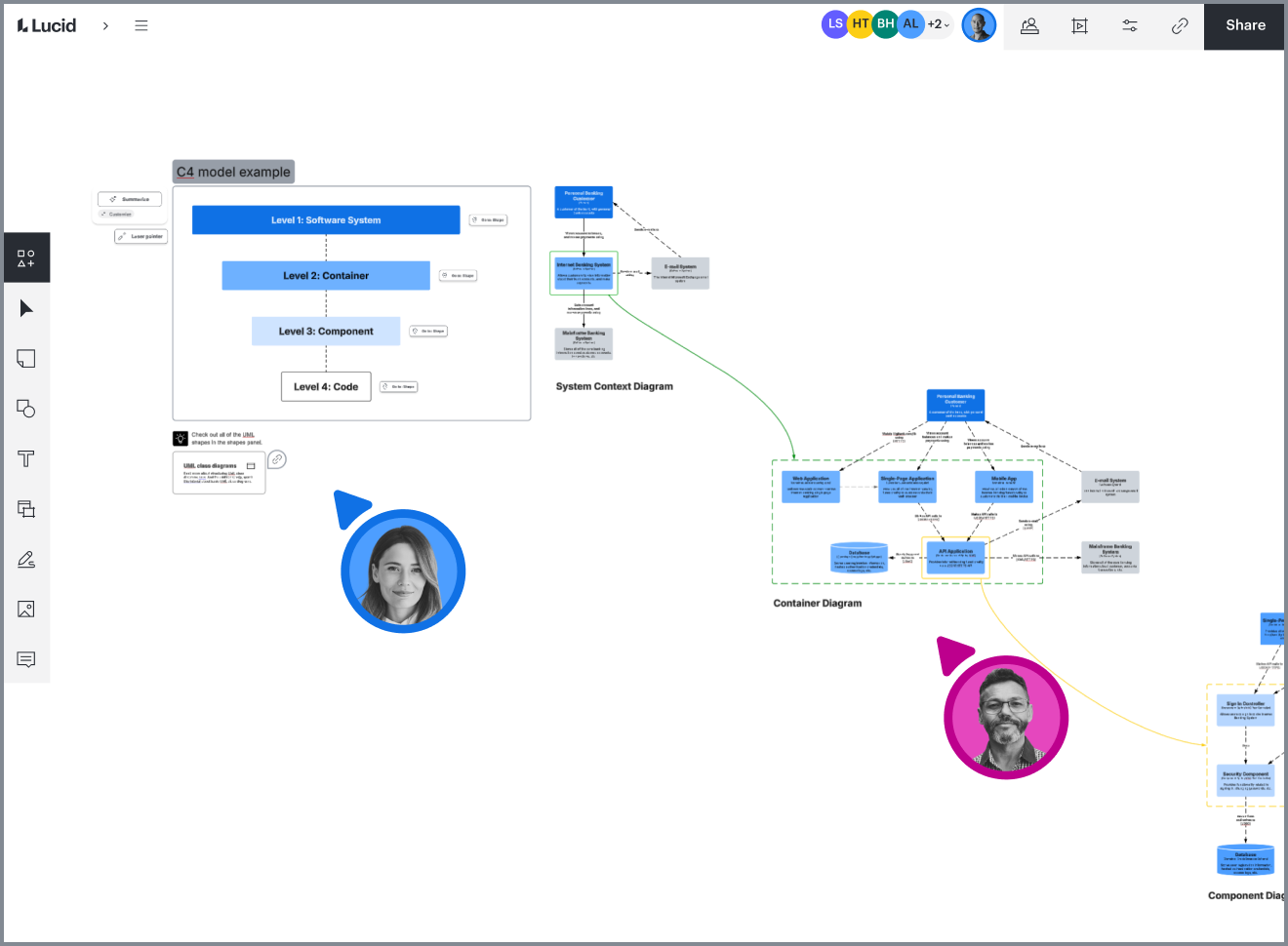
Diagram every C4 level
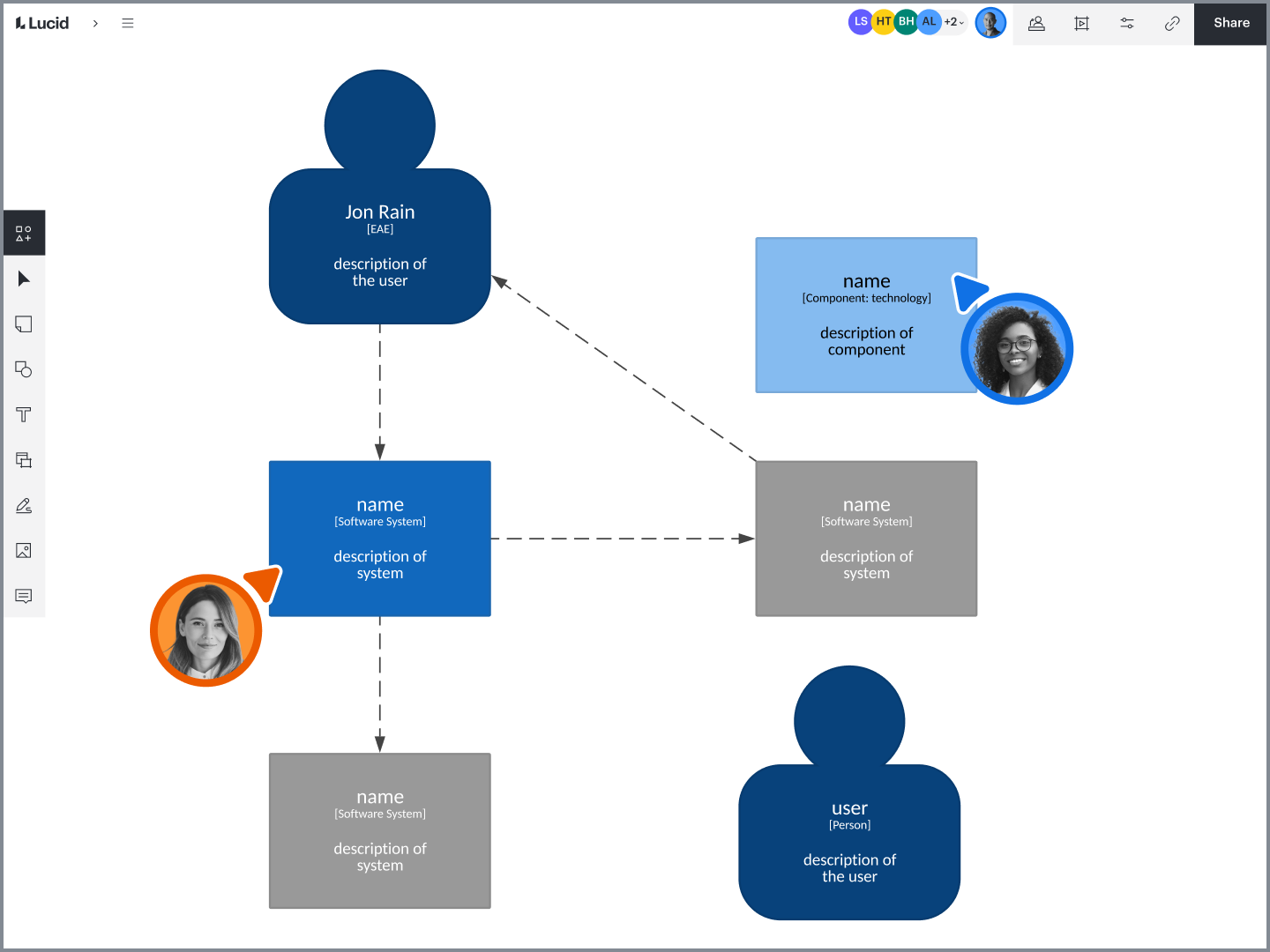
Auto-generate with AI
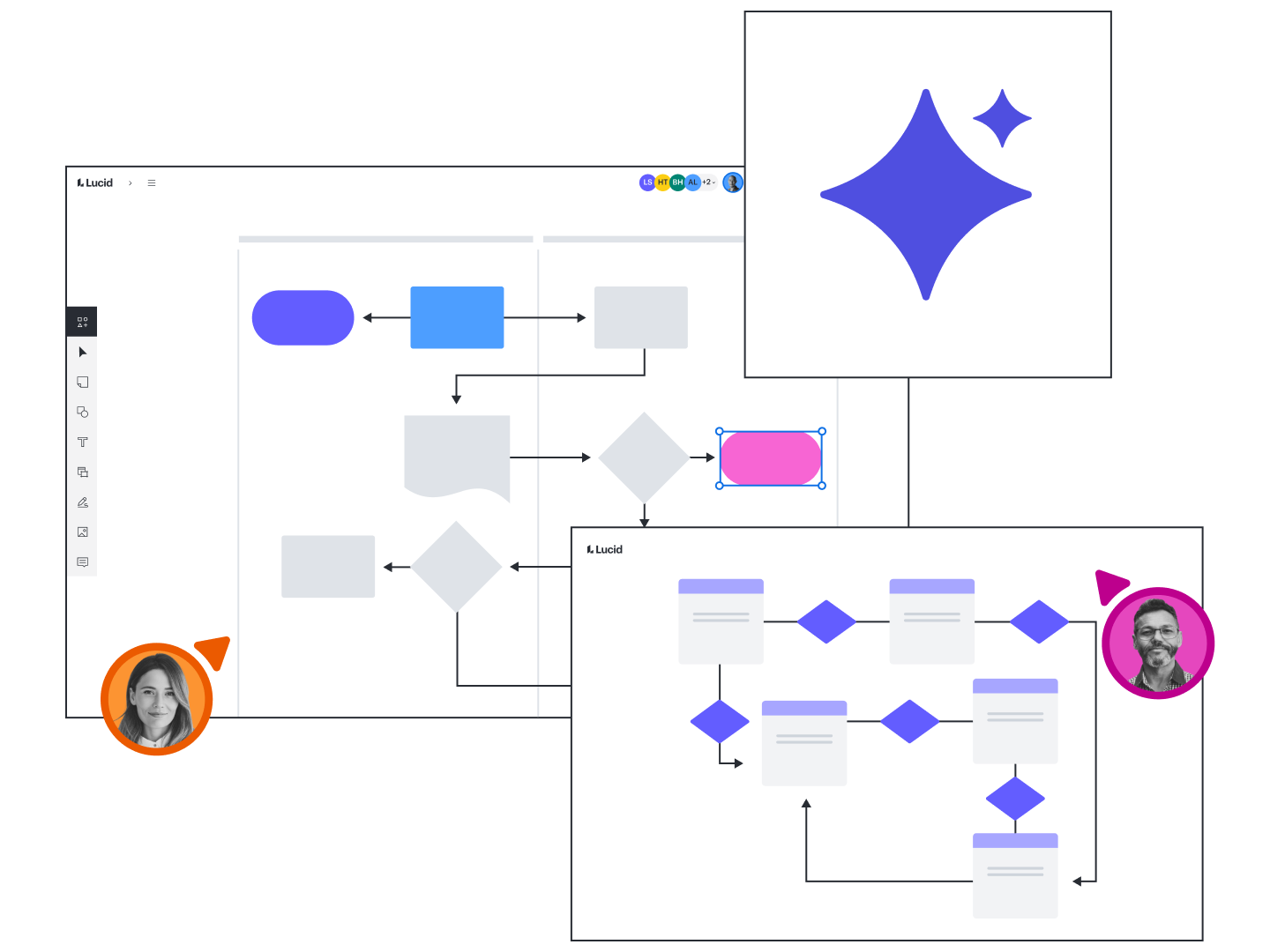
Build component views faster
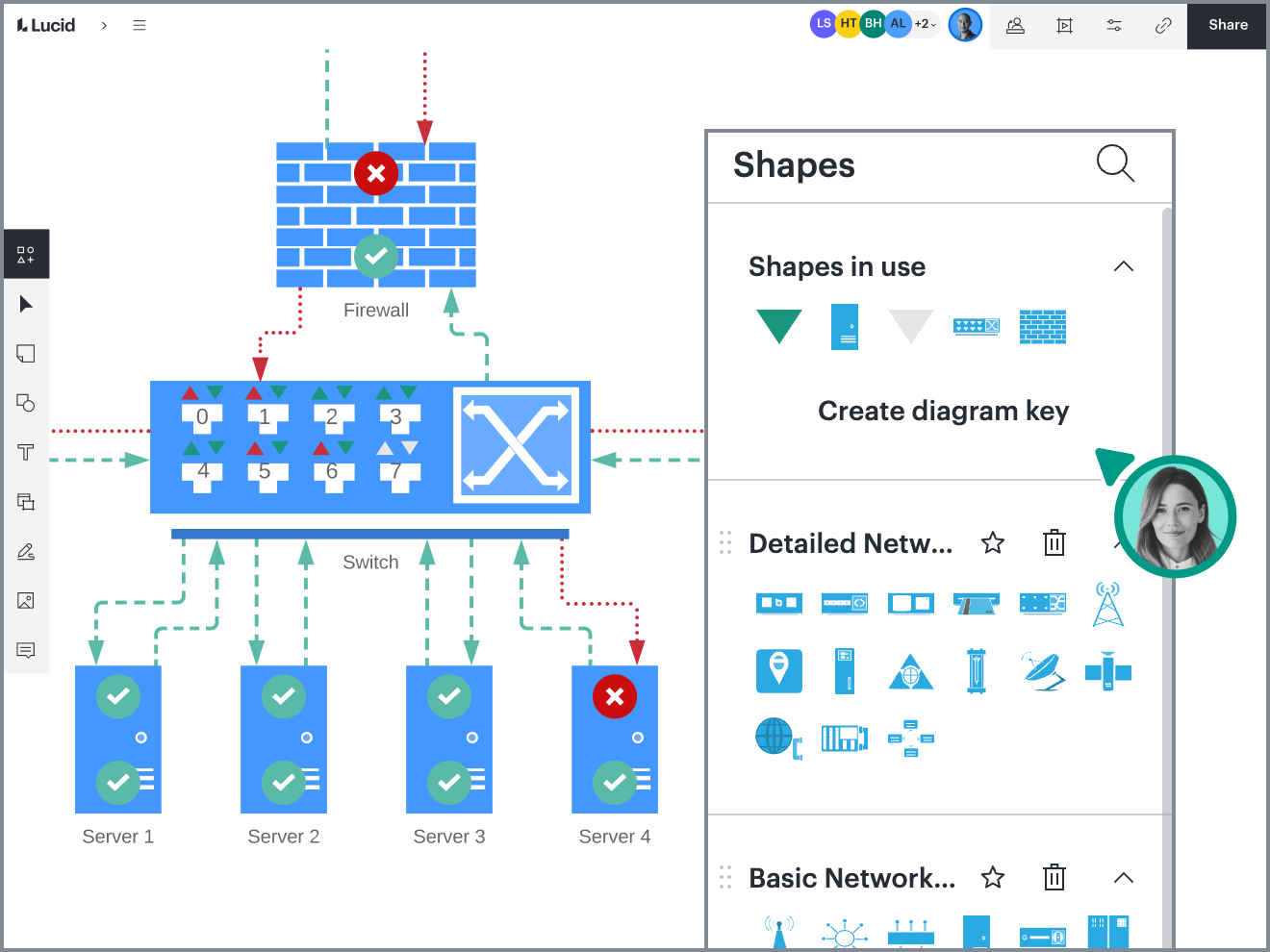
Keep diagrams accurate
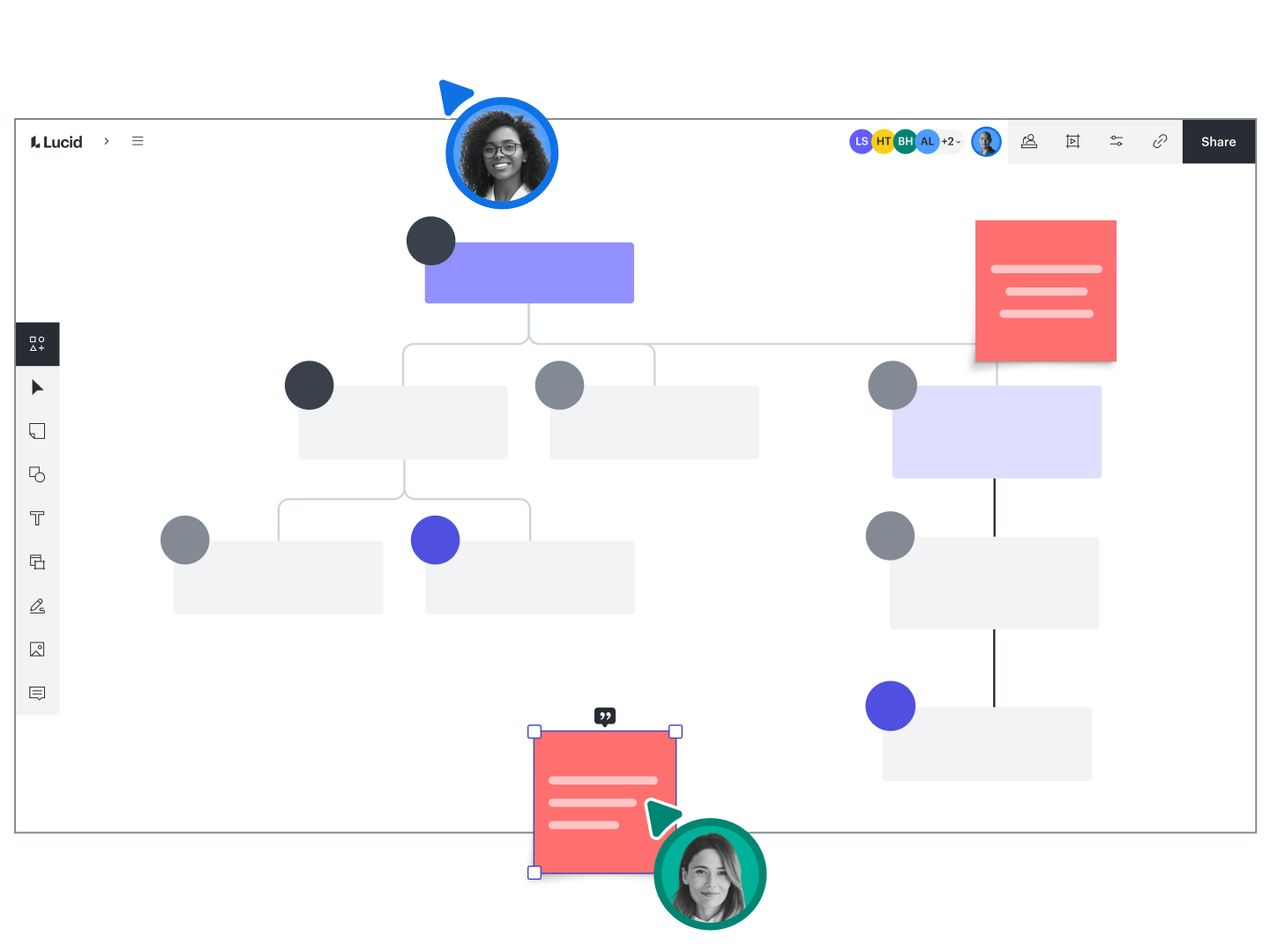
Collaborate in real time
Boost productivity with 100+ integrations

Lucidchart feature highlights
Real-time collaboration
Real-time collaboration
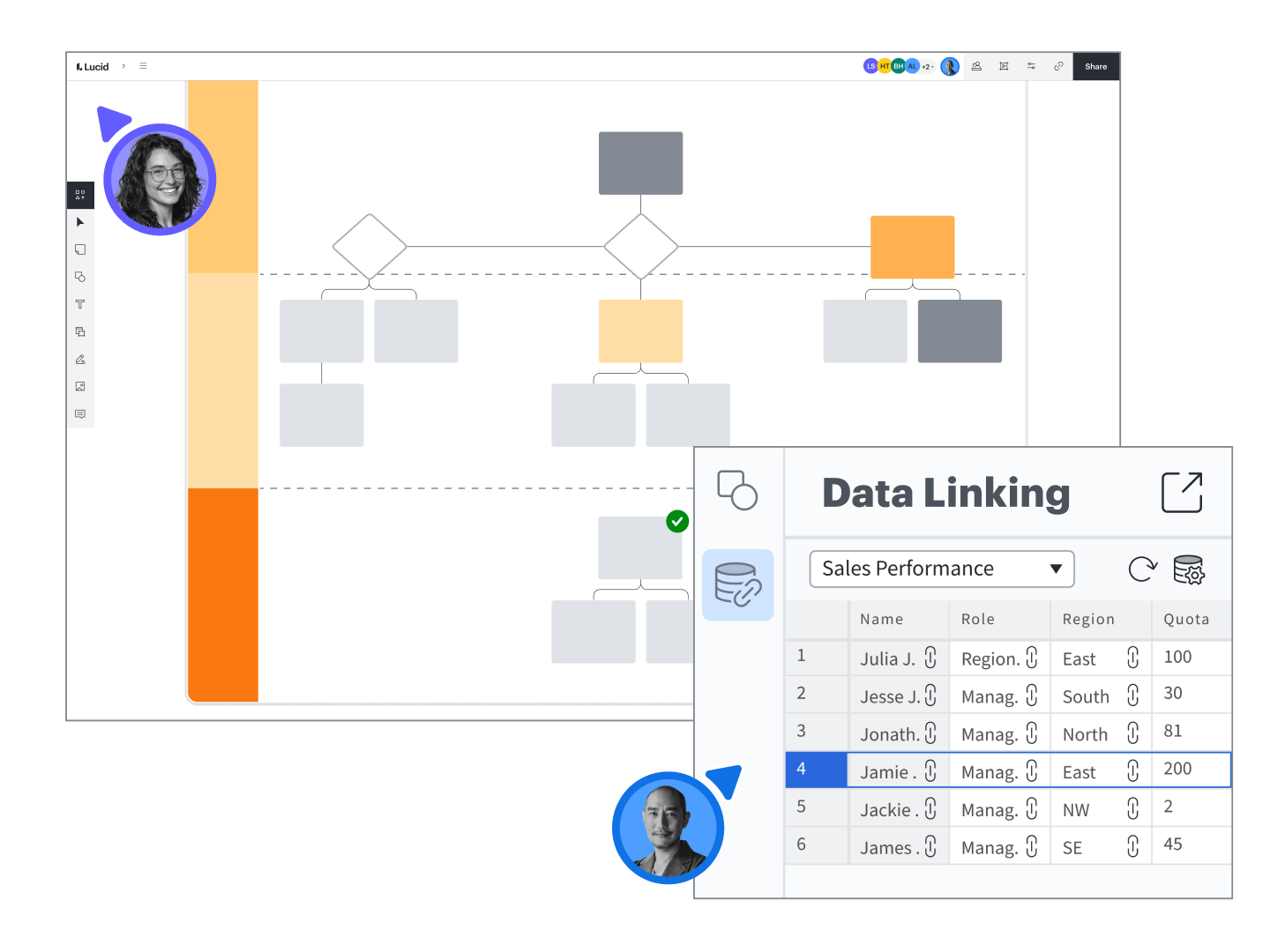
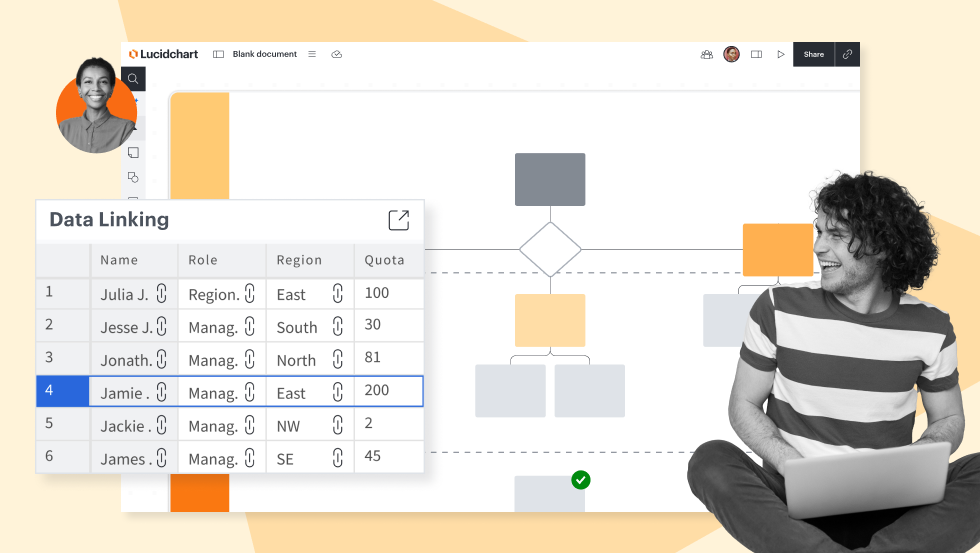
Data linking
Data linking
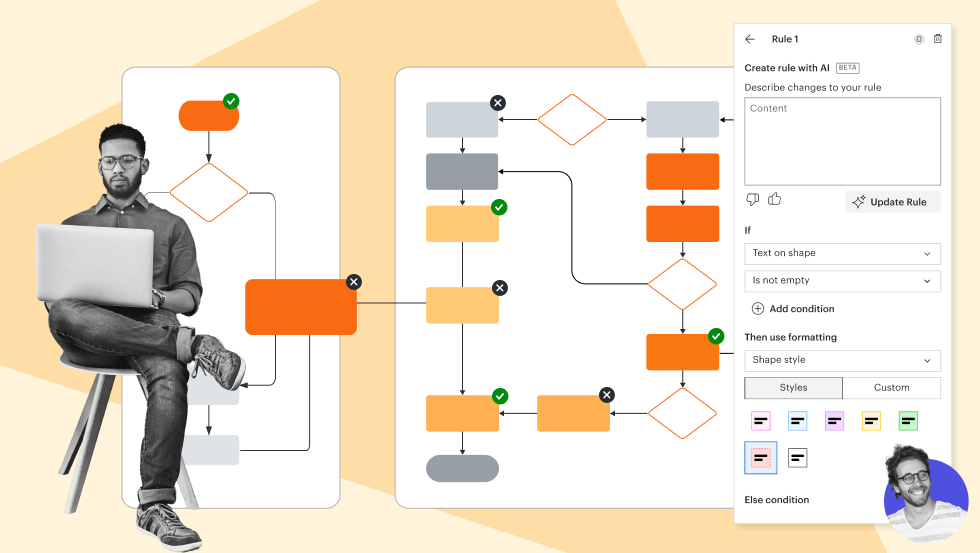
Conditional formatting
Conditional formatting
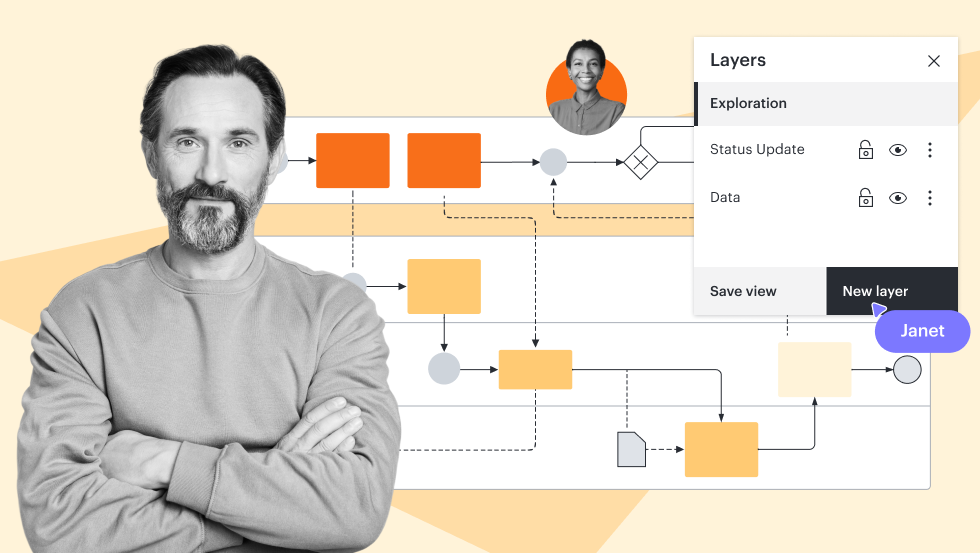
Layers
Layers
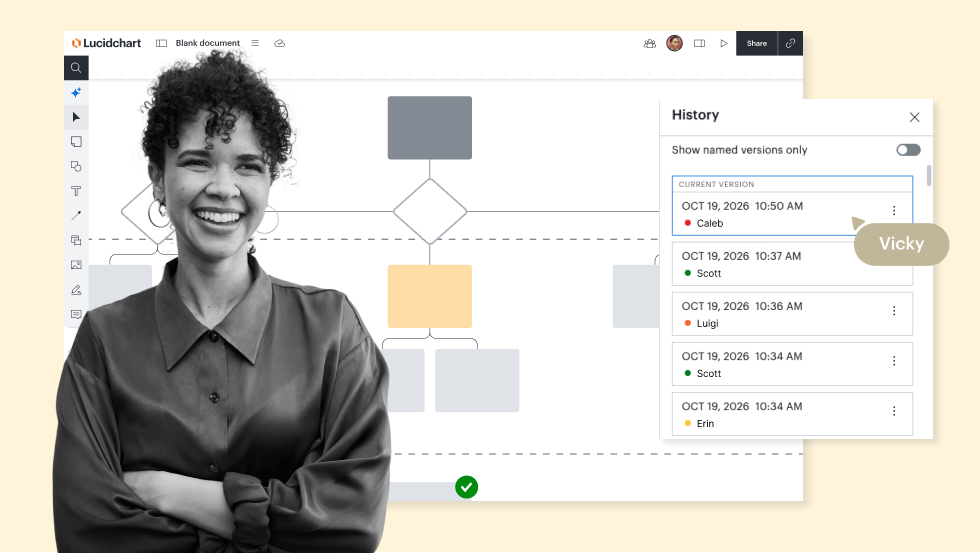
Revision history
Revision history
Shape libraries
Shape libraries
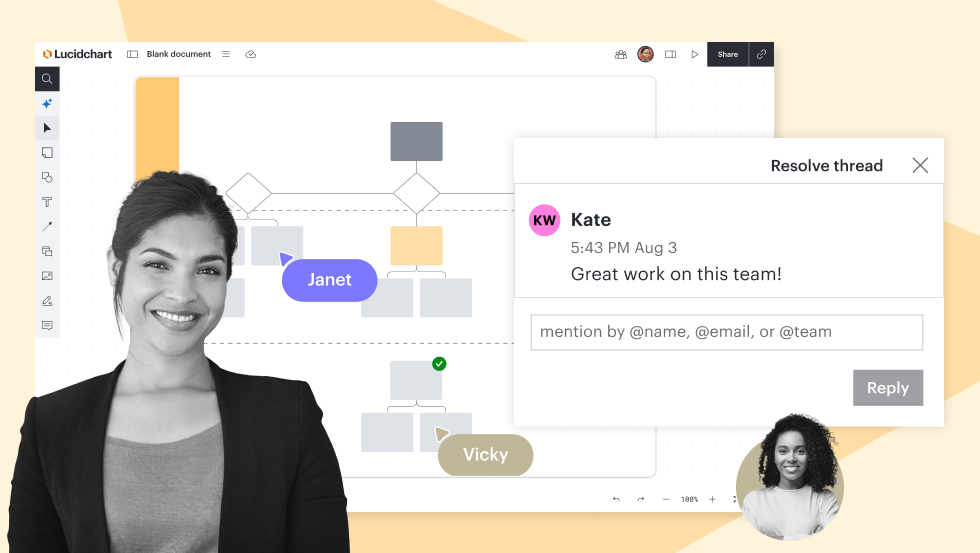
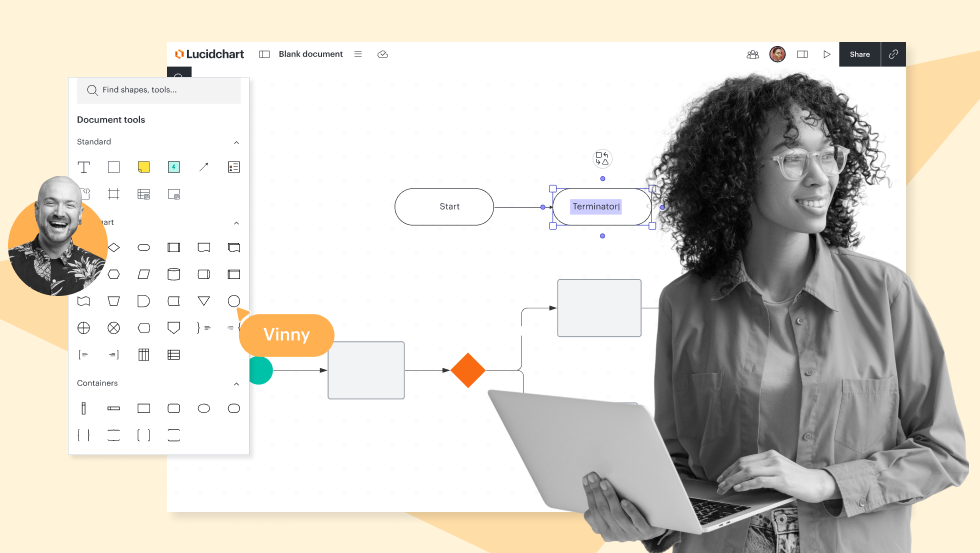
Lucidchart feature highlights
Streamline work by enabling multiple collaborators to create and edit the same diagram at once.
C4 model templates and examples
Choose a customizable template to create a C4 model diagram or software architecture diagram online.
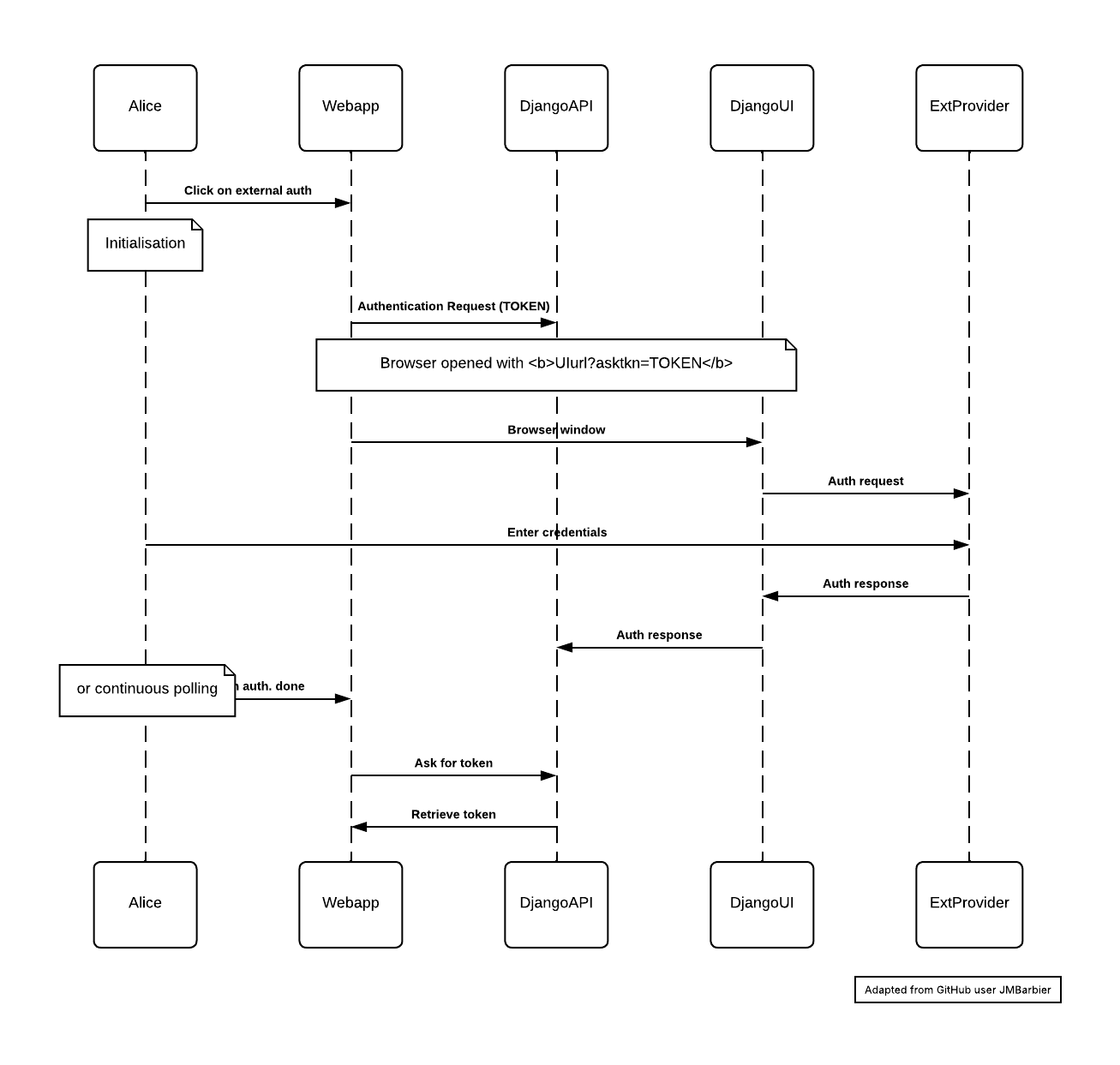
UML sequence: Web application authentication
Go to UML sequence: Web application authentication template
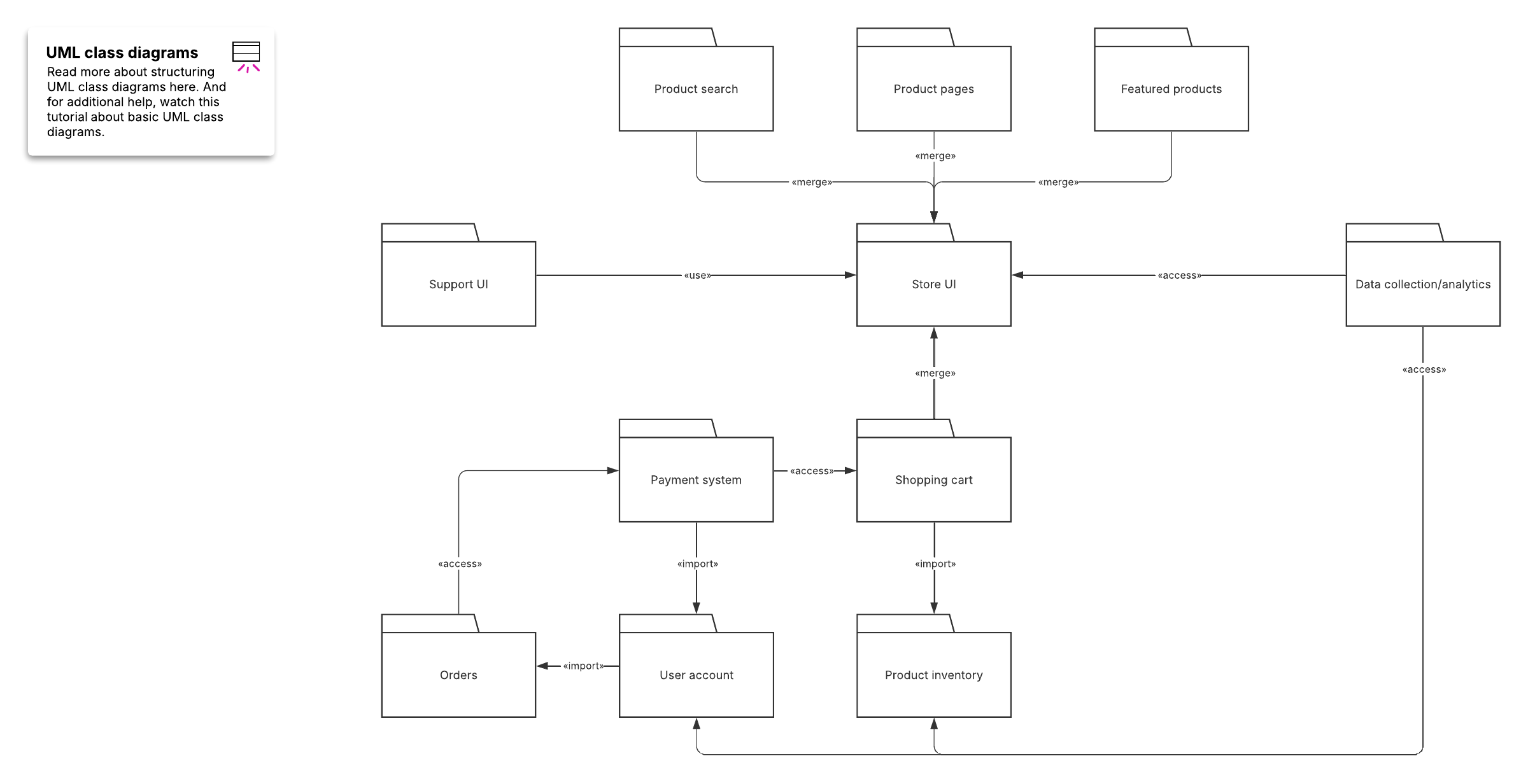
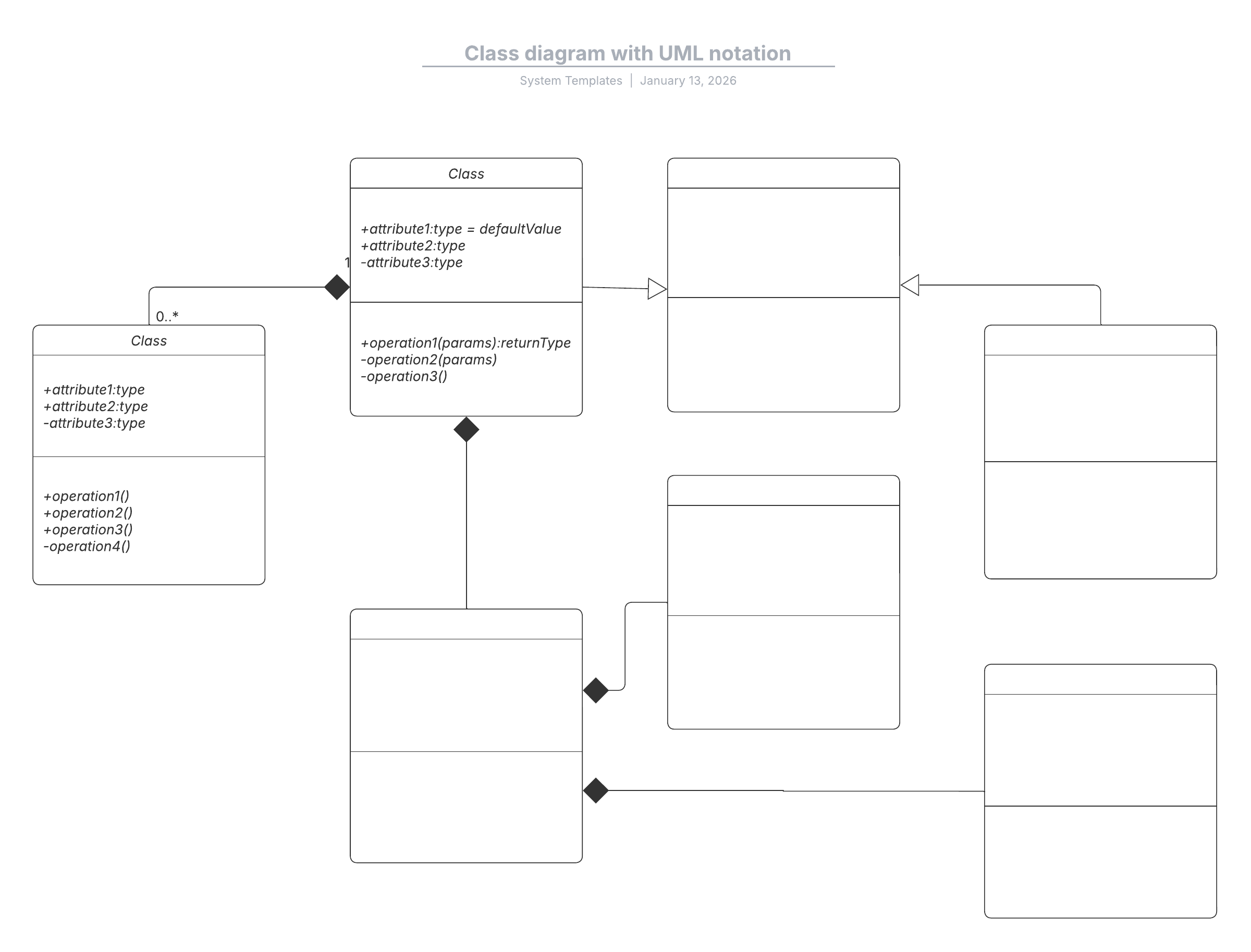
Get started with Lucidchart in under 5 minutes
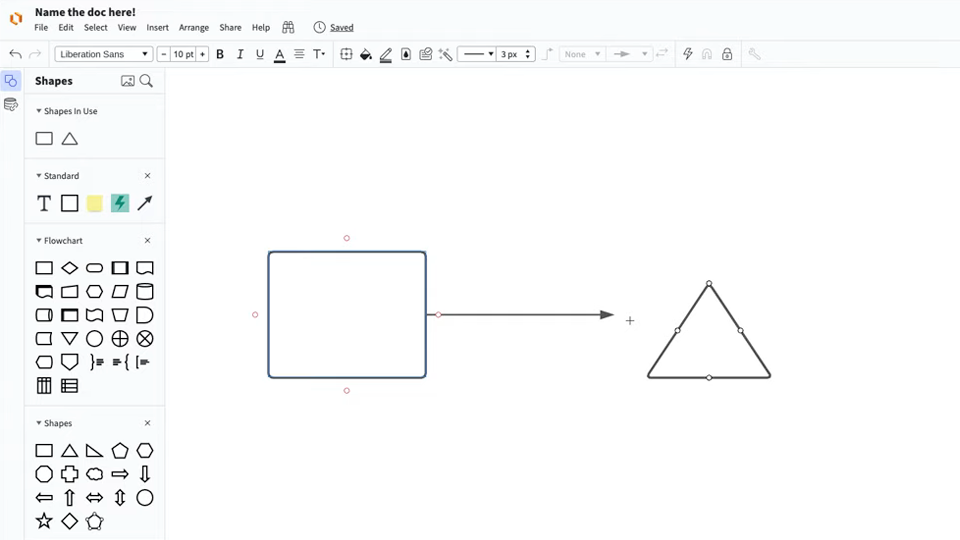
Master the basics of Lucidchart in 3 minutes
Follow along with this video tutorial and learn how to make any type of diagram in Lucidchart.
Why teams choose Lucidchart
As an intelligent diagramming application, Lucidchart provides simple yet powerful capabilities for visualizing information.

Collaboration. Bring teams together side by side on a shared canvas from anywhere in the world.
Alignment. Build transparency and shared understanding of how a team or company works.
Large-scale change. Increase visibility, standardization, and knowledge sharing across your entire org.
End-to-end workflows. Upgrade to the Lucid Suite for a complete, connected visual collaboration solution.


What is a C4 model?
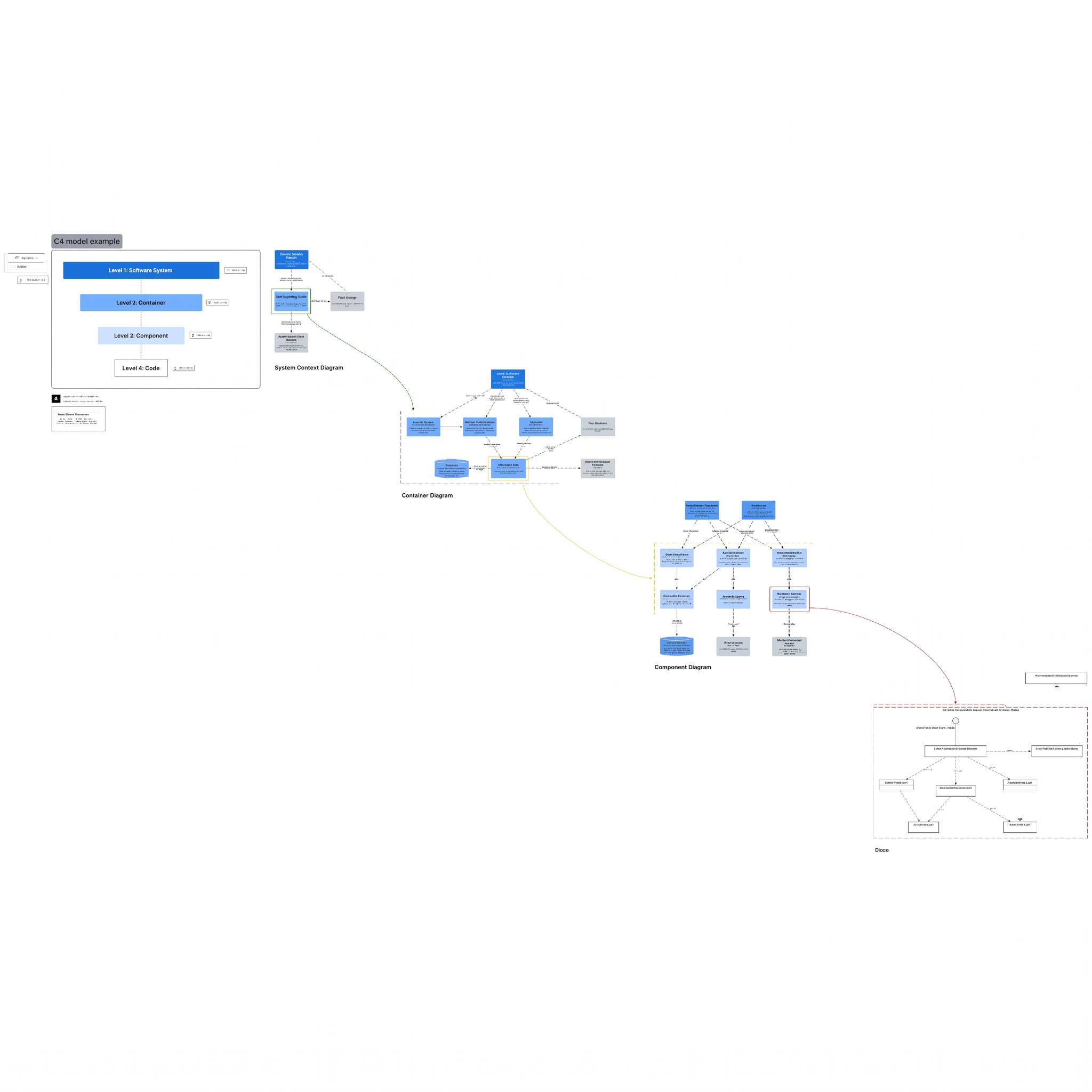
The C4 model is a lightweight approach to diagramming software architecture, created by Simon Brown. It describes a system at four levels of detail: context, container, component, and code. Teams can zoom in or out depending on their audience. Each level adds more detail than the last, providing developers, architects, and stakeholders a shared way to see and discuss how a system is built.
How to create a C4 model diagram
Map the system context
Break the system into containers
Detail components within a container
Collaborate and keep it current
Additional resources

Lucid Training Labs
Learn visual collaboration skills in free, self-serve courses and live training workshops.

Lucid Community
Connect with other users to share tips and insights. Provide feedback to Lucid’s product team.
Help center
Find detailed articles with step-by-step instructions for using specific Lucid features.
Lucidchart tutorials
Go to the Lucidchart tutorials playlist on YouTube for video training on various topics.
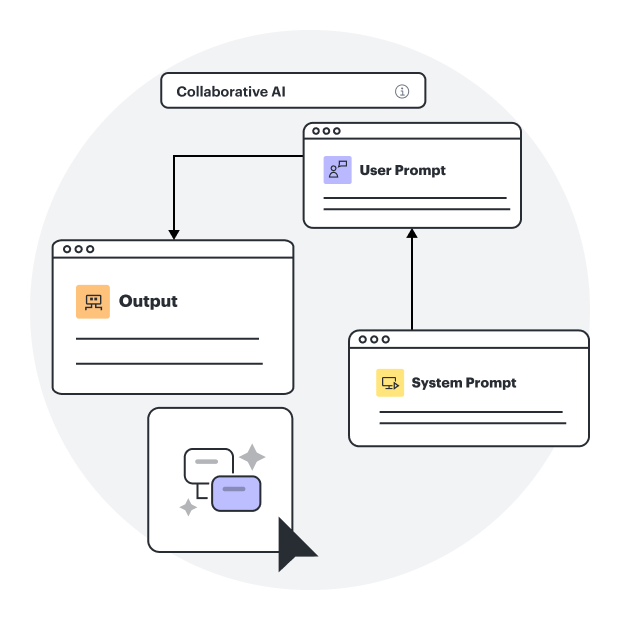
Lucid AI diagramming hub
Get an overview of Lucid AI’s capabilities and find additional resources.
Lucid blog
Explore tips for optimizing collaboration, aligning teams, and driving initiatives in Lucidspark.
Lucidchart pricing
Create a free account and compare options for paid Individual, Team, or Enterprise plans.
Frequently asked questions about the C4 model
What is the C4 model?
What are the four levels of the C4 model?
What is the difference between the C4 model and UML?
How do I create a C4 model diagram?
What tools can I use to build a C4 model?
Can I start a C4 model from a template?
Everything you need to make a C4 model and more
In addition to our C4 diagram tool, Lucidchart offers capabilities and resources to help you branch out to any type of diagram.
Sign up free