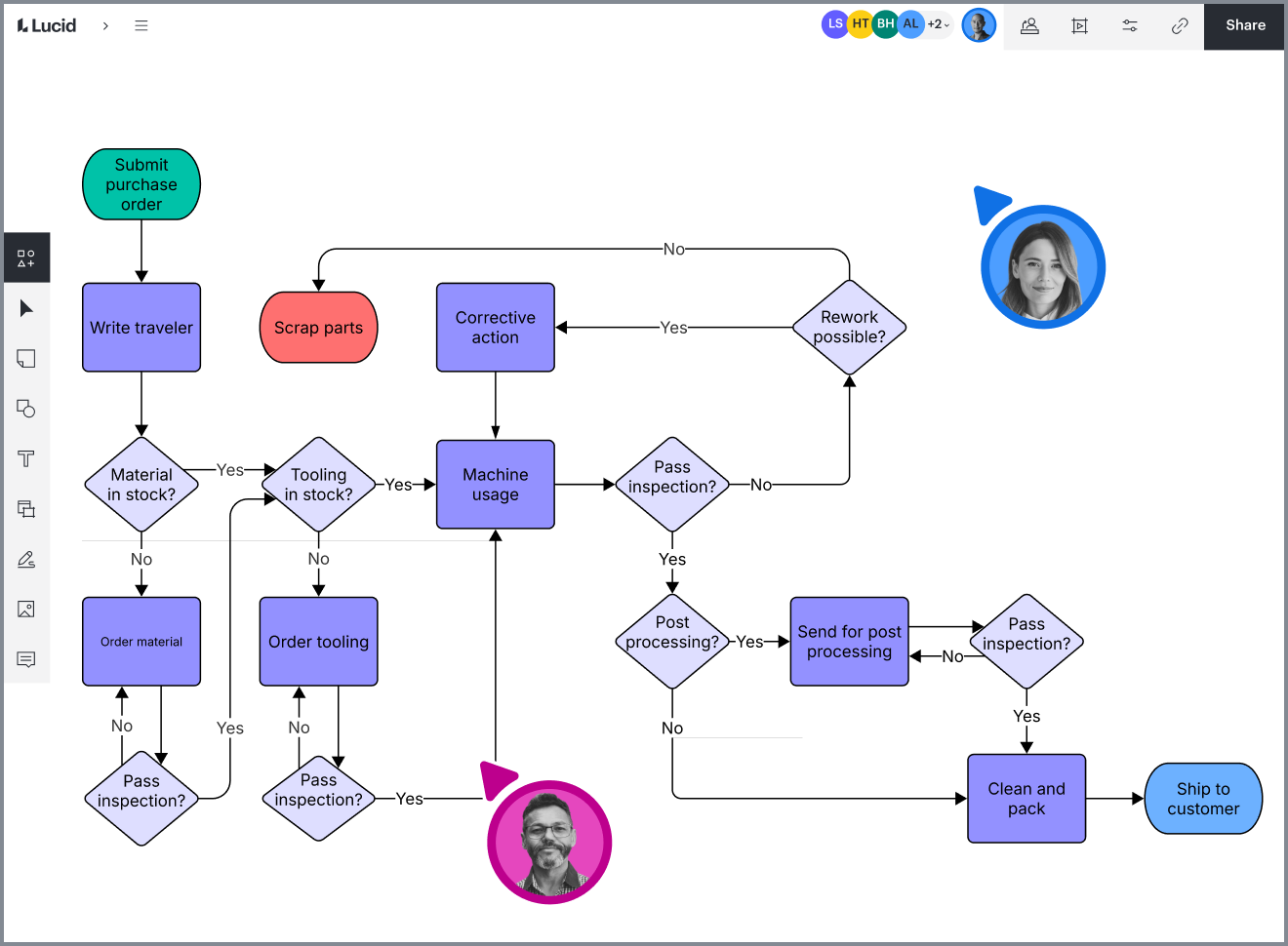
Organizational chart maker
Visualize your team structure by creating an org chart in Lucidchart. You can use one of our templates or start from scratch, and we make it easy to collaborate and share your chart with others.


By registering, you agree to our Terms of Service and you acknowledge that you have read and understand our Privacy Policy.

Get started with our AI diagram generator
 , opens in a new tab
Bring transparency to your org
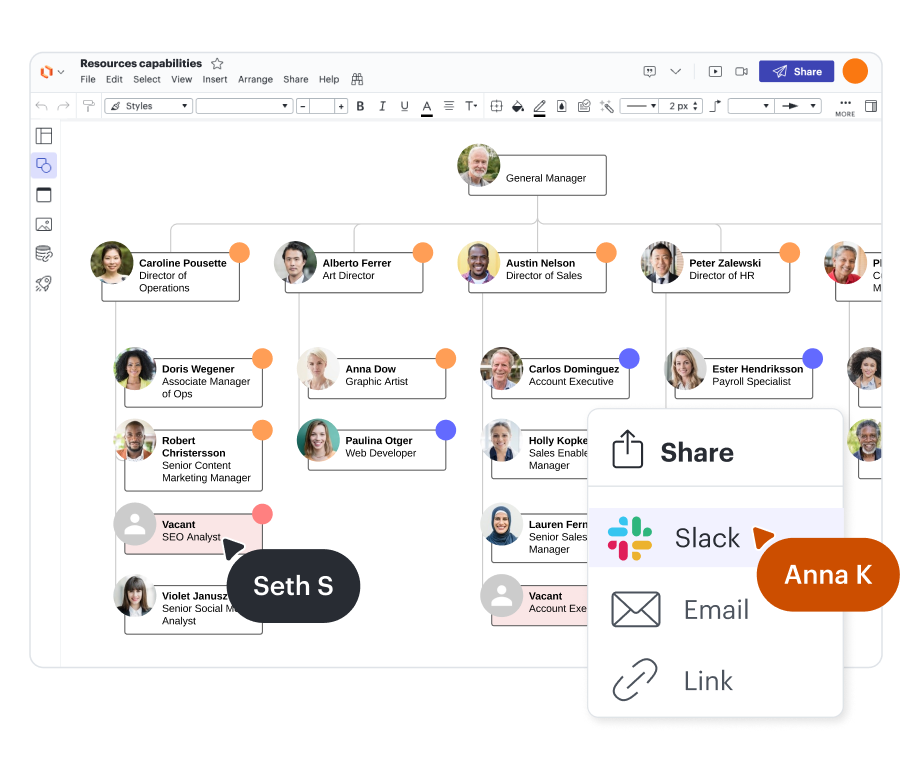
See everyone you work with at a glance with our org chart maker.
Easy introductions
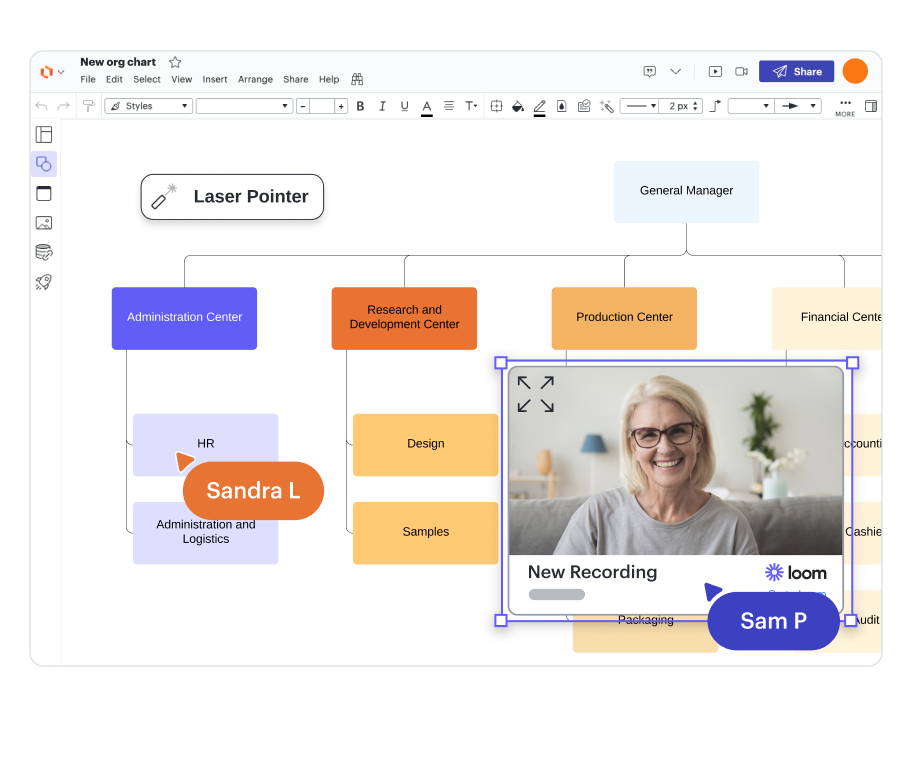
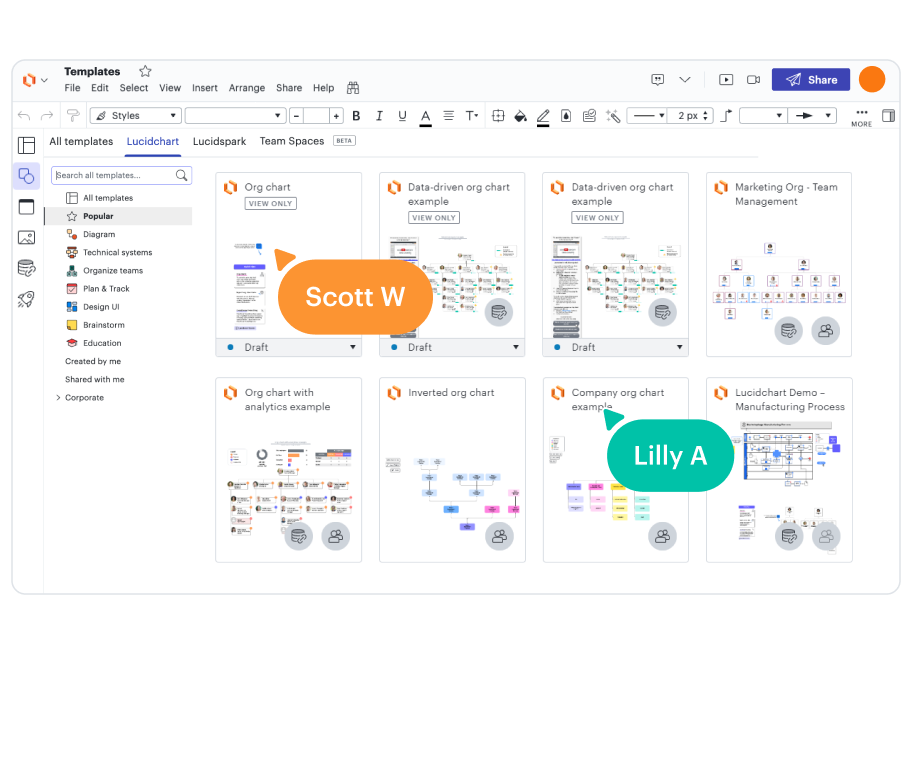
Quick-start options
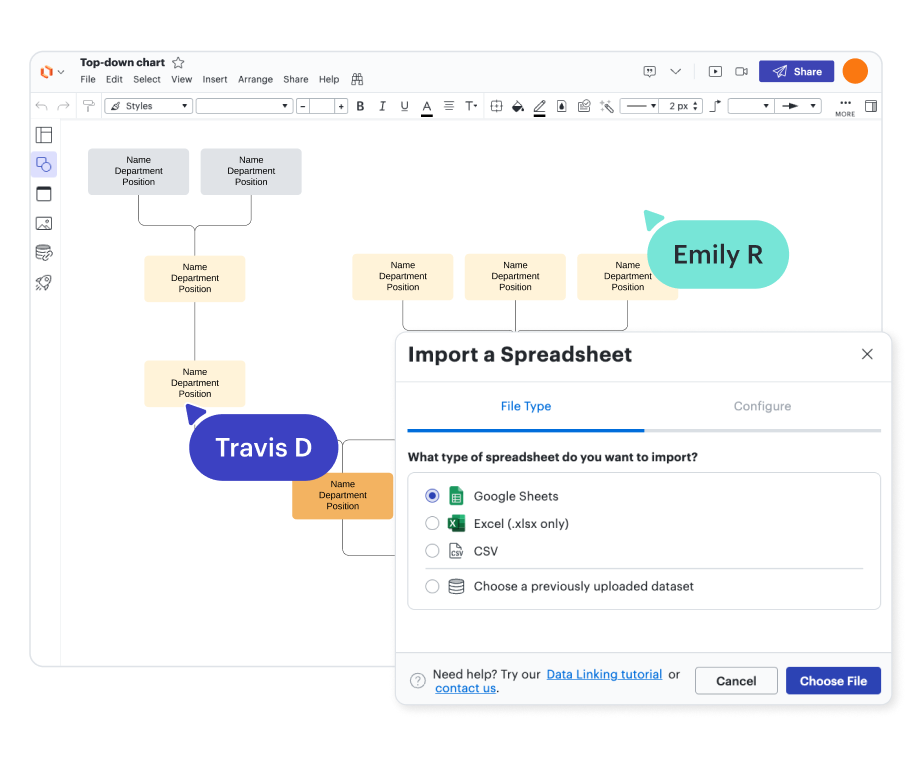
Automatically up-to-date org charts
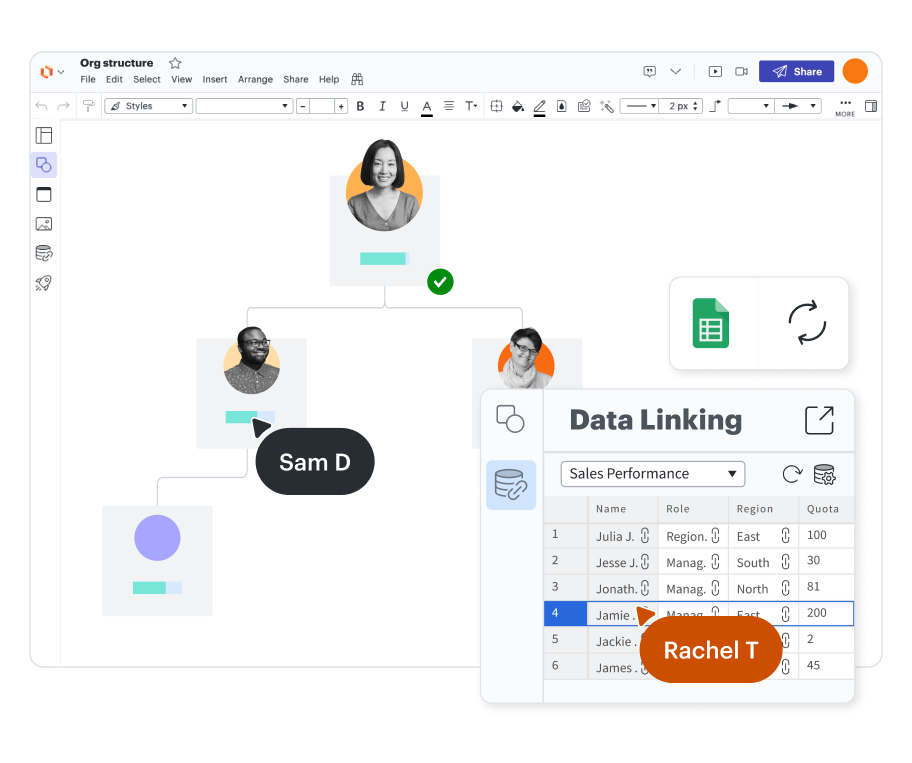
Collaborative org chart builder
Customizable templates
Secure and private

Trusted and loved

Lucidchart feature highlights
Real-time collaboration
Real-time collaboration
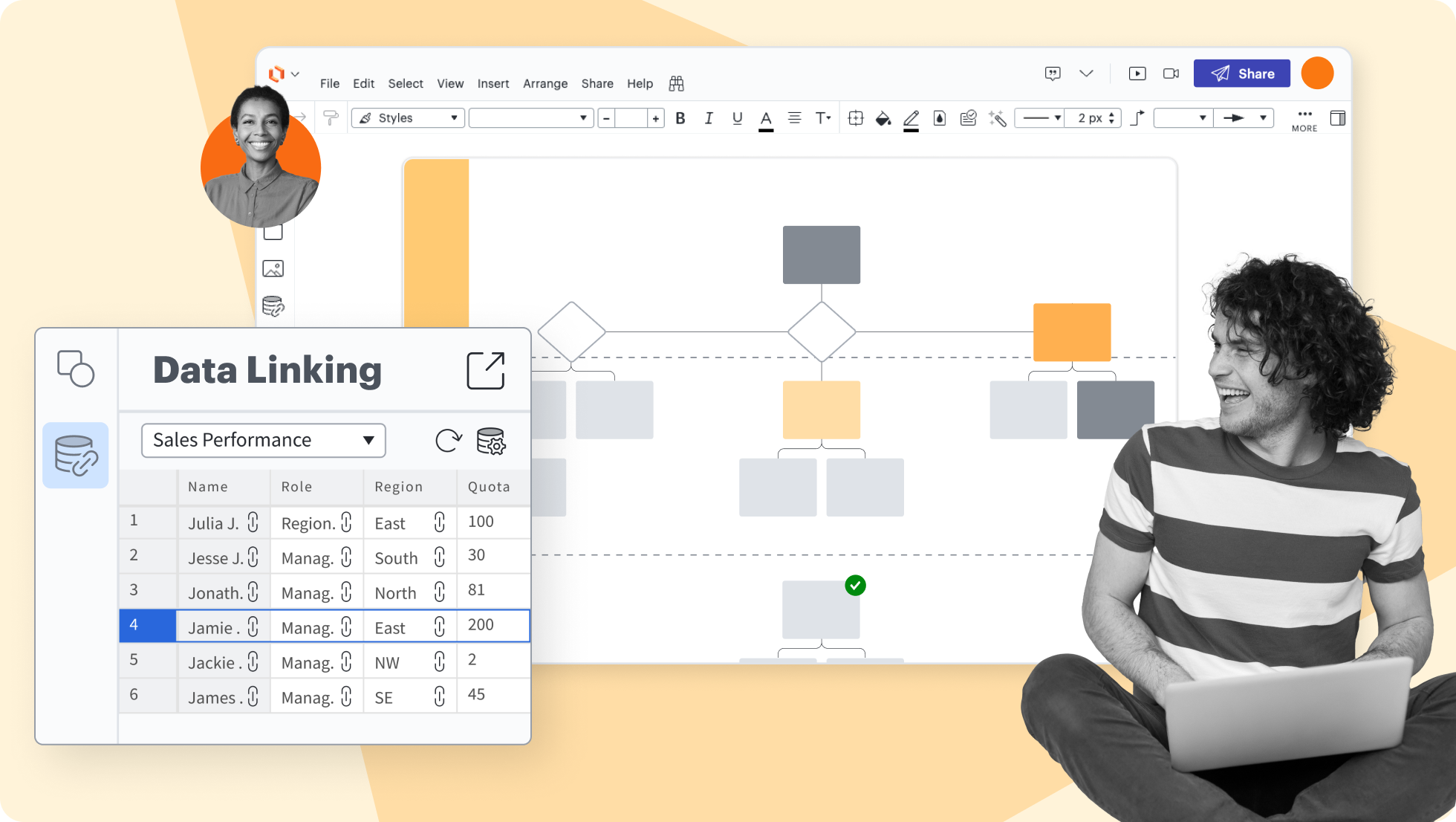
Data linking
Data linking
Conditional formatting
Conditional formatting
Layers
Layers
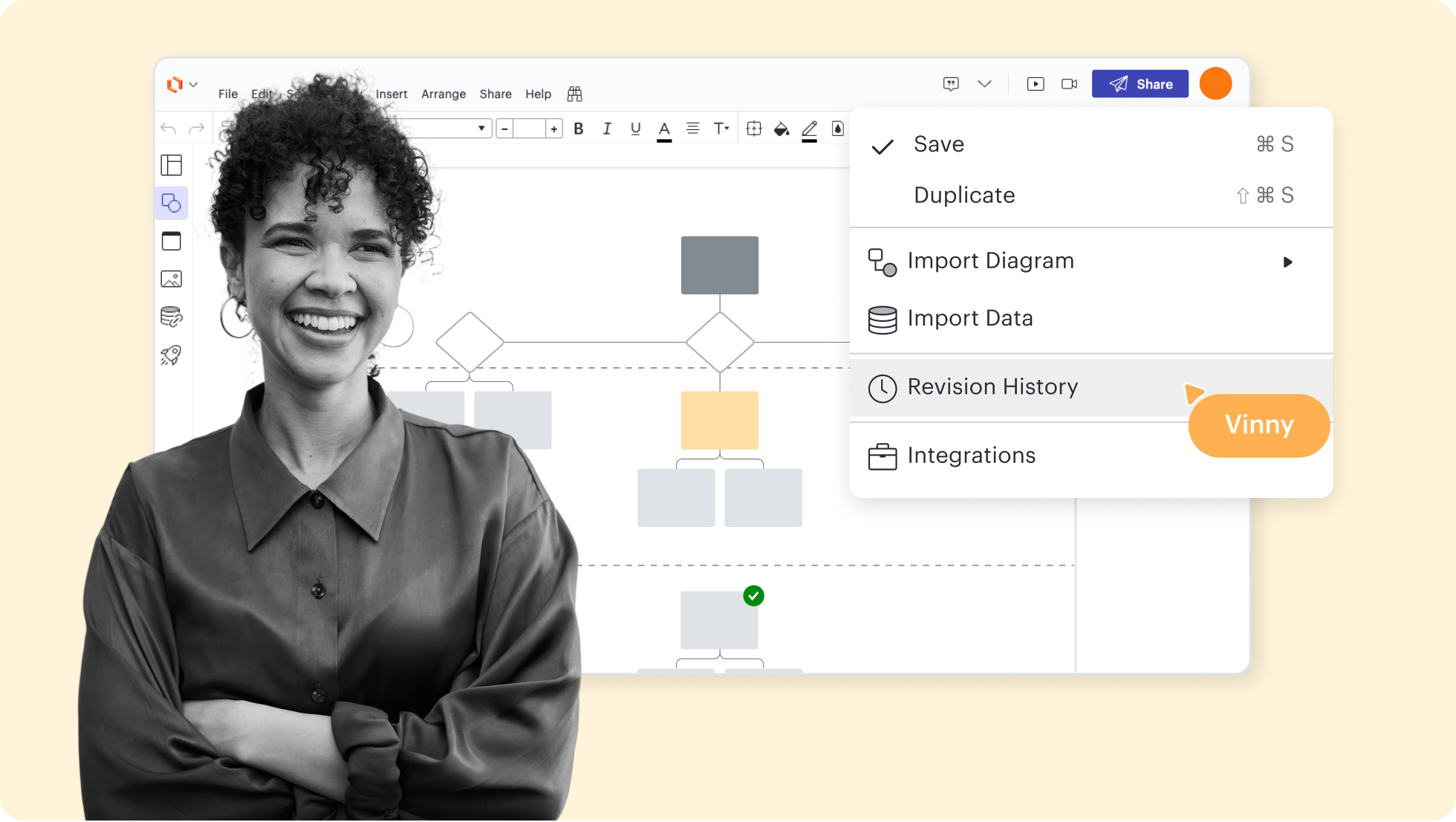
Revision history
Revision history
Shape libraries
Shape libraries
AI prompt flow
AI prompt flow





Lucidchart feature highlights
Streamline work by enabling multiple collaborators to create and edit the same diagram at once.
Org chart templates and examples
Start building your organizational chart with a template.
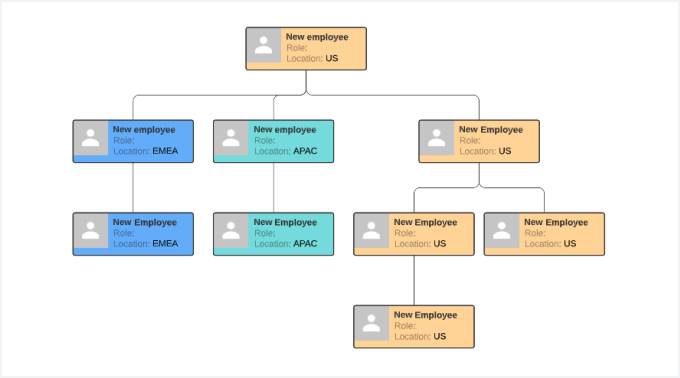
Geographic organizational structure template
Go to Geographic organizational structure template template
Getting started with org charts in Lucidchart
How to create an org chart in Lucidchart
Follow along with this video tutorial and learn how to make an org chart in Lucidchart.
Why teams choose Lucidchart
As an intelligent diagramming application, Lucidchart provides simple yet powerful capabilities for visualizing information.

Collaboration. Bring teams together side by side on a shared canvas from anywhere in the world.
Alignment. Build transparency and shared understanding of how a team or company works.
Large-scale change. Increase visibility, standardization, and knowledge sharing across your entire org.
End-to-end workflows. Upgrade to the Lucid Suite for a complete, connected visual collaboration solution.


What is an organizational chart?
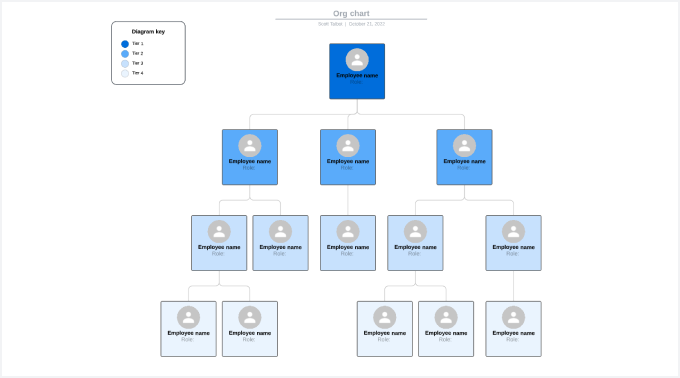
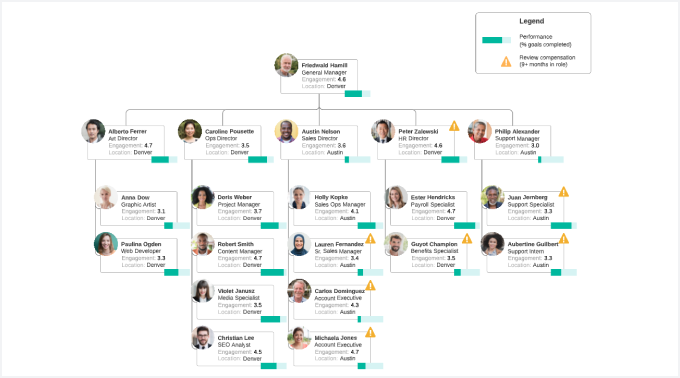
An organizational chart, or org chart, maps the structure of your organization. The diagram uses boxes for each person, and lines connect the boxes. Generally, vertical lines show that the person above manages the person below, and horizontal lines show that the team members are peers. When you view the chart, you’ll quickly see who reports to whom, people’s job titles, and the teams or departments that they belong to. These diagrams come in handy when you need to figure out who to talk to about a specific issue or when you’re restructuring teams to reduce inefficiency.
How to create an organizational chart
Create a spreadsheet
Import your data
Customize your chart
Edit the employees
Share your org chart
Additional Lucidchart resources

Lucid Training Labs
Learn visual collaboration skills in free, self-serve courses and live training workshops.

Lucid Community
Connect with other users to share tips and insights. Provide feedback to Lucid’s product team.

Help center
Find detailed articles with step-by-step instructions for using specific Lucid features.

Lucidchart tutorials
Go to the Lucidchart tutorials playlist on YouTube for video training on various topics.
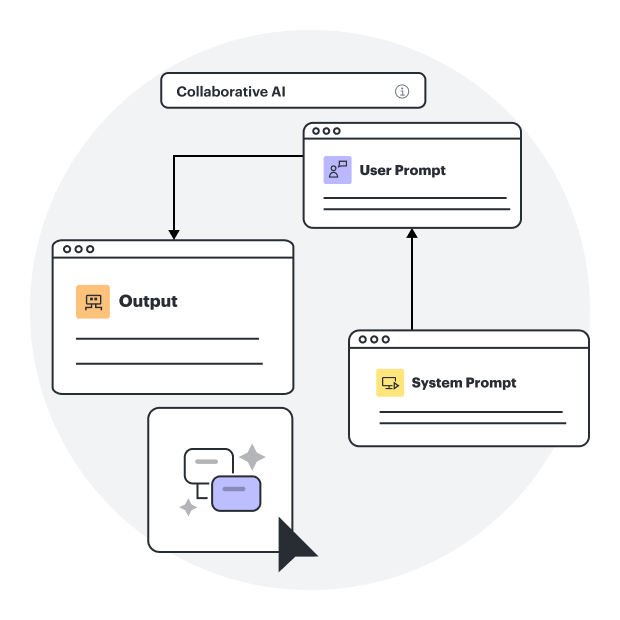
Collaborate with AI
Get an overview of Lucid’s AI functionality and find additional resources.
Lucid blog
Explore tips for optimizing collaboration, aligning teams, and driving initiatives in Lucidspark.

Lucidchart pricing
Create a free account and compare options for paid Individual, Team, or Enterprise plans.
Frequently asked questions about org charts
What data sources do you support for org chart import?
Can I add photos to my org chart?
How do I add different views to my org chart?
What should I know before getting started on building an organizational chart?
How do I move only one set of child boxes to a lower level without moving the rest of the org chart child boxes that are currently on the same level?
What if I have more org chart-related questions?
Everything you need to make a diagram
In addition to our organizational chart maker, Lucidchart offers support and training resources to help you branch out to any type of diagram.
Learn how to make an org chart in Lucidchart