Key takeaways
A standard operating procedure standardizes best practices so routine work is completed consistently, safely, and in compliance—no matter who performs it.
Start every SOP by defining the outcome you want it to achieve before you document a single step.
Choose a format—checklist, step-by-step list, hierarchical list, or flowchart—based on how complex the procedure is and who will use it.
Collaborate with those who actually do the work to surface missing steps and edge cases you wouldn’t catch. Revise until stakeholders approve and review annually.
A complete SOP document typically includes a title block, the detailed procedure, terminology, safety warnings, required equipment, and troubleshooting notes.
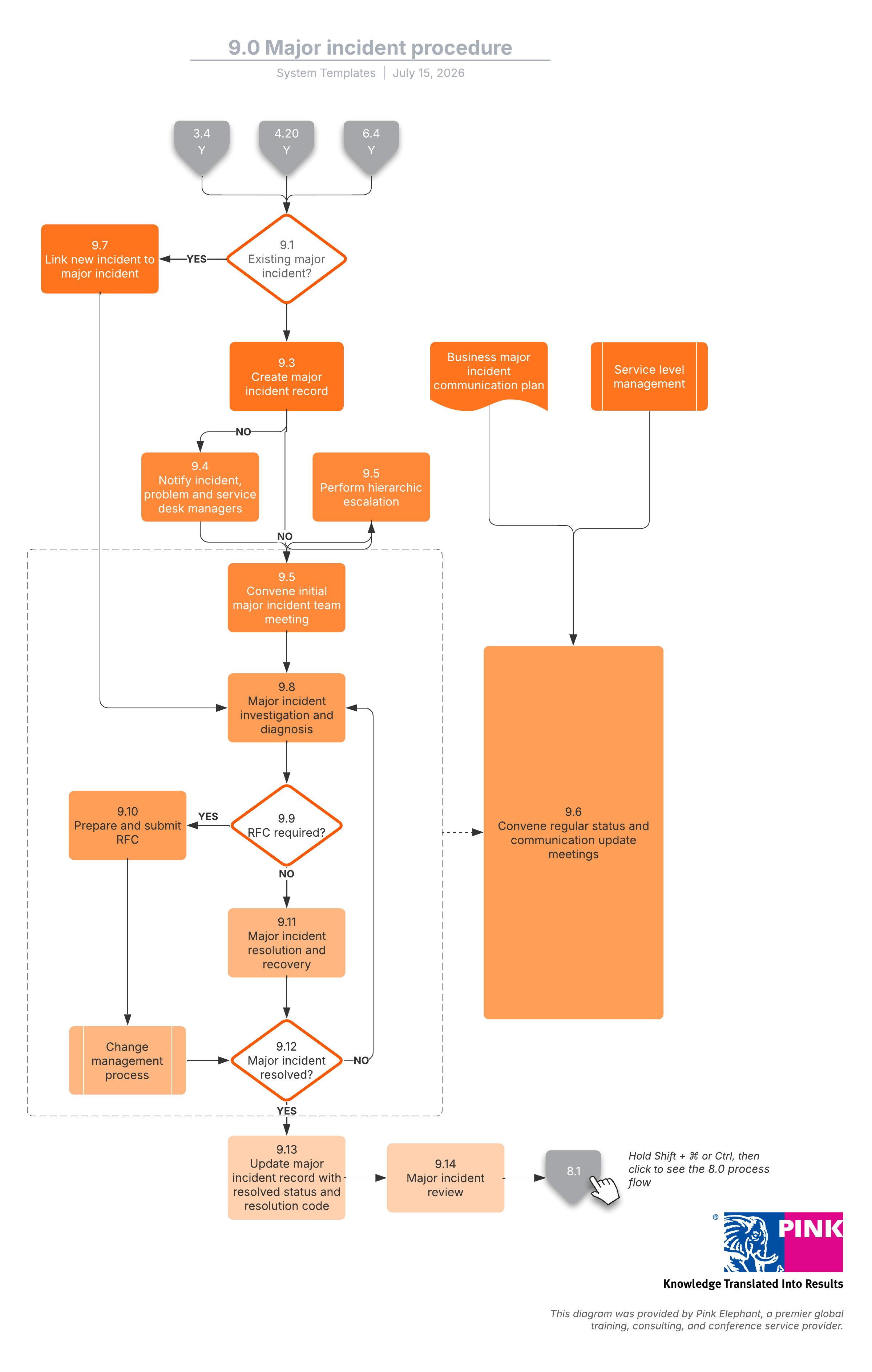
A flowchart makes a complex SOP easier to follow than dense text by showing how steps, decisions, and handoffs connect.
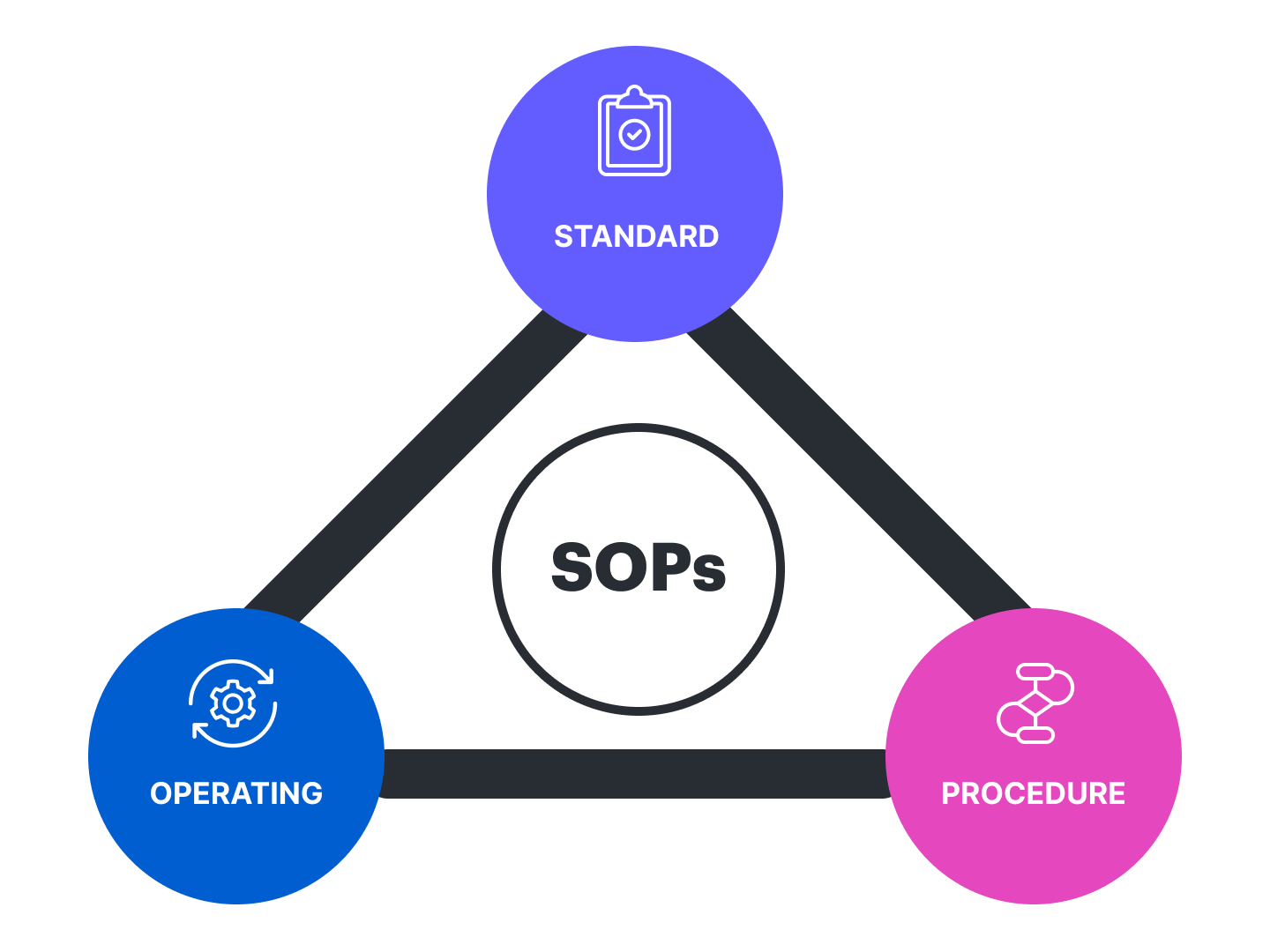
Writing a standard operating procedure (SOP) sounds simple—just document the steps, and you're done. In practice, a good SOP does more than list steps. It defines who does the work, when and where it happens, and what a successful outcome looks like, so any qualified person can complete the task the same way every time.
This guide walks through how to write an SOP from goal to final draft, how to choose the right format, and how to turn your procedure into a clear SOP flowchart in Lucidchart.
When to create an SOP
SOPs are essential to running an efficient, compliant operation. They remove uncertainty about how routine work gets done and make sure the right people handle the right tasks at the right time. No SOP guarantees perfect performance, but standardizing best practices raises the quality and predictability of your outcomes.
Consider writing an SOP when you need to:
-
Meet compliance and regulatory standards.
-
Hit production requirements consistently.
-
Protect safety and reduce environmental impact.
-
Keep work on schedule.
-
Prevent manufacturing or quality failures.
-
Train new and cross-functional team members.
Not every task needs an SOP. Before you start, list the processes your team repeats daily, weekly, and monthly, then focus on the ones that must be done the same way every time.
How to write a standard operating procedure
No single official document dictates how to write an SOP. But the following steps give you a reliable path from a rough idea to a standardized, tested procedure.
Step 1: Begin with the end in mind
Define the outcome the SOP should achieve. For example, if you're documenting how to close a restaurant each night, the goal is to secure the building until the prep crew arrives—not to detail every floor-cleaning task. Identify what the procedure accomplishes first.
As you set goals, confirm an SOP is actually warranted, and check whether one already exists that you can simply improve. Knowing the target makes the outline and details far easier to write.
Step 2: Choose a format
If your company already has SOPs, reuse their formatting as a template. If not, pick the format that fits the complexity of the procedure and the needs of your audience:
Checklist: Checklists are the simplest option. Items don't always need to be in strict order as long as each one is checked and verified.
Step-by-step list: Step-by-step lists are similar to checklists but are performed in a specific sequence, described from start to finish, in short, clear steps.
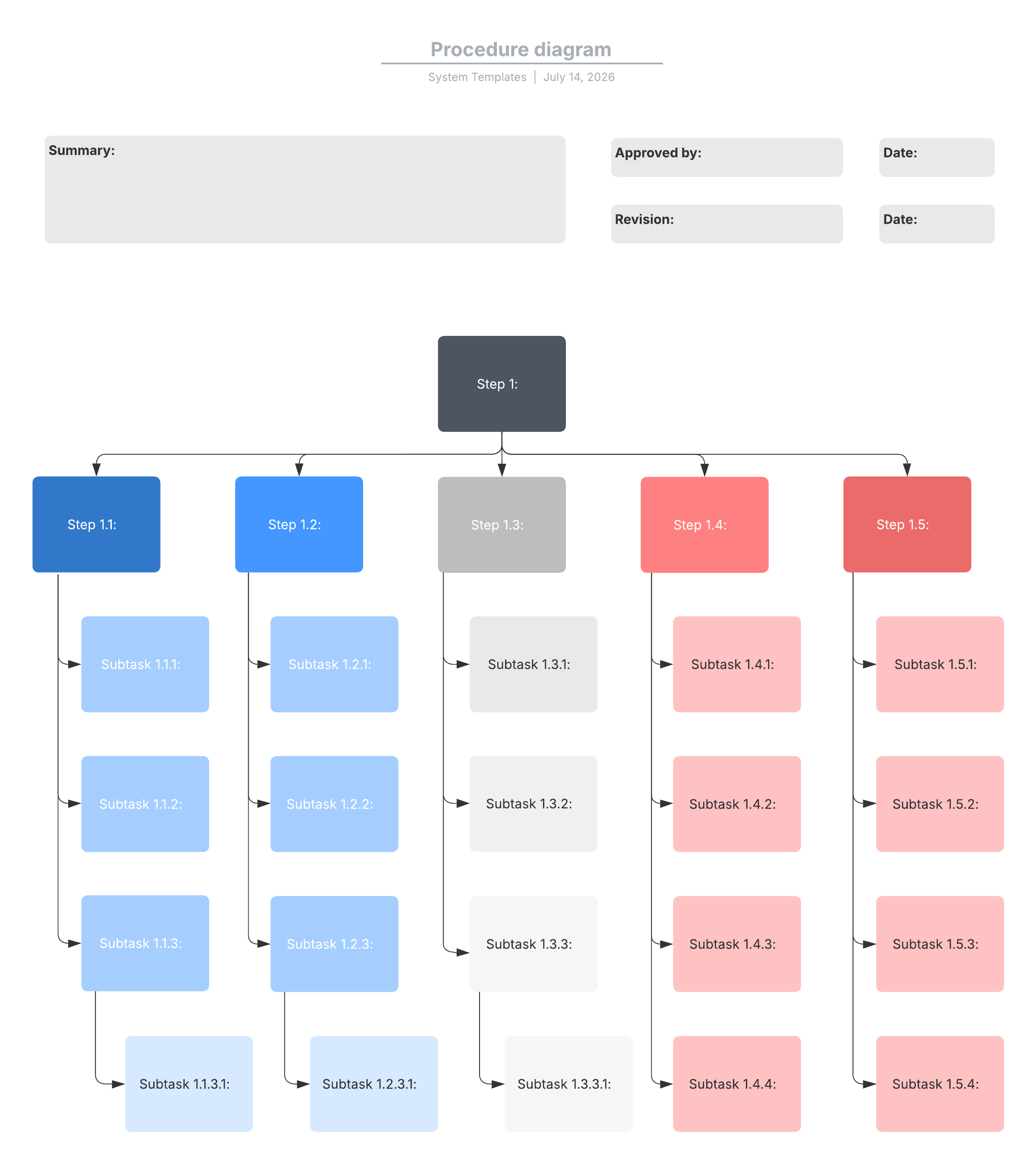
Hierarchical list: Hierarchical lists are best for procedures with many steps or decisions. The main steps are followed by detailed substeps that add the information a step requires.
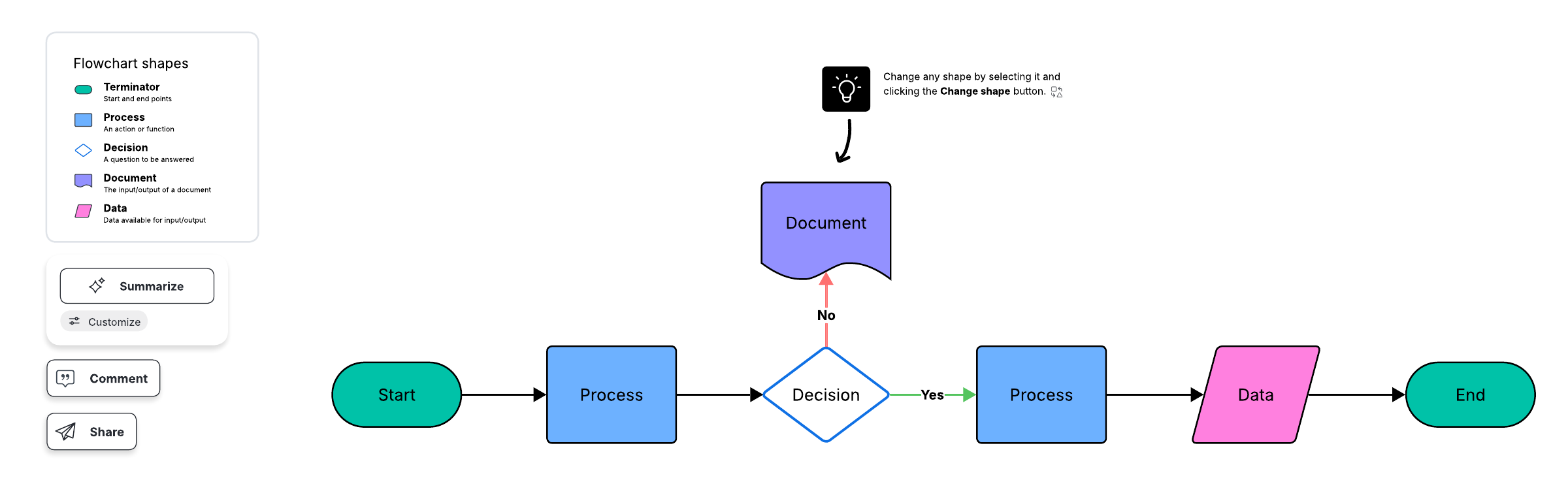
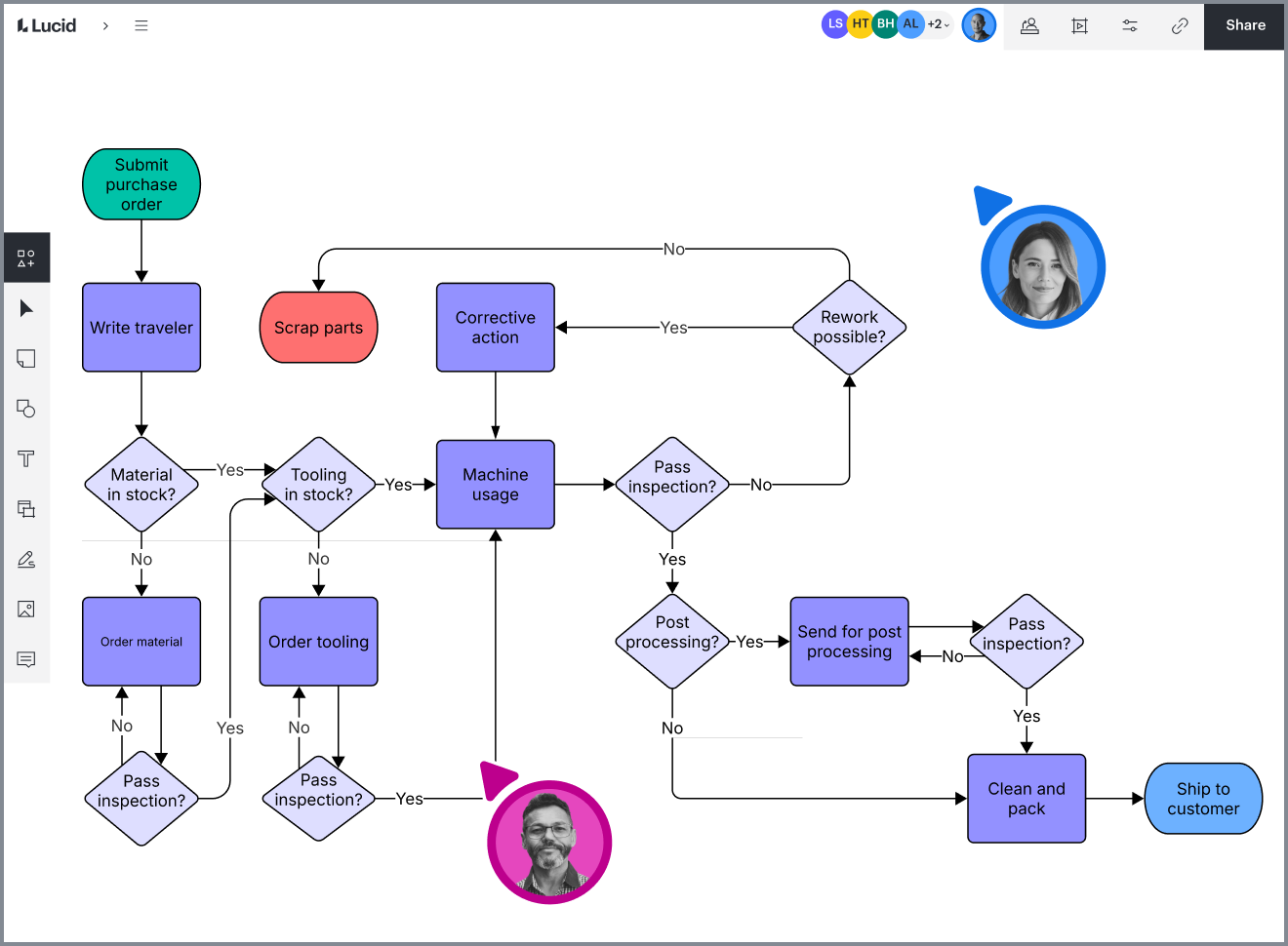
Flowchart: Flowcharts are ideal when a process branches into many possible outcomes. A flowchart maps the path visually so people see how steps and decisions connect.
Whichever you choose, keep it clear, concise, accessible, and easy to read.
Step 3: Ask for input
Gather feedback from the people who will follow the SOP and ask how the job should be done either synchronously or asynchronously. They'll confirm if the procedure makes sense and flag any missing considerations. Expect multiple drafts, and invite the team to review each one so they can keep improving it.
Step 4: Define the scope
Your SOP may depend on other procedures, teams, or departments. Decide whether it's enough to reference those procedures or whether you need to fold them into this document. A flowchart or map is a clear way to show dependencies and responsible parties. Documenting the current state first—an as-is process analysis—makes those dependencies easy to see before you finalize the scope.
Step 5: Identify your audience
How you write the SOP depends on who reads it. Consider:
Prior knowledge: Write to your audience's level. Documentation that’s too basic wastes their time, but documentation that’s too complex risks mistakes.
Language skills: To account for different languages and learning styles, rely more on visuals than words.
New employees: Onboarding SOPs should be detailed and training-oriented to ensure consistent outcomes.
Audience size and roles: When many roles across teams use the document, clearly define who performs each task so everyone understands where they fit.
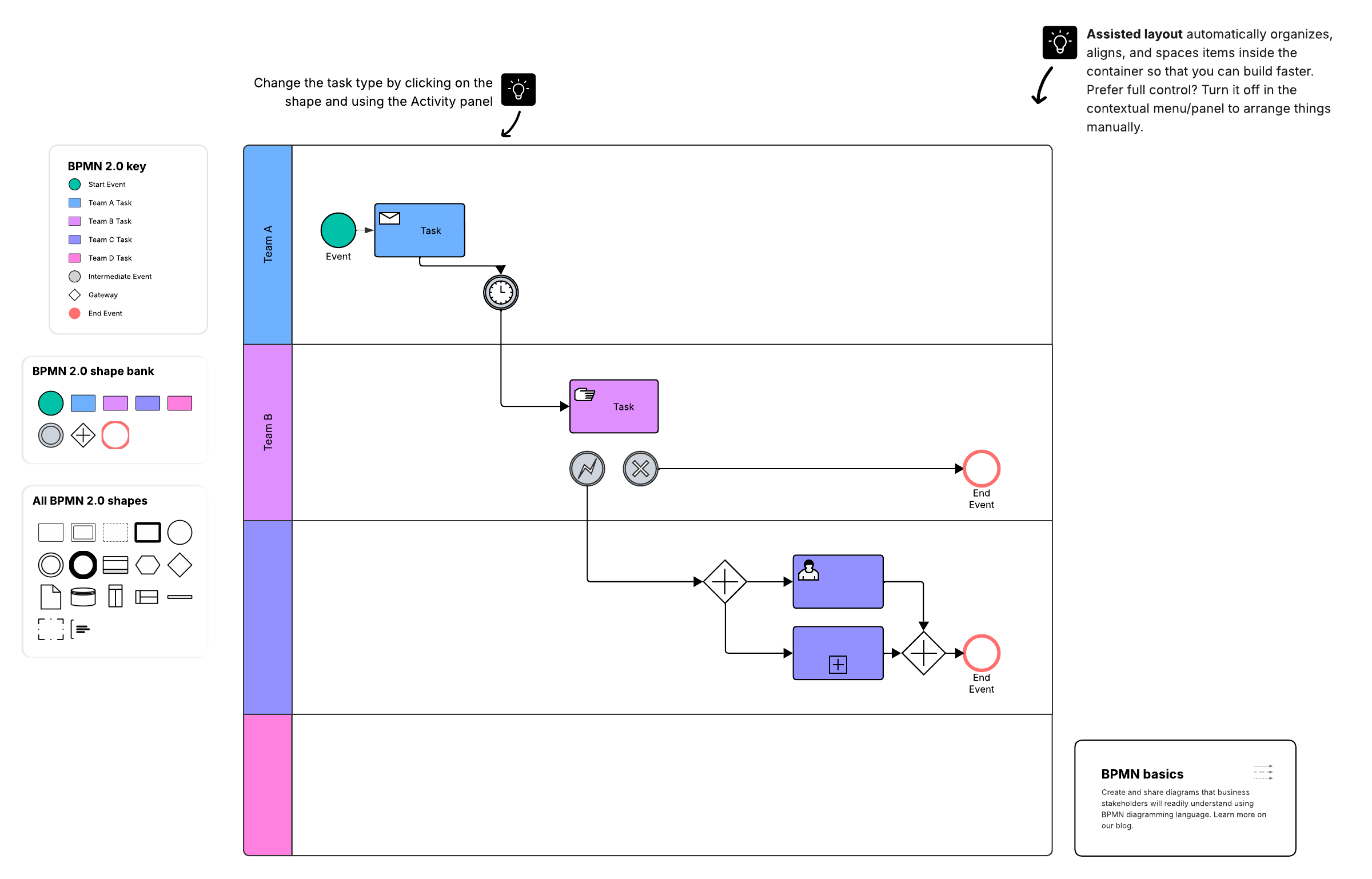
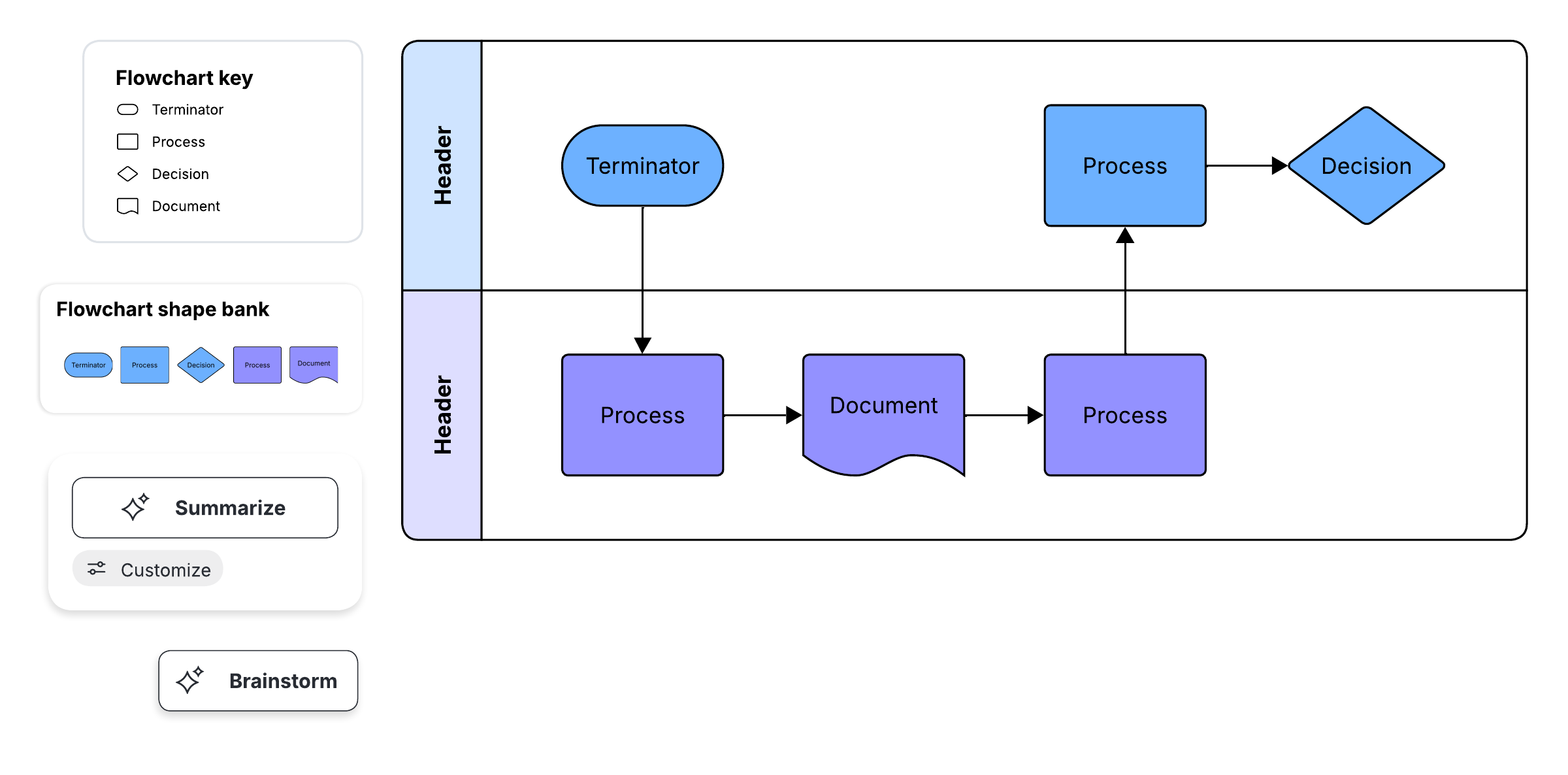
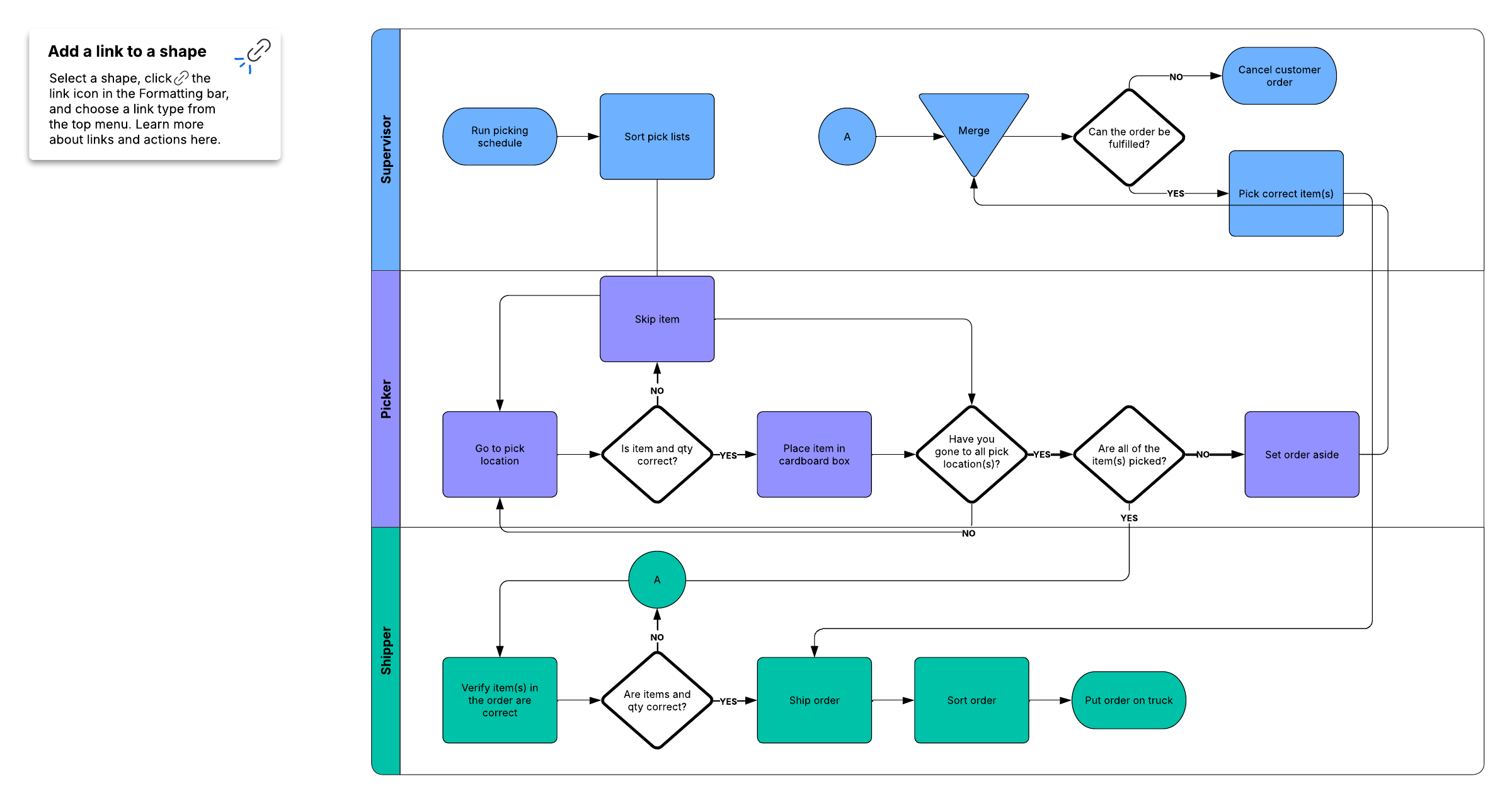
When multiple roles are involved, mapping responsibilities visually keeps ownership clear. Cross-functional process mapping with swimlanes is an effective way to show who owns each step.
Step 6: Write the SOP
Draft the procedure and consider including these elements:
Title block: The procedure title, an SOP identification number, a publication or revision date, the role or organization it applies to, and the names of those who prepared and approved it
Table of contents: Only needed for long, multi-page documents to help readers jump to specific sections
The procedure itself: The scope and purpose, step-by-step instructions, decisions and "what if" scenarios, clarified terminology and acronyms, health and safety warnings, a full list of required equipment and supplies, and a troubleshooting section for what can go wrong
Step 7: Review, test, edit, repeat
Once you have a draft:
Send it to team members to catch errors.
Test it yourself to confirm it produces the intended outcome.
Have others follow the procedure to verify that the language is clear and the steps work.
Incorporate edits and suggestions.
Repeat until stakeholders approve and accept the SOP.
Implement it and make it easily accessible for everyone who needs it.
Review the SOP at least once a year, or sooner if the process changes, to keep it accurate and useful.
How to make an SOP flowchart in Lucidchart
Structured, process-driven procedures are easiest to follow as a flowchart, and Lucidchart—the intelligent diagramming solution in the Lucid Visual Collaboration Suite—is built for exactly this kind of technical, decision-based diagram. Here's how to turn your written SOP into a visual one.
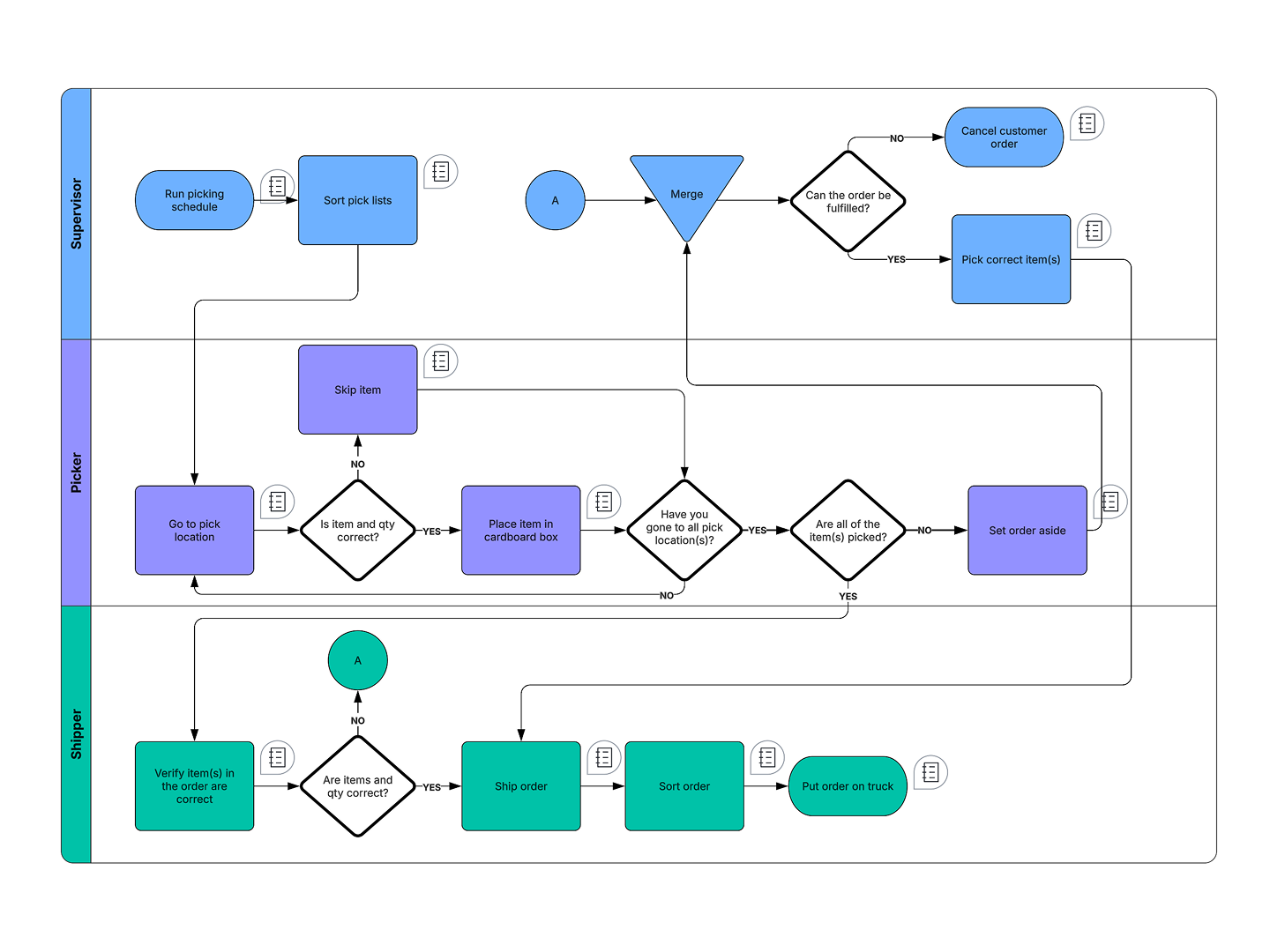
Start from a template or a blank canvas. Open a new Lucidchart document and choose a flowchart or SOP template from the template gallery on the left-hand toolbar, or start one from scratch.
Map the steps as shapes. Add a shape for each step in your procedure and connect them with lines to show the sequence from start to finish.
Add decision points. Use diamond shapes for yes/no or branching decisions so readers can follow the correct path when outcomes vary.
Assign ownership with swimlanes. Add swimlanes to group steps by the role, team, or department responsible, making hand-offs and accountability obvious.
Clarify with detail. Label shapes clearly, add notes for equipment, warnings, or "what if" scenarios, and use color to highlight safety steps or key decisions.
Collaborate and finalize. Invite your team to comment and edit in real time, then share the finished flowchart so everyone works from the same source of truth.
For step-by-step help with building the diagram, check out Lucid's guide on how to create a flowchart in Lucidchart.
See guideHow to capture an SOP automatically with Process Capture
Documenting an SOP from scratch takes time. Lucid AI's Process Capture speeds this up by recording your screen as you walk through a process, then generating an editable diagram you can refine into a finished SOP. It's a fast way to turn how work actually gets done into a standardized, visual procedure.
Note that Process Capture is currently available to Enterprise users only.
Here's how it works:
Open a Lucid document and start a capture. Select the Lucid AI icon in the toolbar, choose Document a process, click Start Process Capture, and then Start capture. From there, select the screen to record.
Walk through the process. Complete the workflow as you normally would, narrating each step out loud to improve the accuracy of the generated diagram.
Finish the capture. When you're done, stop the recording from the Process Capture controls.
Redact sensitive information. Before generating anything, review the captured screenshots and draw over or delete any confidential information you don't want processed.
Generate your diagram. Let Lucid AI create a diagram from the recording. The capture is stored in the canvas context frame so you can iterate later.
Refine into a finished SOP. Clean up the generated diagram, add decision points and swimlanes, and layer in the details, warnings, and terminology your SOP needs.
To set it up and review the privacy controls, see Lucid's help center article for using Process Capture.
Alternatively, you could also attach a written SOP file to a prompt and ask Lucid AI to auto-generate a diagram based on the information provided.
Lucid makes it easy to visualize your SOPs. Create one now with a free Lucidchart account.
Sign up now