Key takeaways
Swimlane diagrams are a type of process flowchart that adds accountability by assigning each step to a specific person, team, or department.
Horizontal or vertical lanes visually separate responsibilities, making handoffs and communication points immediately clear.
Common applications of swimlanes include BPMN 2.0 business process modeling, UML activity diagrams, and cross-functional process mapping.
Creating a swimlane diagram starts with defining your goal, identifying participants, and determining the owner of each step.
Swimlane diagrams expose redundancies, bottlenecks, and inefficiencies that narrative descriptions often miss.
Swimlanes add an extra level of clarity about who does what in a process flowchart. If you're not familiar with using a swimlane diagram tool like Lucidchart, here's everything you need to know about swimlane diagrams, including what they are and how to create your own swimlane diagram.
What is a swimlane diagram?
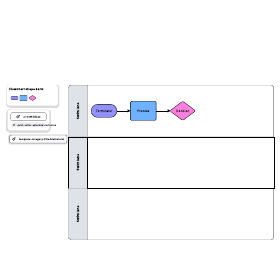
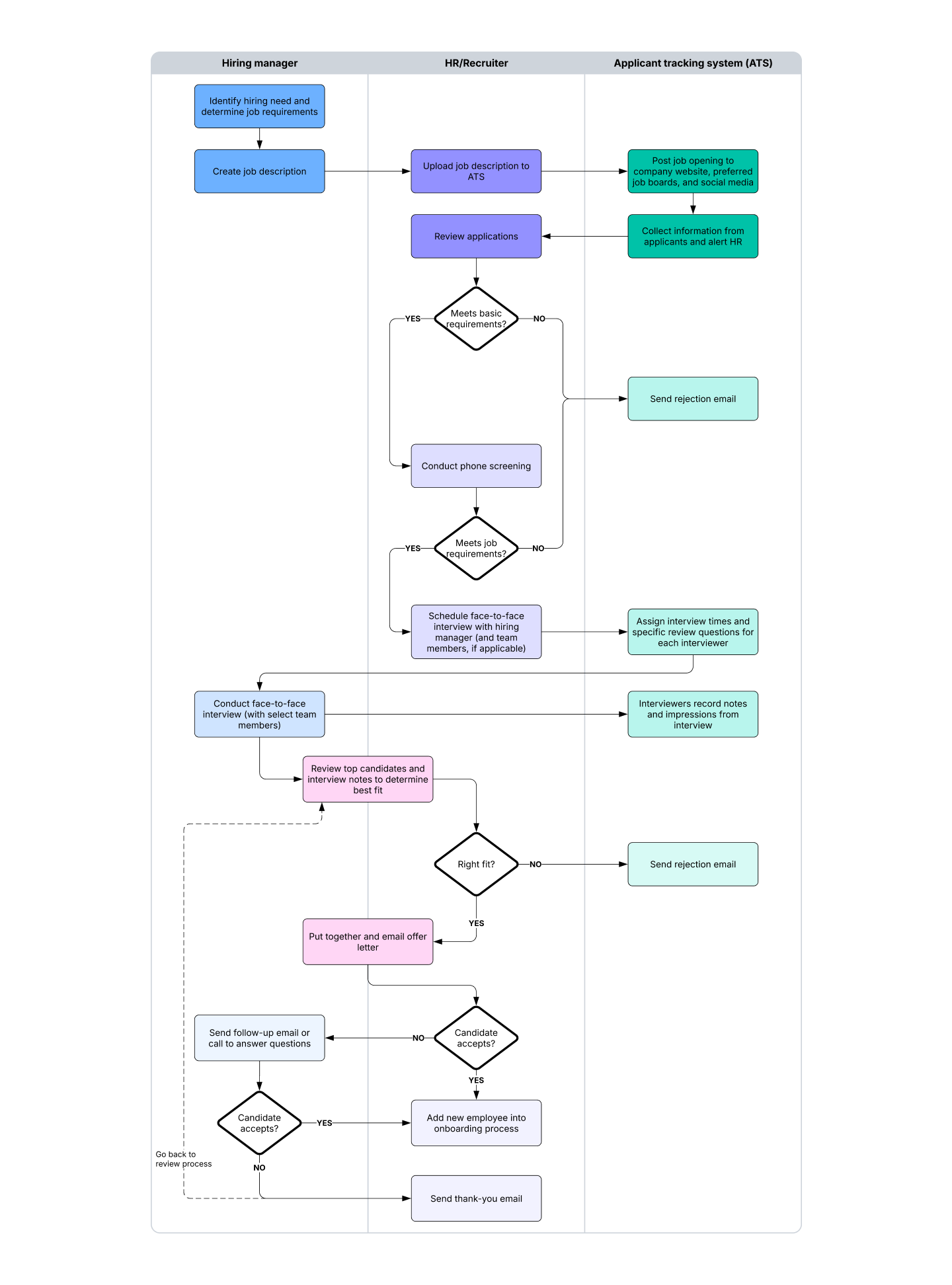
A swimlane diagram is a type of flowchart that shows who does what in a process. Using the metaphor of lanes in a pool, a swimlane diagram provides clarity and accountability by placing process steps within the horizontal or vertical "swimlanes" of a particular employee, work group, or department. It shows connections, communication, and handoffs between these lanes, and it can highlight waste, redundancy, and inefficiency in a process.
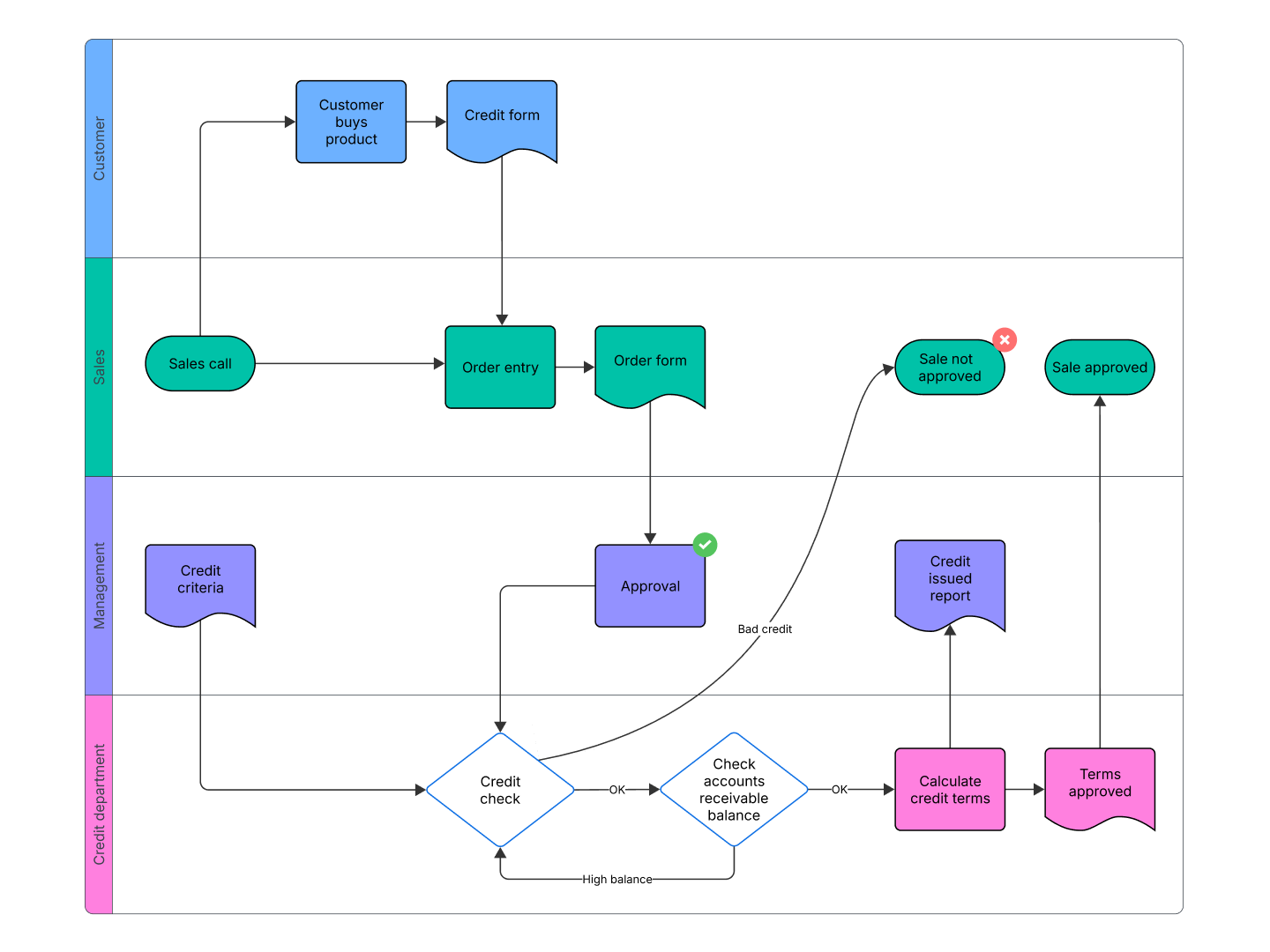
You'll also hear swimlane diagrams called Rummler-Brache diagrams or cross-functional diagrams, while the swimlanes themselves are sometimes called functional bands. Swimlanes (also written "swim lanes") appear in BPMN and BPMN 2.0, in UML activity diagrams, and in process flow diagrams (PFDs). For more on these related methods, see the BPMN tutorial, opens in a new tab or the process flow tutorial, opens in a new tab.
History of swimlanes
In the 1940s, a variation of early flow process charts, called multi-column process charts, began appearing and were used to depict processes involving more than one unit or department.
In 1990, Geary Rummler and Alan Brache published their book “Improving Performance: How to Manage the White Space on the Organization Chart,” in which they highlighted swimlane diagrams. In computer engineering, the term "swimlane" also appears in the JBoss Process Definition Language.
Swimlane purposes and benefits
Swimlane diagrams offer several practical advantages:
Clarify ownership: Swimlanes boost visibility in collaborative environments by highlighting which steps are assigned to which actor.
Expose inefficiencies: Swimlanes reveal redundancies, bottlenecks, waste, duplicative steps, delays, and capacity constraints.
Model improvements: Multiple swimlane diagrams used together can model improved processes or account for changes in staffing or technology.
Improve communication: Swimlanes communicate more clearly than a narrative description alone.
Formalize integration: Swimlanes can clarify how processes are integrated across teams or departments.
Attributes and elements of swimlane diagrams
Swimlanes introduce parallel vertical or horizontal lines that group process steps by actor, whether that's an employee, work group, department, or information system. Each lane is labeled by that actor. Horizontal lanes are sometimes more practical because desktop computers and laptops are wider than they are tall. Steps appear within lanes, with interconnections between lanes shown by connecting arrows or lines.
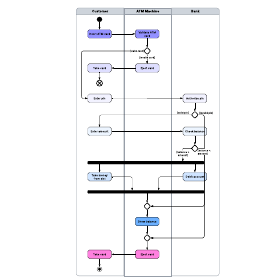
Swimlanes as an element of BPMN 2.0 diagrams
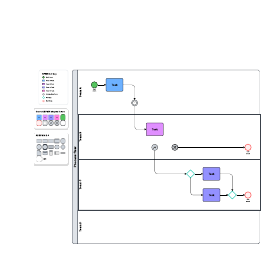
In BPMN 2.0, pools and swimlanes are one of four element types for business process diagrams. A pool represents major participants. A different pool may be a different company or department. Swimlanes within a pool show activities and flows for a role or participant.
The other three element types are:
Flow objects: events, activities, and gateways
Connecting objects: sequence flow, message flow, and association
Artifacts: data object, group, and annotation
For more on diagram shapes and connectors, see the guide to BPMN symbols, opens in a new tab.
How to research for a swimlane diagram
Before you start drawing, research your process. If you need step-by-step guidance, see how to create a swimlane diagram, opens in a new tab.
Determine your goal: Decide what process to study and the level of detail you need.
Break the work down: Identify boundaries and divide the process into manageable pieces.
Identify the swimlanes: List the employees, work groups, or departments involved.
For an existing process, trace the steps: Document who owns each step, clarify interconnections and handoffs, and flag gaps, redundancy, or bottlenecks. Keep in mind that some redundancy can be intentional for safety or quality.
For a new process, design for efficiency: Build steps that increase efficiency and quality while minimizing delays and cost.
Special note: For processes such as PFDs or BPMN 2.0, an expert team may conduct research using swimlanes as one element of a broader methodology.
Swimlanes and Smart Containers video
This short walkthrough shows how to organize complex diagrams by grouping related information into swimlanes and Smart Containers in Lucid. It covers sorting responsibilities by person or process phase, building vertical or horizontal lanes, and customizing lane properties. You'll also see how magnetization keeps shapes moving with their container as you resize, add, or delete lanes.
Organize your complex diagrams by grouping related information into meaningful sections. Use swim lanes to sort responsibilities by person or process phase, ensuring your team has total clarity. Learn how to customize lane properties, move shapes with magnetization, and effectively use containers to group information anywhere on your canvas.
Create your own swimlane diagram when you sign up for Lucidchart.
Try it free