
If you’re an IT professional, you know incident management flows are vital to any organization. Minor issues can evolve into chaos without a clear, repeatable plan, depleting your team’s time and resources.
A well-defined IT incident management process is the bedrock of smooth operations. Taking the time to map out and optimize your plan will boost efficiency, streamline onboarding, enhance communication, improve post-incident analysis, and more.
This article will cover the main elements of an incident management flow and offer five tips for IT teams tomap their incident management process confidently. We’ve also included some helpful templates so you don’t have to start from scratch!
Components of an incident management map
While every incident management flow will have variations depending on the industry and how your organization functions, they all include similar elements such as:
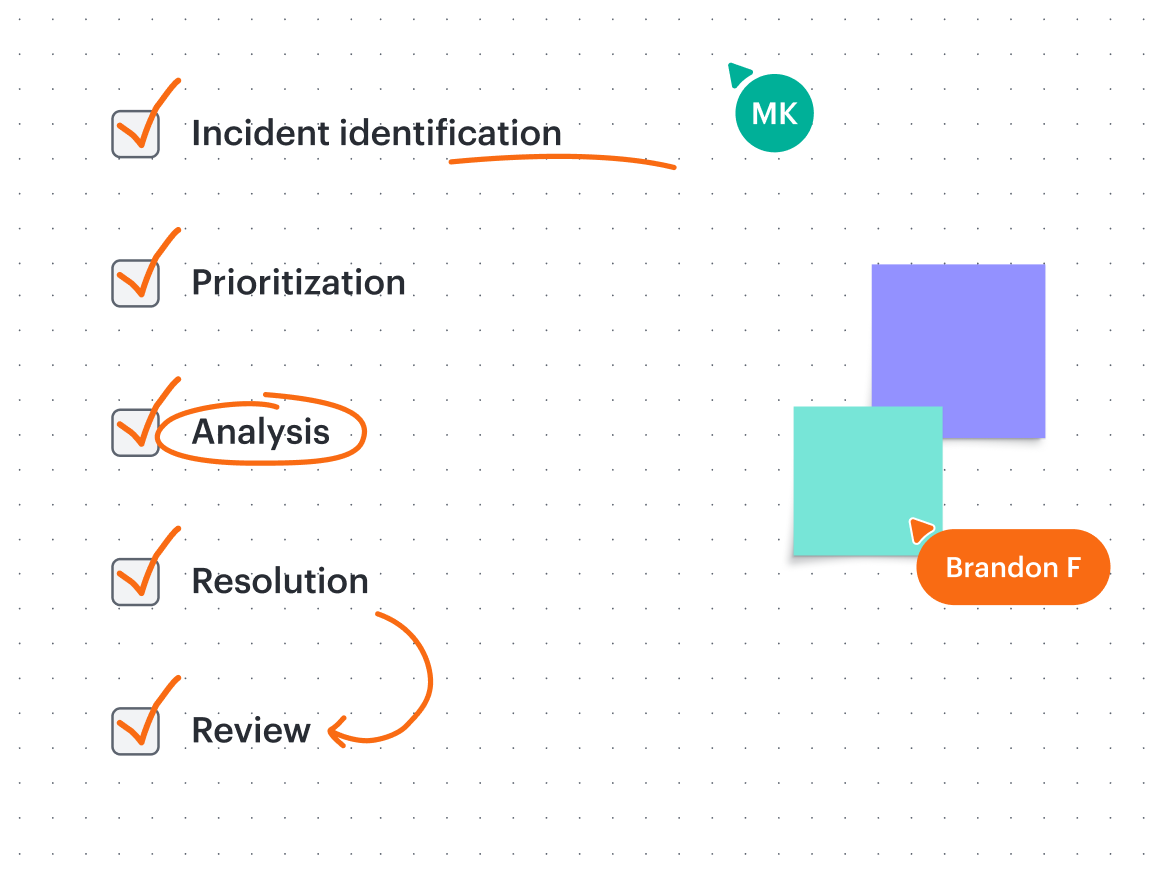
Incident identification
How are incidents flagged? This is the starting point for every incident management flow, which needs a clear and reliable identification process. You can receive incident reports via automated monitoring alerts, user reports, and more. Automated systems are best for maximum efficacy.
Prioritization
Not all problems are created equal. When multiple incidents happen simultaneously, your team needs an efficient way to triage them. Categorizing by impact and urgency will ensure that the most critical issues are resolved first.

Analysis
At this stage, it’s time to identify the incident's root cause. Understanding the “why” behind the incident will help optimize your processes and even prevent similar issues from happening in the future.
Resolution
Resolution is the hands-on phase of the process, where you take action to restore services. How the issue is resolved can vary depending on the incident, but the procedure for all incidents should be well-documented so that it can be followed.
Review
After the problem is resolved and the incident is closed, how do you move forward? Debrief with the team and document the issue, root cause, and resolution. This will build a knowledge base for your team to refer back to rather than starting from scratch.
Tips for approaching your IT incident management process flow
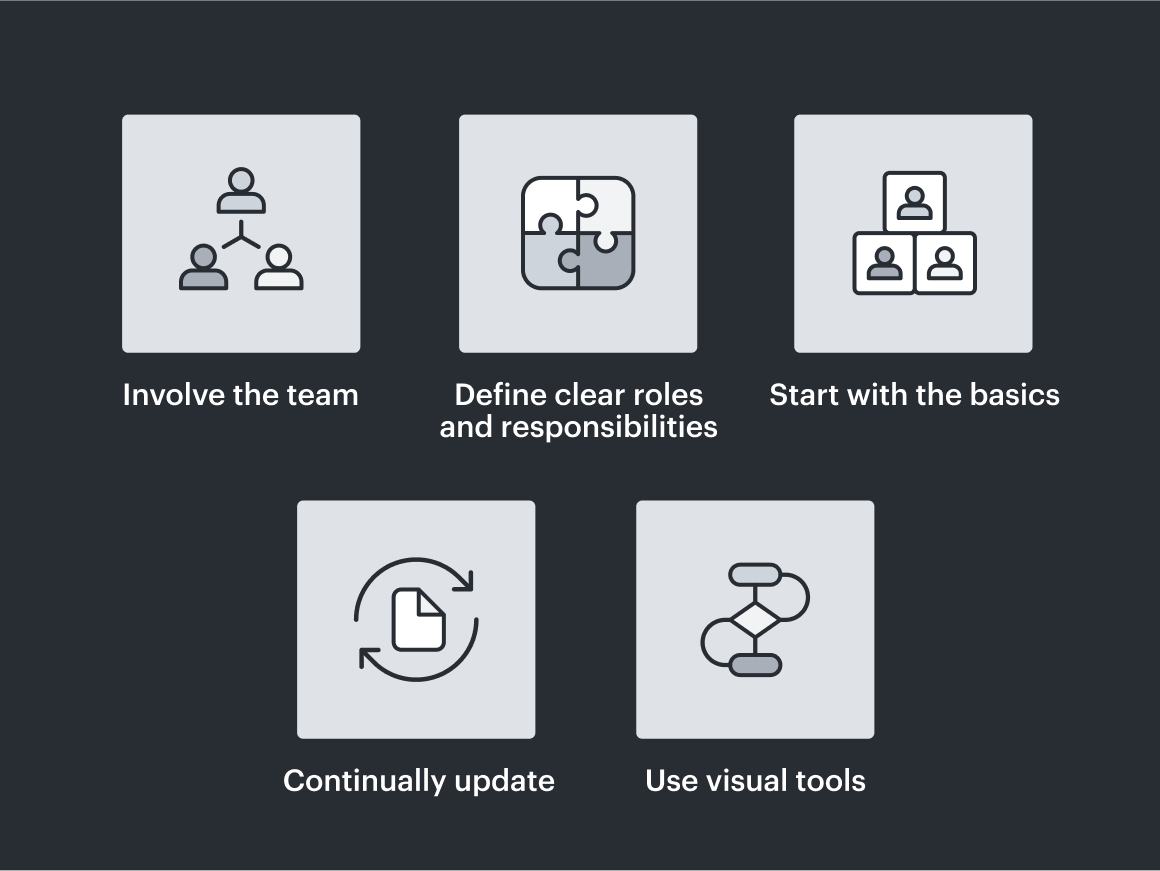
1. Involve the team
The first step in implementing a successful management flow isn’t one you can do alone. Get your whole team involved and ask for their input and ideas.
Involving everyone from the get-go captures how the team works, maximizes ideas, and increases opportunity for buy-in.
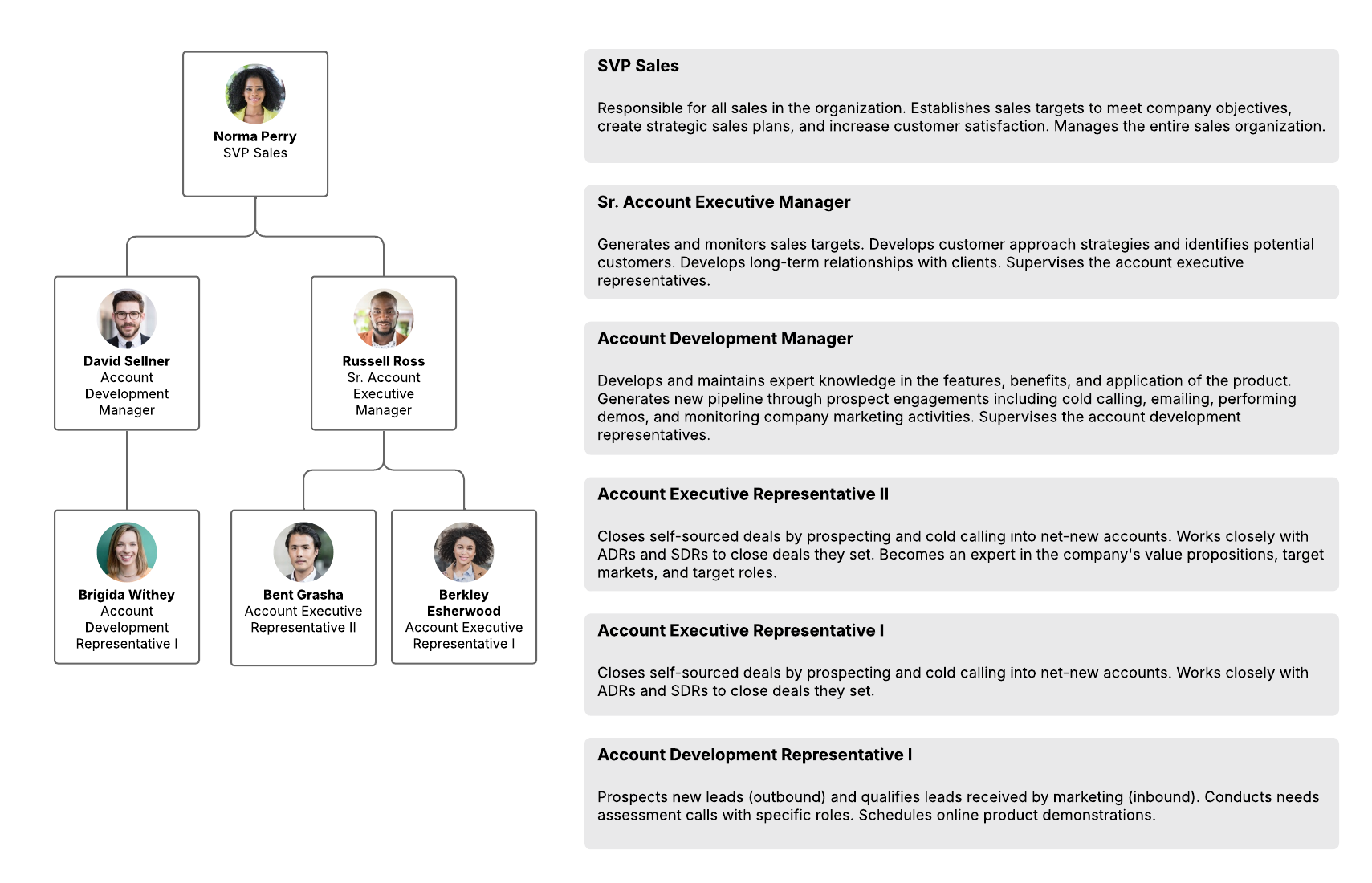
2. Define clear roles and responsibilities
When an IT incident occurs, every team member should know their role in the situation. A lack of defined responsibilities leads to confusion, wasted effort, and ineffective problem-solving.
3. Start with the basics
It's easy to get overwhelmed when beginning the mapping process. Instead of trying to map every single incident, begin with the most common ones. That way, you'll gain the most benefit for your team in the shortest time. What was the most recent incident your team solved? This helps you work from a realistic example that, if repeated, will have a structure in place.
4. Continually update
Your incident management flow should not be a static document. It should be reviewed and updated regularly, especially after major incidents, to make it a true living document.
Lucid makes updating documentation easy. On the canvas, you can add sticky notes, use emoji reactions, leave comments, and more, keeping a living record of your work.
5. Use visual tools
Understanding processes can be complicated, and you don’t have time to try to interpret when an incident occurs. Using a visual platform like Lucid will help you clearly map out your process so everyone is on the same page beforehand and you know you’re all talking about the same thing.
Collaborating visually also makes it easier to assess your current position in the incident management process and determine what to do next.
Mapping incident management flows in Lucidchart
Now that you know the framework and tips to get started, it’s time to build your incident management flow. Lucid is perfect for collaboratively managing your incident flows. And the best part is that you don’t have to start from scratch—Lucid provides a variety of curated templates to jumpstart your work.
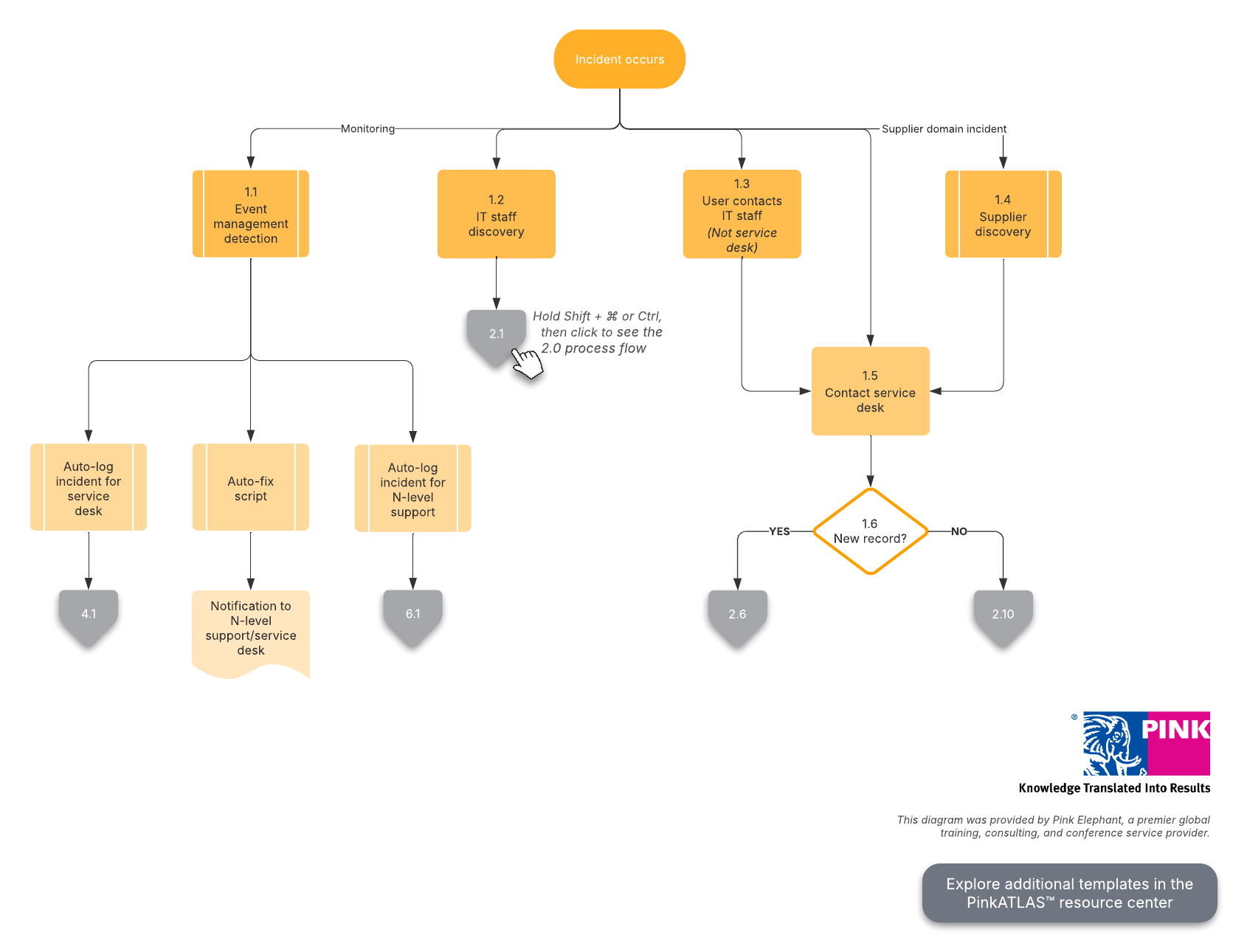
Here are two incident management templates to get you started:
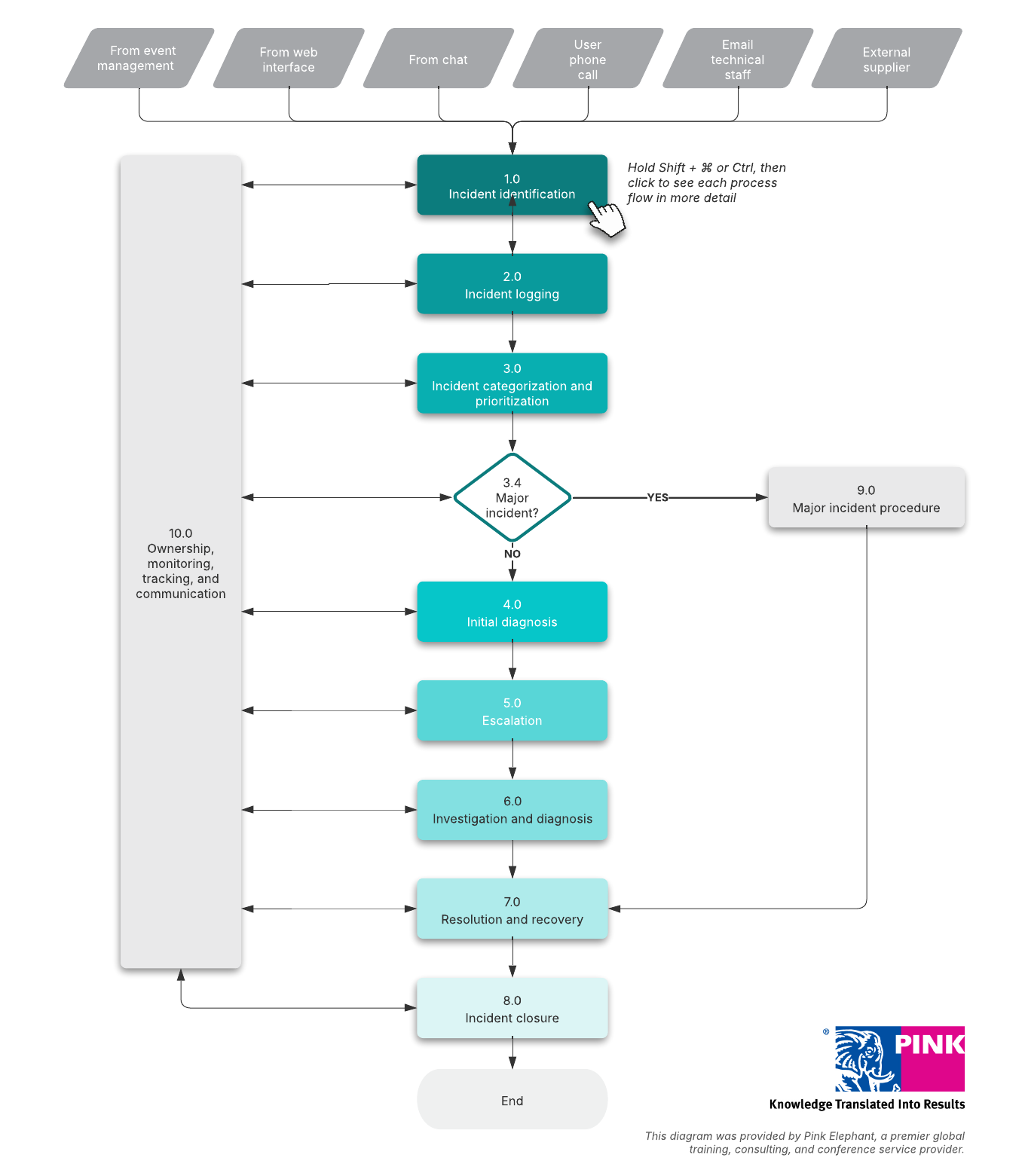
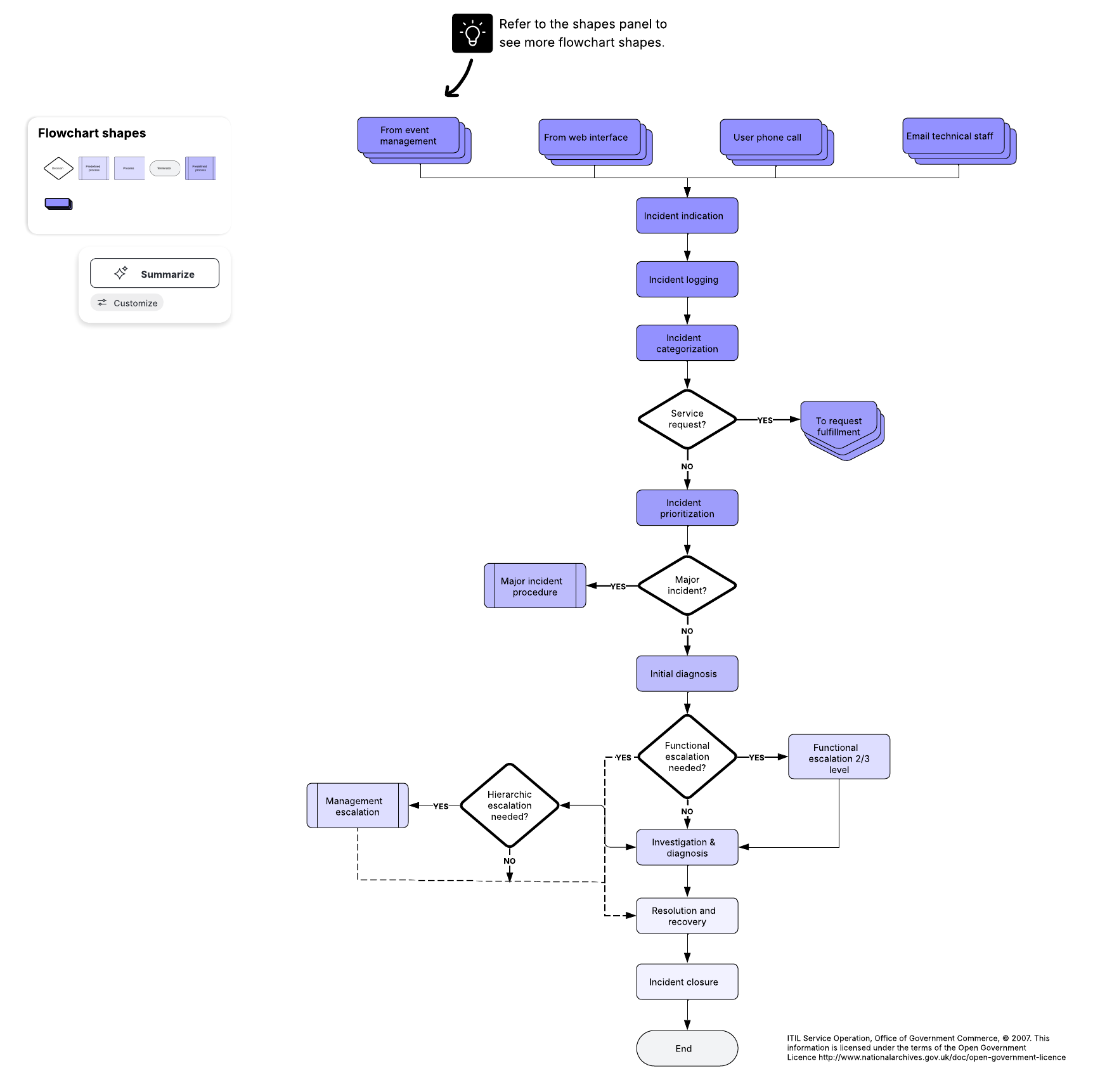
Aside from templates, Lucid is jam-packed with features to create workflows and truly make incident management a living, dynamic document.
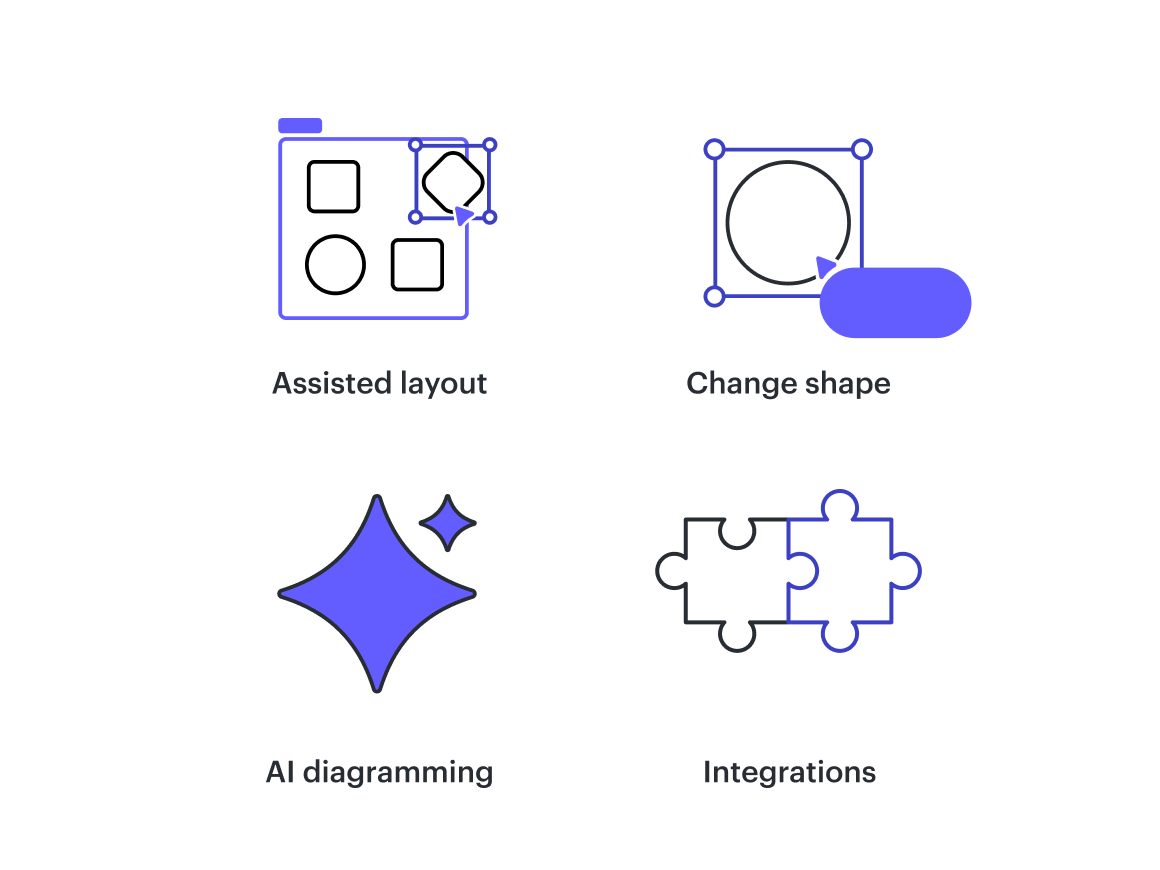
Assisted layout: Easily organize your content into swimlanes, Containers, and Frames. Keep objects aligned and leverage AI to make diagramming more efficient.
Change shape: Easily add and customize shapes to any diagram.
AI diagramming: Get started building your IT incident management process flows even faster by auto-generating a diagram based on a prompt.
Integrations: Pull in assets and charts from apps you already use to build workflows based on assets that are already created, so you’re not starting from scratch.

Explore more ways to implement a successful incident management process.
Read now