Why Use Lucidchart for Circuit Diagram Designs
When looking for a circuit diagram maker, opens in a new tab or schematic drawing software, you have plenty of options. But we believe Lucidchart is the clear winner for several reasons. Lucidchart is continually improved by a team of talented engineers, so users receive new features and helpful updates on a regular basis. We offer free accounts for individuals, along with free educational accounts and affordable team licenses. With a free account, you can build a circuit diagram with up to 60 elements. You get the same fluid diagramming experience across all account levels, and our complete electrical engineering shape libraries are open to free users. If you need to upgrade, a trial of a premium account is completely risk-free!
How to Make a Circuit Diagram in Lucidchart
GET STARTED
Very few circuit diagrams, especially those made by beginners, are built from scratch. Until you’re comfortable with making your own circuit diagrams, start from an existing image. This image may be provided by your teacher or supervisor. You can also source one online. With our Visio import feature, you can also upload any existing Visio files into Lucidchart and go from there.
1. Register for a Lucidchart account.
2. Navigate to My Documents.
3. Click Create > New Document.
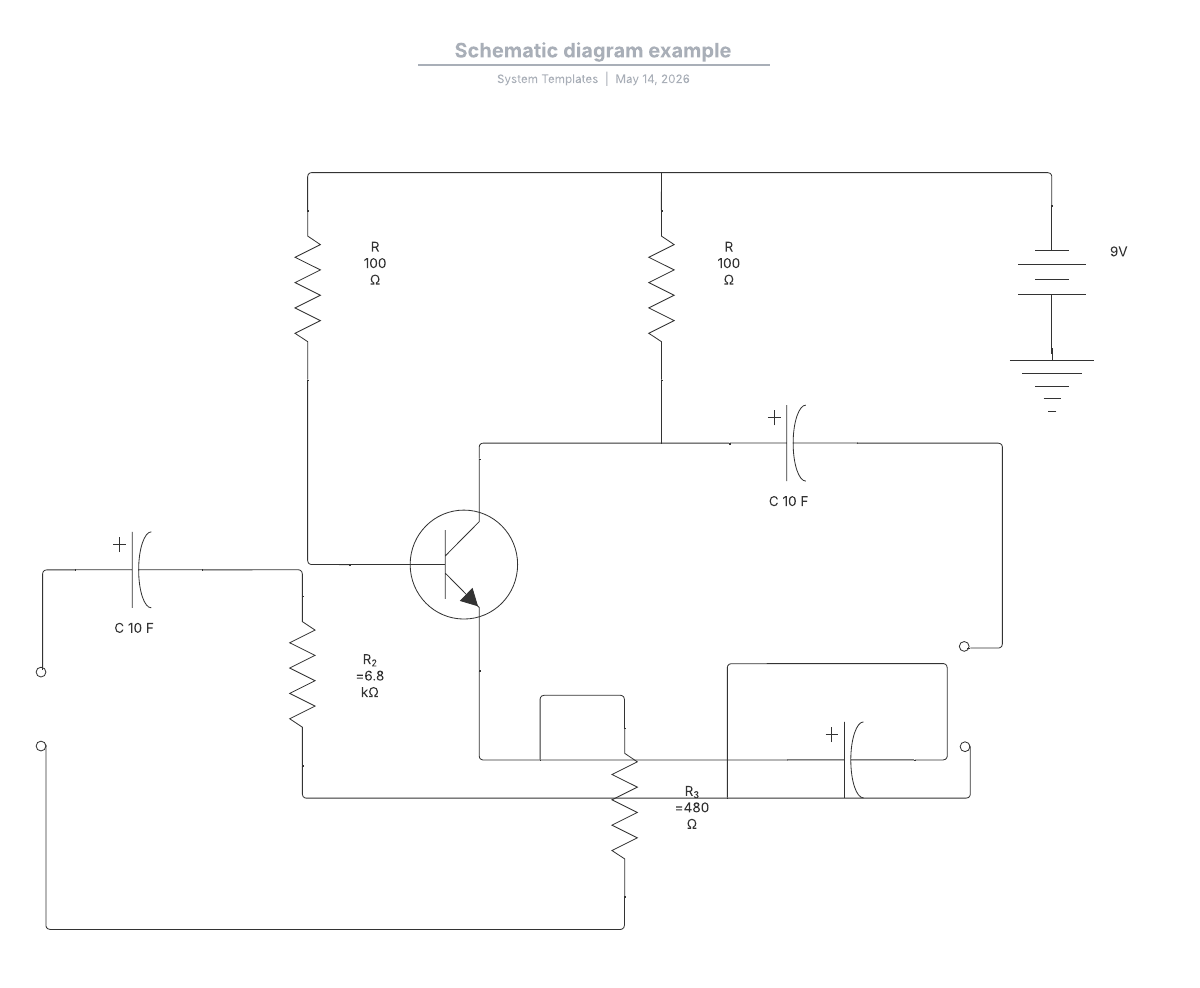
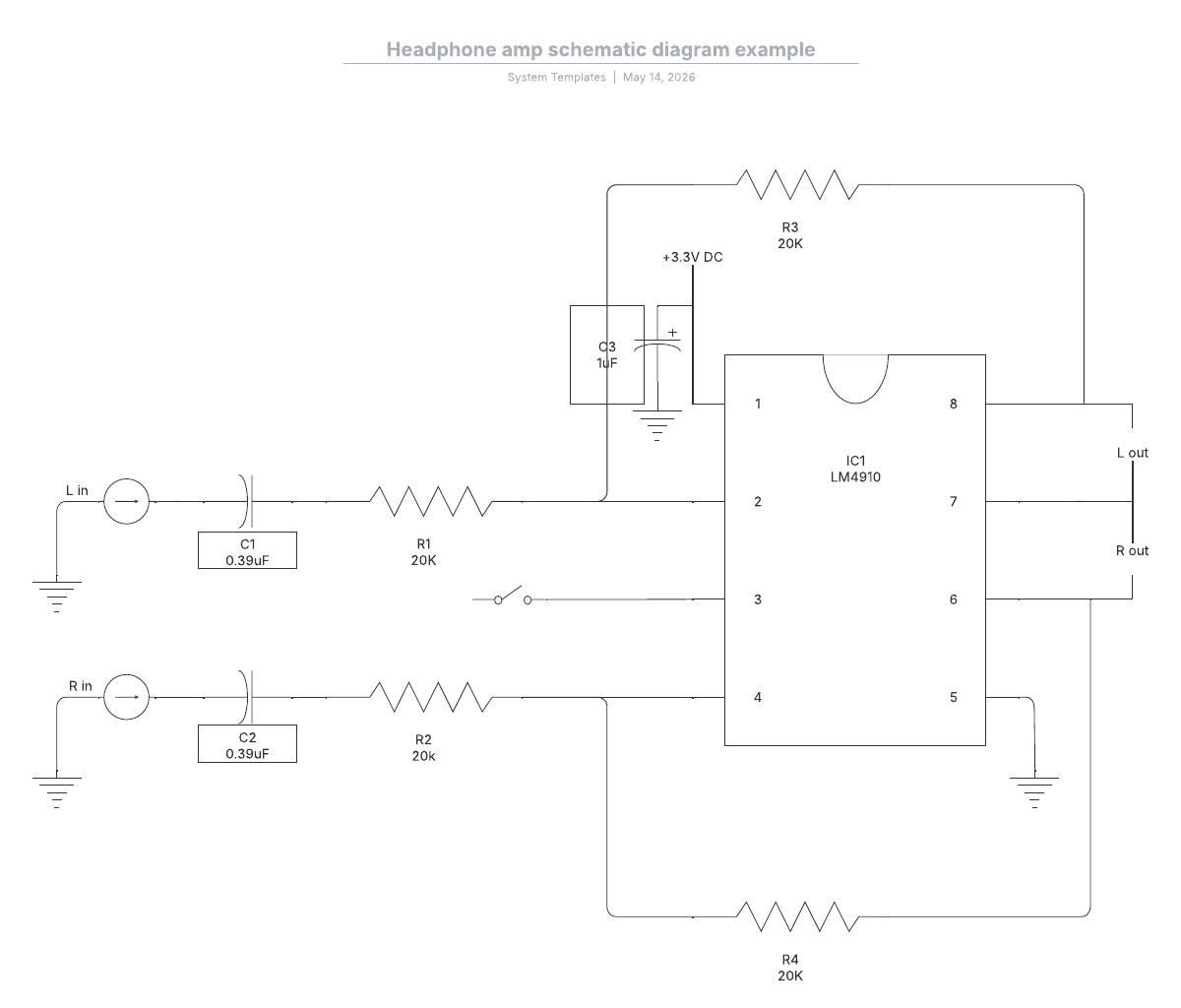
4. Explore and start with a circuit diagram template in the UML section of our template library or create a new document in Lucidchart.
ADD SHAPES AND SYMBOLS
5. Next, determine a goal for your circuit diagram. Are you combining several circuits into one? Adding new components to an existing schematic? Be sure to understand the scope of your project, including how much time it will take.
6. It’s time to draw your circuit diagram. Begin with a basic overview of the wiring connections. In Lucidchart, you can draw lines that represent connections by hitting “L” on your keyboard, then clicking and dragging with your mouse. Line formatting can be altered by selecting the line and right-clicking, or choosing from the options in the properties bar at the top of the page.

7. Add components to your diagram as needed. Be sure to review the entire circuit diagram shape library to make sure it contains the elements you need. If it doesn’t, you can easily upload an image from your desktop or search within the editor for additional icons.
8. When you drop a power source into the diagram, select it with a click. This will bring up a menu where you can designate its label, orientation, and charge. Double-check that you are noting the correct value for each component.

9. Continue adding elements to your circuit diagram until it represents all connections between devices, including power and signal connections. Remember that circuit diagrams typically don’t reflect the physical layout of components.
CHECK YOUR WORK
10. Your diagram is nearly complete. But before it’s put to use, ask yourself the following questions:
- Are the components of this diagram widely available?
- Does the circuit behave as expected?
- Is the diagram readable and easy to understand?
As a final step, take your circuit diagram to someone you trust and ask if it makes sense. That person should have an outsider’s perspective that can add valuable insight to your work.

Endless Image and Icon Options
For accurate circuit design, you need a full library of circuit-related shapes, opens in a new tab that are easy to modify. Lucidchart has an extensive library full of industry-standard shapes, along with the ability to import custom shapes such as Visio stencils or SVG files. You can even drag and drop images and icons directly onto the canvas.
If you need a little help getting started, begin with a template. Our circuit diagram templates come with a huge array of circuit design shapes—different styles of resistors, transformers, voltage and current sources, and inverters, to name just a few. Our team of engineers know what icons and shapes are needed in a professional-looking circuit diagram.
Convenient Sharing and Real-Time Collaboration
Lucidchart is perfect for teams. For the utmost security, all documents are private by default and you can set the editing and commenting permissions as you see fit. However, that doesn’t mean that sharing is difficult. With a few clicks, you can share docs with an unlimited number of collaborators.
Whether you’re writing a technical proposal, building a schematic diagram, or prototyping, Lucidchart offers real-time collaborative editing, as well as Google Hangouts right from the editor so everyone has input. You won’t have to worry about emailing drafts back and forth anymore. Instead, your collaborators will always be looking at the most up to date version in the editor.
Cross-Platform Compatibility in the Cloud
Your project team members may use different devices or operating systems and that’s where other diagramming software tools become limiting. When you move to the cloud with Lucidchart, you open up your diagramming to the new “bring your own device” engineering culture.
Design circuits on a Mac, PC, or Linux. We even have Android, opens in a new tab and iOS apps, opens in a new tab so you can diagram on a mobile device or tablet. You can access our app with any Internet-enabled device and modern browser. You won’t be forced to purchase separate software to maintain compatibility—everything is covered on a single account.
Simple Drag-and-Drop Interface
Lucidchart has a user friendly interface with endless possibilities for customization. We’ve made it simple and easy for users to grab an icon from our shape library, drag it onto the canvas and drop it anywhere. Select placed shapes or lines and adjust them right on the page without having to readjust every other element thanks to our intuitive canvas. The editor will do most of the clean up and refinement for you.

Everything you need to make a diagram
Make a polished, professional diagram for free with Lucidchart. No matter what you have in mind, we have the tools you need to build it. Make an account and start diagramming today.
Sign up free