Challenges for remote PI planning
The main challenge for remote PI planning is transforming a strategic event that was designed to be in-person into a remote event. Here are some challenges with that conversion:
Technology
In person, teams can easily contribute to whiteboards and brainstorming sessions. They can deliver a physical program board. But remote technology can make this more difficult. Without the right solutions, you wonât be able to host a large video call (often with lots of participants), break into smaller groups, collaborate, and foster creativity and problem solving.Â
Engagement
Since weâre accustomed to video calls, weâre all adept at finding ways around them. With PI planning, an inattentive team can lead to an unproductive PI. Generally speaking, the more collaborative the PI planning, the greater its success.
Social interaction
A valuable benefit of in-person PI planning is social interaction. Without meeting in person, PI planning can feel cold and distant.Â
Switch tasking
This is similar to the engagement challenge listed above. Essentially, when your team members are in front of their computers, theyâll be tempted to multitask. In other words, theyâll try to get work done at the same time instead of contributing fully to the PI planning.Â
Scheduling
When youâre planning an in-person meeting, only the timezone of the event matters. This doesnât hold true for a remote and distributed workforce. Now you need to find a time that works for your team in Dresden and your team in Delhi. And with a click of a button, itâs easy for teams to decline the invitation.Â
How to overcome remote PI planning challenges
Technology
Decide on the solutions youâll be using ahead of time. You may wish to develop a landing page where you can link to needed downloads, define which communication channels youâll be using (Google Hangouts, Slack, etc.), display the PI planning schedule, and provide pictures of attendees along with their roles so that, during the PI planning meeting, you can better understand who will be participating.Â
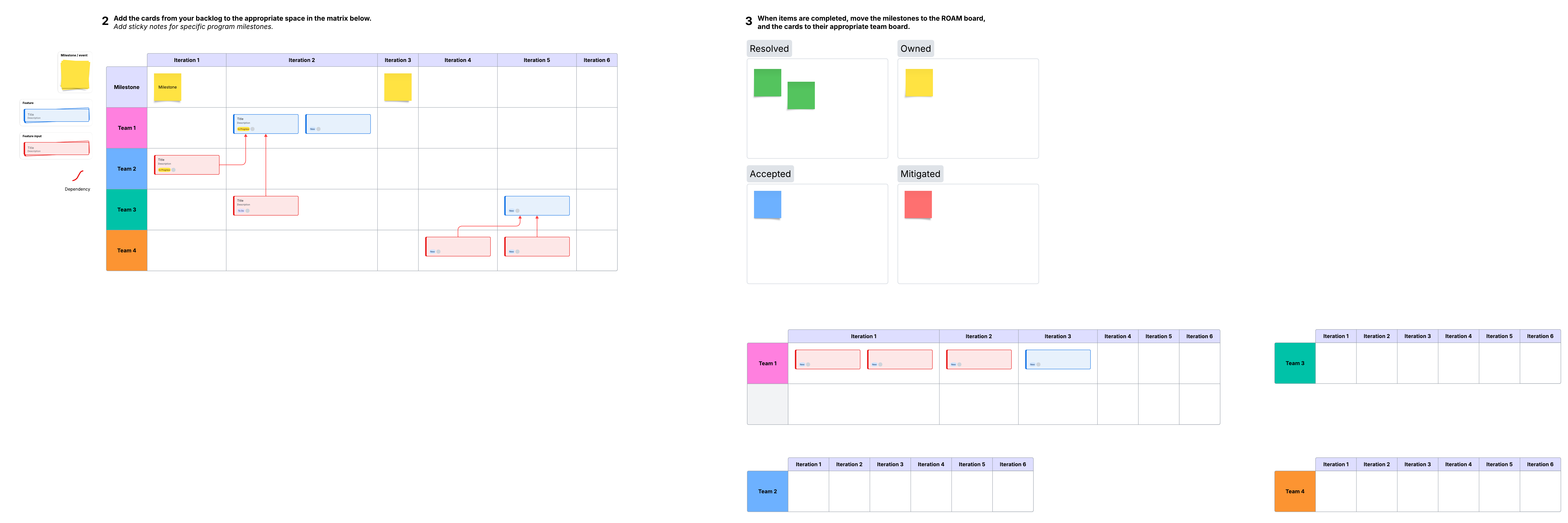
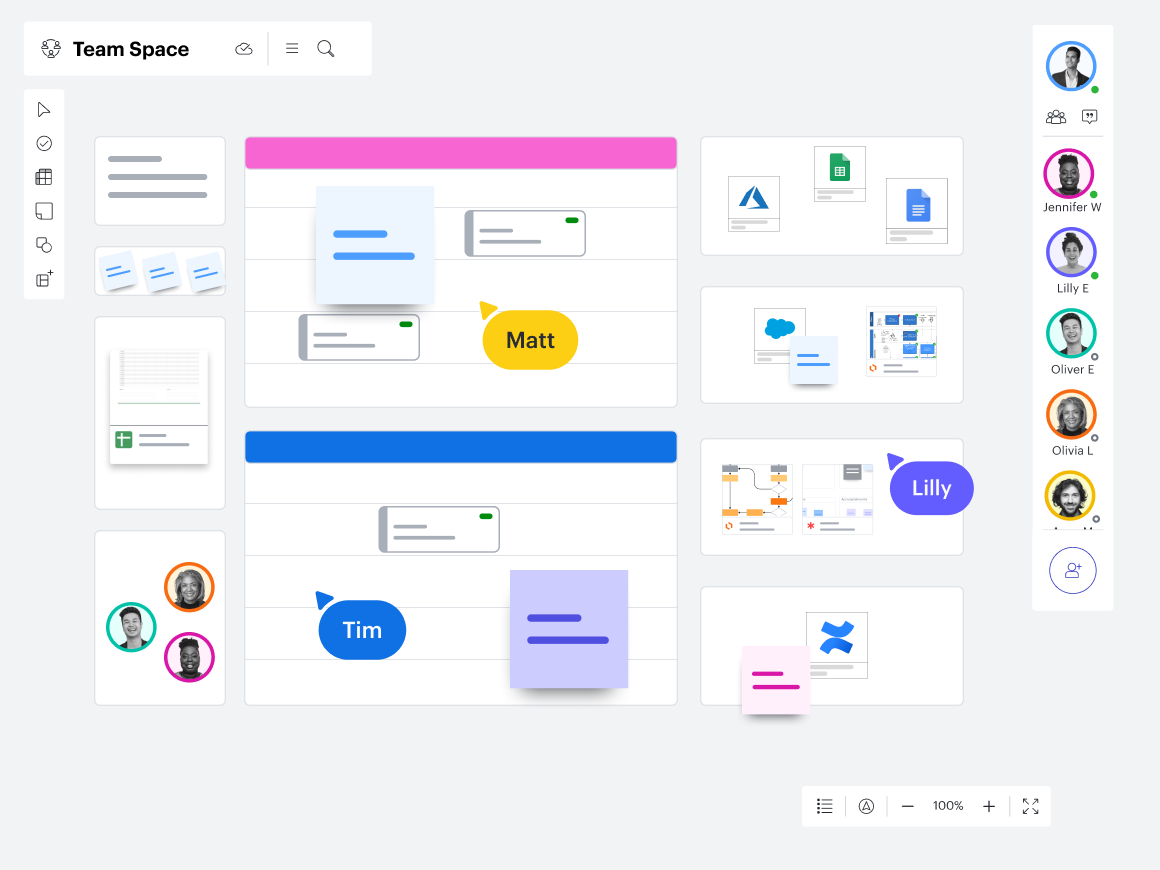
One simple way to accomplish all of this is to use Lucidspark for real-time whiteboarding, group chats, note-taking, and collaborative brainstorming. You can even build your PI planning board right on your Lucidspark canvas.Â
Engagement
Instead of punishing those who arenât paying attention or engaging with the meeting, offer incentives. In fact, you might want to try out a reward system for especially useful insights and contributions. When using a tool like Lucidspark in breakout groups, itâs easy to see who isnât actively participating and to gently encourage participation by calling individuals by name. The great thing about collaboration tools is that they actively encourage teamwork and engagement.
Social interaction
Hoping to strengthen relationships between team members and get the ideas flowing? Consider icebreakers, formal introductions, and even scheduling a meeting thatâs secretly a fun game. If youâre using a chat solution like Slack, create channels based on projects or teams for more detailed conversations and set up a larger main space for everyone to communicate.
Scheduling
Though normal PI planning takes place over two days, if youâre trying to facilitate teams across many time zones, one smart idea is to dramatically shorten the hours per day of planning so that PI planning takes place over three or four days. Itâs a simple tweak that can make a big difference in attendance and participation.
Use resources intelligently
Since youâll be relying on video calls for your remote meetings, think about recording the calls and making them available to everyone after the PI planning. That way, if anyone forgets what was said or needs clarification, they can refer to the recording.Â
Want to kick it up a notch? Order transcripts of the video calls. Itâs cheap to do and is much easier to reference than scrolling through a video. Make sure that every solution youâre using is web-based so that it can be accessed by anyone on your team, no matter where they're working.Â
Ask for feedback
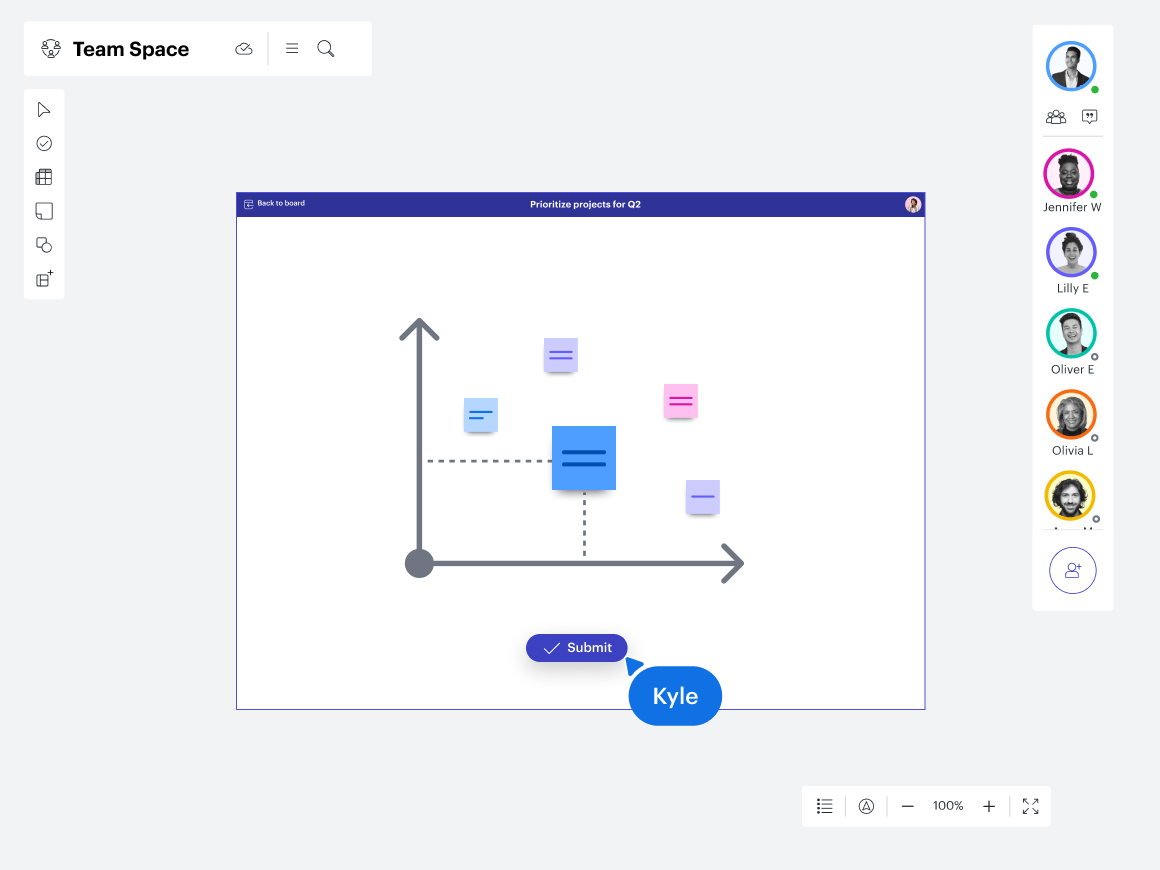
Itâs likely that your first remote PI planning event wonât go perfectly. Even if everything was smooth sailing, itâs important to conduct a survey after the event to understand how the teams felt about the efficacy of the PI planning. And, perhaps most importantly, you can ask them what they would improve. After all, the people closest to the event will be the ones with the most valuable solutions. Feedback can easily be gathered remotely by using something like Google Forms. Or, if you're using Lucidspark, gather feedback in real time with Visual Activities.Â
A PI planning event can feel daunting in the best of times, but add in the complexity of remote planning, and it can become even more overwhelming. But itâs really not that difficult. It comes down to using the available digital solutions to allow for the best collaboration possible. Get creative, maximize your resources, and youâll find that your teams may actually look forward to remote PI planning.