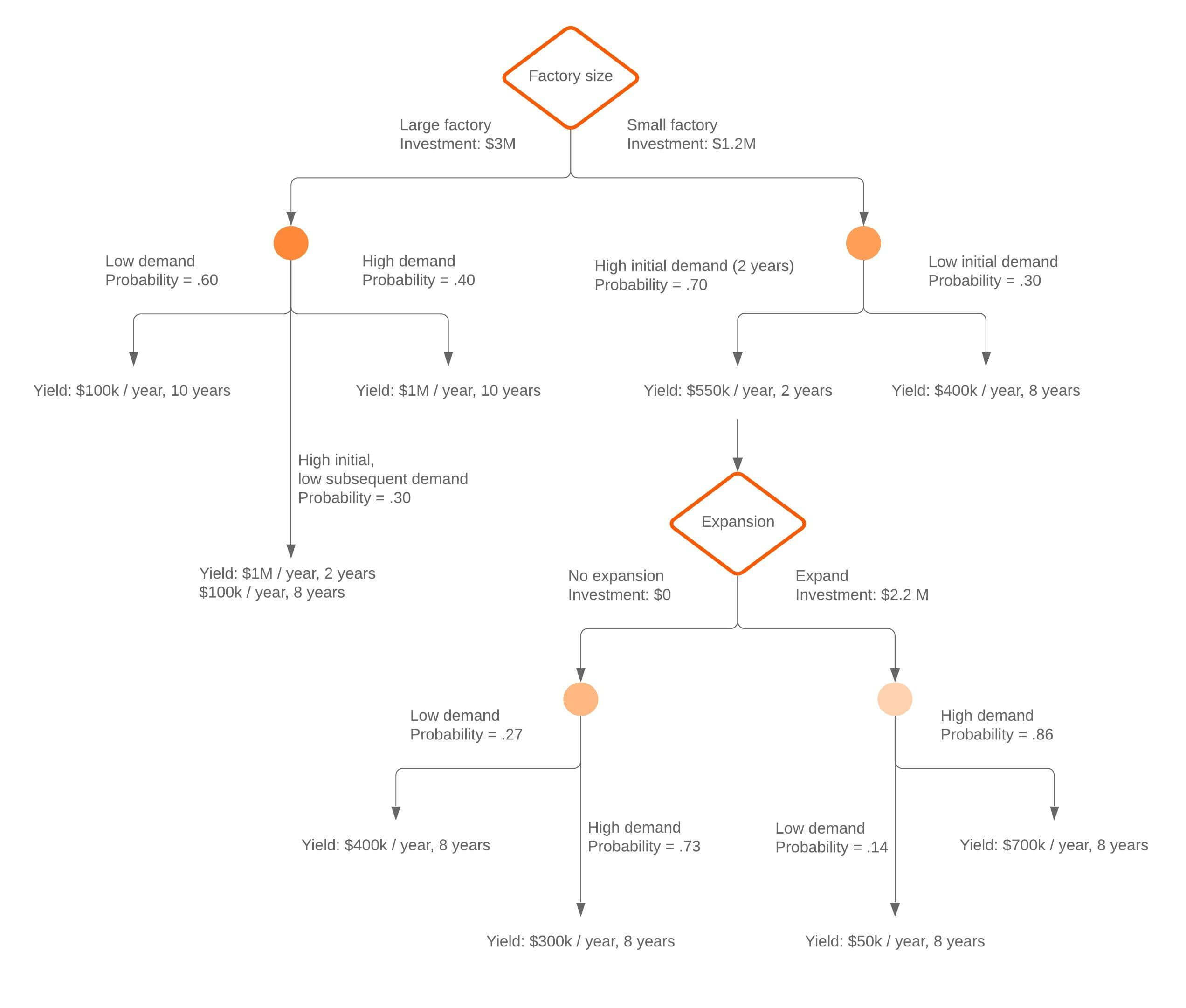
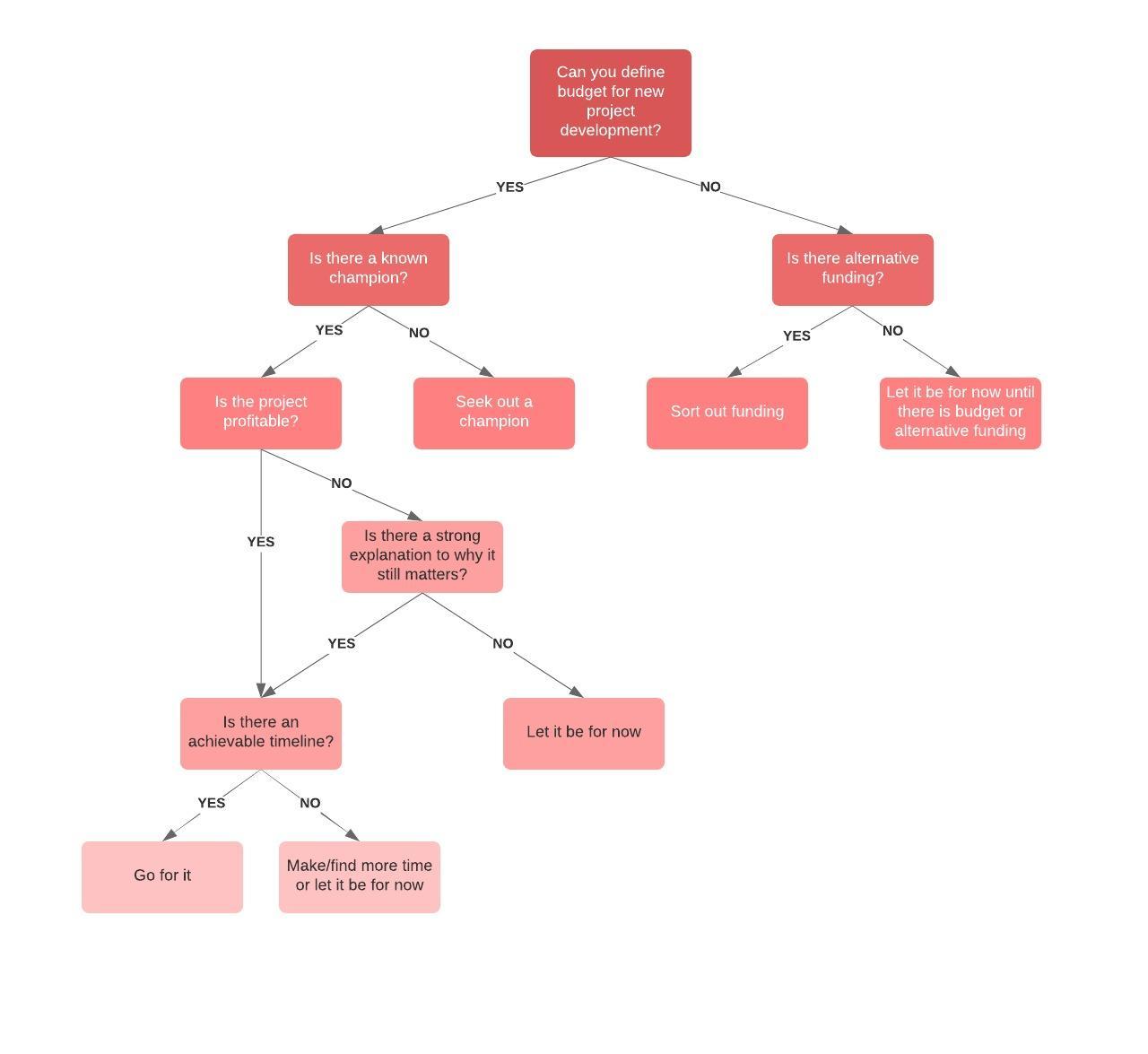
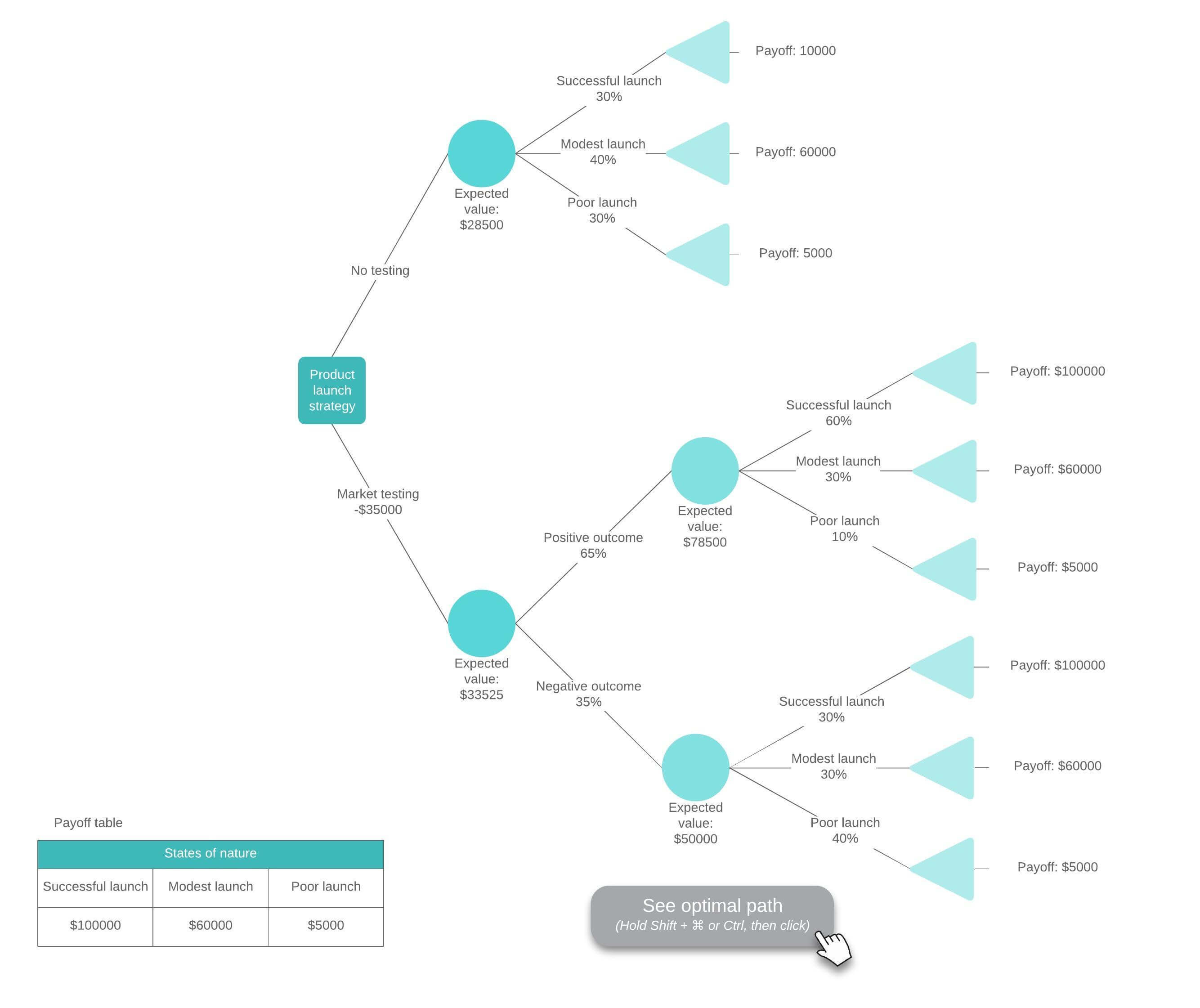
Imagine that you’re sitting in a meeting with your company’s executives. You have decided that it will be more profitable for the company to build out a new software feature than to leverage an existing one—you have the data to prove it—but now you have to convince your leaders. And your spreadsheet of numbers is putting them to sleep.
Transform your data into a more interesting, more convincing decision tree diagram in Excel. Decision trees provide a more consumable layout for your data as you consider different options, and then they help justify your decision to others. This guide outlines two approaches to make a decision tree in Excel:
- Use Lucidchart to quickly add a decision tree to Excel
- Use Excel to manually make a decision tree
Option #1: Use Lucidchart to add a decision tree in Excel
Don’t limit yourself to manually making a decision tree in Excel—Lucidchart fully integrates with Microsoft 365, so you can add diagrams to your spreadsheets in a few simple clicks. Start diagramming your decision tree faster with drag-and-drop shapes, customizable templates, and more using Lucid’s free add-in for Excel. If you need more detailed instructions on how to make a decision tree diagram, use our step-by-step guide.

Not yet a Lucidchart user?
Start free accountHow to install the Lucidchart add-in for Excel
To get started, you’ll need to download the Lucidchart add-in for Excel. To do so, follow these simple steps:
- Open an Excel workbook.
- Select the Add-ins dropdown from the Home toolbar menu.
- Use the search bar to find "Lucid."
- Choose the Lucidchart add-in.
- Click Add.
- Follow setup prompts.

Install the Lucidchart add-in for Excel.
Install nowHow to insert a decision tree into Excel with the Lucidchart add-in
Quickly insert a decision tree into your spreadsheet, as a high-resolution image, without ever leaving Excel using the Lucidchart add-in.
- In Excel, open a workbook.
-
Select the Add-ins dropdown from the Home toolbar.
-
Select the Lucidchart add-in
-
From the right-side panel, choose to create a new Lucidchart document or insert an existing one.
- Follow the prompts to insert the desired Lucidchart document.
It’s that easy!
If you’re creating a new decision tree for Excel, you can start from scratch or a ready-to-use template such as the vertical decision tree example template.
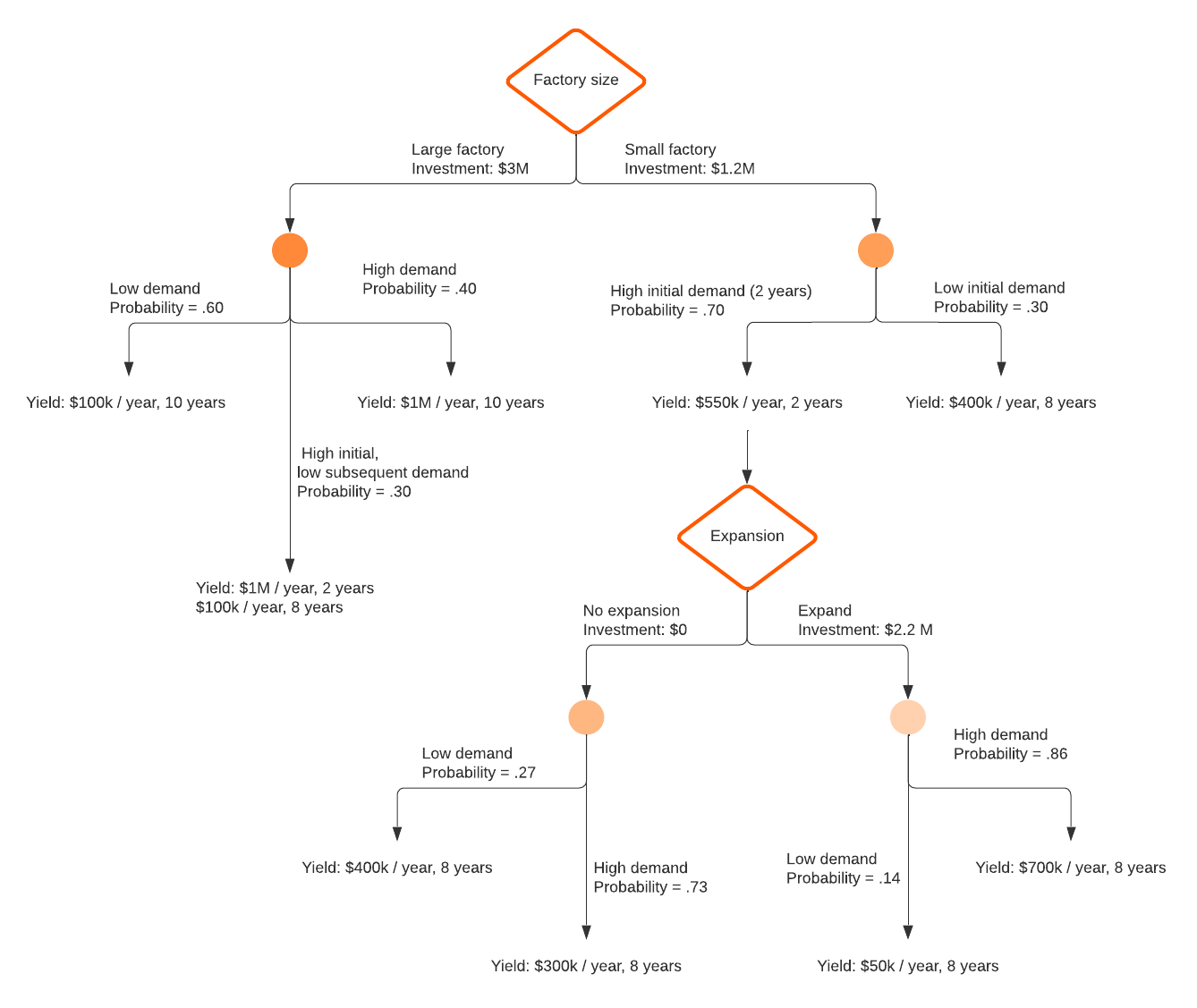
Note: For Lucidchart documents you embed into Excel, you can select the access level users will have within Excel: view only, comment only, or edit access.

Need more help using the Lucidchart add-in for Excel?
Check out our help centerOption #2: Make a decision tree in Excel using the shape library or SmartArt
If you’re still set on making a decision tree manually in Excel, you can do so using either the shape library or SmartArt. Each of these options is more time-consuming and will be harder to customize than a decision tree created in Lucidchart.
How to make a decision tree using the shape library in Excel
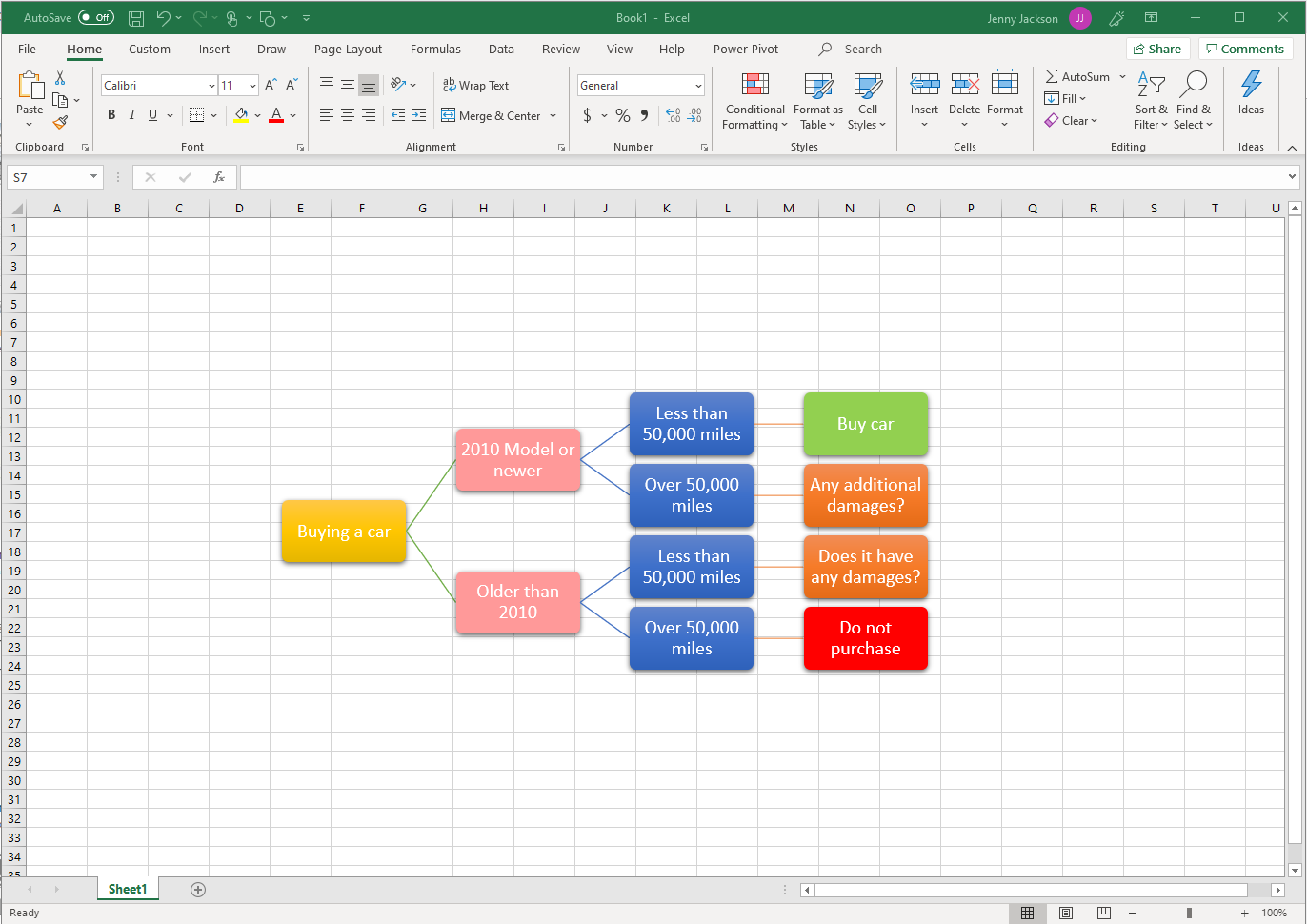
Microsoft’s shape library allows you to build a decision tree using individual shapes and lines.
- In your Excel workbook, go to Insert > Shapes. A drop-down menu will appear.
- Use the shape menu to add shapes and lines to design your decision tree.
- Double-click the shape to add or edit text.
- Save your spreadsheet.
To use data to build your decision tree, you will need to conditionally format the cells with the appropriate data and use formulas to determine the correct output for your decision tree.

How to make a decision tree using SmartArt in Excel
SmartArt graphics make it easy to create simple diagrams in Excel, but they are rigid and hard to edit and customize. Follow these steps below to use SmartArt:
- In your Excel workbook, go to Insert > Illustrations > SmartArt. A pop-up window will open.
- Go to “Hierarchy” diagrams, select the one that fits your needs, and click “OK.”
- Double-click “Text” to modify the text or use the text pane.
- Select the graphic, and click “Add Shape” to make the decision tree bigger.
- Save the spreadsheet once you’ve finished your decision tree.
Advantages of choosing Lucidchart
Speaking of decisions, let’s talk about why Lucidchart is your best choice for decision tree diagram maker, opens in a new tab.
- It’s intuitive. Drag shapes onto the canvas, instantly connect them with lines, and add your text. It’s simple and easy.
- It’s professional. You can line up your shapes more easily and change styling like colors and fonts for a more personalized, professional diagram.
- It’s easy to import. Because Lucidchart integrates with Microsoft 365, you are only a few clicks away from transporting your decision tree to your Excel spreadsheet.
While it is possible to manually make a decision tree in Excel, it is a rigid process that makes it difficult to customize and update your decision tree. With Lucidchart, you can quickly edit and use templates to make decisions faster and visualize your choices.

Start creating your own decision tree in Lucidchart.
Jump into Lucidchart