Key takeaways
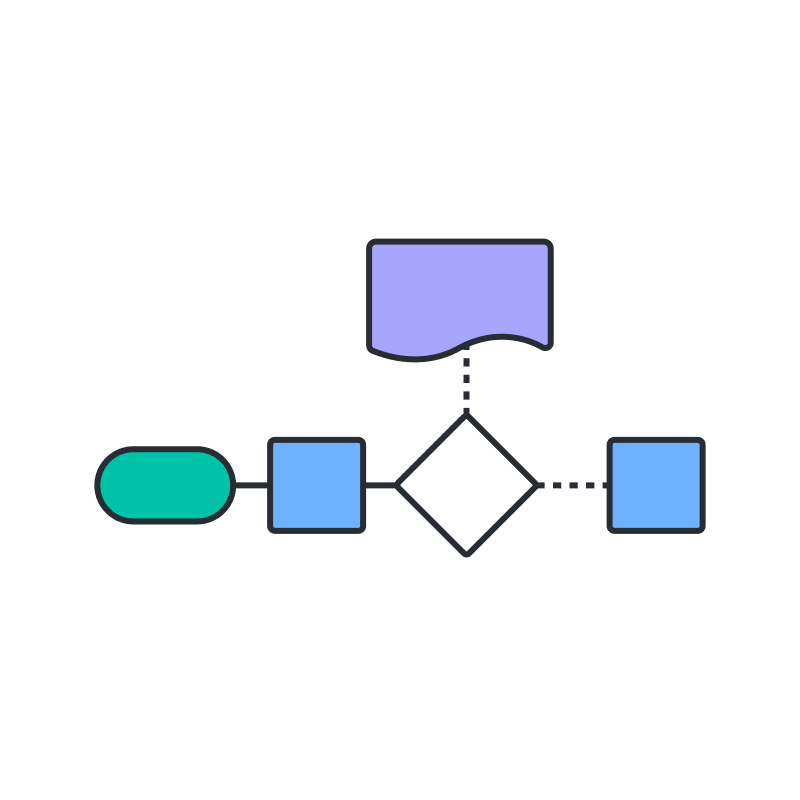
A flowchart maps a process, system, or algorithm as a sequence of steps, using standard shapes (such as rectangles for steps, ovals for start and finish points, and diamonds for decisions) connected by arrows.
Introduced by the Gilbreths in 1921 and standardized by ASME in 1947, flowcharts are now widely used across manufacturing, engineering, business, and education to streamline workflows.
Programmers and analysts use flowcharts together with pseudocode, UML, structograms, and related visual families (DFDs, PFDs, BPMN 2.0) to plan algorithm logic before writing code.
Easily build a flowchart for free in Lucidchart by dragging shapes onto the canvas and connecting dots on each shape.
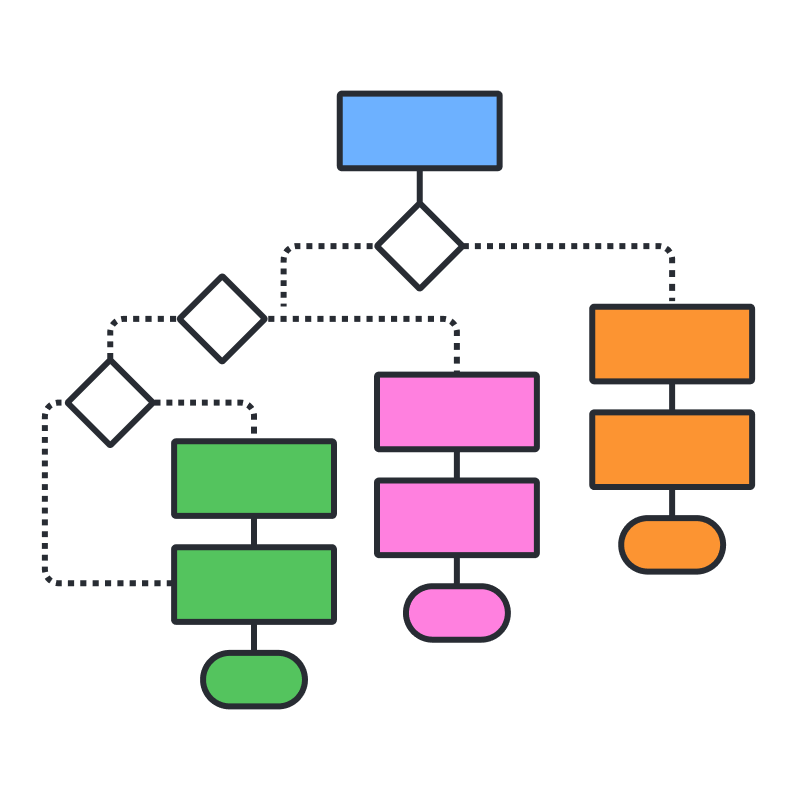
A flowchart is a diagram that depicts a process, system, or computer algorithm. Flowcharts use standard shapes such as rectangles, ovals, and diamonds, connected by arrows, to show each step and decision in order. People also call this diagram a process flowchart, process map, business process model, or process flow diagram (PFD). Flowcharts are closely related to data flow diagrams (DFDs) and UML activity diagrams.
Flowcharts turn a process that lives in people's heads into a shared picture the whole team can follow. That clarity is why they remain one of the most widely used diagram types for documenting workflows, training new hires, and identifying steps worth improving.
Flowchart tips
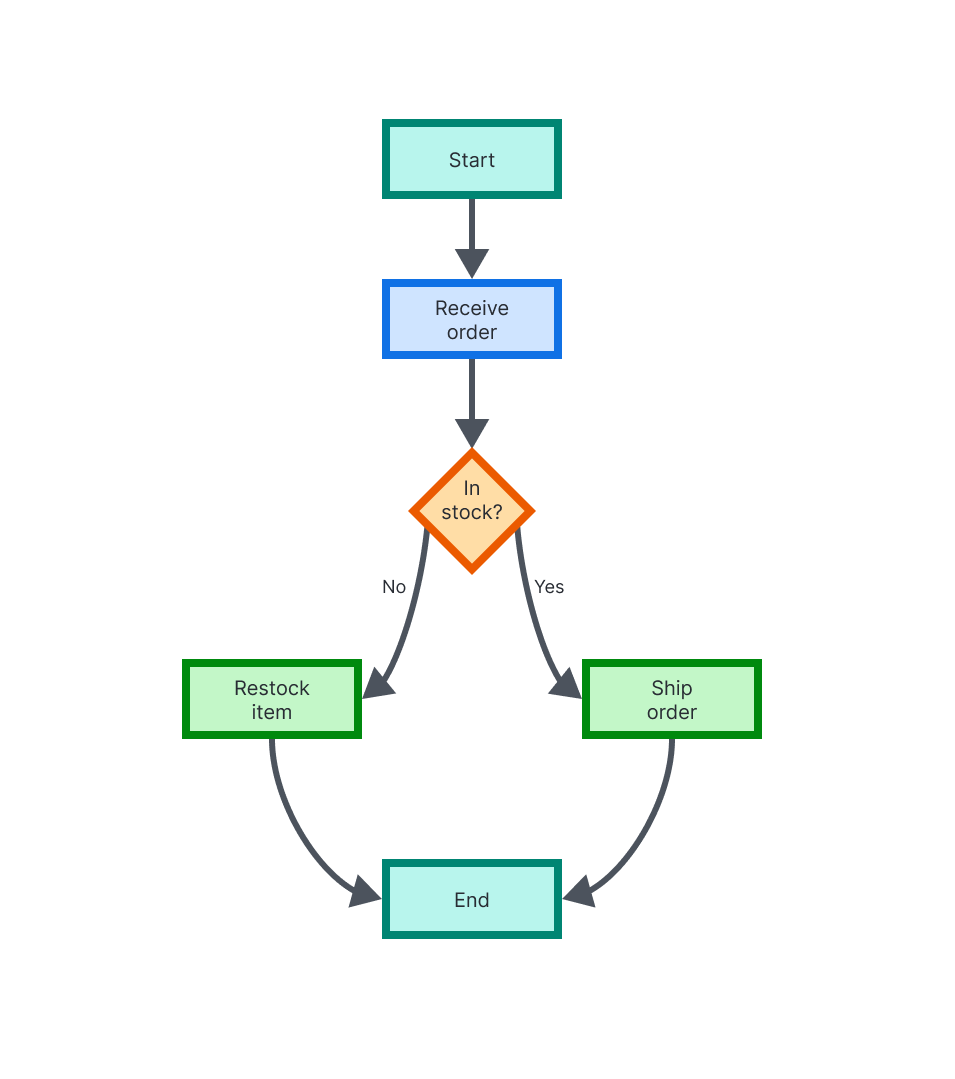
Here are a few tips to make a diagram easy to follow and use:
Make start and finish points obvious. Use the terminator shape or set them apart with placement, color, or size.
Use no more than three colors so the diagram stays clean and the color choices carry meaning.
Apply a premade or AI-generated theme to style the whole diagram in one step.
Keep the flow moving in one direction, either top to bottom or left to right.
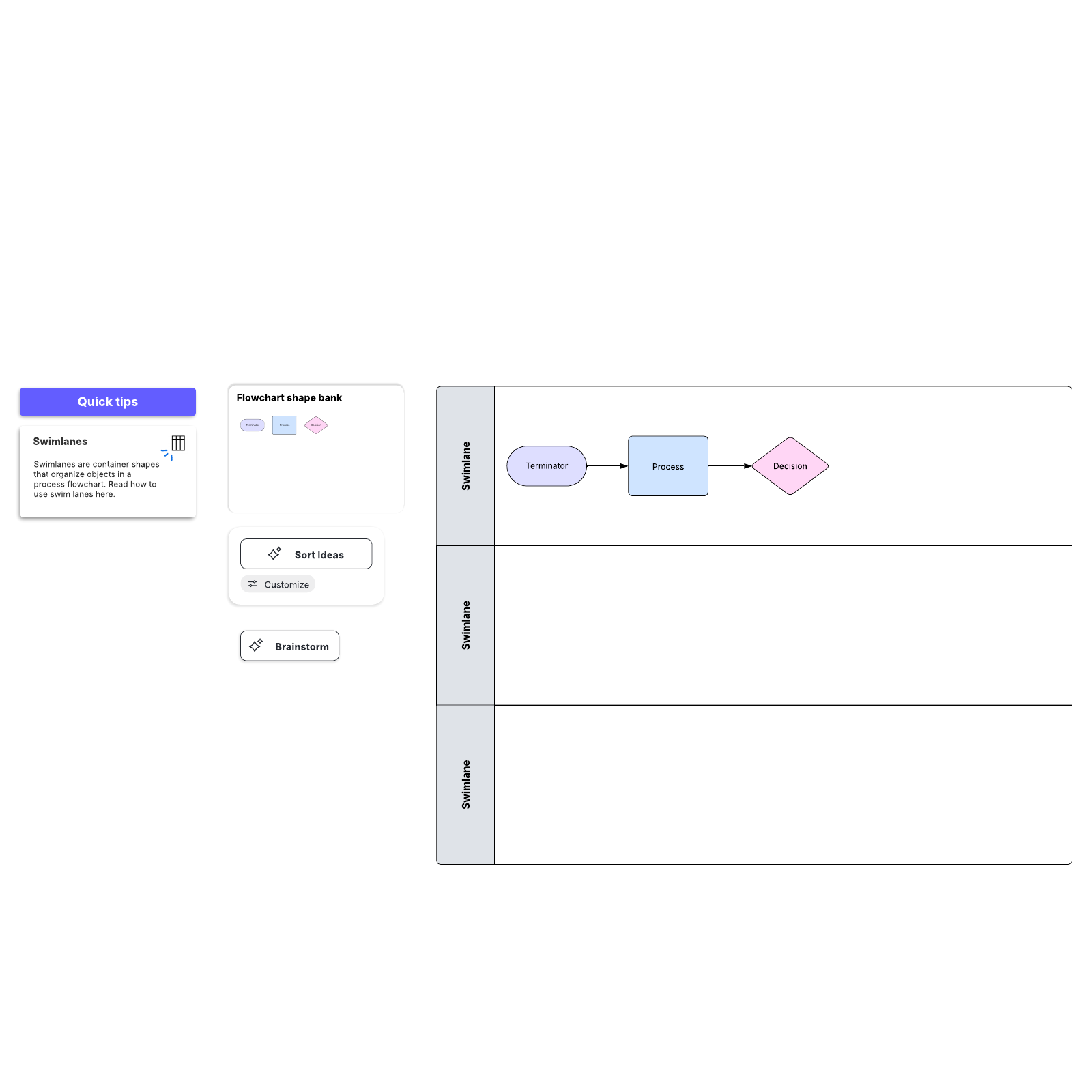
Use swimlanes when a process spans multiple teams, so each lane shows who owns which step.
Get started in our flowchart software, opens in a new tab built for both technical and non-technical users.
History of the flowchart
The flowchart has helped teams document their work for more than a century. In 1921, industrial engineers Frank and Lillian Gilbreth introduced the "Flow Process Chart" to the American Society of Mechanical Engineers (ASME).
In the early 1930s, Allan H. Mogensen trained business people in the use of these charts. Two of his students, Art Spinanger and Ben S. Graham, spread the methods further. In 1947, ASME adopted a standardized symbol system derived from the Gilbreths' work.
Flowcharts soon moved into computing. Herman Goldstine and John von Neumann used them to plan computer programs, and their diagrams helped establish flowcharting as a programming tool. Later, quality-control pioneer Kaoru Ishikawa named flowcharts among the seven basic tools of quality control.
Flowchart symbols
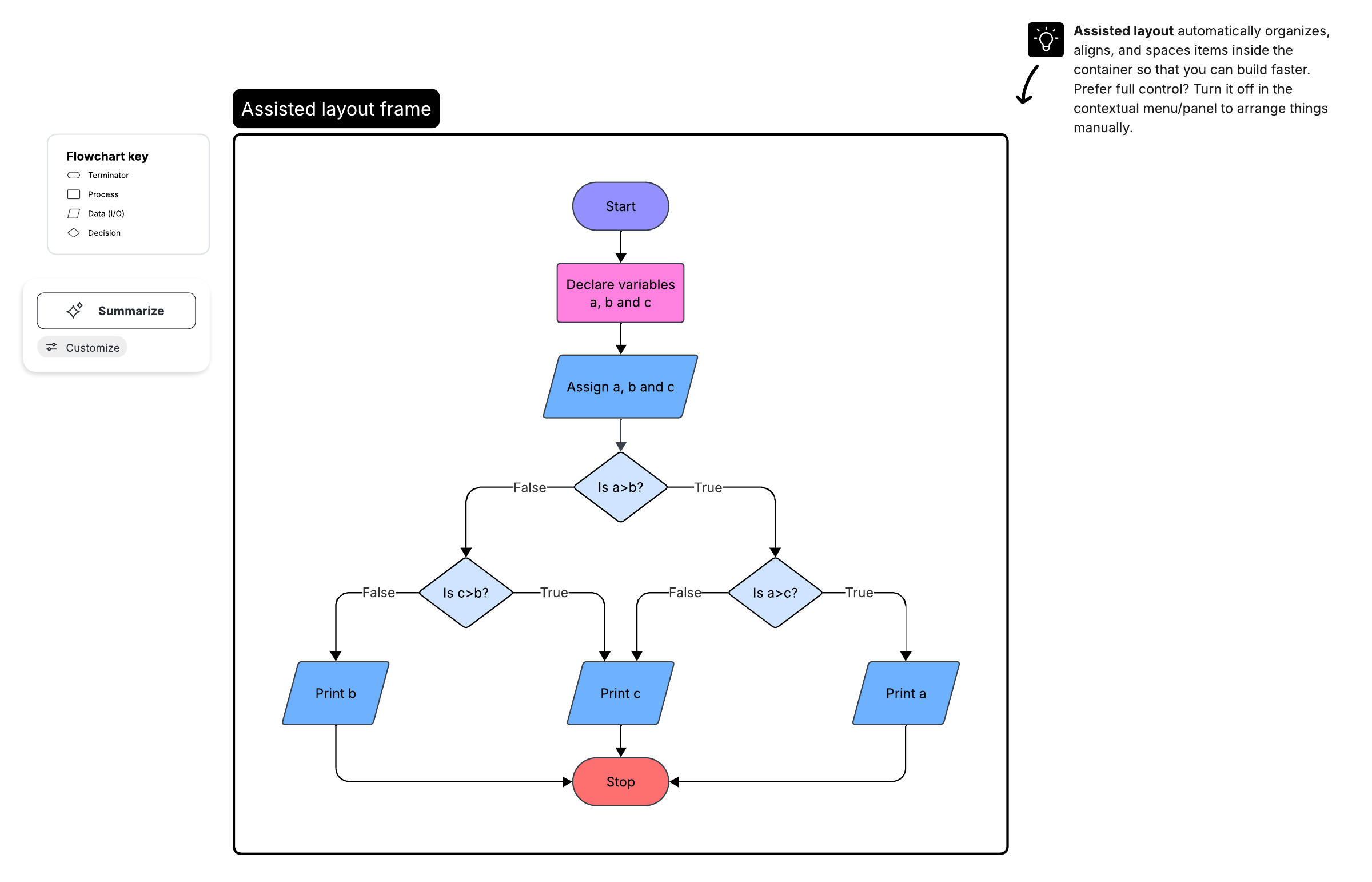
Standard symbols keep flowcharts consistent so readers can understand them without a legend. Each shape signals a specific kind of step. For the full reference, see our guide on flowchart symbols.

Terminal or terminator: an oval that marks the start or end of the process

Process: a rectangle that represents a single action or operation

Decision: a diamond that poses a yes/no or true/false question and branches the flow

Document: a rectangle with a wavy base that represents a document or report

Data (input/output): a parallelogram that shows data entering or leaving the process

Stored data: a shape that represents data held in storage
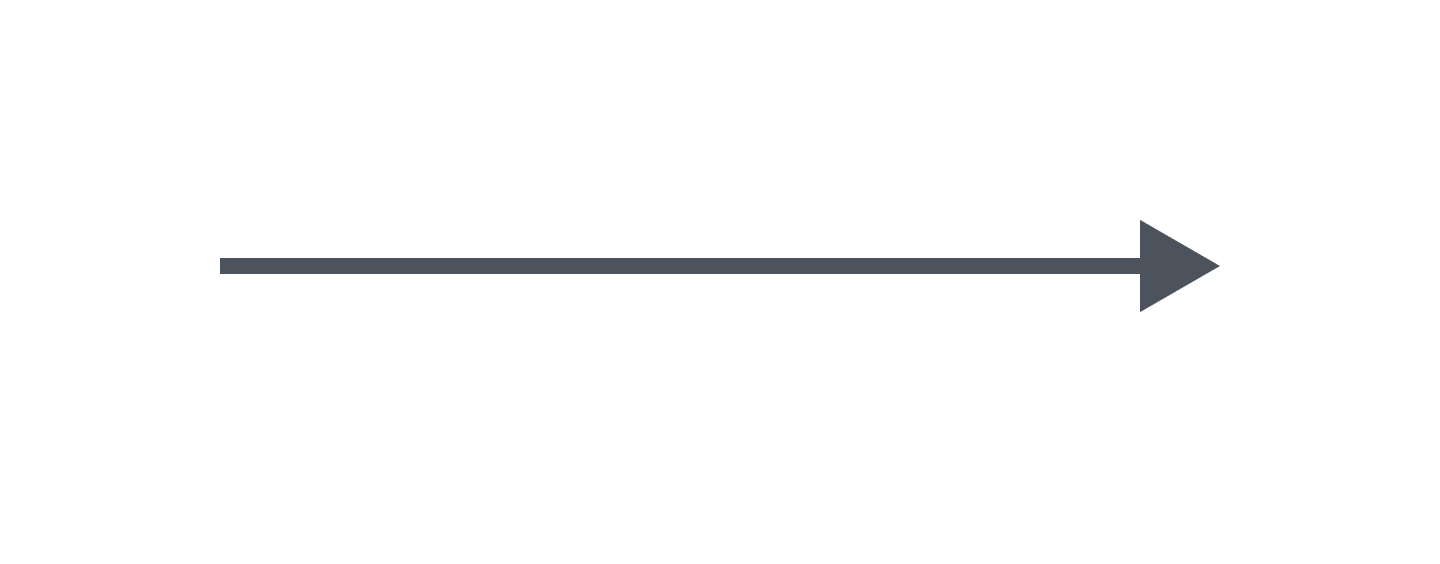
Flow arrow: a line that connects steps and shows the direction of flow

Comment or annotation: a bracket that adds explanatory notes to a step

Predefined process: a rectangle with double side bars that points to a separately defined subprocess
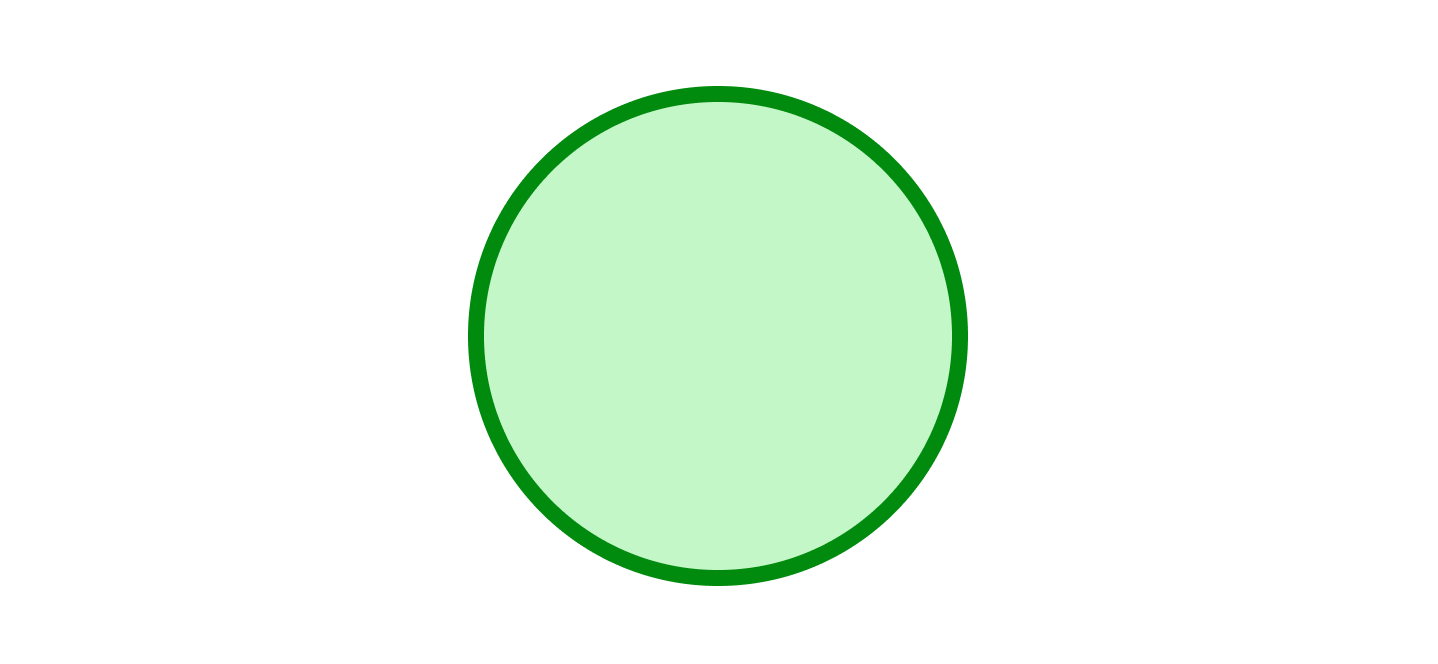
On-page connector: a small circle that links steps within the same page

Off-page connector: a shape that continues the flow onto another page
Flowcharts for computer programming and algorithms
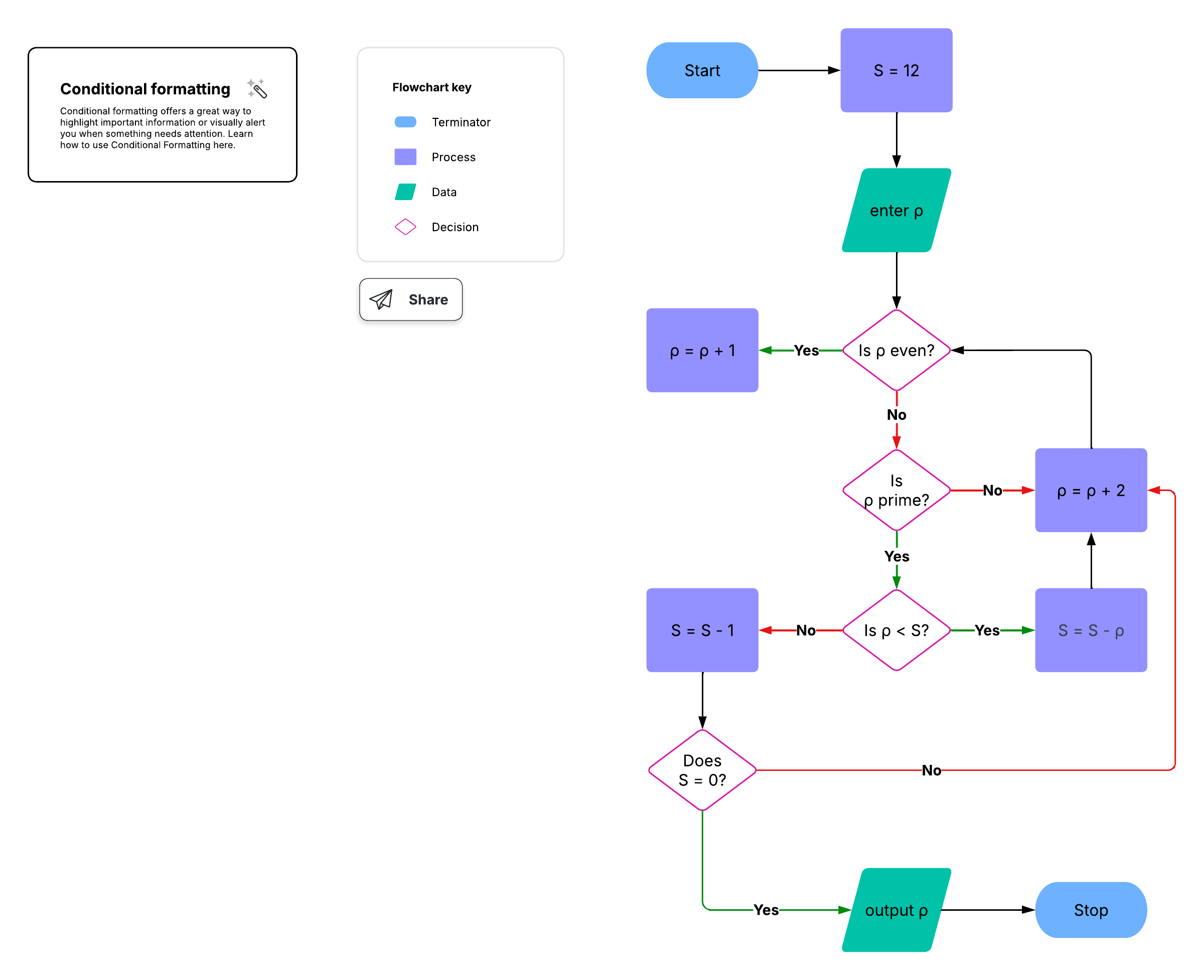
Flowcharts and algorithms work together. A flowchart shows the logic of an algorithm as a visual sequence of steps and decisions, which makes flowchart programming a useful way to plan code before writing it.
Developers often pair flowcharts with other notations depending on the task. Here are some examples:
Pseudocode: plain-language steps that describe program logic without syntax
UML activity diagrams: standardized models of the flow of control in a system
Nassi-Shneiderman diagrams (structograms): block-based charts for structured programming
DRAKON flowcharts: a flowchart language designed for readable, unambiguous algorithms
How flowcharts are used in other fields
Flowcharts can document and improve work in almost any field. Because the shapes are simple, both technical and non-technical teams can build and read them.
Education: Plan lessons, map reading and comprehension processes, and design curricula.
Sales and marketing: Chart lead flows, campaign approvals, and survey or checkout paths.
Business: Document onboarding, order fulfillment, and standard operating procedures.
Manufacturing: Represent production steps, material flow, and quality checks.
Engineering: Capture system architecture, process design, and project planning.
Types of flowcharts
Authors have classified flowcharts in several ways. In 1978, Andrew Veronis named three types: the system flowchart, the general flowchart, and the detailed flowchart. That same year, Marilyn Bohl grouped them into system and program flowcharts. In 2001, Mark A. Fryman distinguished decision, logic, systems, product, and process flowcharts. In 2003, Sterneckert grouped flowcharts into document, data, system, and program flowcharts.
In practice, teams typically reach for a few common variants:
Swimlane flowchart: assigns each step to a lane so responsibilities stay clear across teams
Workflow diagram: shows how a task or document moves through a business process
Event-driven process chain (EPC): models business processes as a series of events and functions
Specification and description language (SDL): diagrams system behavior for communication protocols
You will also encounter related process diagrams, including the data flow diagram (DFD), the process flow diagram (PFD), and Business Process Model and Notation (BPMN 2.0). To build one of the most common variants, follow this process flowchart tutorial.
How do you plan and draw a flowchart?
Plan the process first, and then build it on the canvas in Lucidchart. Define what you are documenting, list the steps in order, and lay them out with the right shapes. For the full walkthrough, see our guide on how to make a flowchart.
Follow these steps:
Define the purpose and scope of the flowchart so you know where it starts and ends.
Identify the tasks in chronological order, from the first action to the last.
Organize the tasks by type, and choose the shape that matches each one.
Draw the flowchart. In Lucidchart, start from a template, or start from a blank canvas and drag shapes from the left-hand toolbar. Connect two shapes by clicking a dot on the outside of one shape and dragging it to the other. Customize shapes with line and fill colors, styles, and more using the menu bar at the top of the editor.
Confirm the flowchart with those who run the process, and refine it based on their feedback.
When the diagram is ready, click Share to invite collaborators, or use the header file menu to find additional options for publishing your document. Revision history keeps every version, so you can track changes and restore earlier drafts. To skip the manual build, try Lucid’s AI flowchart generator and refine the result.
Flowchart tutorial video
This official Lucid tutorial walks through creating basic flowcharts using flowchart symbols, shapes, and notation, and explains what a flowchart is and why to use one.
Generate a diagram using AI video
Learn how to generate a diagram in Lucidchart using AI, including editing, iterating, and customizing the output.
Whether you’re mapping out a complex system or streamlining an everyday process, flowcharts can bring clarity and insight into important systems. If you’re ready to document your own processes, gather your team, define your start point, and start mapping your workflow in Lucidchart today.