Key takeaways
-
Business capabilities describe what a business does, not how it does it.
-
The steps to mapping business capabilities include starting with the “why,” identifying capabilities, documenting capabilities, and reviewing and prioritizing with stakeholders.
-
A visual collaboration solution like Lucid makes business capability mapping much easier with intelligent diagramming and real-time collaboration.
Business maps are visual representations of the various types of planning, strategic, and other business knowledge documents that companies track and maintain. They are excellent companions (and in many cases replacements) to text-heavy documents because they are easy to read and understand, keep the focus on the big picture, and align internal processes.
There are several types of maps businesses might use to understand roles, responsibilities, processes, systems, and standards with the goal of seeing what’s working and where improvements need to be made.
In this article, we focus on creating business capability maps—a type of map that gives businesses clarity into what they do instead of how they do it.
What is a business capability?
A business capability describes the capacity, materials, and expertise an organization has or needs to complete its work.
Sounds simple enough, right? But it can be challenging to determine what is or is not a capability. Here are a few guidelines to help you define capabilities:
-
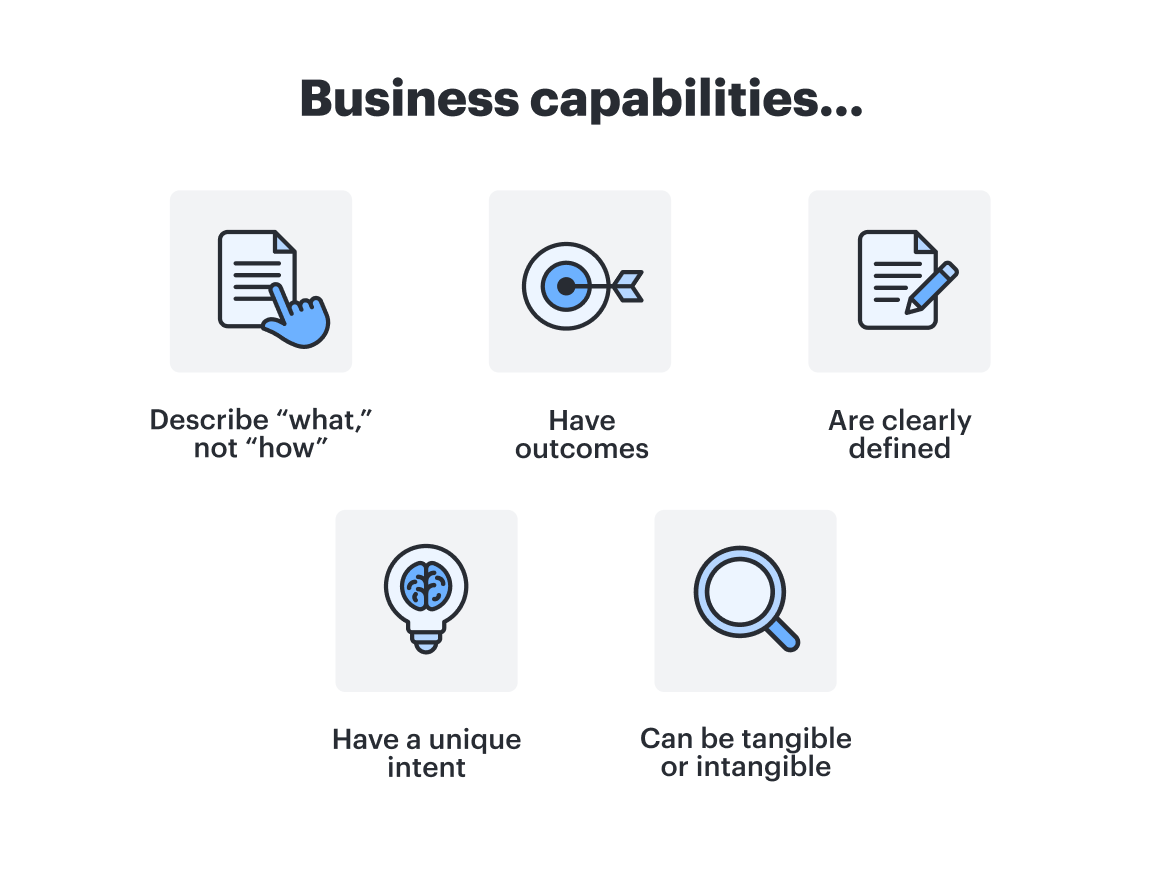
Capabilities describe “what,” not “how” something is done. For example, account management is a capability because it describes that a business is capable of managing accounts. It does not describe who manages the accounts or how and where they are managed.
-
Capabilities have outcomes. Using the account management example, the outcomes would be client retention and loyalty.
-
Capabilities need to be clearly defined. If you are identifying account management as a capability, you need to define “account” and “management.” This can help to create a common language.
-
A capability’s intent is unique (usually). For smaller to medium-sized organizations, each capability will likely be unique from other capabilities. However, large enterprises might have duplicate capabilities in different parts of the business.
-
A capability can be tangible or intangible. Product manufacturing is a tangible business capability because you can see the factory floor, the machinery, and the people making the product. An intangible capability might be the description of your company’s alignment with Agile principles and its ability to work in an Agile environment.
Business capabilities often don’t shift unless you go through a business transformation.
“Think of business capabilities as the bricks of your business that create the foundation for what you do to create value in the market and make money.”
—Jeff Rosenbaugh, Senior Director of Professional Services at Lucid
What is business capability mapping?
Business capability mapping is the process of mapping the things your business must do to create value. Business capability maps are the highest level of business architecture, above process or application maps. You won’t have capabilities around everything your business does—only the things that relate to delivering value to customers.
“What do you do to create value? You want to talk about the 'big rocks' that are the foundation of your business, not the tools for building.”
—Jeff Rosenbaugh, Senior Director of Professional Services at Lucid
Benefits of business capability maps
Business capability mapping offers several advantages that support efficient and effective IT management. Business capability mapping supports efficient and effective IT management because it:
-
Helps you analyze how IT can optimally support your business by showing you how well or how poorly business capabilities are supported by available applications. This visual makes it easy to figure out where improvements need to be made.
-
Aligns funding with core capabilities
-
Gives you a 360-degree view of the enterprise, showing how business motivation, capabilities, processes, data, and resources relate to each other.
-
Creates a common language that facilitates communication across diverse departments without technical jargon, so everybody is working toward the same goals.
-
Brings business and IT together, which leads to a better business definition and effective technology solutions
-
Fosters the reuse of IT assets, which saves time and accelerates time to market.
Keep in mind, while capabilities affect IT considerations, the capabilities themselves are not necessarily related to your tech stack.
When to use business capability maps
There are several scenarios where you might want to use a business capability map.
-
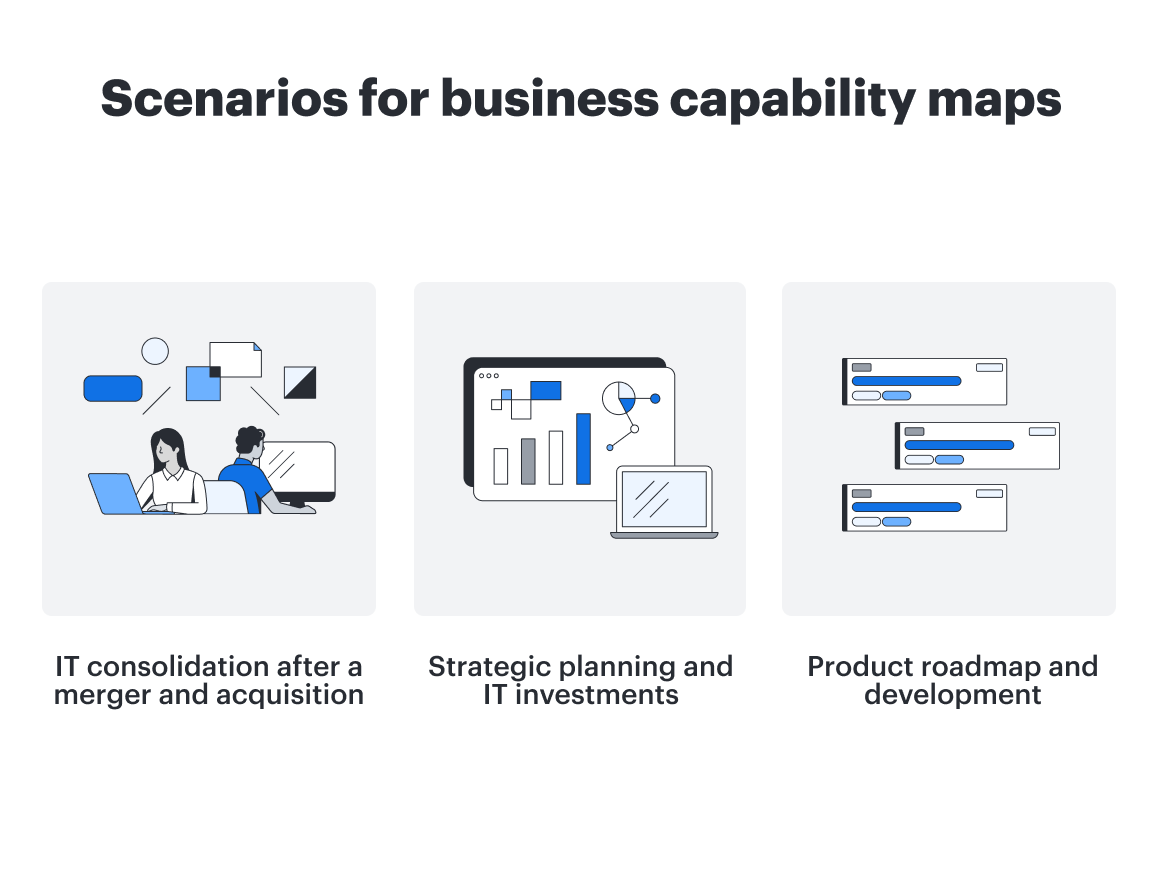
IT consolidation after a merger and acquisition. When two companies come together, an effort is made to consolidate core and support functions, often leading to overlap and redundancies in these functions. A business capability map is a good starting point for identifying these areas of overlap.
-
Strategic planning and IT investments. Business capability maps help you in planning for multi-year, long-term investments. The maps can show gaps between current and future capabilities, so you can identify areas that need the money.
-
Product roadmap, opens in a new tab and development. Capability mapping can help you to conceptualize new products or services because it keeps the vision of the final product in perspective.
Steps for mapping business capabilities
There is no one-size-fits-all process for creating business capability maps, but there are some general guidelines you can use to get started and stay on track.
Our recommendation for all of these steps? Use a visual collaboration solution. Business capability mapping becomes infinitely easier when you use a platform like Lucid to collaborate with contributors and map out the capabilities—visually and in real time.
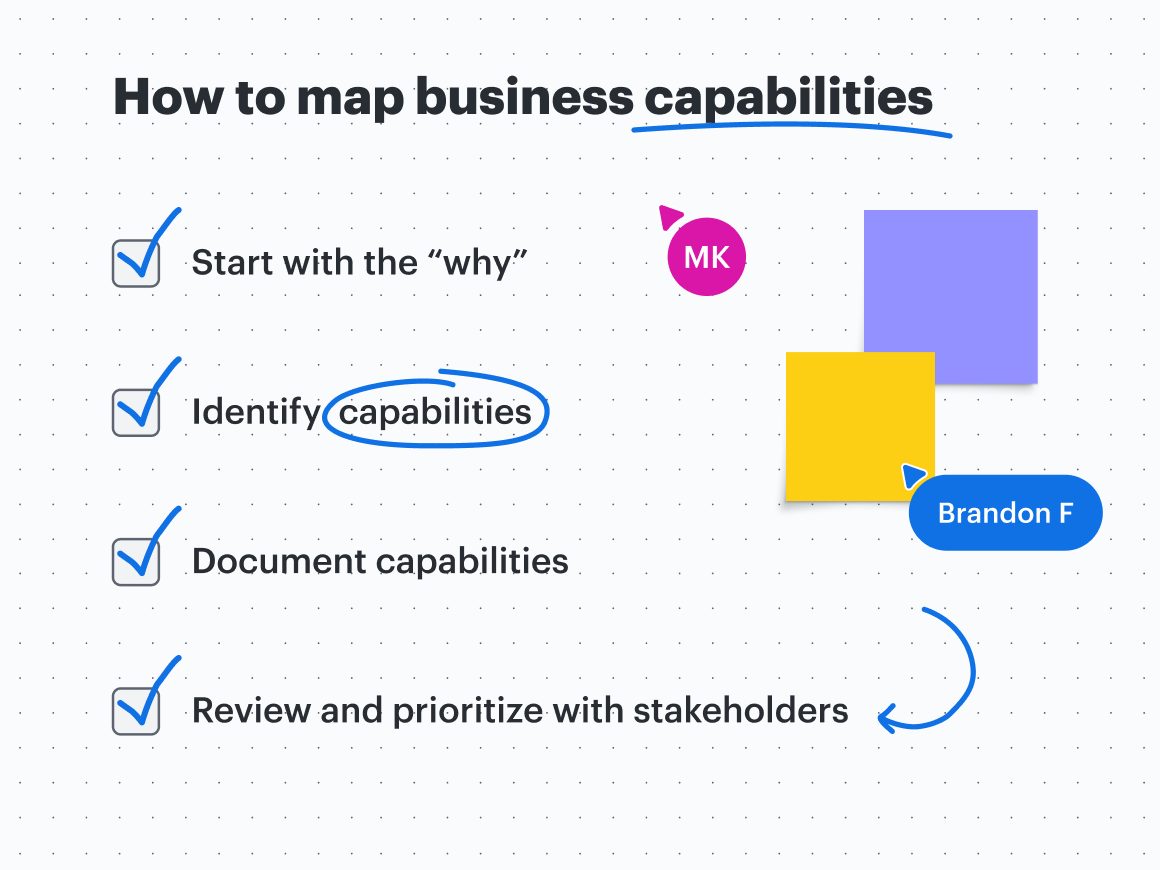
Step #1: Start with the “why”
Describe your purpose for mapping business capabilities in order to set the scope of the work. Mapping business capabilities can be a significant undertaking. Knowing why you’re doing it in the first place can help narrow down how much time you’ll spend on mapping and how many resources you’ll invest. For example, are you mapping capabilities because you’re going through a digital transformation or because you’re worried about a particular part of the business?
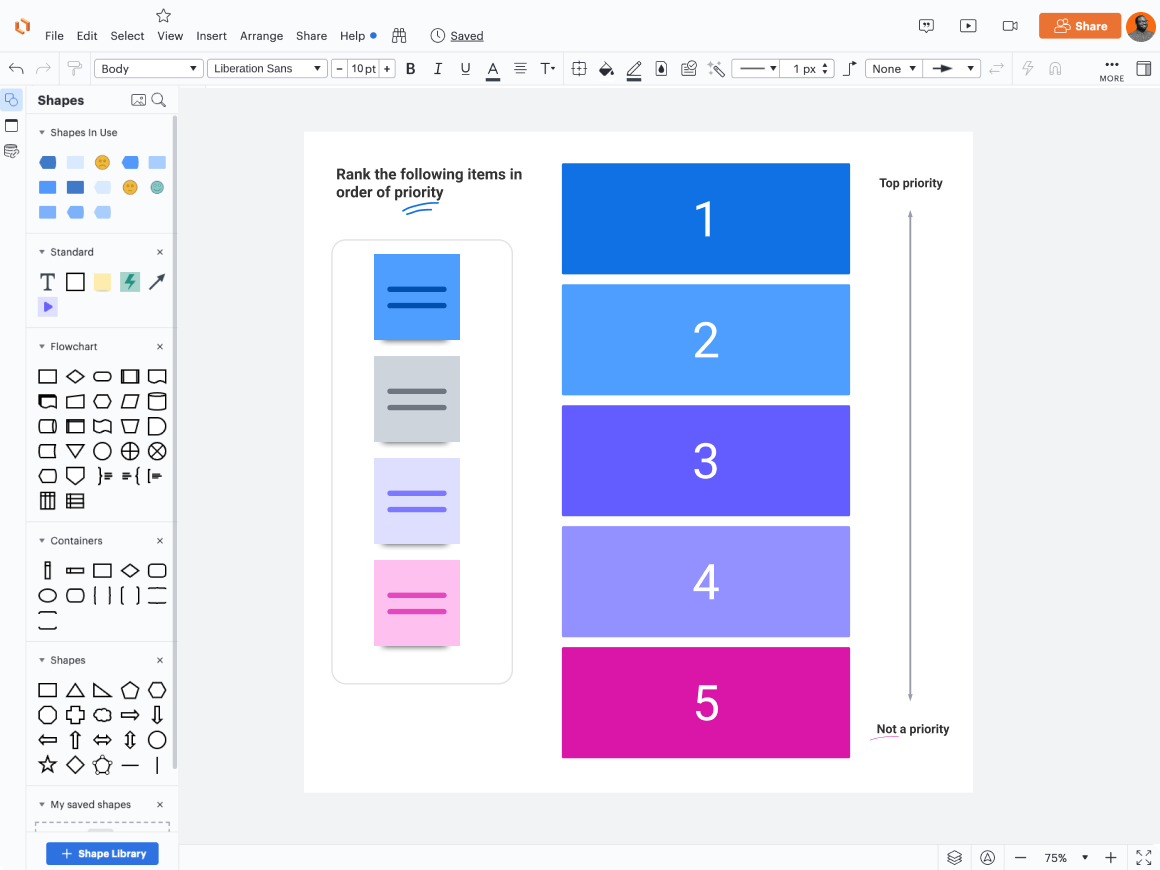
If you’re using Lucid, brainstorming features are really helpful at this step. Collaborators can add sticky notes with ideas, opens in a new tab, react to others’ ideas, opens in a new tab, and even rank ideas to gain a consensus, opens in a new tab.
Step #2: Identify business capabilities
Identifying business capabilities might be done in tandem with identifying your “why” rather than as a separate step. Whether you do it separately or not, review internal business documentation to help identify capabilities. This documentation may include:
-
Value statements
Some business capability examples that may apply to your organization include:
-
Customer-related activities like onboarding, account access, and retention
-
Stakeholder-related activities, including identifying who the stakeholders are and managing expectations
-
Activities related to investment planning, tax planning, and insurance planning
-
Activities related to distribution channels, like relationship management and client service management
-
Business support activities such as accounting, risk, and compliance
-
Infrastructure management and data management
Step #3: Document capabilities
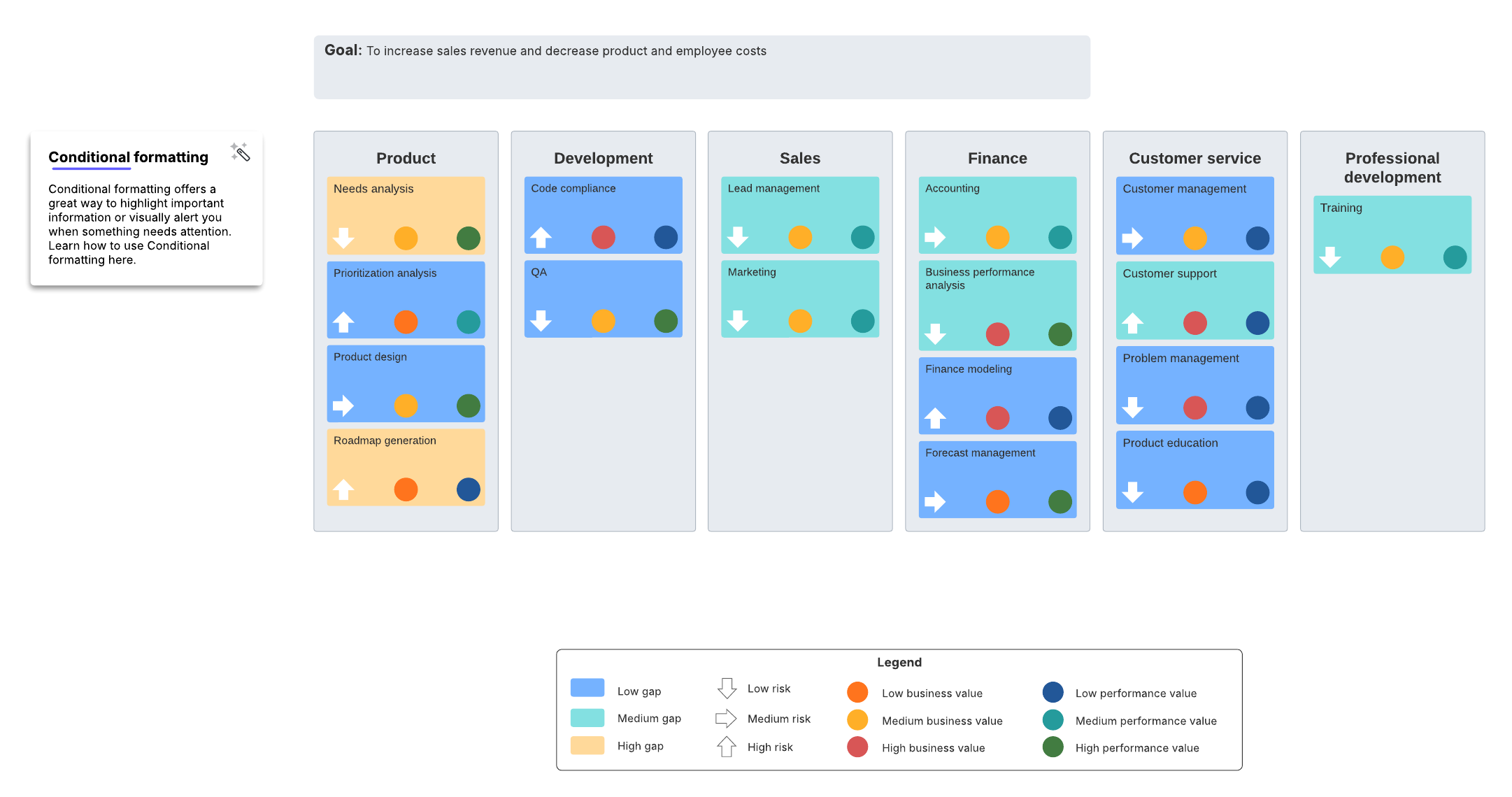
While steps one and two should produce a list of capabilities, step three should be diving into the details of those capabilities and should be very visual. Lucid offers business capability map templates like the ones below that can serve as a good starting point if you don’t want to create your map from scratch.
If you do want to start from a blank canvas, Lucid offers many intelligent diagramming features, including the ability to generate a diagram with AI, opens in a new tab, that can turn diagrams into dynamic documents that evolve with your business.
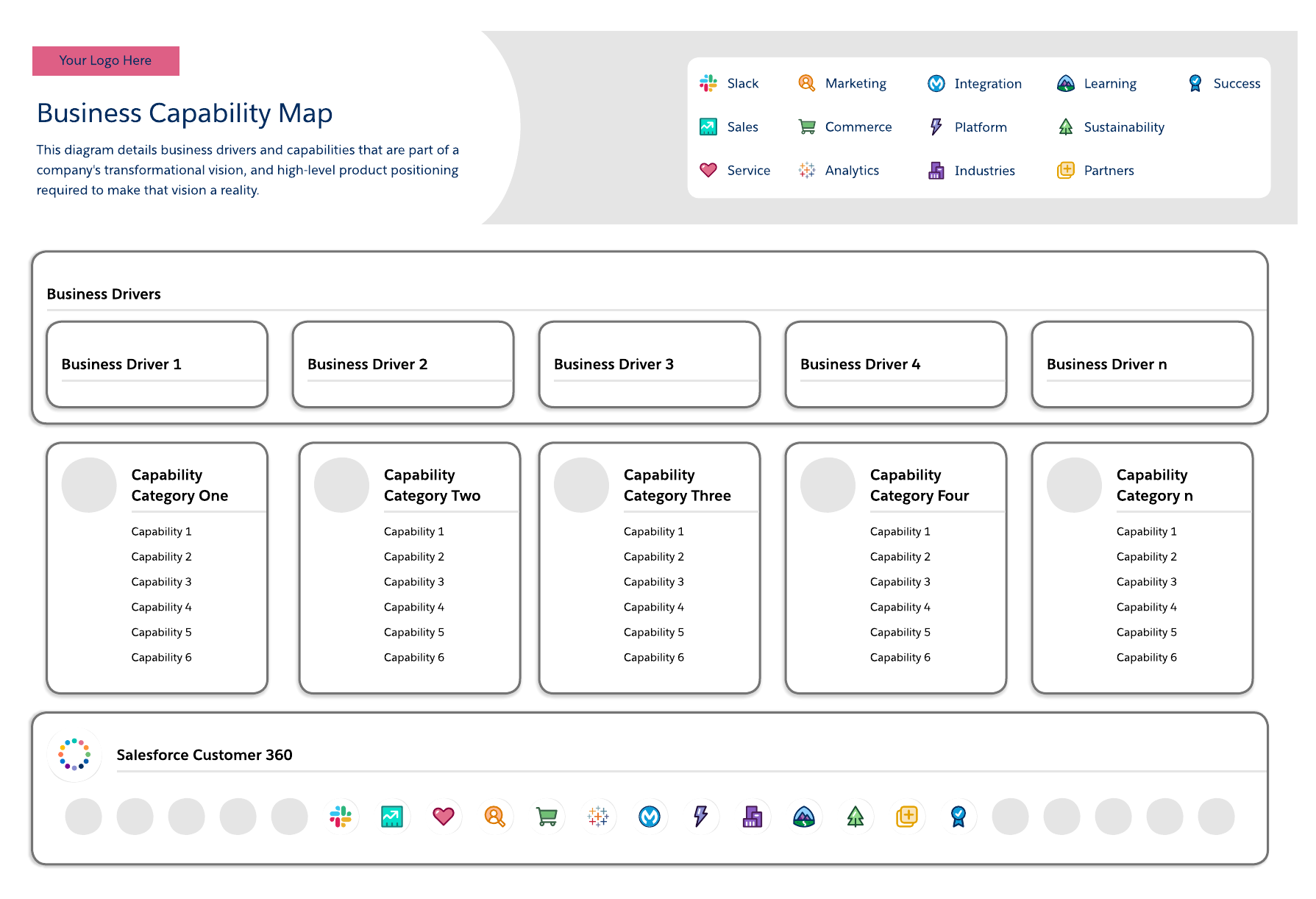
When documenting business capabilities, you’re going to group capabilities by levels. As you identify your organization’s higher-level capabilities, ask yourself if those capabilities can be broken down further. For example, customer management would be a level one capability, and onboarding would be a level two capability, or sub-capability.
Other questions to ask yourself at this step include:
-
Do we have KPIs for measuring these capabilities?
-
Are there duplicate capabilities? If there are, should they be merged?
Finally, your capability map should include both your business architecture and IT architecture. This combination ensures that business and IT management are aligned and speaking the same language as your teams work toward the same goals. During this step, you’re also going to overlay business and technical architecture. If you already have this architecture documented, add that to your business capability map. If you don’t have the architecture documented, this part of the process may be building out that architecture documentation.
Lucid makes it easy to connect your architecture and show rollup information by using layers, opens in a new tab, or different levels within the same document. And you can make your document interactive by adding an Action to a layer, opens in a new tab, which allows you to hide, show, or toggle layers of your document with a simple click.
Step #4: Review and prioritize
Lastly, once you have your business capability map, review the defined capabilities with key business and IT stakeholders. Identify gaps and redundancies. Determine which capabilities have higher customer value and assign them a higher priority, then work your way down to the lowest priority capabilities.
You could spend a lot of time on this step, but ultimately, the amount of time you spend should align with your key initiatives and the scope you identified in the first step. Considering the context of why you did capability mapping in the first place helps keep the scope reasonable and should inform which stakeholders you share the map with.
Pro tip: If your capability map is in Lucid, you could use custom shapes with custom metadata and conditional formatting, opens in a new tab to highlight details like blockers and risks.
Business capability mapping can be an invaluable tool for your business that aids in critical decision-making. Lucid makes it easy to get started.

Visualize enterprise architecture
Business capability mapping is not the only way Lucid helps enterprise architects.
Learn more