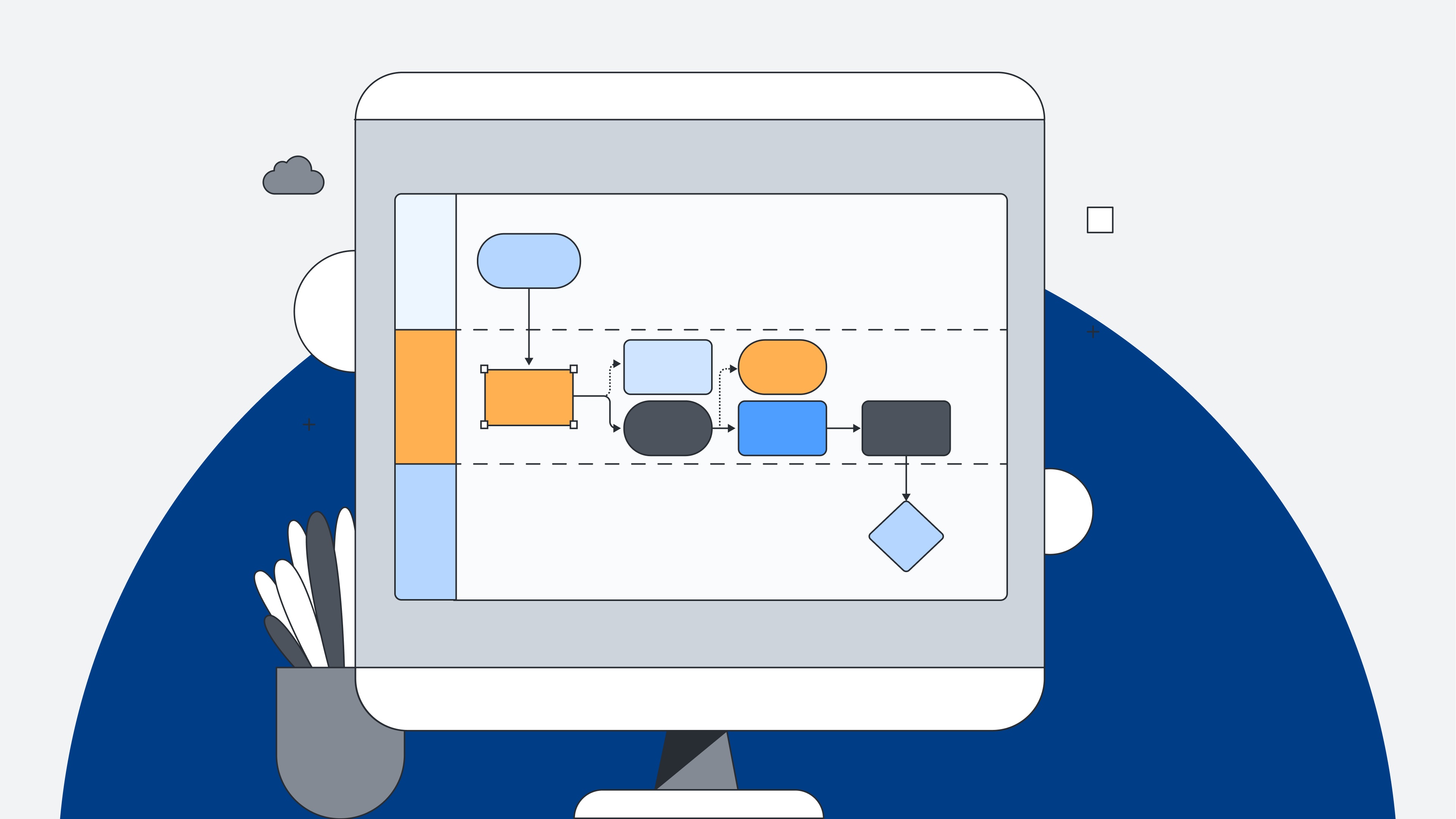
If you’re a Lucidchart user, you already know how impactful intelligent diagramming can be. With quick diagramming features, you can intuitively diagram faster than ever!
All about the quick diagramming features
Lucidchart’s quick diagramming features allow you to create powerful diagrams easily and intuitively. With added tools available right on the canvas, you can now do your best work in just a few clicks without having to navigate back and forth from the menu.
Here is a brief overview of the features that will take your diagramming game to the next level:
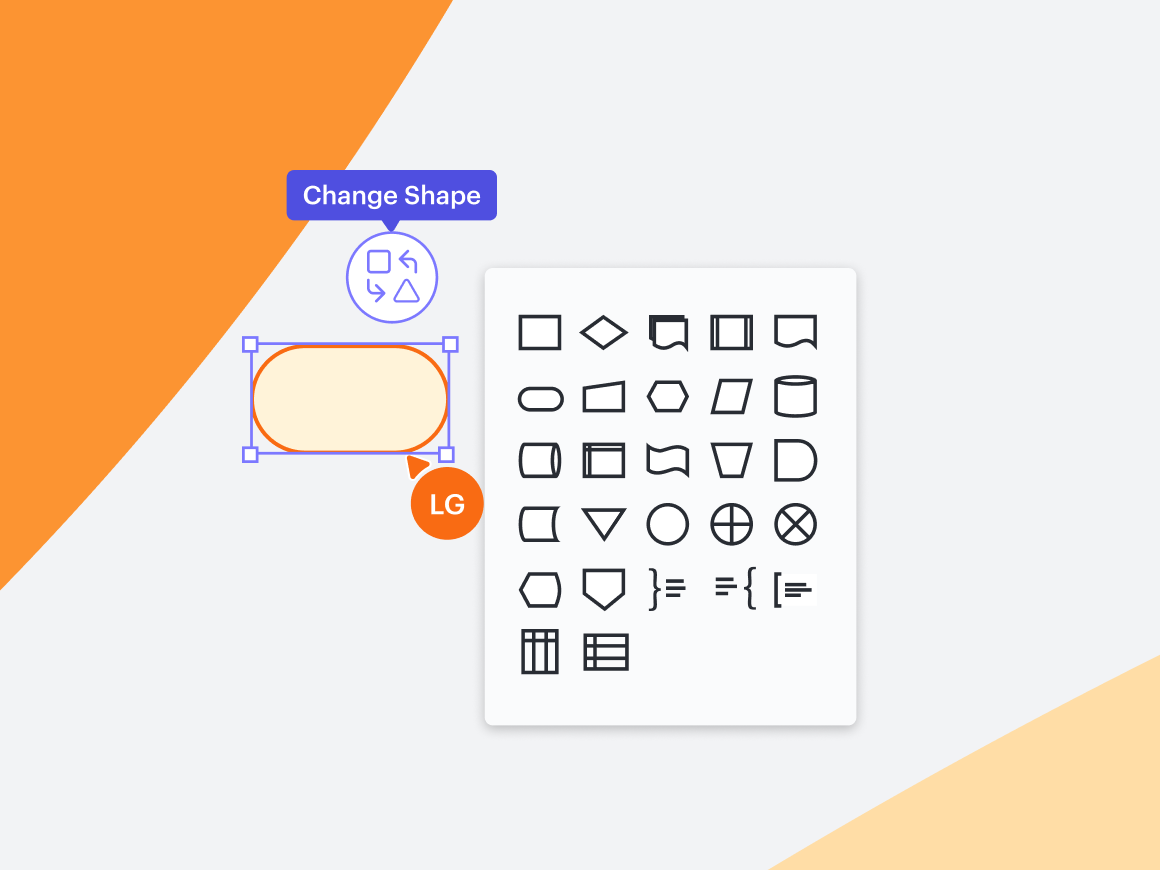
1. Quick shape changes
Need to change the look of your diagram? No sweat. Instead of deleting and replacing a shape, a button click will allow you to simply swap a shape in your diagram, opens in a new tab to a different one—all without affecting the text inside.
2. Easy shape add
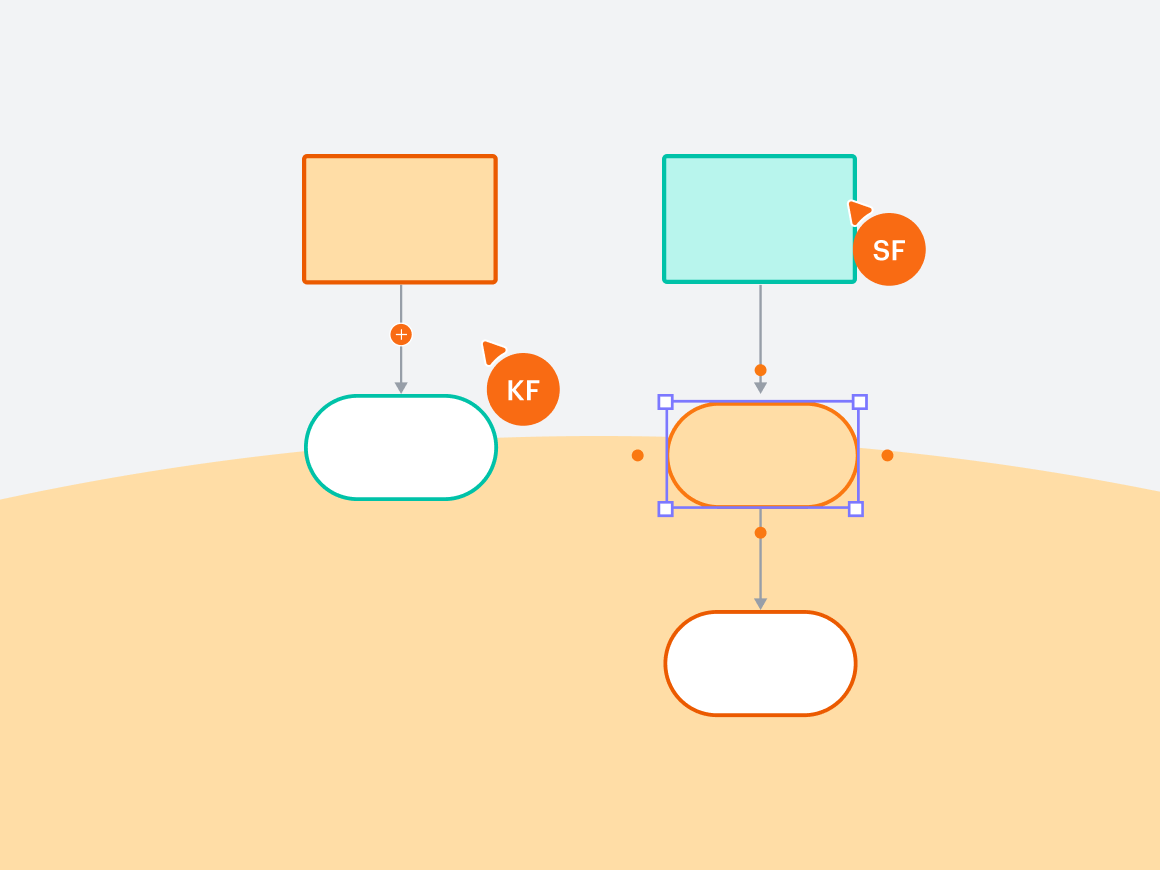
Easily add a shape to an existing line by dragging a shape on the canvas to the desired location. The line will adjust to have the shape in the middle with new connecting lines. The possibilities are limitless—build as quickly as you develop new ideas.
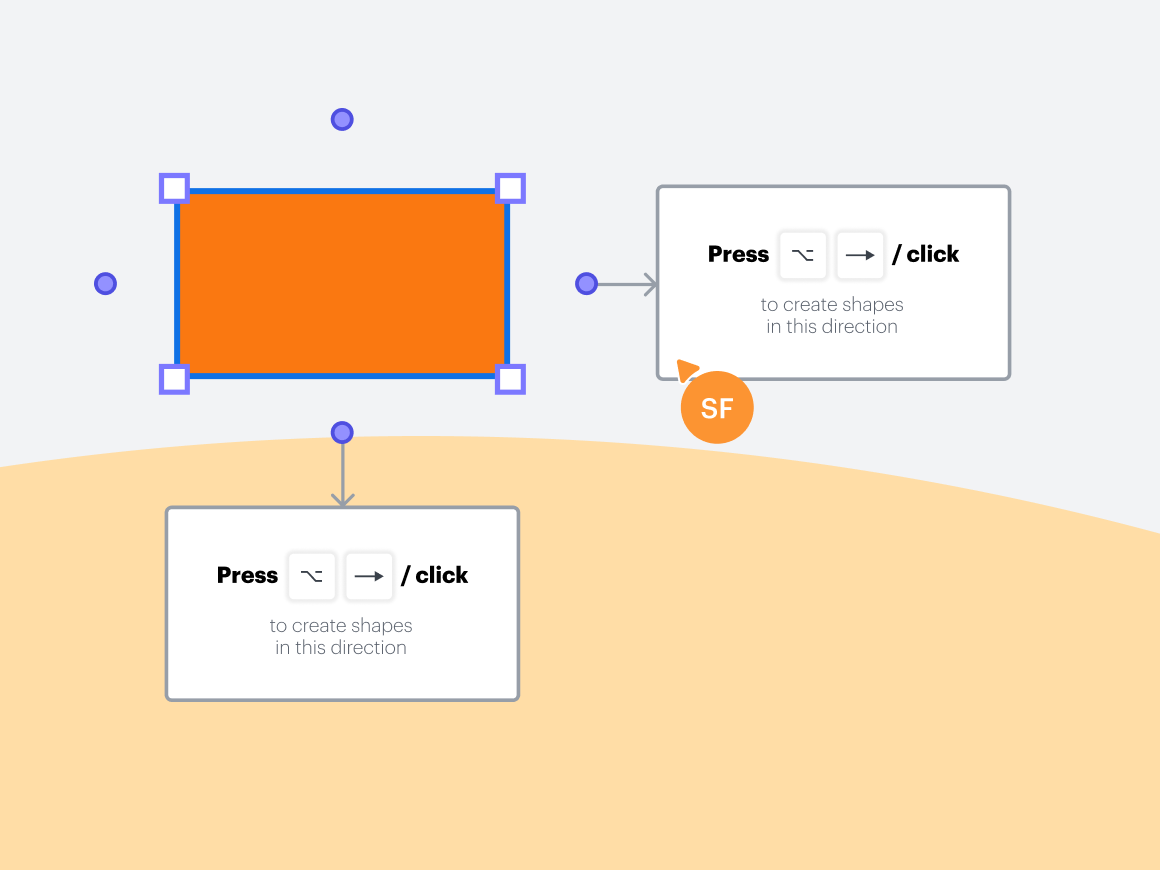
3. Preview Shapes and Quick Add
Ghost shapes will appear as you build your diagram, offering various options for which direction to take your diagram next. With hot key shortcuts associated with each option, all you have to do is make your decision, and Lucidchart will do the work of building for you.
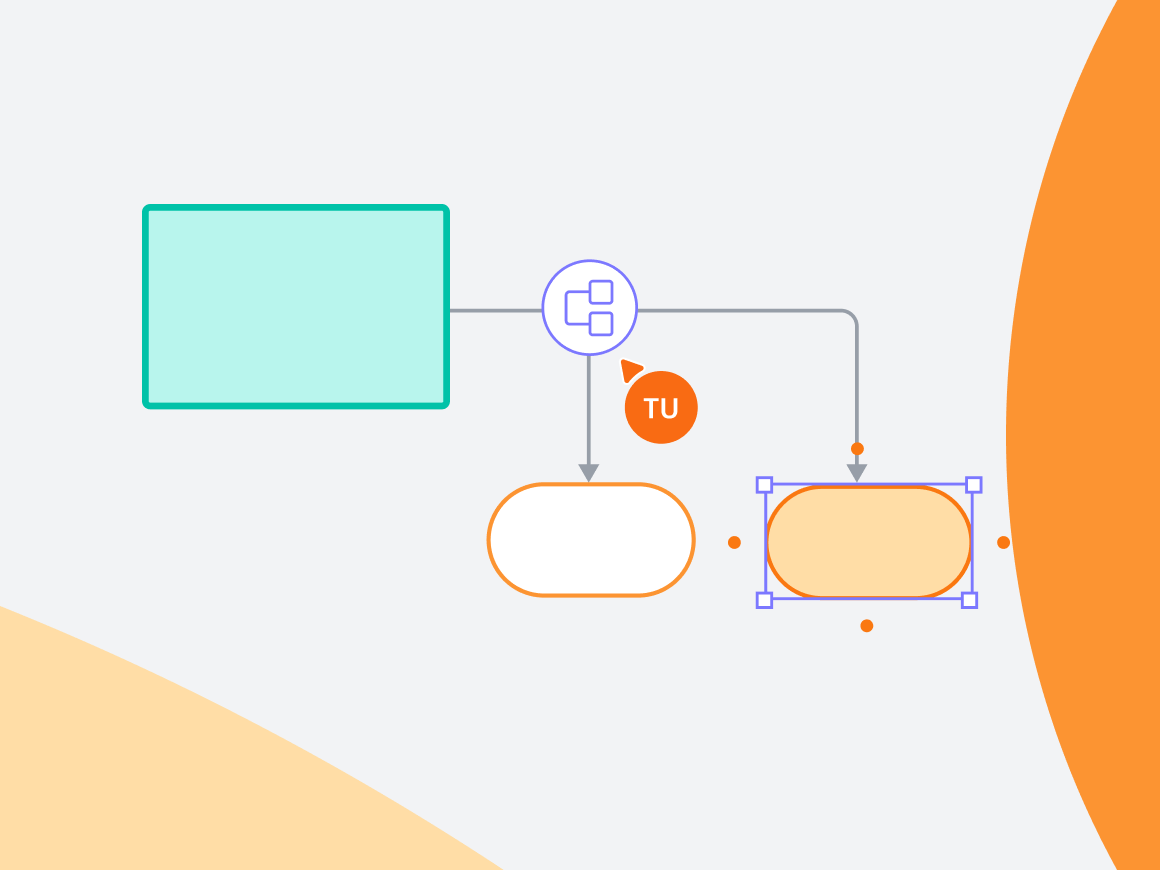
4. Automatic branching
Gone are the days of clicking and dragging lines to new shapes. Branch an existing line in whatever direction you choose to create flowcharts and diagrams with ease. Plus, new lines will be automatically spaced out equally.
Whether you’re a seasoned diagramming pro or a newbie, these features will have you creating your best work faster than ever.
Jump into Lucidchart to try out these quick diagramming features.
Go now