
Google Docs isn’t just the go-to program for writing and editing papers on the fly—millions of businesses use it to communicate with teammates, stakeholders, and clients. Whether you’re documenting your weekly status update, iterating on a process, or reviewing steps within a system, adding strong visuals to your documents can help add a level of clarity and alignment.
The good news? Adding visualizations to your Google Docs is easier than ever because Lucidchart fully integrates with Google Workspace, opens in a new tab, enabling you to seamlessly, create and add diagrams to your documents. In this article, we'll show you how to make diagrams in Google Docs using Lucidchart.

Install the add-on now.
InstallLearn how to insert a Lucidchart diagram into a Google Doc. This integration allows you to embed a diagram into a Google document, and then update the embedded diagram whenever you have updates.

Learn more about the Lucid integration for Google Workspace.
Read moreHow to add Lucidchart to Google Docs
- From an open Google Doc, select Extensions from the top menu bar.
- Hover over Add-ons and click Get add-ons.
- Search for Lucidchart and click Install. Select Continue to give Lucid permission to begin installing.
- Click Allow to give Lucid access to your Google Account.
- In the confirmation window that appears, click Done.
How to insert a diagram with the Lucidchart add-on
Now that you know how to add Lucidchart to Google Docs, you’re ready to insert a diagram. Have a diagram in mind? Use the add-on to insert it directly into your document.
- Open the correct Google Doc.
- Click Browse Documents in the Lucidchart add-on sidebar on the right.
- Select the thumbnail of the document you want to insert. If you are importing a multi-page Lucidchart document, only the first page will be inserted by default.
- Click Select.
How to make a new diagram in Google Docs
You can even access the Lucidchart editor to create a new diagram and add it to your doc. To do this, click Create New from the corresponding add-on sidebar. The add-on will direct you to the editor.
From there, the possibilities are endless for what you can create. We have purpose-built features to increase efficiency, promote transparency, and communicate with clarity.
How to boost your diagram in Google Docs
If you’re new to diagramming in Lucidchart, welcome! Powerful visuals and greater team alignment are only a few clicks away.
Here are some of our top capabilities to help you maximize your diagramming experience.
Leverage AI in Lucid
Efficiently create diagrams with Lucid’s AI-powered features. Generate a diagram in seconds by typing in a simple text prompt, and enhance your diagram with one click. Once your diagram is created, you can update it by providing additional context using AI or manually edit it as you like. You can also use AI to create conditional formatting rules, and further streamline your workflow with AI-supported apps like Slack, ChatGPT, and Microsoft Graph, Teams, and Copilot.

Learn more about Lucid’s AI-powered features.
Take me thereShare your document
It’s easy to share your diagrams and connect with your team in Lucidchart. Generate a secure link, send an email, create a Join ID, and more. You can even share your document with non-Lucidchart users for basic collaboration. It’s also easy to adjust the permission levels of your document for each collaborator. Grant view-only, comment, edit, or edit-and-share access.
The best part? You can feel confident knowing that you and your team are always looking at the most up-to-date version of your document with real-time updates.

Explore best practices for sharing and collaborating in Lucidchart.
Read moreLink external resources
Create dynamic, data-driven visualizations. Enhance your diagram by linking to external resources. Import datasets from Google Sheets, Excel, and CSVs directly into Lucidchart. Refresh and replace your datasets as you make changes to your diagram so you always have the most updated information.

Take our free, self-paced course to learn more about visualizing your data in Lucidchart.
Register nowStart from a template
No need to start from scratch. Work more efficiently and get some inspiration with templates. Lucidchart has hundreds of customizable templates to help you build diagrams with ease. From flowcharts to swimlane diagrams, and everything in between, you’ll be able to visualize people, processes, and systems with greater clarity and alignment.
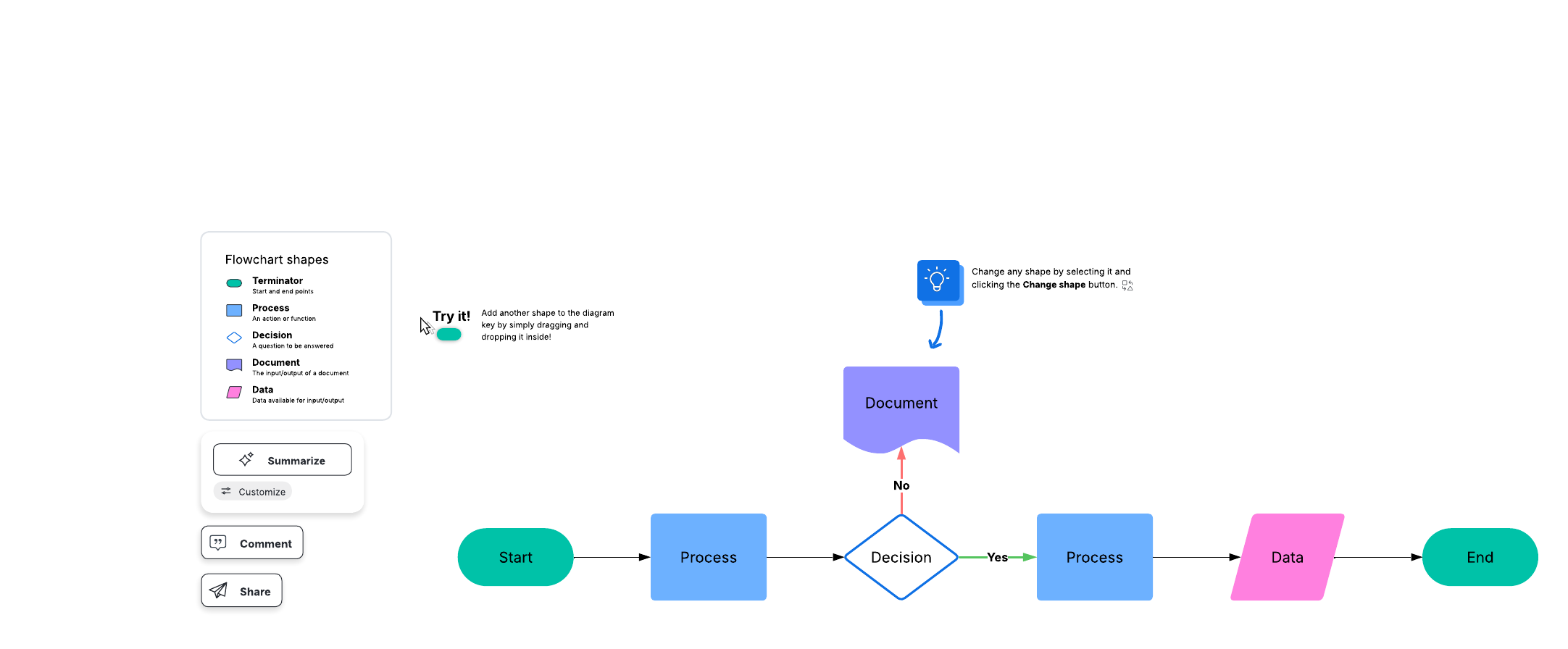
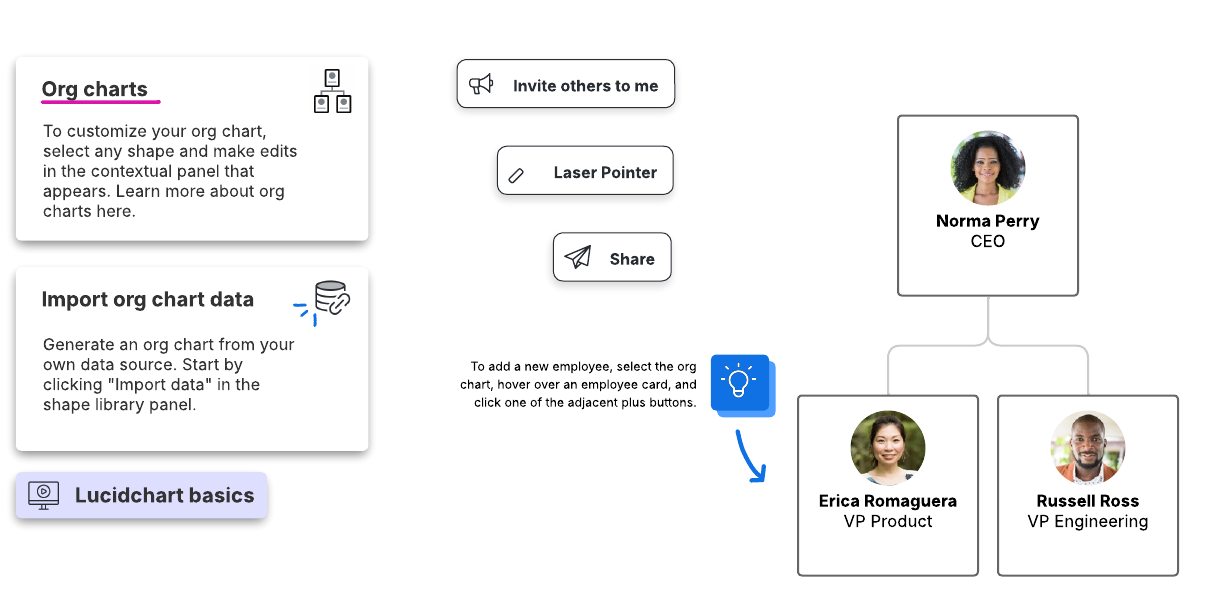
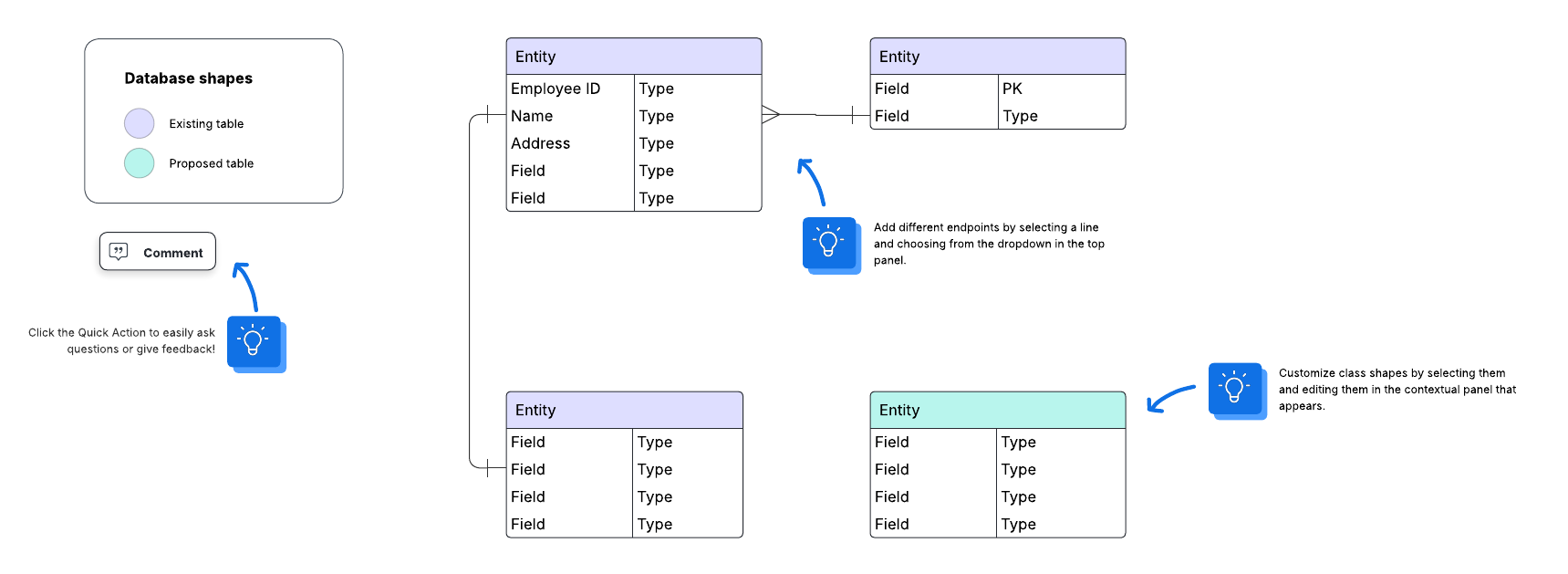
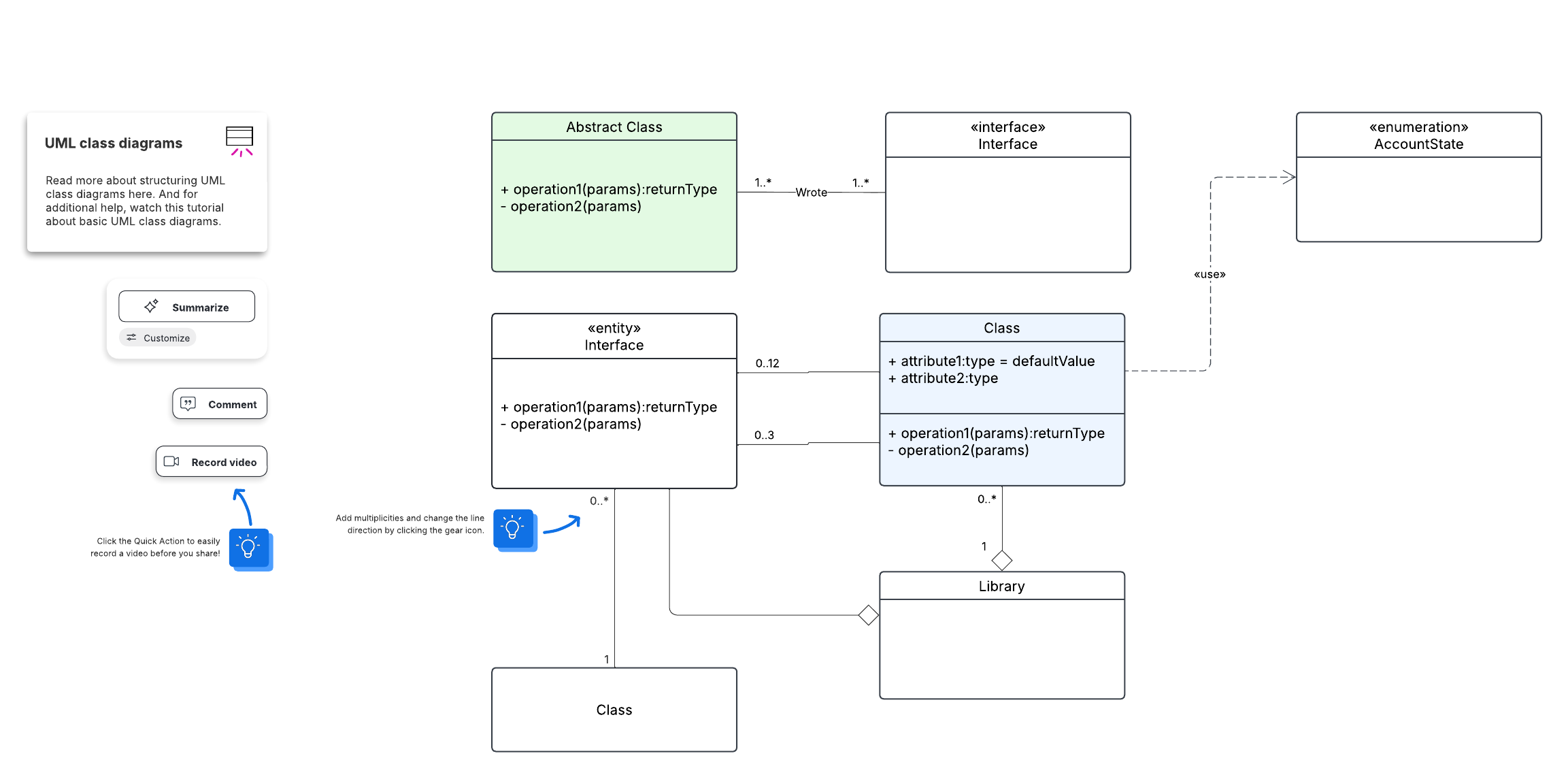
Here are some of our most popular templates:
Flowchart
Org chart
Database ER diagram
UML class diagram

Want hands-on practice? Register for our free, self-paced course to create effective diagrams.
Sign up nowFrequently asked questions
Can I share my Lucidchart document from Google Docs? No, but you can access Lucid using the add-ons and share your documents from there. To do this, click the three-dot menu in the top-right corner of the add-on sidebar and select Manage diagrams to access all your Lucid documents and share with collaborators.
Is it possible to connect any Lucidchart account to any Google account? Yes! Your Lucidchart account does not need to correspond to your Google account and vice-versa.
How will my diagram look in the Google Doc? Diagrams should look crisp and clear. They'll automatically size to the width of the page, and you may resize the image by dragging its corners.
What about multi-page documents? If your Lucidchart document has more than one page, use the arrows in the sidebar preview to find the right page. You can only select and insert the contents of one page at a time.
Can I update the diagram image? Yes—just click the Add-ons tab and select Lucidchart > Update Inserted images. The images will automatically reflect any changes you've made. This only works if you're the document owner.
Avoid the stress of trying to create diagrams within Google Docs. Lucidchart gives you access to dozens of intuitive features and capabilities, making it easy to create powerful visuals to enhance the way you work.