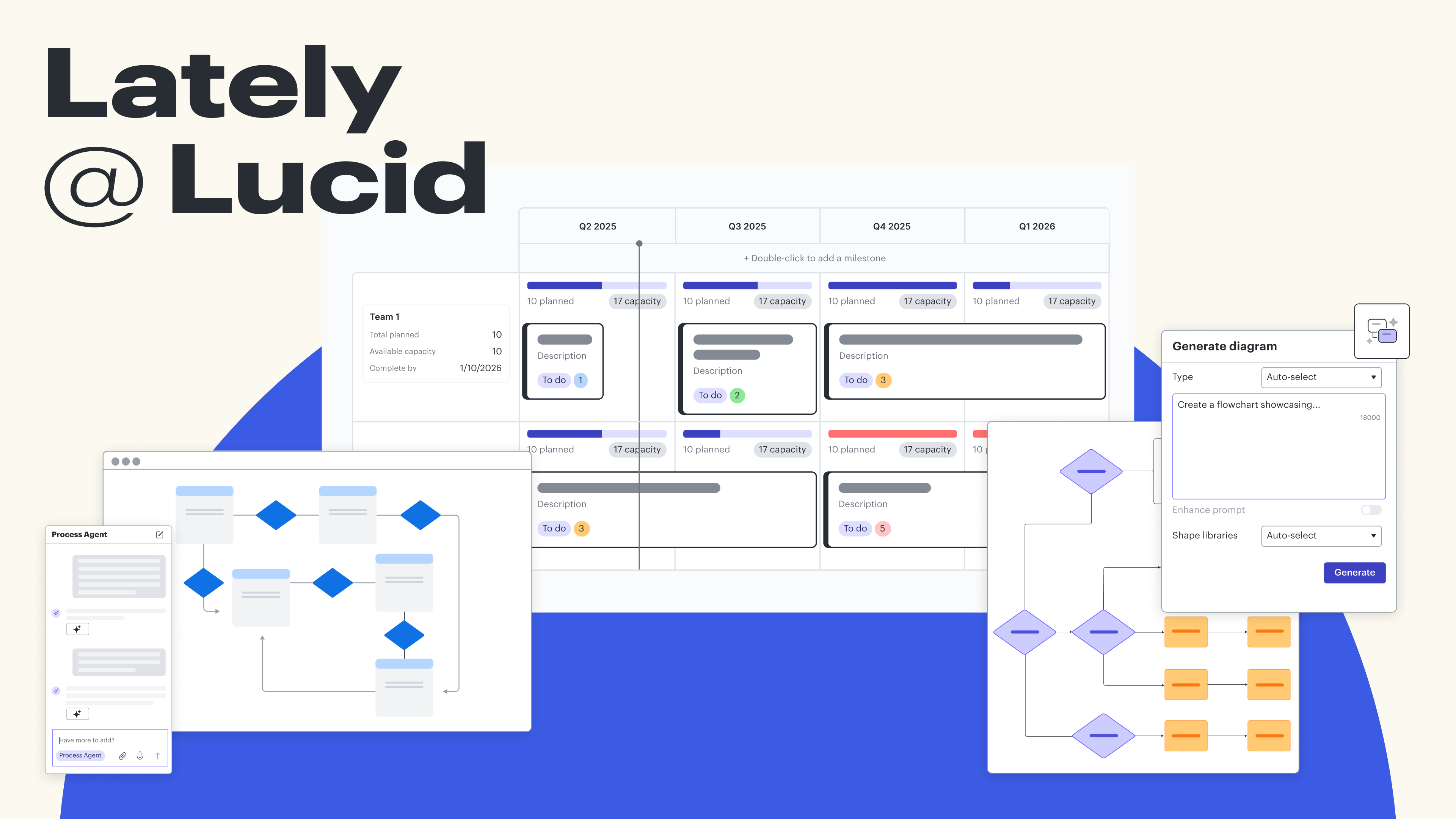
We recently finished our Lately @ Lucid webinar series, where we showcased our latest and greatest features, all intended to help you quickly create visual documentation and accelerate major initiatives at your company, from faster product delivery to AI transformation.
In case you missed it, here’s what’s new in Lucid!
Lucid AI enhancements
Enhanced diagram creation
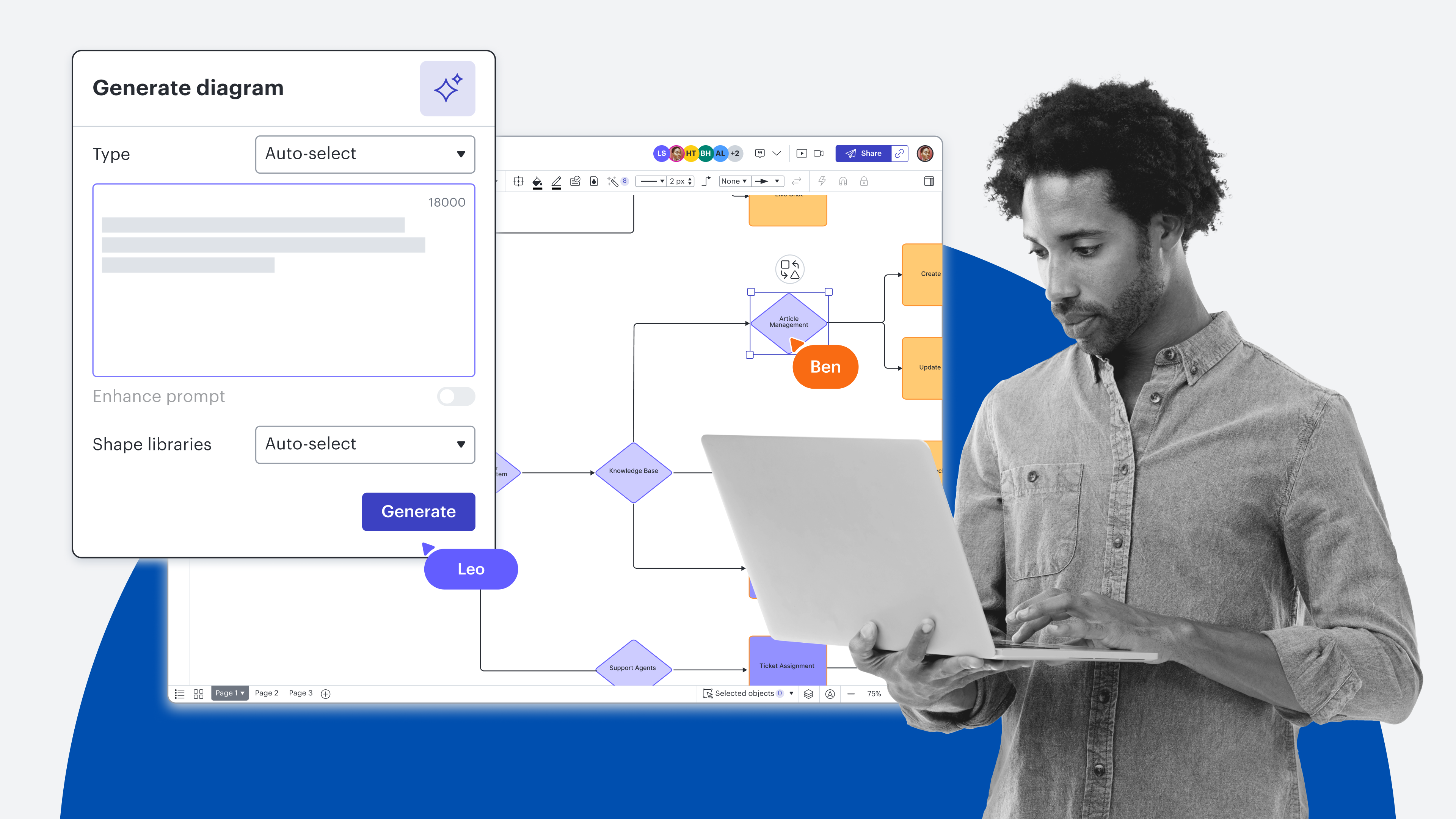
We’ve expanded diagram creation with Lucid AI to include flowcharts with swimlanes and more advanced style options. Assisted layout, opens in a new tab will automatically be applied to AI-generated diagrams, making it easy to move shapes into drop zones, adjust spacing, and swap shapes.
Plus, now you can provide Lucid AI with additional context to get better outputs by uploading video files or documents to your prompts or by using voice-to-text to describe what you’re looking for.
Video clip showing the use of AI to generate a high-level IT diagram in Lucidchart. A PDF is attached for additional context
Unified AI interface
Lucid AI, opens in a new tab can now be found across both Lucidchart and Lucidspark so that you can generate and sort ideas, summarize boards, and more within a unified AI interface.
Generate board
Use generate board, opens in a new tab to set up your Lucid canvas based on a prompt. For example, if you’re setting up a retrospective or planning session for your team, you can provide that direction to Lucid AI, and it will automatically add corresponding Frames, opens in a new tab, sticky notes, and text blocks to your board.
An example of using Lucid AI to generate a sprint retrospective board
MCP server
The Lucid MCP server connects Lucid with large language models (LLMs) so that you can bring the power of visual collaboration to your AI ecosystems. This means that you can create diagrams, search your existing Lucid library, and create share links without ever breaking your flow or leaving your AI tool.
You can also create a basic “Edit document” API so you can describe changes you’d like to make to a specific document within an LLM and have Lucid AI make those edits automatically.

Process Agent
Lucid’s Process Agent, opens in a new tab, a guided creation experience within the Lucid AI chat panel, acts as an AI coworker that helps you develop high-integrity documentation. Alongside a generated diagram, the Process Agent will provide a new context frame, summary, description, and key highly specific to your prompt to ensure the process output is as accurate as possible.
Video of Process Agent feature in Lucid
Context frame
Add documents to a context frame, opens in a new tab, and the Process Agent will then reference that context in all conversations with all users who enter the canvas, providing a log of decisions made so all contributors understand the output. Plus, when changes are made, the same considerations will be taken into account.
Diagram evaluation
Prompt the Process Agent to analyze your diagram and offer intelligent suggestions for improvement by leaving comments. Essentially, this capability is like having a peer review from AI that has seen many industry-standard workflows.
Process Capture
Coming soon, you’ll be able to screen capture walking through a process, then provide the screen capture to the Process Agent to generate a process diagram.
Process Accelerator enhancements
The Process Accelerator, opens in a new tab can be added to Lucid Enterprise accounts to improve governance and standardization of process documentation, storage, and maintenance.
Version history
Within the Process Accelerator, you can now view version history, opens in a new tab and compare the published version of a document to any previous version to understand changes over time, spot meaningful differences, and assess impact. Toggle between versions for fast, intuitive access to historical processes.
Restricted repositories
Create restricted repositorie, opens in a new tabs that are invite-only, allowing your teams to store and organize even the most confidential documentation.
Folder owner roles and sequential approval flows
Repository owners can now assign folder approvers, opens in a new tab to approve documents within a specific repository folder. These assignments route reviews to the right stakeholders and reduce unnecessary notifications for repository owners.
You can also enable bottom-up, sequential approval flows, meaning after a process owner signs off, the approval request will be sent to the subfolder or folder owner, and then the repository owner. If a process is denied at any tier, you will need to address concerns and go back to the beginning of the approval flow.
Object assets
Accelerator managers and repository owners can create standardized, reusable objects with predefined data structures that all users can then drag and drop from the asset library, opens in a new tab. The predefined object types include department, role, activity, IT system, document, risk, and control.
An example of using the object asset library within the Process Accelerator
Coming soon, accelerator managers and repository owners will be able to create their own reusable elements with custom data fields, such as region, product, and compliance tier, to model what matters most to their business.
Enterprise architecture integration enhancements
Coming soon, using the Process Accelerator and improved integrations for Ardoq, opens in a new tab and LeanIX, opens in a new tab, you’ll be able to import data items from your enterprise architecture tools into Lucid documents and create enterprise-architecture-specific shapes for building diagrams. You’ll be able to manually update those shapes when there are updates in Ardoq or LeanIX. Eventually, you will also be able to convert data items into reusable object assets.
Enhanced planning
Capacity planning and scenario planning, opens in a new tab are now available within the Lucid Visual Collaboration Suite.
With capacity planning, you can visualize your team’s workload using story point capacities. Manually set the capacity for an individual, team, sprint, etc., and the story point totals will automatically be calculated from the cards.
Example of moving tasks in a Dynamic Table in Lucid and the capacity changing in response
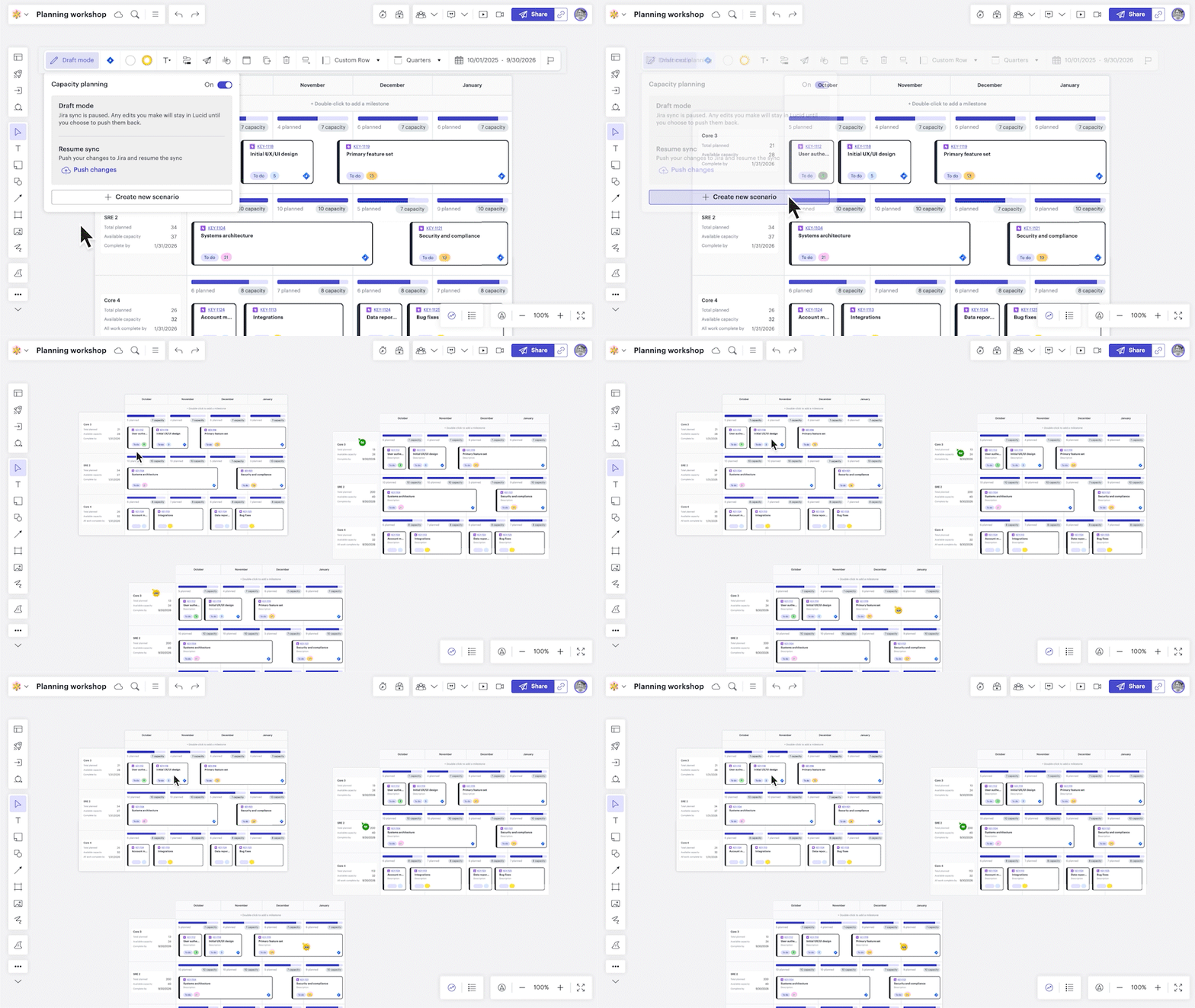
Use scenario planning to pause the sync between Lucid and Jira or Azure DevOps to create new alternative scenarios. Once aligned on a plan, sync the selected plan back to your system of record.
Parent cards
Import Jira and ADO work items at the epic level as Lucid Cards, opens in a new tab. View and add child tasks from the epic card. See unestimated stories and estimate them right on the canvas. View and link dependencies tied to the epic.
Lucid Cards customization
Create custom fields for Lucid Cards that match the way your teams plan and organize work and make it easier to turn cards into integration cards after planning. Pivot Dynamic Tables, opens in a new tab and Timelines, opens in a new tab based on these custom fields.

Flexible planning
See the full picture of how Lucid can help you create flexible plans and respond quickly to change.
Read moreWe couldn’t be more excited for you and your teams to use these features to enhance and accelerate your work! Stay tuned for all of our features soon to come, and in the meantime, we hope you jump into Lucid , opens in a new tabto give these features a try!