
Key takeaways
-
Unrecognized tool sprawl leads to fragmented processes, compliance issues, and high software spending. Other risks include context switching fatigue and serious security vulnerabilities.
-
The biggest signs of collaboration tech sprawl include deck-heavy cultures, scattered information, slow decision-making, and stalled productivity.
-
Consolidating collaboration tools with Lucid provides a single source of truth that reduces software costs and streamlines workflows.
Companies often don’t realize until it’s too late that teams (or even individuals) are using multiple tools for collaboration, spreading work across multiple platforms. While tool sprawl has immediate consequences, such as missing documentation and fragmented processes, it also has long-term consequences. By learning how to recognize the early warning signs of collaboration tech sprawl, you can minimize security risk, avoid excessive software spend, and improve efficiency for the entire organization.
To streamline workflows and save teams from wasting time, we break down the top signs that you should pay attention to, so you can recognize when it’s time to consolidate your tech stack before inefficiencies get worse.
The biggest signs of collaboration tool sprawl
According to the Okta 2025 Businesses at Work report, companies use an average of 100 applications, and 60% of those are security and collaboration tools. Since every team relies on collaboration platforms, collaboration tool sprawl can cause the most fragmentation and disruption, yet issues can be harder to detect since people use these tools for their day-to-day work.
How do you know when your collaboration tech sprawl has become too much? Here are the top signs to look out for.
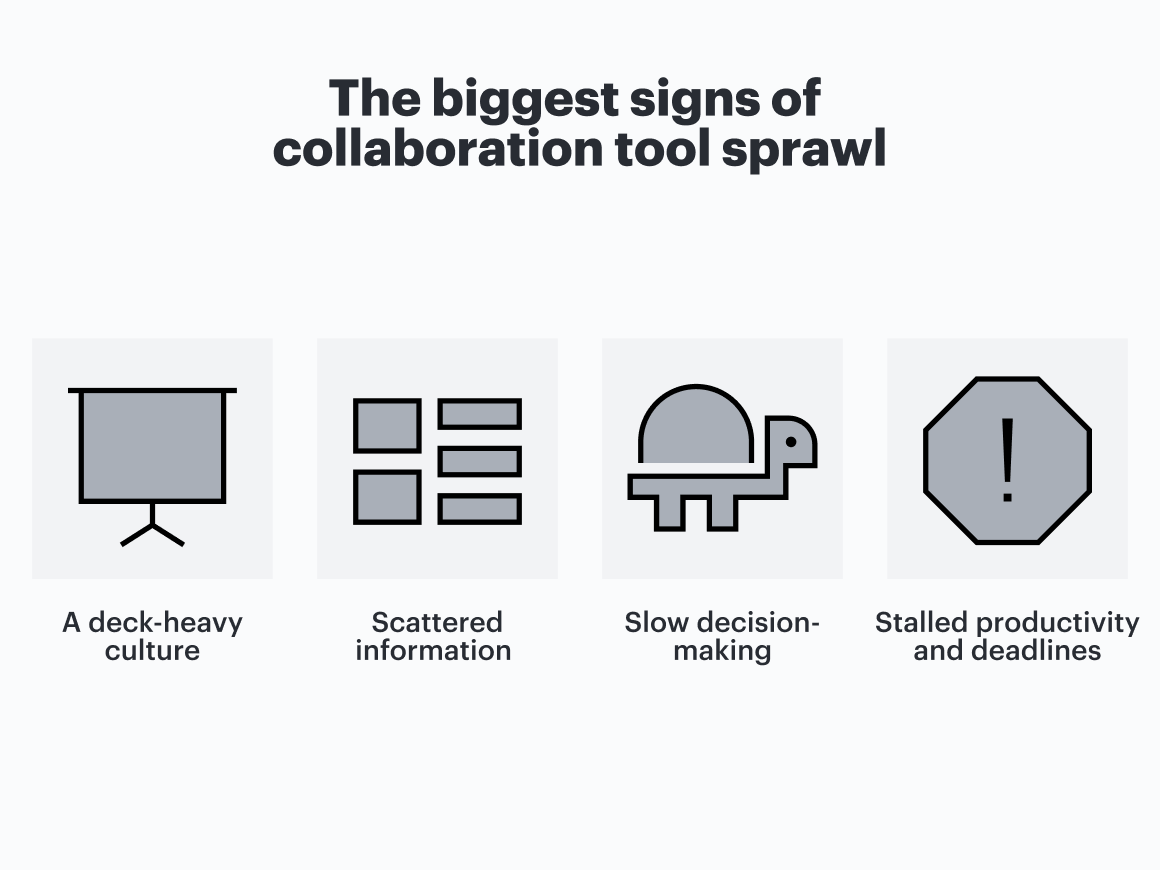
Sign #1: A deck-heavy culture
When no standard is established, and different teams use different tools, it's easy to default to universal formats such as slide decks and static docs when you need to share information cross-functionally. For example, if a marketing team uses one application to plan and track their work, and engineering uses another, they can’t easily share documents through those applications and instead default to tools they know other teams can access, such as Google Slides. And, when teams are working in disparate formats, there’s often pressure to formally “present” foreign content in a way that makes slides seem like the right medium.
But relying on decks and static images should alert you that something needs to change. If the only way teams share information is by forcing it into a formal presentation, this causes problems during cross-functional initiatives when the context is constantly changing, or you need stakeholder input. Employees spend a ton of time developing decks and resources for leaders, workflows require a high level of effort, and there’s no dynamic documentation.
Jamie Lyon, Chief Product and Strategy Officer at Lucid, explains that this has been one of the biggest organizational collaboration lessons: “We don’t present slides very often in meetings since they don’t allow for collaboration. Instead, we bring meeting content into Lucid so everyone can leave questions and notes and contribute in real time during the live session.”
Sign #2: Scattered information
Another sign of tool sprawl is that employees spend a significant amount of time at work finding and sharing information. According to a recent survey by Lucid, 85% of workers spend up to two hours a day searching for information relevant to their roles, and almost 40% don’t know where to find all project resources.
This happens when there’s no single source of truth. Each team (or even each individual) is using their own apps to get work done, leading to a fragmented workspace and siloed knowledge. Not only are employees wasting time and suffering from context switching, but this warning sign can also manifest when different teams take different approaches toward a common goal. For example, one team may be working off a system of record such as Jira, while another team is working off a static spreadsheet that’s now outdated.
Scattered information also impacts onboarding and takes a toll on time-to-productivity for new employees. 81% of new hires report feeling overwhelmed, and the majority of companies use at least six different digital tools during onboarding. With collaboration tool sprawl, new hires take longer to get the resources they need and learn essential workflows.
To reduce scattered information, an AI-powered experience orchestration platform consolidated from disparate sources of truth to Lucid, which allowed them to establish a documentation governance standard and reduce overall process discovery time. Consolidating with Lucid resulted in hundreds of hours of time saved each year.
Sign #3: Slow decision-making
Keep an eye out for this sign of tech sprawl: It’s a struggle to make business decisions. Rather than using their meeting time to determine next steps, teams are getting lost in gathering the facts and trying to get everyone on the same page, let alone gaining consensus.
This happens when there’s no central place for all team members and stakeholders to discuss, decide, or act. There may also be conflicting data across multiple tools, leading to hesitation and further fueling confusion. Feedback cycles become extended as approvals stall, since there’s ambiguity about who actually has ownership or decision-making authority.
A top global insurance company uses Lucid to facilitate collaboration and improve processes across teams. By adopting Lucid as its standard collaboration software, the company eliminated redundant tools such as Miro and Mural. Not only has this enhanced transparency and alignment across teams, but it has also saved an estimated $300,000 in annual software spend.
Sign #4: Stalled productivity and delayed deadlines
These are the ultimate signs that your collaboration tool stack is working against your team rather than helping them: Productivity is stalling, and deadlines are being missed.
When employees are burdened with tech sprawl, bottlenecks become harder to detect or even invisible. Essential handoffs don't happen at all. And when tasks or handoffs are missed, it’s harder to determine exactly where they were supposed to happen; almost 30% of workers say they have to repeat messages across disparate platforms, and waiting for status updates across multiple tools is a primary time-waster.
In response to this sign, teams often mistakenly replace deep work and tangible progress toward goals with constant status update meetings. Employees spend a lot of time importing or exporting data and manually compiling information, and they struggle to highlight dependencies in real time. Without a single source of truth or a way to visualize the relationships between teams and tasks, all of this effort only further leads to missed deadlines.
Potential risks of tech sprawl
It’s crucial to understand the impact of tech sprawl and collaboration overload. The risks (and costs) go beyond high subscription fees and include hidden consequences that can significantly impact your employees or your bottom line. If you’re operating with a patchwork of tools, this creates information silos and manual workarounds that defeat the purpose of collaboration in the first place.
The risks of tech sprawl include:
-
Context switching fatigue. When employees are going back and forth between multiple collaboration platforms, the act of switching from one to another can compound into significant lost productivity. 42% of workers find having too many tools available frustrating, which deepens friction across collaboration platforms.
-
High costs from overlapping or wasted licenses. In many cases, employees use two or three tools to do work that could be done with one, or they aren’t using a tool at all that the company’s paying for. In fact, Lucid has helped a global insurance company save an estimated $300,000 in software spend by consolidating tools.
-
Training and onboarding challenges, since each tool requires training and ongoing support. It’s easy to underestimate how much time employees need to become familiar with collaboration tools, and a lack of this investment results in underutilized licenses and low adoption rates.
-
Security risks such as shadow IT, where employees use software that isn’t approved by a company’s IT department, such as using personal accounts to share work files. Additionally, if data is scattered across different tools, sensitive information is stored across various platforms with different access controls. This not only poses a security risk but also can lead to issues with compliance laws. Reducing tech sprawl reduces the number of tools that need to be monitored, which inevitably leads to better productivity for security and compliance teams.
Quick tips for addressing collaboration tech sprawl
If you’re struggling with some of the signs we’ve mentioned, there are steps you can take for change management as you prepare to address your tool sprawl. When you’re ready, consider these tips:
-
Implement strong top-down leadership. Relying on a bottom-up approach to addressing tool sprawl rarely works, as people tend to resist change and prefer to keep using the tools they like and are accustomed to. Leaders should listen to employees, be empathetic toward their concerns, and lead by example to reduce tool sprawl. Leading by example here means gathering information, being decisive, and working through the necessary change management so everyone is on the same page.
-
Communicate the why. It’s very helpful for employees to understand why they need to stop using certain tools and the benefits of consolidation, especially when there are direct benefits to the business. The “why” behind the change should be clear to everyone and free of subjectivity; offering too many options is how tool sprawl often occurs in the first place.
-
Define tool standards. Establish standards for which tools can be used and for which use cases, standardizing artifacts across the organization. Streamline the approval process people can follow to make a case for adding a tool to their tech stack, balancing innovation and agility with legal compliance, security, and risk management.
-
Establish clear cutover dates. There should be a non-negotiable date by which all work in one system stops and starts in the new system, so there is no ambiguity about when people need to stop using old tools. Clear timelines help people become comfortable with their new workflow.
Recognize these signs? It’s time to consolidate your collaboration tools
If any of the signs we’ve listed sound eerily familiar to you, that’s a signal that it’s time for you to re-evaluate your tech stack. While consolidation takes effort, and it can be challenging to help employees adjust to change, it’s worth it to save your company from the risks and costs that are likely to come down the road.
Luckily, Lucid has the guidance and resources you need for tech consolidation. With its rich offering of integrations and support for a variety of use cases, Lucid can function as your single source of truth. Our dedicated team also helps implement change management strategies and facilitate consolidation with training and enablement programs. Check out more information on tech consolidation to see how you can enhance collaboration and alignment.

Get our in-depth guide on tech stack consolidation
Learn successful consolidation strategies and see real-world examples of how Lucid has helped companies save time and money.
Learn more