Key takeaways
Documentation standards have become more important because AI tools and models need current, granular instructions to execute tasks well and avoid security risks.
If an organization has no documentation standards in place, teams should start by looping in the right stakeholders and reviewing industry standards.
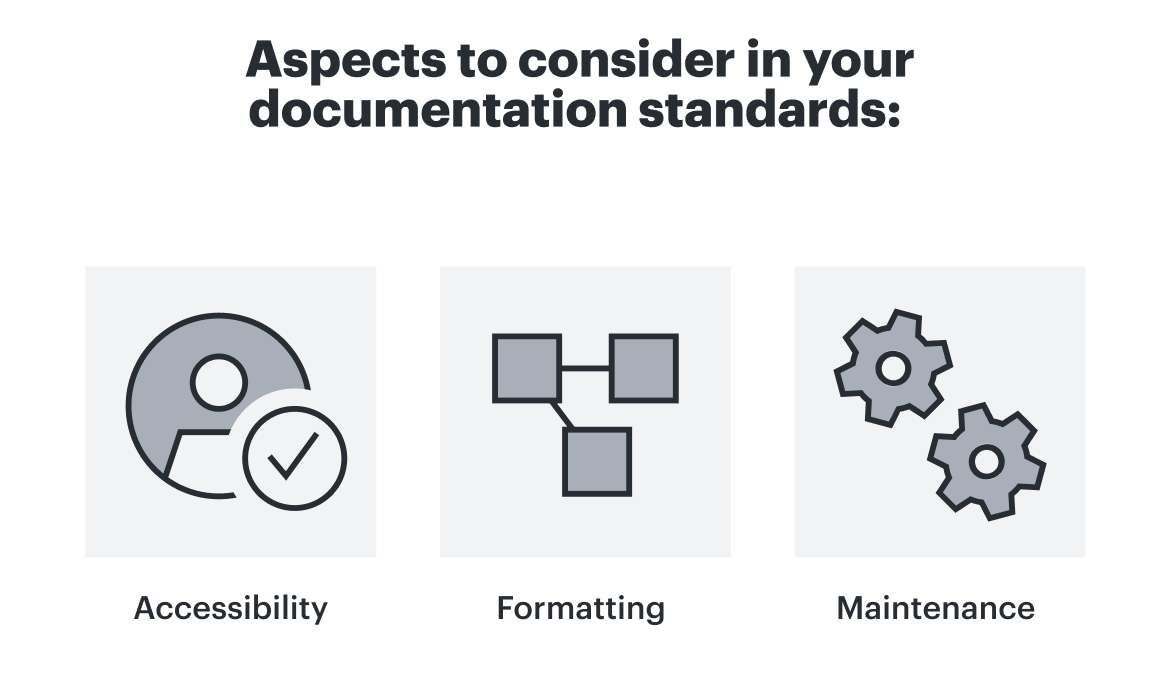
Best practices for developing documentation standards involve considering document accessibility, formatting, and maintenance.
Lucid can help you develop and maintain documentation standards with the Process Accelerator.
With AI transformation comes the need for thorough, current, standardized documentation across your organization. You wouldn’t expect a new team member to jump into a complex process they don’t know much about, and AI agents are no exception.
What is different is that new team members rely on context, shadowing others, and asking questions to navigate ambiguity, and AI agents can’t do that. An AI model requires granular, detailed instructions to execute tasks successfully.
We talked with Lucid Solutions Consultant Audrey Winkler and former Lucid Solutions Consultant Kelly Nikolai about the need for documentation standards in the era of AI, where an organization should start if they don’t have any documentation standards in place, and real-world examples of how Lucid customers are preparing their documentation for AI transformation, opens in a new tab.
What about AI has made documentation standards more important?
First things first, what are documentation standards? Documentation standards can refer to a wide range of guidelines, but for the purpose of this blog post, we mean guidelines for how your team creates, stores, accesses, and maintains process documentation.
"When I hear ‘documentation standards,’ I think of guardrails. And because of how fast things are moving and growing, companies need to be incredibly iterative with those standards."
—Audrey Winkler, Solutions Consultant, Lucid
Prior to the emergence of AI tools, many organizations operated with tacit knowledge where processes lived inside of team members’ heads, leading to two distinct types of gaps in existing documentation: a complete lack of documentation or outdated documentation.
A lack of documentation is often easier to identify, while outdated documentation can be sneakier. Teams often operate under the assumption that existing process maps are accurate until stakeholders sit down to review them and realize they’re not up to date. This documentation gap is already difficult for team members to reconcile, and AI agents reading outdated documentation only exacerbates this problem.
"The natural checks and balances we perform as human beings must be deliberately written into the documentation you feed to an AI agent, or they simply won't happen."
—Kelly Nikolai, Former Solution Consultant, Lucid
Additionally, it’s tricky to see where to implement AI into a process you don’t understand. Having a full picture can help you identify which pieces of your workflows could be automated.
And perhaps most importantly, when an organization implements AI tools without firmly established documentation standards, the risk isn’t just operational friction but also potential security threats. Risks include an AI agent:
Publishing inaccurate information directly to customers or partners
Leaking private enterprise data (such as internal compensation structures)
Accidentally corrupting or deleting irreplaceable system data
Organizational change—especially at the speed of AI—can feel unsettling for teams. High-quality documentation serves as a necessary safety net.
Where should an organization start if they have no documentation standards in place?
If your organization is starting from zero—and it’s likely you are, as “Gartner® estimates that 70-90% of enterprise data is unstructured, opens in a new tab, posing a significant challenge for organizations that need to unlock its potential using AI and also mitigate the risks of poor information governance”1—here is a practical roadmap for getting standardization off the ground.
_________________________
1 Gartner Peer Insights, Document Management, 13 August 2026
https://www.gartner.com/reviews/market/document-management
GARTNER is a trademark of Gartner, Inc. and/or its affiliates.
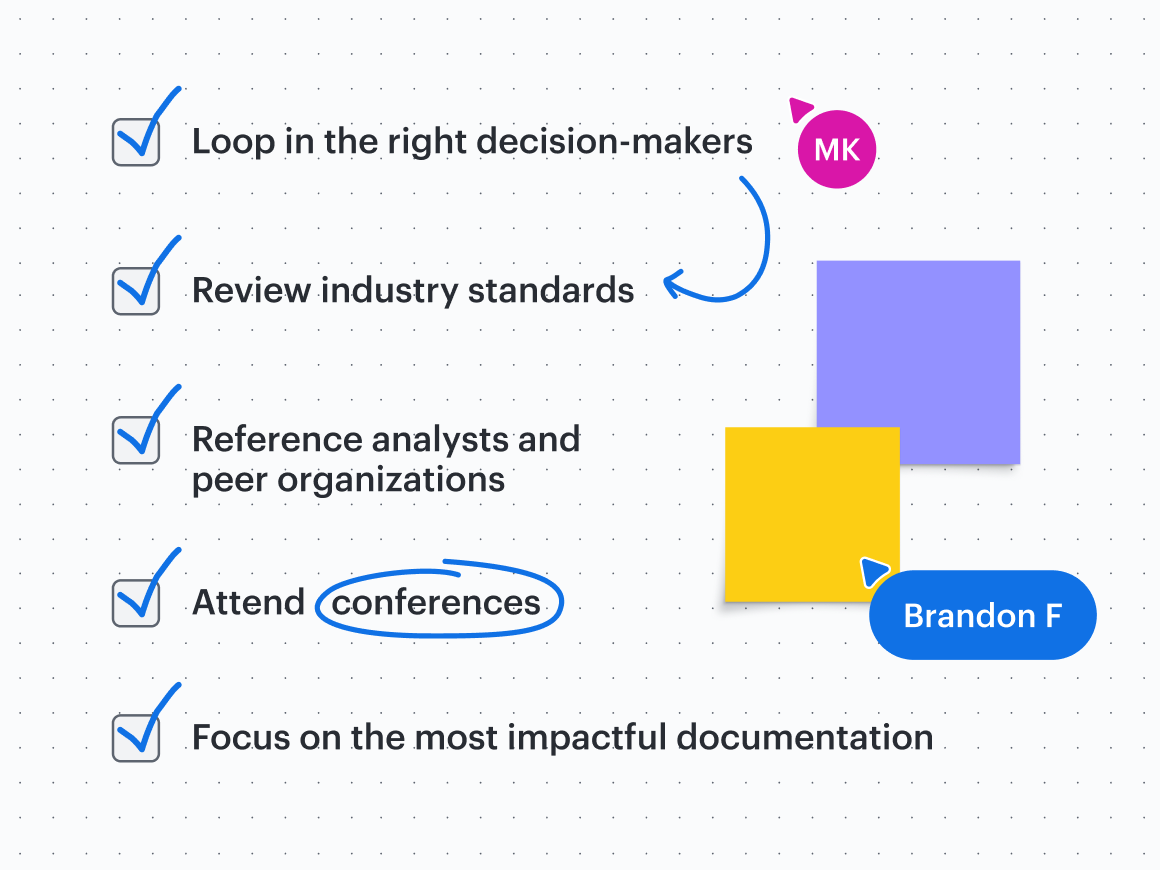
Loop in the right decision-makers
IT, legal, and security teams should be some of the first stakeholders to make strategic decisions about org-wide AI tools and the corresponding guardrails. Typically, these department leaders have the most knowledge to test and understand infrastructure and know which actions should not be tested within a tool, along with what information would be risky if leaked.
However, while technical teams should establish core security rules, you may consider giving individual department leaders the flexibility to test enterprise-approved platforms as early adopters. No matter who they are, the key is ensuring early adopters document and centralize their learnings continuously (and from the beginning) so the rest of the organization benefits from their discoveries. During the evaluation phase of new AI tools, it will become more apparent which documentation standards you’ll need in place for that tool.
For example, a marketing department leader may be testing out an agent within an AI tool that has the ability to publish content to the company website. As they learn more about how the AI agent works, the marketing leader would want to make sure the documentation they give the agent:
Is accessible to the agent, whether via a file or integrated app
Is formatted in a way that is effective for that particular agent to read such as in a bulleted list with short, clear sentences
Has a team member assigned to update the documentation as needed
The documentation should explicitly state guardrails for the agent, and to the earlier point, the marketing leader should then share their findings for this particular AI tool with the larger group so that everyone is aware of the takeaways and can apply them to their own documentation and AI experimentation.
Review industry standards
There isn’t one solution for developing documentation standards. Standards may vary depending on industry, scale, the goal of the documentation, and the risk of the documentation. For example, higher-risk information needs higher security and controls around its documentation than public-facing information does.
Review your industry’s standards, opens in a new tab to get a good idea of where to start and what to prioritize within your process documentation.
Common process frameworks include:
APQC’s Process Classification Framework
SCOR (Supply Chain Operations Reference)
eTOM (Enhanced Telecommunications Operations Map)
ITIL (Information Technology Infrastructure Library)
VRM (Value Reference Model)
Reference peer organizations
Alongside reviewing industry standards, reference recommendations from peer organizations across your industry.
Many organizations are trying to solve the same challenges you’re facing in the midst of AI transformation, and you don’t need to come up with completely unique documentation standards.
Attend conferences
Attending conferences on AI transformation and process documentation provides a great foundation for establishing your own documentation standards.
However, many organizations don’t have the time to do this. If that’s the case, we recommend documenting your current state to the best of your ability and then asking stakeholders within your organization for feedback. You may even use a generative AI tool to create the initial documentation as a starting point.
Note: If your organization already has documentation standards in place, you should jump right to mapping out your current state, opens in a new tab.
Focus on the most impactful documentation
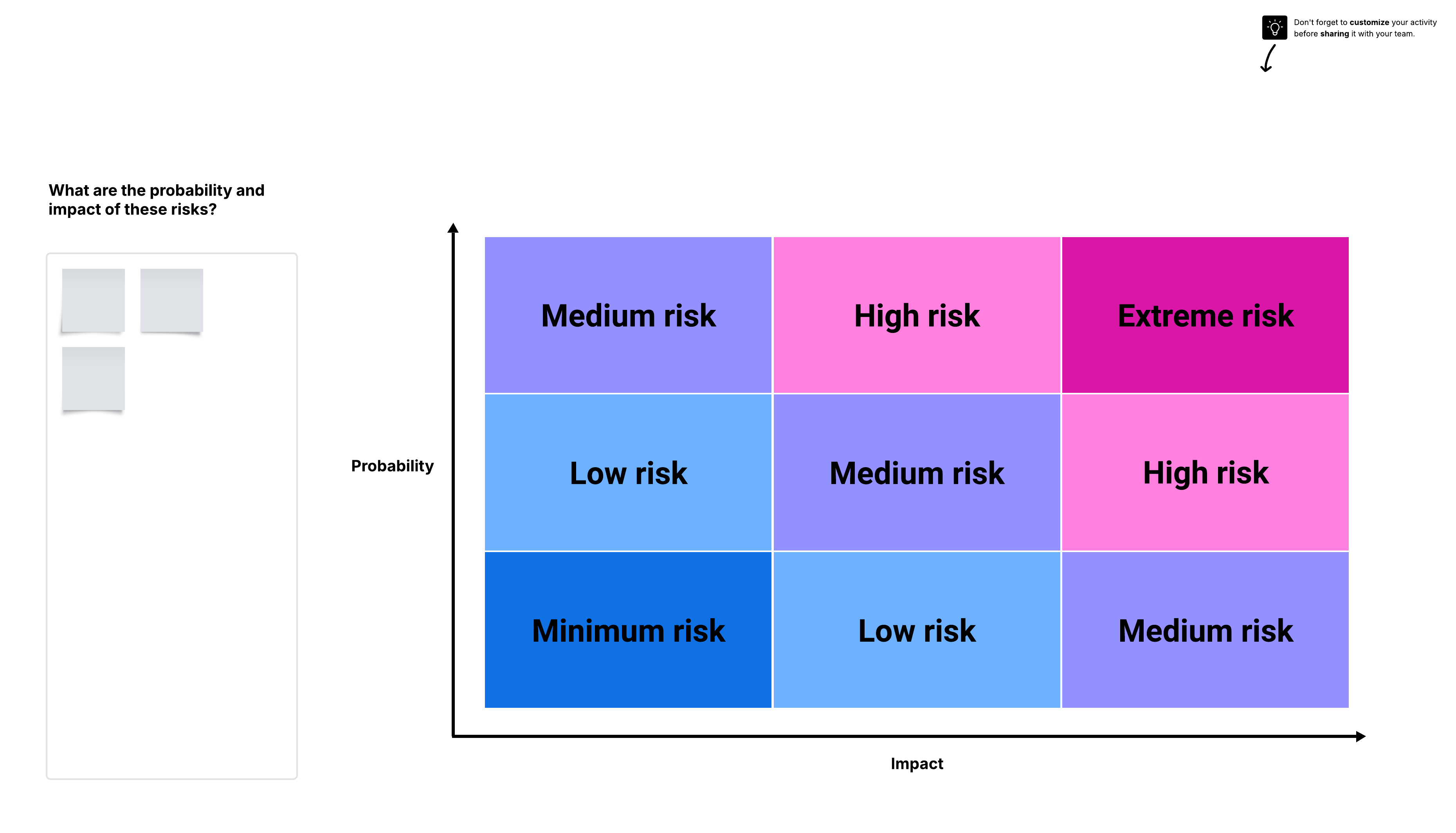
Lastly, documentation standards can take a lot of effort to establish. Rather than establishing standardization for all types of documentation at once, start with documentation that is urgent and high-risk—the kind of documentation that can pose serious risks if it’s not thorough and clear enough for AI tools. Serious risks are often irreversible actions an AI tool takes such as the ones mentioned above: leaking private enterprise data or corrupting or deleting irreplaceable system data.
Best practices for developing documentation standards
Across industries, Winkler and Nikolai recommend the following practices for developing documentation standards:
Make both the documentation and the standards accessible.
Keep a single source of truth to drive consistency.
Format documentation in a consistent, repeatable way.
Delegate team members to maintain the documentation.
Centralize documentation in an accessible single source of truth
Just like how team members can’t refer to documentation and standards that they can’t access, neither can AI. There’s nowhere the value of documentation diminishes faster than in a silo. Ensuring AI agents have access to the documentation they need keeps work progressing without bottlenecks and is the prerequisite to all other documentation standards.
Documentation and the standards outlined around creating that documentation should be kept in a single source of truth, opens in a new tab that is both centralized and governed. Versioning issues cause confusion quickly when AI is pulling information from multiple internal sources.
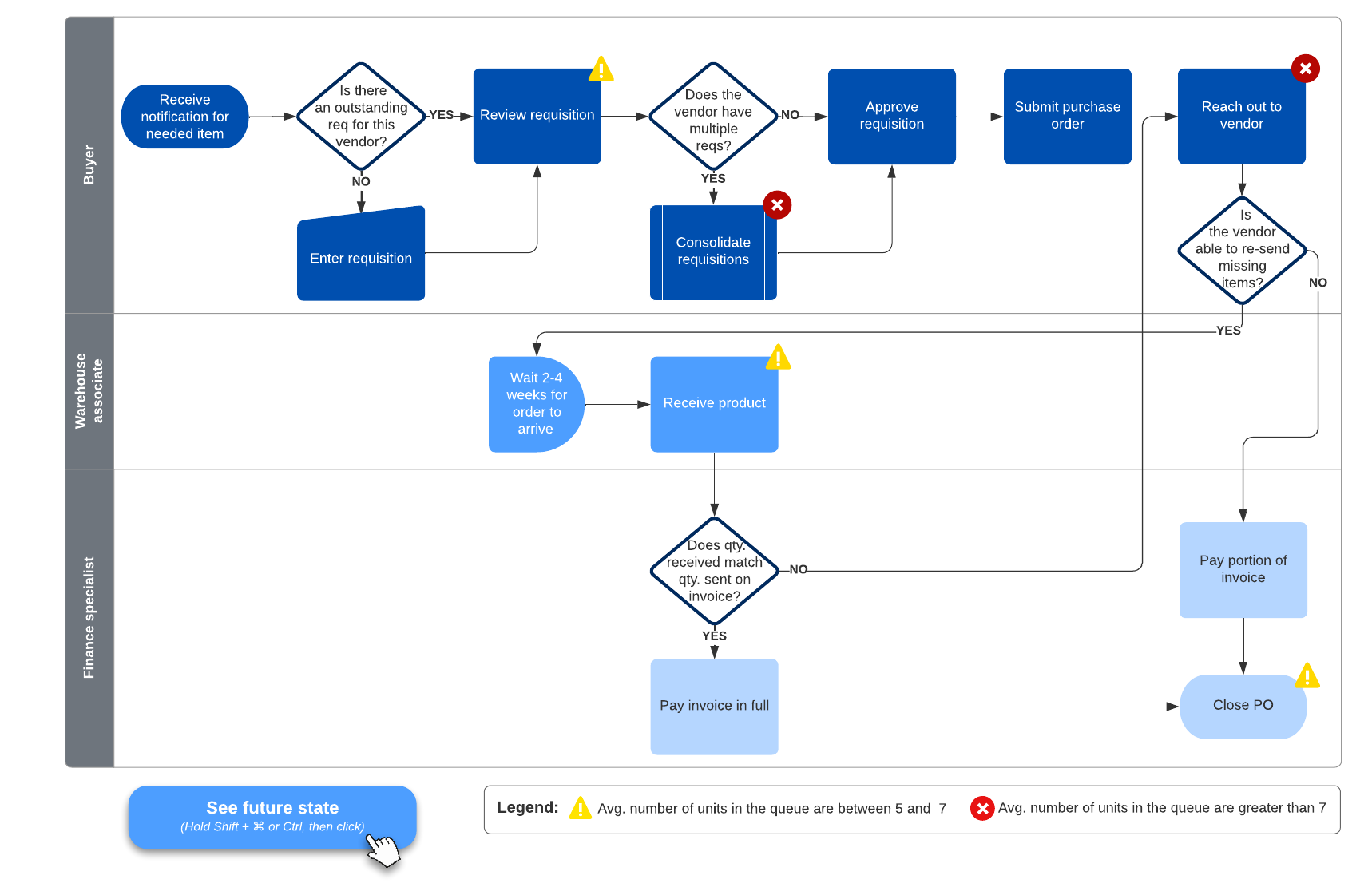
For example, some organizations choose to store their documentation in Lucid's Process Accelerator, where they can use the Lucid Repositories MCP server, opens in a new tab to ensure AI is only referencing information from governed, approved documents.
Format documentation in a consistent, repeatable way
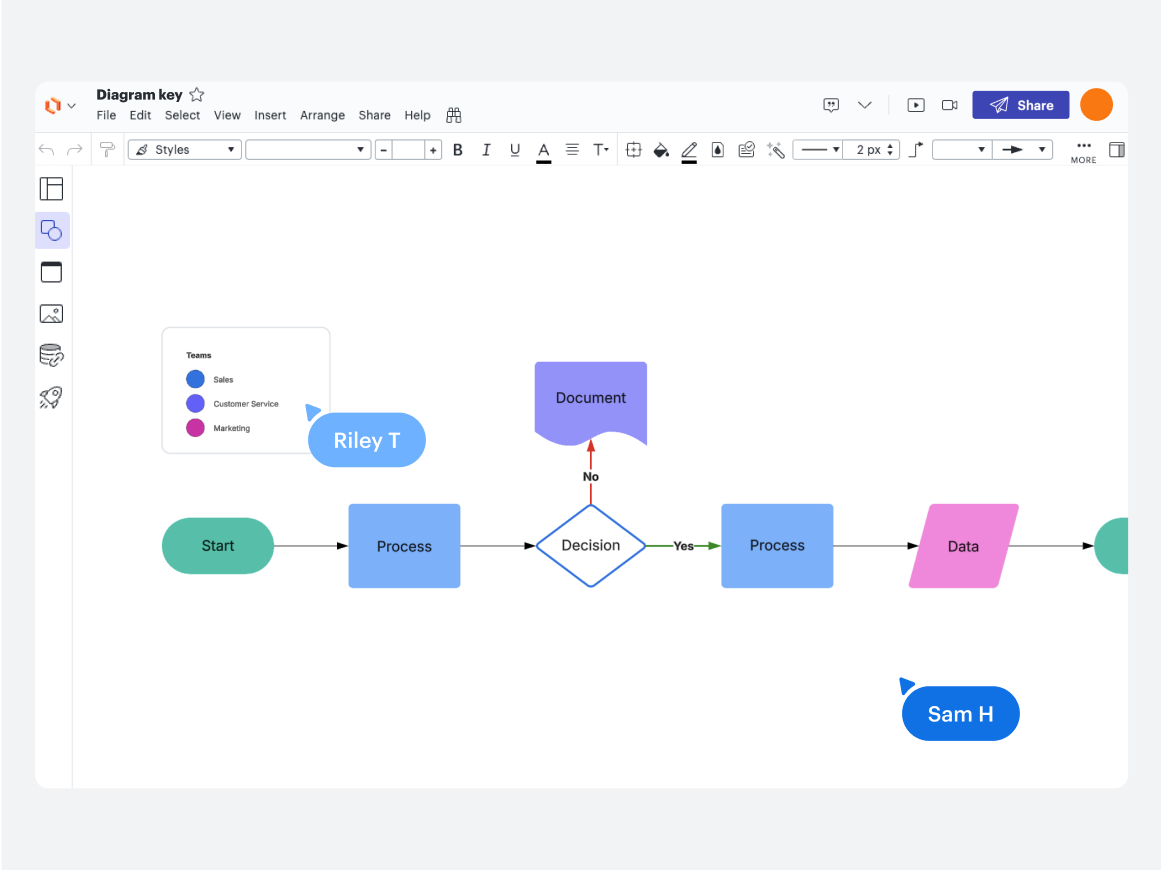
A key aspect of documentation standardization is how the documentation is actually formatted. Beyond which apps your org designates for creating documentation, define guidelines around elements such as:
Process mapping frameworks
Types of diagrams
Colors and shapes
Font size and type
How much description is included on a visual vs. in a note or supplemental documentation
A shared visual language is the quickest way to get both team members and AI tools on the same page. Plus, if you provide AI tools with thorough definitions for what shapes, colors, or other components mean, you won’t have to keep going back to the tool to provide instructions for each new task. Essentially, documentation standards do the heavy lifting of helping AI to interpret the documentation you’ve given it access to.
Delegate team members to maintain the documentation
Assign explicit ownership to individuals whose job it is to create, maintain, approve, and retire process maps. The moment documentation becomes outdated, it becomes useless to both your team and the AI tools you’re investing in.

Get more process governance and democratization recommendations.
Read moreHow Lucid can help you develop and maintain documentation standards
Clear visualization is often the fastest path to operational alignment, and visual collaboration (and ultimately work acceleration, opens in a new tab) is Lucid’s specialty.
Lucid’s standout capability for standardizing, storing, and maintaining process documentation is the Process Accelerator, opens in a new tab. An add-on for Enterprise accounts, the Process Accelerator offers:
Repositories, both org-wide and restricted, for storing official documentation
Approval flows for ensuring the right stakeholders sign off on process changes
Reusable assets that update across all documentation where they’re used

Overview video of Lucid's Process Accelerator. Learn how to centralize your finalized documents in repositories, streamline reviews with built-in approval workflows, and ensure consistency with a library of reusable assets.
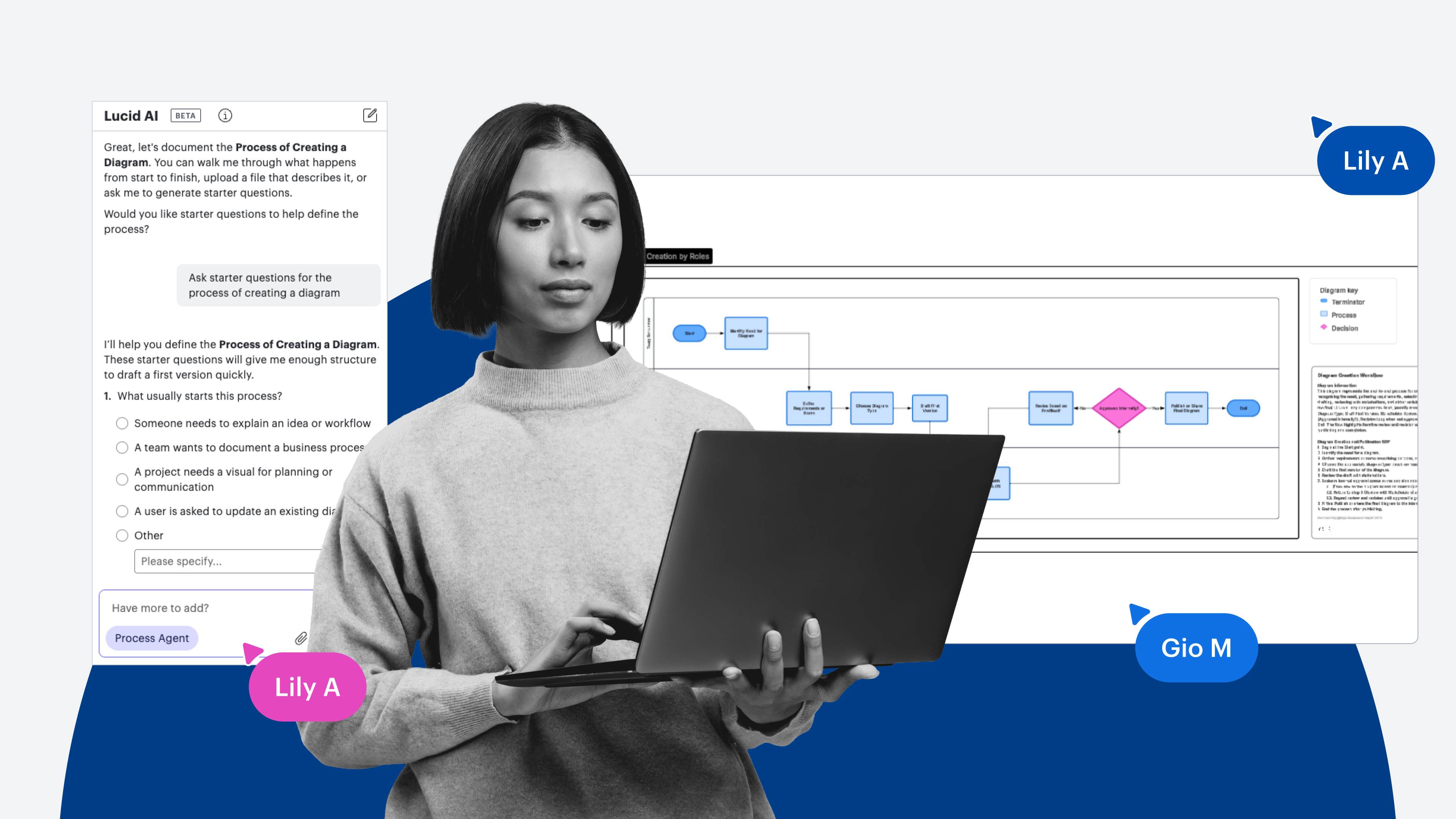
Lucid AI also includes several capabilities that are geared toward helping users produce accurate, valuable documentation quickly. Process Capture, opens in a new tab allows you to turn screen recordings, with or without audio, into process documentation instantly. The Process Agent, opens in a new tab asks questions about your process before producing the recommended workflow. You can also auto-generate a variety of diagrams, opens in a new tab based on prompts such as flowcharts, ERDs, architecture diagrams, and more.
Cursor clicks "Start Process Capture" to start a screen recording and generate a diagram of requesting an absence
Here are a few examples of how leading organizations across sectors use Lucid to bridge the gap between fragmented workflows and AI readiness, opens in a new tab.
Eliminating tacit knowledge at a major global bank
A major global bank historically had no unified documentation standards, with critical workflows living entirely inside individual employees' heads. Using Lucid’s Process Accelerator, leadership aligned on a central repository, conducted deep user discovery, and mapped disparate workflows into a single visual source of truth—saving teams time during onboarding and reducing the need to continuously explain processes.
Implementing the Process Accelerator has also helped with change management in regards to documentation because it provides agreed-upon process flows and easy-to-follow visuals across teams.
Uncovering bottlenecks at a large athletic clothing company
During a massive digital transformation to automate their IT service management (ITSM) ticketing workflows, a major global athletic clothing company needed to map processes across eight distinct, cross-functional pillars.
During a two-part Lucid workshop designed to map current-state workflows and design future states, cross-functional stakeholders spotted significant discrepancies in what they thought was updated documentation. Visualizing the processes live in a shared workspace allowed them to identify risks and inefficiencies that they could then resolve with the third-party contractor that was modernizing their ITSM.
Resolving versioning issues at a global customer experience SaaS provider
A global customer experience SaaS provider faced a common enterprise hurdle: conflicting document versions spread across disconnected personal drives, forcing teams to wait days for individual employees to return from vacation just to verify a workflow step. By establishing unified process repositories in Lucid with the Process Accelerator, using automated edit suggestions and built-in version histories, the organization gained full cross-enterprise visibility, saved operational hours, and streamlined its AI transformation and SOX compliance efforts.
“There isn't going to be a final moment in time for a company to say, 'Okay, this is the end of documentation.' It's a continuous journey forever."
—Audrey Winkler, Solutions Consultant, Lucid
Much like the mentioned organizations, once your organization has effective documentation standards in place, plan for iterating and adapting those standards to keep up with the rapidly evolving era of AI.

The Process Accelerator
Want to bring increased standardization to your organization’s process documentation? Check out the Process Accelerator.
Explore now