
Key takeaways
-
Program increment (PI) planning is a core event in SAFe where teams across the Agile release train (ART) follow a structured agenda to align on objectives, address risks, and plan upcoming work.
-
Remote PI planning may seem difficult, but with the right tools, it’s absolutely possible to overcome any associated challenges and host a very effective PI planning session, even with participants spread across the globe.
-
Lucid supports every phase of the remote PI planning process. By bringing planning, collaboration, and documentation into a single platform, Lucid streamlines planning events and keeps teams connected throughout.
By now, most of us are confident working remotely.
Perhaps because of how common remote work has become, it may seem like PI planning (program increment planning) should be easy to transition to a hybrid environment as well. But there’s a problem: The very premise of PI planning is in-person interaction. The Agile Manifesto itself says, “The most efficient and effective method of conveying information to and within a development team is a face-to-face conversation.”
When face-to-face conversation isn’t possible, how can you conduct effective PI planning? With the right tools and strategy, remote PI planning is not as difficult as you might think.
Below, we’ll share remote PI planning tips, PI planning challenges to watch out for, and how to set up remote PI planning meetings for success.
What is PI planning?
Program increment planning is a part of SAFe (the Scaled Agile Framework). It consists of a specific, pre-defined agenda and scheduled events at which teams in the Agile Release Train (ART) can align, collaborate, and discuss objectives, roadblocks, releases, and more.
PI planning is useful for inter-team communication. This alignment is especially critical in enterprise organizations, where size means teams might never talk to each other without this specific event. Those teams are left working in silos without a full view of the business objectives.
After just two days of PI planning, your ART will know exactly what the upcoming PI plan is. Dependencies will have been identified so everyone knows the order of completion, and there will be a greater understanding of how features in development will increase business value. Participants will have a program board with delivery dates and important milestones, and each team will have set its own SMART objectives with accompanying business values.
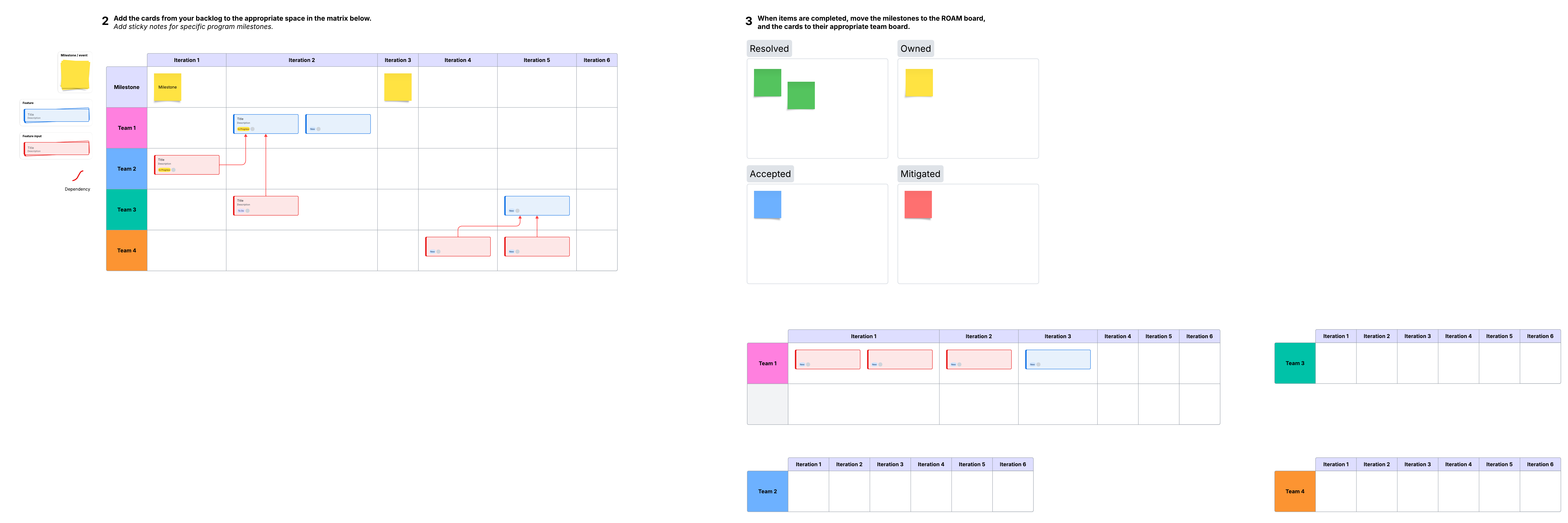
Challenges of remote PI planning and solutions for overcoming them
The main challenge of remote PI planning is transforming a strategic event designed for in-person delivery into a remote one. Luckily, with the right tools, like Lucid, this challenge is simple to overcome.
Challenge #1: Technology
In person, teams can easily add ideas to whiteboards in brainstorming sessions. It may seem difficult to recreate the same level of output when you’re bringing in multiple teams remotely.
Solution
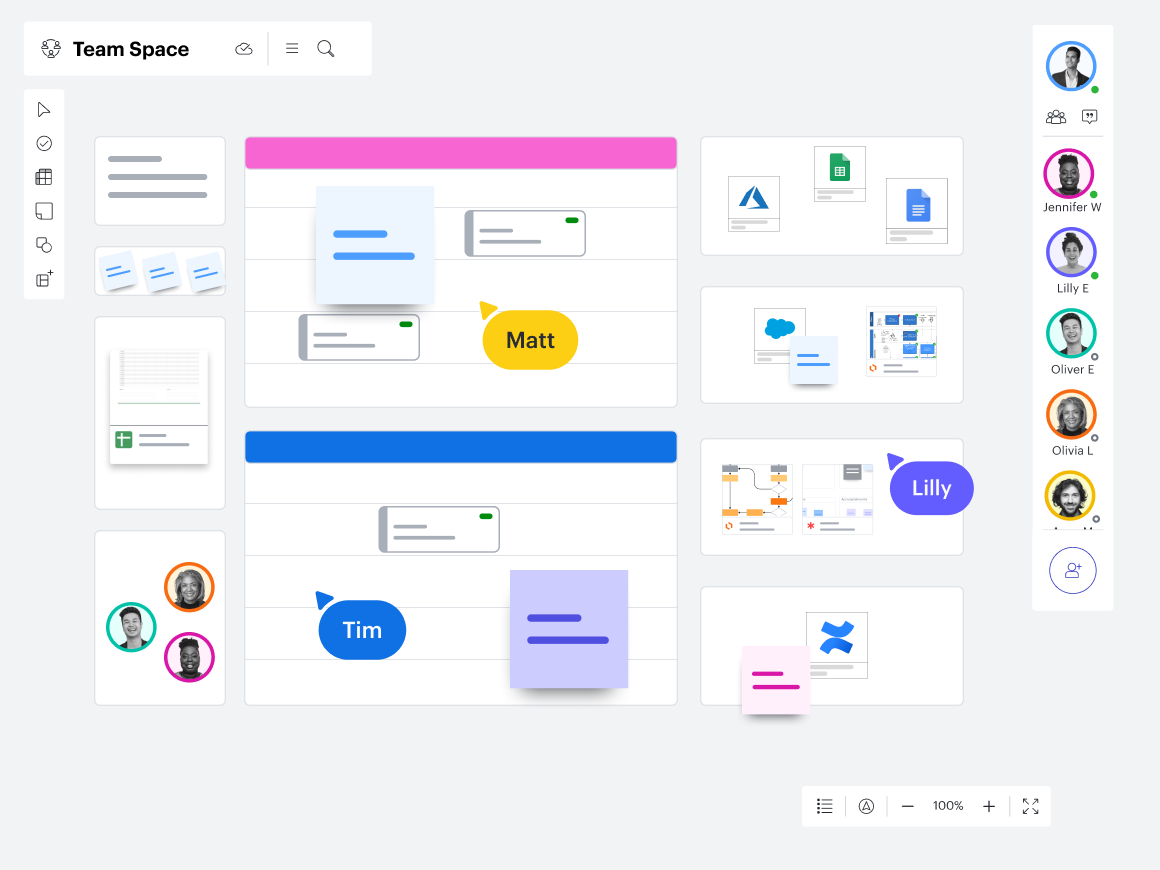
Choose your tools in advance and make sure they offer the features you’ll need for effective PI planning, such as a central landing page to keep key documentation for easy access, agenda templates, and tools to get aligned and come together on ideas, even when you’re halfway across the globe from other team members.
Lucid supports real-time collaboration on a virtual, limitless whiteboard that can host discussions, ideation sessions, voting, and much more. You can create and manage a PI planning board, refer to an agenda to stay on track, and connect your plans with other applications you’re already using to save time and simplify your workflow.
Challenge #2: Engagement
An inattentive team can lead to an unproductive PI planning session. When your team members are in front of their computers, it’s easy for them to get distracted or unfocused. Chances are that they’ll also be tempted to multitask.
Solution
Driving engagement during a session starts with the foundation you set upfront and creating a collaborative culture where questions and ideas are welcome. When you’ve already selected tools that are intuitive, accessible, and built for collaboration, it becomes much easier for participants to stay involved and contribute in real time.
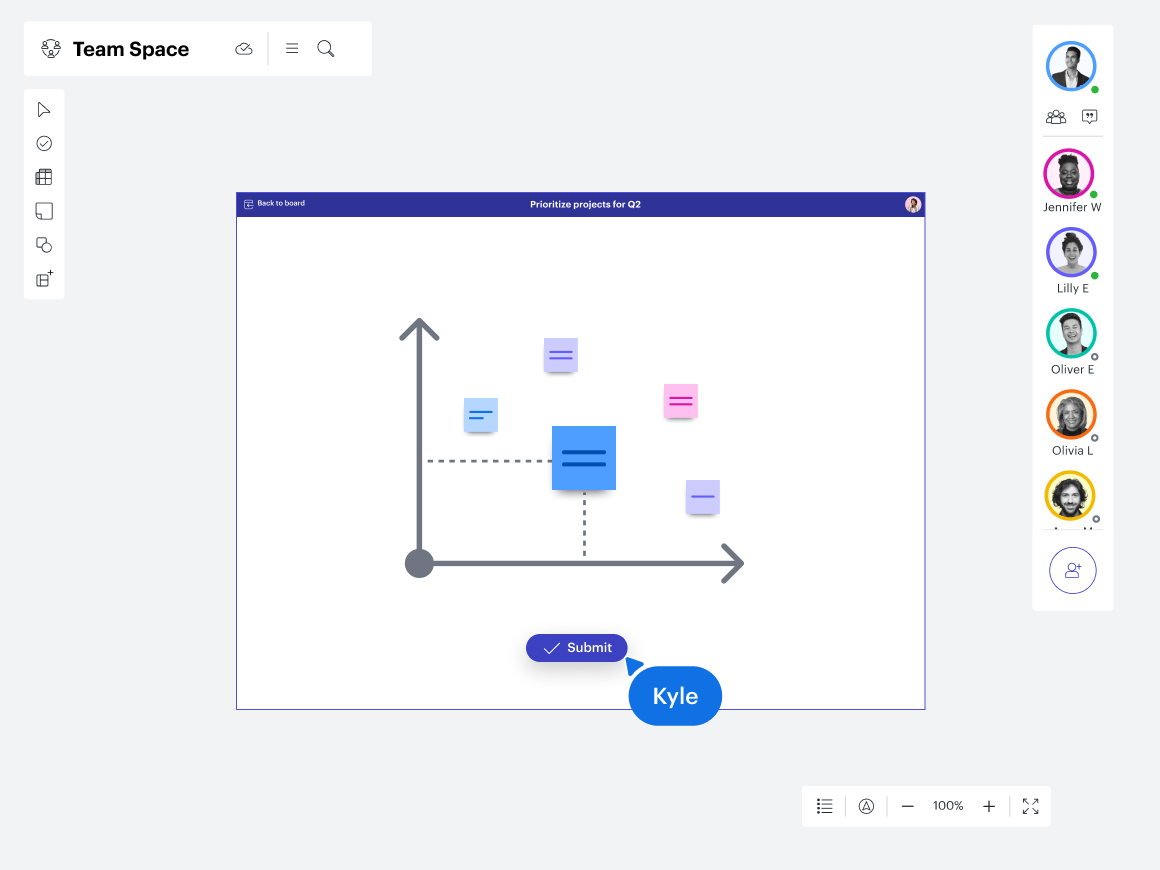
Lucid offers a host of collaboration tools to drive engagement in meetings. Leave comments, participate in the in-app chat, and automatically follow the facilitator. Add Visual Activities to engage participants and create breakout boards for smaller, more focused groups. If you take advantage of powerful features like these, your meetings could actually be more robust than if you met in person.
Challenge #3: Social interaction
A valuable benefit of in-person PI planning is the opportunity for social interaction. Without an in-person connection, any meeting may seem like it would feel cold and distant.
Solution
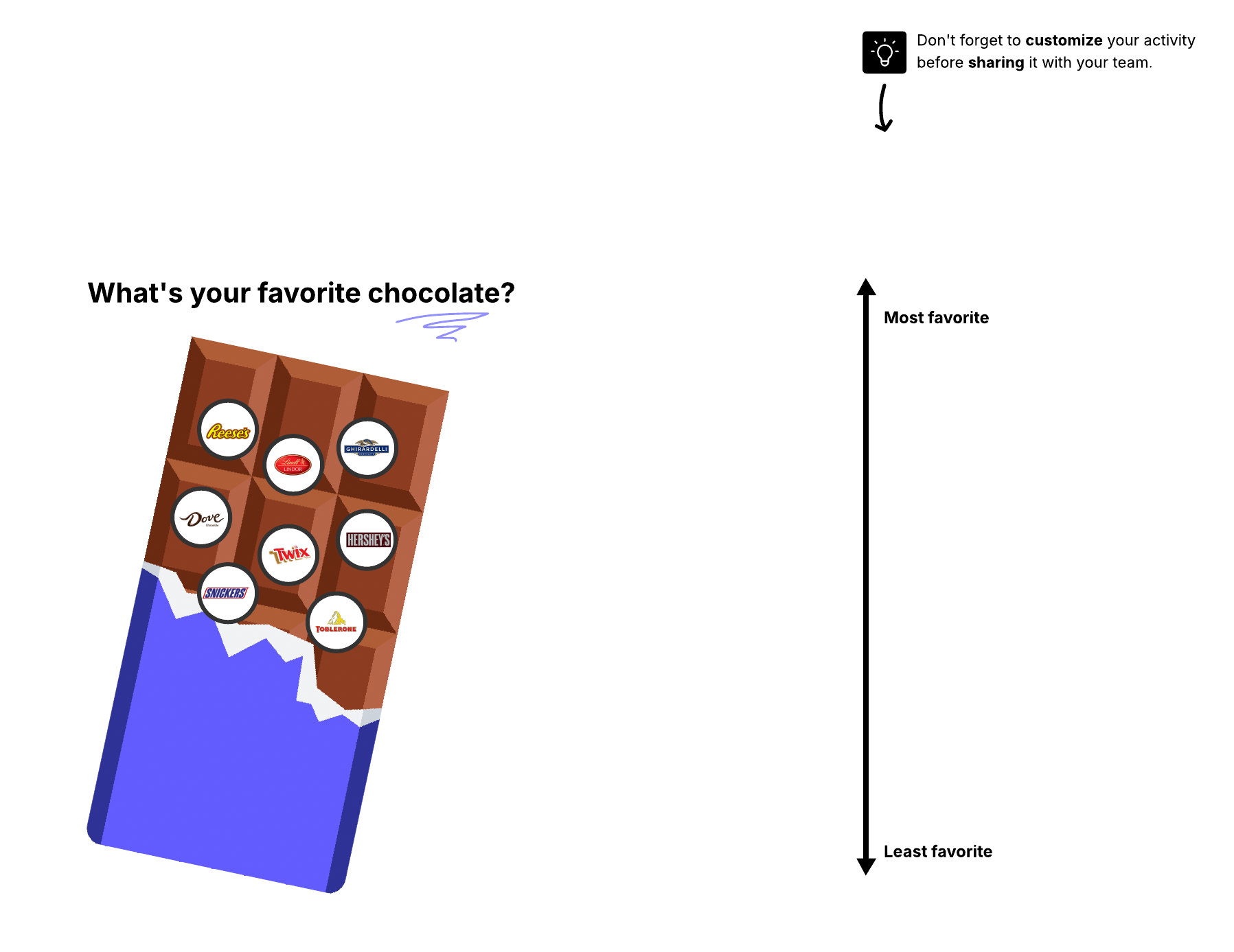
Remote meetings can provide ample opportunities for social interaction if you plan them intentionally. Consider implementing virtual activities and icebreakers. Take time to share good news. Switch up your meeting formats, sometimes meeting for a working lunch or breakfast. Lucid makes it easy to connect and provides many opportunities for interaction.
Challenge #4: Scheduling
Finding a time to meet seems simple enough, but it gets complicated when you’re trying to find a time slot that works for team members who live across different time zones.
Solution
Establishing a cadence and scheduling in advance can make a big difference in team members' availability. Consider also adjusting the PI planning process to better suit your team. Though the normal PI planning process takes place over two days, you can try shorter sessions over more days. It’s a simple tweak that can make a big difference in attendance, participation, and productivity.
Remote PI planning tips
Here are a few more suggestions for an effective remote PI planning session:
-
Share the agenda and objectives early so team members show up ready to contribute.
-
Don’t forget to document the meeting! Record the session and ensure everyone has access to it. A transcript can also be helpful.
-
Have a central hub for links, schedules, and documents so everyone knows where to find context.
-
Encourage participants to keep their cameras on to foster more interaction and engagement.
-
Conduct a survey or retrospective after the event to gather ideas for improvement.
Lucid is a powerful remote PI planning tool
Remote planning can feel daunting, but the right virtual PI planning tools can make all the difference. Lucid is a powerful solution that supports every phase of the PI planning process. Whether you’re looking for agenda templates, a virtual PI planning board to stay organized for the session, or a place to house notes afterward, Lucid has you covered. By consolidating planning, collaboration, and documentation in a single platform, Lucid helps teams stay aligned from start to finish.

Jump into our in-depth PI planning guide and explore powerful templates to help throughout the session.
Go now