Empathy map online

Lucidspark is a virtual whiteboard that helps you and your team collaborate to bring the best ideas to light. Sign up for a free trial today.

Sign up free

Deliver a flawless customer experience with an online empathy map

Explore every pain point, thought, and feeling
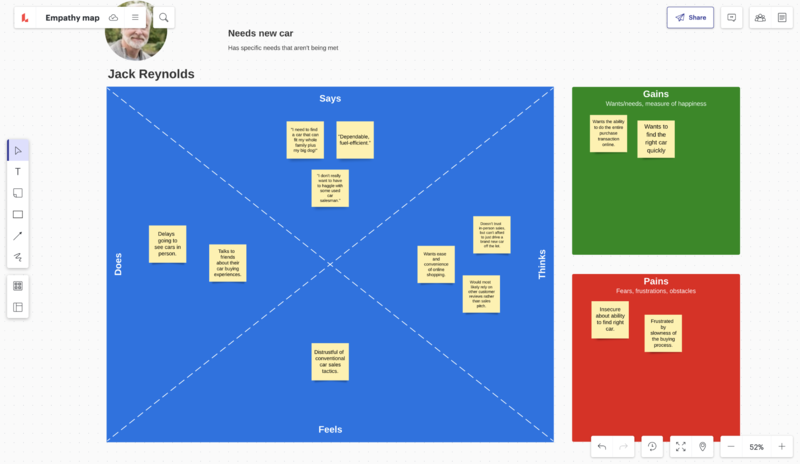
Make sure that your customers have a positive experience with your business, product, or service. Empathy mapping starts with four quadrants outlining what your customer says, thinks, does, and feels. By documenting customer behaviors, you and your team can identify user pain points, build consensus on customer needs, and work towards solutions. Use Lucidspark to help your team visualize where your customer is coming from and stay aligned on what you need to do to improve.

Start empathy mapping instantly

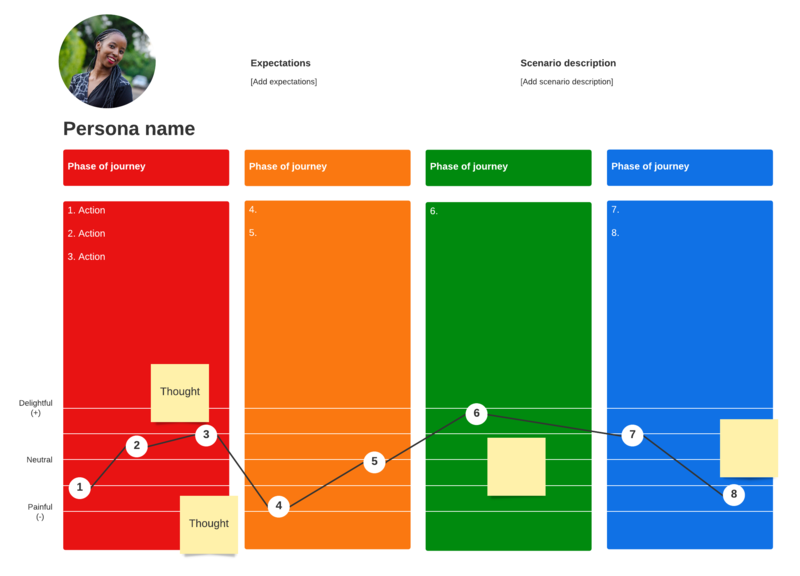
Begin your empathy map online from scratch or by dragging out an empathy map template onto your Lucidspark board. With infinite space to fill with your insights and findings, your board can house all the information your team needs and more. Add freehand drawings, images, sticky notes, and even additional customer insight templates—such as a customer journey map—to continue building out the best experience possible for your user. 

Collaborate easily with empathy mapping software
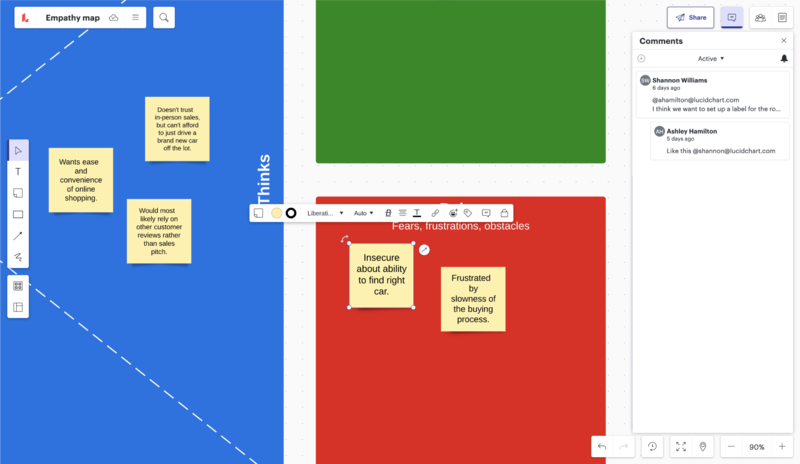
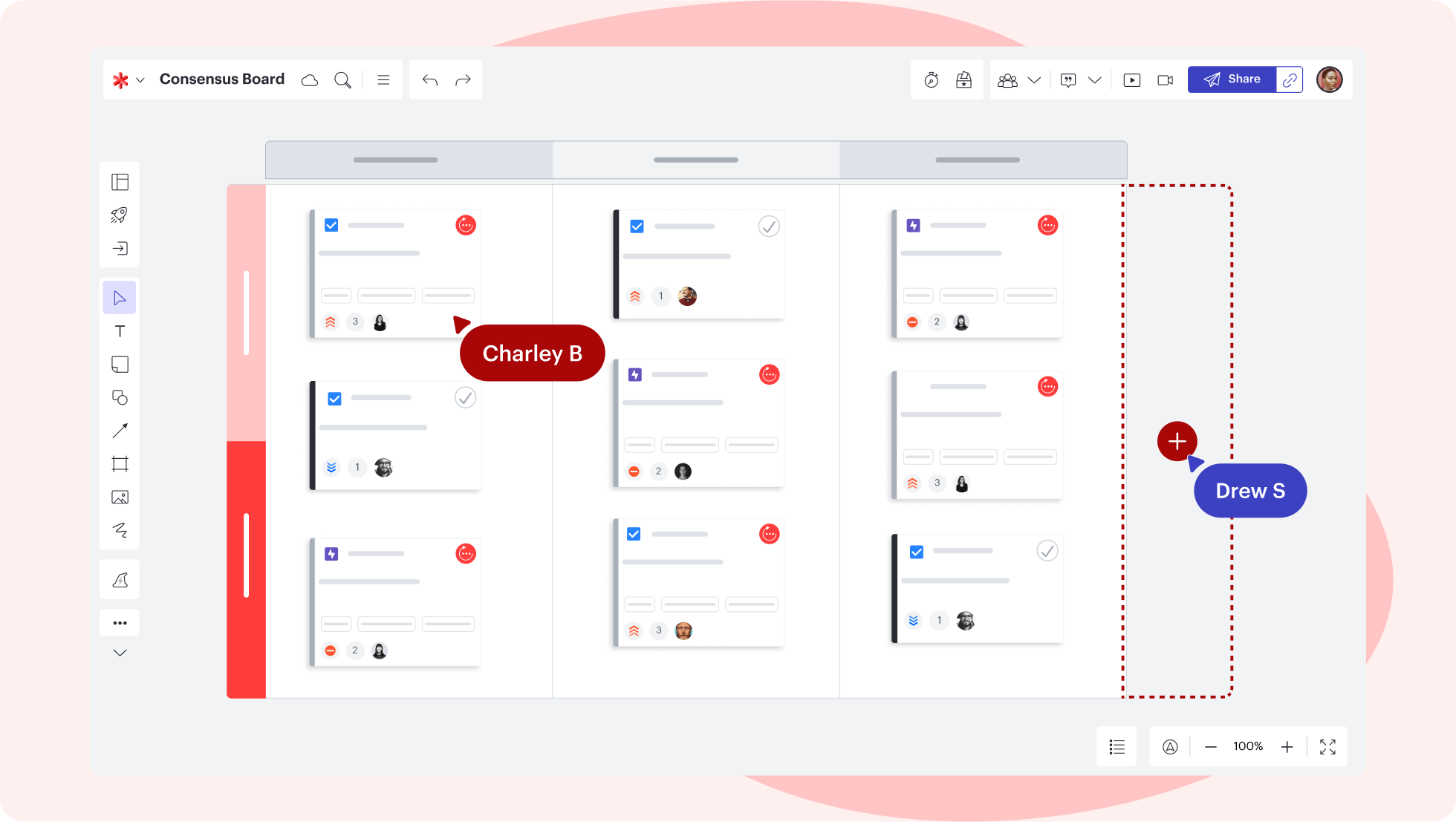
Make sure your entire team is aligned on your customer’s experience by sharing insights and feedback in real time. Use comments, @mentions, live voting, and in-product chat to communicate with your team and identify what improvements you want to tackle as you move forward. Set each collaborator’s updates apart with Collaborator Colors, or follow individual collaborators to stay updated on their edits. Our empathy map tool updates all of your contributions instantly, so you’re never behind, no matter where you’re working from. 

Streamline your workflow with powerful integrations

Stay connected to the apps your team loves by integrating your empathy map with today’s most powerful platforms. Export your online empathy map to Google Drive to make it even easier to access, edit, and share your findings. Your work stays synced automatically, so you’ll never lose it. Insert your diagram into your team Slack channel, where you can jump-start your next brainstorming session. Export your work to and from Lucidchart to use Lucid’s entire suite of creative and collaborative solutions.

Lucidspark feature highlights

Facilitator Tools

Keep your brainstorming session and your team on track with features like take the lead and timer.

Organize ideas to derive meaning and insights, plan work visually, and take action more quickly.

Embed your Lucidspark boards in external documents (and vice versa) to consolidate project info.

Make it easy for the whole team to collaborate and communicate about ideas surfaced on your whiteboard.

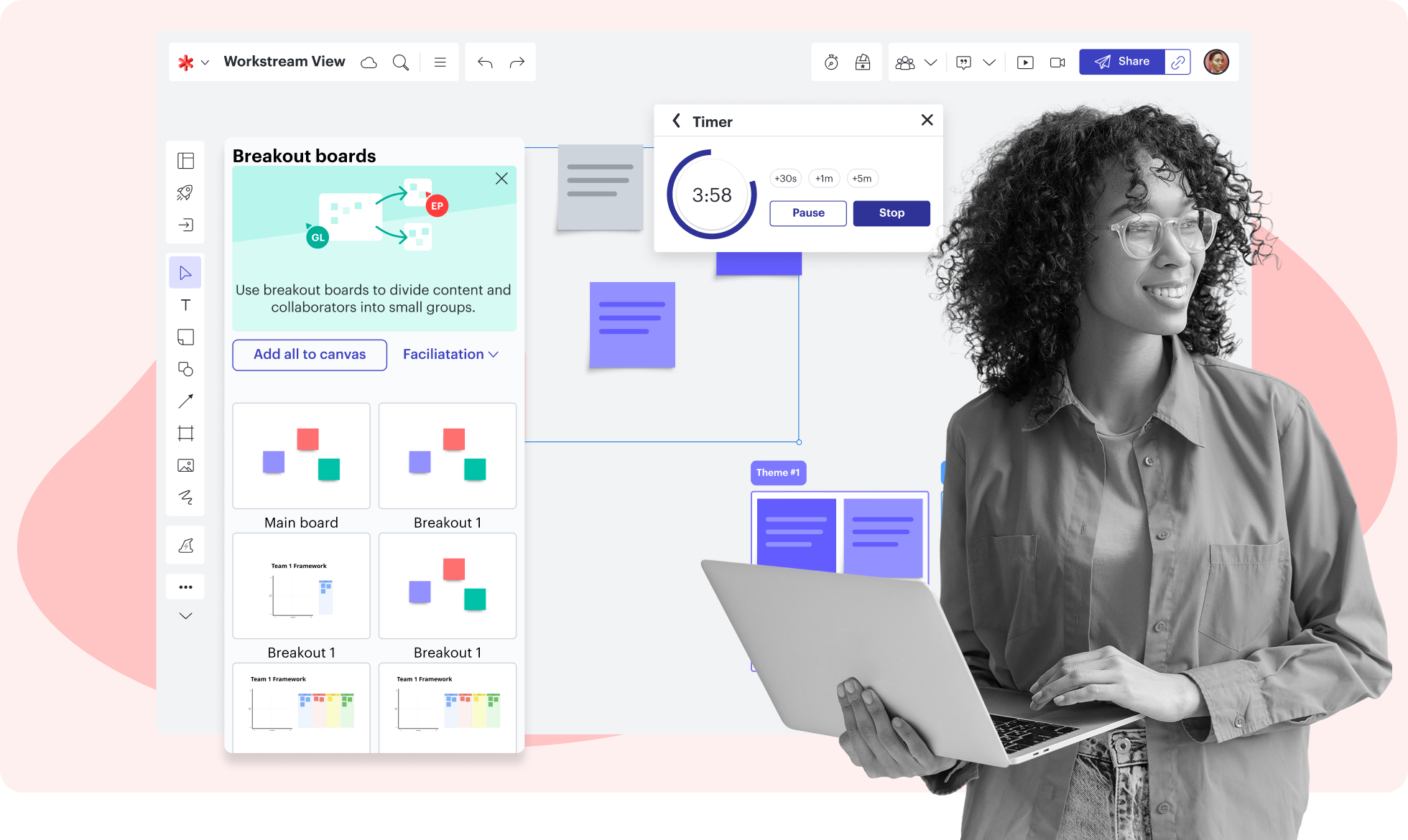
Create breakout boards to divide a large group into smaller groups for activities or discussions.

Empower informed decision-making with interactive activities that make feedback actionable.

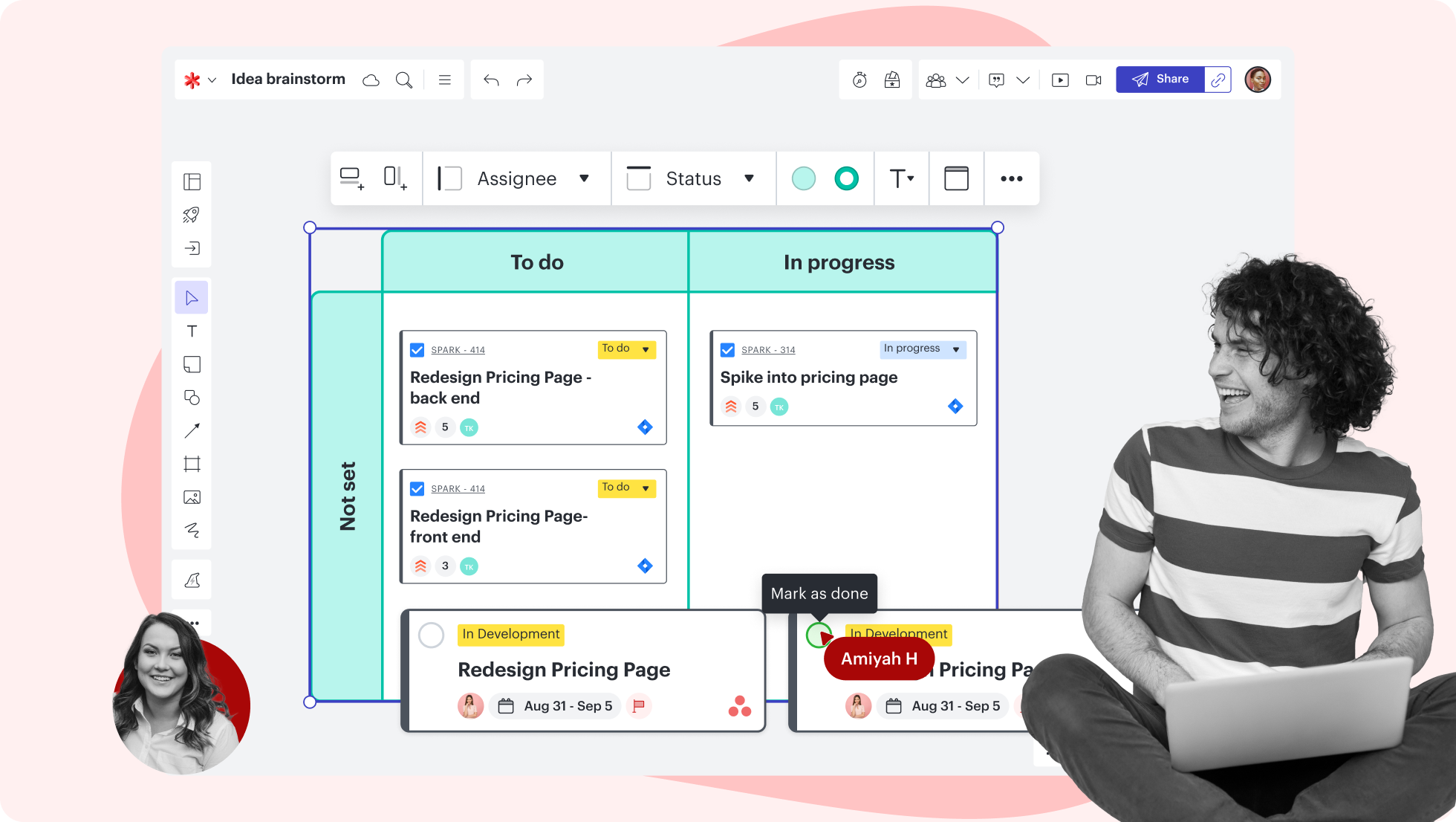
Create Timelines to show past events or future plans. Add details such as status, assignee, or estimate.

Lucidspark feature highlights

Keep your brainstorming session and your team on track with features like take the lead and timer.

Explore our templates
Getting started in Lucidspark

Follow along with this video tutorial and learn how to kick-start creativity in Lucidspark.

Why teams choose Lucidspark

As a virtual whiteboarding application, Lucidspark’s infinite canvas enables teams to move seamlessly from ideation to planning and building.

Why Teams Choose Lucid

Collaboration. Bring teams together side by side on a shared canvas from anywhere in the world.

Alignment. Build transparency and shared understanding of how a team or company works.

Large-scale change. Increase visibility, standardization, and knowledge sharing across your entire org.

End-to-end workflows. Upgrade to the Lucid Suite for a complete, connected visual collaboration solution.

How to create an empathy map in Lucidspark in 5 steps

Get together all the relevant research data you have on your customers. This could include interviews, survey data, or customer journey maps. 

Begin your visual with an empathy map template---or add four containers to your board and label them “Says,” “Thinks,” “Does,” and “Feels.” 

Add two sections for customer pain points (a.k.a. problems they want solved) and customer gains, or possible solutions to these problems.

Make a list of specific questions for each section of your empathy map. Brainstorm ideas for each section of your map together with your team. 

Review the final version of your map and have your participants add their two cents on the experience. Ask them if it changed their view of your business, product, or service. 

Lucidspark additional resources

Lucid Training Labs

Learn visual collaboration skills in free, self-serve courses and live training workshops.

Explore courses

Lucid Community

Connect with other users to share tips and insights. Provide feedback to Lucid’s product team.
Join now

Help center

Find detailed articles with step-by-step instructions for using specific Lucid features.
Search resources

Lucidspark tutorials

Go to the Lucidspark tutorials playlist on YouTube for video training on various topics.
Explore playlist

Collaborate with AI

Get an overview of Lucidspark’s AI functionality and find additional resources.
See what’s possible

Lucid blog

Explore tips for optimizing collaboration, aligning teams, and driving initiatives in Lucidspark.
Read now

Lucidspark pricing

Create a free account and compare options for paid Individual, Team, or Enterprise plans.

Compare plans

Frequently asked questions about our empathy map creator

Yes! Lucidspark has a library of templates to inspire your work and save you time. Start out by choosing and customizing a template or build your map from scratch with a blank canvas.

Share your board with your team via Slack, email, or shareable link. Just click “Share” in the top-right corner of your board and select editing permissions for your team members.

Yes! Lucidspark works on any browser, device, or operating system. You can collaborate in real time with users on a Mac, PC, or Linux—no download necessary!

Lucidspark integrates directly with Lucidchart, so you can export Lucidspark boards into Lucidchart for final touches—or import Lucidchart visuals to Lucidspark when it’s time for additional ideation.

Everything you need to whiteboard online

In addition to our online whiteboard tools, Lucidspark offers support and training resources to help you ideate, plan, and build with your team.

View training labs
whiteboard online with Lucidspark